
Modilla Model – Brings 3D Depth and Animated Textures to Everyday Vanilla Blocks
 3
 0

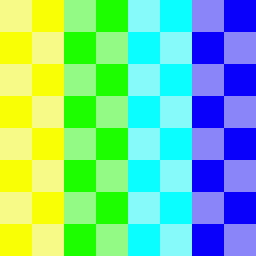
Modilla Model refreshes your standard Minecraft world with 210 custom 3D models and 1,278 texture files. This pack focuses on a Vanilla+ style that brings quality of life updates, visual fixes, and animated textures. It updates everyday blocks like rails, cauldrons, composters, and cave plants so their shapes and states look clearer during normal gameplay.

Features:
- 210 Custom 3D Models: Upgrades flat blocks and inventory icons with three-dimensional shapes across the game.
- 1,278 Updated Textures: Packs in over a thousand refreshed textures, visual fixes, and animated surfaces that keep the classic Vanilla+ look.
- Multi-Stage Composters: Displays distinct 3D models for every single fill level from stage 1 through stage 7, plus a dedicated ready state when bone meal is finished.
- Detailed Cauldrons: Includes separate 3D models for an empty cauldron as well as fill levels 1, 2, and 3.
- 3D Activator Rails: Replaces flat tracks with modeled rails for both powered and unpowered states, including raised slopes facing northeast and southwest.
- Tilting Big Dripleaf: Features specific models for both partial tilt and full tilt states when you step on the leaf.
- Amethyst & Crops: Updates the look of amethyst clusters alongside aged crops and cross-shaped plants.
- Inventory Item Models: Changes how buttons and custom fences appear directly inside your inventory slots.
How to Use:
- Open your Minecraft Options menu, go to Resource Packs, and move this pack to the active column to load the models and animated textures.
- Craft a Composter and drop in plant items or food to watch the interior contents rise through seven separate 3D stages until the ready model appears.
- Place a Cauldron and use water buckets or glass bottles on it to see the three different liquid level models inside the basin.
- Lay down Activator Rails on flat ground and on diagonal hills, then power them with a Redstone Torch to see the active and raised 3D track models.
- Explore Lush Caves and Amethyst Geodes to find updated Amethyst Clusters and step onto a Big Dripleaf to watch it shift through its partial and full tilt models.
- Open your inventory and look at buttons and fences to see their new custom 3D slot icons.
Requirements:
- A Minecraft version that supports animated textures
Screenshots:


Modilla Model Download Links
Click to rate this post!
[Total: 0 Average: 0]
You May Also Like
Picked for this page
 Bare Bones X Model – Brings Simple 3D Foliage and Modded Block Visuals
 Pixel Perfection Fidelity Model – Brings Cozy Medieval 3D Models to Blocks
 Quadral Model – Brings Vivid Colors and 31 Custom 3D Models to Vanilla
 Coquet Model – Transforms Vanilla Foliage and Terrain with 3D Shapes
 Pixel-Tree Model – Transforms Everyday Vanilla Blocks with Detailed 3D Shapes
 Simply Alive Model – Brings Animated 3D Blocks and Capybara Totems
 Gui’s Better Vanilla Model – Brings Animated 3D Torches and Plants
 Vanilla Realism Model – Transforms Flat Blocks Into Animated 3D Shapes
 Weskerson’s Torches Model – Brings Animated 3D Flames to Torches and Redstone
 Brush & Juice Model – Brings Animated 3D Redstone and Mechanical Blocks
 The Original Work Programmer Art Model – Brings Classic Retro Visuals and Models
 Justzilla’s Classic Model – Brings Retro Aesthetics to Modern Blocks
Most viewed in Models over the last 7 days
 Jenny Mod Skin Pack Mega Collection – 310+ Characters
 The Most Complete Collection of Jenny Mod Resources – Models, Animations, Structures,…
 Albedo Rework Jenny Mod Model
 750 Models Addon for Yes Steve Model Mod
 Galath Rework Model – Custom Girl for PleasureCraft Mod
 Power Model – Custom Girl for PleasureCraft Mod
 Pomni Jenny Mod Model
 Ram Model – Custom Girl for PleasureCraft Mod
 Femboy Ellie Rework Jenny Mod Model
 100+ Custom Animations For Jenny Mod
 Ellie Rework Jenny Mod Model
 Steve (Jenny & Zoey) Pack Jenny Mod Model
More from Models
 Drown’s Tool Tweaks Model – Brings Animated 3D Weapons and Glowing Altars
 200 Series Shinkansen Model – Brings Japanese Bullet Trains to Rails
 MTR Austrian Express Collection 1 Model – Brings Detailed Austrian Trains
 KTX_EUM Model – Brings Modern Electric Trains to MTR4 Railway Tracks
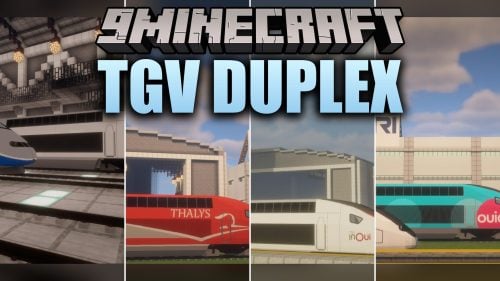 TGV Duplex Model – Adds European High-Speed Passenger Trains to Rail Tracks
 E7 W7 Series Shinkansen Model – Brings Japanese Bullet Trains to Railways
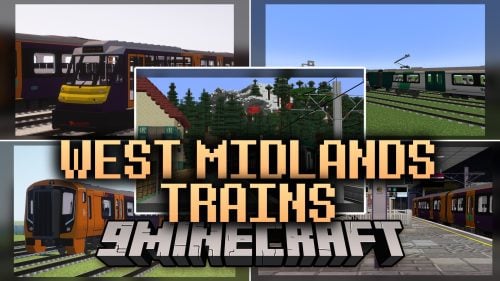 West Midlands Trains Model – Brings British Commuter Trains to Railways
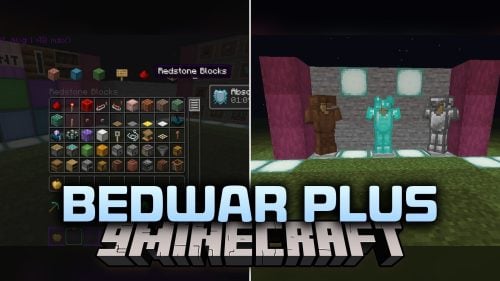 BedWar Plus Model – Brings Interactive 3D Utility Blocks to Match Arenas
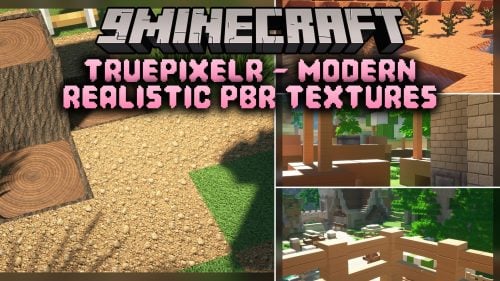 TruePixelR – Adds Physical Depth to Foliage and Articulated Wooden Doors
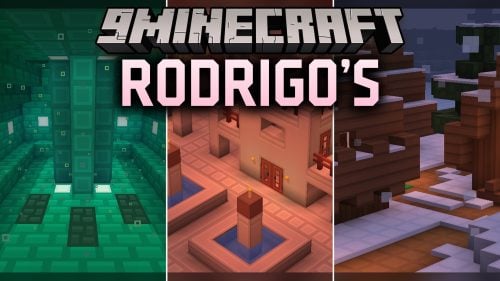 Rodrigo’s Model – Brings Animated 3D Cartoon Shapes to Vanilla Blocks
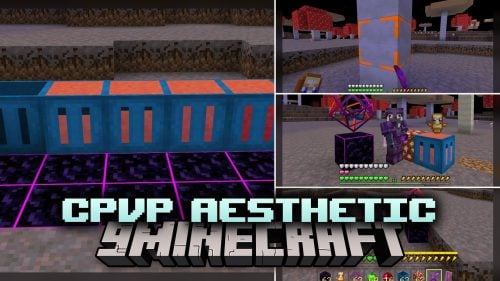 CPVP Aesthetic Model – Transforms Crystal Battles with Clear 3D Visuals
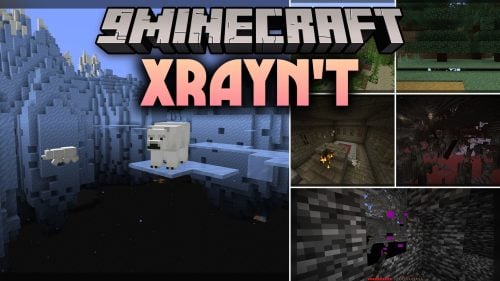 XRAYn’t Model – Transforms Normal Survival Mining Into a Silly Visual Challenge

This post has no comments yet. Be the first — your comment will appear here.