


My First Flying Car Schematic (1.21.x) – Fly Through the Sky with Your Own Car

 0
0 

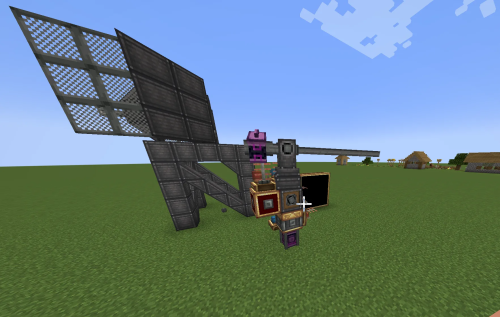
My First Flying Car Schematic lets you fly around your world in a cool vehicle. This build uses creative thrusters to stay in the air without complex engineering. It works best for fun in creative mode worlds. This schematic is small and easy to add to any map.
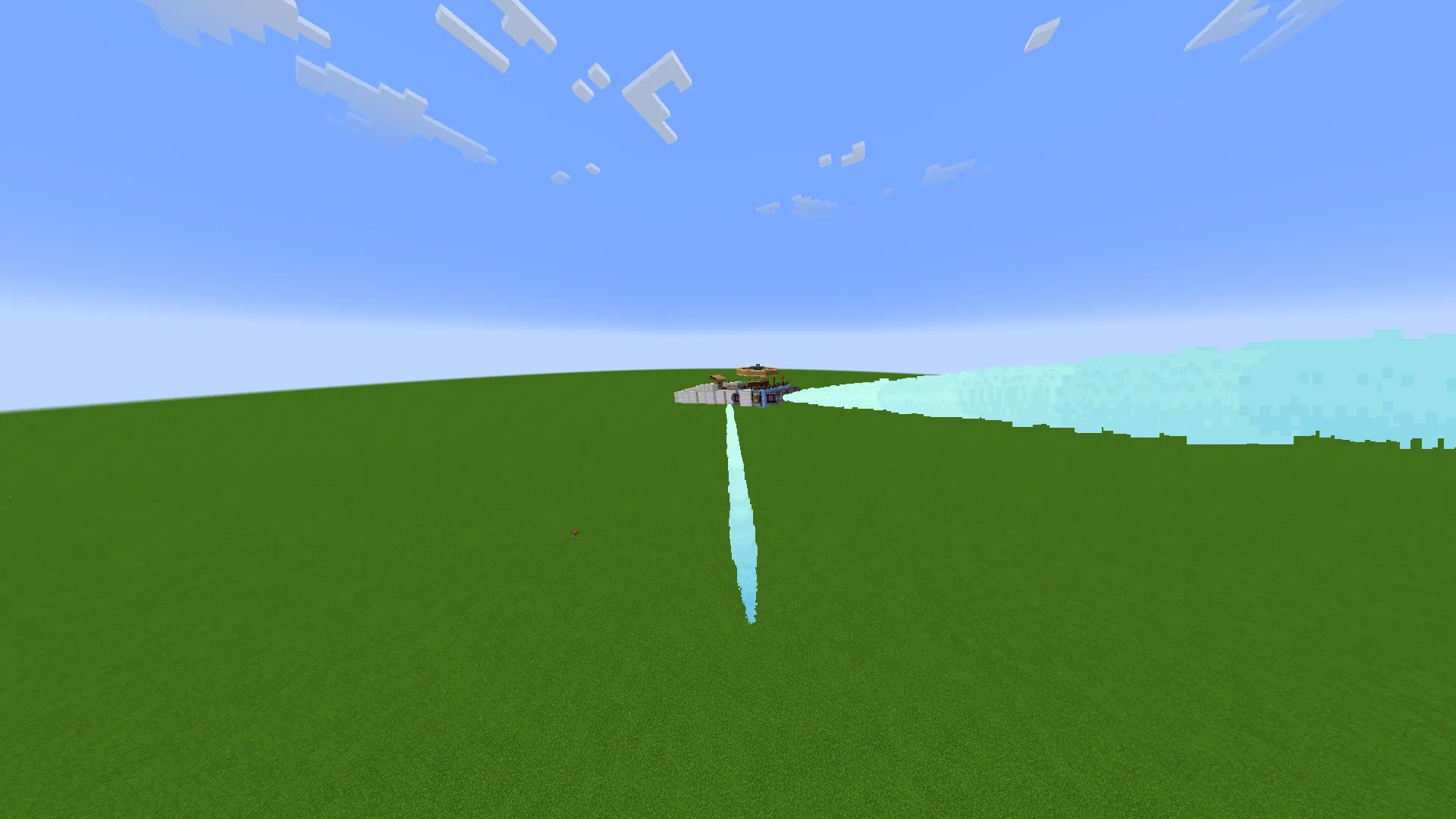
3D Preview:
Features:
- Creative Thrusters: Uses special parts that keep the car flying easily.
- Compact design fits into small spaces with a size of 12 by 4 by 5 blocks.
- Built with 58 total blocks for a quick and simple setup.
- Perfect for exploring your creative worlds from the sky.
- Includes parts from popular addons like Create Propulsion and Gyro.
- Features a unique look using copycat blocks for better detail.
Schematic Specs:


 Top Blocks Used
Iron Block 20Copycat Layer 17Redstone Link 7Blue Ice 6Creative Thruster 6
How to Use:
- Place the schematic file into your Minecraft schematics folder.
- Use the Schematicannon or Creative mode tools to bring the car into your world.
- Ensure all required mods are installed to see all the blocks correctly.
- Jump into the pilot seat and start flying through the air.
Requirements:
My First Flying Car Schematic Download Links
For Minecraft 1.21.x
Click to rate this post!
[Total: 0 Average: 0]
You May Also Like

This post has no comments yet. Be the first — your comment will appear here.