
Newb X Endro Shader (26.x) – Custom Skies and Wet Reflections on Bedrock
 108
 0

Newb X Endro Shader brings a fresh visual overhaul to your Bedrock worlds with custom skies, smooth moving clouds, and lively lighting. It adds glowing ores and waving vegetation that reacts directly to changing weather. It also upgrades every dimension with colorful auroras, fiery Nether environments, and reflective wet surfaces during rain.

Features:
- Adds custom skies, smooth moving clouds, and vibrant sunrise colors.
- Features night auroras across both the Overworld and End dimensions.
- Changes water waves and plant movement based on current weather.
- Adds glowing ores and warmer light from torches and lanterns.
- Creates wet terrain visuals and block reflections during rain.
Screenshots:


How to Install:
New to Minecraft PE? Follow our step-by-step guide to install Shaders on your Mobile.View Guide
Newb X Endro Shader Download Links
For MCPE/Bedrock 26.x
Click to rate this post!
[Total: 0 Average: 0]
You May Also Like
Picked for this page
 Newb X Twilight Shader (1.21.20+) – MCPE/Bedrock
 Newb Lumina Shader (1.26+) – Soft Shadows And Water Reflections Without Lag
 Alice Shader (1.26+) – Wii U Console Edition Lighting And Clear Water
 Newb CraftEdge Shader – RenderDragon Shader (26.x) – Volumetric Godrays
 Better Waving Leaves Shader (26.x, 1.21) – Smooth Wind Foliage with No Frame
 NR Shader (26.x, 1.21) – Soft Natural Lighting and Clean Sky Tones on Mobile
 Visuals + Shader (26.x) – Refined Biome Lighting and Clear Water with Zero Lag
 Prismatic Visuals Shader (26.x) – Warm PBR Lighting with ACES Tone Mapping
 Kinetix Visuals Shader (26.x, 1.21) – Realistic Lighting and PBR Blocks
 X-ray+better Shader (26.x, 1.21) – Transparent Blocks and Clear Ore Vision
 Hollow Visual Shader (26.x) – Hollow Terrain and Pitch Black Night Skies
 UltraVariant XO Shader (26.x) – Diverse Vanilla Block Textures on Any Mobile
Most viewed in Shaders over the last 7 days
 Mirai Shader (1.26+) – Sharp Water Reflections and Volumetric Clouds
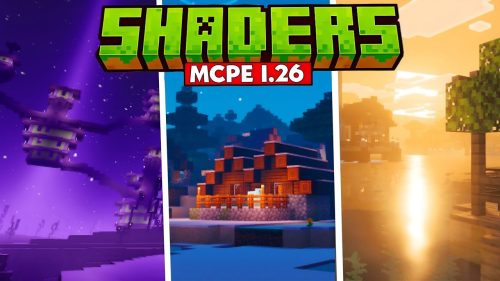 Best Minecraft PE Shader for 1.26+ – Realistic and Lightweight For Low-End Devices
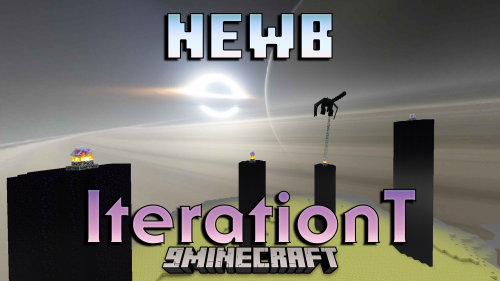 Newb X Iterationt Shader (1.26+) – Black Hole Skybox And Stylized Clouds
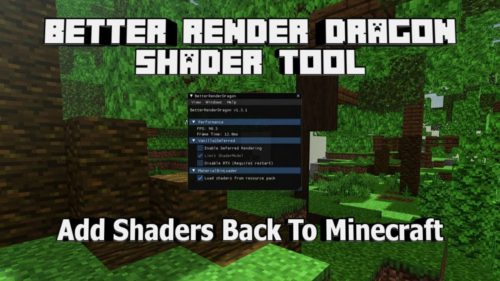 Better Render Dragon (1.26+) – Add Shaders Back To Minecraft
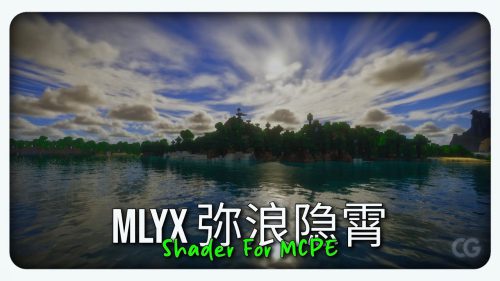 MLYX Shader (1.21.50+) – MCPE/Bedrock
 Newb X RTX Shader (1.26+) – Support RenderDragon
 Solar Shader (1.26+) – Support BetterRenderDragon
 BSL X Improvement Shader (1.21.31+) – MCPE/Bedrock
 Dark Fantasy Visuals (26+, 1.21) – MCPE/Bedrock Shader
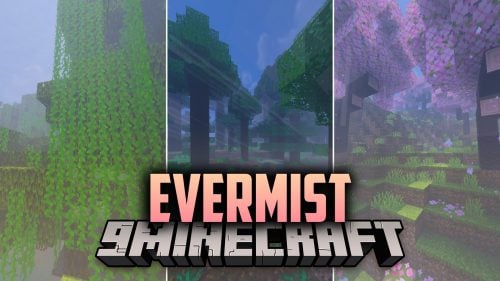 Evermist Shader (26.x, 1.21) – Realistic Clouds and Crystal Clear Water
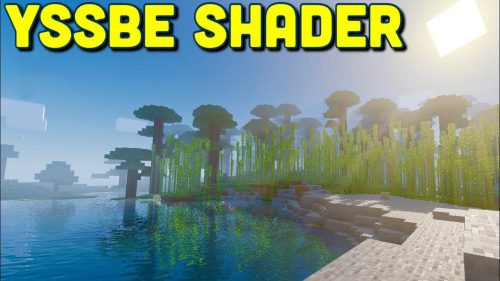 YSSBE Shader (1.21, 1.20) – Shader Cinematic for RenderDragon
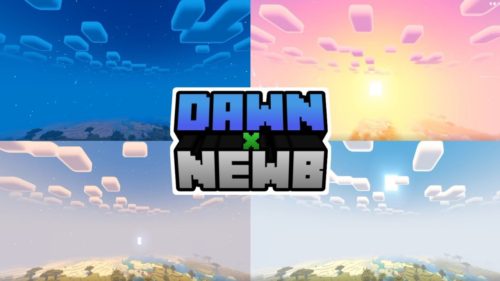 Newb X Dawn Shader (1.26+) – RenderDragon, All Devices
More from Shaders
 Flashlight (26+) – MCPE/Bedrock Shader
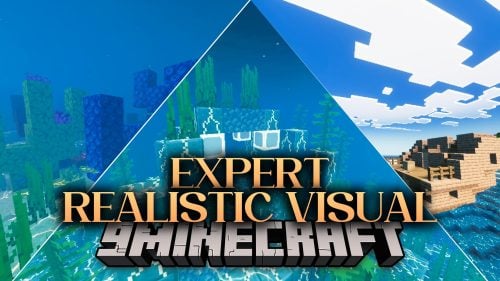 Expert Realistic Visual Shader (26.x, 1.21) – PC-Style Lighting and Glowing
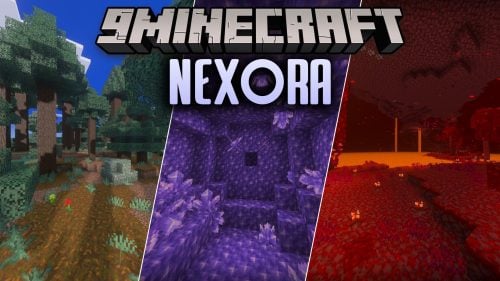 Nexora Shader (26.x) – Custom ACES Tone Mapping and Biome Lighting for Bedrock
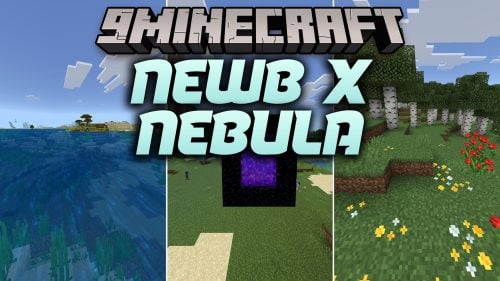 Newb X Nebula Shader (26.x) – Smooth Water Reflections and Soft Shadows
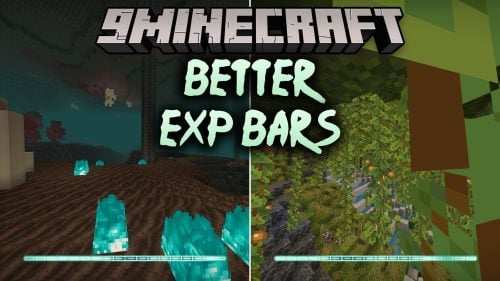 Better Exp Bars Shader (26.x) – Animated Level Bar Designs on Any Device
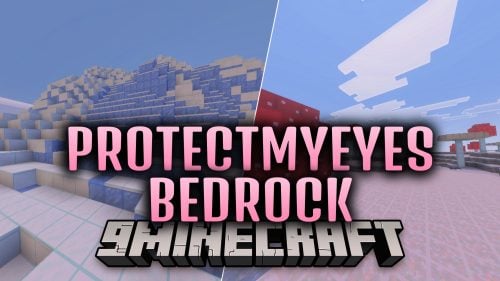 ProtectMyEyes Bedrock Shader (26.x, 1.21) – Glowing Ores and Clear Outlines
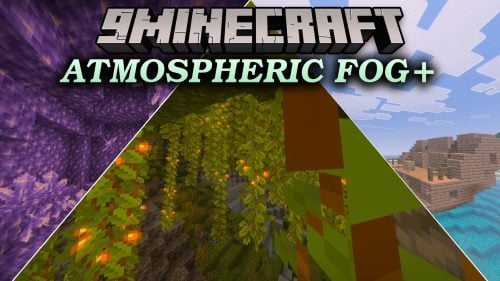 Atmospheric Fog+ Shader (26.x) – Custom Biome Mist Tints on Any Mobile
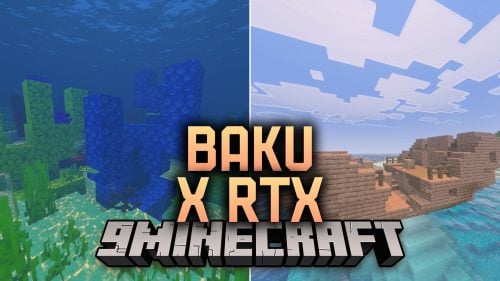 Baku X RTX Shader (26.x, 1.21) – Cinematic Sunlight and Soft Water Caustics
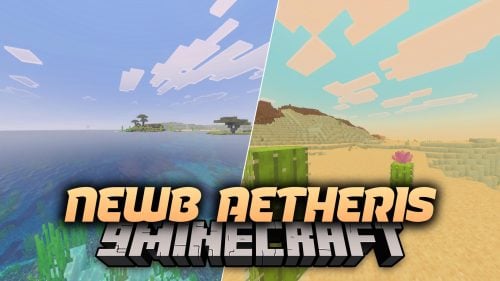 Newb Aetheris Shader (26.x) – Vibrant Lighting and Smooth Water for Bedrock
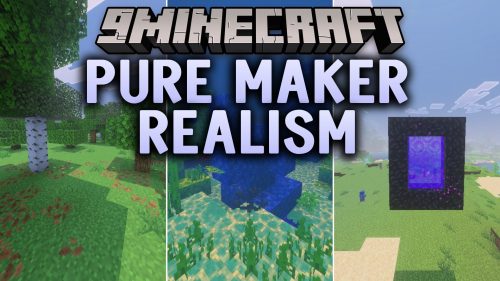 PURE MAKER REALISM Shader (26.x) – Realistic Rain and Cosmic Night Sky on Mobile
 NatureHaze Visuals Shader (26.x, 1.21) – Volumetric God Rays and Shadow-Synced
 Newb X Blissful HDR Rewrite Shader (26.x) – Rich HDR Tonemapping and Soft

This post has no comments yet. Be the first — your comment will appear here.