
NoEmotecraft Mod (1.21.1, 1.21) – Express Feelings and Actions with Friends

 0


NoEmotecraft Mod brings expressive emotions and animated actions into Minecraft multiplayer gameplay. It acts as an updated version for modern game versions, letting players communicate feelings through a wide range of custom emotes and unique animations.
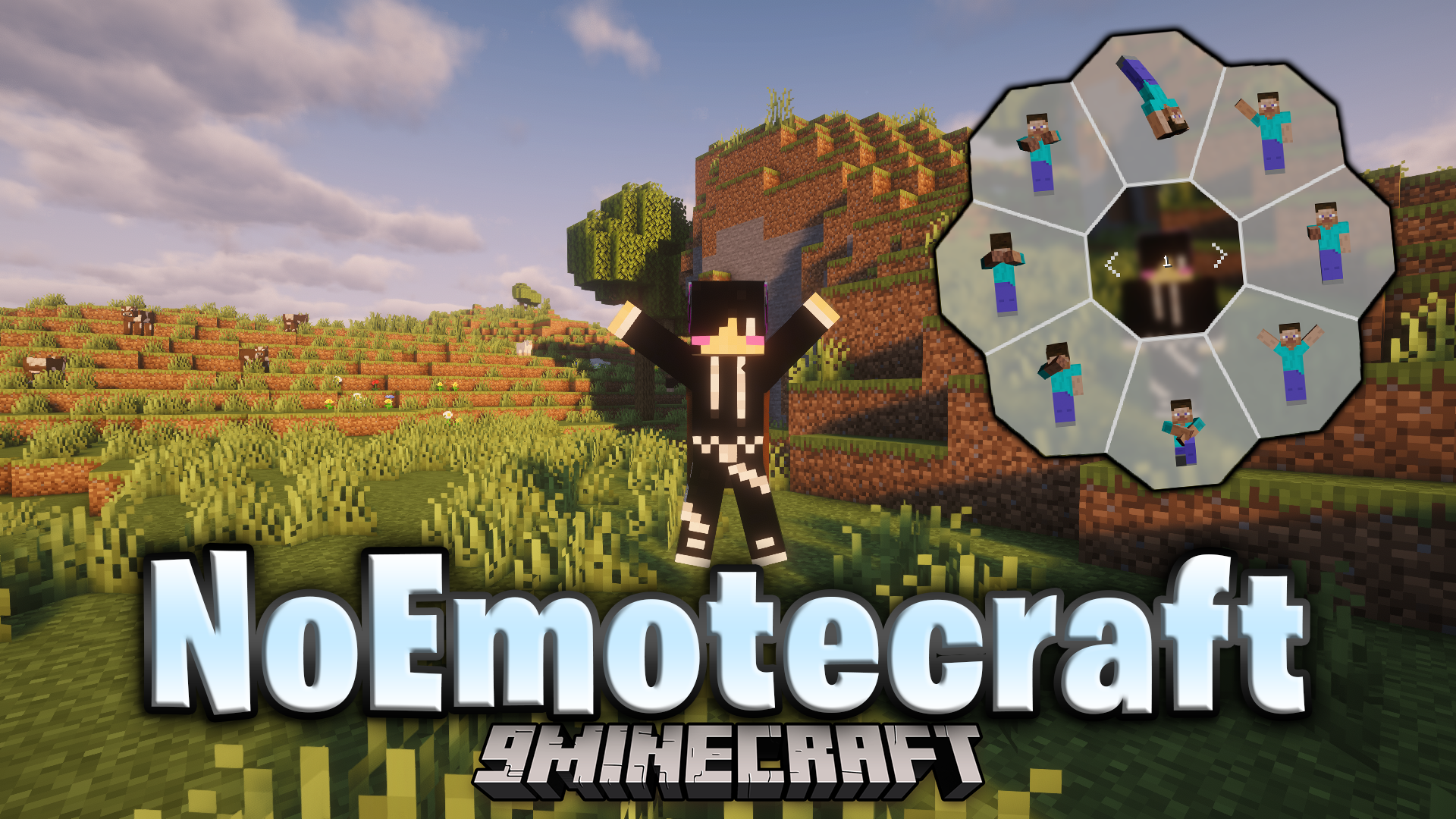
Features:
- Choose from a wide array of emotions such as happiness, sadness, anger, and more.
- Enjoy unique animations that bring character emotions to life in the open world.
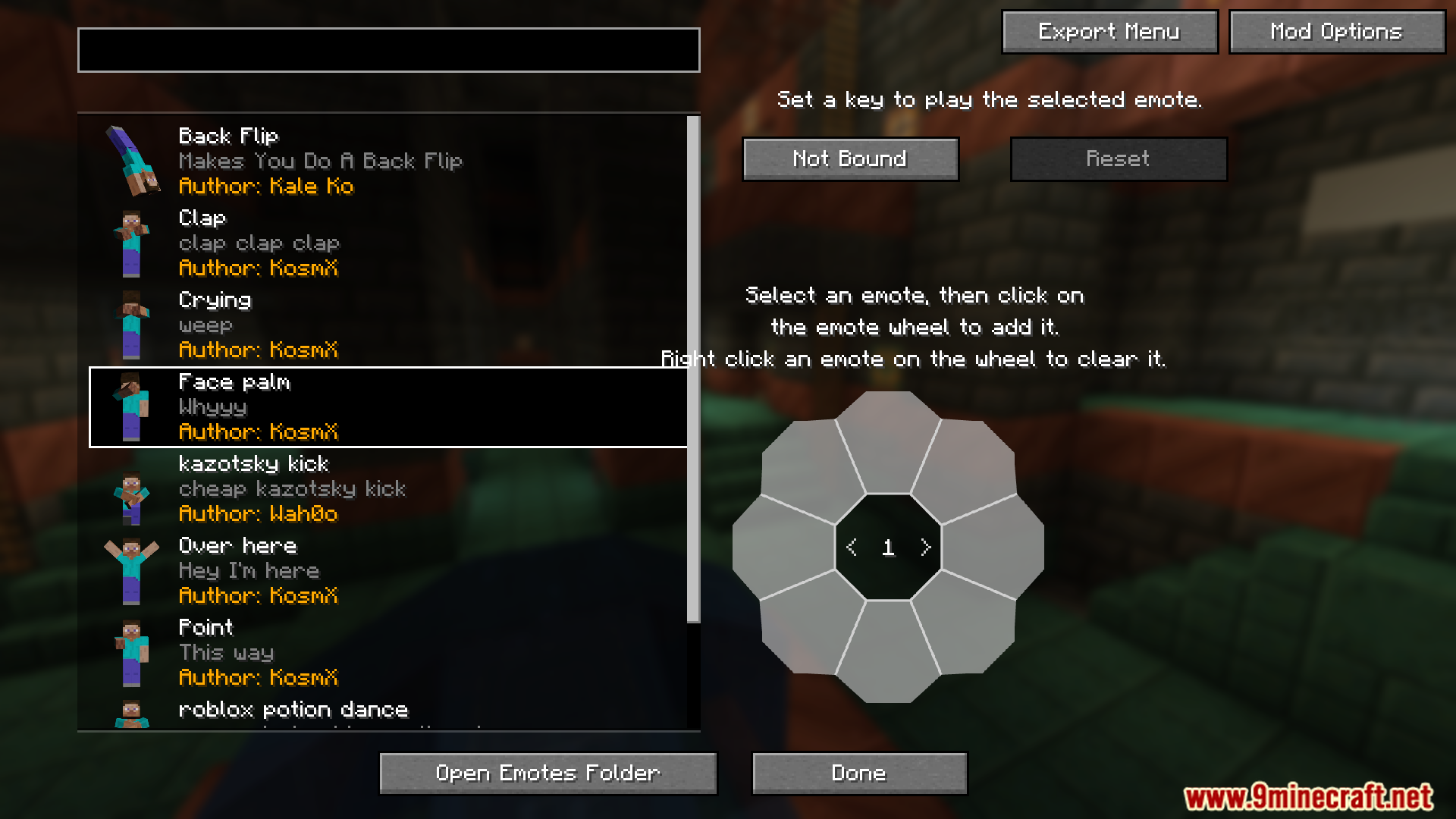
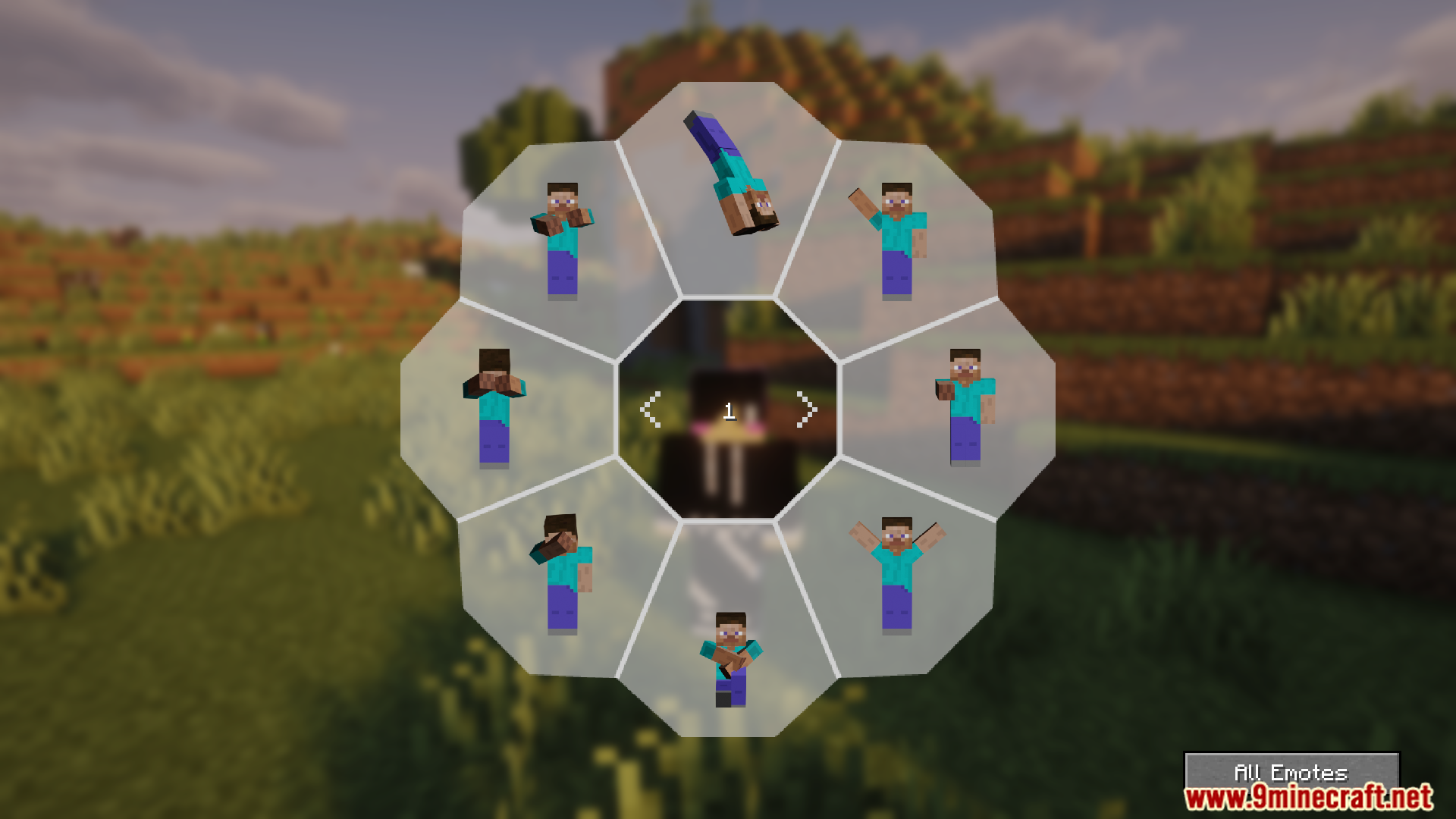
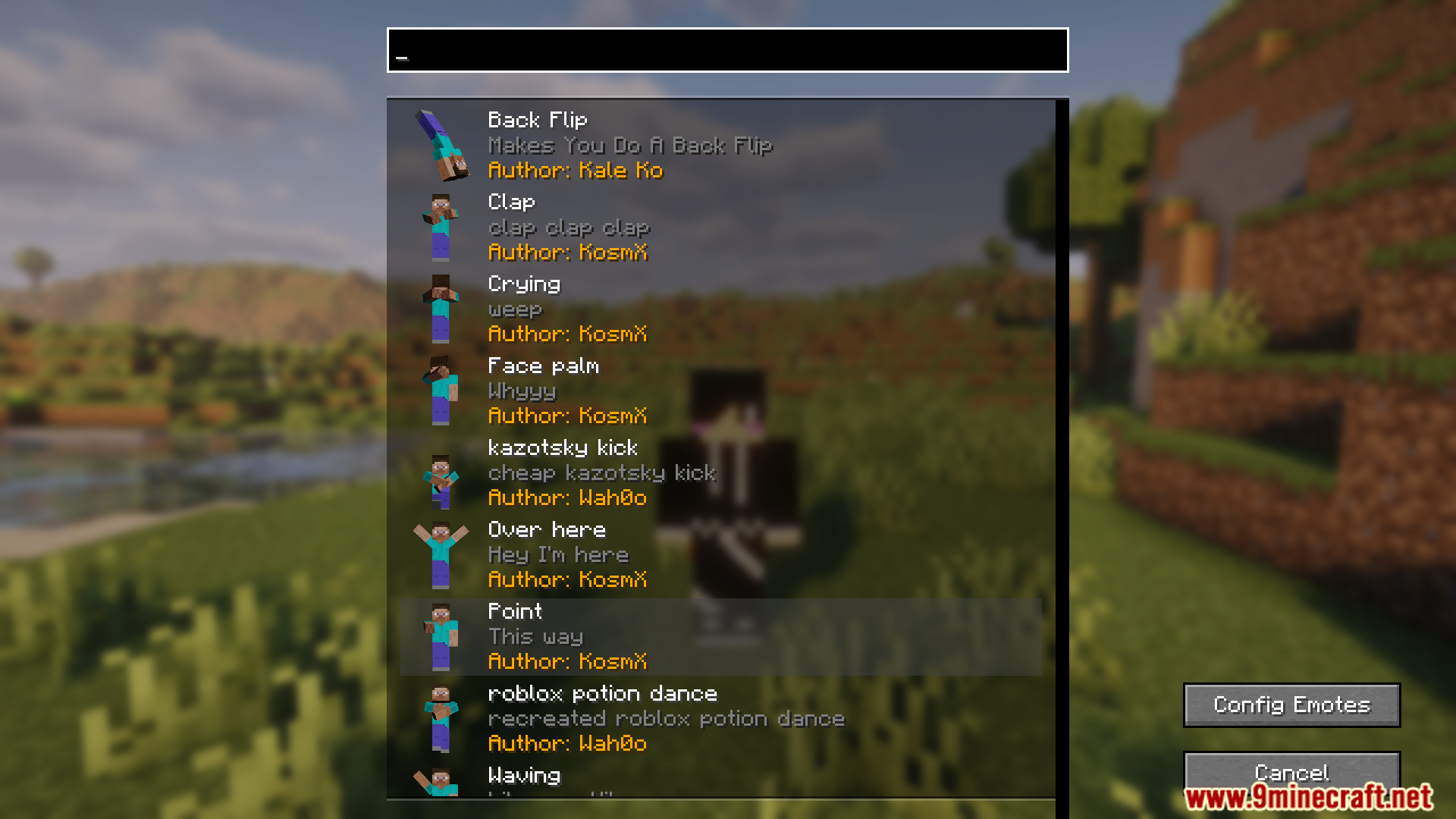
- Access and select emotions easily through an intuitive interface by pressing the B key.
- Share emotional animations with friends in multiplayer mode.
- Download additional emotes or create custom emote files to place in the game directory.
How to Use:
- Press the B key to open the in-game emote menu.
- Select an emote from the interface wheel to perform the animation.
- Place custom emote files into the
emotesfolder within your Minecraft directory to use extra animations.
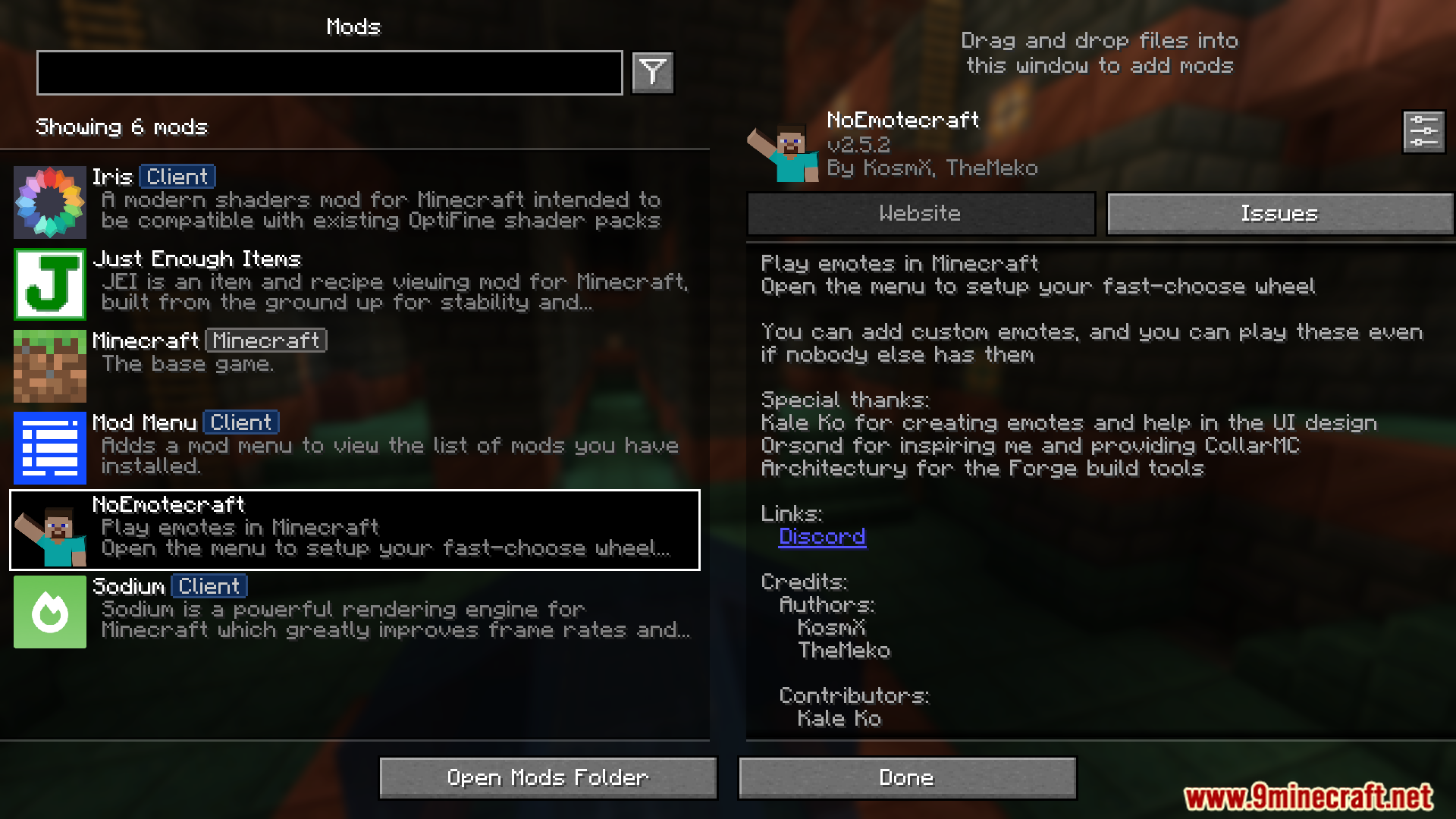
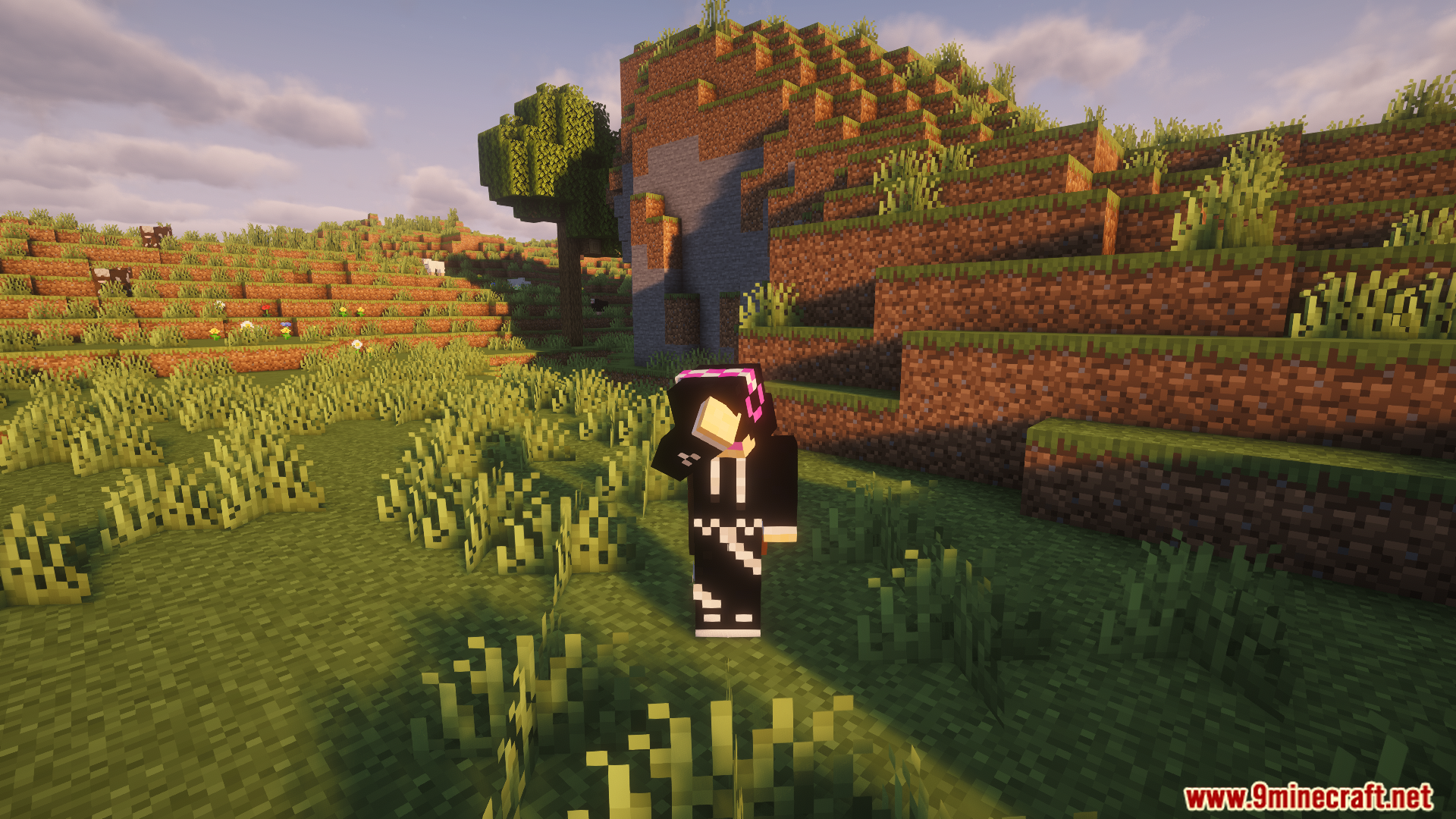
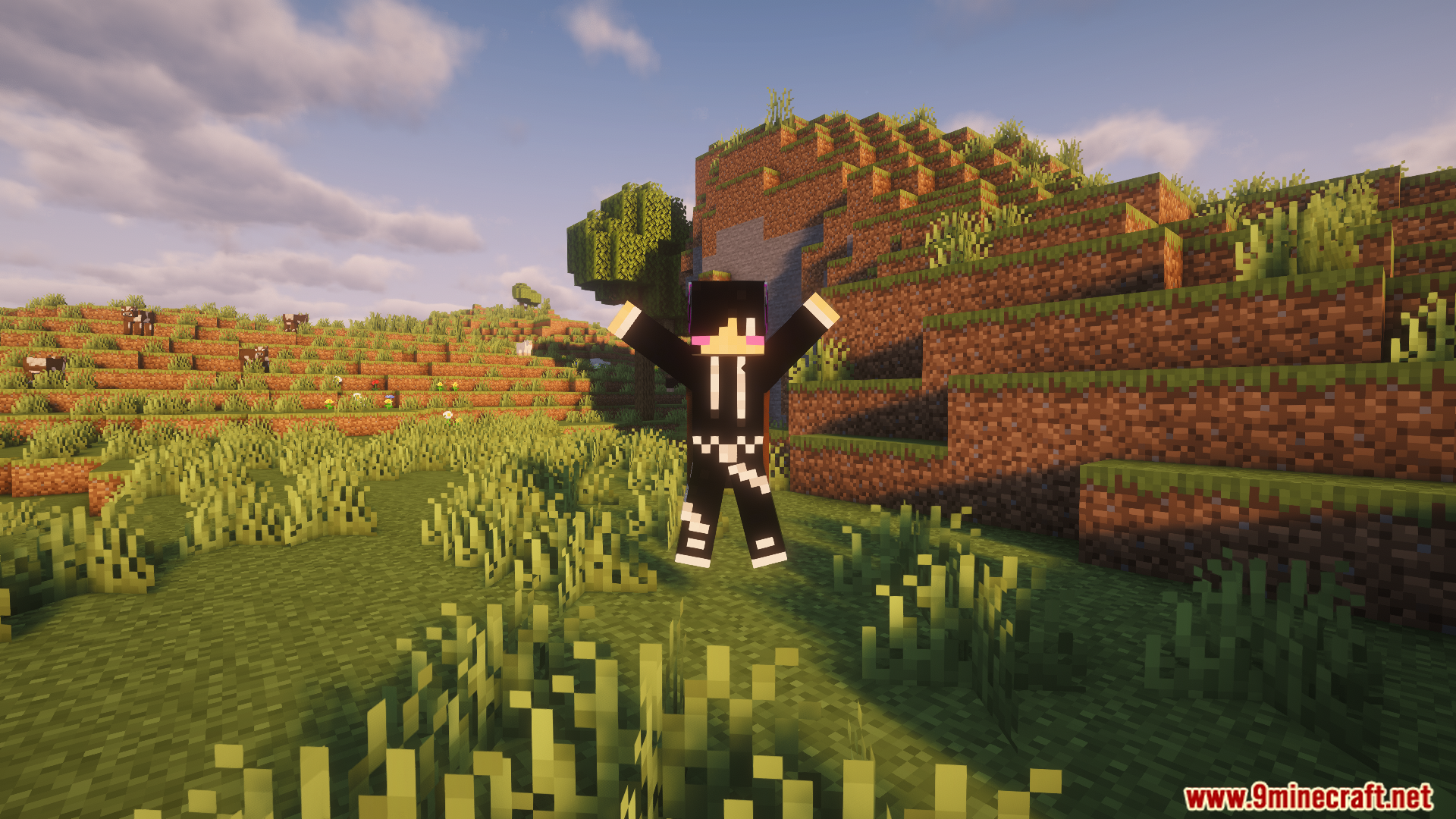
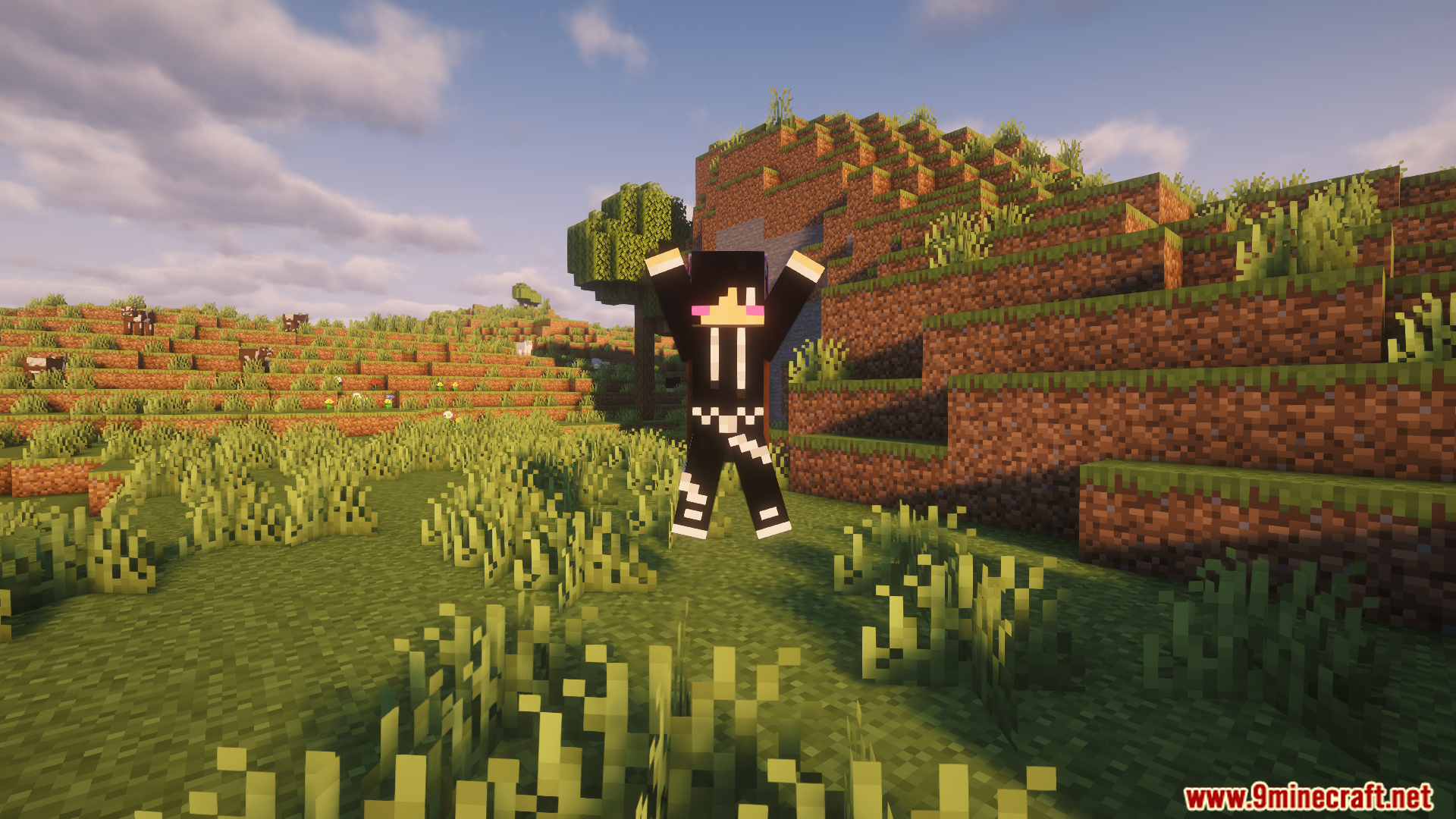
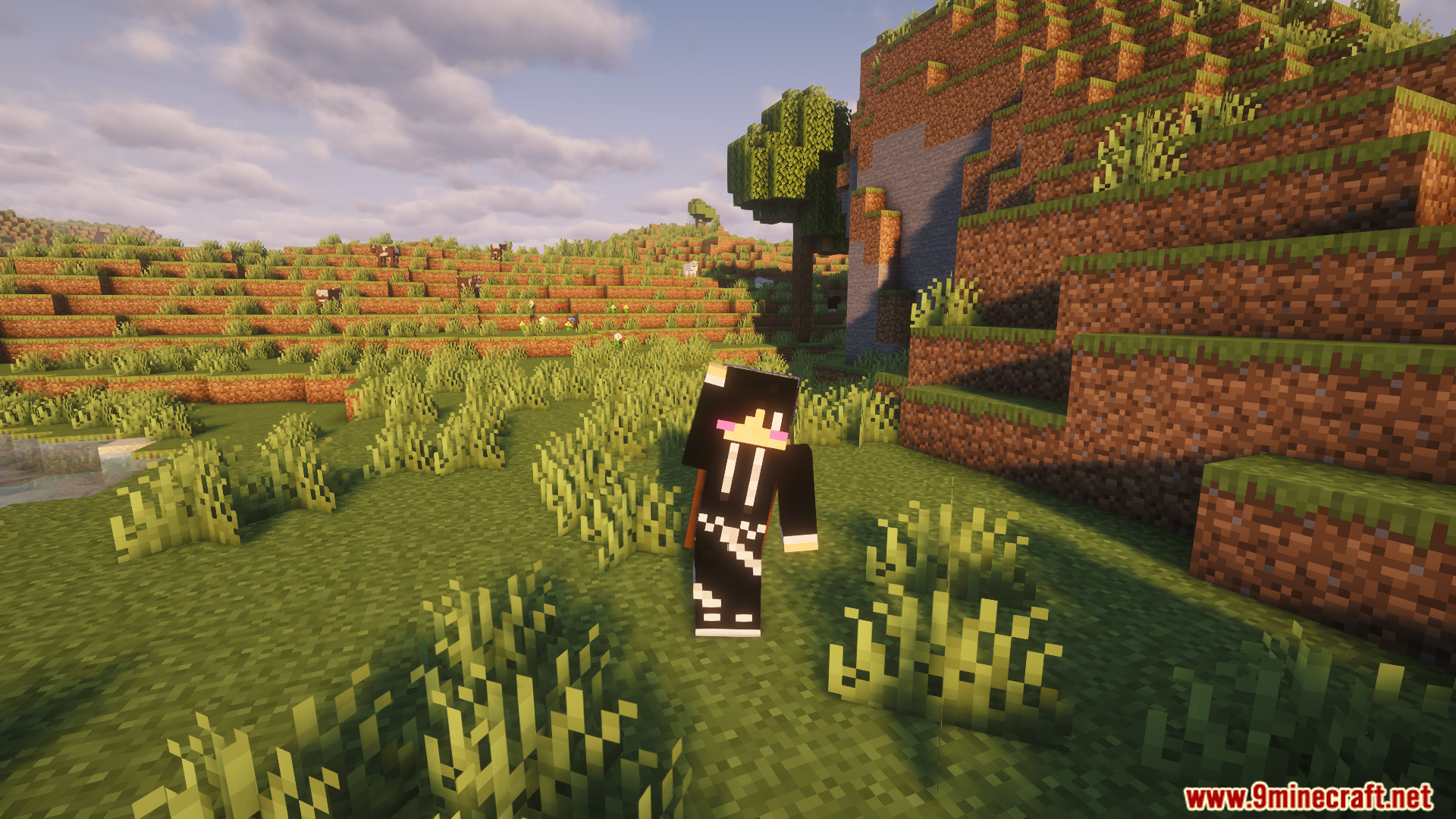
Screenshots:
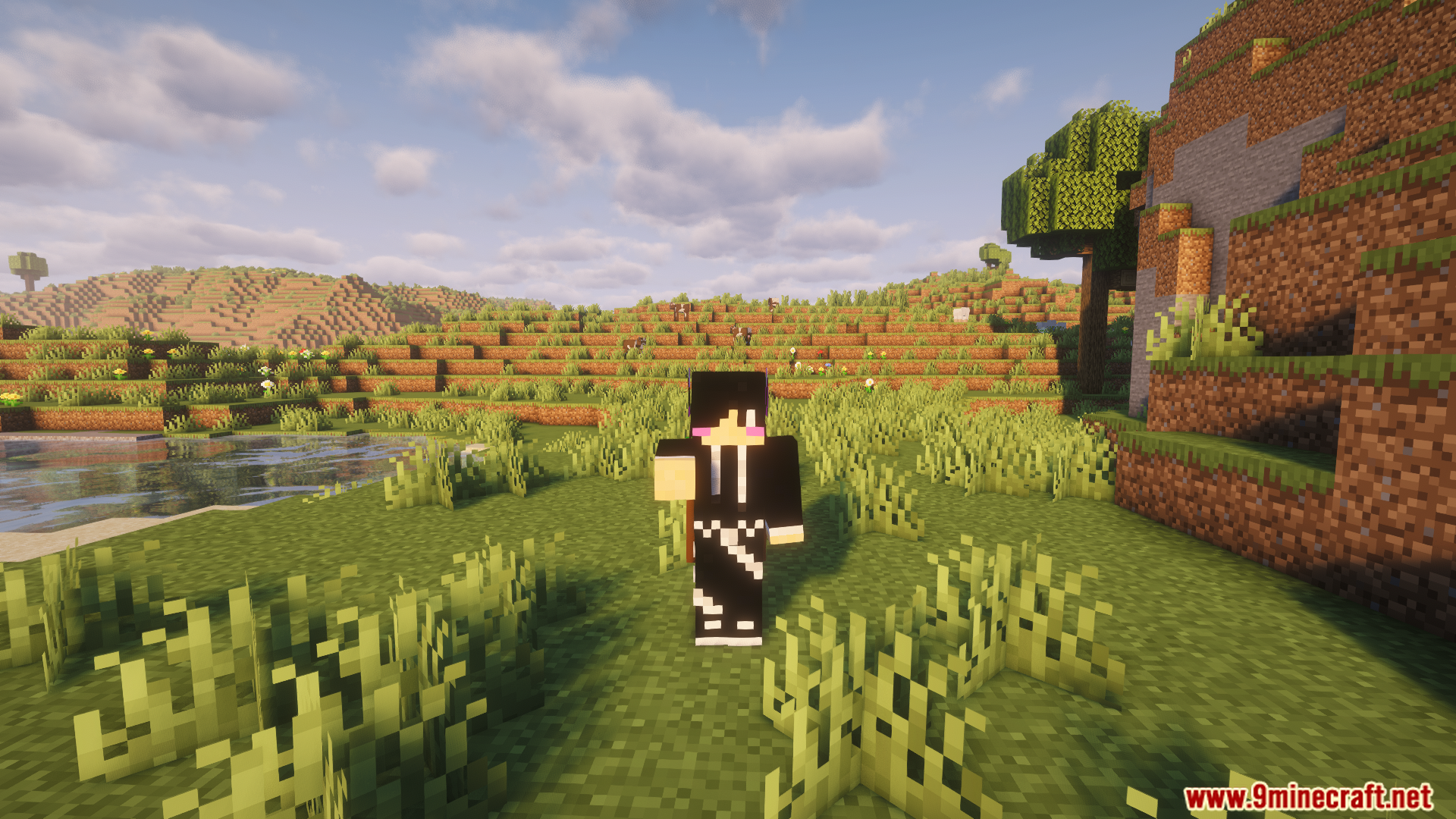
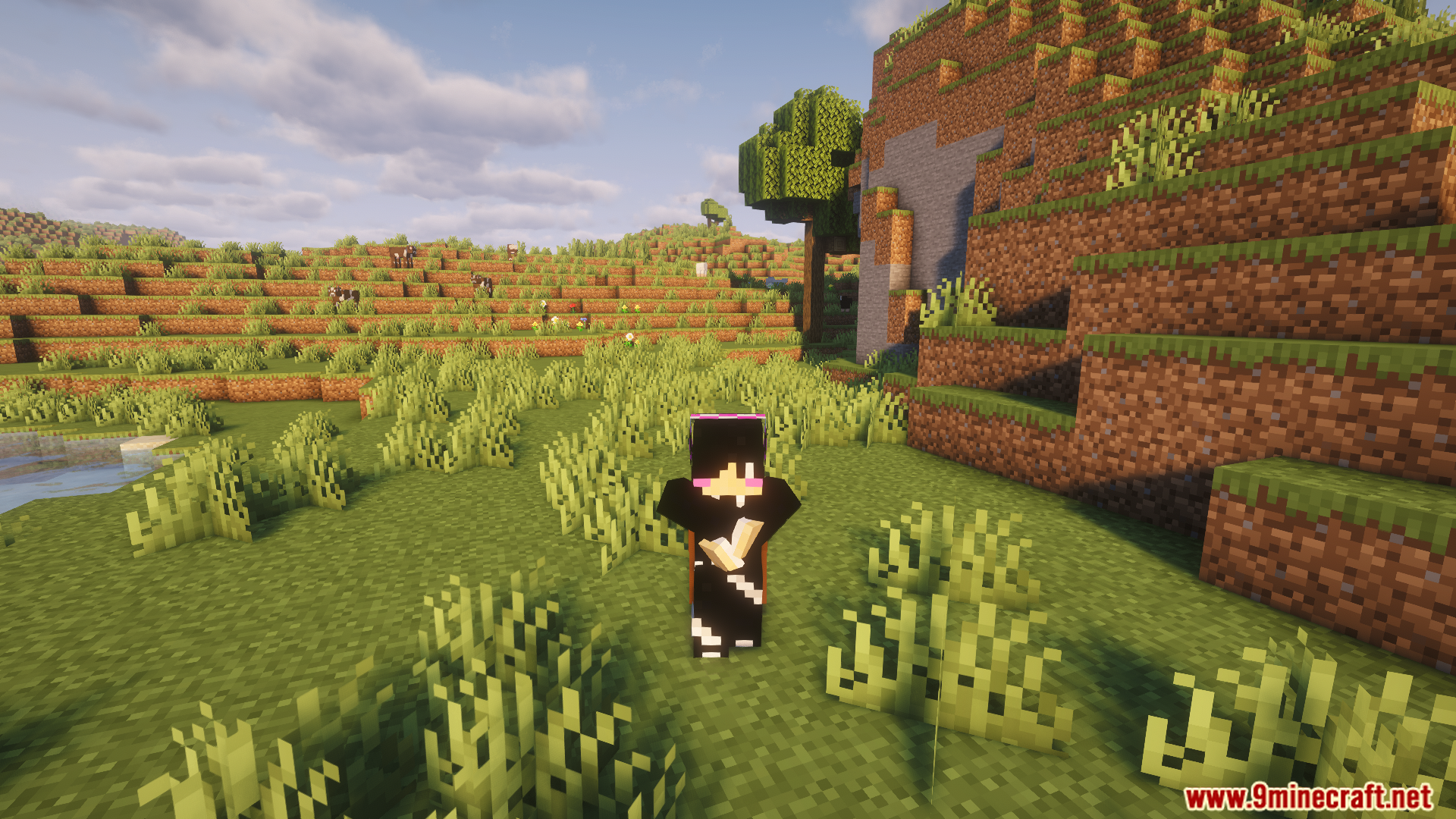
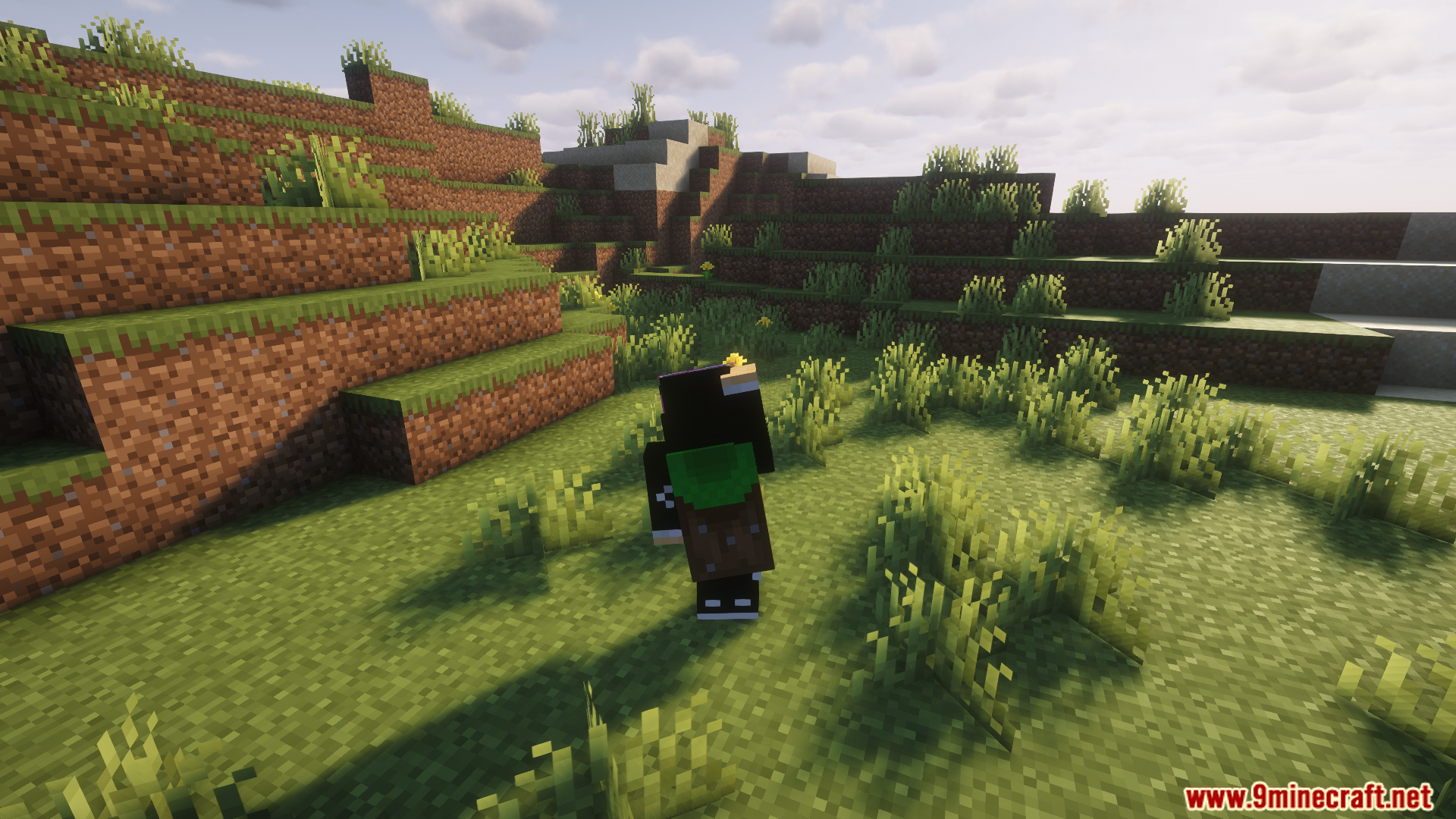
How to Install:
New to Minecraft? Follow our step-by-step guide to install Mods on your PC.View Guide
NoEmotecraft Mod Download Links
For Minecraft 1.21.1, 1.21
Fabric version: Download from Server 1 – Download from Server 2
Click to rate this post!
[Total: 5 Average: 4.8]
QUICK MINECRAFT SURVEY · ONE TAP
Mods & Modpacks
How often do you play pre-made modpacks instead of making your own?
6 responses · See the full results →
You May Also Like
Picked for this page
 World Edit Mod (26.3, 1.20.1) – A Minecraft Map Editor
 Set World Spawn Point Mod (26.3, 1.20.1) – Exact Spawn Location
 Motor Assistance Mod (26.3, 1.20.1) – Aim Assistance In Minecraft
 Farm Tweaks Mod (26.3, 1.20.1) – Farming Quality-Of-Life Tweaks
 Wynncraft Dynamic Weather Mod (1.21.11, 1.21.1) – Client-side Weather System
 Ender Dragon Fight Remastered Mod (26.2, 1.20.1) – Up in The Difficulty of the Final Boss
 Quick Exp Mod (26.3, 1.20.1) – Rapid XP Bottle Throwing
 Quick Cure Mod (26.3, 1.20.1) – Cure Zombie Villagers Instantly
 Enchantment Level Cap Indicator Mod (26.3, 1.20.1) – Tooltip Indicates Max Enchantment Level
 Reliable Backpacks Mod (1.21.1, 1.20.1) – Never Run Out Of Inventory Space Again
 Overlay Lib Mod (26.3, 1.21.11) – Run Your Favorite Information Mods
 Rewithered Mod (26.3, 1.21.1) – Arrows Of Decay
Most viewed in Mods over the last 7 days
 Ala Industrial Mod (26.3) – Run Electric Power Grids and Automated Factories
 PleasureCraft Mod (26.3, 1.21.1) – Jenny Mod Remake for Fabric
 Jennycraft Mod (26.3, 1.20.1) – Virtual Girlfriend in Minecraft
 Fapcraft Mod (26.3, 1.12.2) – Comprehensive and Detailed Content
 Jenny Mod (Fapcraft) Official Complete Guide – How to use, Tutorial
 BangCraft Mod (1.20.1) – Jenny, Ellie and Elliot
 Fabric Loader (26.3, 1.20.1) – Fabric Installer for All Minecraft Versions
 Meteor Client Mod (26.3, 1.20.1) – Xray, HUD, Fly
 The Shooting Star Demo Mod (26.3, 1.20.1) – Vaporize Terrain From Orbit
 OptiFine HD (26.3, 1.20.1) – Run Faster, FPS Boost, Shaders Support
 Aristois Client Mod (1.21.4, 1.20.1) – World Class Minecraft Utility
 SchnurriTV Mod (1.12.2) – Characters and Features
More from Mods
 NovaUtils Mod (26.1.2) – Locate Buried Ores and Inspect Chests Through Walls
 In-Game Account Switcher with Cookies Mod (1.21.11) – Swap Your Alts Without Relaunching
 CrewX Mod (1.8.9) – Dominate Competitive Server Matches Without Lag
 Vanilla Refit Mod (1.21.1) – Build Thinner Walls with Vertical Slabs
 IZeMod Mod (26.2) – Helpful Survival Tools for Everyday Fabric Adventures
 SkullLIB Mod (1.20.1) – Bring Prehistoric Beasts and New Animals to Your World
 EasyGui Mod (1.21.11, 1.21.1) – Build Custom Screen Menus and Animated HUD
 Legacy Wavey Capes Mod (1.8.9) – Watch Your Cape Flow Naturally While Sprinting
 Warrior Cats Events Mod (1.21.1, 1.20.1) – Live As a Wild Clan Cat
 Apex Enchantment Freedom Mod (26.3) – Stack Conflicting Enchantments
 Tensura GUI Mod (1.21.1) – Track Your Fantasy Skills and Race Evolutions
 Remnants Roguelite Dungeons Mod (26.3, 1.20.1) – Risk It All in Procedural

This post has no comments yet. Be the first — your comment will appear here.