


Nyx Client (1.26+, 26.52) – MCPE/Bedrock
 1
1
 0
0

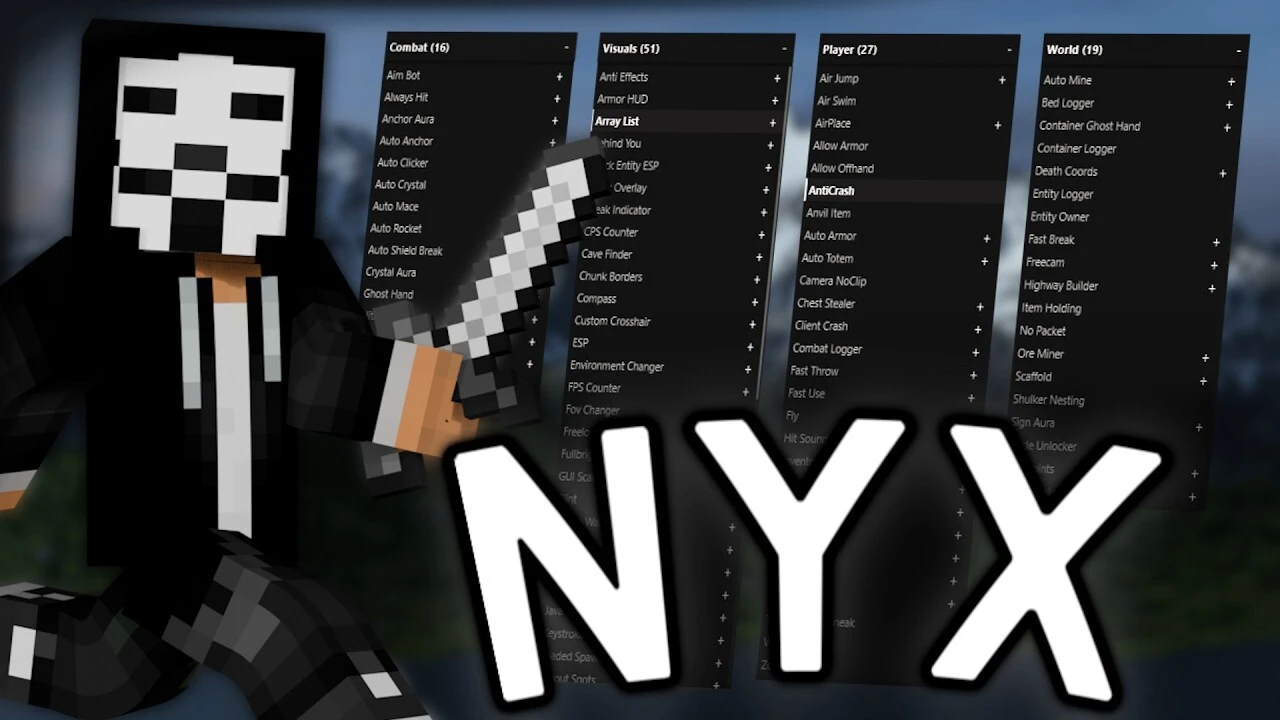
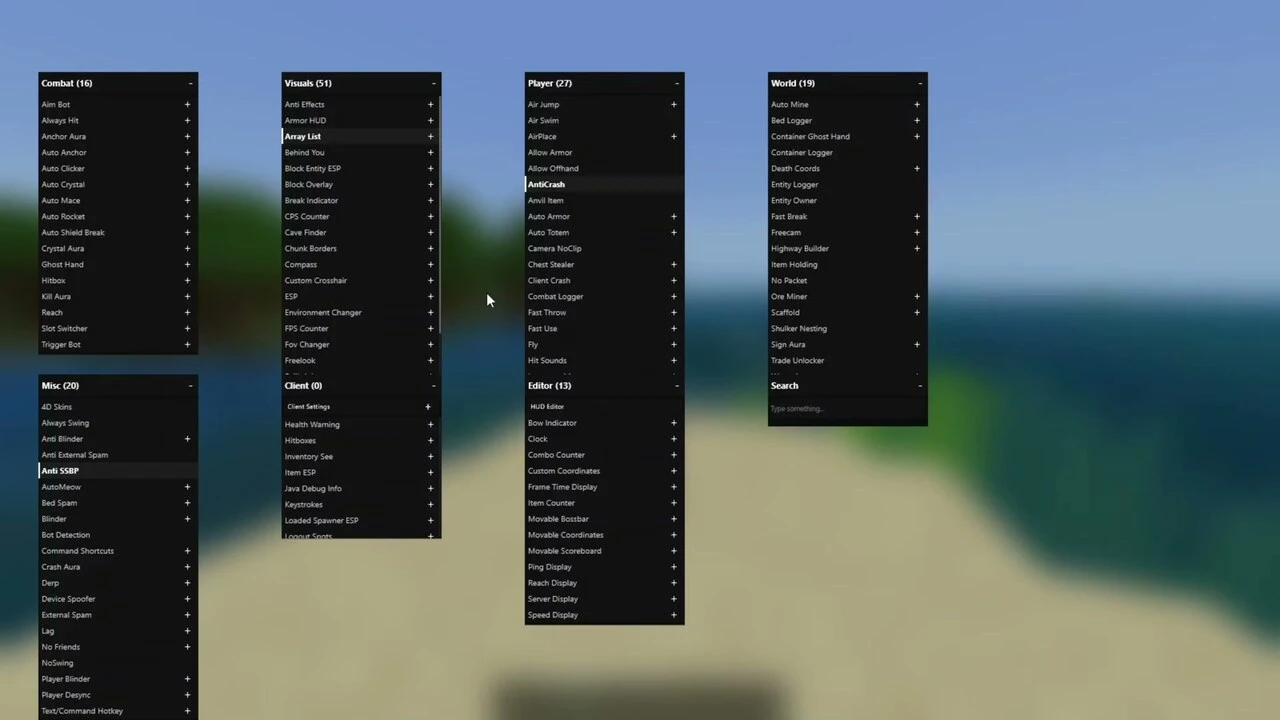
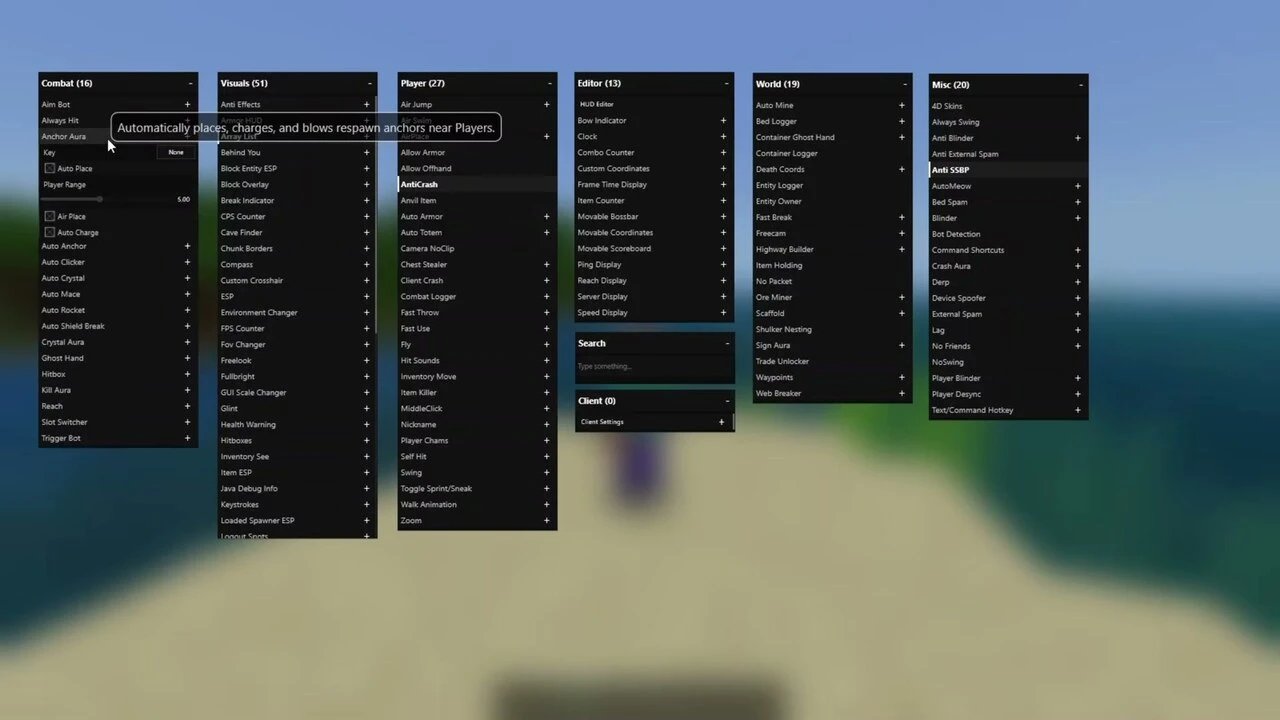
Nyx Client is a feature-packed hacked/utility client for Bedrock Edition on Windows 10/11. Once installed, Nyx opens its own in-game ClickGUI with well over a hundred modules spread across Combat, Visuals, Player, World, Editor, and Misc categories, a full chat-command system with tab auto-completion, and config import/export so you can share or back up your setup. This build targets Minecraft Bedrock 1.26.52 and future versions.
Features:
- In-game ClickGUI with 140+ modules you can toggle live (Combat, Visuals, Player, World, Editor, Misc), plus a searchable module list and per-module keybinds.
- Combat: Kill Aura, Reach, Anchor Aura (auto-places and detonates respawn anchors), Auto Totem, Hitbox, and more.
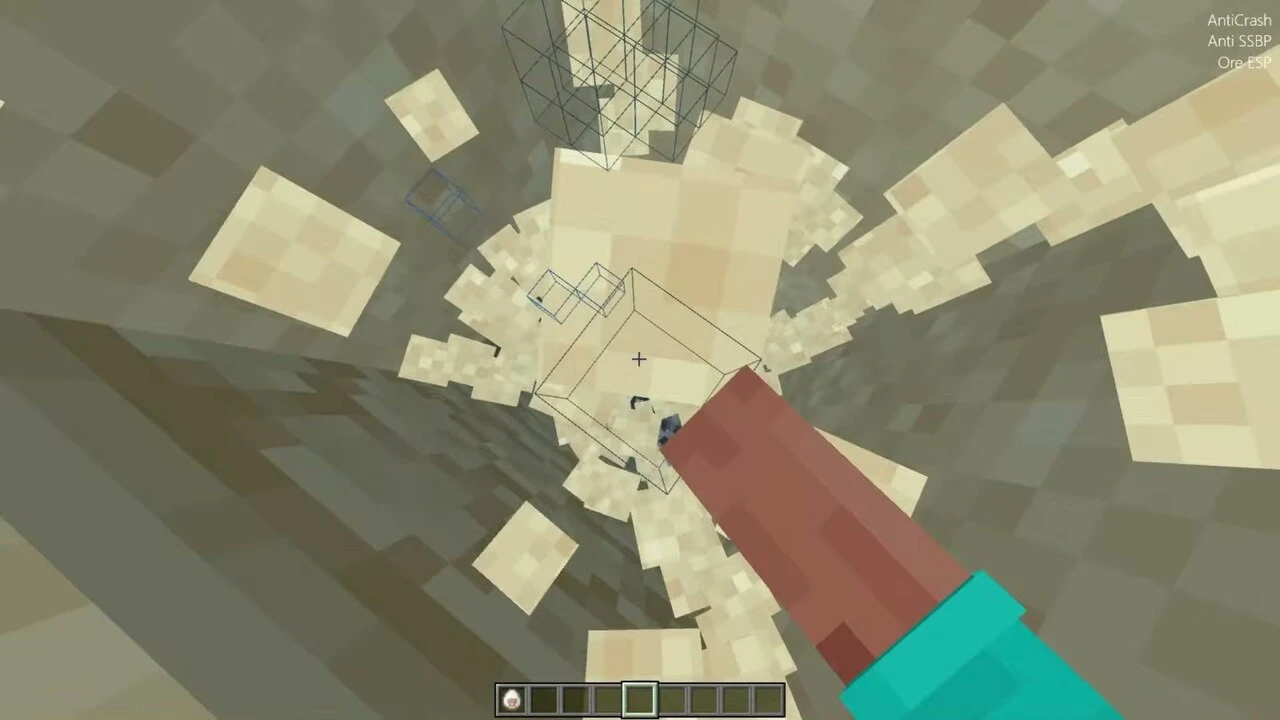
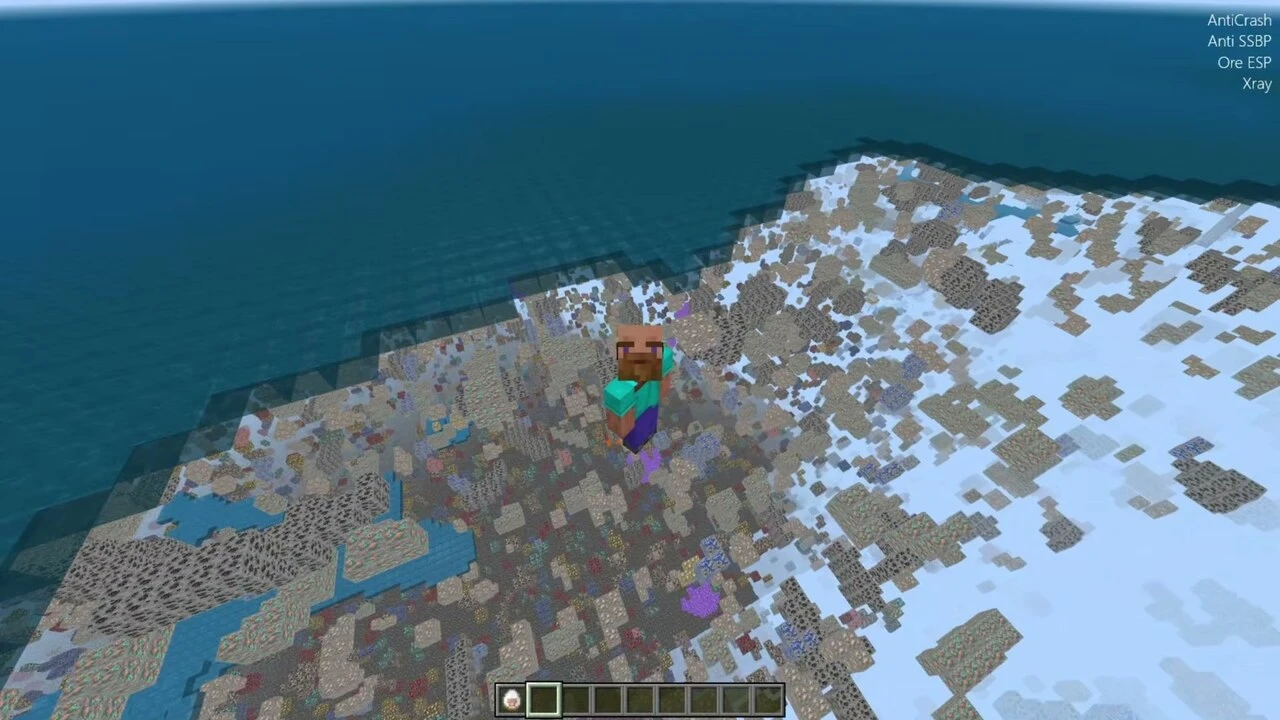
- Visuals: XRAY, ESP/entity trackers, Nametags, 4D Skin support, FullBright and other render tweaks.
- Player / World: Inventory Move, Highway Builder, Logout Spots, Loaded Spawner ESP, Scaffold, Fly and movement helpers.
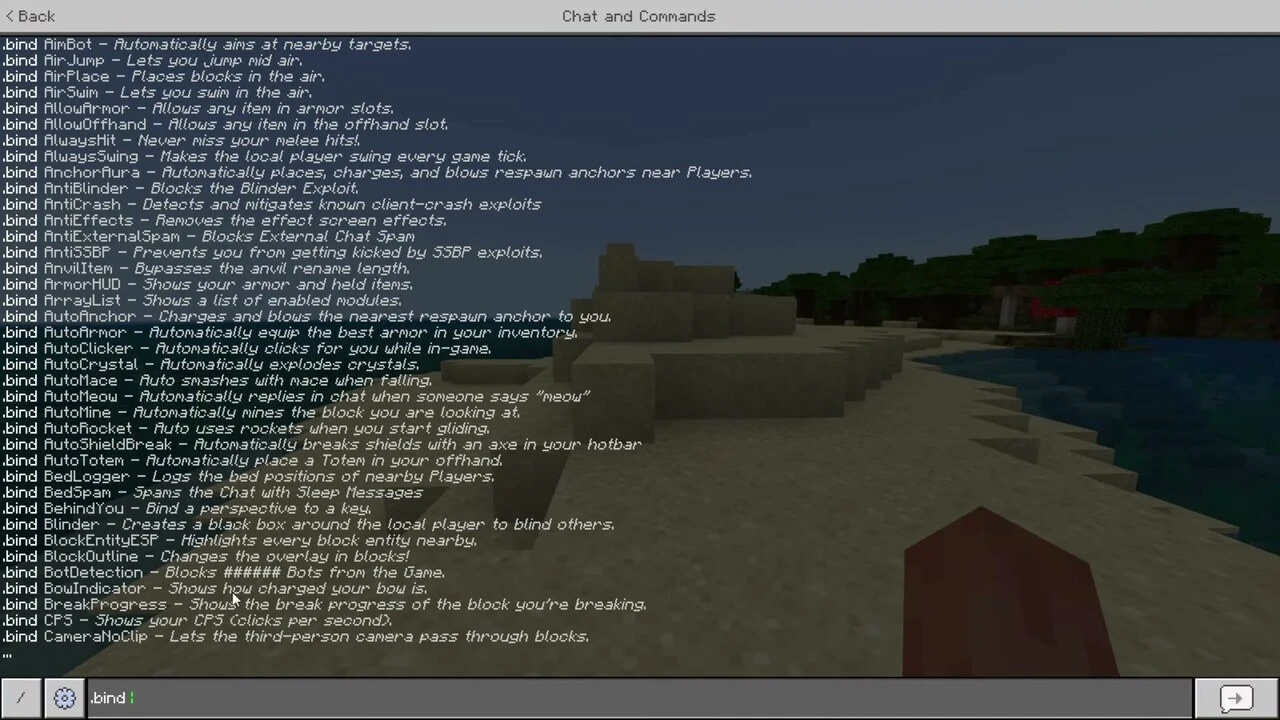
- Chat-command system with tab auto-completion for most commands (
.helplists them all), plus.bindfor quick keybinds. - Import/export configs to save, share, or restore your module setup.
- FPS boost and optimization for smoother gameplay on lower-end PCs.
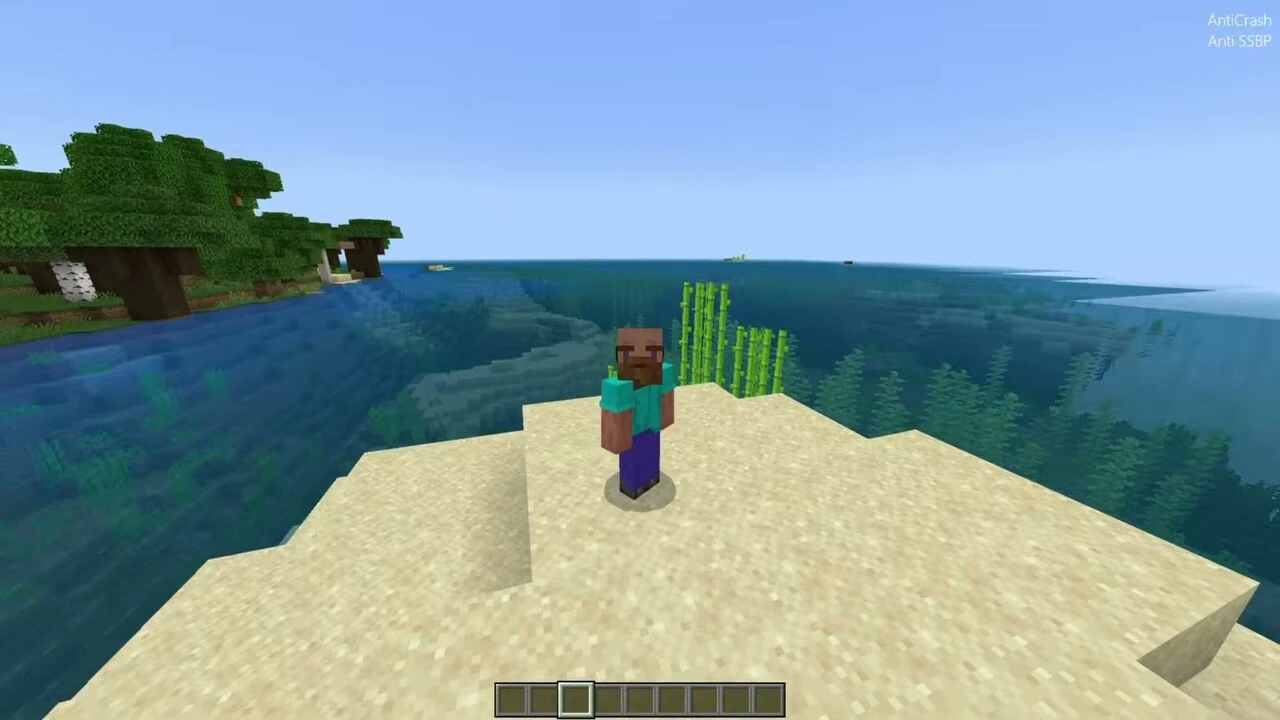
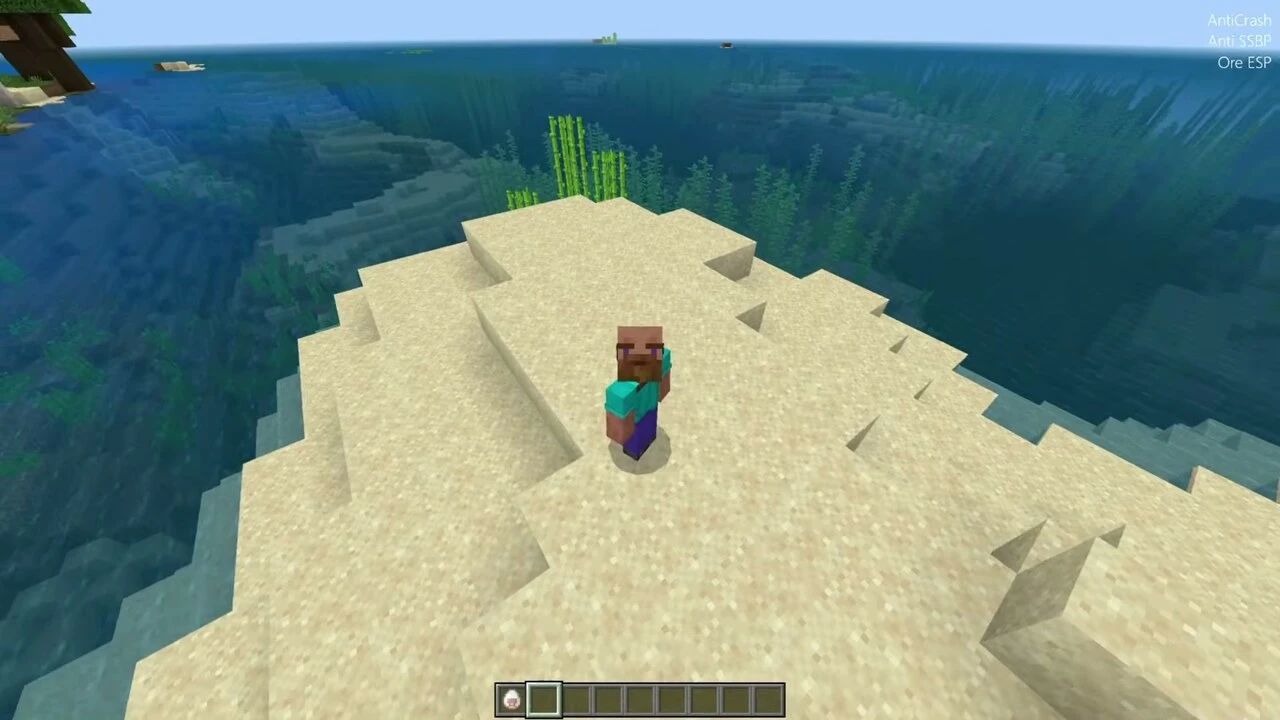
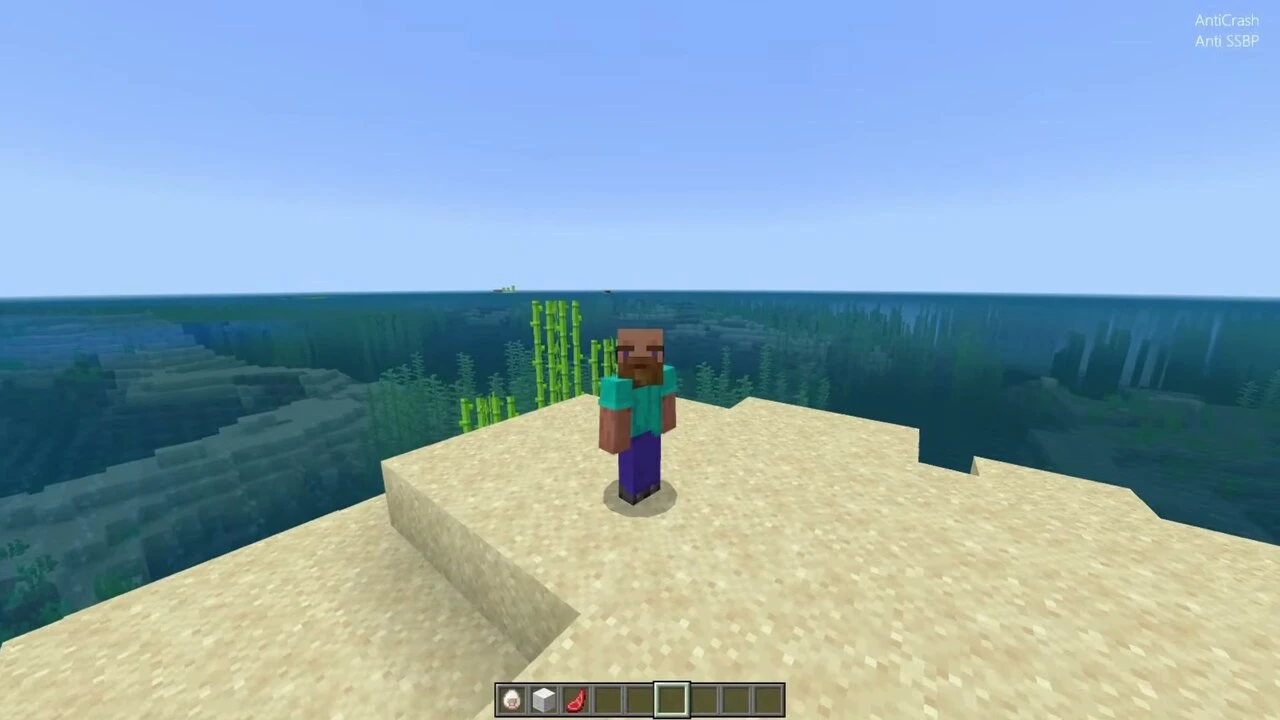
Screenshots:
How to install:
- Download the Nyx Client ZIP below and extract
Nyx.dllfrom it. - Install and launch Minecraft for Windows (Bedrock Edition) and reach the main menu. Minecraft must be installed separately.
- Use a DLL injector (for example, the Fate Client Injector) to inject
Nyx.dllinto theMinecraft.Windows.exeprocess. - The Nyx menu opens in-game. Press the menu key to open the ClickGUI and toggle modules; type
.helpin chat to see every command.
Nyx Client Download Links
Note: Nyx Client is for Minecraft Bedrock on Windows 10/11 and needs a DLL injector to load. Minecraft itself is not included – install it from the Microsoft Store first.
For Windows 10/11 (Minecraft Bedrock 1.26+, 26.52)
Nyx Client v1.0.8 (Uzip this): Download from server 1 – Download from server 2
Download Fate Injector
You May Also Like
Picked for this page
 Packet Client V3.1 (1.21.111) – MCPE/iOS/Android/Windows
 Night Vision Shader (1.26, 1.21) – FullBright + X-Ray Texture
 Enhanced Fog With Care (26.x, 1.19) – Texture Pack for MCPE
 Boost Client V4 (1.21.100+) – Private Client for MCPE/Bedrock
 Floence Client (1.21) – MCPE/Bedrock
 Erebus Client (1.21) – MCPE/Bedrock
 Orphan Client (1.21.100) – MCPE/Bedrock
 Newb Constellation Gemini Shader (1.21.20+) – MCPE/Bedrock
 Cookie Client (1.21.94) – MCPE/Bedrock
 Natsuki Client (1.21.101) – MCPE/Bedrock
 Frost Blue Texture Pack (26.x, 1.21) – MCPE/Bedrock
 RR Last Breath Addon (26.x, 1.21) – MCPE/Bedrock Mod
Most viewed in Clients over the last 7 days
 Apollon Client (1.26+, 26.51.1) – MCPE/Bedrock
 Flarial Client (1.26+, 26.52) – MCPE/Bedrock
 MB Loader APK Download (26.x, 1.21) – Loading RenderDragon Shader
 Lumina Client v4.1.16 (26.52, 1.26+) – Perfect ToolBox for MCPE/Bedrock
 Minecraft Dungeons APK Free – Playing on Android Mobile
 Atlas Client v1.10.2 (26.52, 1.26+) – Best MCPE Utility Client
 FP Client (26.52, 26+) – MCPE/Bedrock
 Sunstead Client (26.52) – MCPE/Bedrock
 Citron Client (26.52, 1.26+) – MCPE/Bedrock Ghost Client for Windows
 ProtoHax Client v2.2.0 (26.52, 1.26+) – MCPE/Bedrock Hack Client for Android
 Lunar Client (1.21, 1.20) – The Best Client for MCPE
 OrderSo Client (1.26, 26.30+) – Better than Onix?
More from Clients
 Primordial Client (1.21.100) – MCPE/Bedrock
 Scald Client (1.21.113) – Best Ghost Client MCPE/Bedrock
 Klizr Client (1.21, 1.20+) – FPS Counter, Clock, Battery
 Vector Client (1.21, 1.20) – Best Bedrock Client?
 Kodiak Client (1.21.80) – MCPE/Bedrock
 Prax Client (1.21) – MCPE/Bedrock
 X-plore File Manager – Easily Install mcaddon and mcpack for MCPE
 Antisplit-M – Merge Split APK Files for Minecraft on Android
 ZArchiver – Manage free APK Files for Minecraft
 MT Manager – The Best APK File Editors for Minecraft
 Xerox Client (1.21) – iOS/Android/PC
 Neko UI Client (26.x, 1.21) – Custom UI, Auto Place, F1 Button

This post has no comments yet. Be the first — your comment will appear here.