


Obsidian Interface Resource Pack (26.2, 1.20.1) – Sleek Dark Mode Menus
 0
0
 0
0

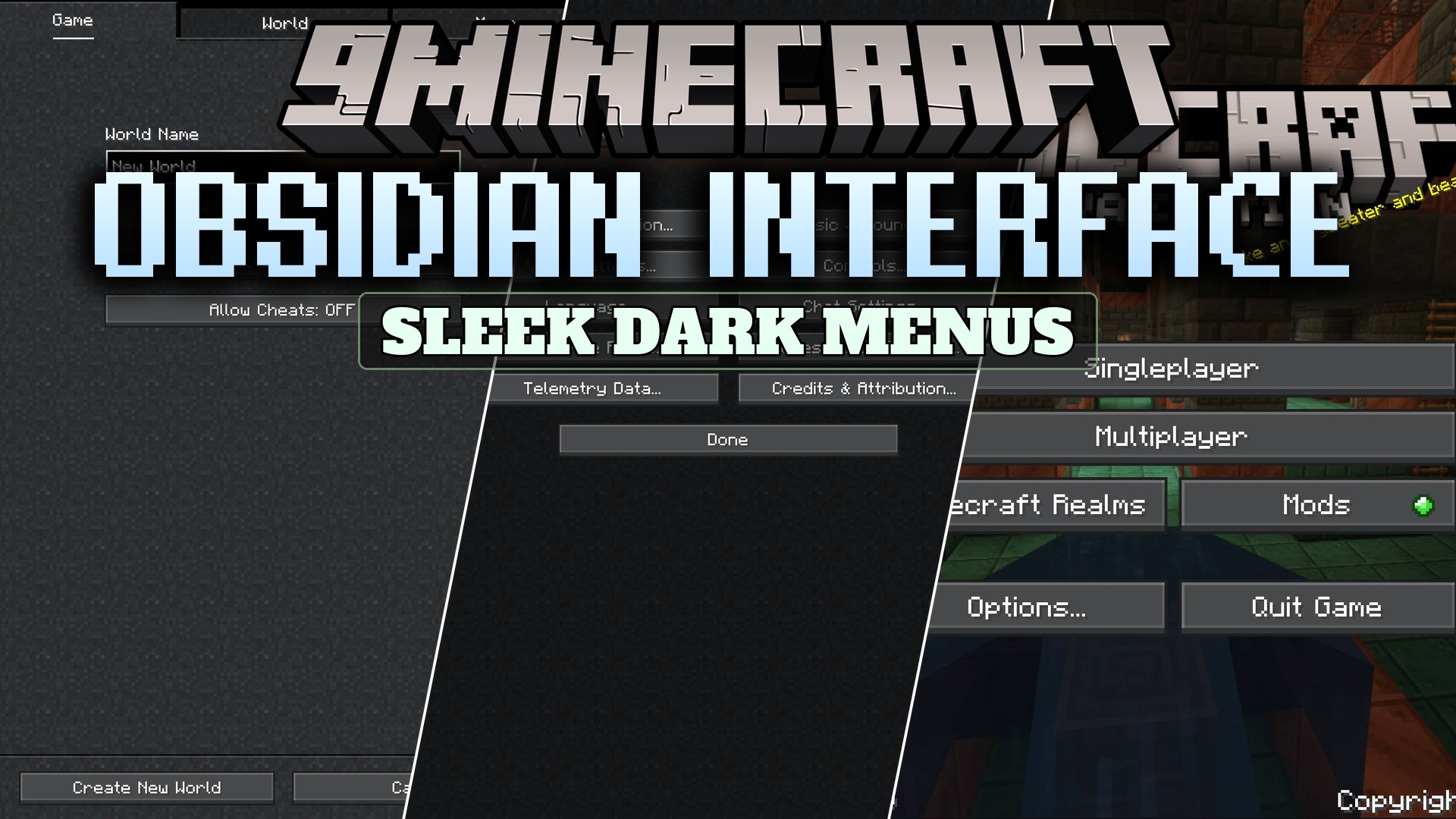
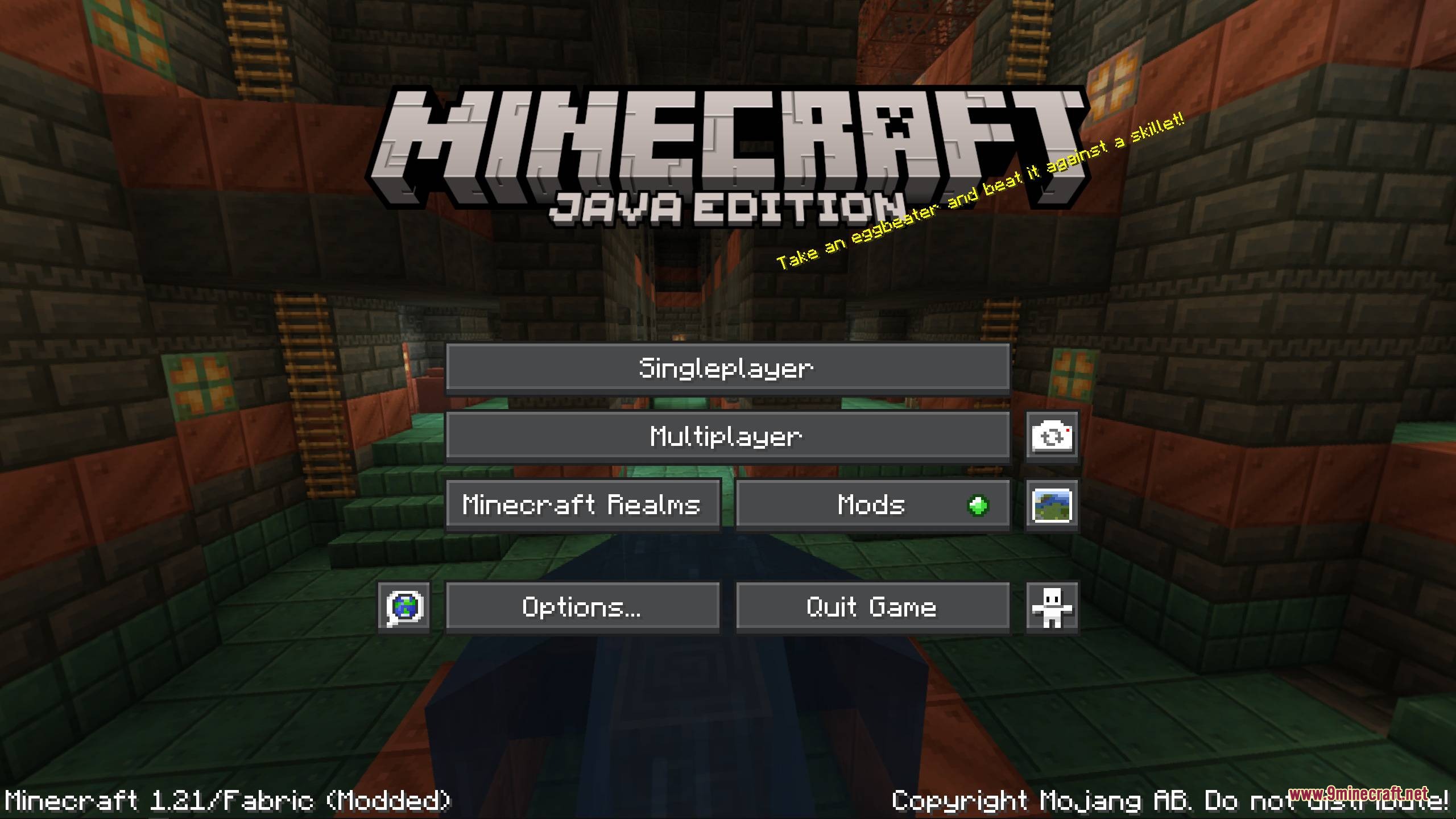
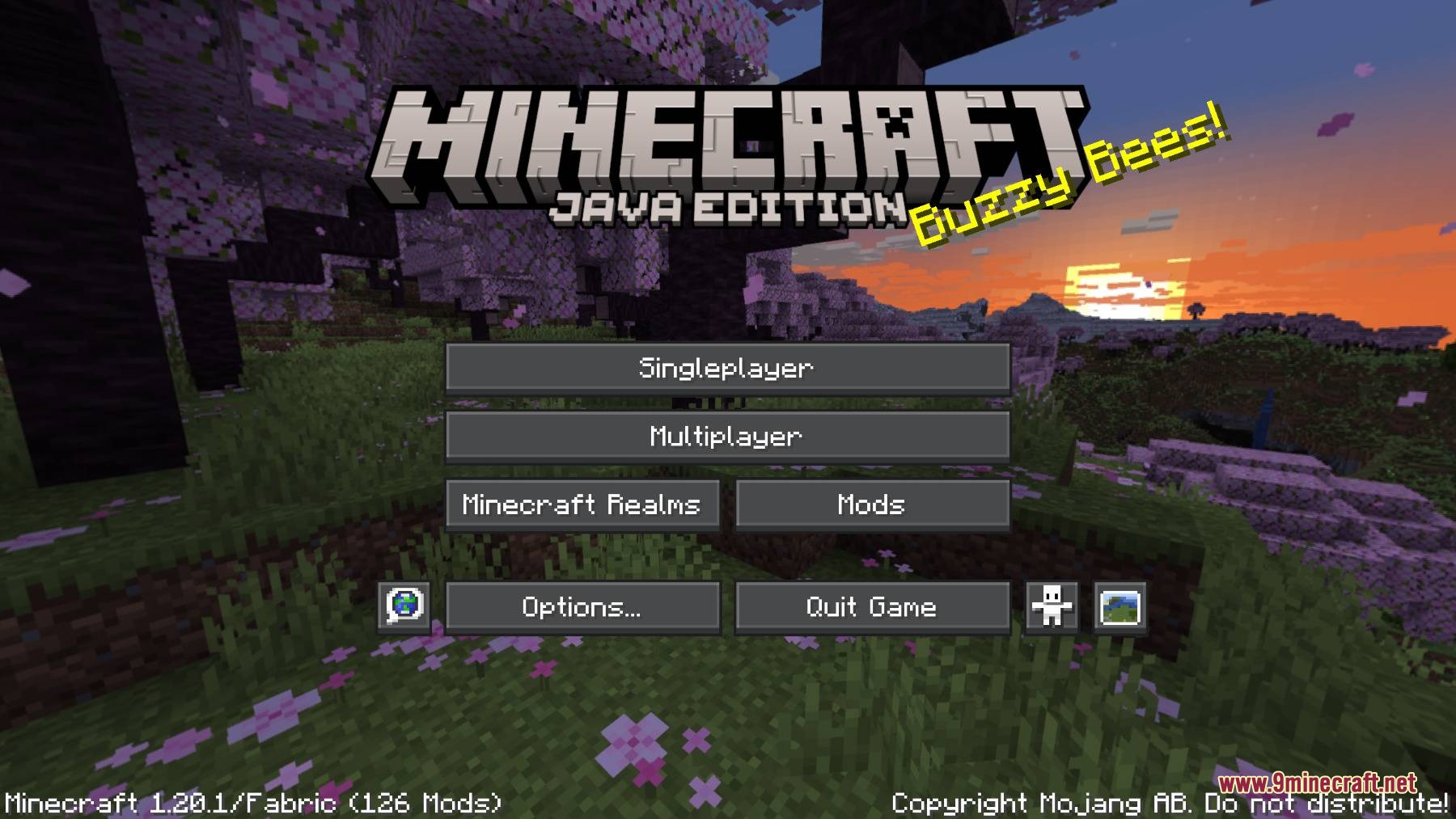
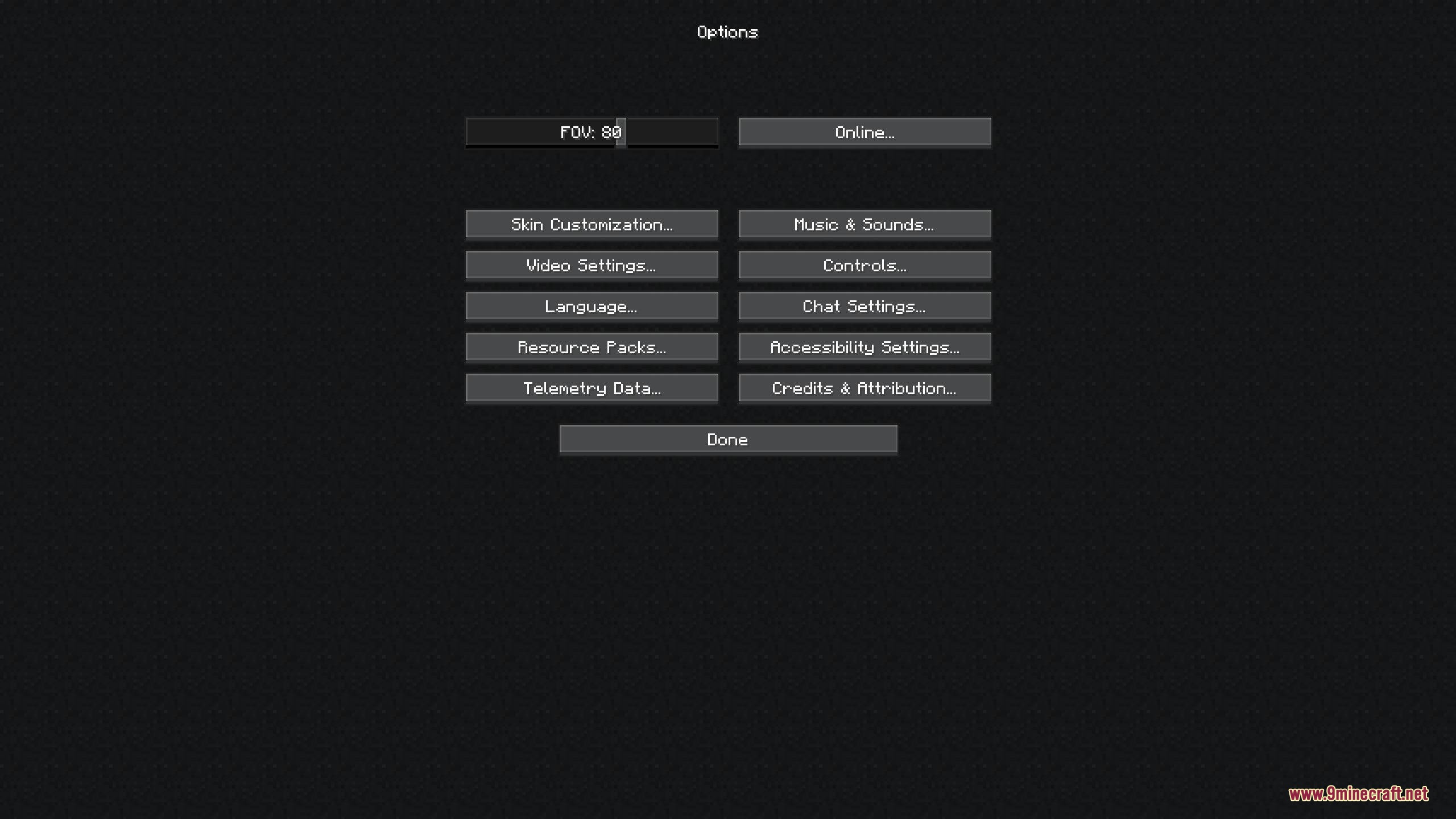
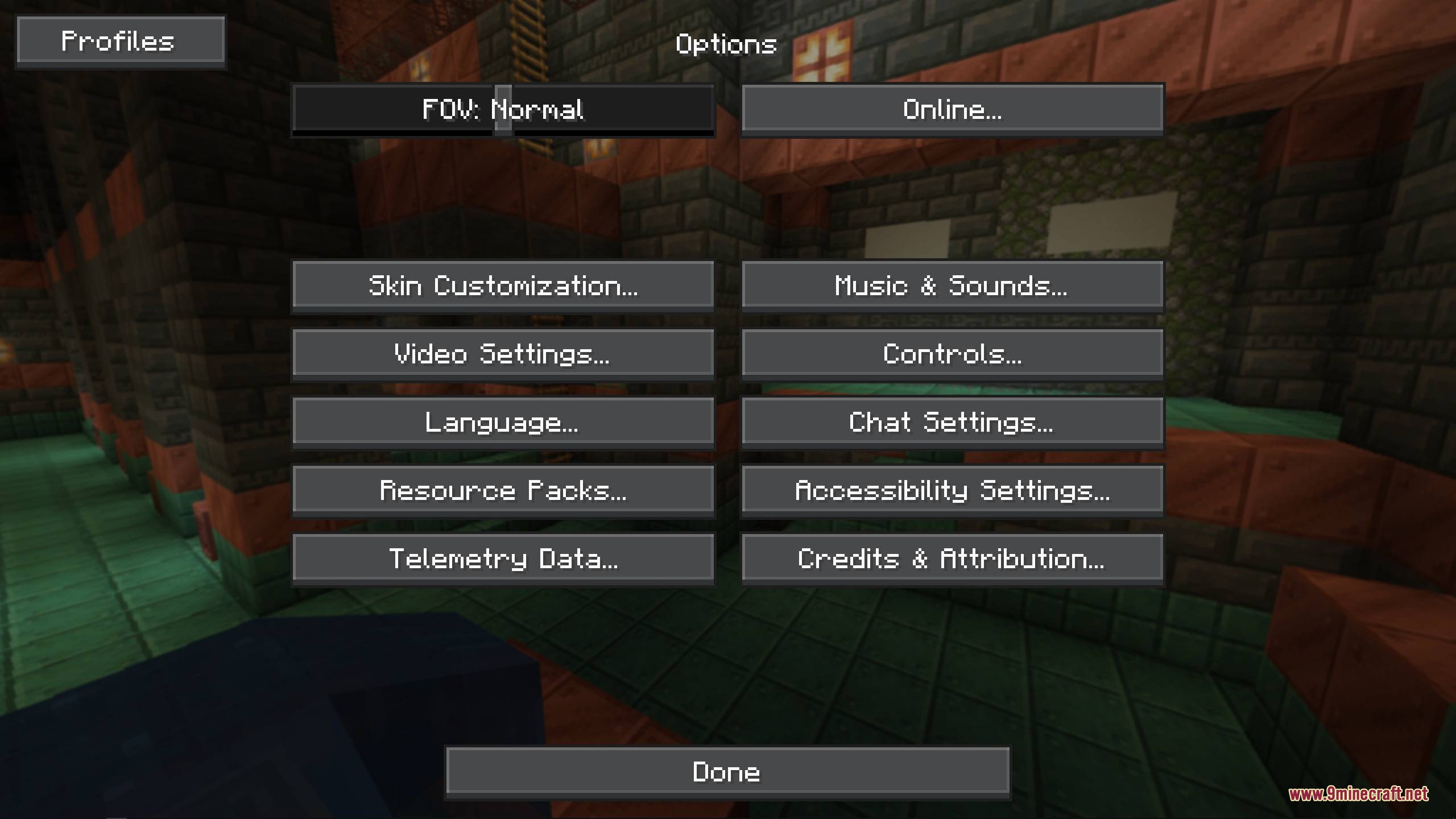
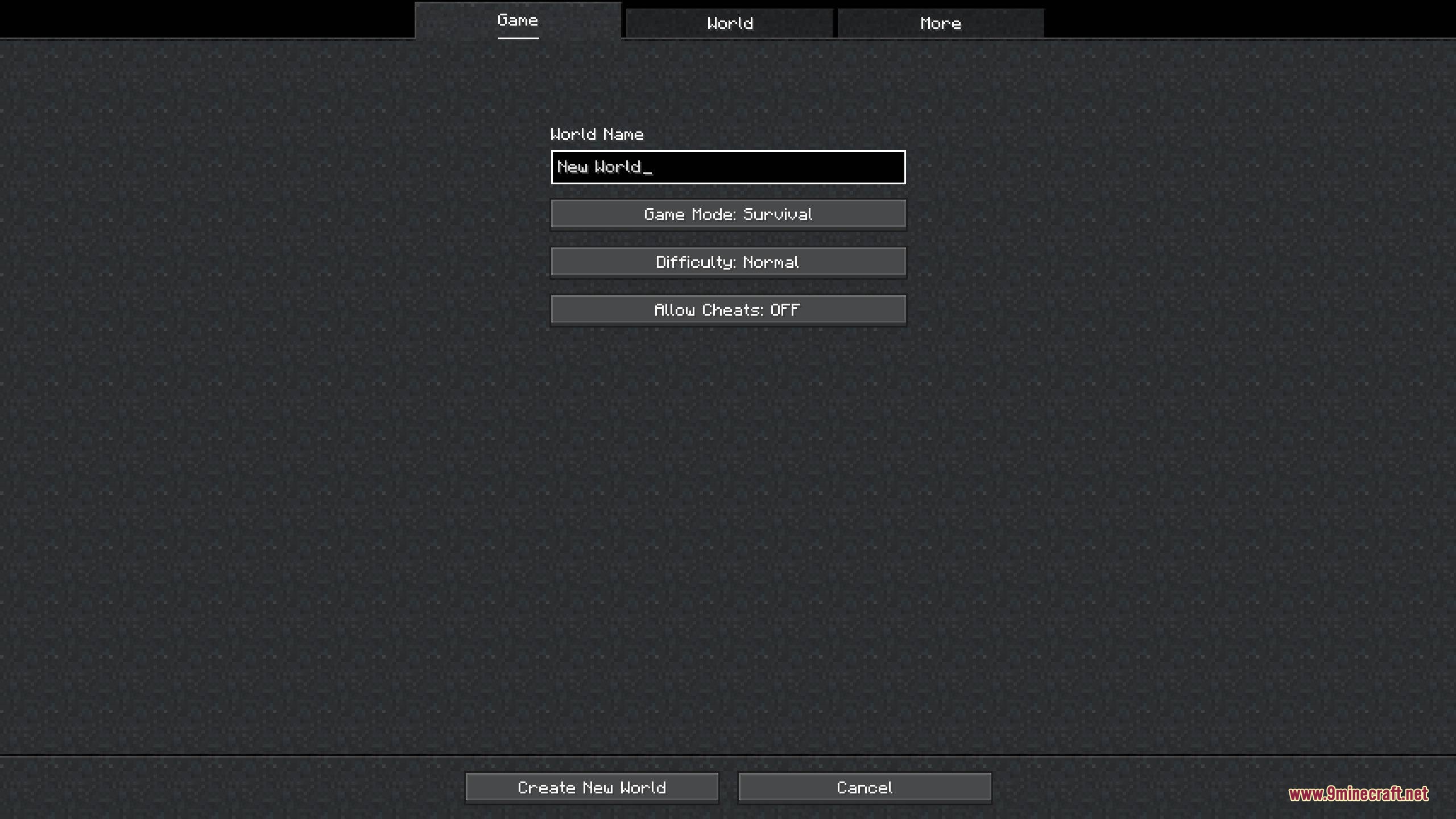
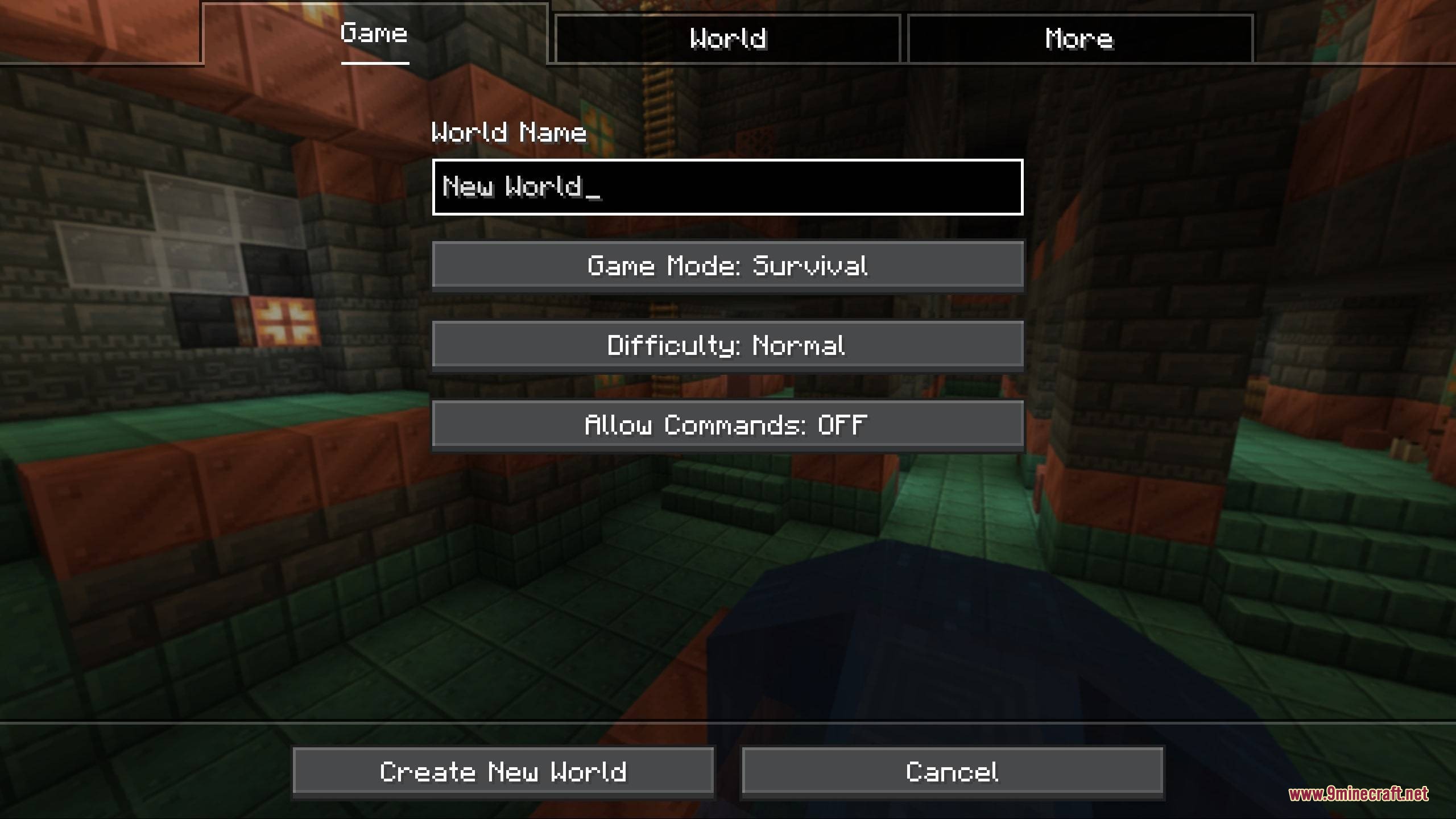
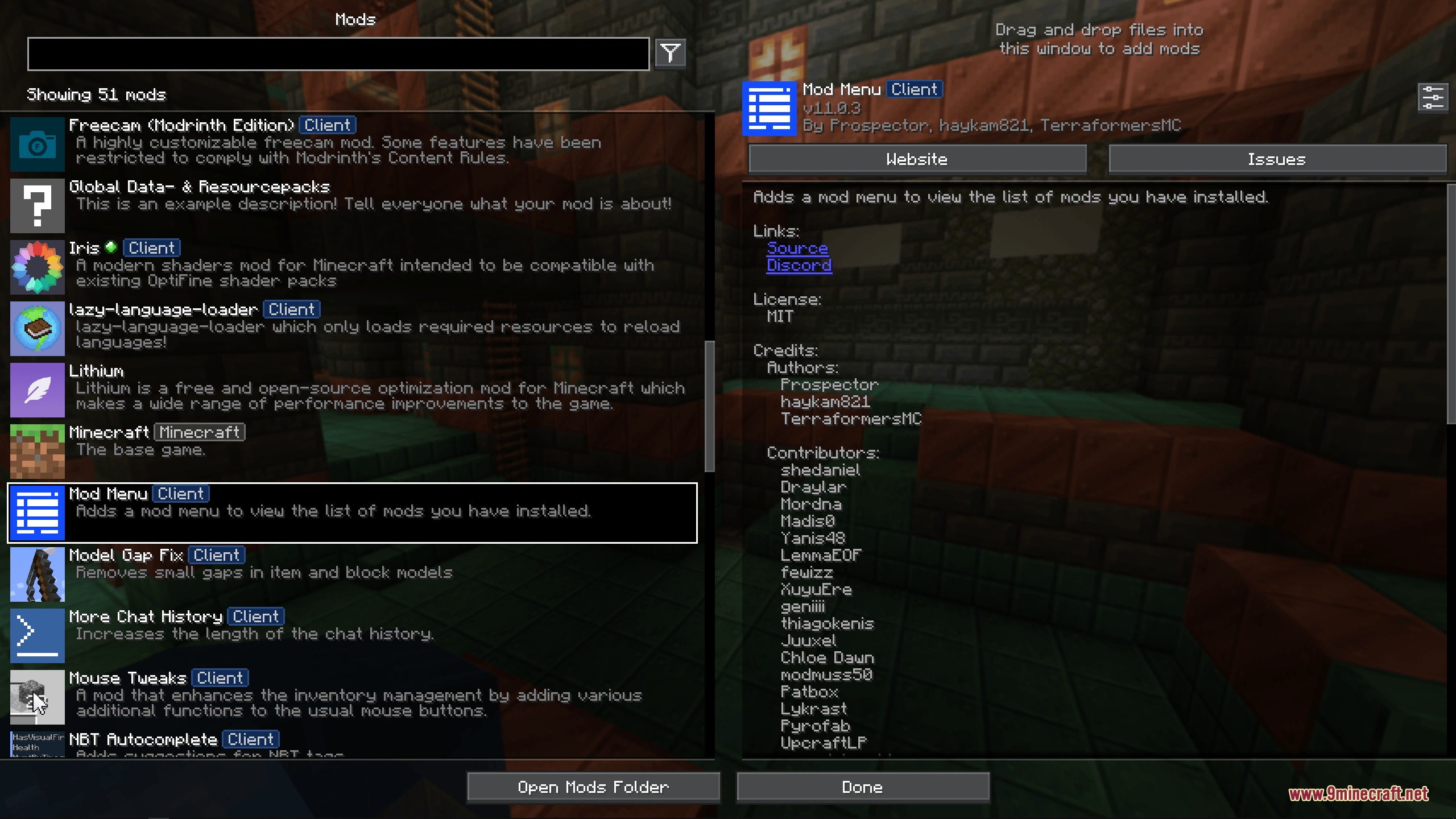
Obsidian Interface Resource Pack replaces the standard game menus and user interfaces with a sleek, dark theme. This pack swaps out the bright default background panels for stylish dark grey tones that are easier on your eyes during long sessions. It also brings the clean button design from Bedrock Edition directly into your Java menus. You can enjoy a unified dark style across your inventories, crafting screens, and game settings.
Features:
- Replaces default grey menus and interface backgrounds with a darker color palette.
- Adds clean, flat buttons inspired by the Bedrock Edition interface.
- Updates all primary player screens, including the main menu, world creation menu, inventory, and achievement tree.
- Redesigns every standard workstation interface from crafting tables and furnaces to anvils and enchanting tables.
- Reskins storage screens for chests, ender chests, barrels, and colored shulker boxes when using OptiFine.
- Supports popular utility and graphics mods like Iris Shaders, ModMenu, ReplayMod, and Cloth Config.
- Works smoothly in both English and Russian language settings.
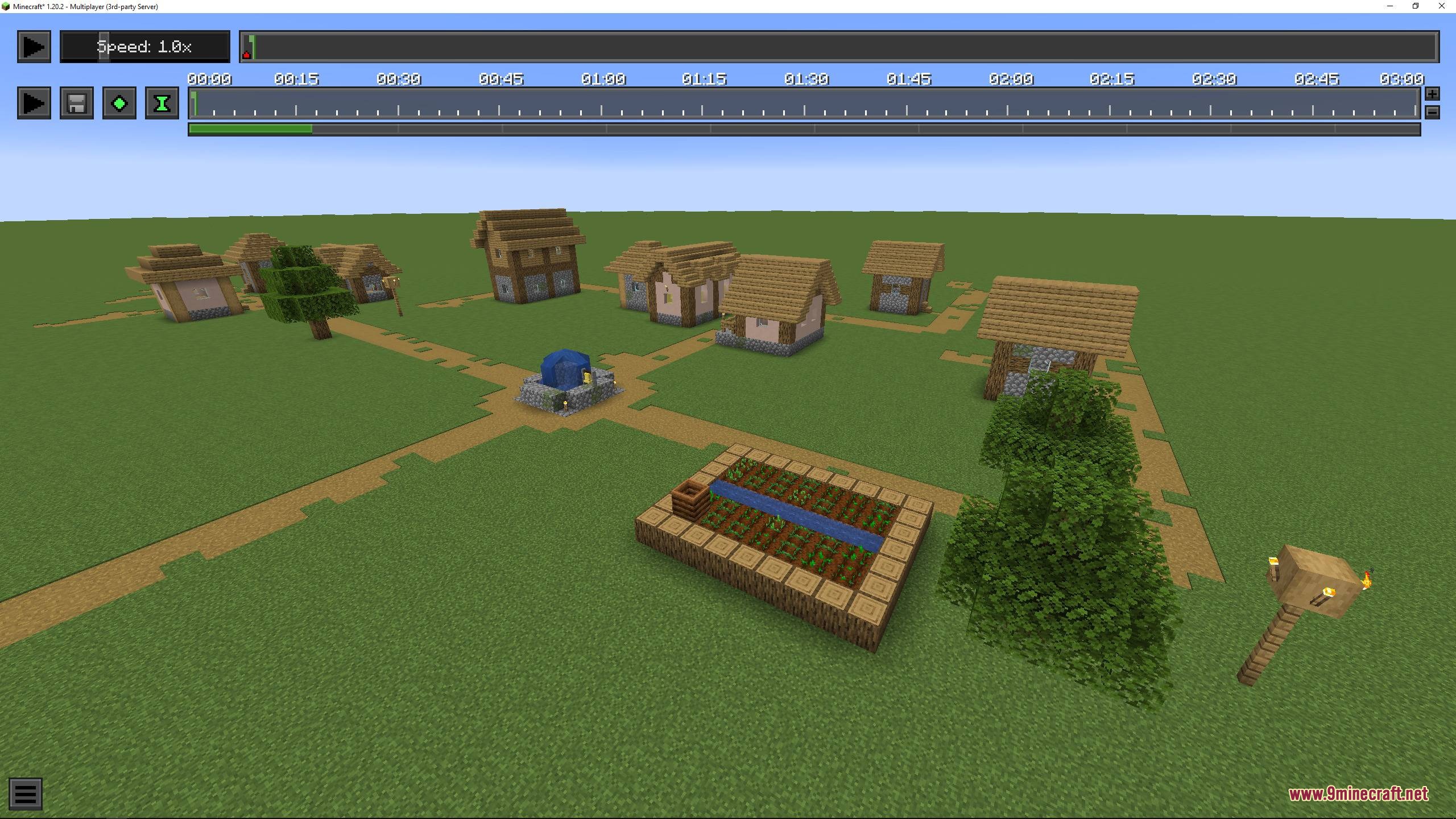
Screenshots:
How to Install:
New to Minecraft? Follow our step-by-step guide to install Resource Packs on your PC.View Guide
Obsidian Interface Resource Pack Download Links
For Minecraft
26.2.x
All Versions Covered
26.2
26.1.2
26.1.1
26.1
1.21.11
1.21.10
1.21.9
1.21.8
1.21.7
1.21.6
1.21.5
1.21.4
1.21.3
1.21.2
1.21.1
1.21
1.20.6
1.20.5
1.20.4
1.20.3
1.20.2
1.20.1
1.20
1.19.4
All Versions Covered
26.2
26.1.2
26.1.1
26.1
1.21.11
1.21.10
1.21.9
1.21.8
1.21.7
1.21.6
1.21.5
1.21.4
1.21.3
1.21.2
1.21.1
1.21
1.20.6
1.20.5
1.20.4
1.20.3
1.20.2
1.20.1
1.20
1.19.4
Click to rate this post!
[Total: 0 Average: 0]
You May Also Like




This post has no comments yet. Be the first — your comment will appear here.