


One Block Mod (26.2, 1.20.1) – Survival Challenge Progressive

 0
0 

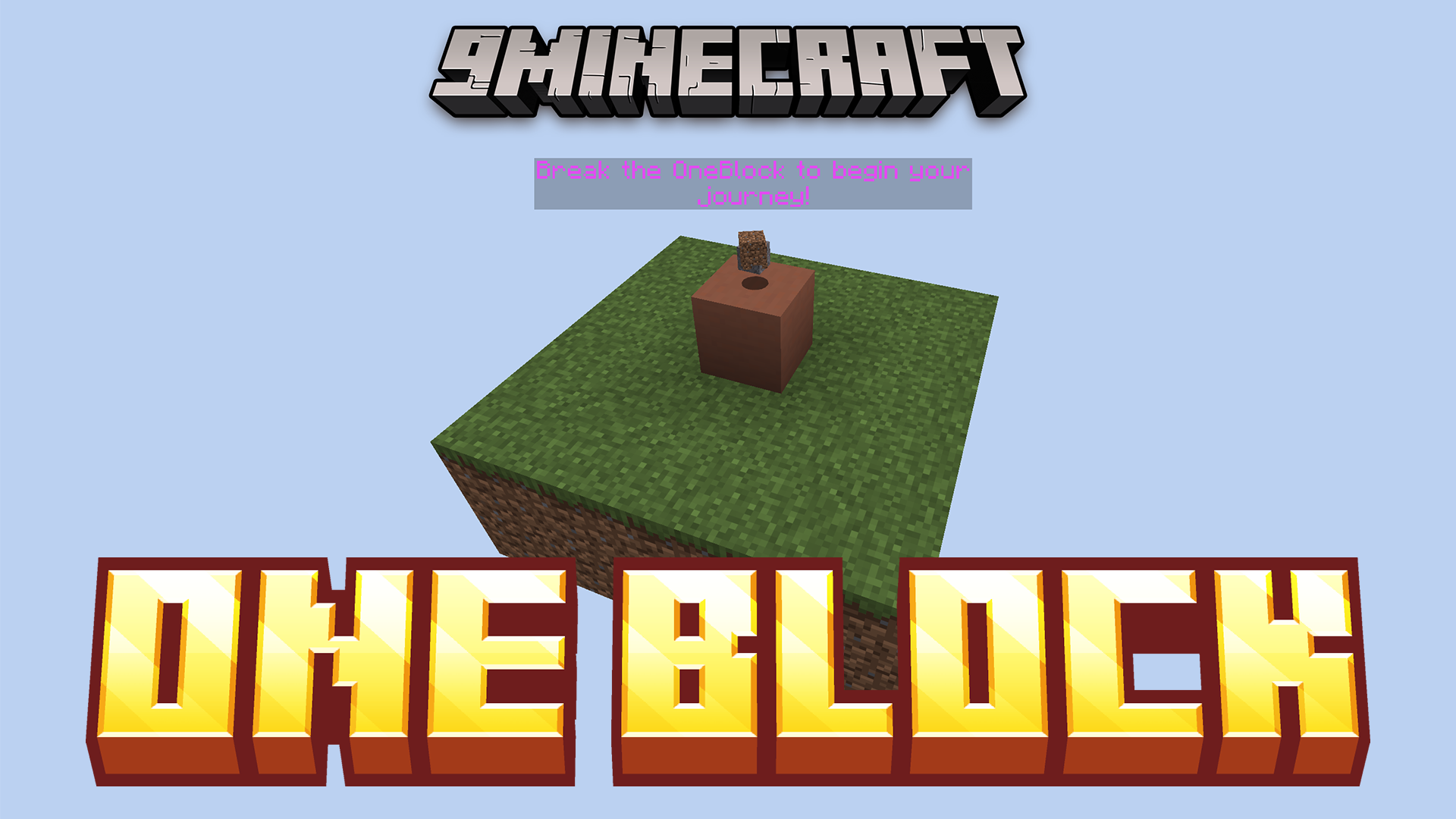
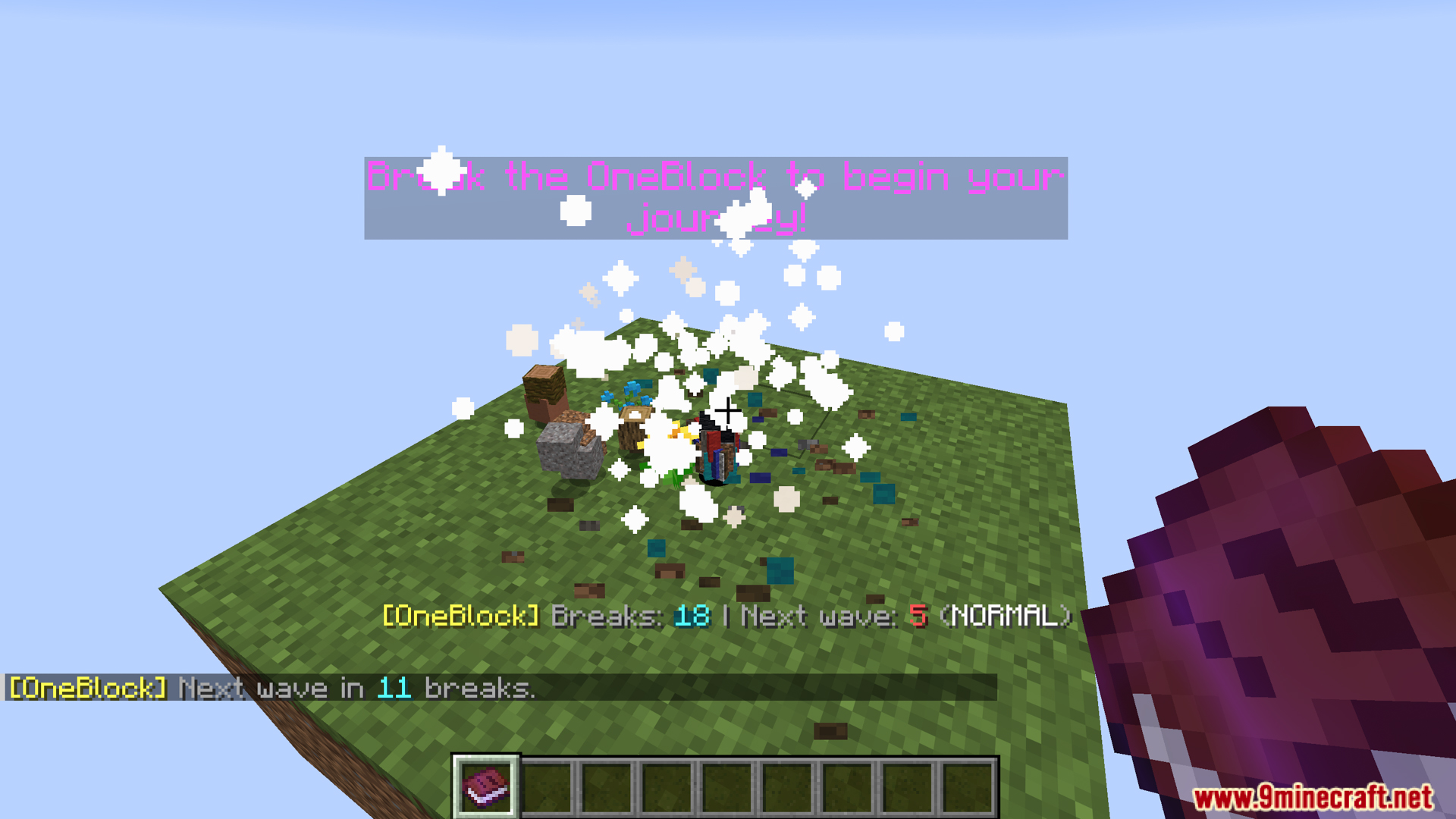
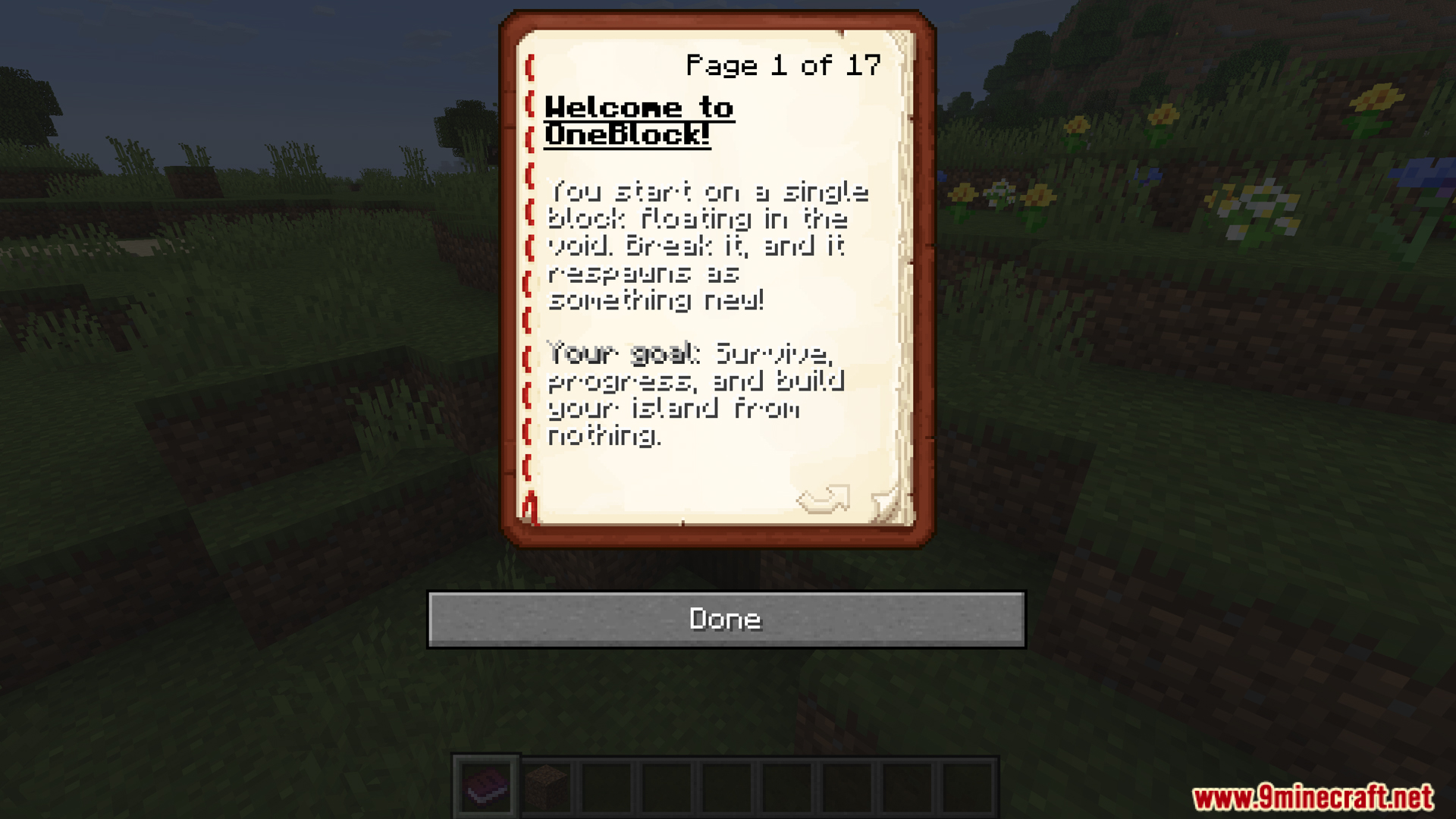
One Block Mod is a Minecraft mod that transforms the Minecraft experience into an upgraded form of OneBlock survival/skyblock. You start on a small island with only one special block, and when you break that block, it regenerates with new materials each time, allowing you to evolve your world from resource-first to late-game.
Features:
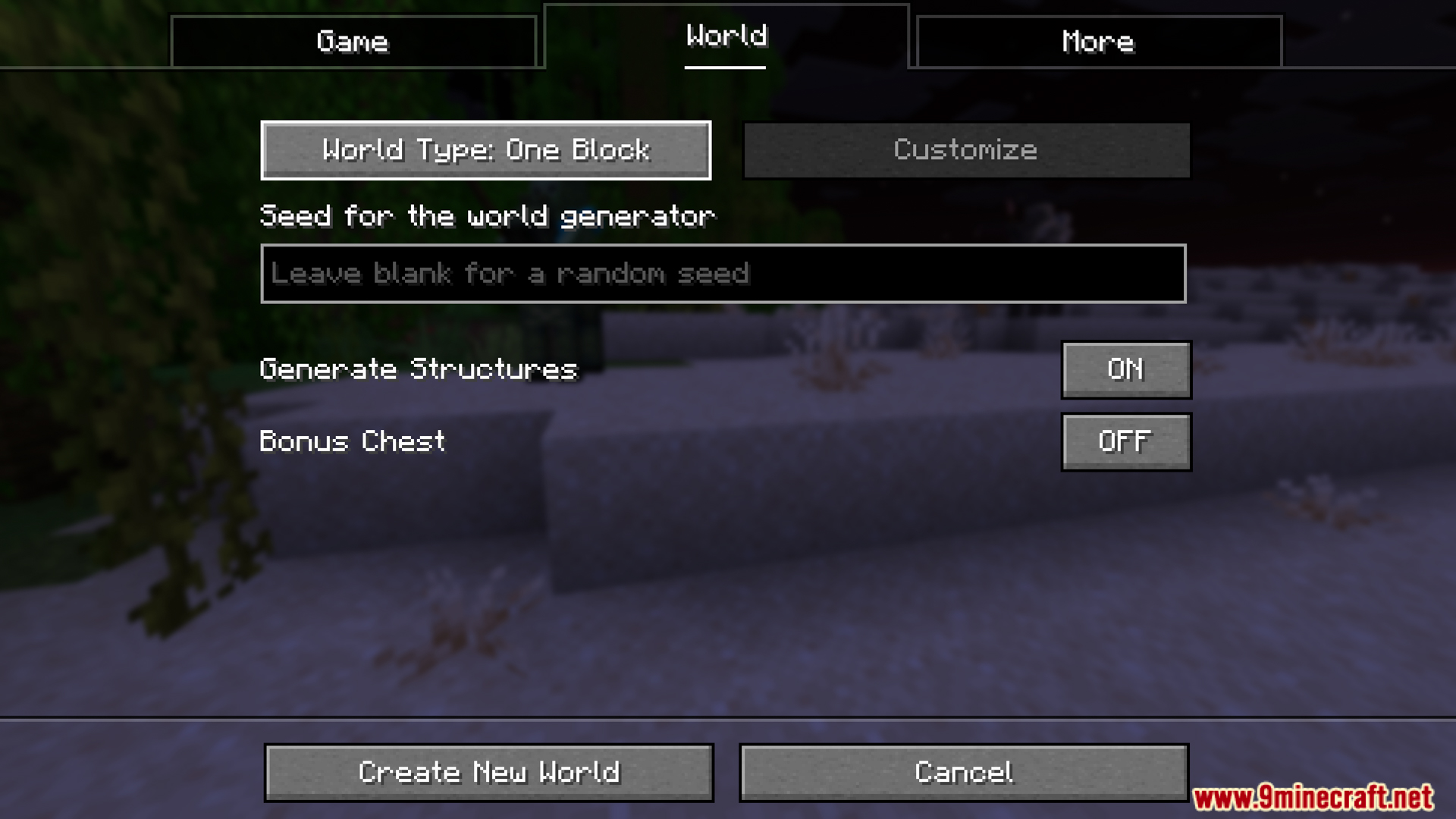
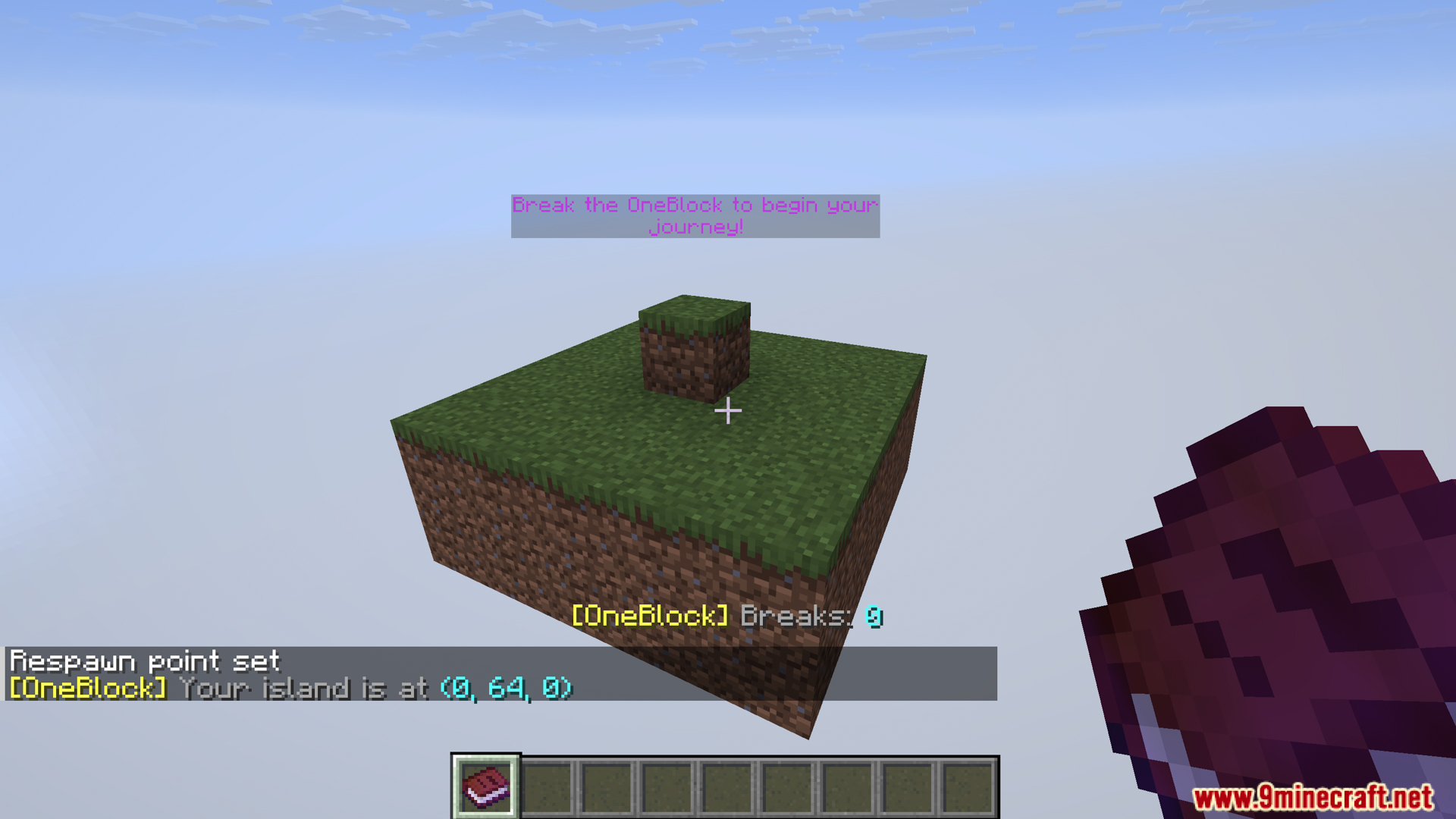
- When you create a One Block world:
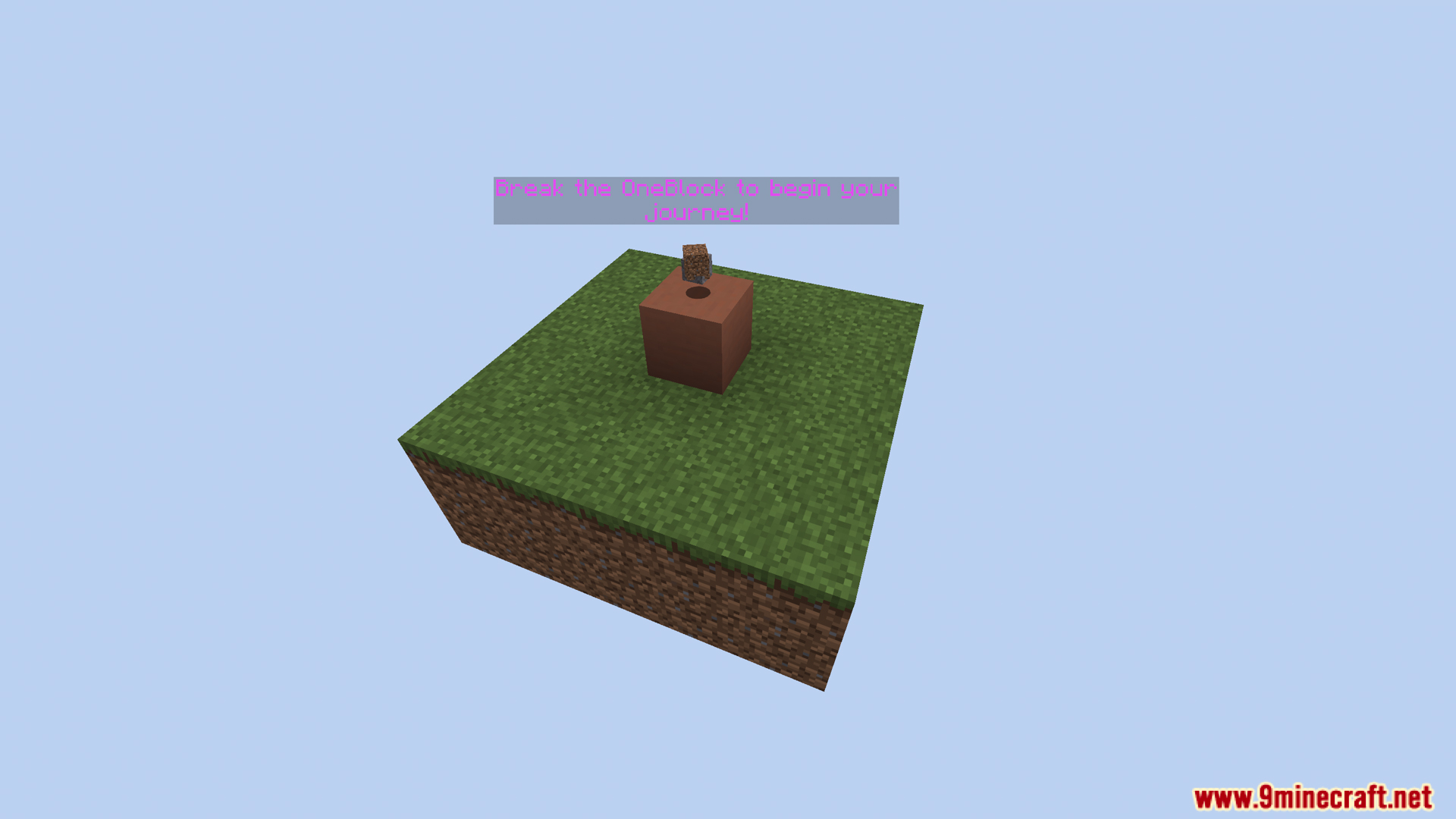
- You will spawn on a small island (e.g., Overworld has grass & dirt, Nether has netherrack, End has endstone).
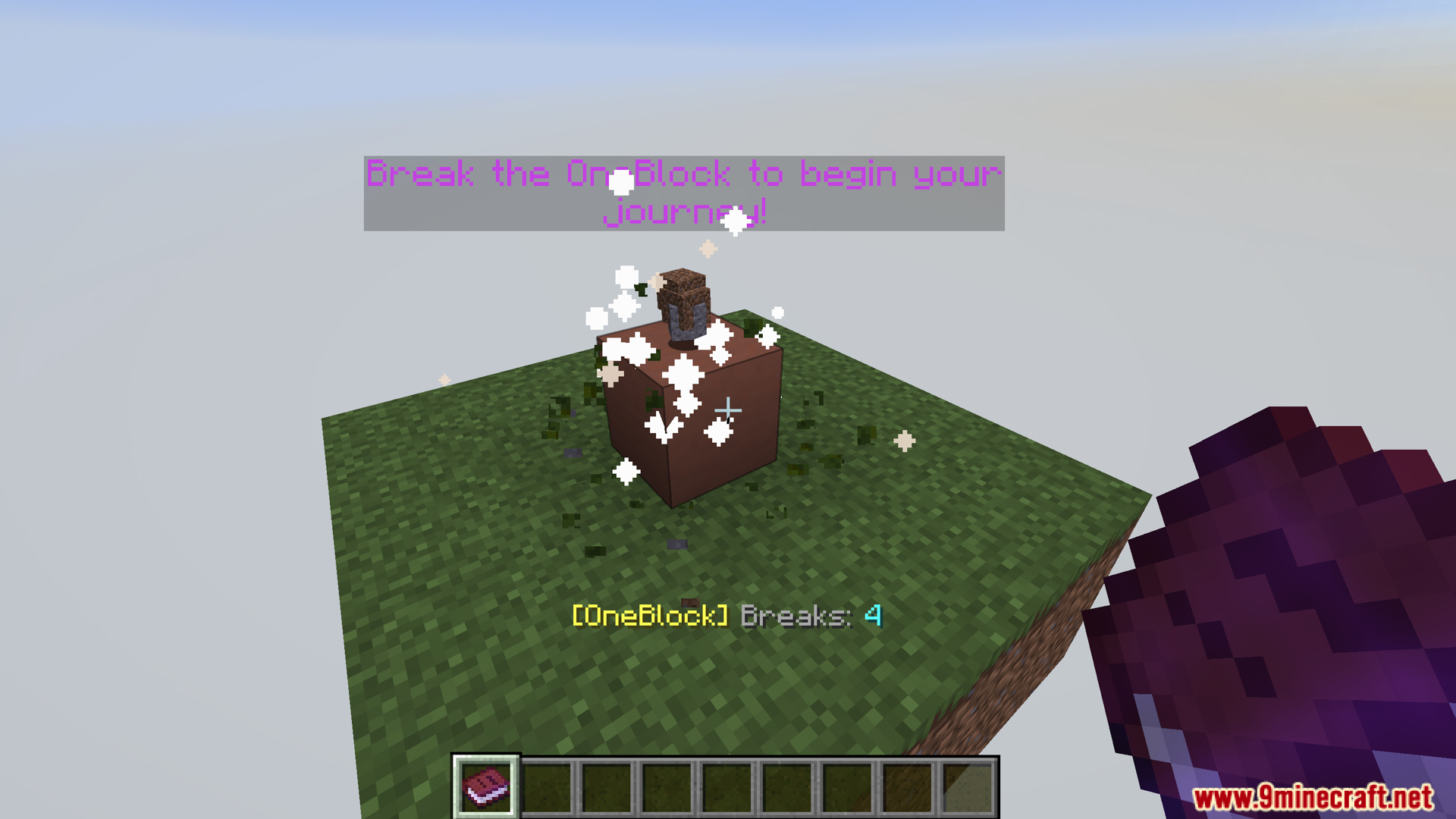
- In the center is a regeneration block (OneBlock). This is the block you will destroy to get resources back.
- In multiplayer, each player can spawn on their own island 1000 blocks apart using an optional datapack.
- One Block features a progression system based on “biomes”:
- 36 Overworld biomes.
- 5 Nether biomes.
- 5 End biomes.
- As you evolve, One Block will generate blocks in different “biome stages”.
- When you go to the Nether or End, you will unlock additional blocks and corresponding items:
- Nether unlocks: basalt, blackstone, valuable gifts such as warped/crimson woods, fungi…
- End unlocks: purpur, chorus plants, end rods, shulkers…
- After about ~10,000 breaks, the mod may also allow the end portal frame to drop by default.
- The blocks that appear when you break a OneBlock will change depending on the number of times you break it:
- Early stages prioritize useful resources (wood, stone, ore).
- Later stages prioritize random variety.
- The OneBlock mod will generate random events each time a block is broken, including:
- Item Drops: items drop near you or in random chests
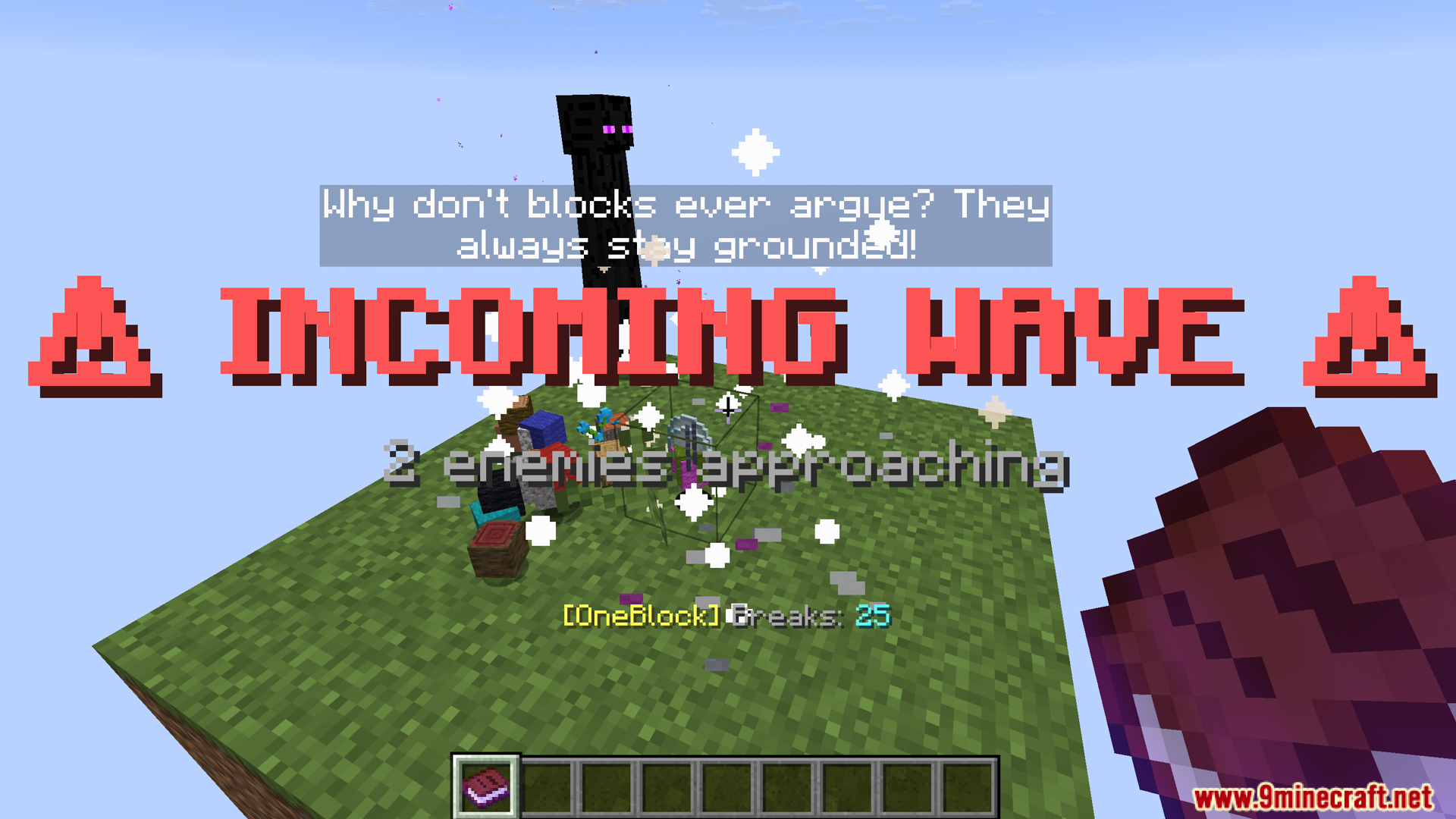
- Waves mobs: waves of monsters with increasing difficulty as you progress
- Friendly mobs: peaceful animals, villagers, wandering traders, depending on conditions
- These events are scaled according to difficulty and progression, not just simply spawning mobs.
- Monster Waves:
- Mobs spawn according to difficulty tier (zombies/spiders → skeletons/creepers → endermen/witches/blazes…).
- Mobs spawn based on light according to vanilla logic (e.g., zombies burn daylight, spiders don’t).
- Nether/End mobs will join when you unlock them, respectively.
- OneBlock not only spawns monsters but also normal mobs when conditions are met:
- Farm animals (cows, pigs, sheep…).
- Neutrals (wolves, llamas, bees…).
- Ambient (parrots, cats, turtles…).
- Aquatic if enough water is created (a 5×5 pool must be placed).
- Traders with llamas.
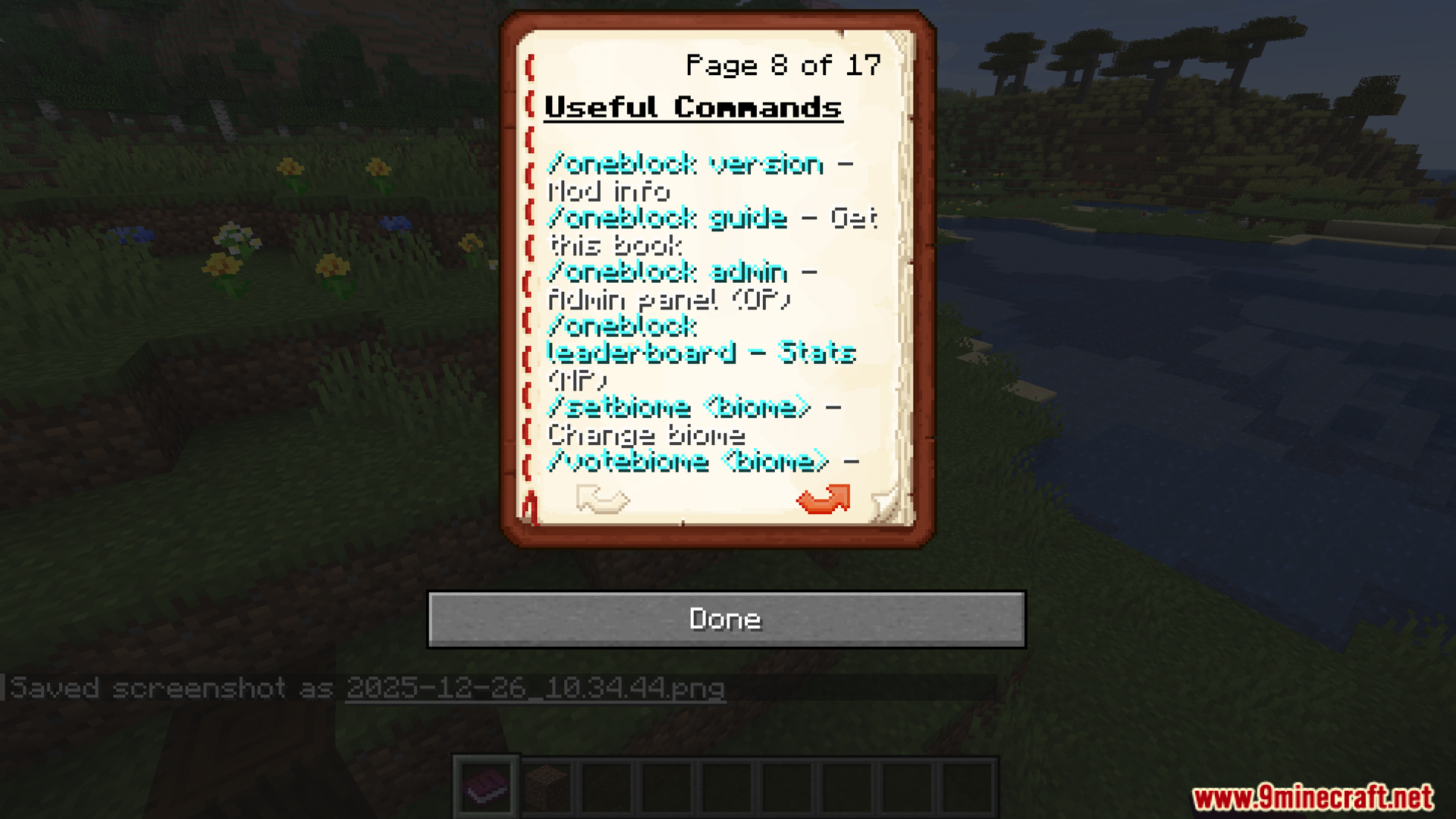
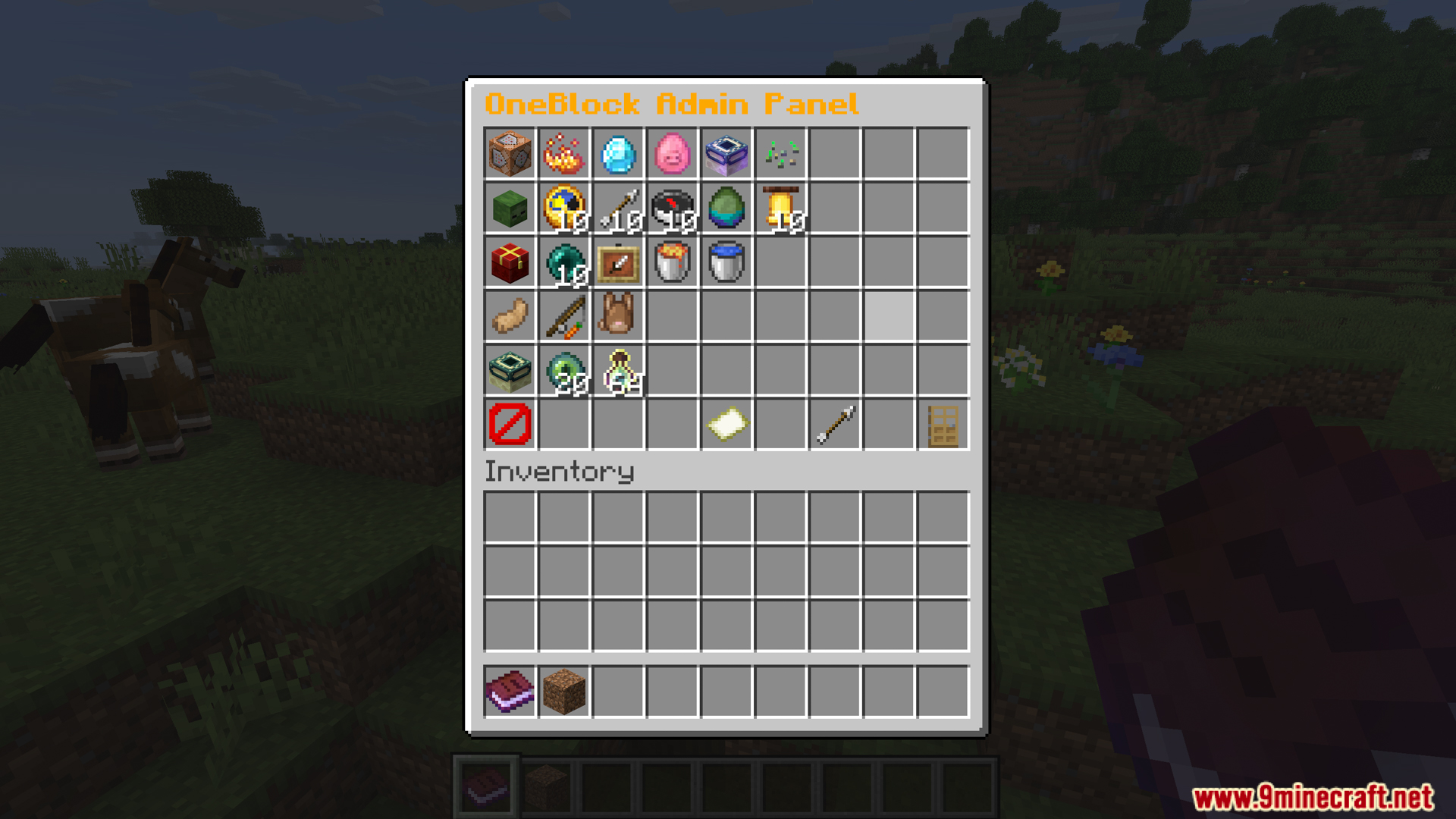
- Use /oneblock admin for the admin panel. The settings are:
- Settings for waves (enable/disable, frequency, max size, difficulty tiers).
- Drops (item drops, friendly mobs spawn).
- Item settings (number of drops, lava bucket chance).
- End portal frame settings.
- Progression cap.
- Wave countdown tiers.
- Visual/particle/sound effects.
- Use click/shift-click to increase or decrease setup values directly in the UI panel.
- OneBlock adds several special crafting recipes to aid survival in the void:
- Ice compression → Water bucket: 4 ice + 1 bucket → water bucket
- Magma compression → Lava bucket: 4 magma + 1 bucket → lava bucket
- This allows you to create renewable water and lava using OneBlock resources instead of having to find them naturally.
Screenshots:
How to Install:
New to Minecraft? Follow our step-by-step guide to install Mods on your PC.View Guide
Requirements:




One Block Mod Download Links
For Minecraft 26.2
For Minecraft 26.1.2, 26.1.1, 26.1
For Minecraft 1.21.11
For Minecraft 1.21.10, 1.21.9
For Minecraft 1.21.1, 1.21
For Minecraft 1.20.6, 1.20.4
For Minecraft 1.20.1, 1.20
Click to rate this post!
[Total: 5 Average: 3.8]
You May Also Like

This post has no comments yet. Be the first — your comment will appear here.