


Optimasi Client MCPE (1.19, 1.18) – Fps Booster, Better UI, Cape

 July 13, 2022
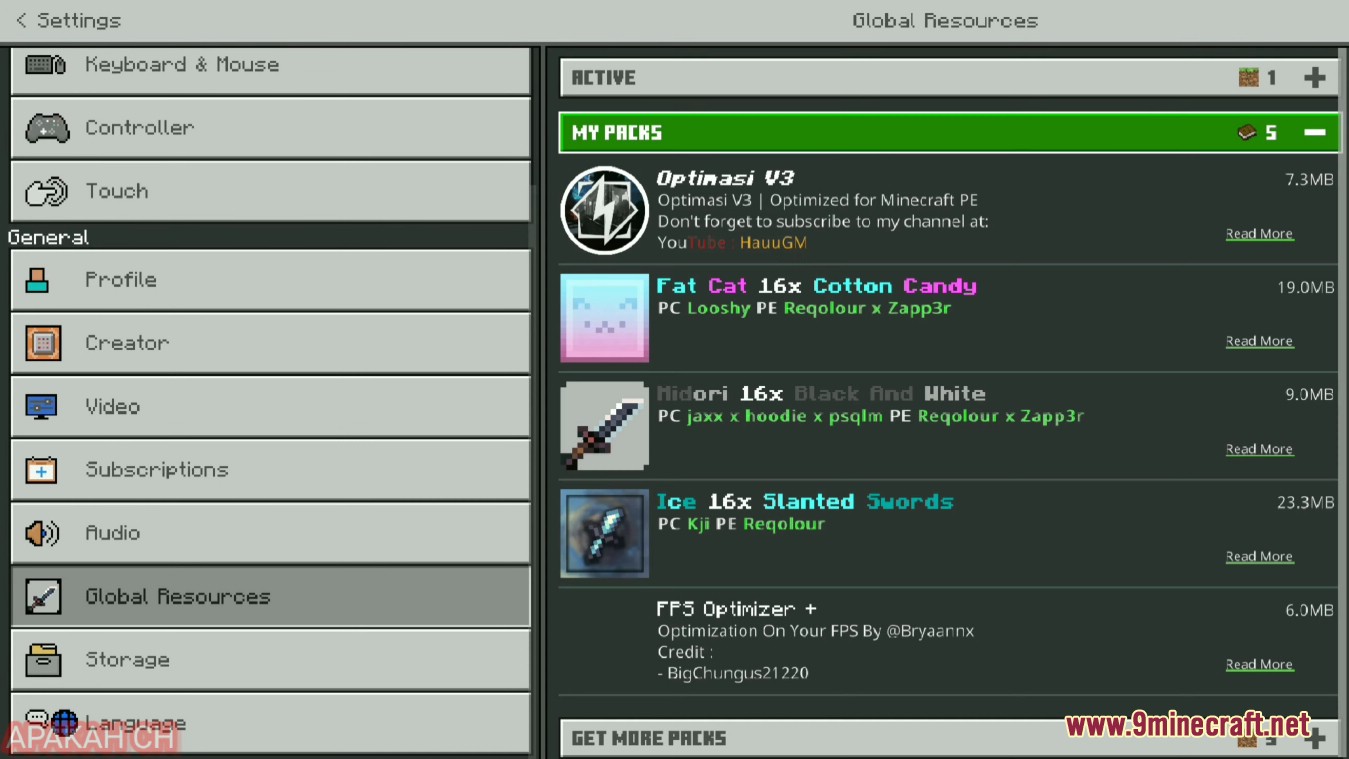
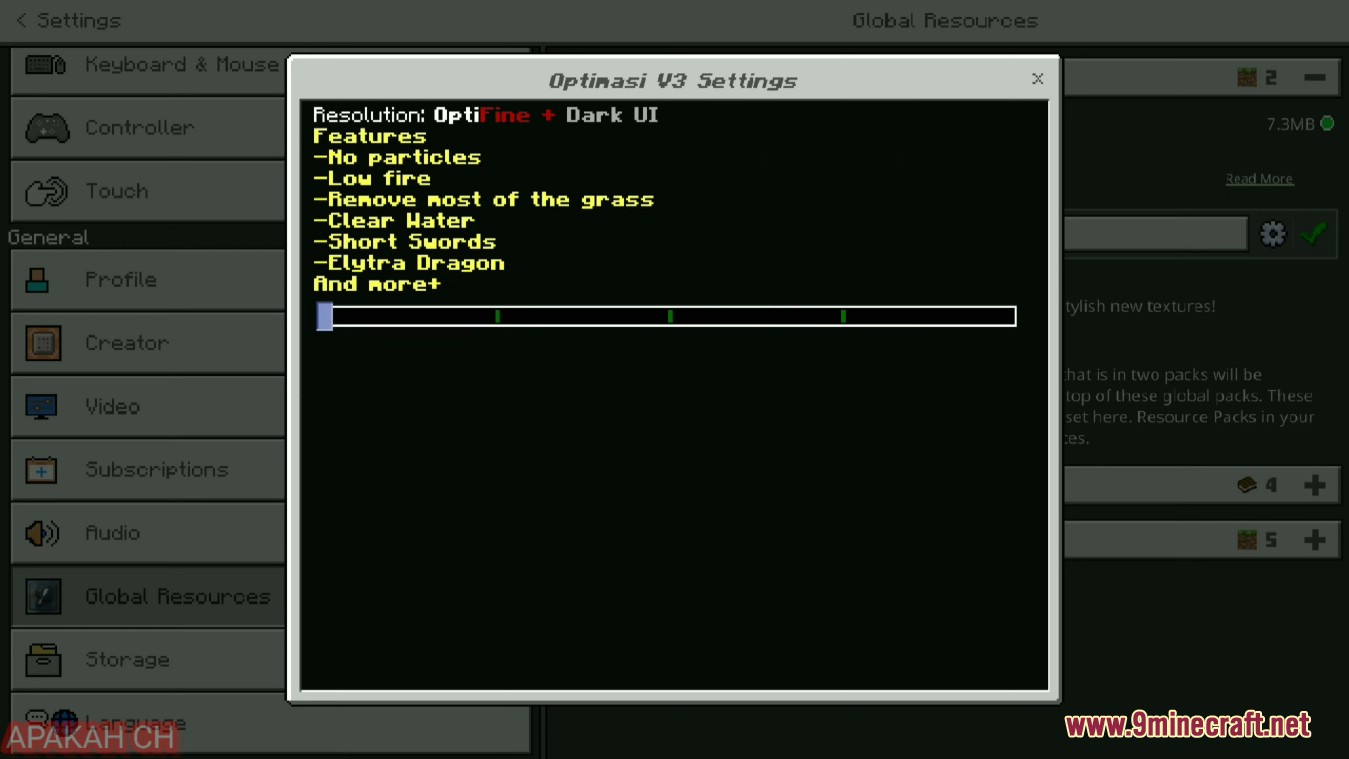
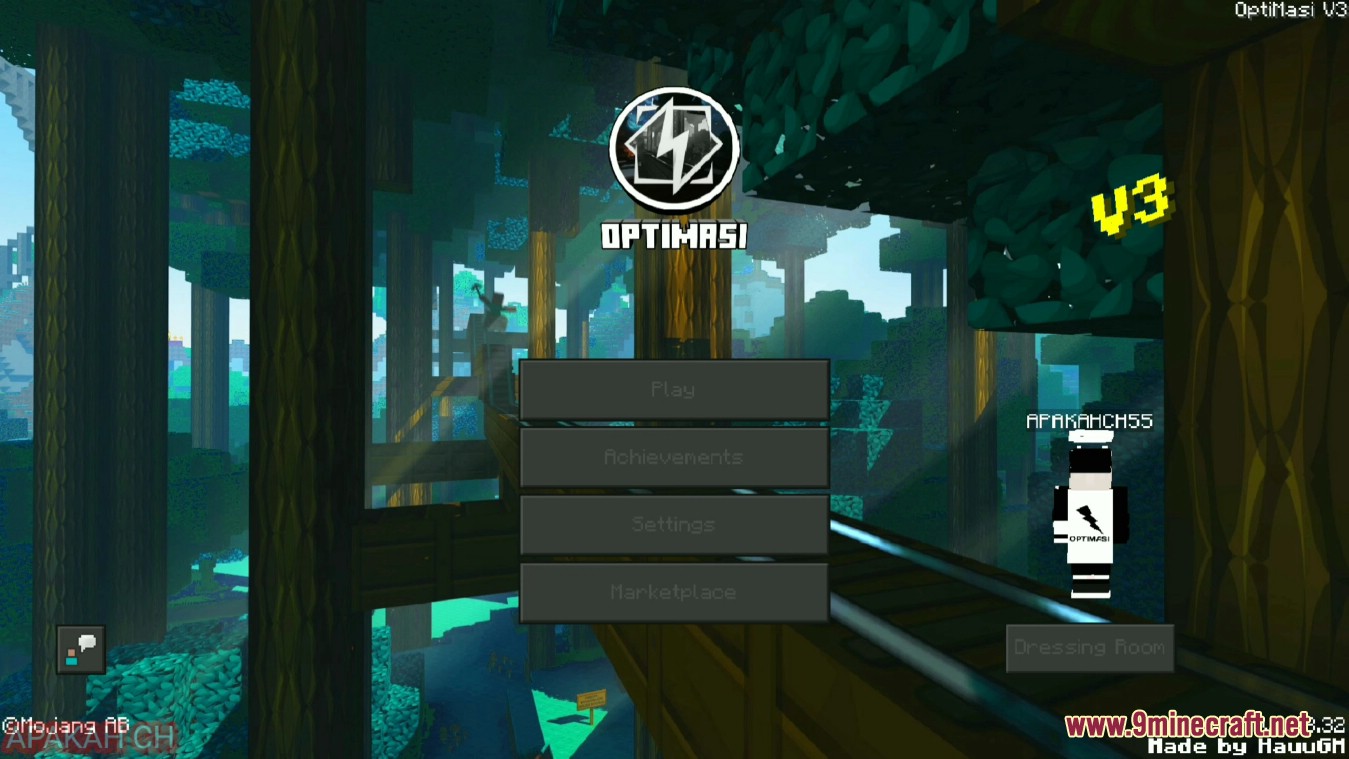
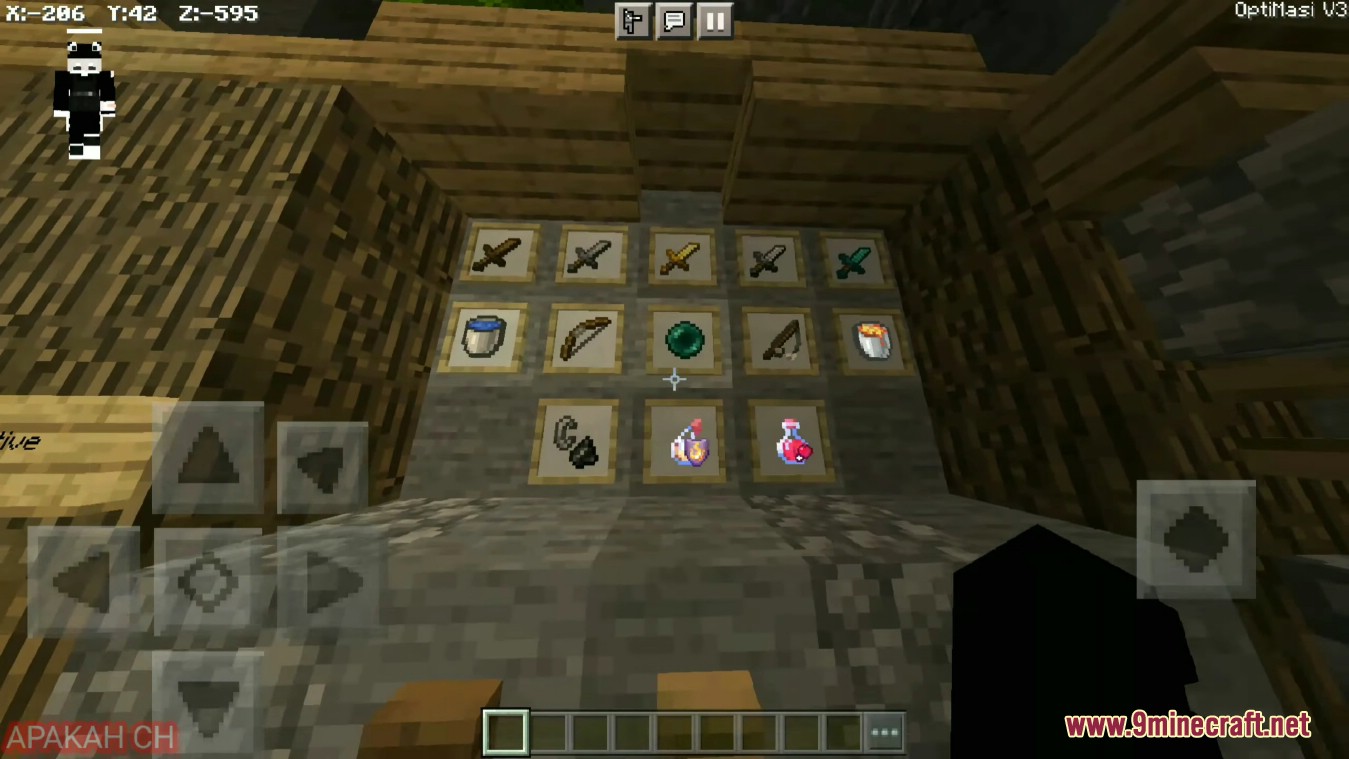
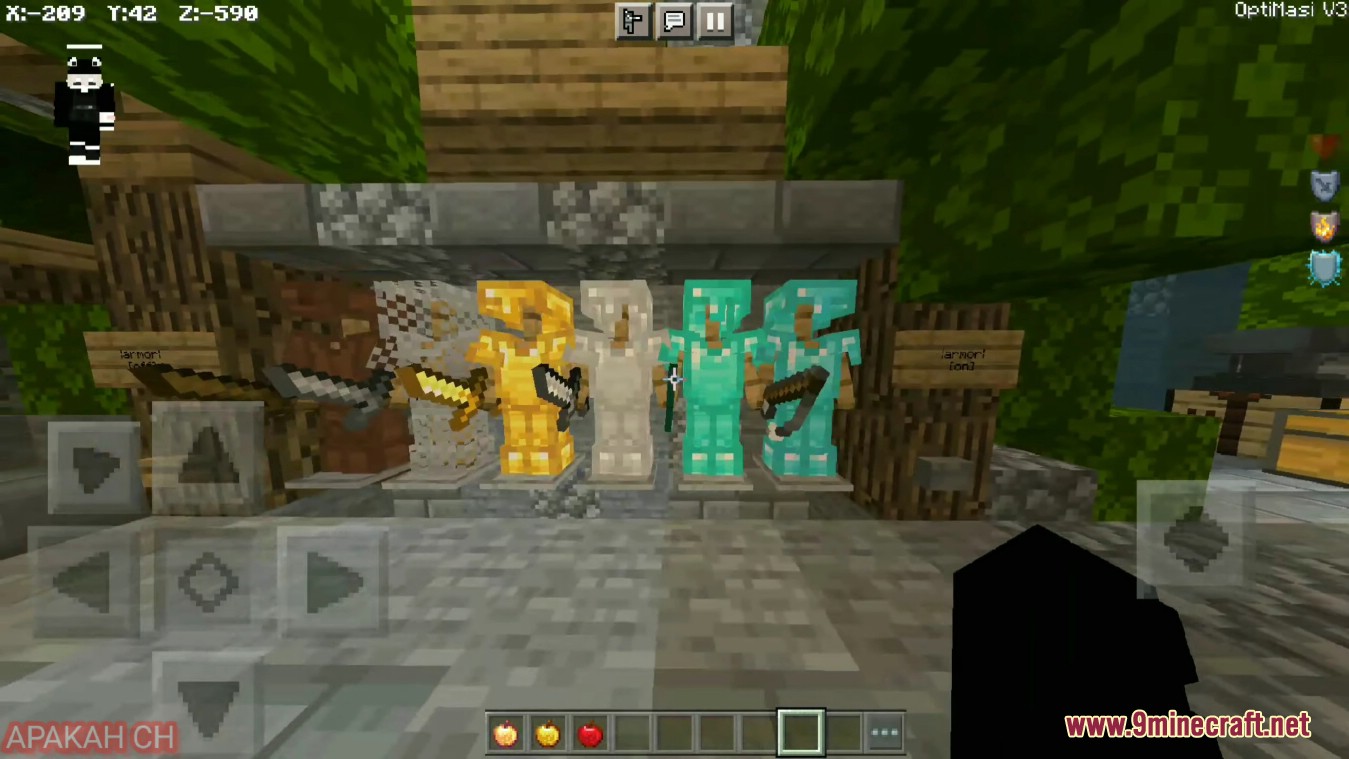
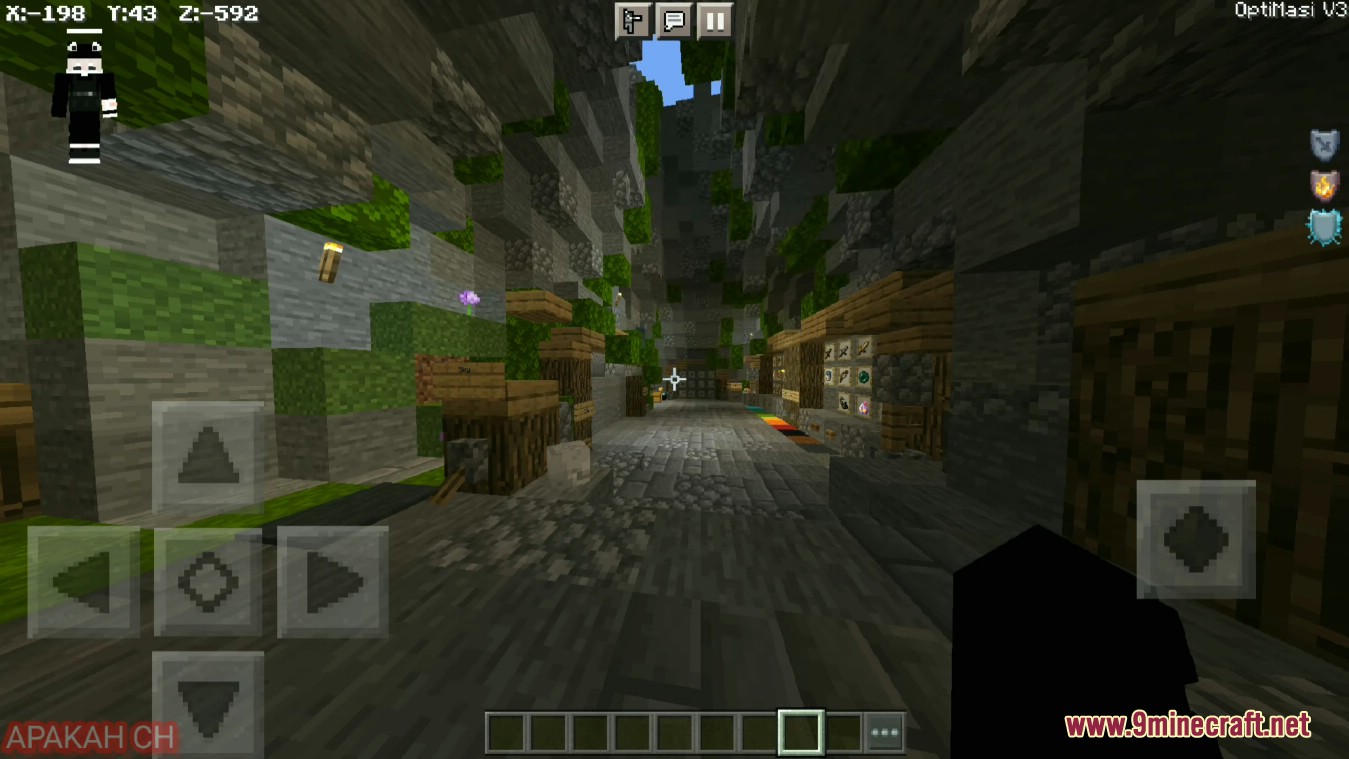
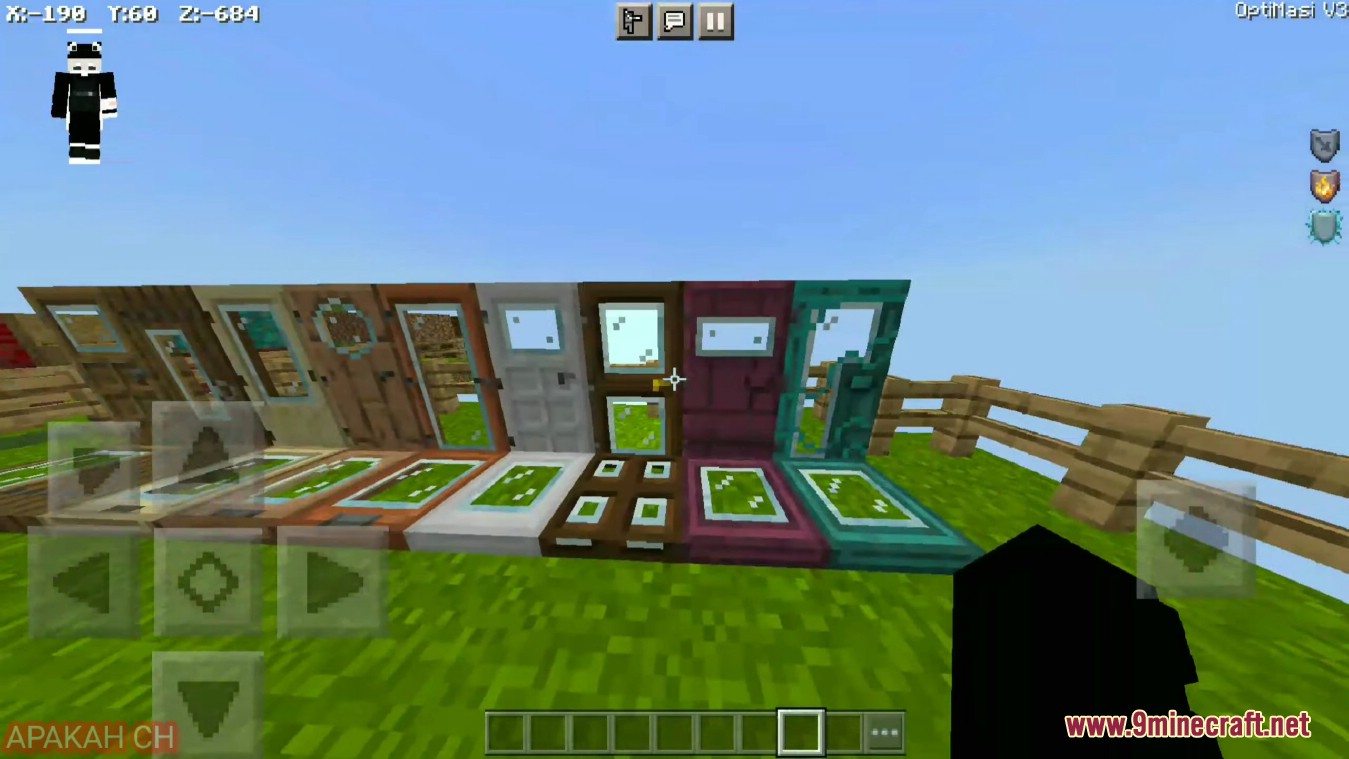
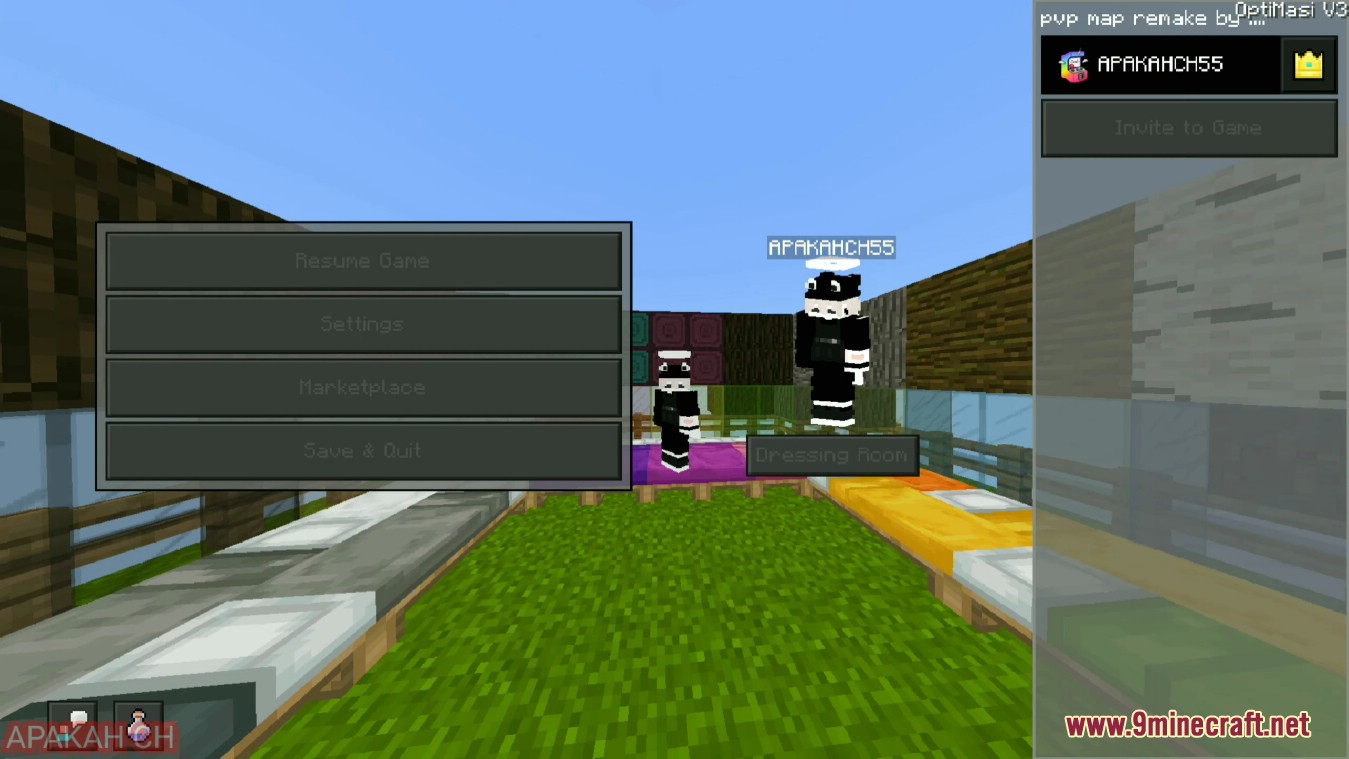
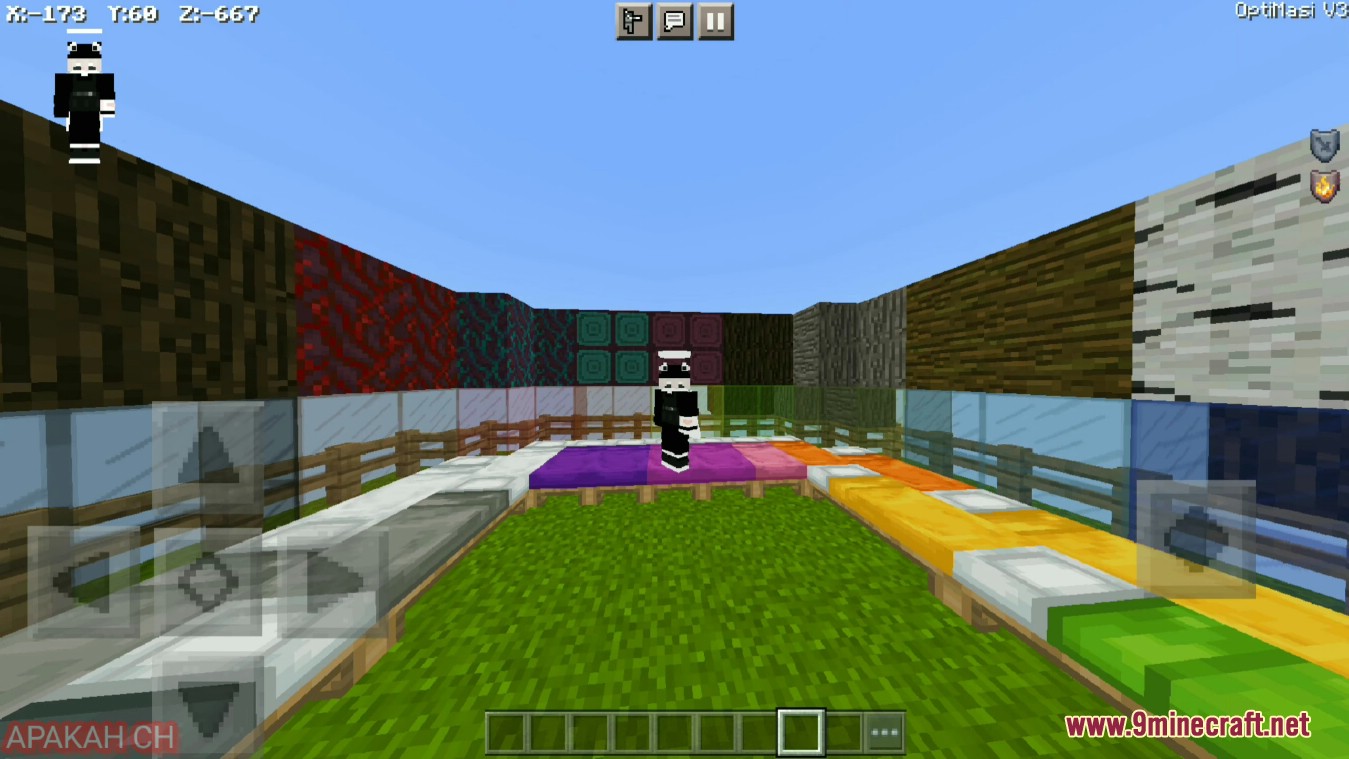
Optimasi Client MCPE with some things like Dark UI, FPS boost, Advanchat, Cosmetics (Cape, Halo), OptiFine, Quick Settings, Custom Crosshair, Full grass, Clear water, Clear grass and more.

Screenshots:
How to install:
- Download the mod itself, that is, all the necessary files in the .mcaddon format.
- Open the folder with the downloaded files.
- Try to open the downloaded mod (just click on the file in the .mcaddon format).
- It often happens that the phone cannot open the mod. In this situation, we recommend that you download the File Manager (Google Play).
- Open the File Manager, find the downloaded mod and activate it. Everything is simple.
- At this point, the installation of the mod on your phone will begin. For a while you will see a black screen. You have to wait for the installation to complete.
Optimasi Client MCPE Download Links
For Minecraft PE/Bedrock 1.19, 1.18
V3.0: Download from Server 2
Click to rate this post!
[Total: 5 Average: 3.6]

1 Comment
What do you think? Your opinion means a lot — we'd love to hear from you.
You May Also Like














Dick mod plss 🙂