OS’s My Little Pony Skin Pack (1.21,1.20) – MCPE/Bedrock
 82
82
 0
0
 January 14, 2026
OS’s My Little Pony Skin Pack (1.21,1.20) is inspired by the pony characters from Equestria. The figures are designed in the Funko toy style with a miniature appearance. The pack includes 8 different characters.
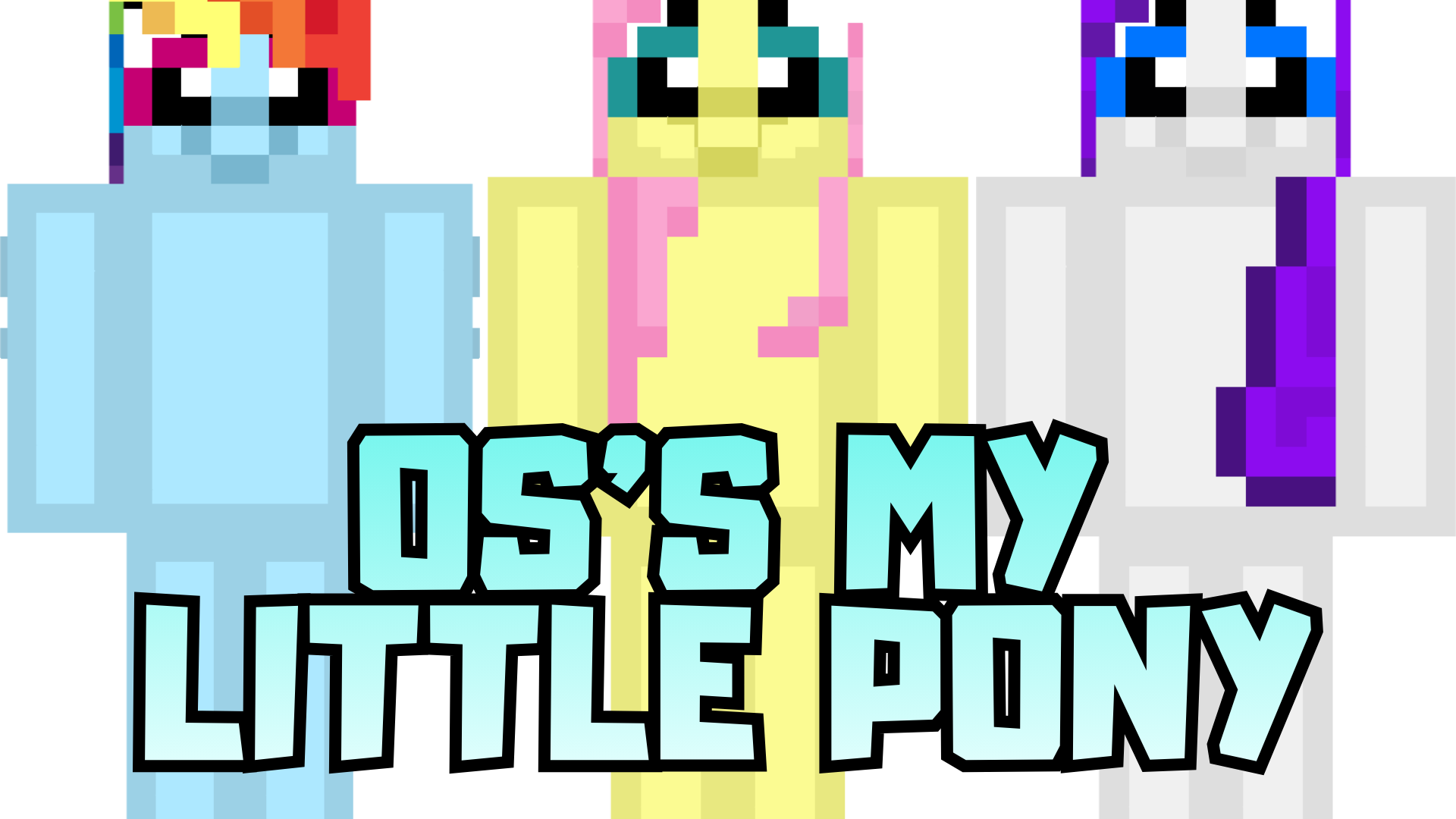
Screenshots:






How to install:
- Download the Skin Pack: Download the skin pack file, usually in .mcpack format.
- Import the Skin Pack: Double-click the mcpack file to import it.
- Apply the Skin: Open the game, then go to “Dressing Room” and choose the new skin from the list.
- Enjoy Your New Look: The new skin will be applied to your character, and you can start playing with your updated appearance!
OS’s My Little Pony Skin Pack (v26, 1.21) Download Links
For Minecraft PE/Bedrock 1.21, 1.20
mcpack: Download from server 1 – Download from server 2
Click to rate this post!
[Total: 0 Average: 0]
You May Also Like