


Pack Core Mod (26.1.2, 1.21.11) – Set Up Your SkyBlock Modpacks
 28
28
 0
0


🌐 Good news — we've translated this article into other languages!
Or pick the one you like:
Pack Core Mod helps you set up SkyBlock modpacks quickly and easily. It adds a special Hypixel SkyBlock-themed start menu to your game and walks you through a simple setup process. You can pick your favorite menu styles, adjust performance settings, and manage your files without leaving the game.
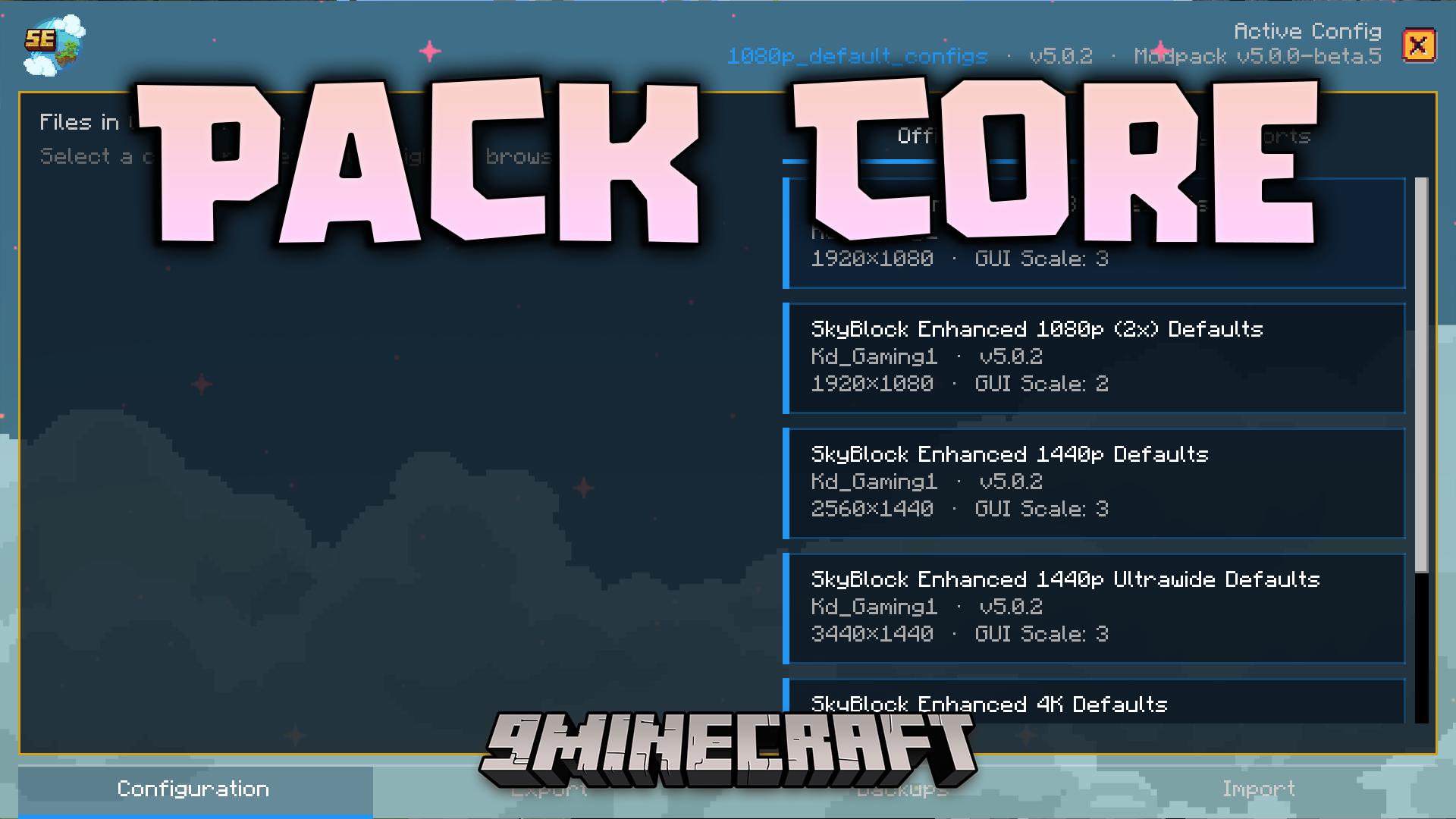
Features:
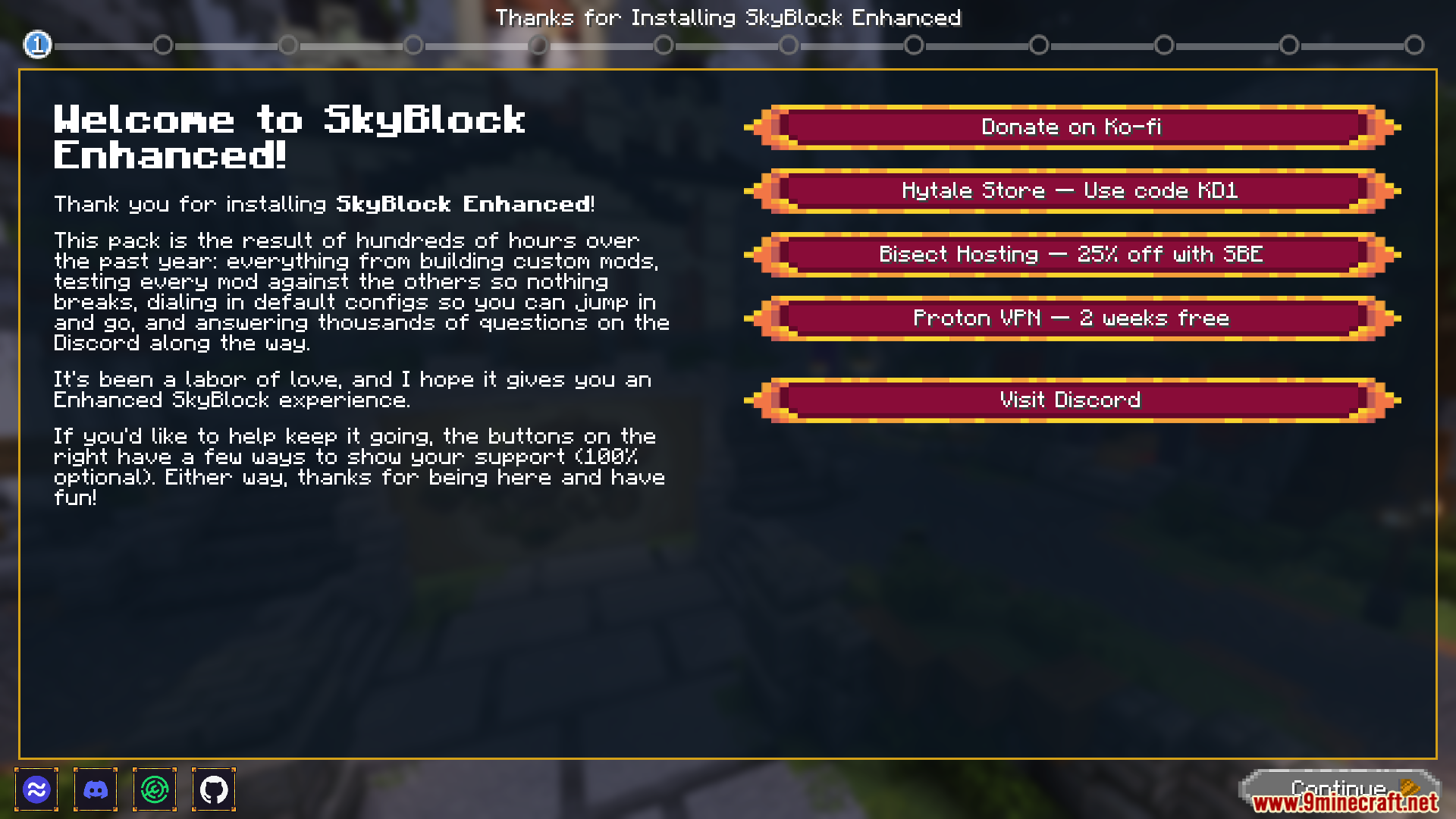
- Setup Wizard: Opens a helpful guide the first time you play so you can pick your favorite settings while looking at pictures of them.
- Performance Picker: Lets you choose between running the game super fast for high frames or making everything look pretty with high quality.
- Changes the look of your main menu to match the popular Hypixel SkyBlock style.
- Lets you pick different designs for your game tabs, storage screens, and item backgrounds.
- Helps you turn on resource packs right from the setup screen.
- Shows you a final review page before you save your changes so you know exactly what is happening.
- Pops up an alert to help you pick a default configuration before the game fully loads.
- Guides you through the steps to get OptiFine if you do not have it installed yet.
Commands:
- Type
/packcore wizardto open the setup screen again. - Use
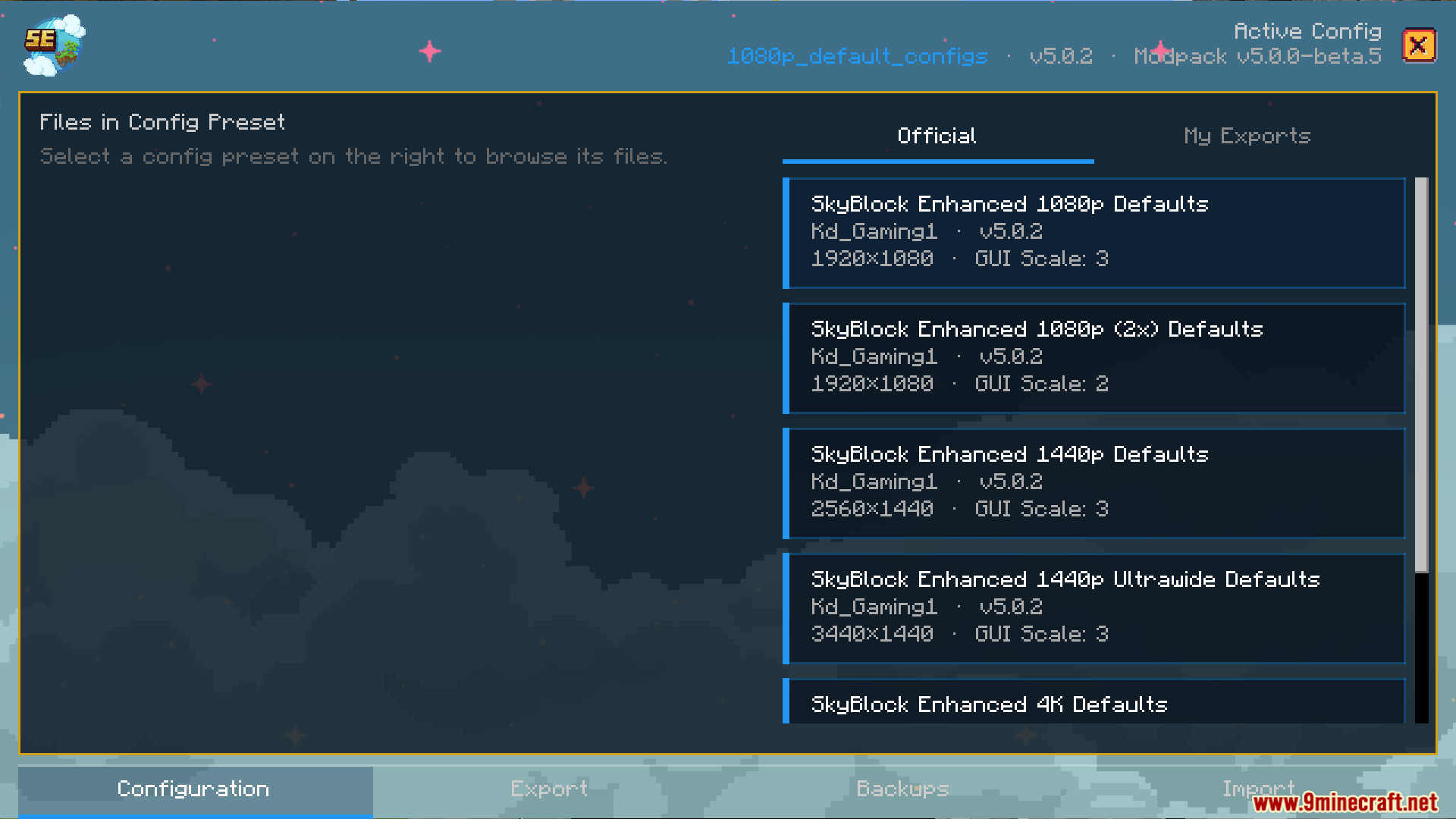
/packcore modpack_configto open the menu where you manage your settings. - Type
/packcore update checkto look for a newer version of the tool.
How to Use:
- Start your game for the first time to see the default settings prompt.
- Follow the setup guide on your screen to pick your menu styles and resource packs.
- Choose a performance profile based on how fast your computer is.
- Review your choices on the final page and click apply to save them.
Screenshots:







How to Install:
New to Minecraft? Follow our step-by-step guide to install Mods on your PC.View Guide
Requirements:
 Fabric Loader Required
 Fabric API Required
 Minecraft Forge Required
ScamScreener for Hypixel SkyBlock Required
oωo (owo-lib) Required
 Fabric Language Kotlin Mod Required
Vistas Required

Pack Core Mod Download Links
For Minecraft 26.1.2, 26.1.1, 26.1
For Minecraft 1.21.11
For Minecraft 1.8.9
Click to rate this post!
[Total: 0 Average: 0]
You May Also Like







This post has no comments yet. Be the first — your comment will appear here.