


Performance Analyzer Plugin (26.2, 1.21.1) – Track Down Lag Before Players

 0
0 

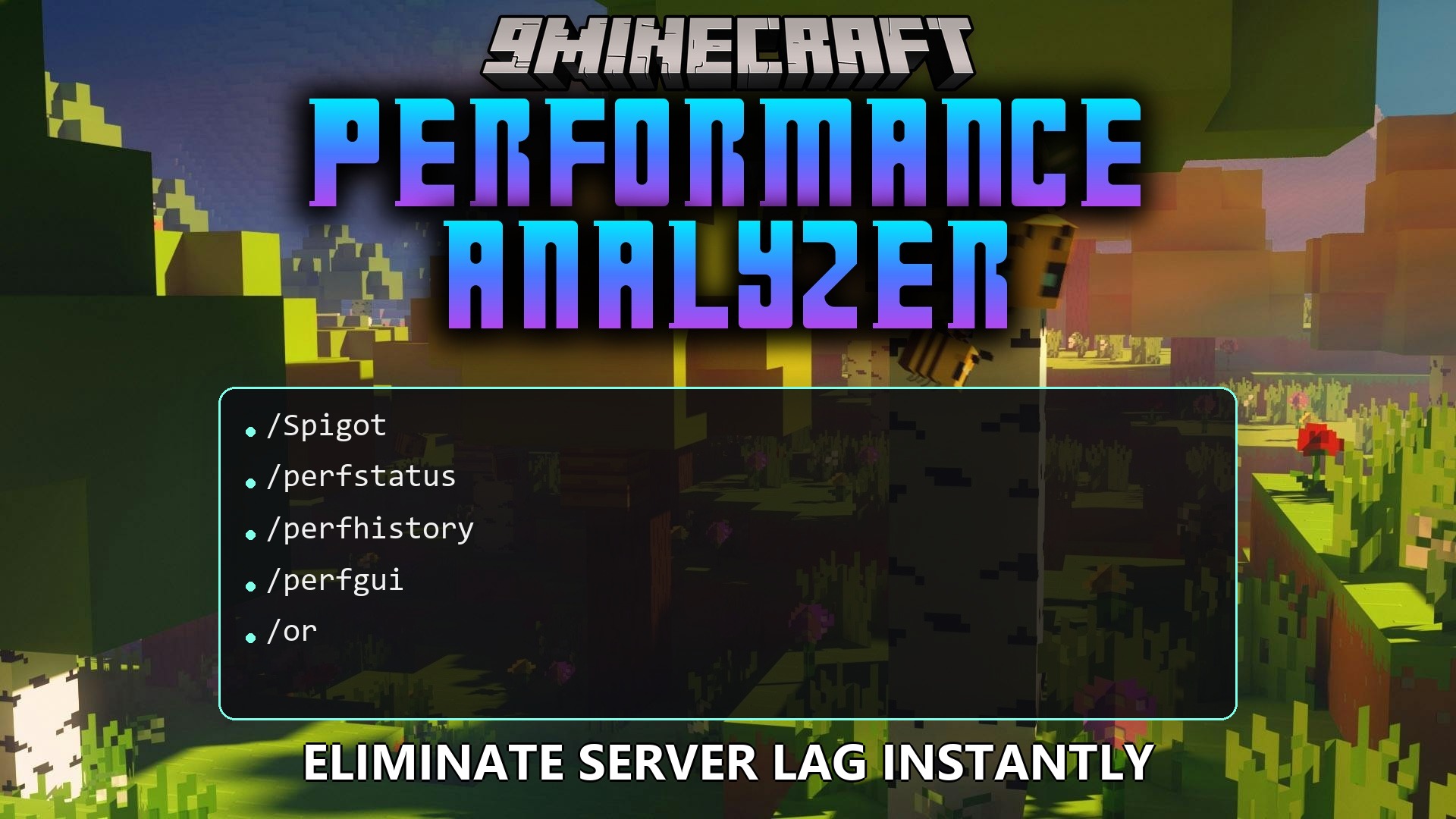
Performance Analyzer Plugin helps you track how well your server runs in real time. It records memory usage, player count, and lag spikes so you can figure out what slows down the game. The plugin saves this data over time, making it easy to spot patterns or bad behavior. It even includes a tool to catch players who might be cheating to find rare ores.
Features:
- Live Menu: Opens a simple screen inside the game to show you exactly how the server is doing right now.
- Cheat Detection: Watches how people mine for ores and highlights players who find diamonds way too fast.
- Records server health over days and weeks so you can look back and find out exactly when the lag started.
- Sends warning messages directly to your chat or a Discord channel if the server struggles to keep up.
- Lets you set specific rules for what counts as a warning or a critical problem.
- Works out of the box with a simple file system, but also supports larger database setups if you run multiple worlds.
- Ignores trusted players if you add them to a safe list, so they do not trigger false alarms while mining.
Commands:
/perfstatus: shows a live overview of server health and memory./perfhistory: displays past data to help you spot long-term lag trends./perfgui: opens a visual menu on your screen with important stats./perfreload: applies any new changes you make to the settings file./acwhitelist: manages the list of players who are ignored by the cheat checker./xrayalerts: shows warnings about players who might be cheating./xrayores: displays mining stats to help you find suspicious patterns.
How to Use:
- Type
/perfguiin the chat to open the main visual menu and check current server health. - Look at the live stats to see if memory usage is high or if the game is dropping frames.
- Use
/perfhistoryif players complain about lag that happened earlier in the day. - Check
/xrayoresoccasionally to make sure nobody is digging straight to valuable items.
How to Install:
New to Minecraft? Follow our step-by-step guide to install Plugins on your PC.View Guide
Performance Analyzer Plugin Download Links
For Minecraft
26.2,
26.1.2,
26.1.1
All Versions Covered
26.2
26.1.2
26.1.1
26.1
1.21.11
1.21.10
1.21.9
1.21.8
1.21.7
1.21.6
1.21.5
1.21.4
1.21.3
1.21.2
1.21.1
1.21
All Versions Covered
26.2
26.1.2
26.1.1
26.1
1.21.11
1.21.10
1.21.9
1.21.8
1.21.7
1.21.6
1.21.5
1.21.4
1.21.3
1.21.2
1.21.1
1.21
Click to rate this post!
[Total: 0 Average: 0]
You May Also Like
















This post has no comments yet. Be the first — your comment will appear here.