


Economy Shop GUI Plugin (26.2, 1.20.1) – Trade Items Without Clicking

 0
0 

Economy Shop GUI Plugin gives your server a visual store where players buy and sell items. It replaces complicated signs with a clean menu that anyone can understand. Players open the shop, click on categories like food or blocks, and trade items for money. The menu handles pages automatically and holds an unlimited number of items.
Features:
- In-Game Setup: Lets you add, edit, or remove items directly while playing without touching files.
- Unlimited Stock: Holds as many items as you want and creates new menu pages automatically.
- Special Items: Supports potions, spawners, player heads, custom leather armor colors, and fireworks.
- Allows you to set up discounts or sell multipliers for specific player groups.
- Works with NPC characters or physical block stands to create realistic market areas.
- Connects to standard economy systems to handle player money.
- Keeps a transaction log file so you can track exactly what players buy and sell.
- Includes ready-to-use shop layouts for different Minecraft versions.
- Supports Bedrock players who join your server.
Commands:
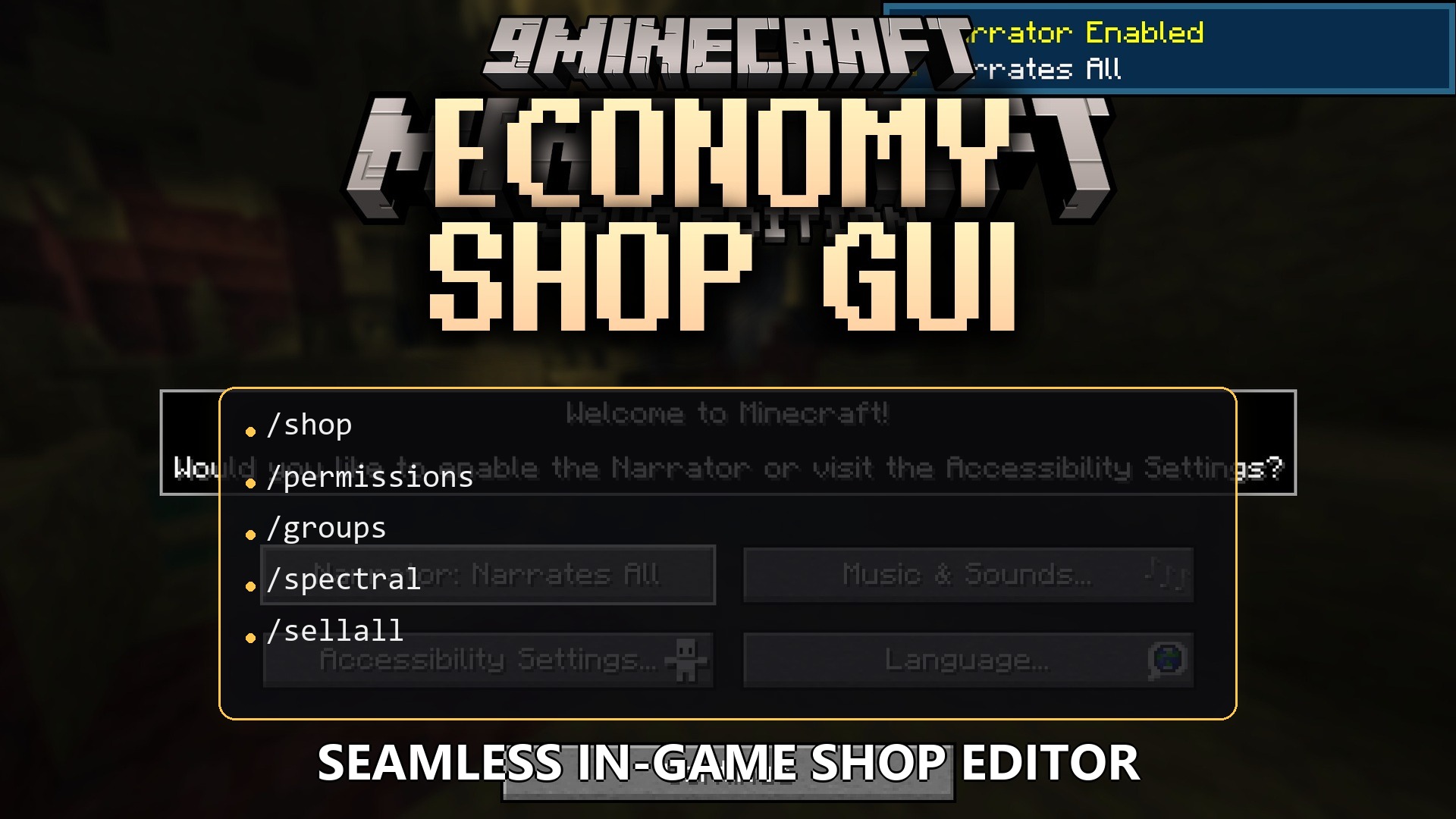
/shop: opens the main store menu./shop: opens a specific category directly.
/sellall: sells every item in your inventory./sellall <item>: sells all items matching a specific material./sellall hand: sells the items you currently hold./sellgui: opens a menu where you drop items to sell them./editshop additem: adds a new item to the store.
<material> <buy price> <sell price> /editshop edititem: changes details of an existing item.
<item> <action> <key> <value> /editshop deleteitem: removes an item.
<item> /editshop addsection: creates a new category.
<material> <displayname> <place> /sreload: reloads the plugin files.
Configuration:
EconomyShopGUI.shop.: controls if a player can open a specific category.
EconomyShopGUI.sellall.: allows selling items with the sellall command in a category.
EconomyShopGUI.sellallitem.: allows selling specific items with the sellall item command.
How to Use:
- Type /shop in the chat to open the main visual menu.
- Click on a category icon to view the items inside.
- Left-click an item to buy it, or right-click to sell it from your inventory.
- Type /sellgui to open a special window where you drop multiple items to sell them all at once.
How to Install:
New to Minecraft? Follow our step-by-step guide to install Plugins on your PC.View Guide
Economy Shop GUI Plugin Download Links
For Minecraft
26.2,
26.1.2,
26.1.1
All Versions Covered
26.2
26.1.2
26.1.1
26.1
1.21.11
1.21.10
1.21.9
1.21.8
1.21.7
1.21.6
1.21.5
1.21.4
1.21.3
1.21.2
1.21.1
1.21
1.20.6
1.20.5
1.20.4
1.20.3
1.20.2
1.20.1
1.20
1.19.4
1.19.3
1.19.2
1.19.1
1.19
1.18.2
1.18.1
1.18
1.17
1.16
All Versions Covered
26.2
26.1.2
26.1.1
26.1
1.21.11
1.21.10
1.21.9
1.21.8
1.21.7
1.21.6
1.21.5
1.21.4
1.21.3
1.21.2
1.21.1
1.21
1.20.6
1.20.5
1.20.4
1.20.3
1.20.2
1.20.1
1.20
1.19.4
1.19.3
1.19.2
1.19.1
1.19
1.18.2
1.18.1
1.18
1.17
1.16
Click to rate this post!
[Total: 0 Average: 0]
You May Also Like






This post has no comments yet. Be the first — your comment will appear here.