
Piercing Paxels Mod (1.20.1, 1.19.2) – Carry One Multi-Tool for Every Block

 0


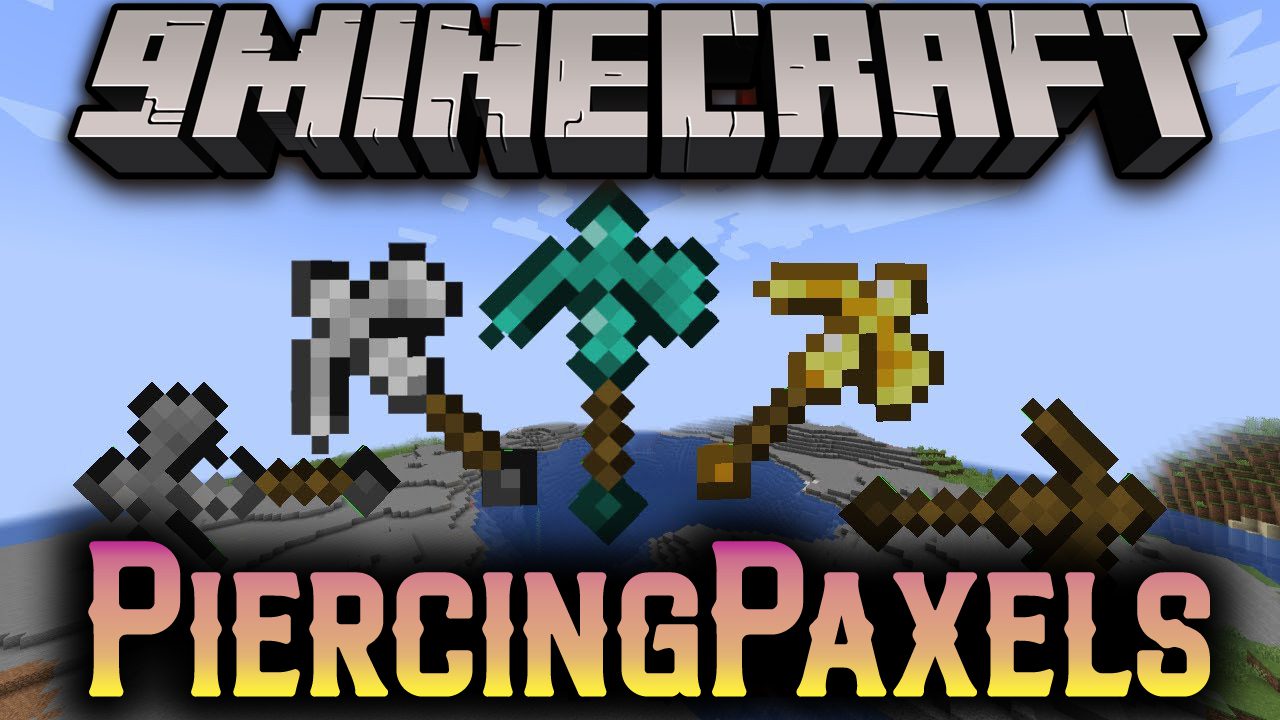
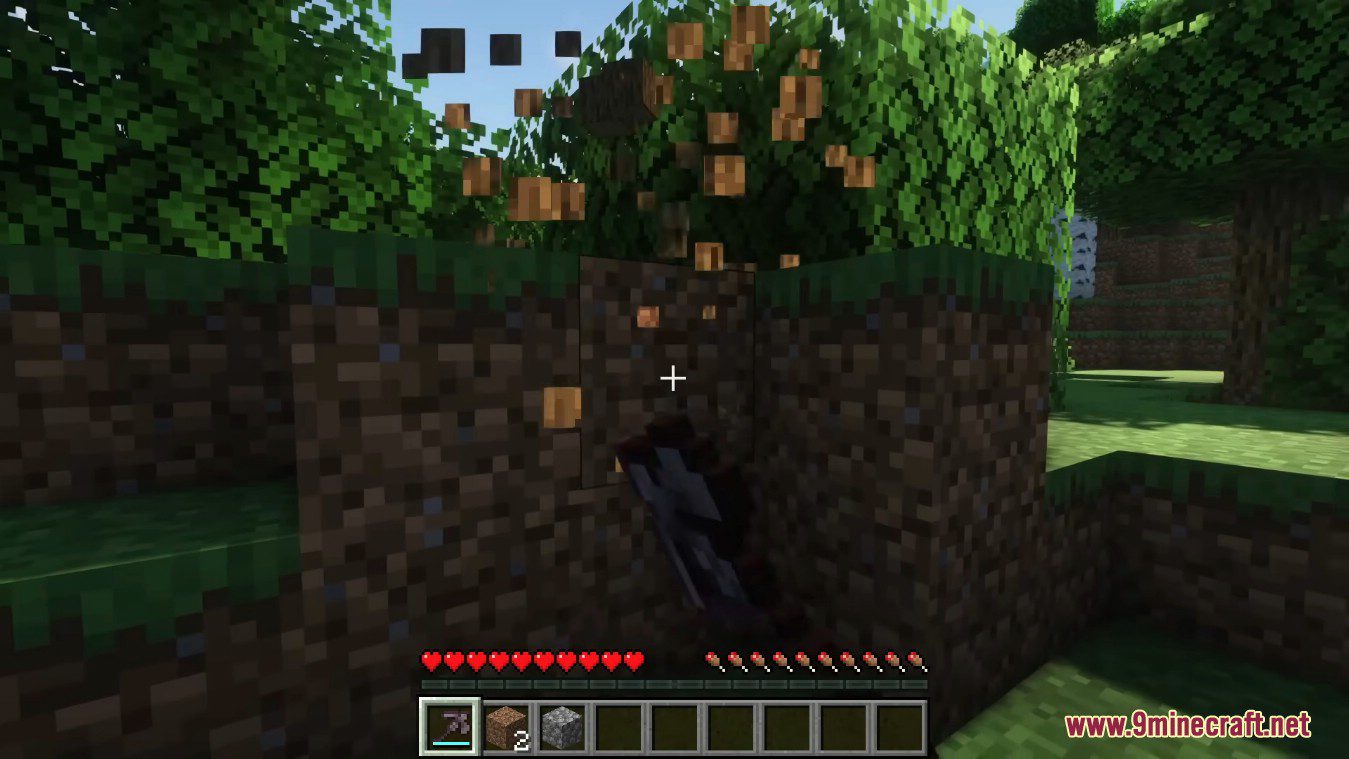
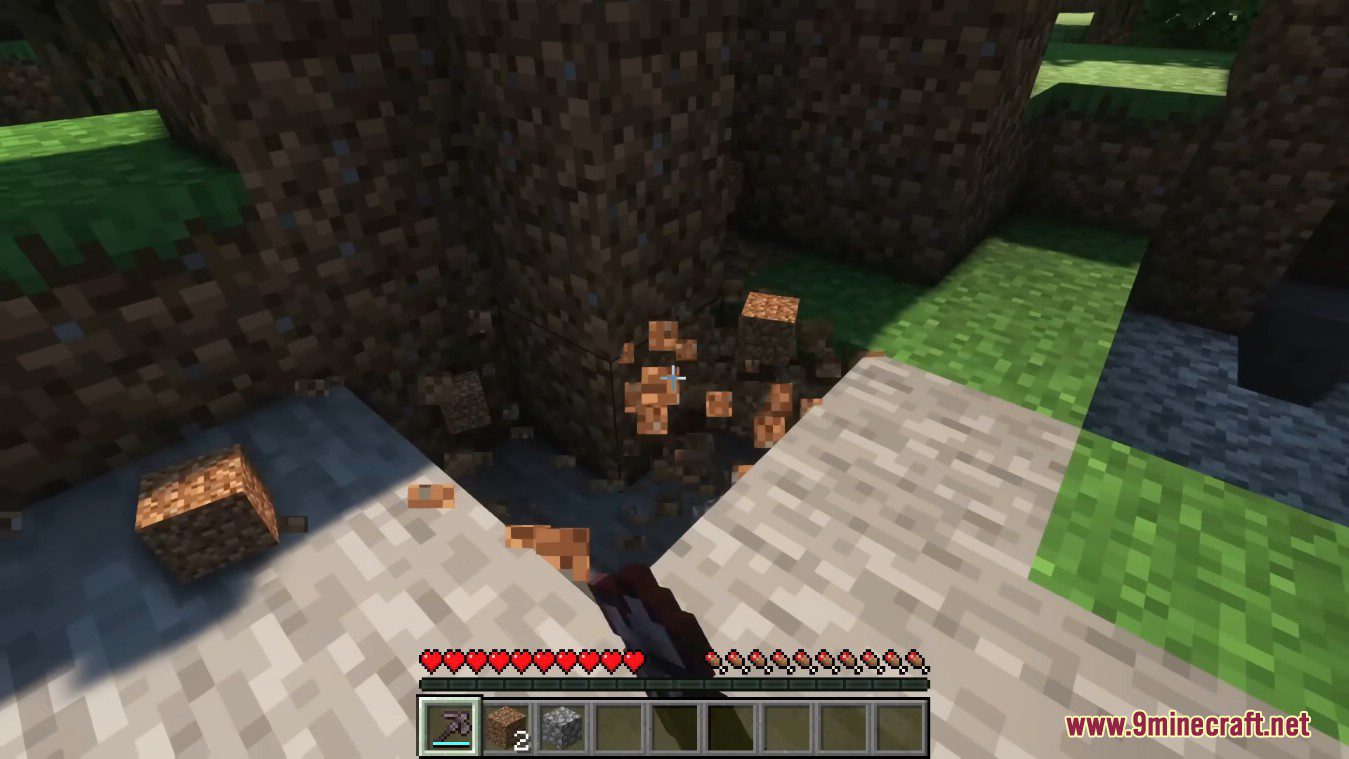
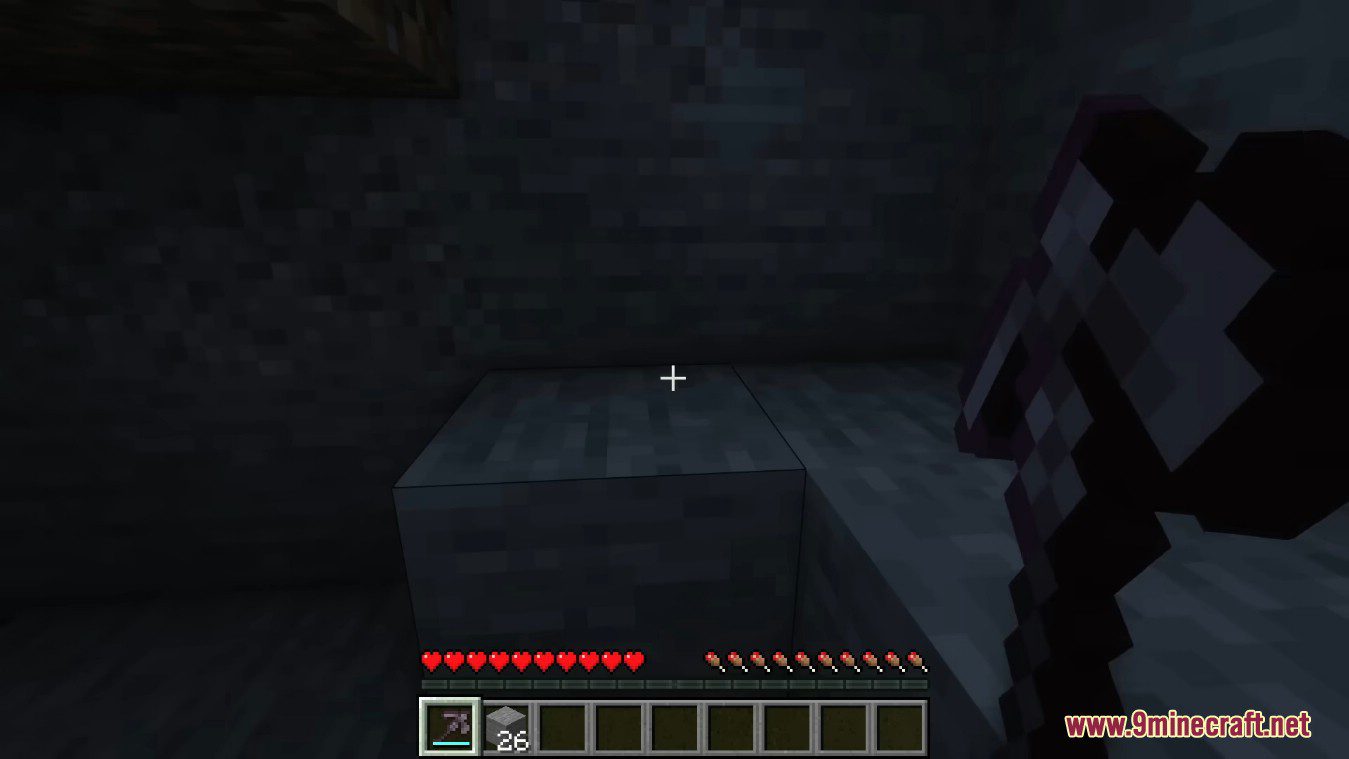
Piercing Paxels Mod introduces a new selection of powerful multi-tools called paxels to the game. These tools combine the abilities of all normal tools into a single item that can break any block. Players can also install custom upgrades to expand tool functions without relying on enchantments.
Features:
- Allows you to break any block in the world using a single multi-tool.
- Combines the durability of all individual tools used during crafting.
- Stops breaking completely at zero durability, becoming unusable until you repair it.
- Supports custom upgrades that boost abilities without needing enchantments.
- Ability Upgrades let you hold right-click to clear an area in front of you.
- Auto-Smelt instantly smelts any block you break.
- Silence muffles sounds so Sculk creatures cannot hear you.
- Vacuum drops broken items directly into your inventory.
- Restoration slowly repairs the paxel over time.
- Unbreakability prevents the paxel from taking durability damage.
- Usage Upgrades allow the paxel to function as a hoe, axe, or shovel.
How to Use:
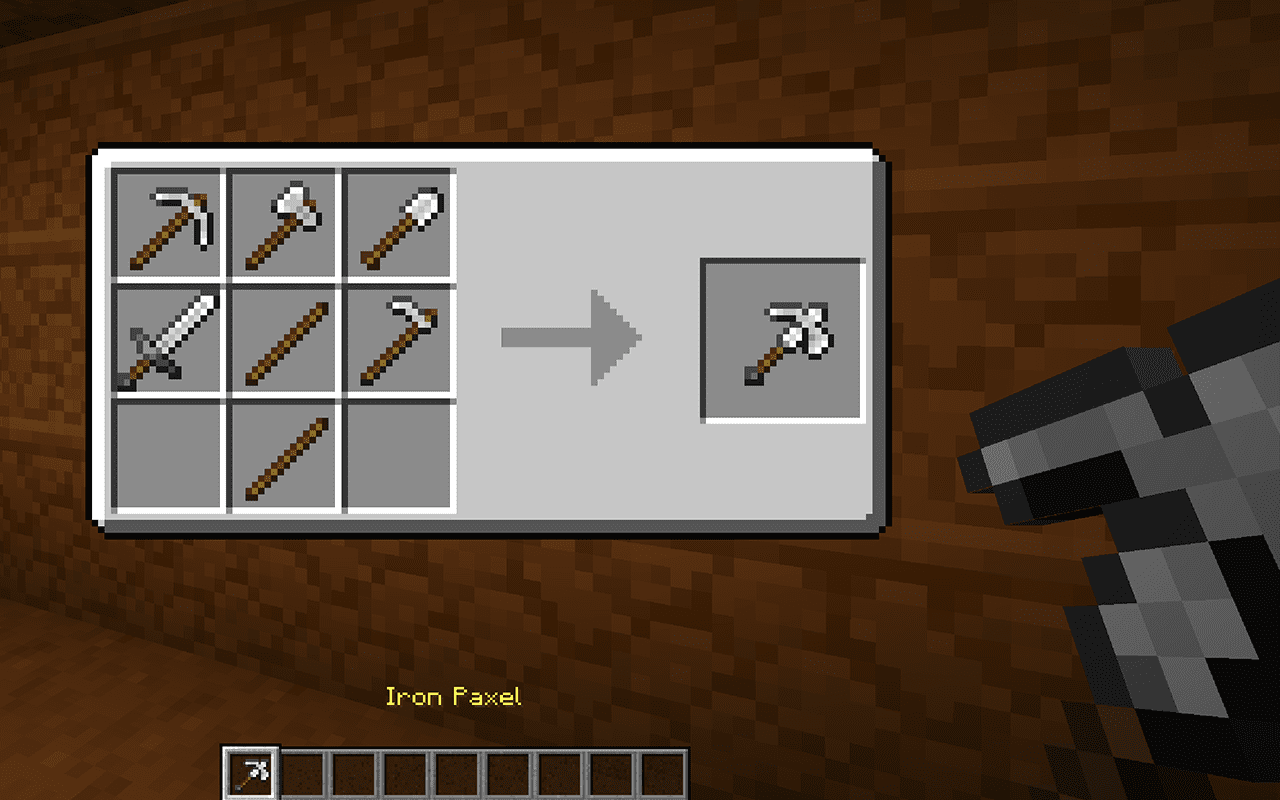
- Craft a paxel using all five parts of any individual material.
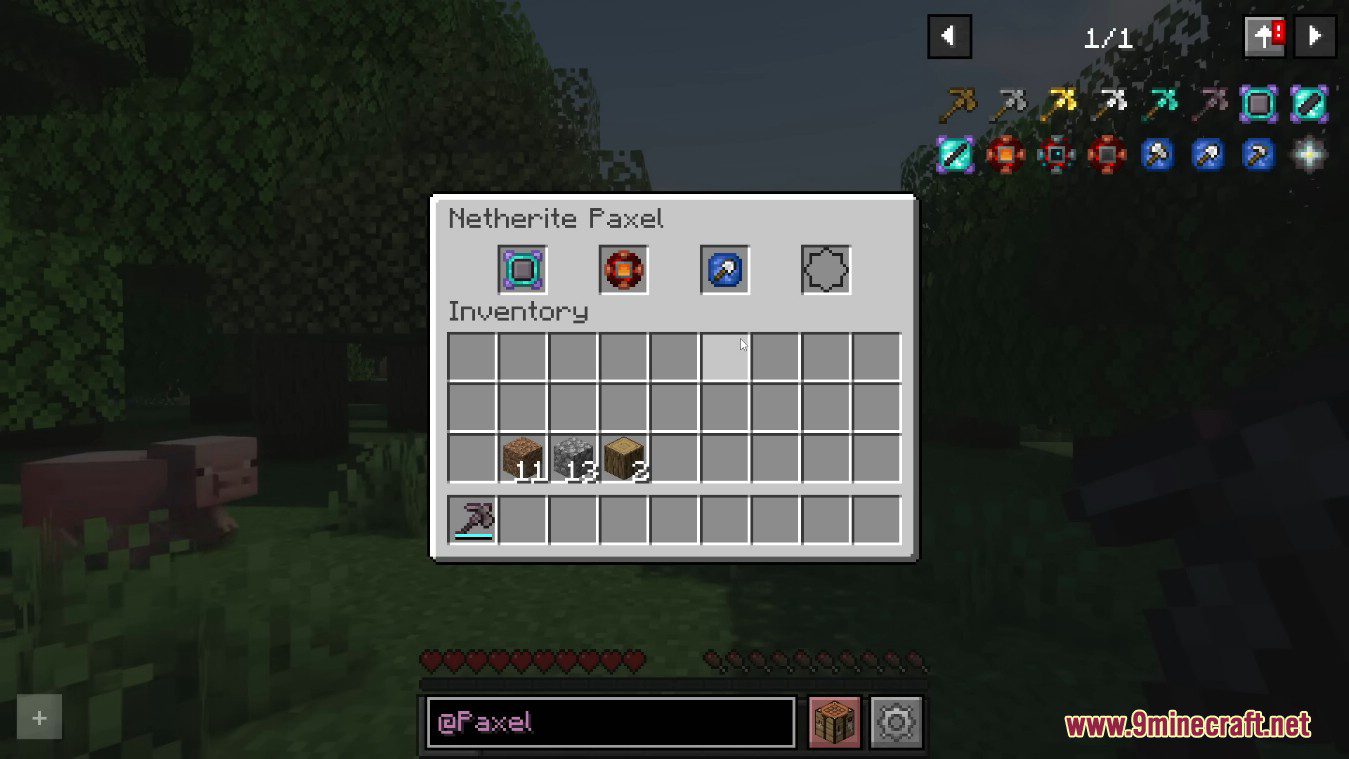
- Open the paxel inventory by holding shift and right-clicking.
- Place your custom upgrades into the designated upgrade slots.
- Use the paxel like a normal tool to break any block in the world.
- Hold right-click with an ability upgrade installed to break an area in front of you.
Crafting Recipes:
Crafting a Paxel
- Paxels can be created using all 5 of any individual material.
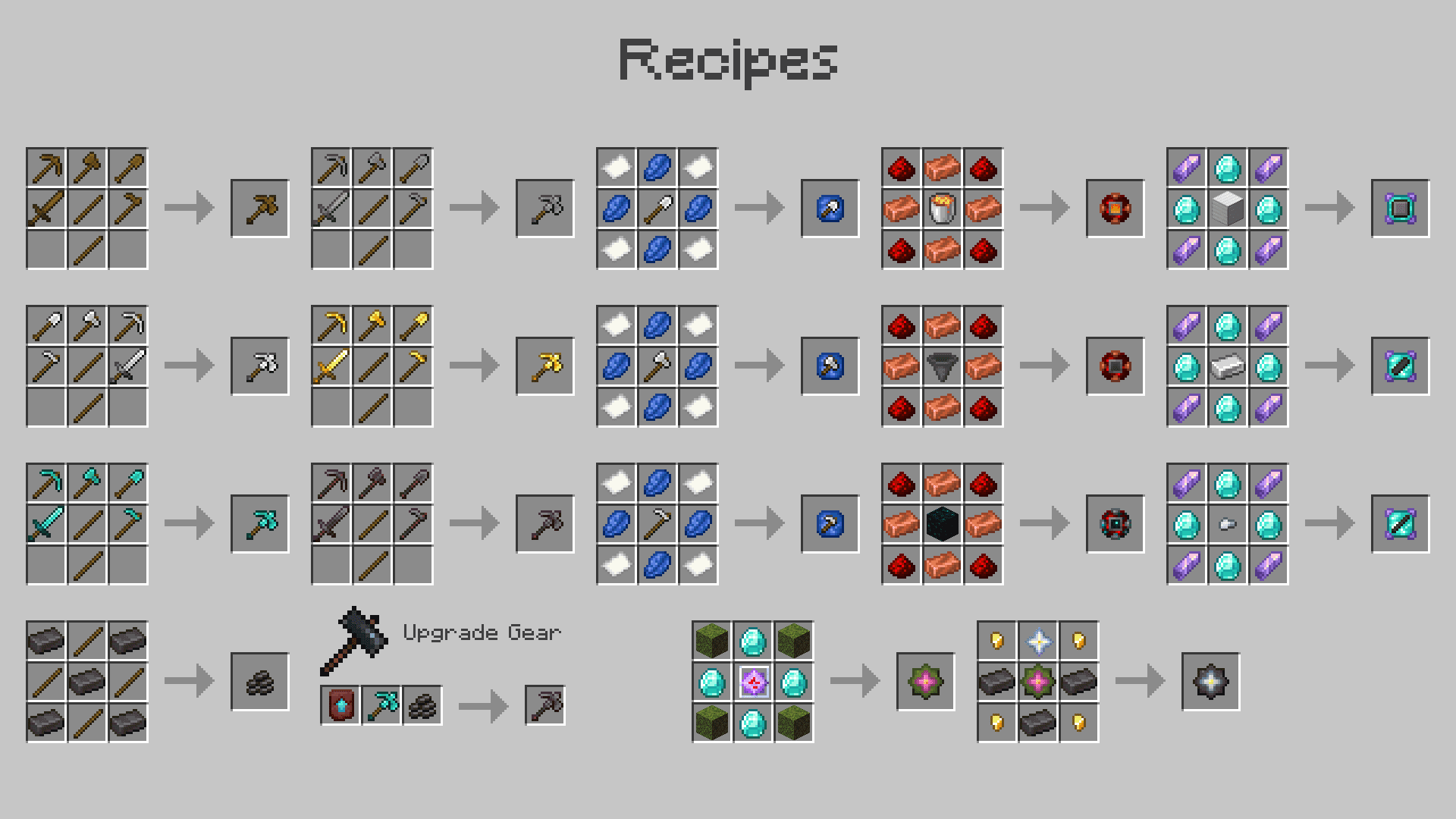
Creating Upgrades
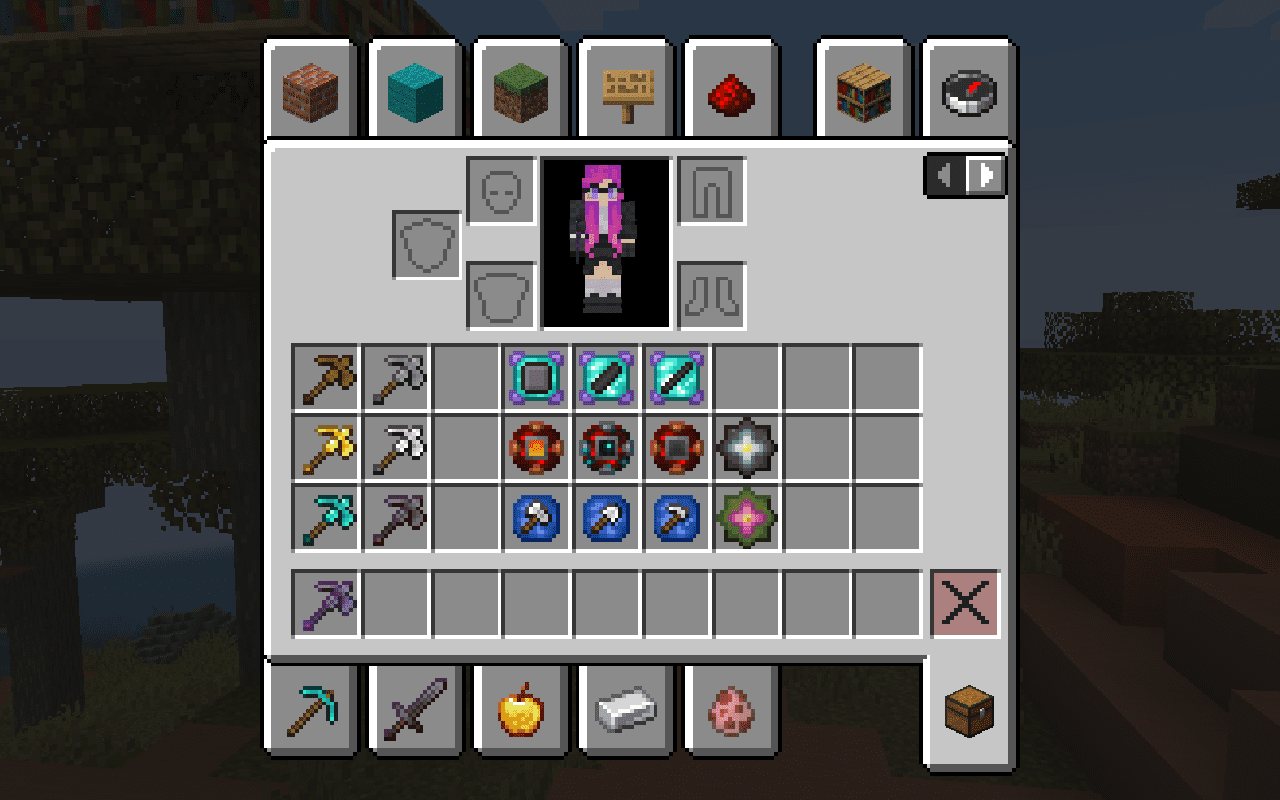
- Various types of upgrades can be created using the following recipes. They can be inserted into the paxel by opening its inventory with shift right-click, and put into it’s particular upgrade slot
Screenshots:
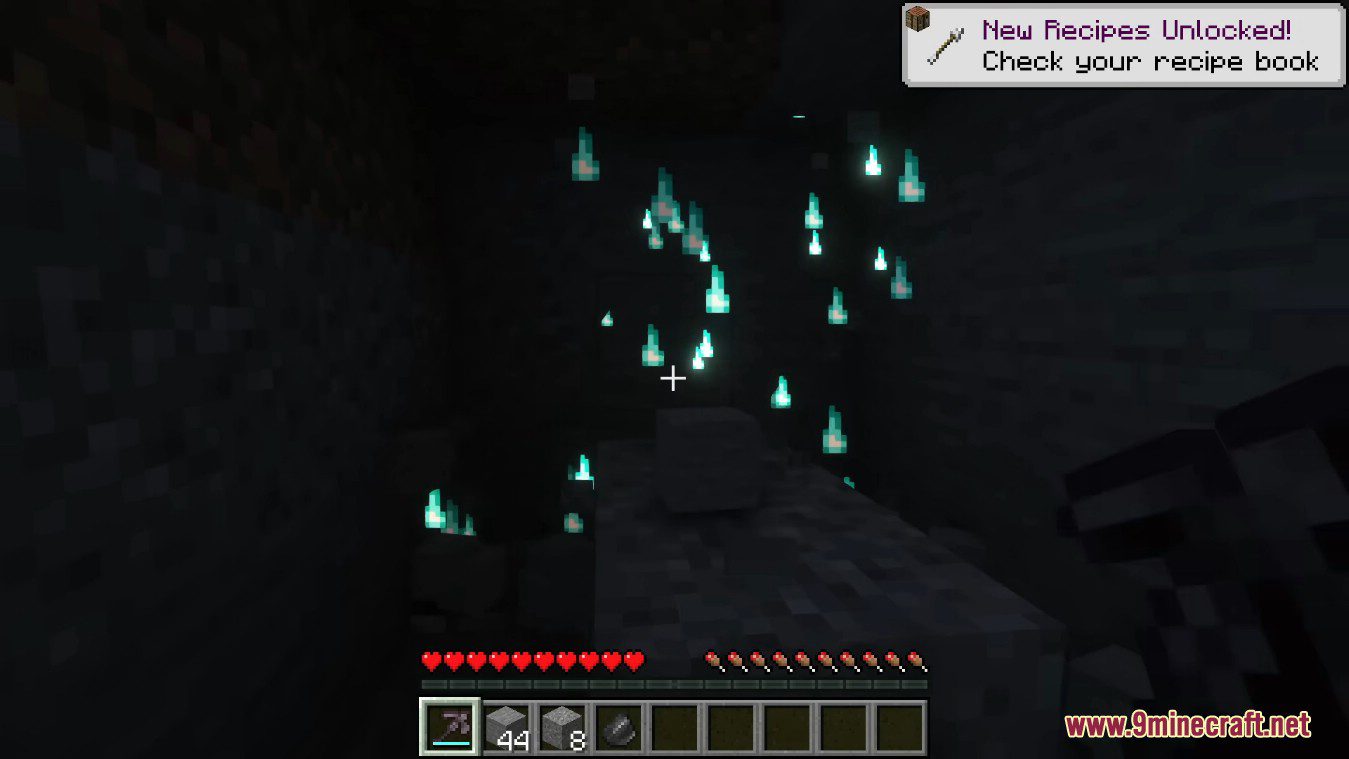
How to Install:
New to Minecraft? Follow our step-by-step guide to install Mods on your PC.View Guide
Requirements:

Piercing Paxels Mod Download Links
For Minecraft 1.20.1, 1.20
Forge/NeoForge version: Download from Server 1 – Download from Server 2
Fabric/Quilt version: Download from Server 1 – Download from Server 2
For Minecraft 1.19.2, 1.19.1, 1.19
Fabric/Quilt version: Download from Server 1 – Download from Server 2
For Minecraft 1.18.2, 1.18.1
Fabric version: Download from Server 1 – Download from Server 2
You May Also Like
Picked for this page
 Iron Chests Mod (26.3, 1.20.1) – Finally Organize Your Loot
 Falling Tree Mod (26.3, 1.20.1) – Making The Trees Fall in One Cut
 Chunk Loaders Mod (26.3, 1.20.1) – Keep Everything Running Even When You’re Away
 Mine Spawners Mod (1.21.11, 1.20.1) – Get Spawners Using a Silk Touch Pick
 O-Peepo’s Timber Mod (1.21.10, 1.20.1) – Automatic Tree Felling
 Server Sleep Mod (26.2, 1.20.1) – One Rule To Sleep Them All
 Productive Bees Mod (26.1.2, 1.20.1) – Build a Bee-Powered Farm
 First Join Message Mod (26.3, 1.20.1) – Custom Welcome Messages
 Mob Population Control Mod (1.21.11, 1.20.1) – Anti-Lag for Server
 Slyde More Mod (1.21.11, 1.20.1) – Push Settings Beyond Vanilla Limits
 Ultimate Chess Mod (1.20.1, 1.20) – Checkmate Your Friends in Your Own World
 Fast TPA Mod (26.1.2, 1.20.1) – Send Teleport Requests To Everyone
Most viewed in Mods over the last 7 days
 Ala Industrial Mod (26.3) – Run Electric Power Grids and Automated Factories
 PleasureCraft Mod (26.3, 1.21.1) – Jenny Mod Remake for Fabric
 Jennycraft Mod (26.3, 1.20.1) – Virtual Girlfriend in Minecraft
 Fapcraft Mod (26.3, 1.12.2) – Comprehensive and Detailed Content
 Jenny Mod (Fapcraft) Official Complete Guide – How to use, Tutorial
 BangCraft Mod (1.20.1) – Jenny, Ellie and Elliot
 Fabric Loader (26.3, 1.20.1) – Fabric Installer for All Minecraft Versions
 The Shooting Star Demo Mod (26.3, 1.20.1) – Vaporize Terrain From Orbit
 Meteor Client Mod (26.3, 1.20.1) – Xray, HUD, Fly
 OptiFine HD (26.3, 1.20.1) – Run Faster, FPS Boost, Shaders Support
 Aristois Client Mod (1.21.4, 1.20.1) – World Class Minecraft Utility
 Prestige Client Mod (1.21.11, 1.21.4) – Powerful Ghost Features for Crystal & Sword PvP
More from Mods
 Explainstone and Songmelyn Mod (1.21.1) – Broadcast Custom Music Across Your Base
 Rockstar Shaders Mod (26.3) – Cast Ray-Traced Light Across Vast Distant Horizons
 ERYDON Mod (1.20.1) – Design Grand Courtyards with Carved Marble Pillars
 Infinity Bound Mod (1.21.1) – Snap Away Enemies with Legendary Superhero Gear
 Legacy Gecko Lib Fabric Mod (1.16.5) – Power Animated Creatures in Modpacks
 The Man from the Shadow Horror Mod (1.20.1) – Fight Hallucinations to Survive
 Shade & Saturation Slider Mod (26.2, 1.21.11) – Make Every Biome Vibrant
 Cataclysm X Yung’s Better Nether Fortresses Compat Mod (1.21.1, 1.20.1)
 Patchouli 9minecraft Mod (26.3) – Read Mod Guides Without Leaving Minecraft
 Paintings ++ 9minecraft Mod (26.3) – Pick the Exact Painting You Want
 owo-lib 9minecraft Mod (26.3) – Run Your Favorite Mods Without Errors
 Moonlight 9minecraft Lib (26.3, 26.2) – Run Complex Mods Without Errors

This post has no comments yet. Be the first — your comment will appear here.