


Pl3x Markers Mod (26.2, 1.21.11) – Automatically Track Portals and Bases

 0
0 

🌐 Good news — we've translated this article into other languages!
Or pick the one you like:
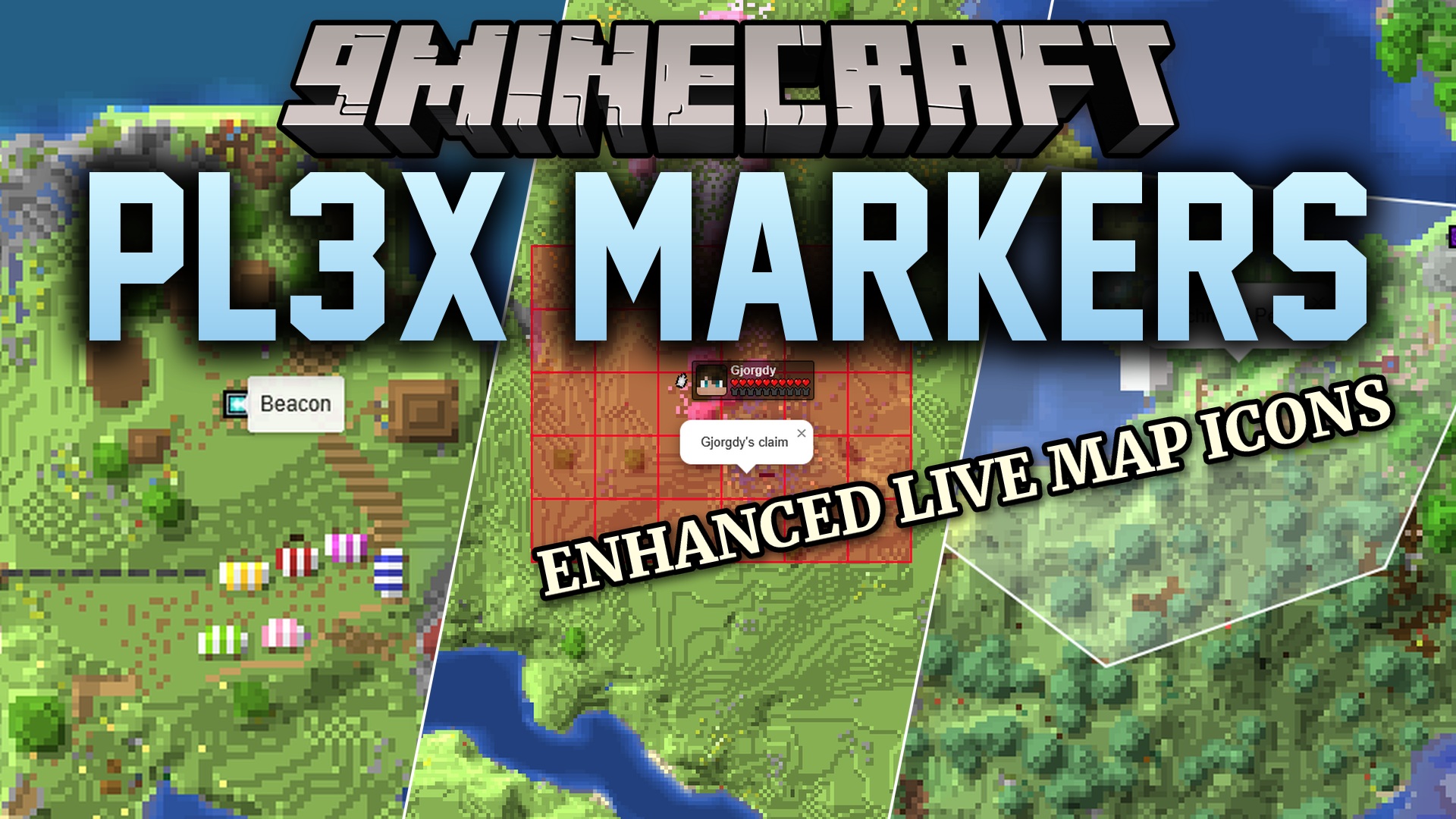
Pl3x Markers Mod adds automatic map markers for Pl3xMap. It updates your server’s web map with important locations and points of interest without making you type any extra commands. You can easily see where shops, portals, and safe zones are located right from your browser.
Features:
- Automatic Tracking: Places icons on your web map as soon as you build or use certain structures.
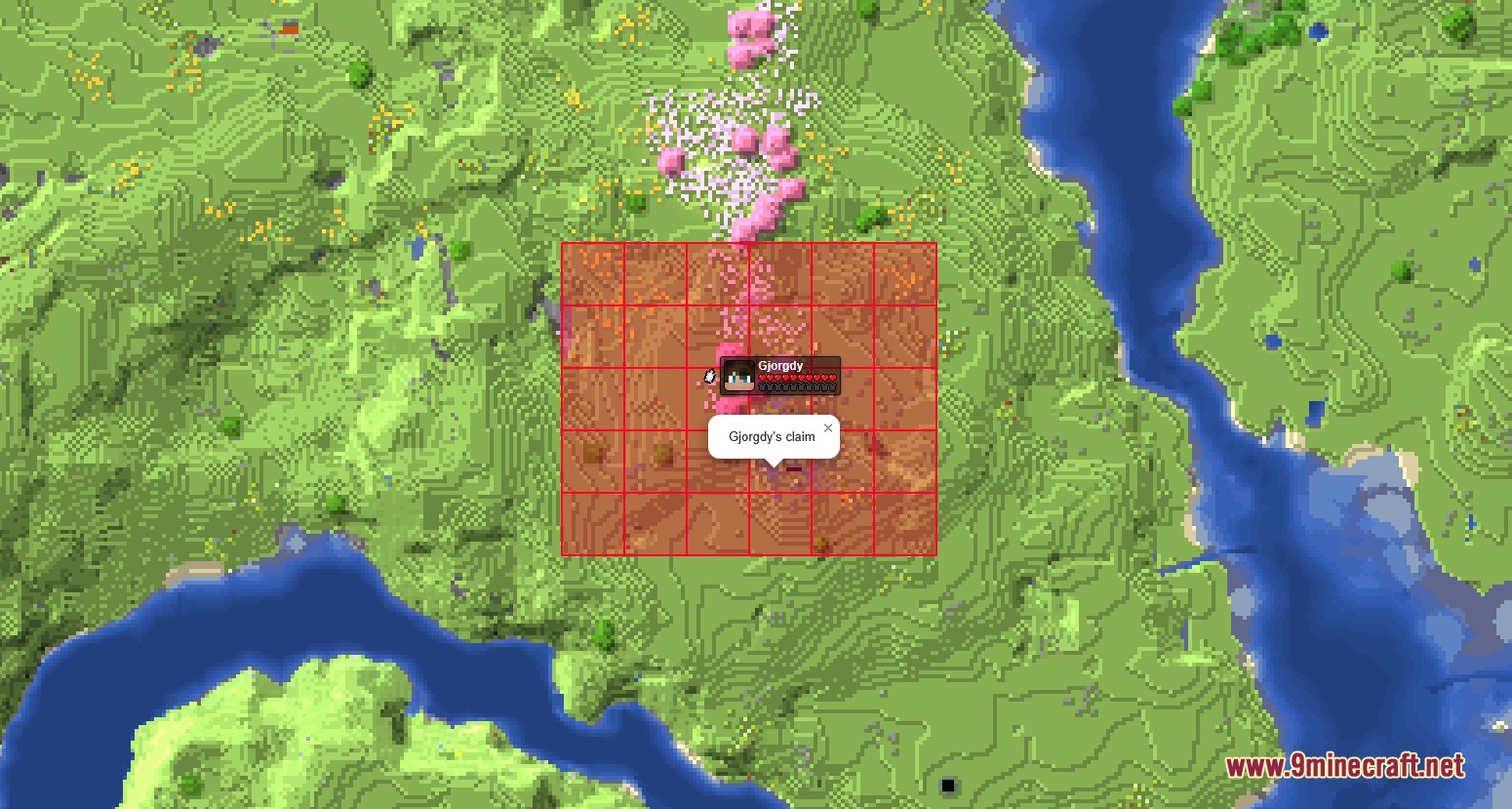
- Mod Support: Shows claimed land if you use Open Parties and Claims, and custom shops if you use Shopkeepers.
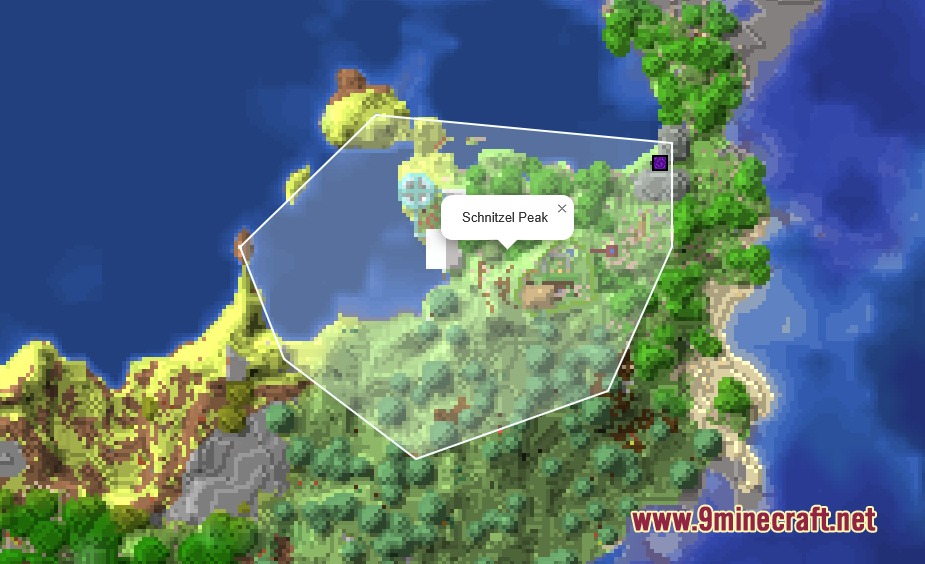
- Players can mark custom areas by placing lodestones and named banners at the corners of their base.
- Tracks every Nether Portal and End Portal automatically as soon as someone travels through them.
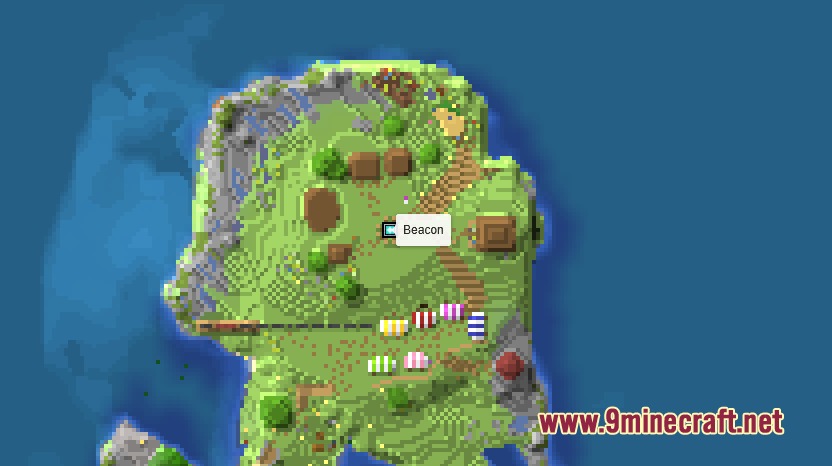
- Shows active beacons on the map so everyone knows where powerful buffs are located.
- Lets you create custom text markers by placing a written sign on top of a lodestone.
- Displays lightning strikes and tracks players as they move between different dimensions.
- Allows basic colors and text styles on your custom map labels.
Commands:
/pl3xmap reload: reloads the map and updates the marker configuration.
How to Use:
- To mark an area, place a lodestone at each corner of your base.
- Put a banner of the exact same color on top of each lodestone.
- Use an anvil to give all those banners the exact same name. The map will connect them automatically!
- To add a portal to the map, simply walk through it.
- To mark a beacon, just place it down and activate it.
- To make a custom text marker, place a sign on top of a lodestone and write your message.
Screenshots:
How to Install:
New to Minecraft? Follow our step-by-step guide to install Mods on your PC.View Guide
Requirements:



Pl3x Markers Mod Download Links
For Minecraft 26.2
For Minecraft 26.1.2, 26.1.1, 26.1
For Minecraft 1.21.11
For Minecraft 1.21.10, 1.21.9
Click to rate this post!
[Total: 0 Average: 0]
You May Also Like













This post has no comments yet. Be the first — your comment will appear here.