
Player Particles Mod (26.2, 1.21.1) – Make Players Emit Particles
 1,567
 0


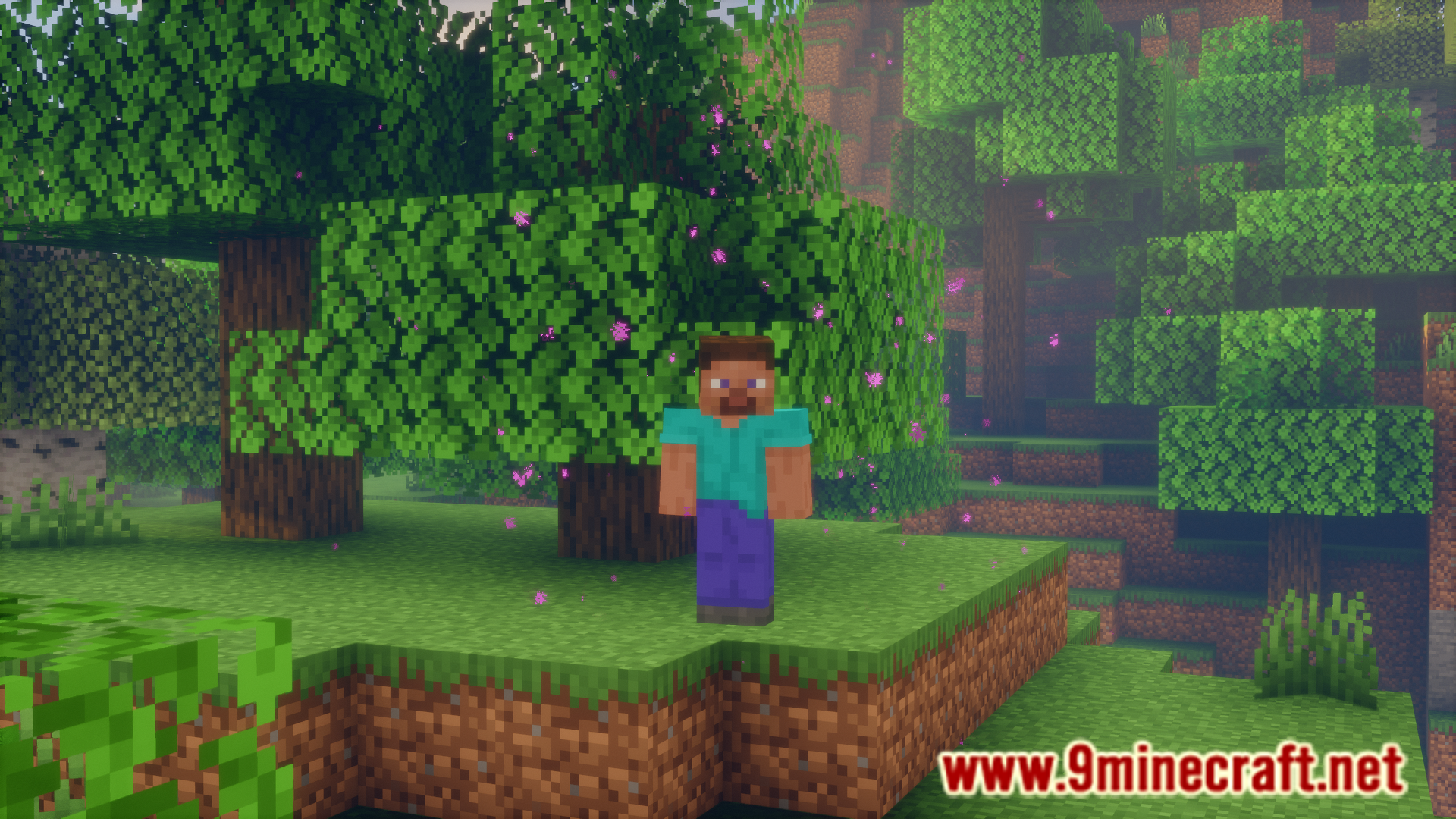
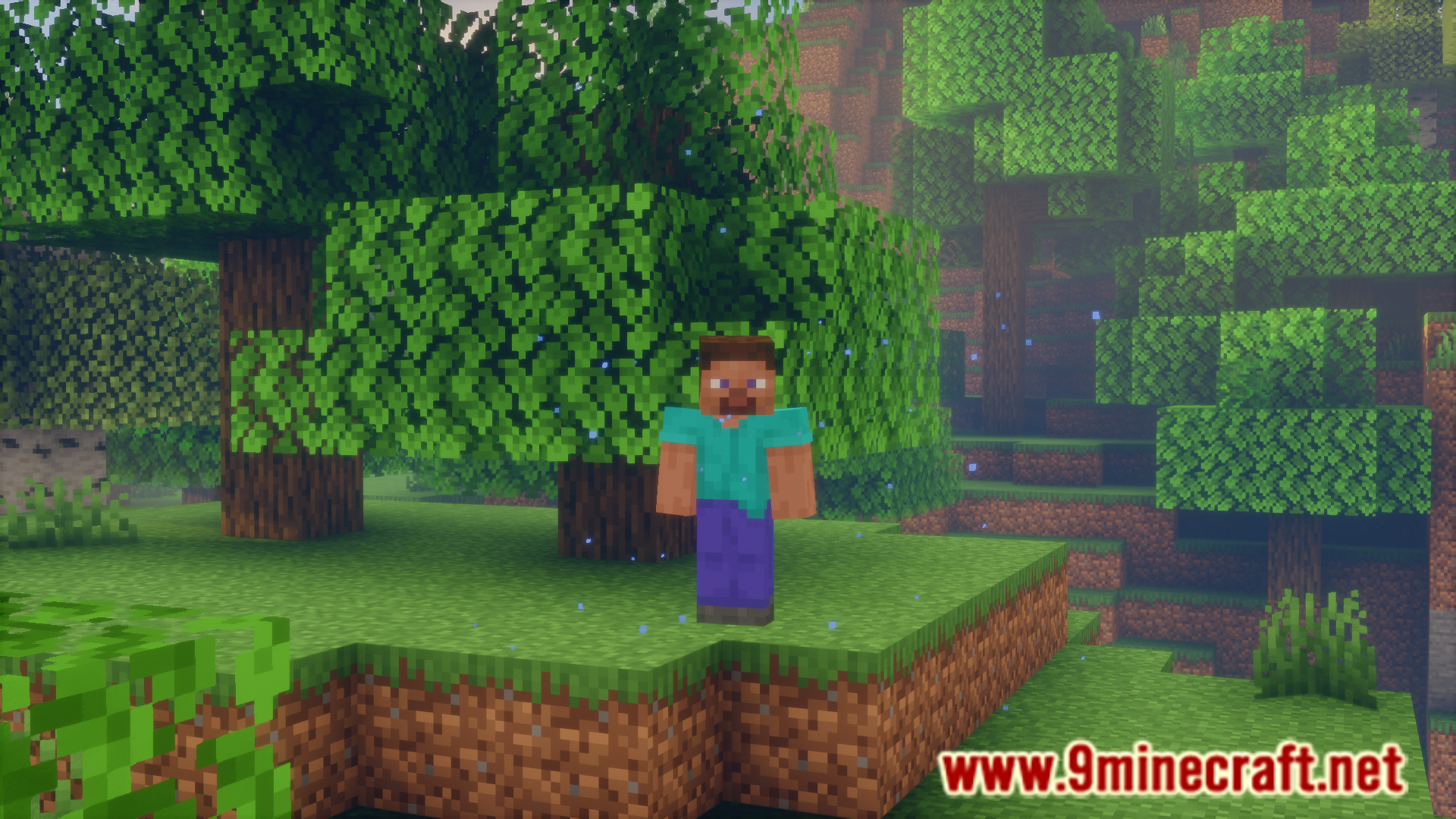
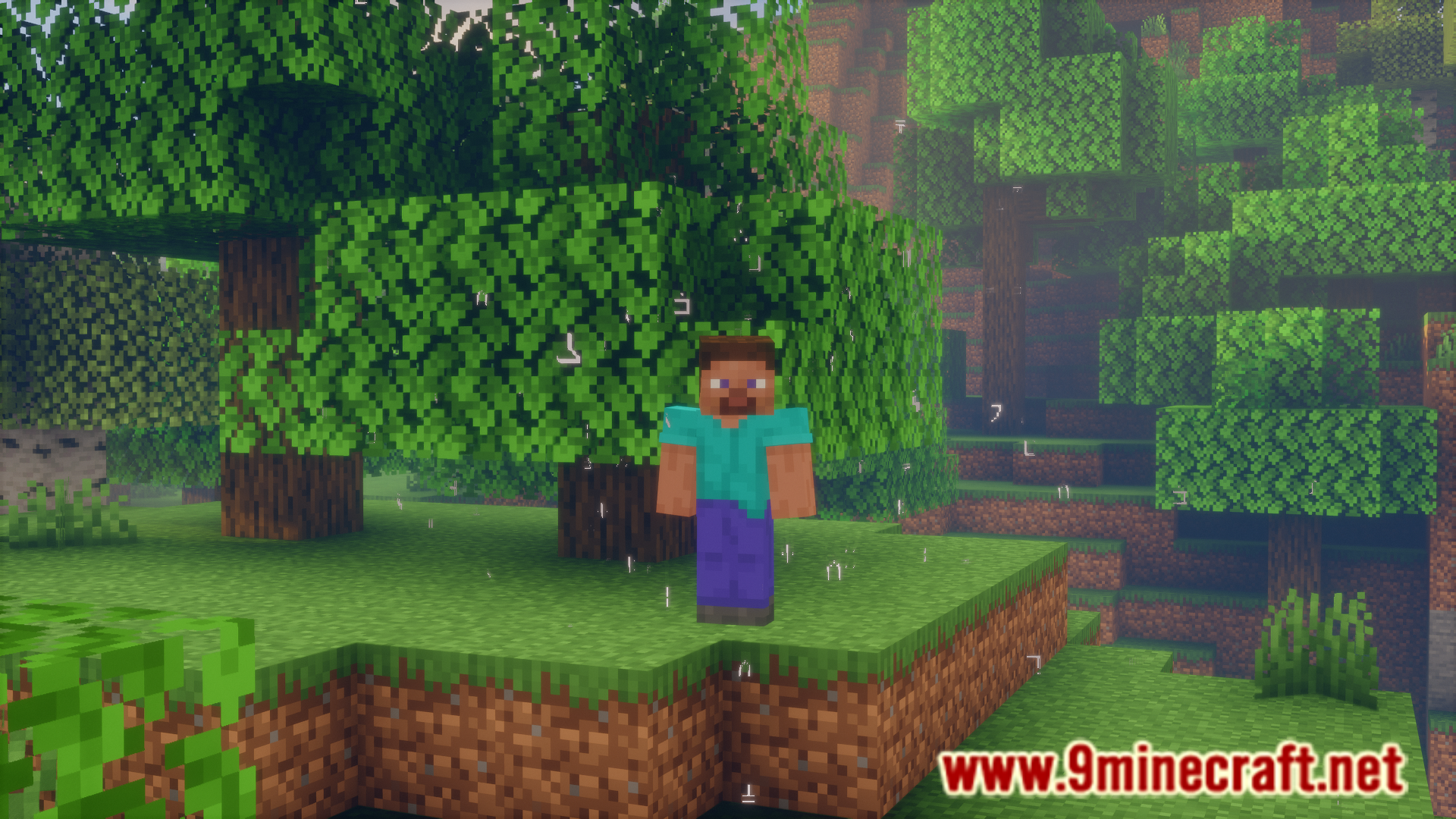
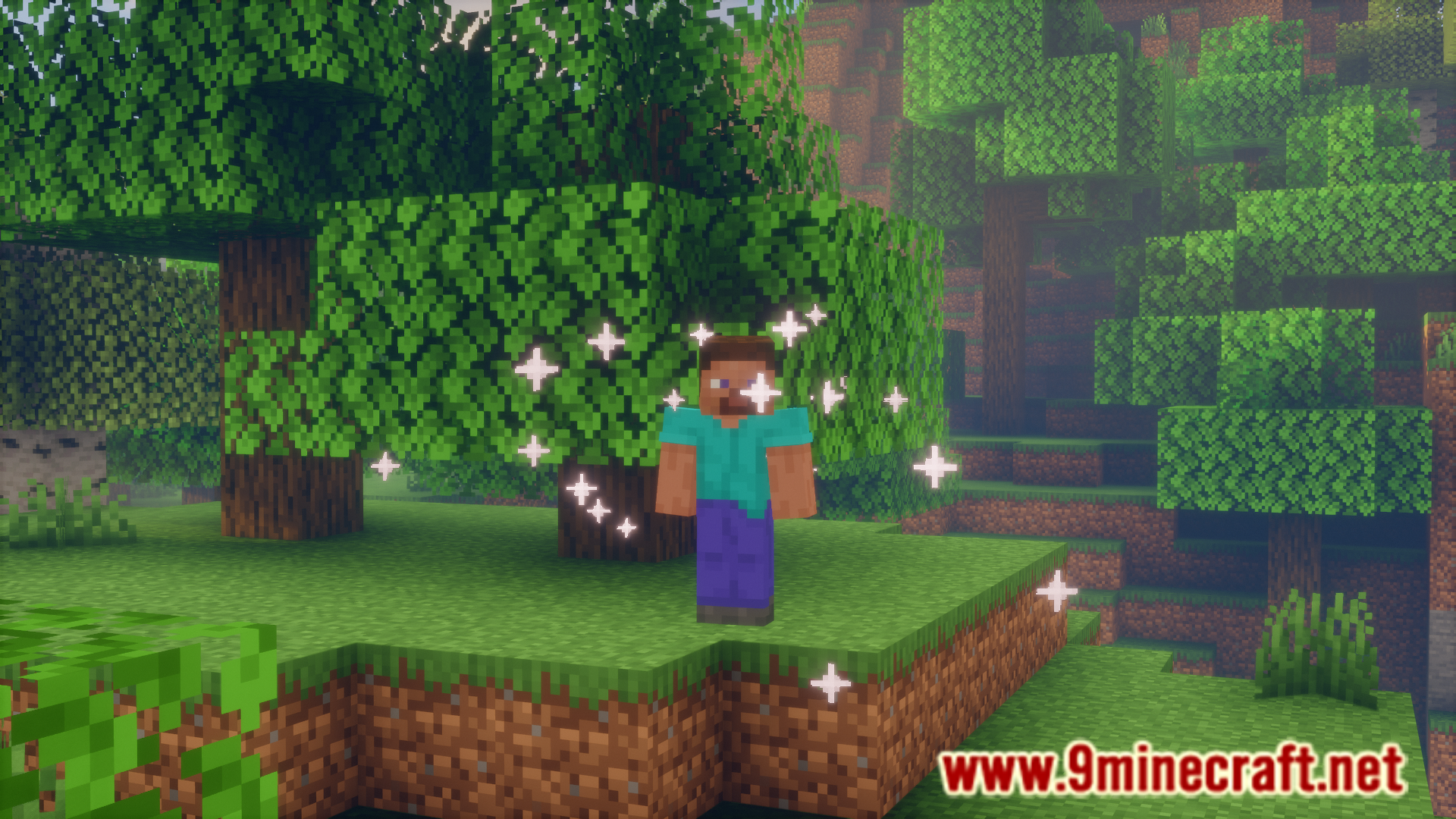
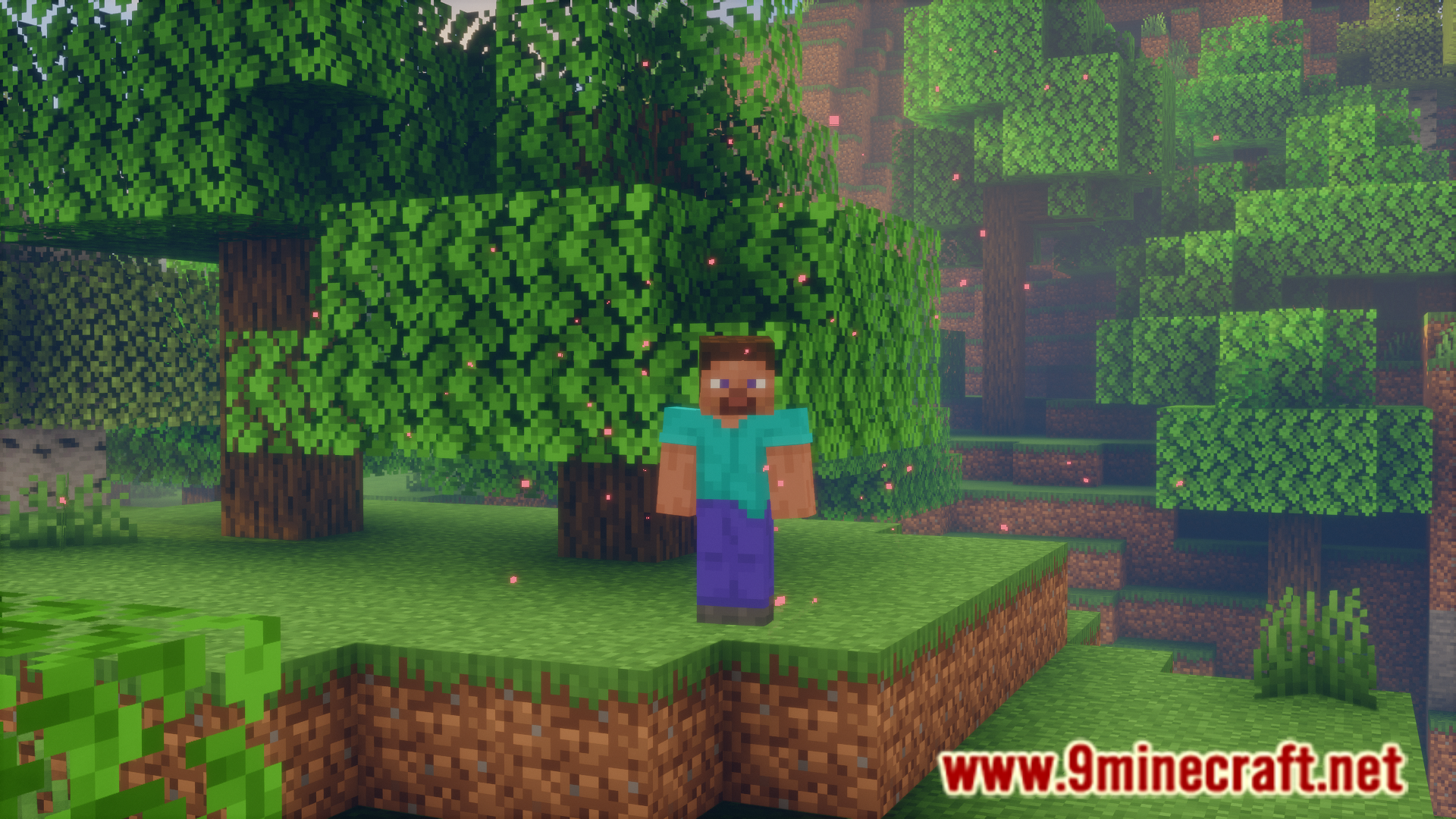
There are many different particle effects in the game. While many effects can be applied to the player with the help of potions, some others, like the enchantment table particles and smoke particles from campfires are block specific. Player Particles Mod allows you to apply almost any particle effect in the game onto the player. This is done using commands and they are listed below.
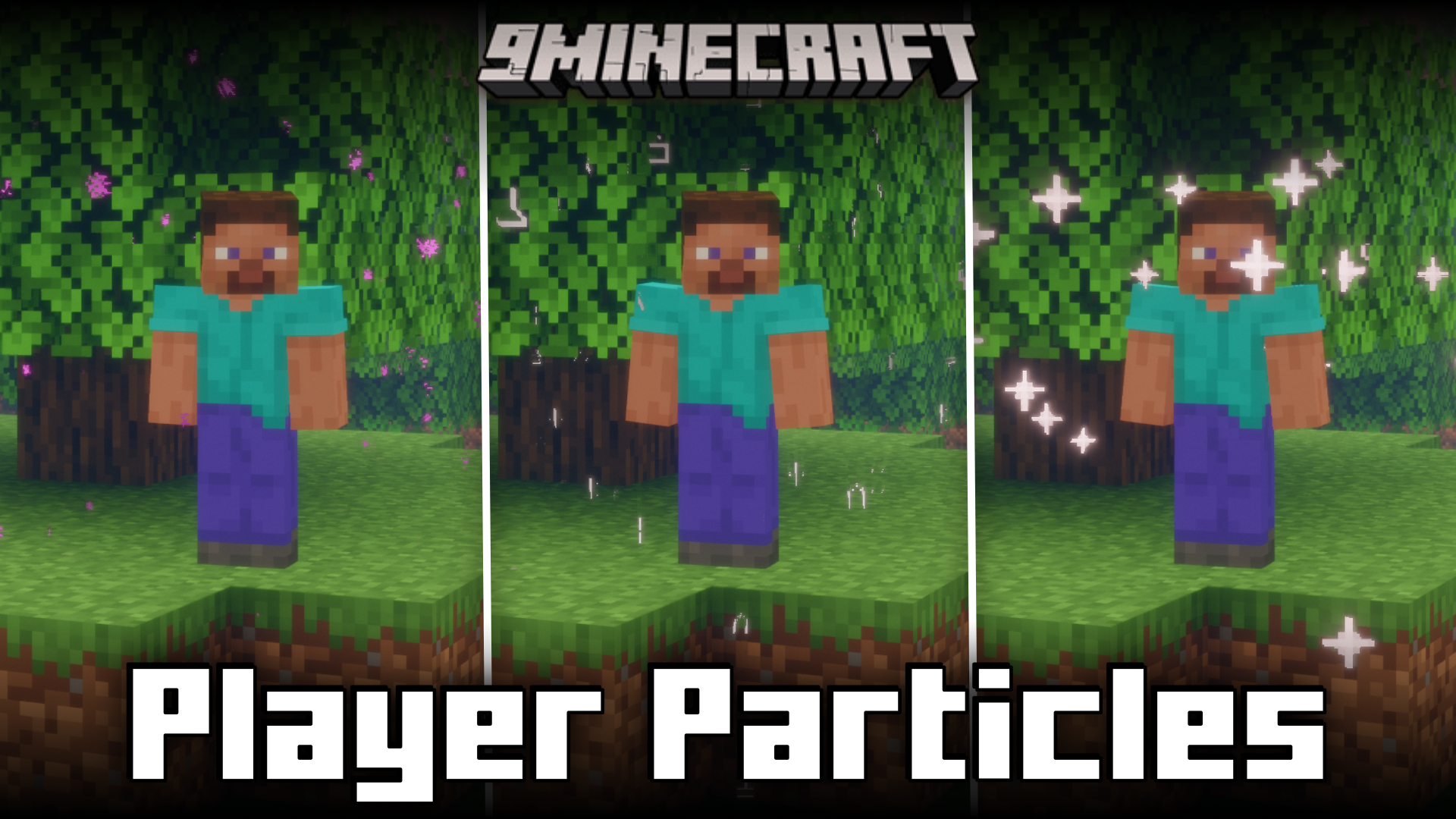
Features:
Commands:
- /playerparticles off – turns your particles off.
- /playerparticles on – turns your particles on.
- /playerparticles reset – resets your particles in all slots.
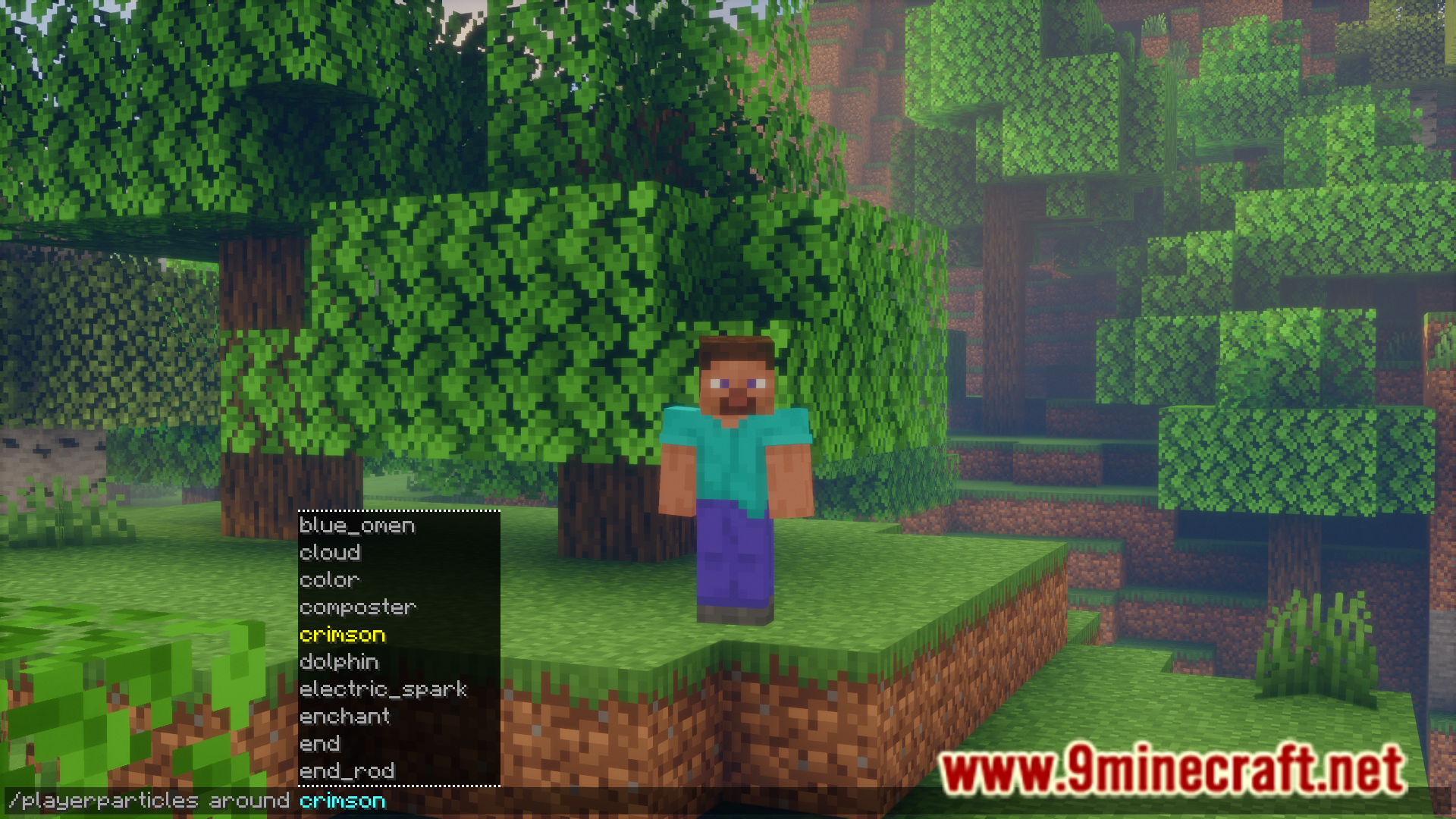
- /playerparticles <particle|reset> – sets a particle in one of your slots, or resets it.
is only necessary for some particles. - /playerparticles disable-all – disables rendering all (yours and others) player particles for you. Useful when player particles are laggy for you.
- /playerparticles enable-all – enables rendering all (yours and others) player particles for you.
At the moment, 3 particle slots are available:
- above – displays above you.
- around – displays around you.
- below – displays below you.
Screenshots:
How to Install:
New to Minecraft? Follow our step-by-step guide to install Mods on your PC.View Guide
Player Particles Mod Download Links
For Minecraft 26.2
For Minecraft 26.1.2, 26.1.1, 26.1
For Minecraft 1.21.11
For Minecraft 1.21.10, 1.21.9
For Minecraft 1.21.8, 1.21.7, 1.21.6
For Minecraft 1.21.5
For Minecraft 1.21.4
For Minecraft 1.21.1, 1.21
For Minecraft 1.20.6
For Minecraft 1.20.4
Click to rate this post!
[Total: 1 Average: 5]
You May Also Like
Picked for this page
 Dynamic Trees Mod (26.1.2, 1.20.1) – Change the Natural Growth of Trees
 Player Plates Mod (26.1.2, 1.20.1) – Extra Pressure Plates
 Liteminer Mod (26.3, 1.20.1) – Mines Entire Veins of Ore, Trees, or Block Groups
 Healing Soup Mod (26.3, 1.20.1) – Soup Heals Health
 Enhanced Quarries Mod (26.3, 1.20.1) – Automate Mining With Precision
 Inventive Inventory Mod (26.3, 1.20.1) – Inventory Management
 Better Conduit Placement Mod (26.3, 1.20.1) – Placing Conduit Prismarine Blocks Easier
 Easy Whitelist Mod (26.3, 1.20.1) – White List Players Using Their Names
 Item Transform Helper Mod (26.3, 1.20.1) – Set Size & Location Of Items
 Pickaxe Effective Light Source Blocks Mod (26.3, 1.20.1) – Faster Using Pickaxes
 No Netherite Mod (26.3, 1.20.1) – Disables Netheite In Your Game
 Cycle Title Screen Splash Mod (26.3, 1.20.1) – Configurable Splash Text
Most viewed in Mods over the last 7 days
 Ala Industrial Mod (26.3) – Run Electric Power Grids and Automated Factories
 PleasureCraft Mod (26.3, 1.21.1) – Jenny Mod Remake for Fabric
 Jennycraft Mod (26.3, 1.20.1) – Virtual Girlfriend in Minecraft
 Fapcraft Mod (26.3, 1.12.2) – Comprehensive and Detailed Content
 Jenny Mod (Fapcraft) Official Complete Guide – How to use, Tutorial
 BangCraft Mod (1.20.1) – Jenny, Ellie and Elliot
 Fabric Loader (26.3, 1.20.1) – Fabric Installer for All Minecraft Versions
 The Shooting Star Demo Mod (26.3, 1.20.1) – Vaporize Terrain From Orbit
 Meteor Client Mod (26.3, 1.20.1) – Xray, HUD, Fly
 OptiFine HD (26.3, 1.20.1) – Run Faster, FPS Boost, Shaders Support
 Aristois Client Mod (1.21.4, 1.20.1) – World Class Minecraft Utility
 Prestige Client Mod (1.21.11, 1.21.4) – Powerful Ghost Features for Crystal & Sword PvP
More from Mods
 The Graveyard Mod (26.3, 1.20.1) – Cemeteries in Minecraft
 Enhanced Overlay Mod (26.3, 1.21.11) – Remove Screen Clutter
 Flint Mod (1.21.11) – Run DiamondFire Community Addons Without Crashing
 Not Just Sandwich Mod (26.3, 1.20.1) – Edibles, Sandwiches
 Waddles Mod (26.3, 1.20.1) – Make Icy Biomes Feel Alive
 Artemis’ Thin Logs Mod (26.3, 1.20.1) – Build Custom Trees and Detailed Wood
 Asterion Mod (26.3, 1.20.1) – Survive Ancient Mazes and Slay the Legendary Minotaur
 Passthrough Signs Mod (26.3, 1.20.1) – Right-Click Through Wall Signs
 Packing Tape Mod (26.3, 1.20.1) – Move Chests, Machines
 No XP Anvils Mod (26.3, 1.20.1) – Repair And Enchant Without XP
 Naruto Shippuden Mod (26.3, 1.16.5) – Immerse Yourself in The World of Ninja
 Araxer’s Bestiary Mod (26.3, 1.20.1) – Build an In-Game Encyclopedia of Every Mob

This post has no comments yet. Be the first — your comment will appear here.