
Playerautoma Mod (1.21.11, 1.20.1) – Record and Replay Actions to Automate Tasks

 0


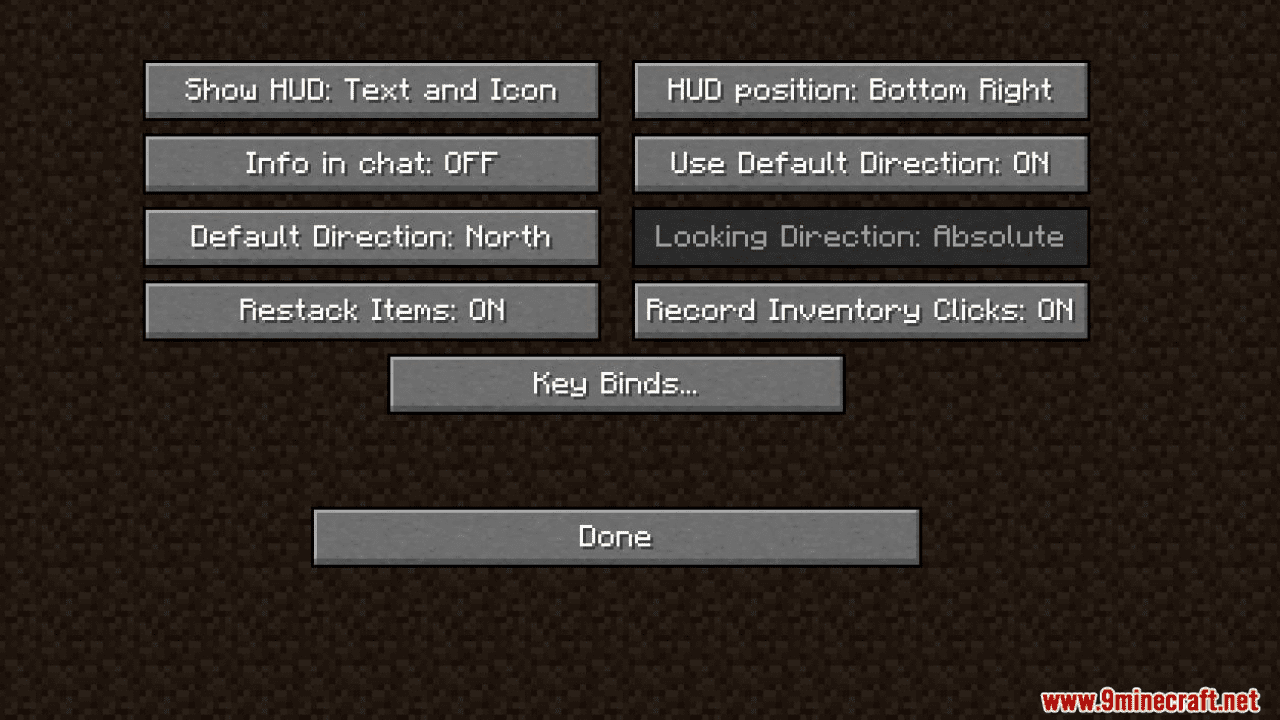
Playerautoma Mod records and replays player actions to automate tasks in the game. It captures your movements, block placing, block breaking, and item interactions in chests and crafting tables. The mod also restacks blocks when you run out, similar to inventory sorting features. It works on multiplayer servers, though some players consider it a form of cheating.
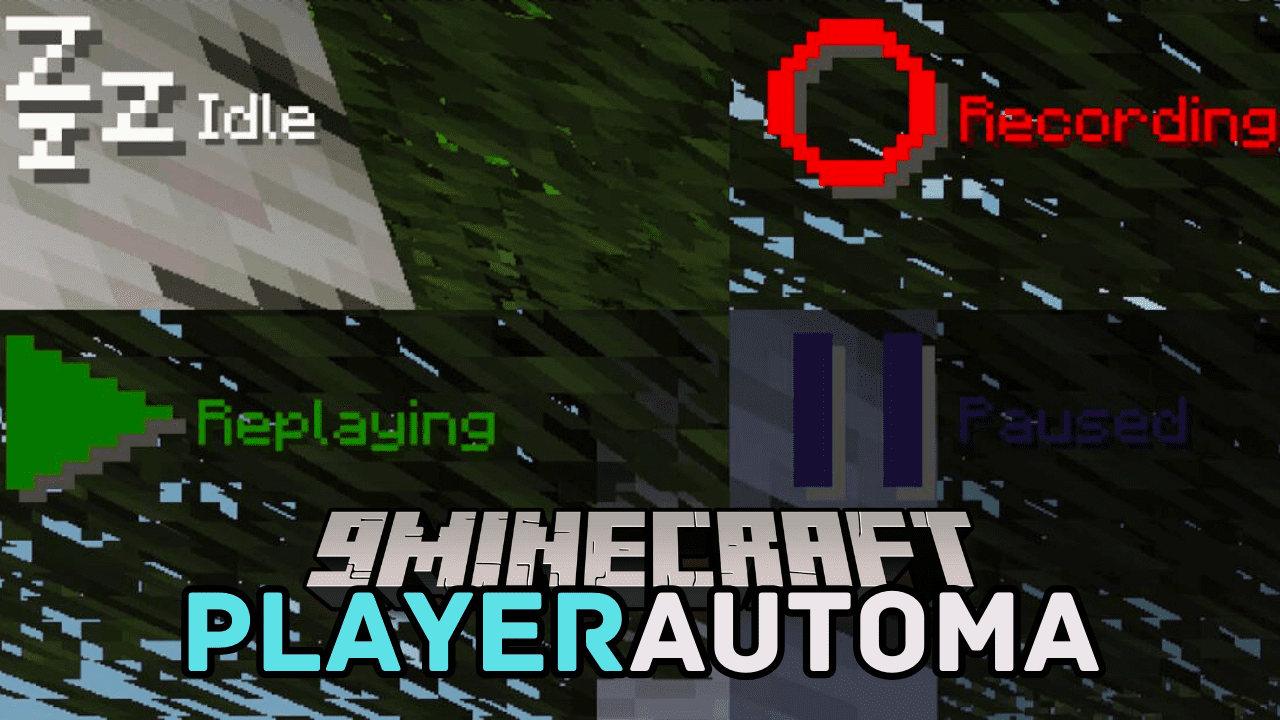
Features:
- Records player movement, position changes, and travel paths.
- Captures block placement and block breaking actions.
- Tracks item interactions and crafting tasks.
- Saves and moves items around in inventories, chests, and crafting tables.
- Restacks blocks automatically when you run out of items.
- Works on servers for multiplayer use.
Commands:
/record <start|stop|clear>: start, stop, or clear the current recording./record <store> <name> <json|rec>: save a recording with a specific name and format./record <load> <name>: load a saved recording file./record quickslot <store|load> <slot>: store or load recordings using quick slots./replay <start|stop|loop|togglepause>: control replay actions like starting, stopping, looping, or pausing.
How to Use:
- Press the
Okey to open the self-explanatory menu. - Press the
Gkey to start recording your actions. - Press the
Hkey to stop recording. - Press the
Jkey to start your replay. - Press the
Bkey to pause the replay orKto cancel it. - Press the
Lkey to start a looped replay.
Screenshots:
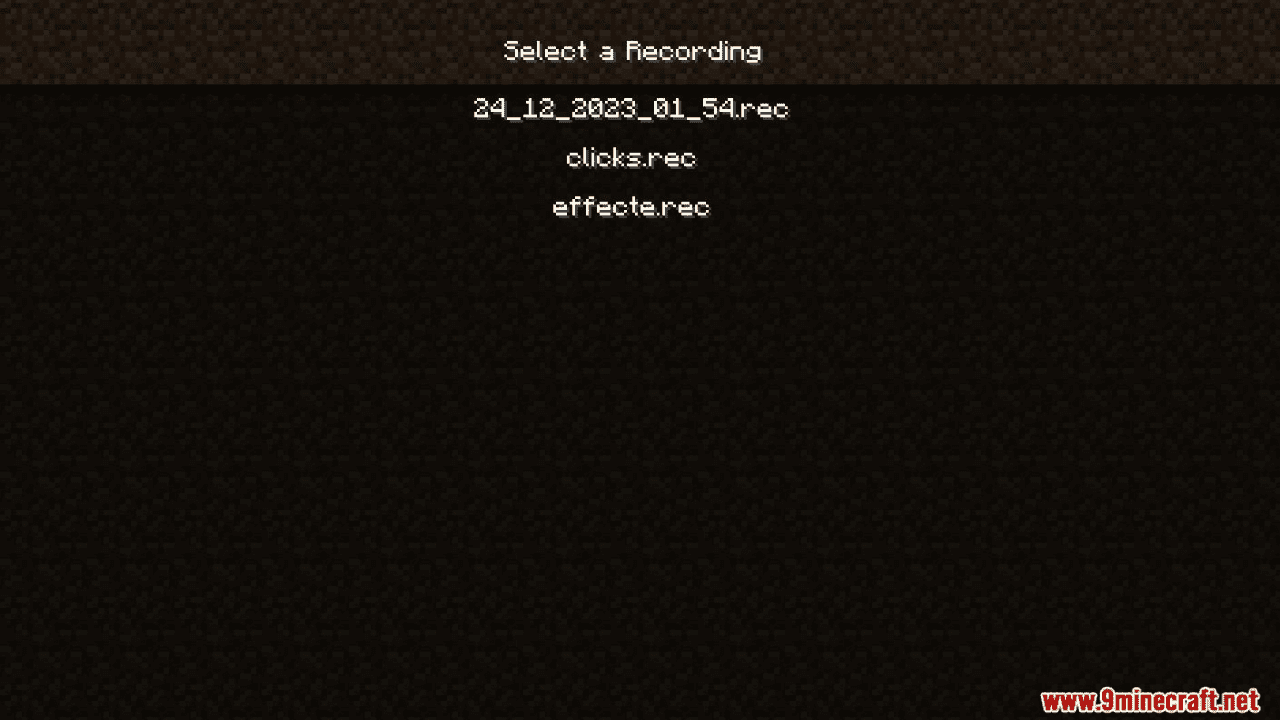
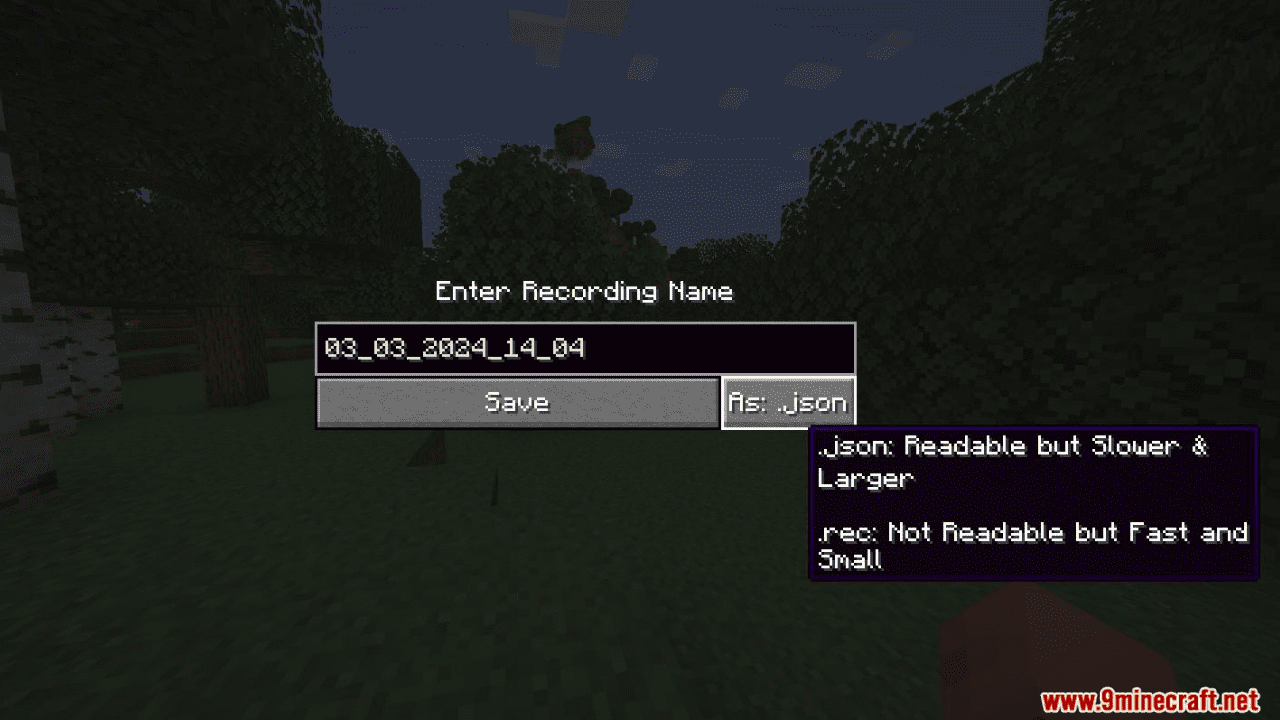
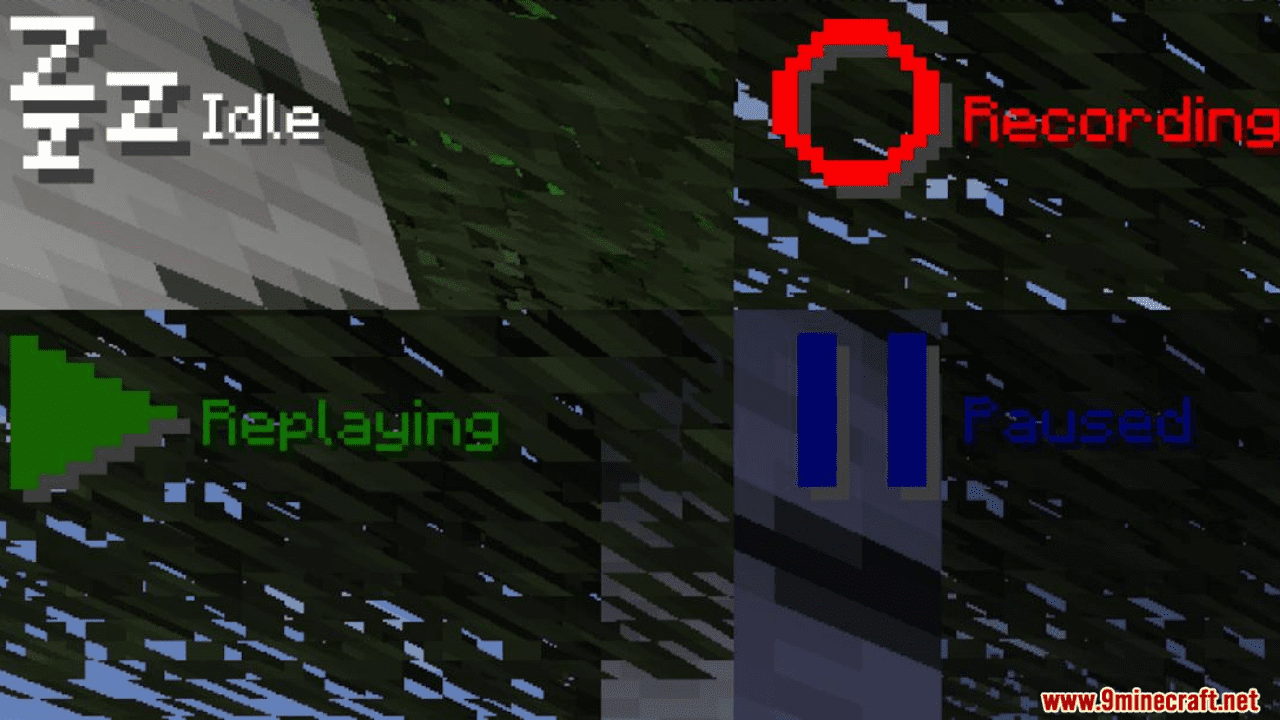
How to Install:
New to Minecraft? Follow our step-by-step guide to install Mods on your PC.View Guide
Requirements:

Playerautoma Mod Download Links
For Minecraft 1.21.11
For Minecraft 1.21.10, 1.21.9
For Minecraft 1.21.8, 1.21.7, 1.21.6
For Minecraft 1.21.5
For Minecraft 1.21.4
For Minecraft 1.21.3, 1.21.2
For Minecraft 1.21.1, 1.21
For Minecraft 1.20.6
For Minecraft 1.20.4, 1.20.3
For Minecraft 1.20.2
For Minecraft 1.20.1, 1.20
For Minecraft 1.20
Click to rate this post!
[Total: 1 Average: 5]
You May Also Like
Picked for this page
 Double Doors Mod (26.3, 1.20.1) – Doors will Now Open and Close Together
 Macro Keybinds Mod (26.3, 1.20.1) – Macro Creation, Keybind Execution
 Hunter’s Return Mod (26.3, 1.20.1) – Meet the Boomerang Illager
 Lithostitched Mod (26.3, 1.20.1) – Design Your Own World Gen
 DarkSmithing Mod (26.3, 1.20.1) – RPG Smithing Template Recipes
 Text Placeholder API Mod (26.3, 1.20.1) – Simplify Text and Placeholder Handling
 Servux Mod (26.3, 1.20.1) – Essential Server-Side Support
 Attack Through Grass Mod (26.3, 1.20.1) – Fight Mobs Hiding In Grass And Cobwebs
 Banner Bedsheets Mod (26.3, 1.20.1) – Make Your Bed Unique
 Pipe Connector Mod (26.1.2, 1.20.1) – Streamline Pipe Management
 Translucent Glass Mod (26.2, 1.20.1) – Fix Glass Opacity The Right Way
 Badland Villages Mod (1.21.11, 1.20.1) – Villages And Statues For The Badlands
Most viewed in Mods over the last 7 days
 Ala Industrial Mod (26.3) – Run Electric Power Grids and Automated Factories
 PleasureCraft Mod (26.3, 1.21.1) – Jenny Mod Remake for Fabric
 Jennycraft Mod (26.3, 1.20.1) – Virtual Girlfriend in Minecraft
 Fapcraft Mod (26.3, 1.12.2) – Comprehensive and Detailed Content
 Jenny Mod (Fapcraft) Official Complete Guide – How to use, Tutorial
 BangCraft Mod (1.20.1) – Jenny, Ellie and Elliot
 Fabric Loader (26.3, 1.20.1) – Fabric Installer for All Minecraft Versions
 Meteor Client Mod (26.3, 1.20.1) – Xray, HUD, Fly
 The Shooting Star Demo Mod (26.3, 1.20.1) – Vaporize Terrain From Orbit
 OptiFine HD (26.3, 1.20.1) – Run Faster, FPS Boost, Shaders Support
 Aristois Client Mod (1.21.4, 1.20.1) – World Class Minecraft Utility
 Prestige Client Mod (1.21.11, 1.21.4) – Powerful Ghost Features for Crystal & Sword PvP
More from Mods
 Orient’s Hotpot Chronicles Mod (1.20.1) – Boil Fresh Hotpot Meals Over Open Flames
 Far Lands Traveler Mod (26.1.2) – Survive the Long Trek to the Edge of the World
 Beli’s SkyLyrics Mod (1.21.11) – Sing Along to Desktop Tracks Projected in the Night Sky
 Explainstone and Songmelyn Mod (1.21.1) – Broadcast Custom Music Across Your Base
 Rockstar Shaders Mod (26.3) – Cast Ray-Traced Light Across Vast Distant Horizons
 ERYDON Mod (1.20.1) – Design Grand Courtyards with Carved Marble Pillars
 Infinity Bound Mod (1.21.1) – Snap Away Enemies with Legendary Superhero Gear
 Legacy Gecko Lib Fabric Mod (1.16.5) – Power Animated Creatures in Modpacks
 The Man from the Shadow Horror Mod (1.20.1) – Fight Hallucinations to Survive
 Shade & Saturation Slider Mod (26.2, 1.21.11) – Make Every Biome Vibrant
 Cataclysm X Yung’s Better Nether Fortresses Compat Mod (1.21.1, 1.20.1)
 Patchouli 9minecraft Mod (26.3) – Read Mod Guides Without Leaving Minecraft

This post has no comments yet. Be the first — your comment will appear here.