
Plutora Client Mod (1.21.11) – Dominate PvP with Automated Crystal Combat

 0


Plutora Client Mod gives you a massive advantage in modern player-versus-player fights. This client focuses heavily on crystal combat and the new mace weapons. You get a clean, modern menu packed with tools to automate your attacks and defense. The visual upgrades make it easy to spot enemies through walls and track your hits.
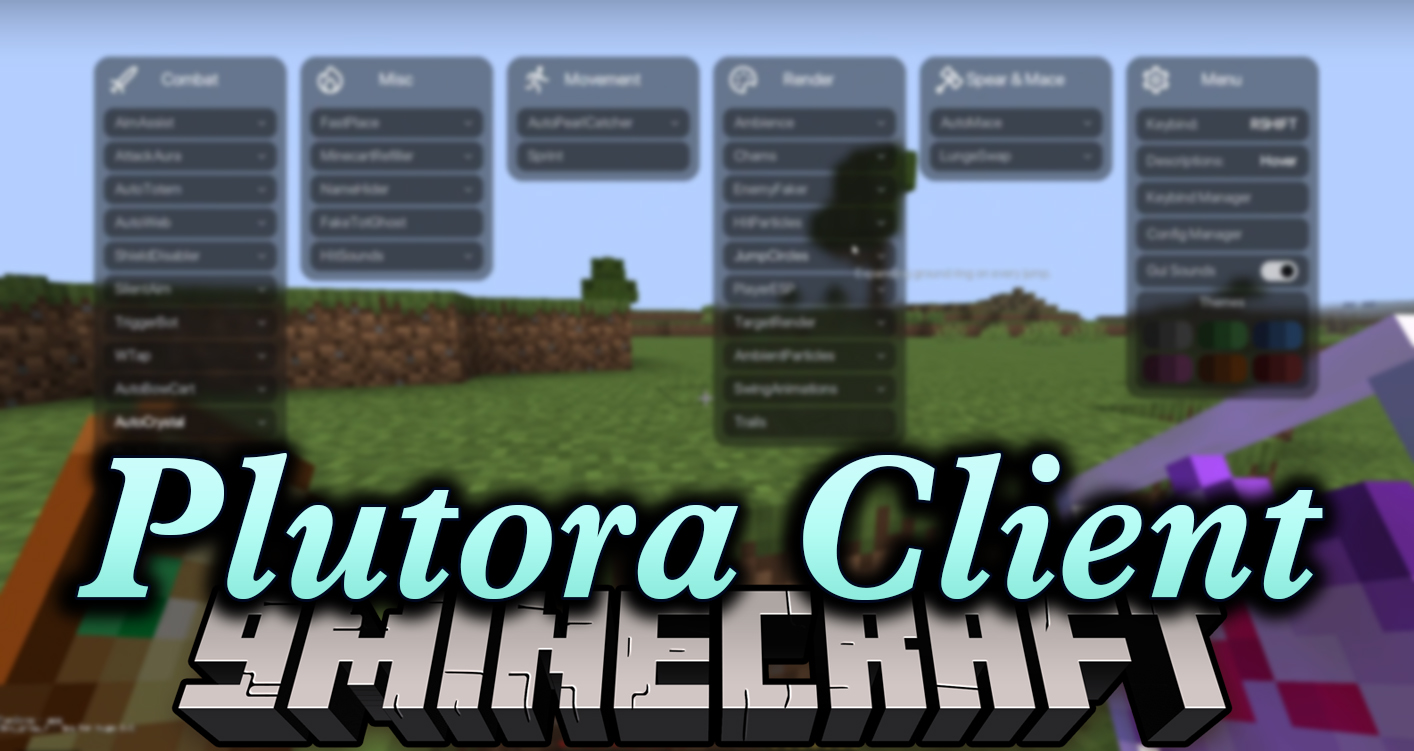
Features:
- Crystal & Mace Automation: Takes over the hard parts of modern combat by timing your mace hits and placing crystals for you.
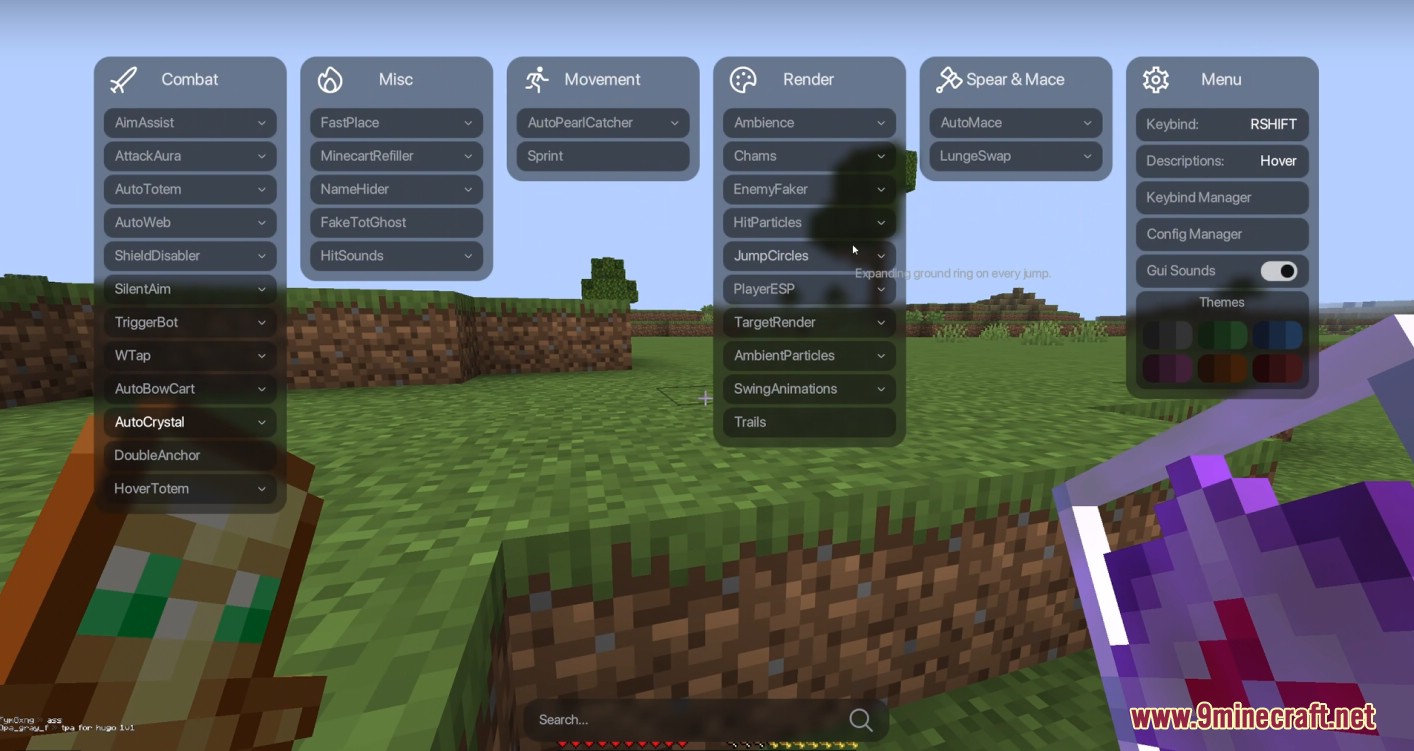
- Ghost Client Menu: Gives you a sleek, rounded interface with custom themes and hover descriptions for every setting.
Combat Tools:
- Helps your aim lock onto targets or attacks enemies near you automatically.
- Swaps your totem instantly so you stay alive during heavy damage.
- Breaks enemy shields quickly and sets up cobweb traps to slow them down.
- Changes weapons fast when you dash or lunge during a fight.
Render and Visuals:
- Highlights other players through blocks so they cannot hide from you.
- Adds an expanding ring effect on the ground every time you jump.
- Changes the way your weapon swings and leaves a trail behind your attacks.
- Spawns custom hit particles and changes the game lighting to fit your mood.
Movement and Utilities:
- Places blocks at high speeds for fast bridging and base building.
- Hides your username to keep you safe from targeted attacks.
- Catches ender pearls automatically and keeps your character sprinting.
- Saves all your favorite settings and keybinds in a quick manager.
How to use:
- Press Right Shift to open or close the client menu and access all available features.
Screenshots:
How to Use:
This client is split into two separate downloads, and you need both of them for it to work:
- The client file: the large download. This is the client itself — every module, the menu and all the combat tools live in here.
- The patcher file: the small download, only a few kilobytes. It loads before the game starts and applies itself to the client file. Without it the client will not start up correctly.
Put both files together in your mods folder — not one or the other. The patcher runs first and hooks into the client as the game starts, so leaving it out, or loading the client on its own, will not work.
How to Install:
New to Minecraft? Follow our step-by-step guide to install Mods on your PC.View Guide
Requirements:


Plutora Client Mod Download Links
For Minecraft 1.21.11
Have you ever torn down or avoided building a farm just to save your frame rate?
0 responses · See the full results →
You May Also Like
Picked for this page
 BetterHurtCam Mod (26.3, 1.20.1) – Camera Customization Unleashed
 MaceCore Premium Client Mod (1.21.11) – Mace Combat Enhancement
 Dqrkis Client Mod (1.21.11, 1.21.4) – Undetectable Ghost Client
 SmushyTaco’s Solar Apocalypse Mod (1.21.11, 1.20.1) – Surviving The Solar Apocalypse
 Quantrum Client Mod (1.21.11) – Finds Hidden Bases and Stashes
 Noxx Client Mod (1.21.11) – God Mode PvP Tools
 LTUxWare Client Mod (1.21.1) – Good Triggerbot for PvP Combat
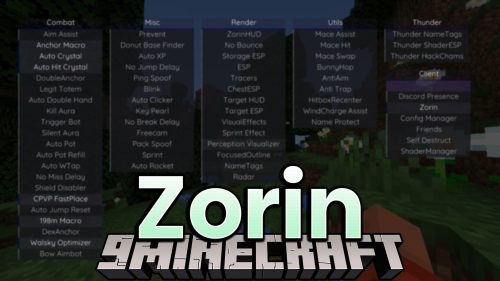 Zorin Client Mod (1.21.1) – Custom Build Based on ThunderHack
 Leminx Client Mod (1.21.4) – PvP Ghost Client for MineBlaze
 Ethane Client Mod (1.21.1) – Destroying CubeCraft
 The Kim Dweller Mod (1.19.2) – Mimic Dweller Based On Unsorted Guy
 Komaru Cat Mod (1.20.1, 1.20) – Tame Komaru Cats & Decorate Your Base
Most viewed in Clients over the last 7 days
 Meteor Client Mod (26.3, 1.20.1) – Xray, HUD, Fly
 Lunar Patcher (v10) – Using Lunar Client for Free
 Aristois Client Mod (1.21.4, 1.20.1) – World Class Minecraft Utility
 Prestige Client Mod (1.21.11, 1.21.4) – Powerful Ghost Features for Crystal & Sword PvP
 Baritone 9minecraft Client Mod (26.3, 26.1.2) – Mine and Build Bases Hands-Free
 CatLean Client Mod (26.2, 1.21.11) – ThunderHack Recode Alternatives
 OptiFine HD 9minecraft (26.3) – Run Smooth Shaders Without the Lag
- Baritone Client Mod (26.3, 1.20.1) – Autominer, Build with AI, Xray
 9minecraft Xray Client (26.3, 1.20.1) – The #1 Ore Finder of 2026
 LiquidBounce Client Mod (26.3, 1.20.1) – LiquidLauncher, A Free Client
 DoomsDay Client (26.1.2, 1.20.1) – Best Free Injectable Client
 Meteor Client Addons (26.2, 1.20.1) – Modify Almost Anything in Meteor
More from Clients
 Base Debug Client Mod (1.21.11) – Track Hidden Bases and Stashes
 Soar 9minecraft Client Mod (26.3) – Win Fights and Look Good Doing It
 Wurst Client Mod (26.3, 1.20.1) – The Best Bypass for Minecraft
 Item Dupe 9minecraft Mod (26.3, 26.1.2) – Clone Any Item Without Grinding
 Bagel Client Mod (1.21.11) – Spot Hidden Stashes on Anarchy Servers
 Nox Client Mod (1.21.11) – Dominate Anarchy Servers and Crystal PvP
 Clutch Client Mod (1.21.11) – Hunt Bases and Dominate Anarchy Servers
 Goobaa Client Mod (1.21.11) – Dominate Crystal PvP on Anarchy Servers
 Code Engine Client Mod (1.21.11) – Hunt Enemy Bases on Anarchy Servers
 Swyzzy Client Mod (1.21.11, 1.21.4) – Dominate Anarchy Battles with Zero Lag
 Amethyst Client Mod (1.21.11) – Dominate Crystal PvP on Anarchy Servers
 Fake Client Mod (1.21.11, 1.21.4) – Pull Hilarious Visual Pranks on Friends

This post has no comments yet. Be the first — your comment will appear here.