


Swyzzy Client Mod (1.21.11) – Dominate Anarchy Battles with Zero Lag
 12
12
 0
0

🌐 Read this article in your language! Choose your preferred language below.
Or pick the one you like:
Swyzzy Client Mod provides a lightweight standalone utility setup for your daily PvP and anarchy battles. It runs as a small single-file client with its own clean menu, so your game loads fast without extra base mods. You get fast module toggles, easy search tools, and smooth performance during intense crystal fights across multiple game versions.
Features:
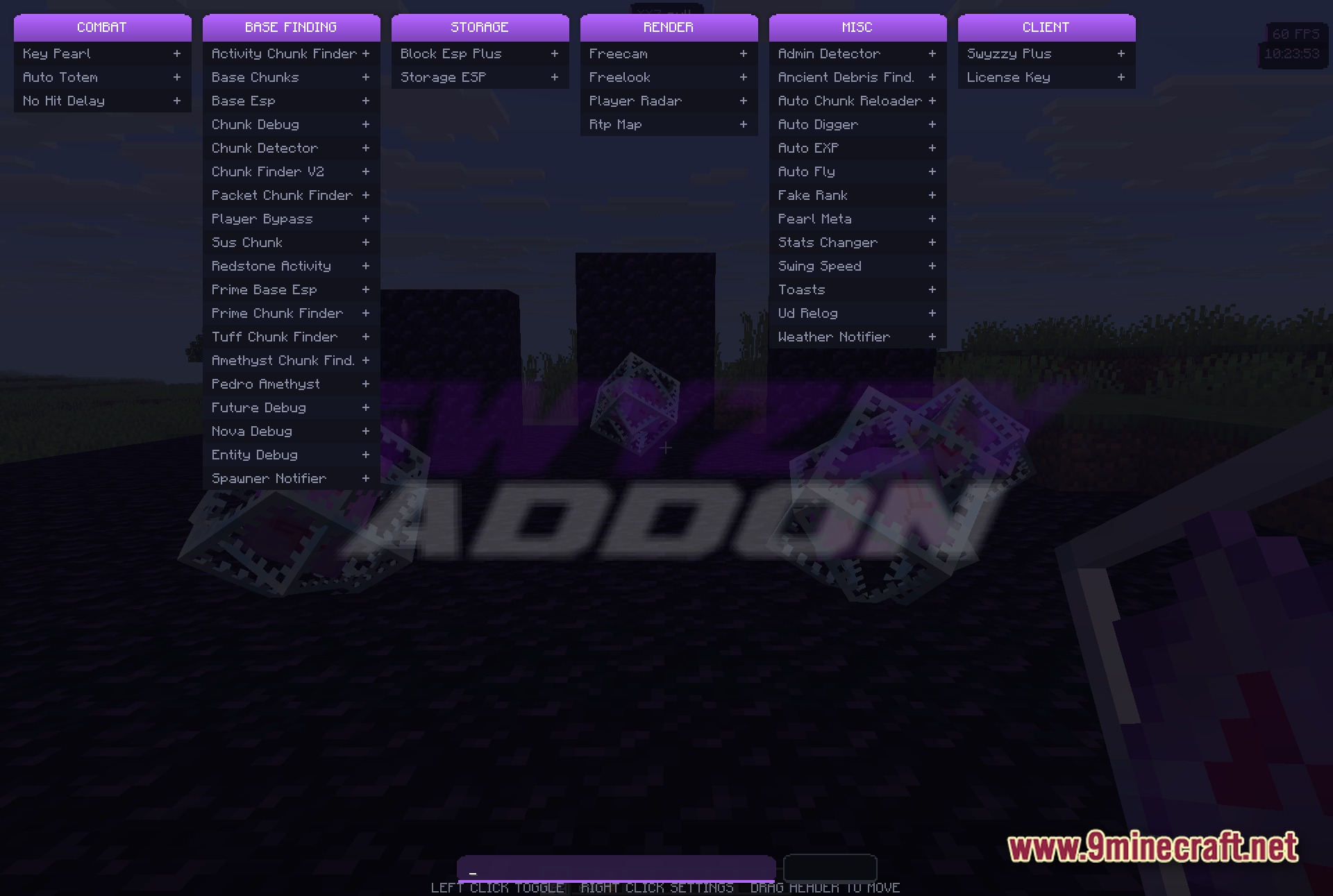
- Custom ClickGUI: Lets you search and toggle modules quickly through a neat visual menu.
- Standalone Design: Works right away as a standard mod without needing other client bases.
- Lightweight Size: Packs all utility features into a tiny file under 700 KB for zero clutter.
- Hooks into client systems cleanly to keep your framerate high during combat.
- Saves your custom module settings automatically across game restarts.
- Lets you bind every module to your favorite keyboard keys for instant access.
- Works across game versions from through with a single build.
Best Used For:
- Surviving long sessions on anarchy servers with minimal mod clutter.
- Gaining quick utility tools during fast crystal PvP battles.
- Replacing heavy client setups with a tiny, clean alternative.
- Streaming gameplay without dealing with oversized on-screen menus.
- Testing custom utility setups against standard vanilla players.
How to Use:
- Press Right Shift to open the custom ClickGUI menu.
- Type the name of any tool into the search bar to locate it quickly.
- Click on any module to toggle it on or off.
- Assign custom keybinds to your favorite PvP modules for quick activation.
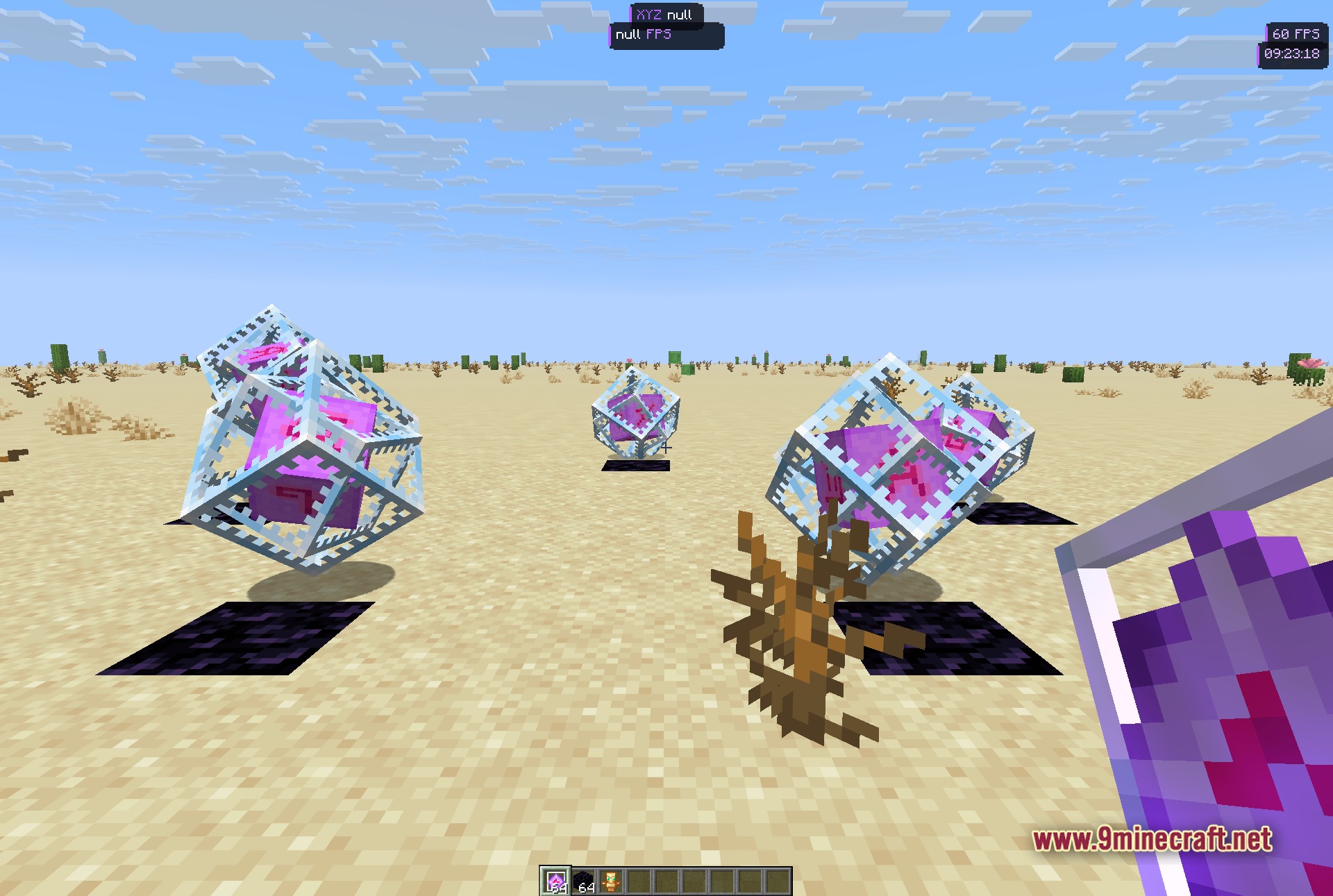
Screenshots:
How to Install:
New to Minecraft? Follow our step-by-step guide to install Mods on your PC.View Guide
Requirements:


Swyzzy Client Mod Download Links
For Minecraft 1.21.11
Click to rate this post!
[Total: 0 Average: 0]
You May Also Like








This post has no comments yet. Be the first — your comment will appear here.