


Poggys Whats That Tooltip Add-On (26+, 1.20) – MCPE/Bedrock Addon
 0
0
 0
0

The Poggys Whats That Tooltip Add-On introduces an informative overlay to the game, allowing players to view details about blocks and entities by simply pointing their cursor at them. This functionality requires enabling Experimental Features within the world settings to utilize the addon’s scripting capabilities. The pack aims to enhance the gameplay experience by providing immediate access to data that would otherwise necessitate consulting external resources, such as a wiki.
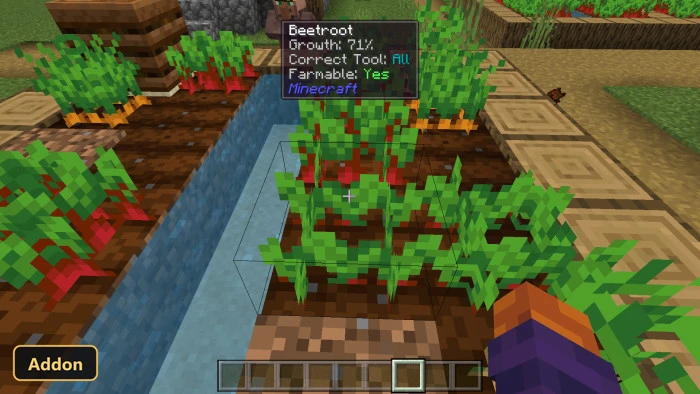
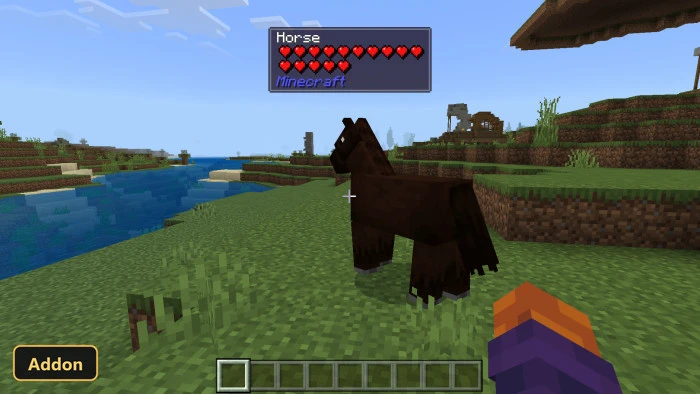
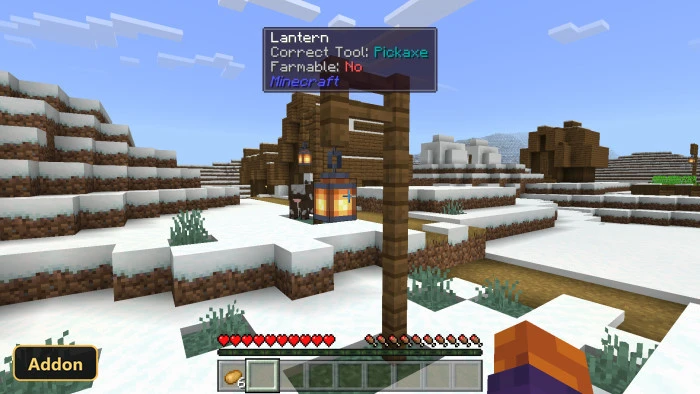
When active, the addon displays a comprehensive tooltip that includes essential information for the targeted block or entity. Players can see its official name, internal ID, the correct tool required for harvesting, and its health represented by heart icons. This feature is particularly beneficial for new players learning the game’s various elements, or for anyone seeking quick verification of an item’s properties without interrupting their play session. The system is designed to be intuitive, presenting a wealth of information directly within the game interface.
Beyond vanilla content, this addon also extends its functionality to blocks and entities introduced by other addons, displaying their unique IDs without requiring any special configuration from the user. It further enriches the in-game display by showing the growth stages of crops and the current redstone power levels. This integration of information streamlines the player’s interaction with the world, making details readily available at a glance.
Requirements:
- MCPE/Bedrock 1.20.80
- Turn on Experimental Features — this addon uses scripting APIs
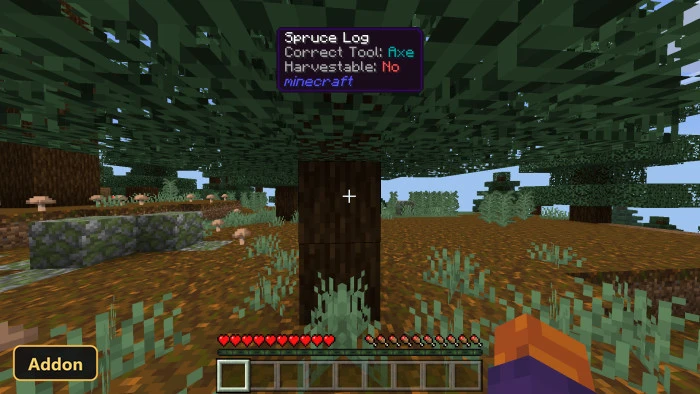
Screenshots:
How to Install:
New to Minecraft PE? Follow our step-by-step guide to install Mods/Addons on your Mobile.View Guide
For MCPE/Bedrock 1.20+
You May Also Like







This post has no comments yet. Be the first — your comment will appear here.