
Potion Cauldron Mod (26.3, 1.20.1) – Dip Tipped Arrows in Magic Cauldrons

 0


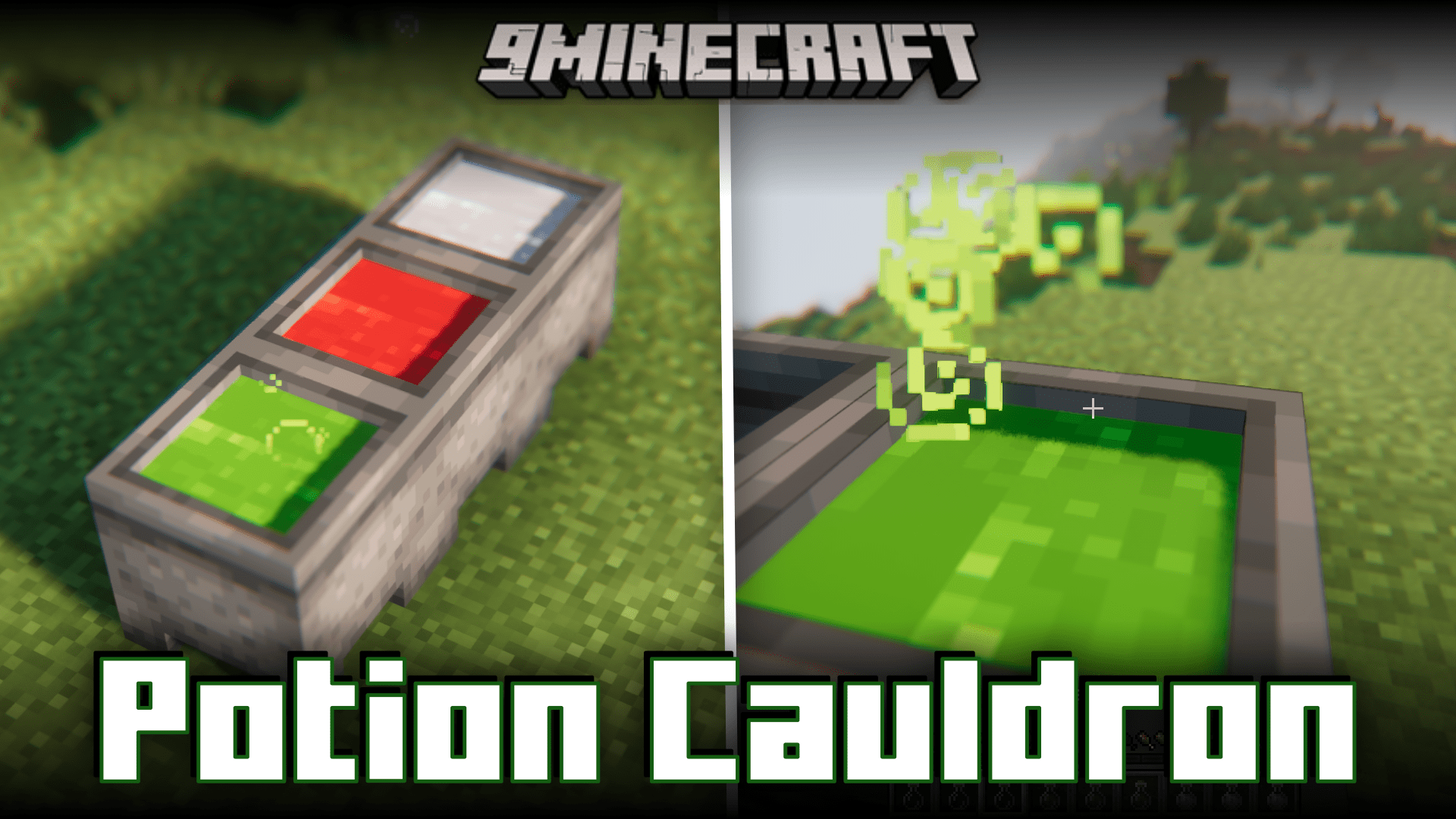
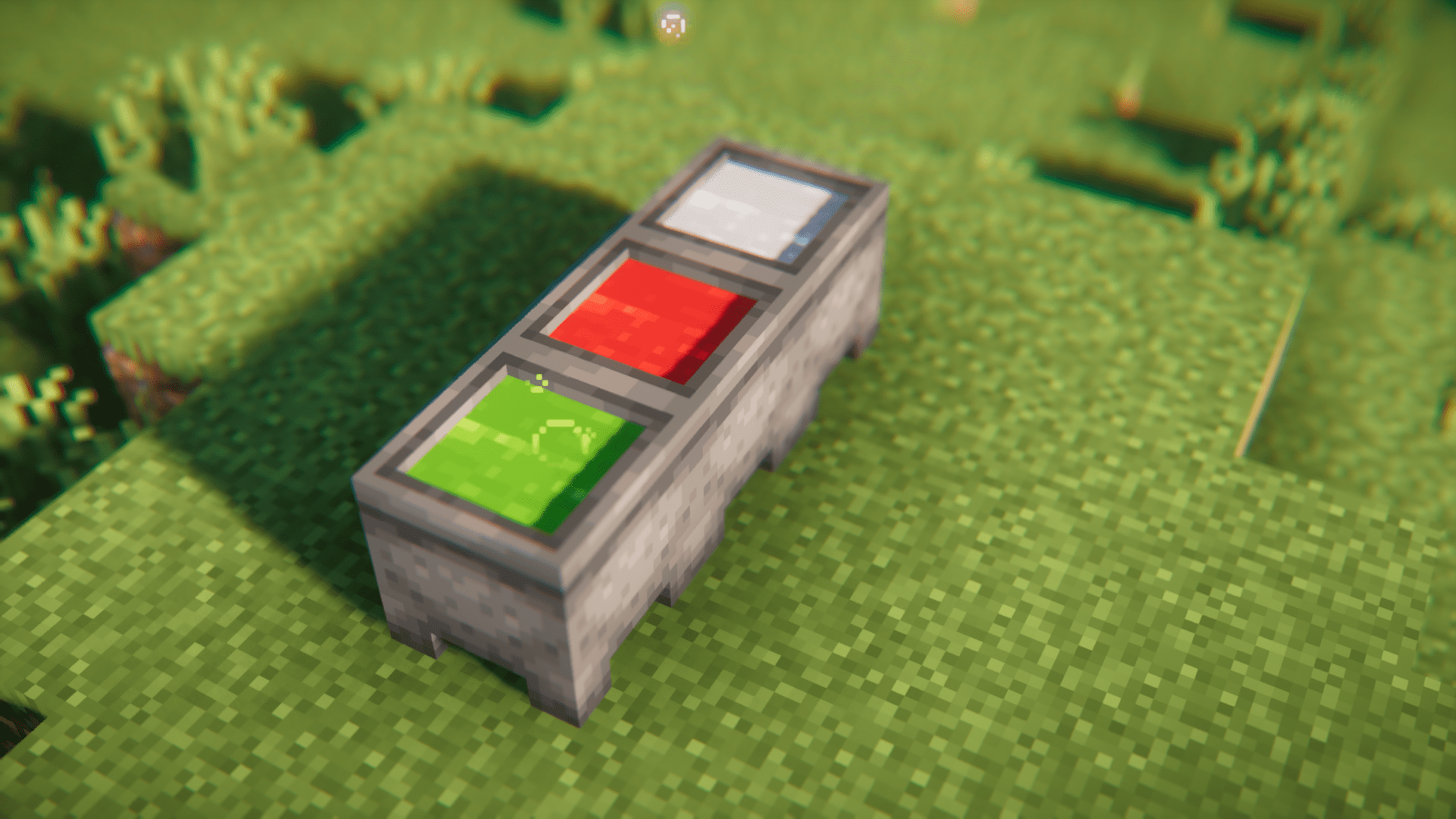
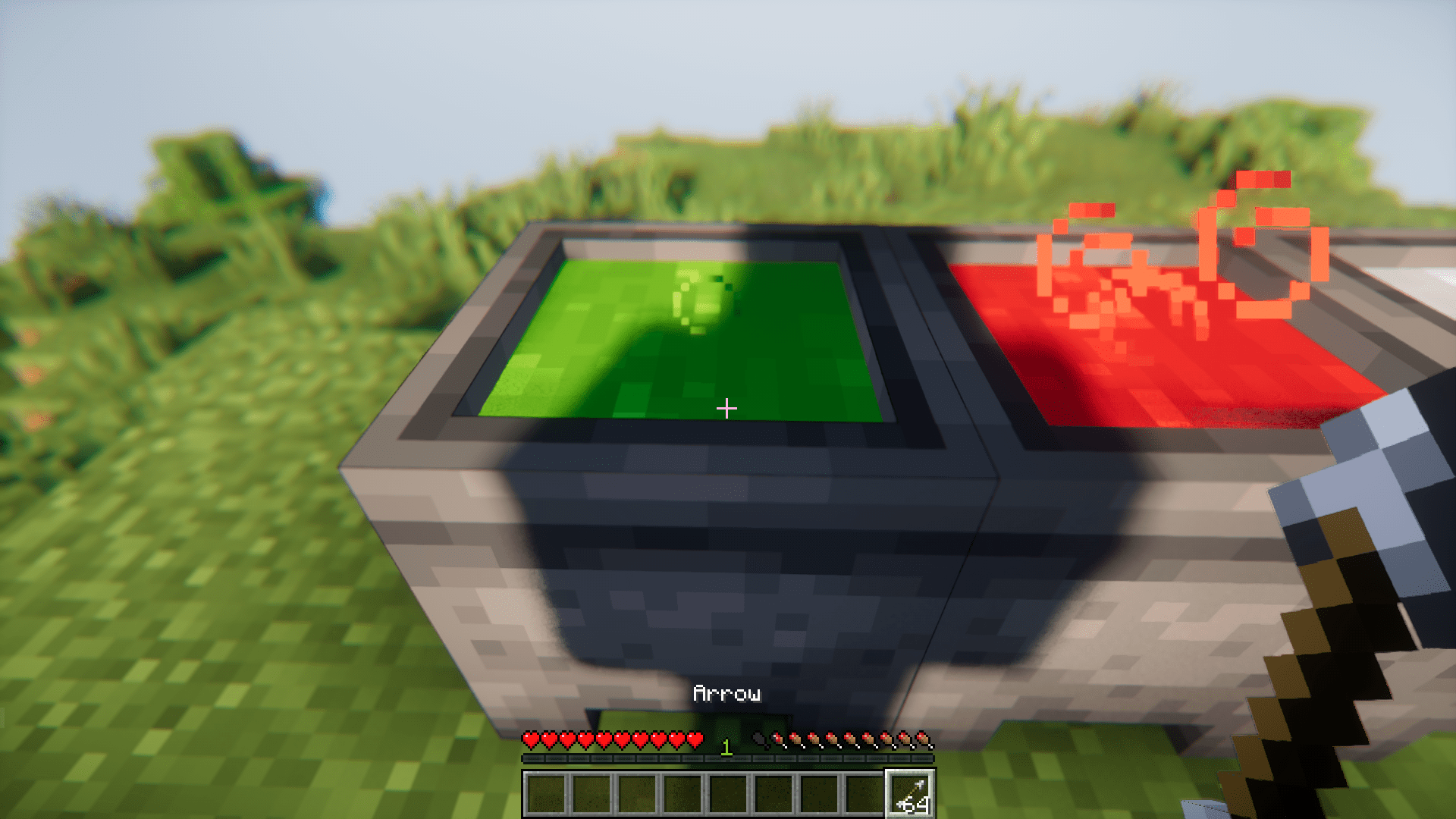
Potion Cauldron Mod brings the Bedrock edition cauldron feature into the game so you can store up to three bottles of the same potion in one cauldron. The liquid inside changes color to match the stored potion, and you can dip arrows to craft tipped arrows or scoop potions back out with empty glass bottles. Mobs and players standing inside a filled cauldron get its active potion effects, and swamp huts can naturally generate with random potions already waiting inside. You can also customize how liquids mix, merge different potion types, and adjust arrow limits through the config file without restarting the game. For multiplayer worlds, this mod needs to be on both the server and every player’s client.
Features:
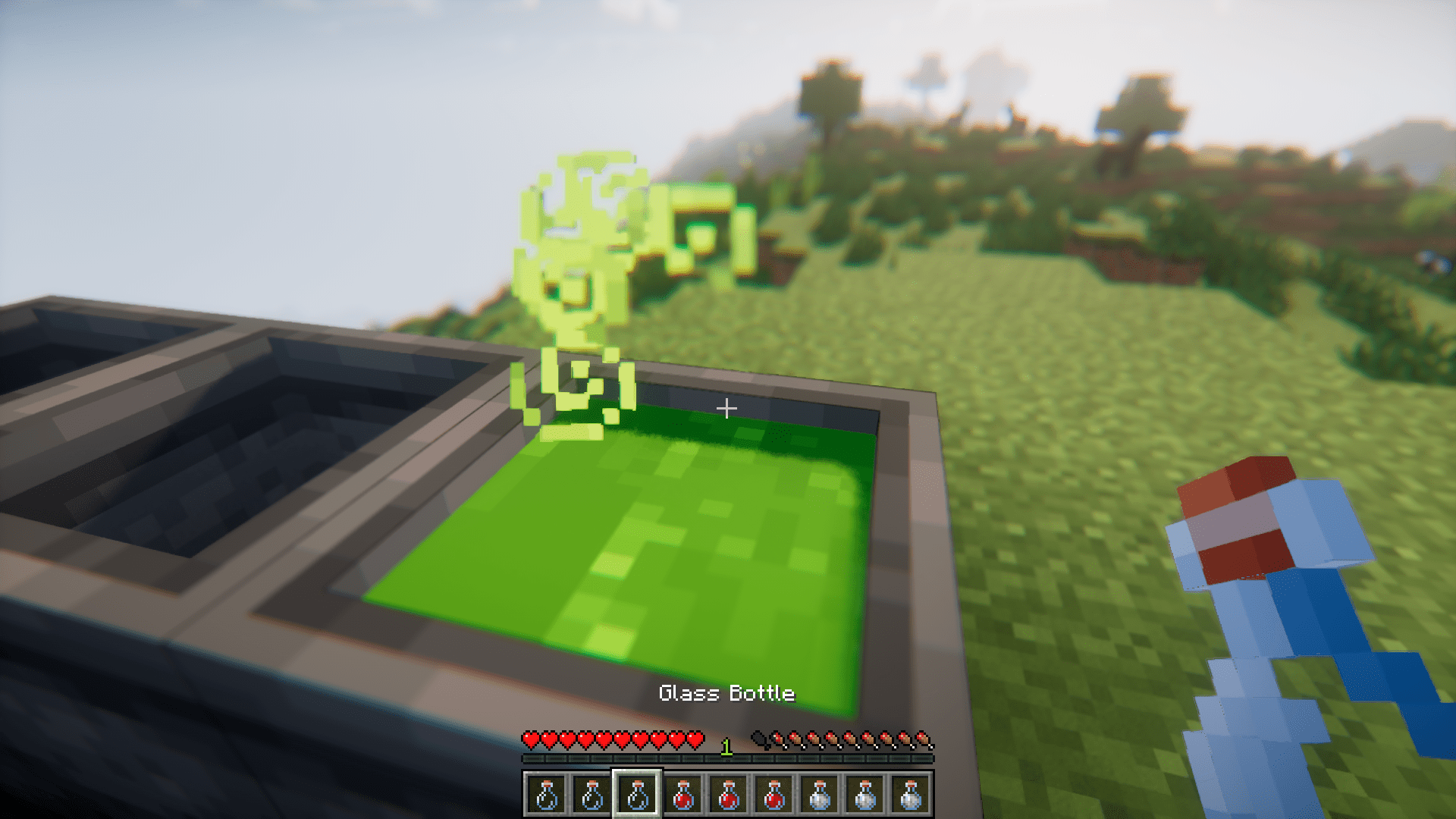
- Store up to three bottles of the same potion in a single cauldron, with the liquid matching the color and look of the stored potion.
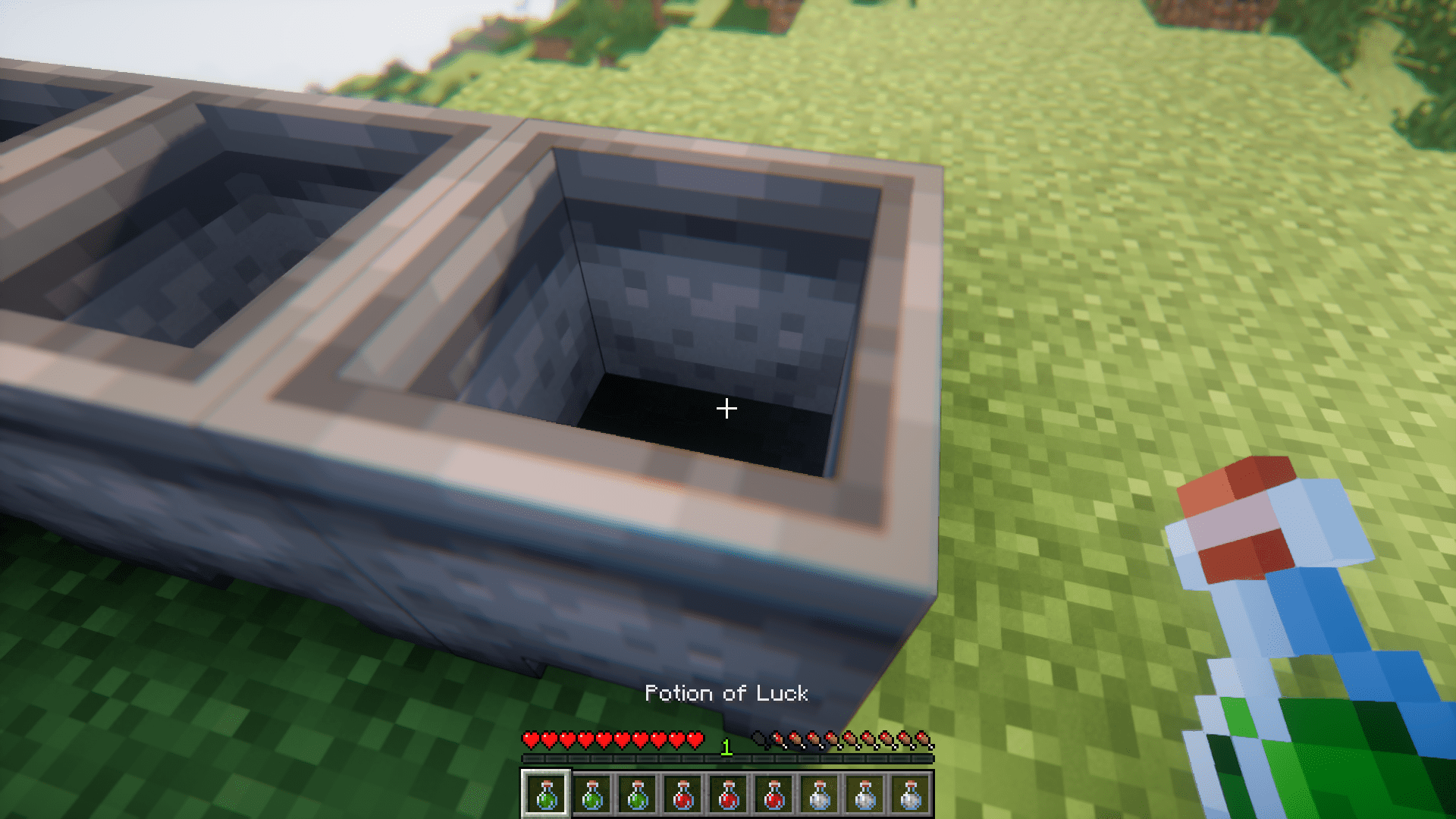
- Right-click with glass bottles to pour potions into a cauldron or take stored potions back out.
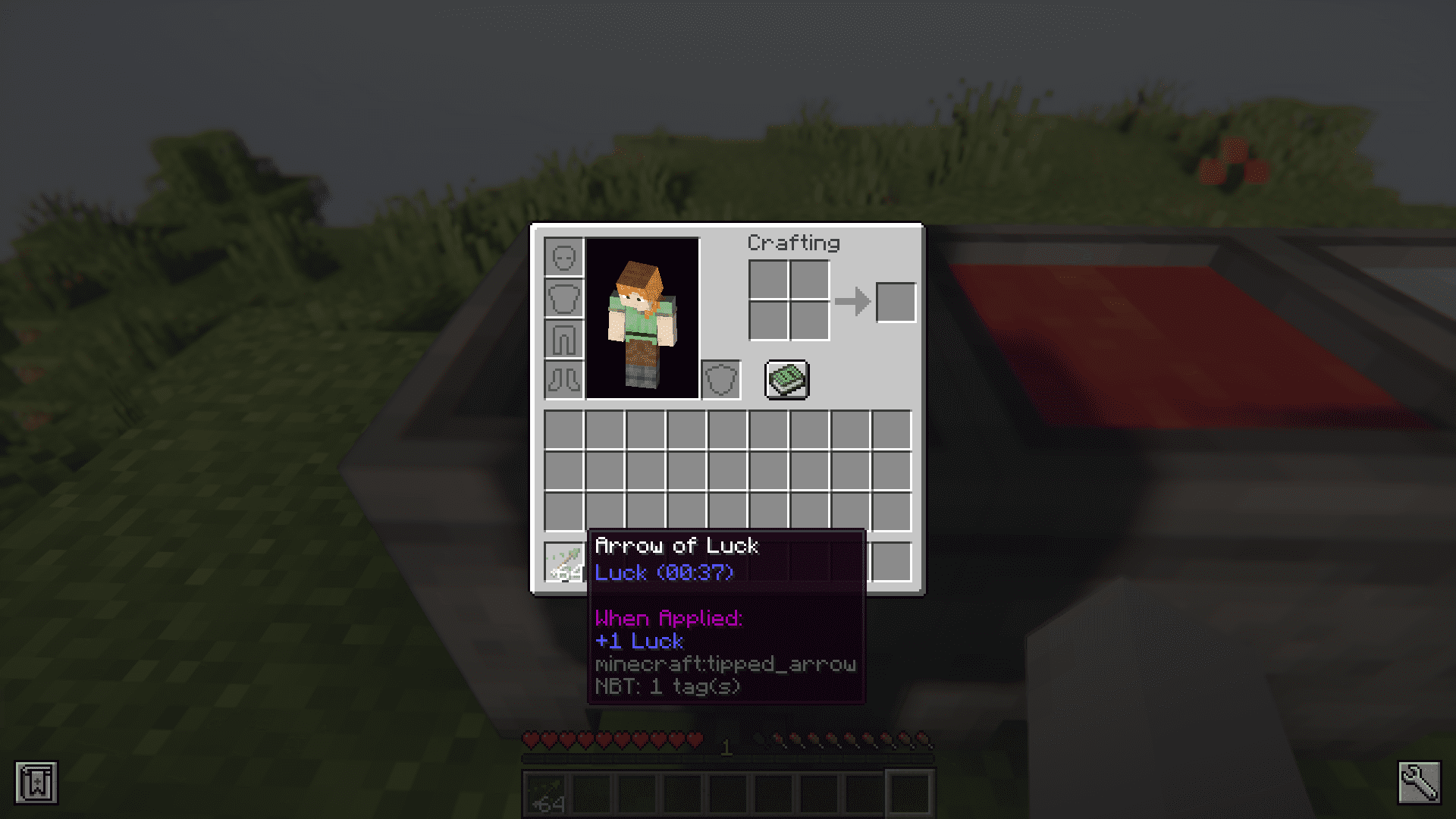
- Right-click a filled cauldron with arrows to turn them into tipped arrows.
- Apply active potion effects to any mob or player standing inside a filled cauldron.
- Generate filled cauldrons naturally inside swamp huts with a random potion, type, and level instead of empty vanilla ones.
- Reload config changes live without restarting your game or server, including automatic client sync when saving in single player or LAN worlds.
- Work alongside Sodium and its Forge ports, other mods that change vanilla cauldron behavior, and modded potions registered through the vanilla potion registry. Some custom potion systems may not be supported, and certain shaders may not display liquid transparency or potion particles properly.
Commands:
/potioncauldron config reload: reloads changes from the JSON config file without restarting the game or server. Works in single player, LAN worlds, the dedicated server console, and in-game for OP players.
Configuration:
.minecraft/config/potion-cauldron.json: config file that stores all settings for this mod. On Fabric and Quilt, you can also edit these options in-game through Mod Menu and click Save to sync changes with all connected players in single player or LAN worlds.
How to Use:
- Hold a potion bottle in your hand and Right-click an empty or matching cauldron to pour it inside; each cauldron holds up to three bottles of the same potion.
- Hold an empty glass bottle and Right-click a filled cauldron to scoop one bottle of the stored potion back into your hand.
- Pour normal, splash, and lingering versions of the same potion into one cauldron when potion merging is enabled in the config; scooping them back out returns whichever type you added last.
- Hold arrows in your hand and Right-click a filled cauldron to dip them and craft tipped arrows.
- Stand inside a filled cauldron to receive the active potion effect from the liquid.
- Adjust settings at any time by editing
.minecraft/config/potion-cauldron.jsonand running/potioncauldron config reloadin chat or the server console (OP permission is required in-game on dedicated servers). On Fabric and Quilt, you can also open the Mod Menu screen and click Save to apply and sync changes without restarting.
Screenshots:
How to Install:
New to Minecraft? Follow our step-by-step guide to install Mods on your PC.View Guide
Requirements:



Potion Cauldron Mod Download Links
For Minecraft 26.3
For Minecraft 26.2
For Minecraft 26.1.2, 26.1.1, 26.1
For Minecraft 1.21.11
For Minecraft 1.21.10, 1.21.9
For Minecraft 1.21.8, 1.21.7, 1.21.6
For Minecraft 1.21.4
For Minecraft 1.21.1, 1.21
For Minecraft 1.20.6
For Minecraft 1.20.4
For Minecraft 1.20.1, 1.20
You May Also Like
Picked for this page
 Easy Villagers Mod (26.3, 1.20.1) – Never Get Annoyed by Villagers Again
 Extended Crafting Mod (26.1.2, 1.20.1) – Some New Ways to Craft Items
 Presence Footsteps Mod (26.3, 1.20.1) – New Walking Sounds
 Smaller Nether Portals Mod (26.3, 1.20.1) – 1×2, 1×3, 2×2… Portals
 Chisel Reborn Mod (26.3, 1.20.1) – Fabric Version of Chisel
 Raided Mod (26.3, 1.20.1) – More Advanced Raid Mechanics
 NoWheel Mod (26.3, 1.20.1) – Hotbar Scroll Disable
 CoffeeG’s Wall Climbing Mod (1.21.11, 1.20.1) – Climb Walls Like A Pro
 Auto Lectern Mod (26.3, 1.21.1) – Skip the Villager Grind
 IkkatsuHakai Shovel Mod (26.3, 1.20.1) – Break Multiple Blocks Quickly
 Ban Sleeping Mod (26.1.2, 1.20.1) – No More Sleeping
 Create Automotives Mod (26.1.2, 1.20.1) – Drive Steam Powered Vehicles
Most viewed in Mods over the last 7 days
 Ala Industrial Mod (26.3) – Run Electric Power Grids and Automated Factories
 PleasureCraft Mod (26.3, 1.21.1) – Jenny Mod Remake for Fabric
 Jennycraft Mod (26.3, 1.20.1) – Virtual Girlfriend in Minecraft
 Fapcraft Mod (26.3, 1.12.2) – Comprehensive and Detailed Content
 Jenny Mod (Fapcraft) Official Complete Guide – How to use, Tutorial
 BangCraft Mod (1.20.1) – Jenny, Ellie and Elliot
 Fabric Loader (26.3, 1.20.1) – Fabric Installer for All Minecraft Versions
 Meteor Client Mod (26.3, 1.20.1) – Xray, HUD, Fly
 The Shooting Star Demo Mod (26.3, 1.20.1) – Vaporize Terrain From Orbit
 OptiFine HD (26.3, 1.20.1) – Run Faster, FPS Boost, Shaders Support
 Aristois Client Mod (1.21.4, 1.20.1) – World Class Minecraft Utility
 SchnurriTV Mod (1.12.2) – Characters and Features
More from Mods
 Ore Excavation 9minecraft Mod (26.3) – Mine Ores and Chop Trees in a Single Swing
 Dirigo Mod (26.1.2, 1.21.1) – Walk Across Nether Lava Seas and Automate Animal
 HandLib Mod (26.3, 1.21.1) – Keep Your Multiplayer World Stable
 Happy Ghasts Boost Mod (26.1.2, 1.20.1) – Fly Across Vast Distances at Top Speed
 LiquidBounce Client Mod (26.3, 1.20.1) – LiquidLauncher, A Free Client
 Create Hand Made Mod (1.21.1) – Craft Create Recipes By Hand in Your Workshop
 Seed Map for Xaero Mod (26.1) – See Rare Biomes and Dungeons Before You Travel
 MCPersist Mod (26.3) – Keep Your World Online for Friends Even After Logging Off
 Minecraft Java MCP Server Mod (1.21.11) – Command Your World Through External AI Tools
 Arcanism Mod (26.2) – Build Magic Factories and Program Custom Spells
 Archangel Client Mod (1.21.11) – Master Every PvP Duel with Clean Screen Stats
 Block Front Survival Patch Mod (1.21.1) – Wage Tactical Warfare in Survival

This post has no comments yet. Be the first — your comment will appear here.