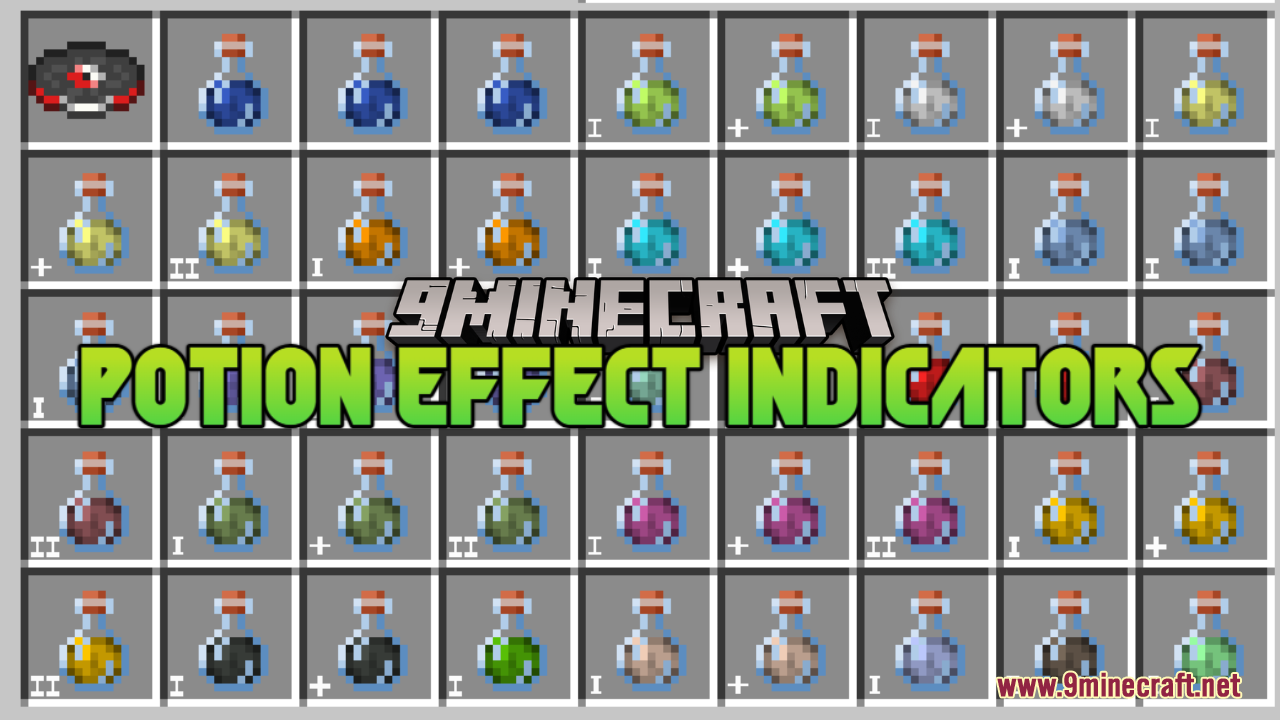
Potion Effect Indicators Resource Pack adds small symbols to potion items in your game. It shows you if a potion is stronger or lasts longer just by looking at its picture. This helps you quickly find the right potion to drink during fights or normal play.
Potion Effect Indicators Resource Pack

Features:

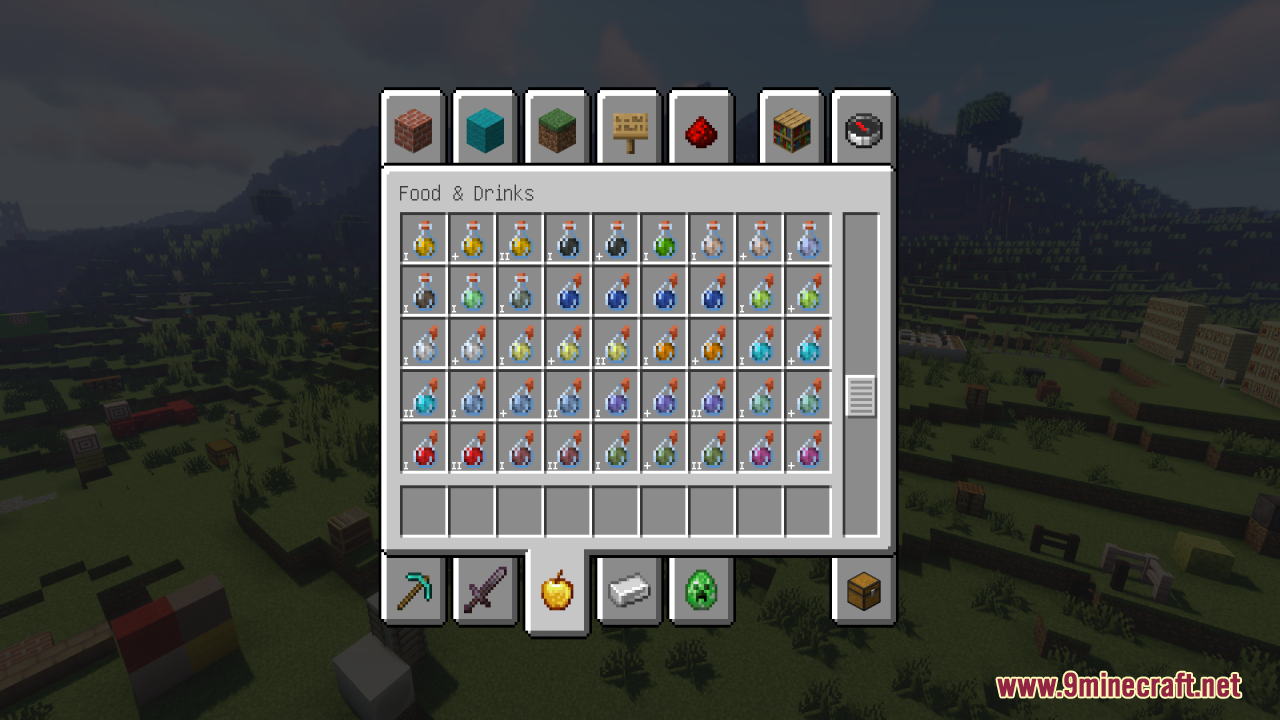
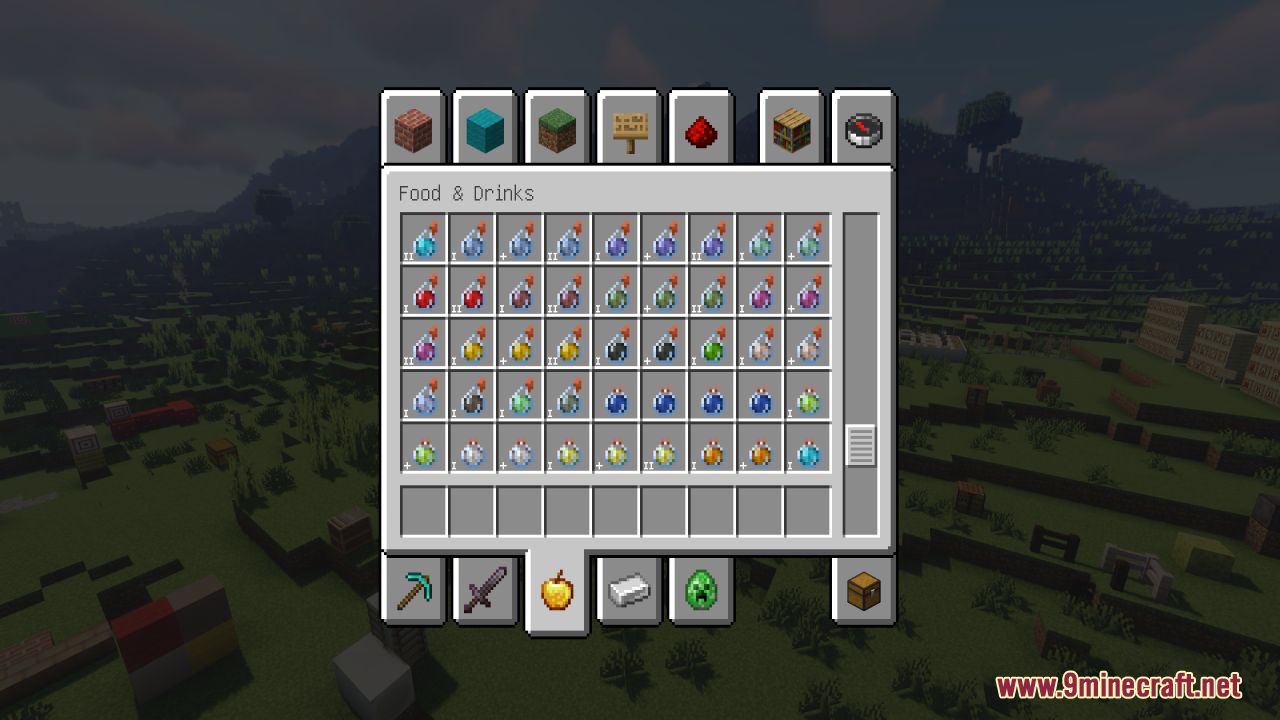
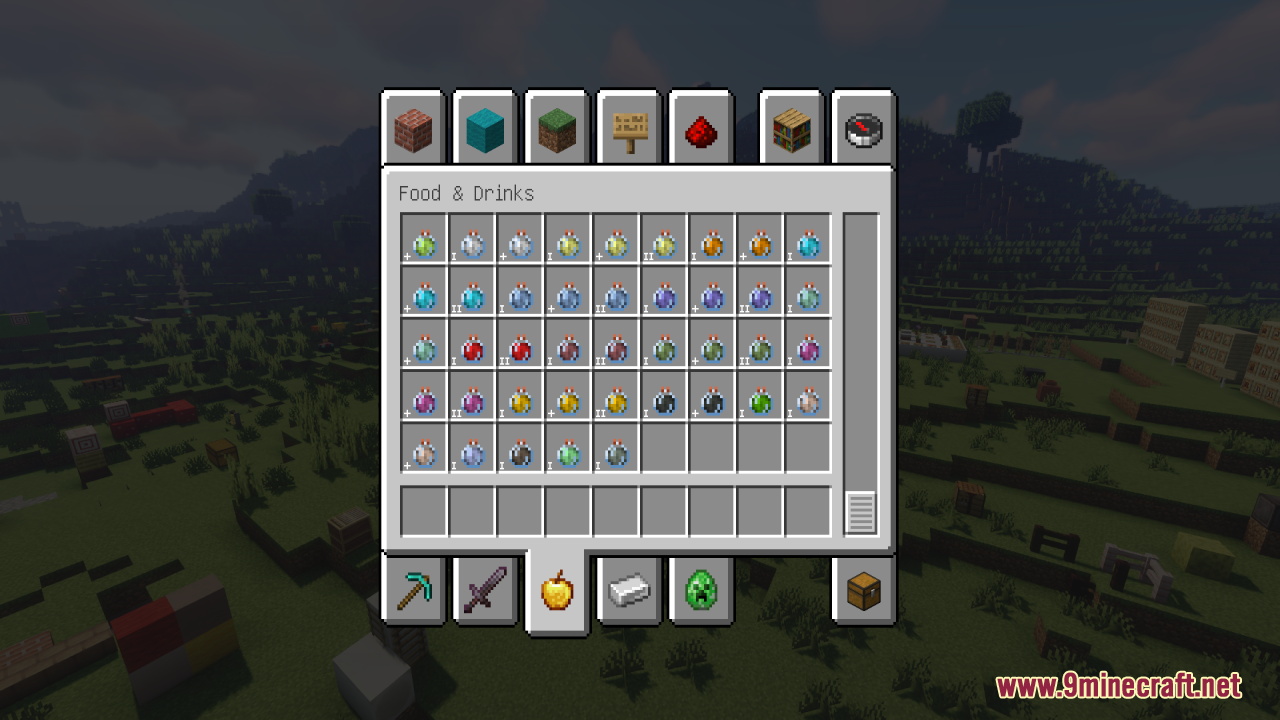
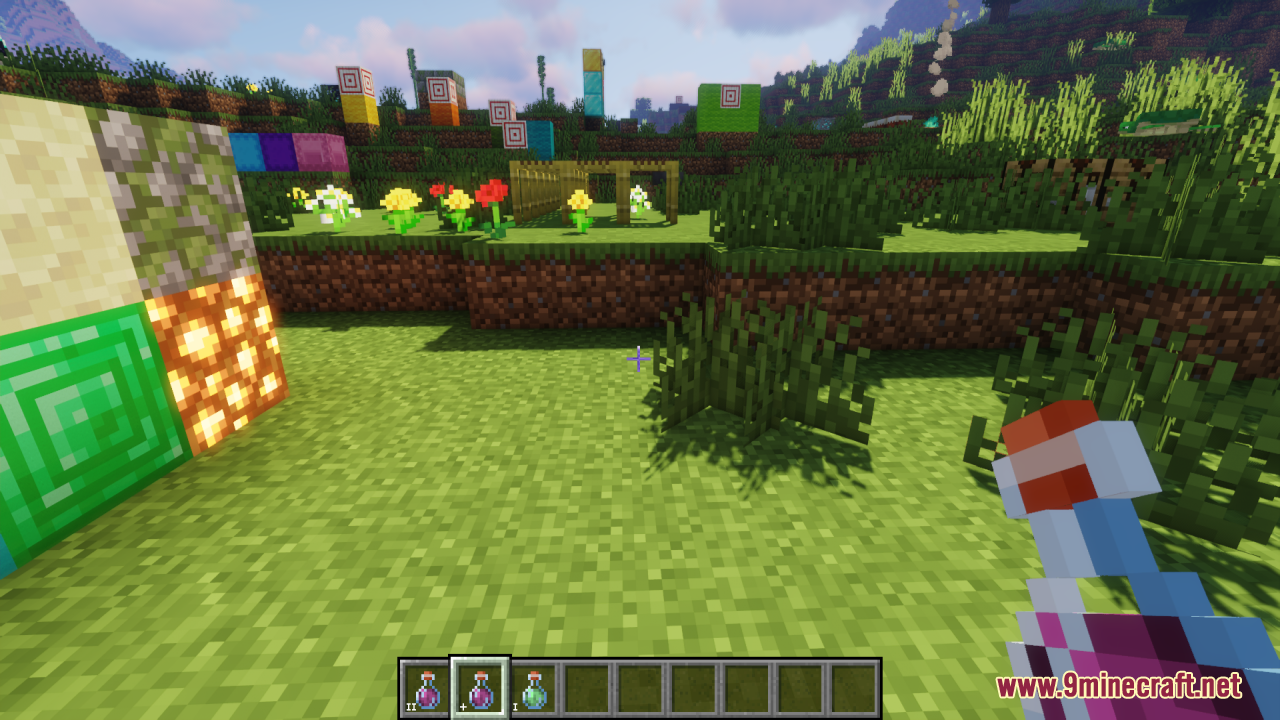
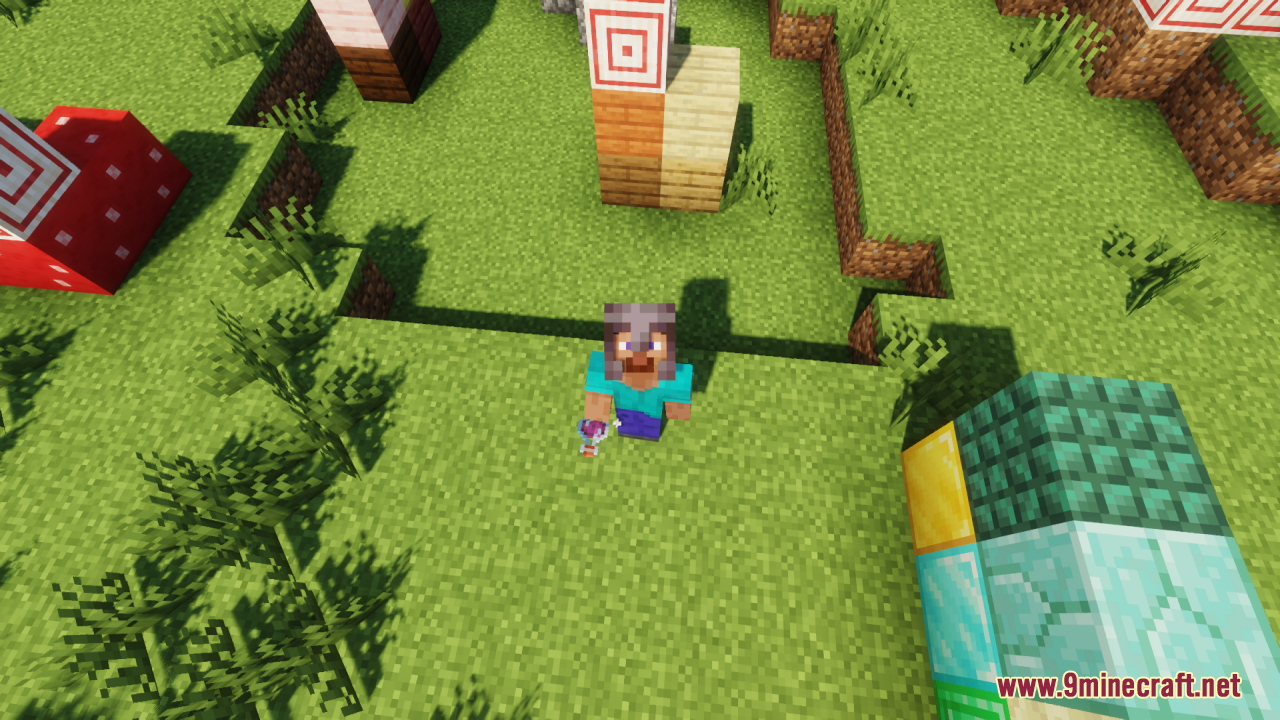
  • Visual potion symbols: Look at the bottom left to see potion power.
  • “I” symbol: The potion has the normal strength and time limit.
  • “II” symbol: The potion was made stronger using glowstone dust.
  • “+” symbol: The potion lasts longer because of redstone dust.
  • Works on all types: Includes splash, lingering potions, and ominous bottles.
  • Drinking animation: See your character drink the potion from the bottle.

Screenshots:
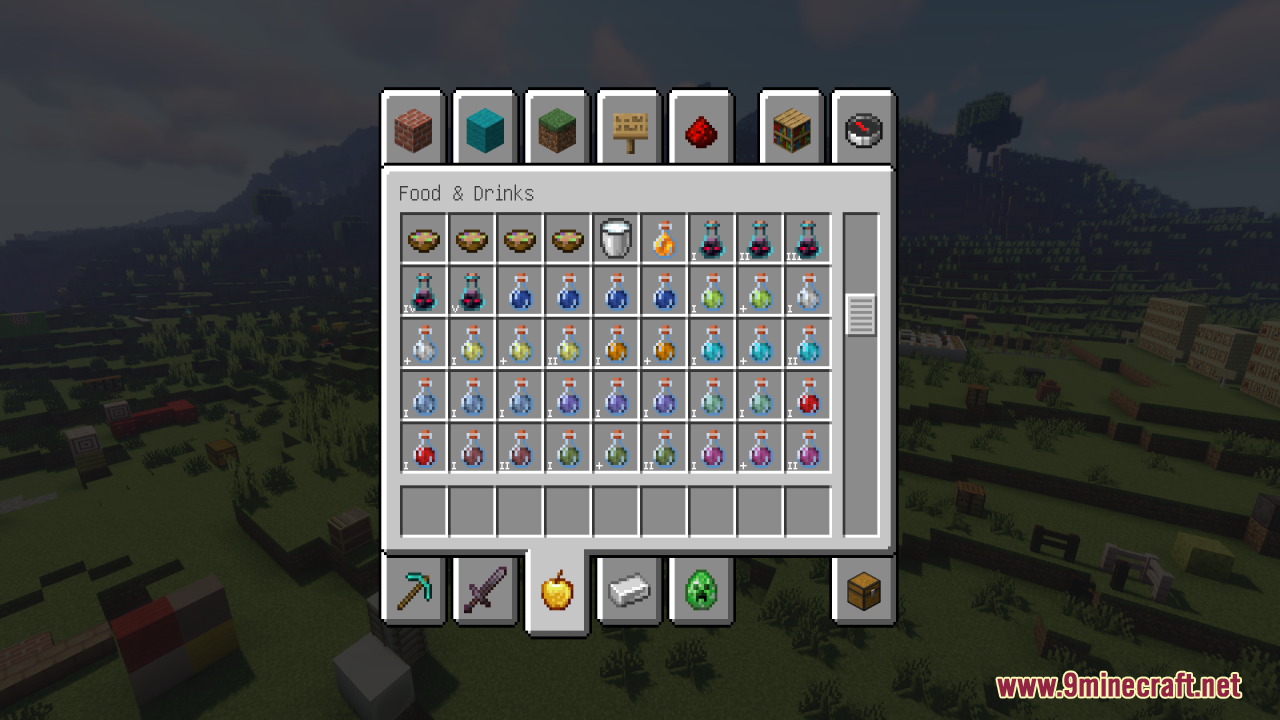
Top of potion inventory showing Potion Effect Indicators Resource Pack
Middle of potion inventory showing Potion Effect Indicators Resource Pack
Lower part of potion inventory showing Potion Effect Indicators Resource Pack
Bottom of potion inventory showing Potion Effect Indicators Resource Pack
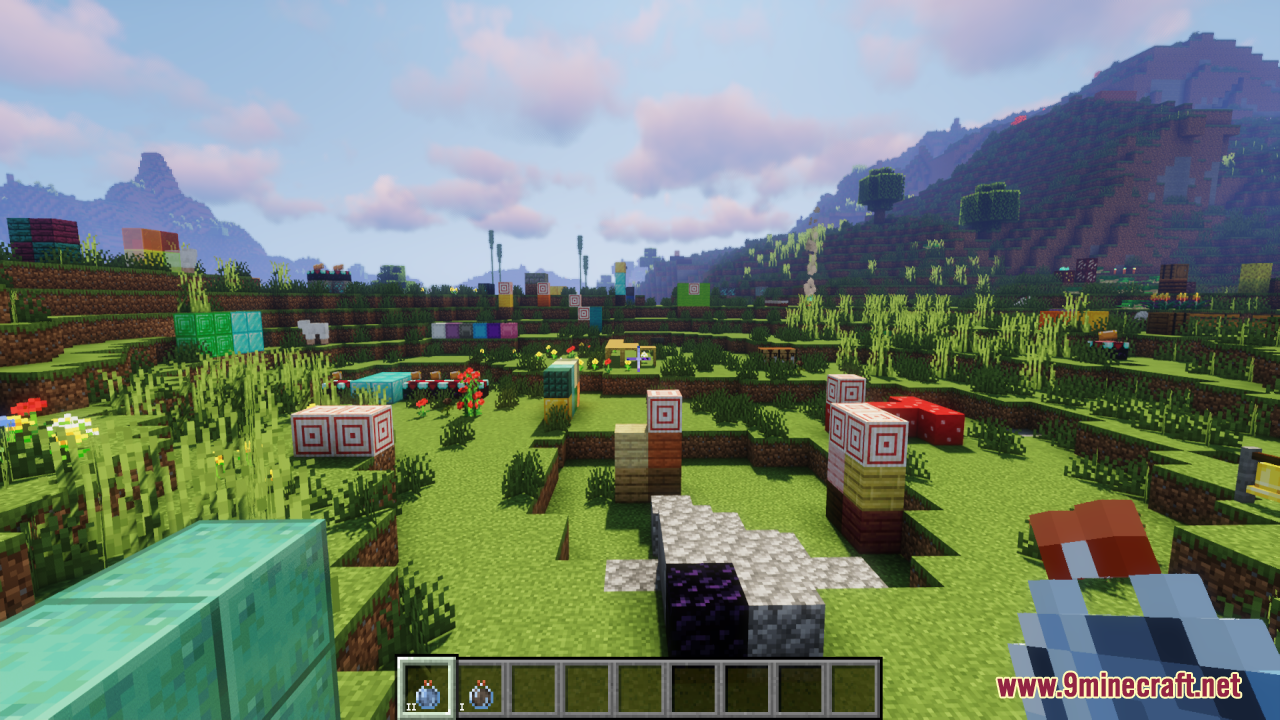
Player viewing hotbar potions with Potion Effect Indicators Resource Pack
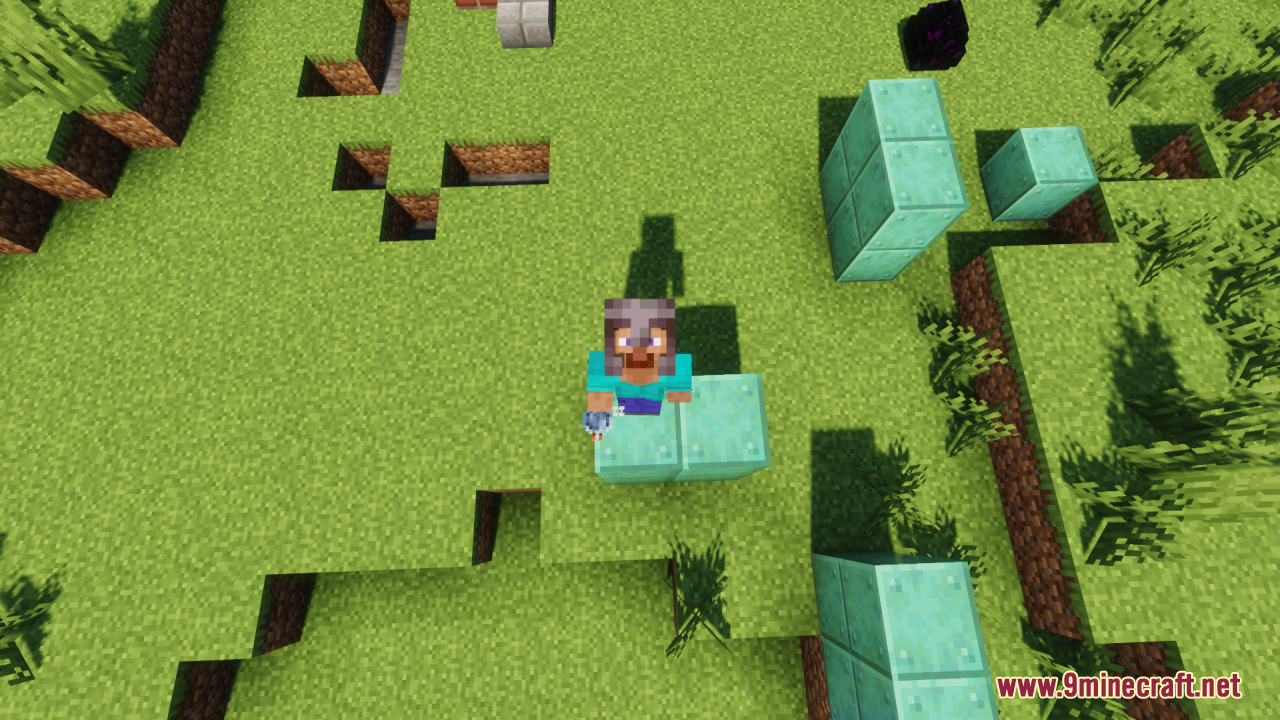
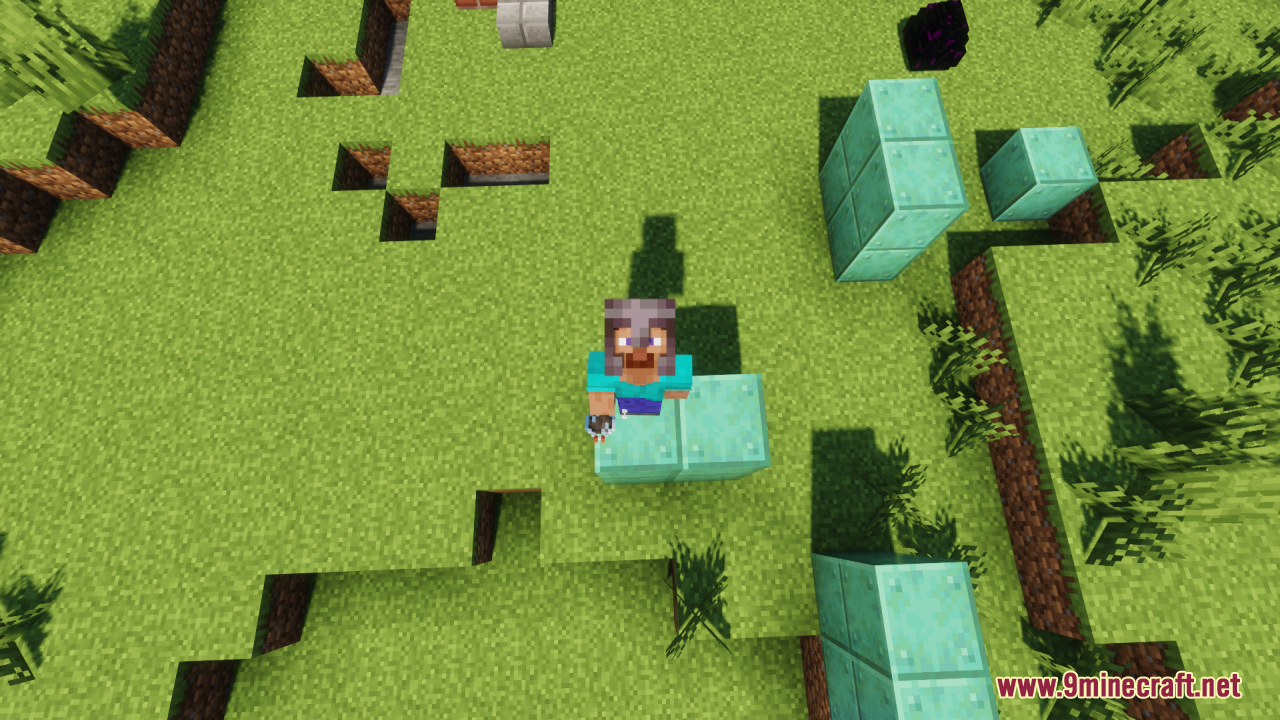
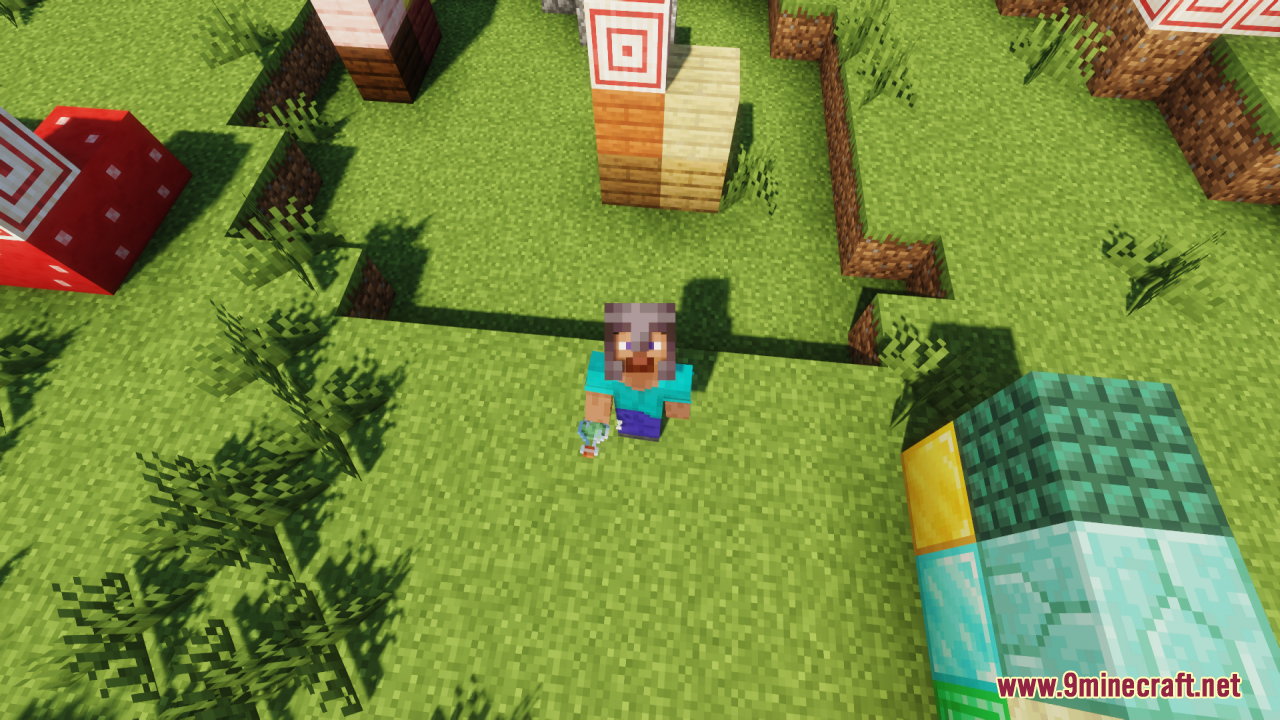
Top down view of player holding Potion Effect Indicators potion
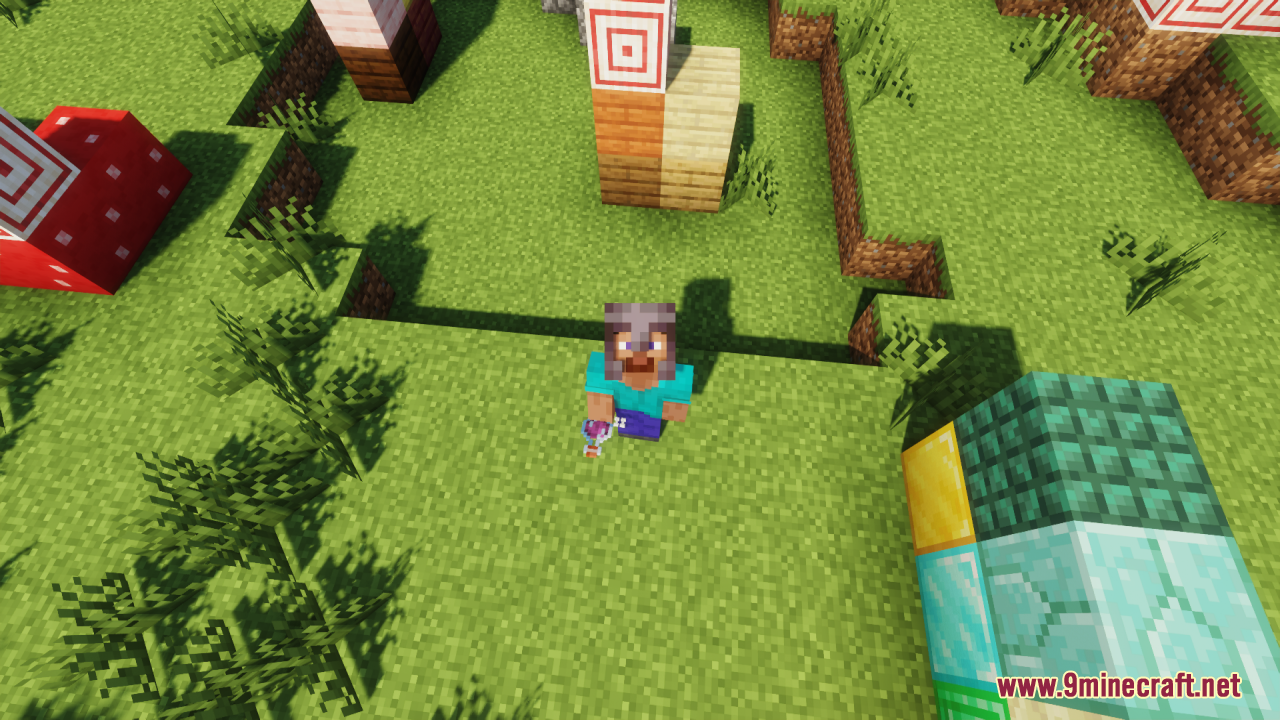
Player drinking a potion showing Potion Effect Indicators animation feature
Player finishing potion drink animation from Potion Effect Indicators mod
Player holding a potion with Potion Effect Indicators mod active
Player drinking a potion showing the Potion Effect Indicators animation
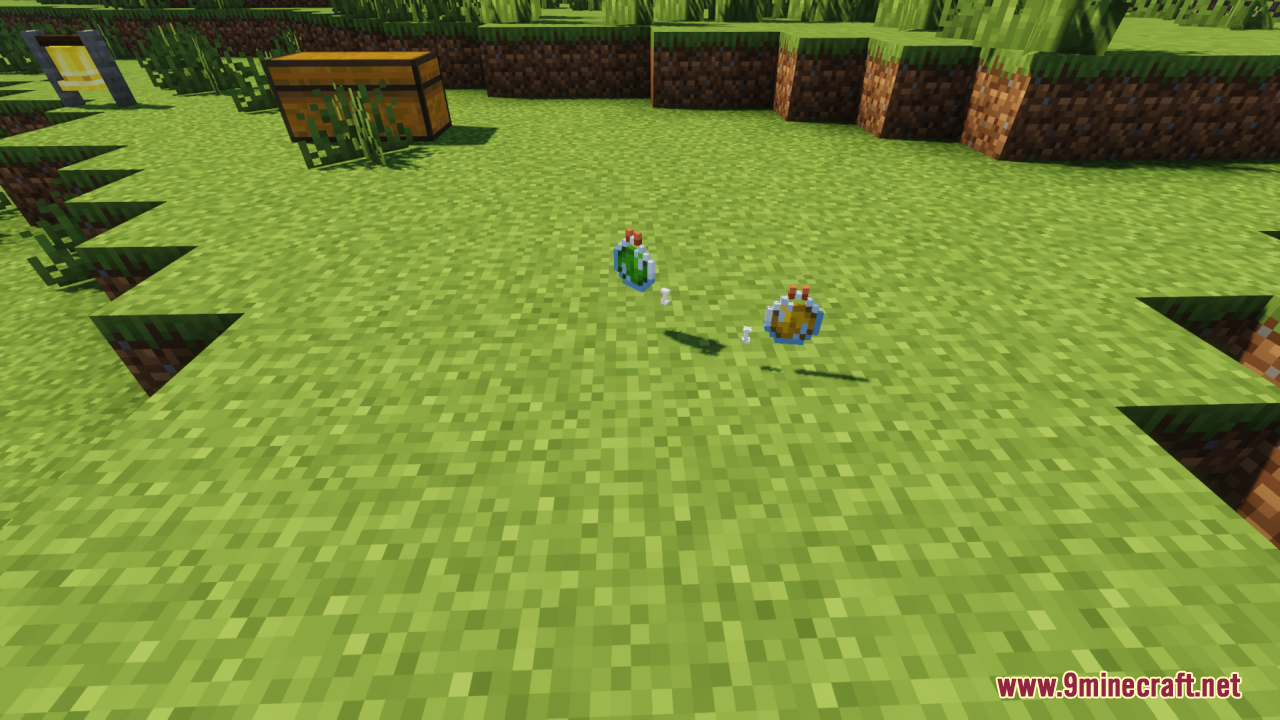
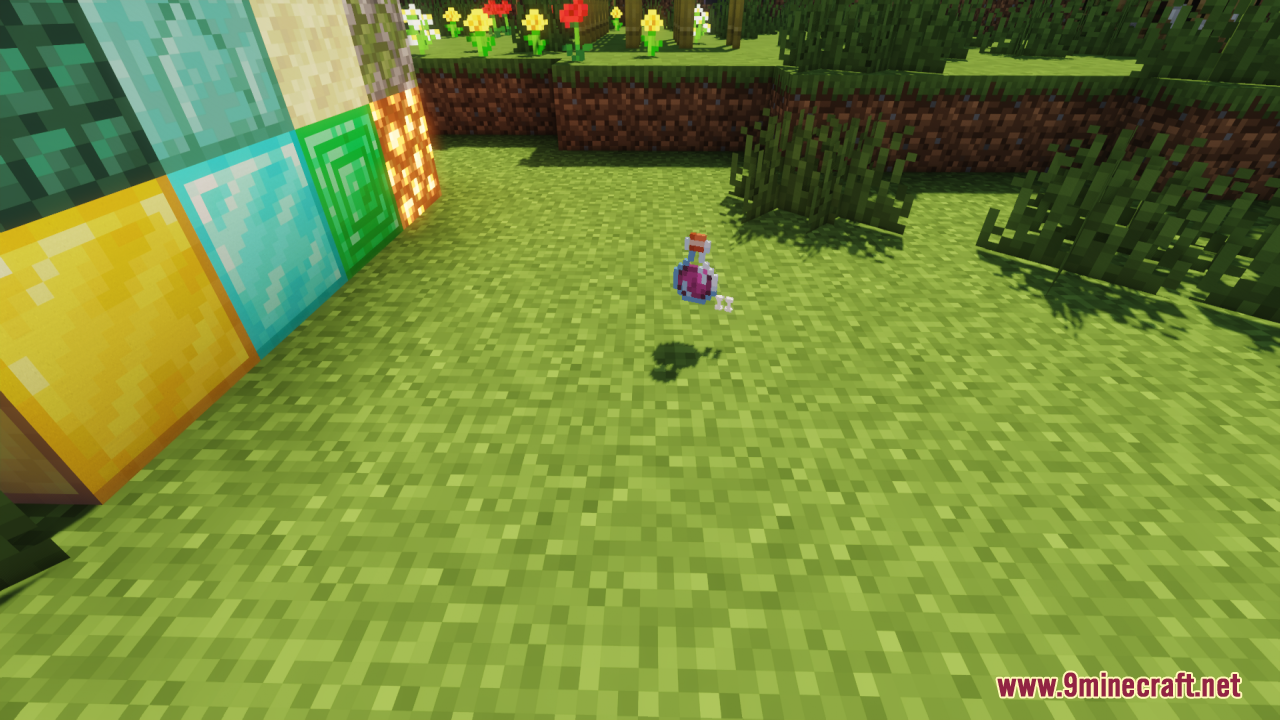
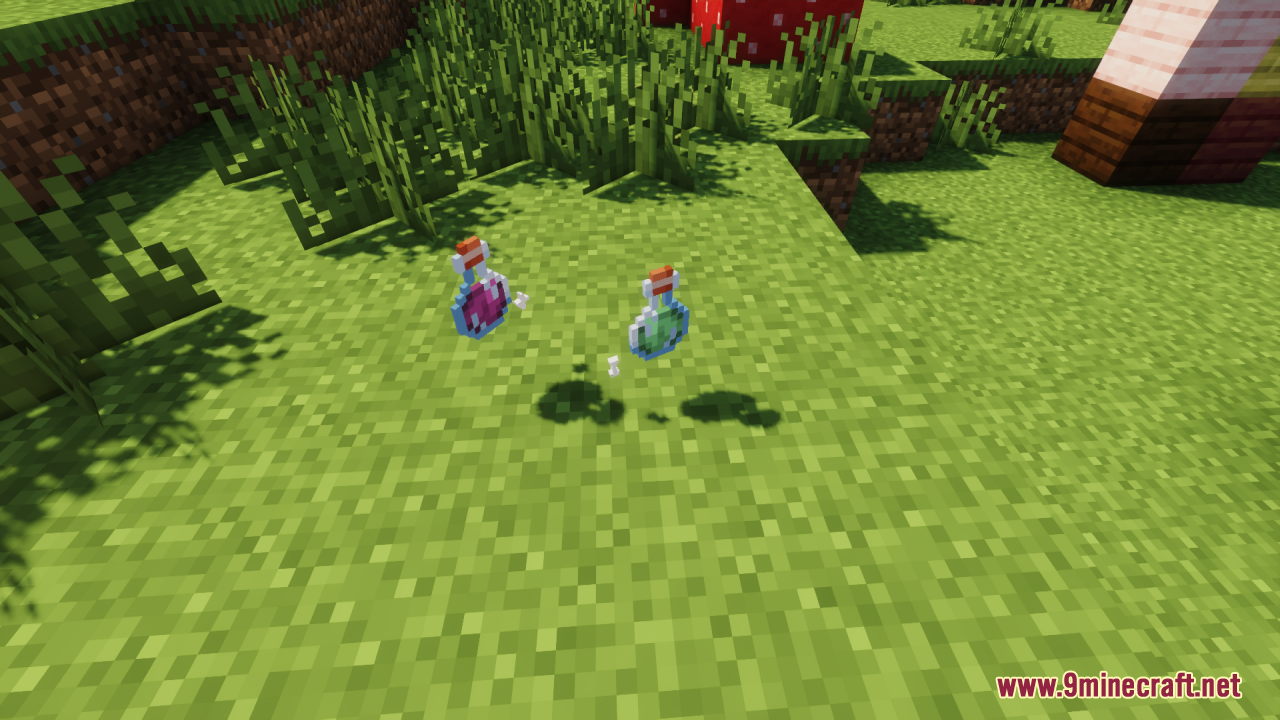
Dropped potions on grass showing the Potion Effect Indicators symbols
First person view showing hotbar potions with Potion Effect Indicators
Player holding a potion with Potion Effect Indicators Resource Pack
Top down view of player holding an indicated potion bottle
Minecraft character holding a potion showing the extended duration symbol
Dropped potion item on grass displaying the visual indicator symbol
Dropped potion items on grass from Potion Effect Indicators Resource Pack

How to install:

Please visit the following link for full instructions: How to Install Resource Packs for Minecraft Java Edition on PC: A Beginner Guide

Potion Effect Indicators Resource Pack Download Links

All Files 1 16x
Version Resolution File Name Size Date Download
26.1.2 16X Potion-Effect-Indicators-Resource-Pack-16x-26.1.2.zip 113 KB Apr 10, 2026
26.1.2
16X
113 KB Apr 10, 2026
1 file available

Click to rate this post!
[Total: 0 Average: 0]