
Prominence OST Mod (1.20.1) – Listen to Epic RPG Music at Your Base
 120
 0


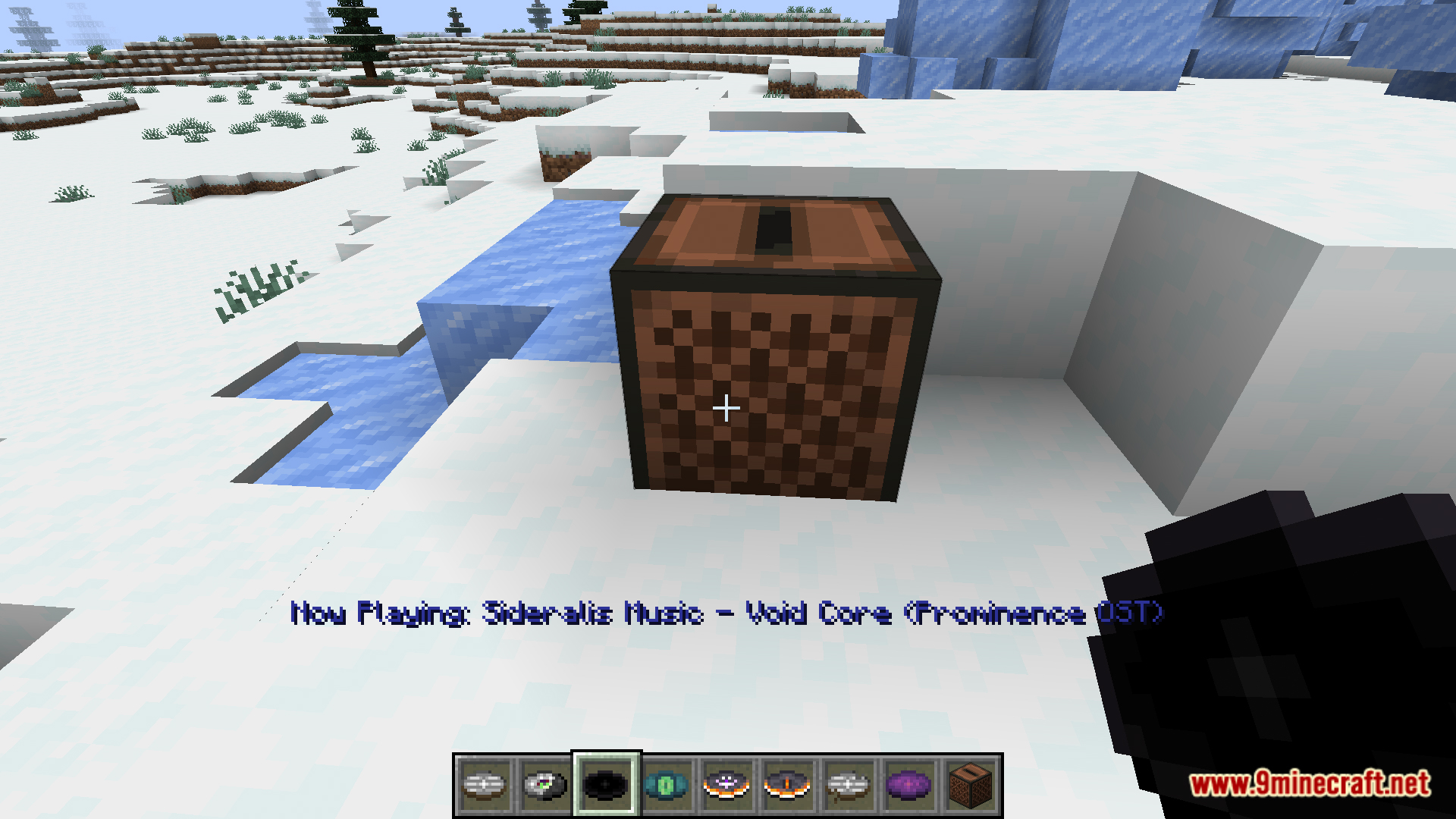
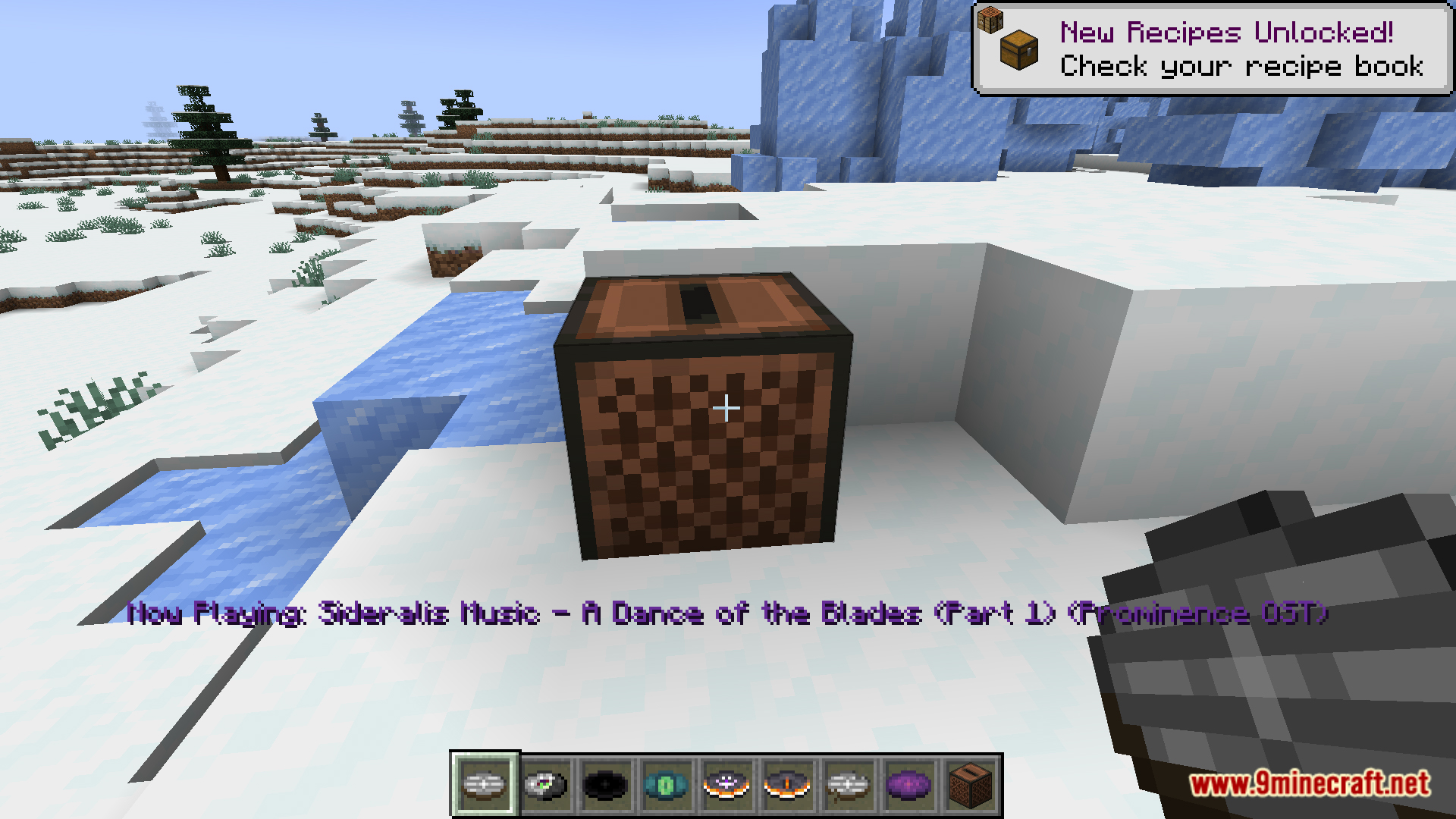
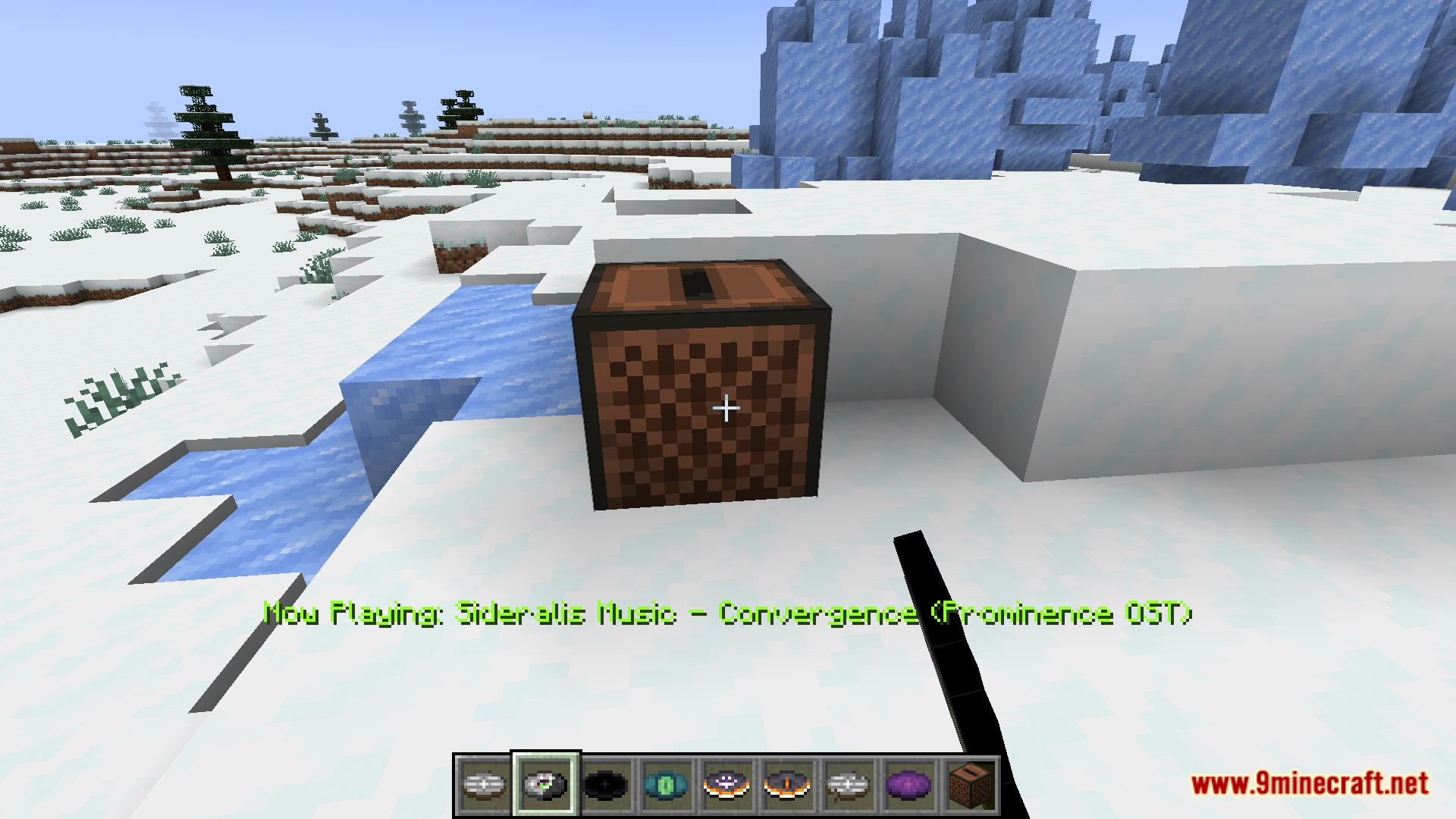
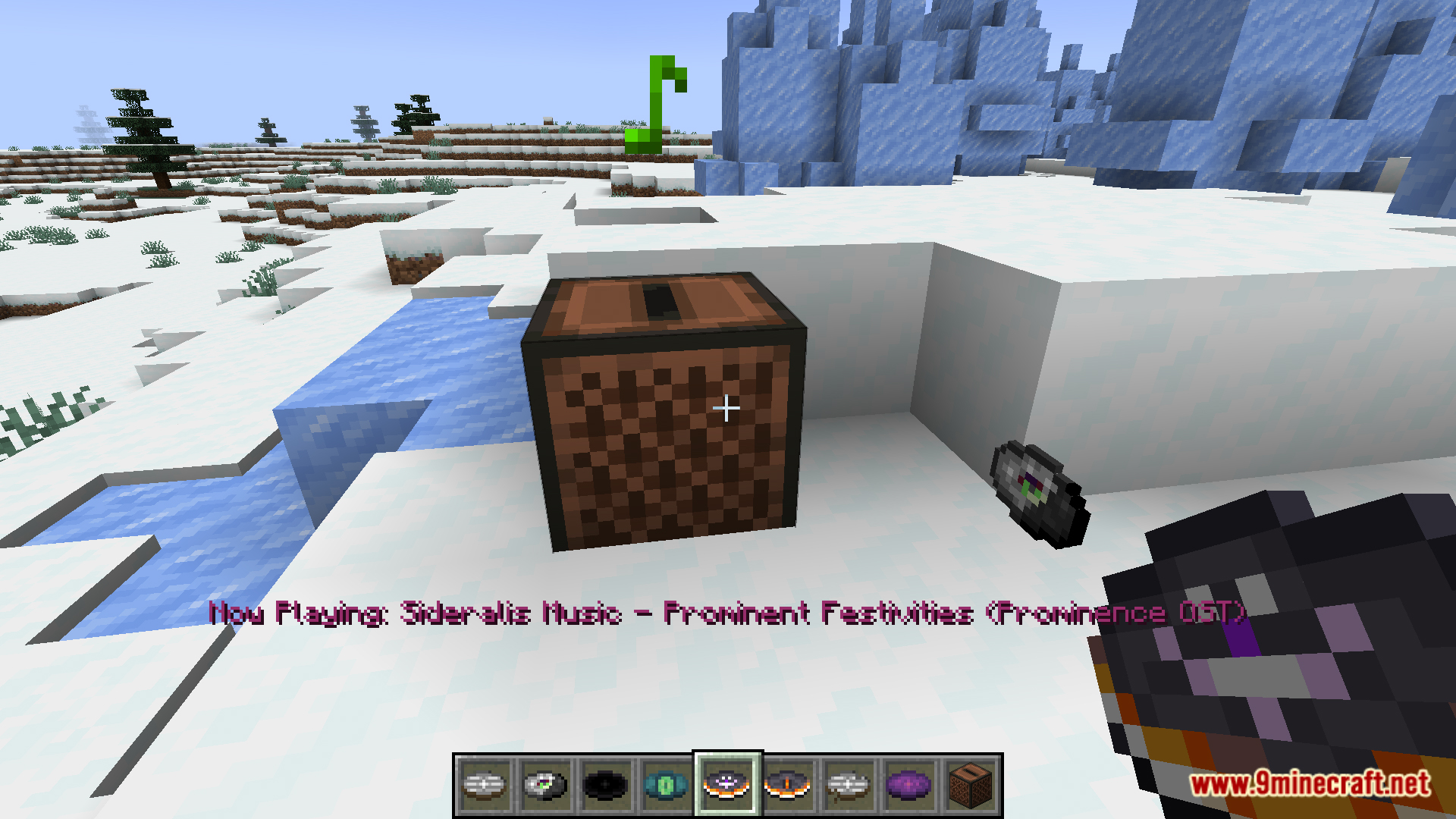
Prominence OST Mod brings the original soundtrack from the Prominence II modpack into your world as custom music discs. This mod lets you play these songs inside any jukebox during normal gameplay. You can enjoy the full soundtrack in your regular world even if you do not play the modpack.
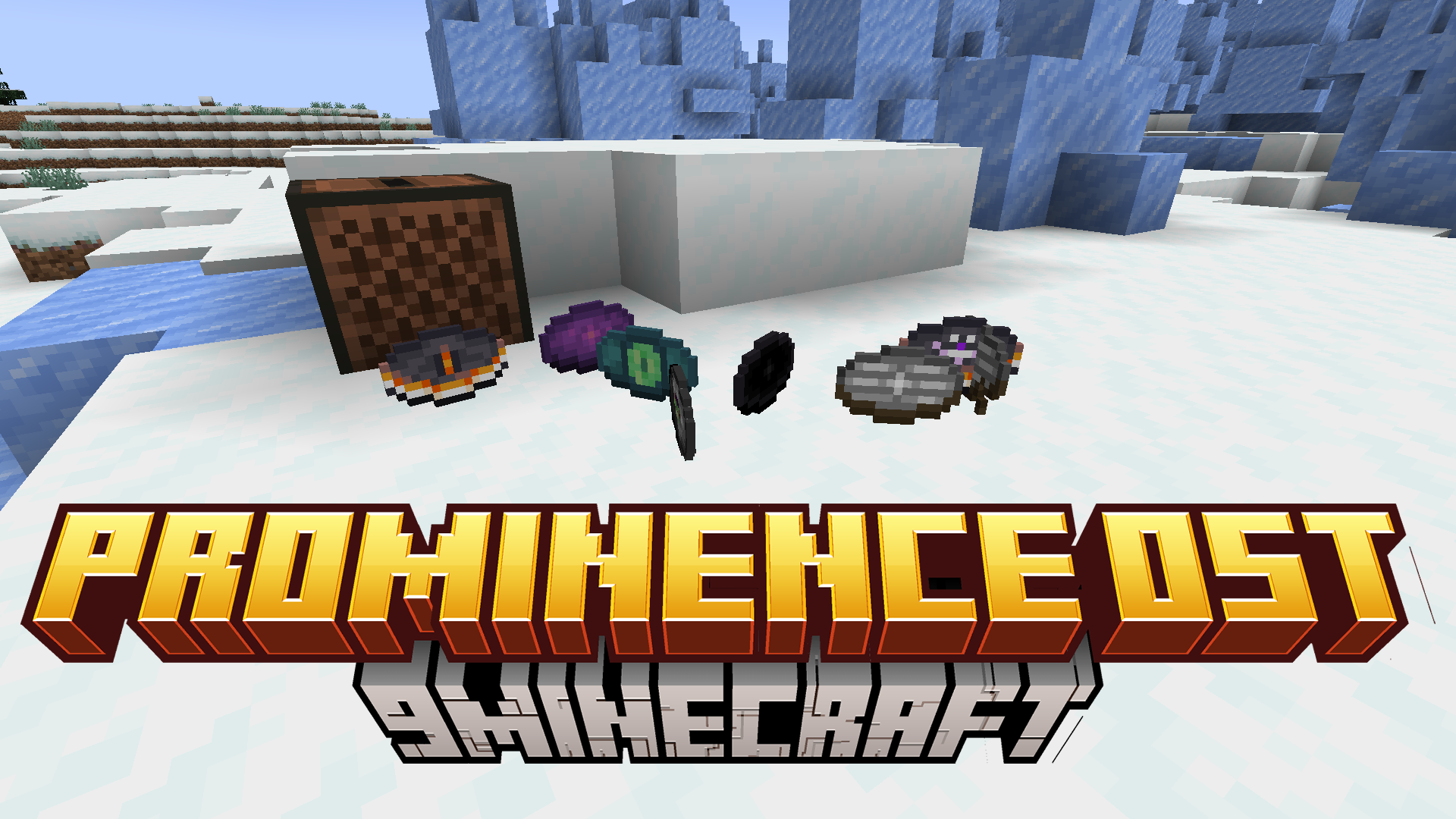
Features:
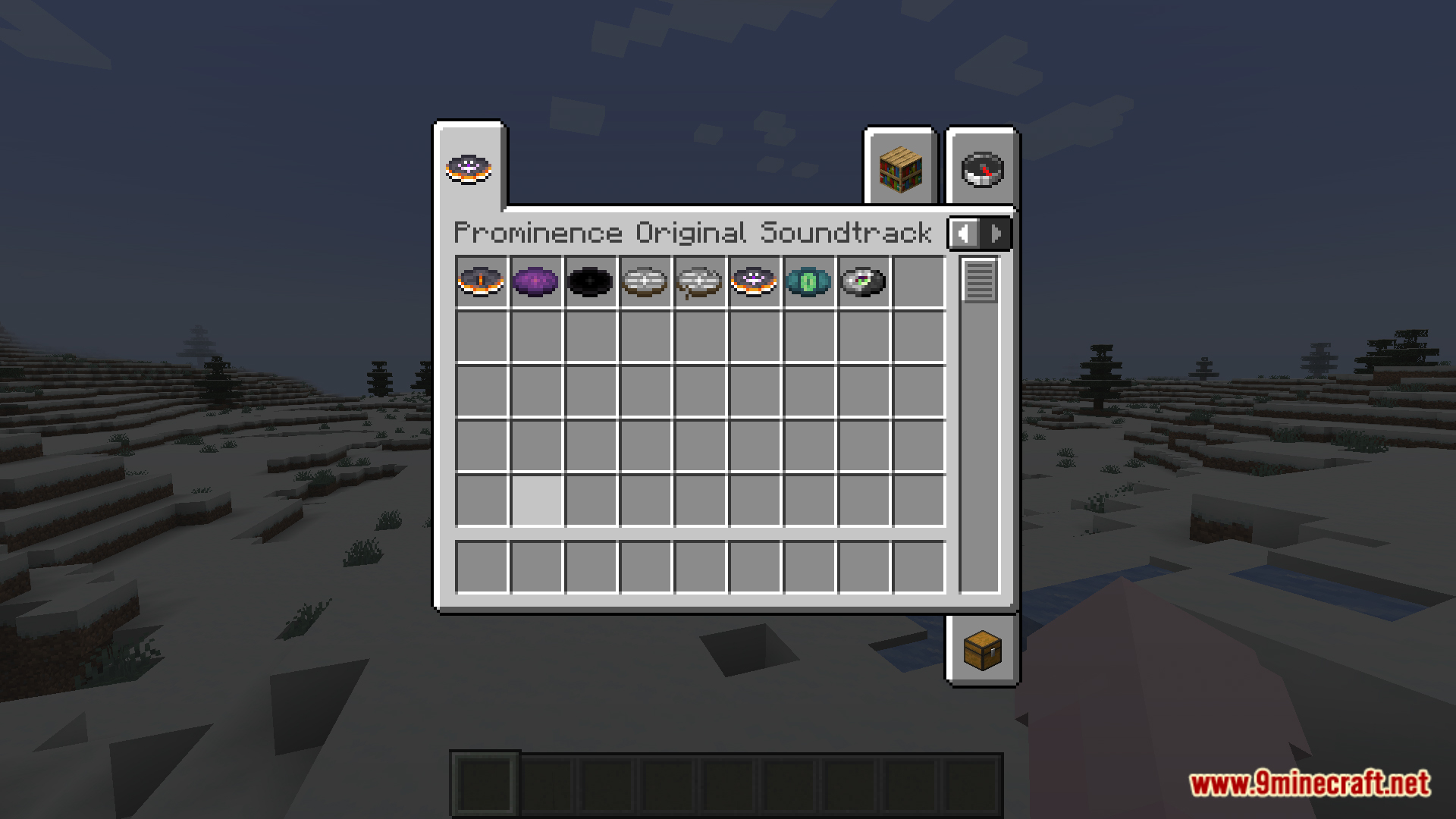
- Adds multiple custom music discs featuring the Prominence Original Soundtrack.
- Lets you play these custom discs in any regular jukebox to listen to new songs.
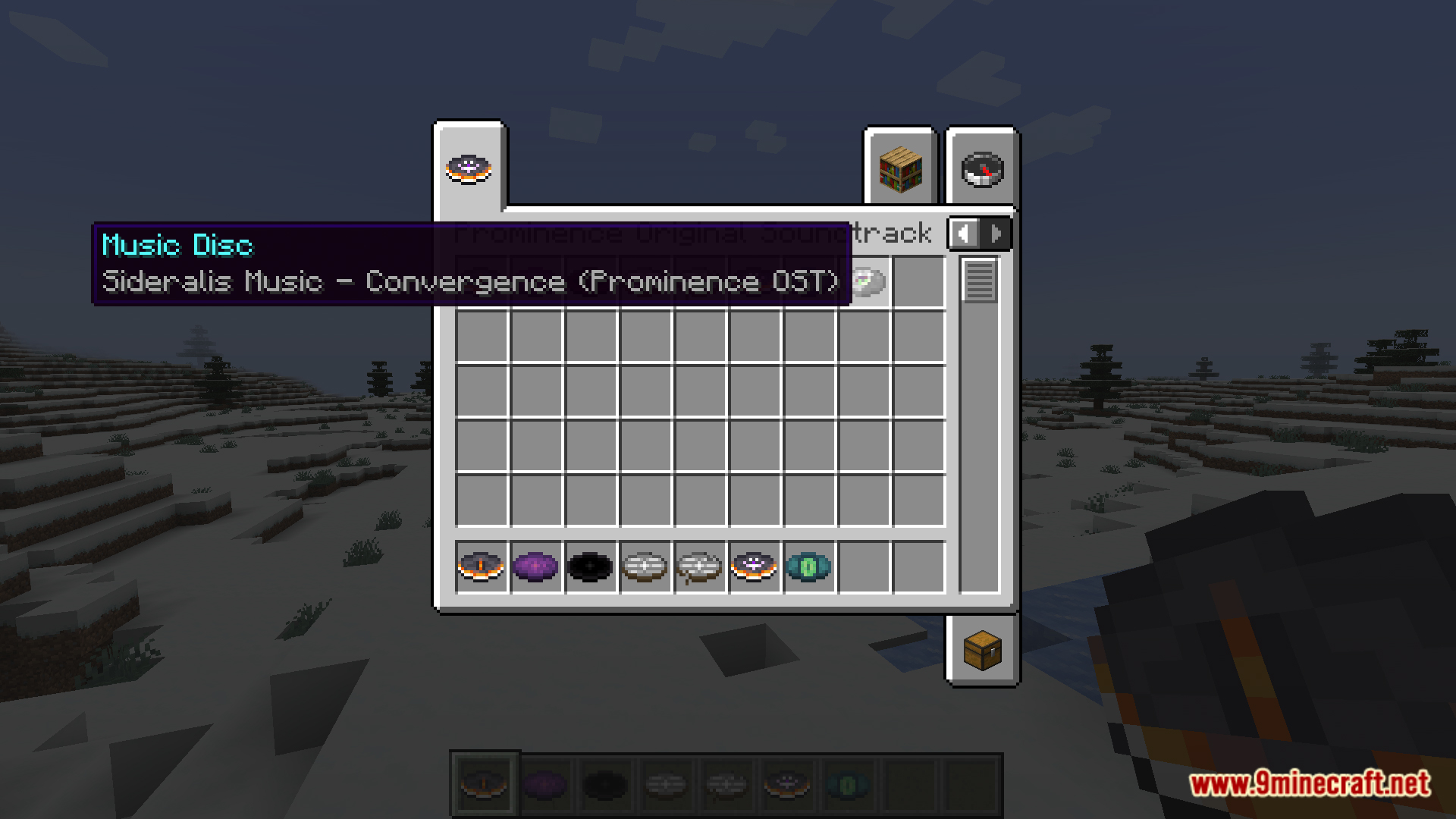
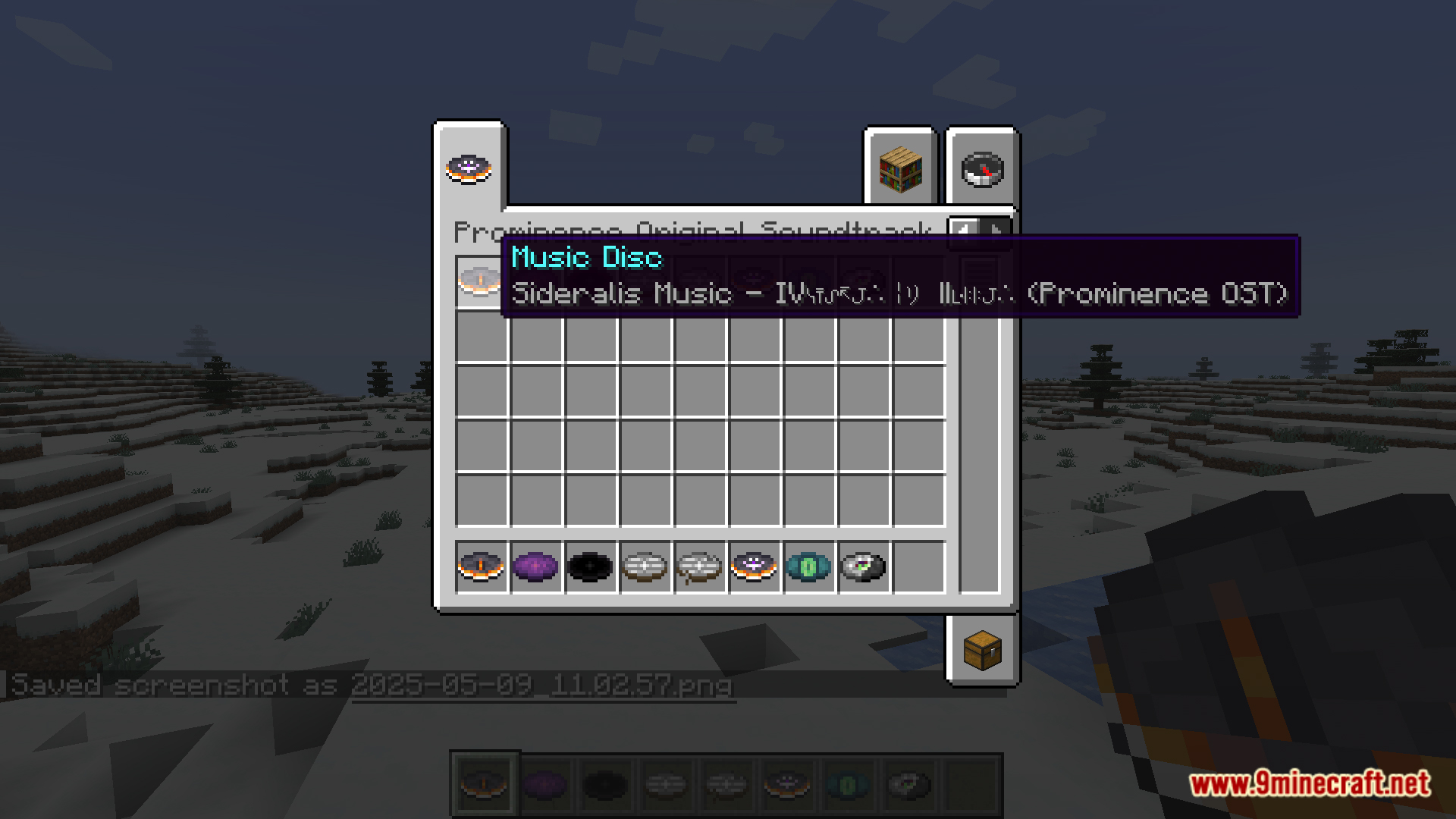
- Shows tooltip info when you hover your cursor over a disc in your inventory.
- Improves the mood of your world with fresh background music while you build or explore.
How to Use:
- Open your inventory and pick one of the custom music discs.
- Move your cursor over the disc to check its tooltip info.
- Hold the music disc in your hand and walk up to a jukebox.
- Right-click the jukebox to put the disc in and start the song.
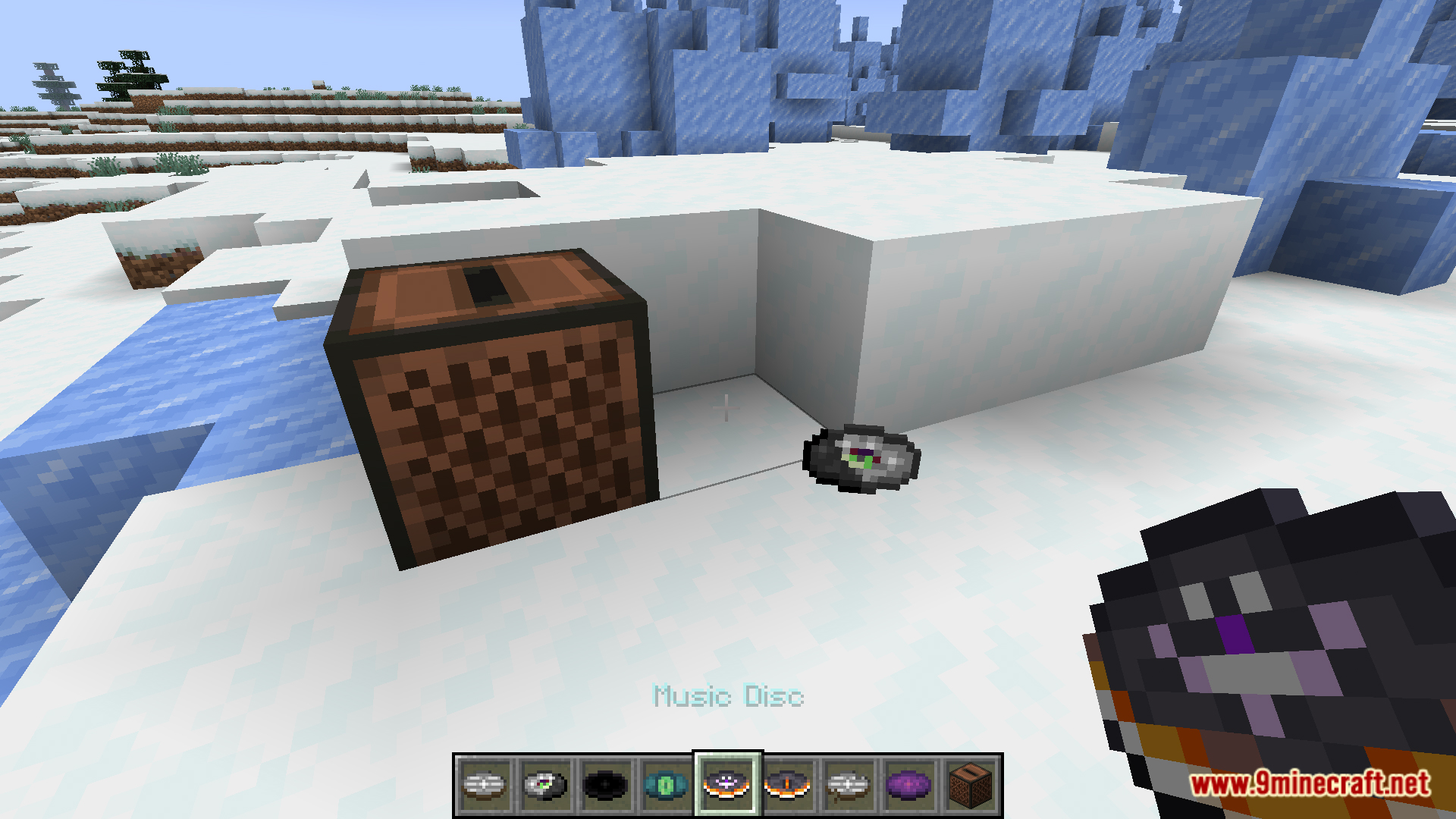
- Right-click the jukebox again to stop the music and pop the disc back out.
Screenshots:
How to Install:
New to Minecraft? Follow our step-by-step guide to install Mods on your PC.View Guide
Prominence OST Mod Download Links
For Minecraft 1.20.1
Fabric version: Download from Server 1 – Download from Server 2
Click to rate this post!
[Total: 0 Average: 0]
QUICK MINECRAFT SURVEY · ONE TAP
Mods & Modpacks
Which launcher do you primarily use to manage and run your modded Minecraft instances?
37 responses · See the full results →
You May Also Like
Picked for this page
 Tweakeroo Mod (26.3, 1.20.1) – Hand Restock, Hotbar Swap
 Lighting Wand Mod (26.1.2, 1.20.1) – Showing Light Sources
 Dynamic Trees Biomes O’ Plenty Compat Mod (1.21.1, 1.20.1)
 AppleSkin Mod (26.3, 1.20.1) – Food-Related HUD
 Francium Client Mod (1.21.4, 1.21.1) – Another Ghost Client for Crystal PvP
 Mounted Pearl Mod (1.21.1, 1.20.1) – Stay Mounted When You Use Ender Pearls
 Project Red Mod (1.21.1, 1.20.1) – Run Redstone Up Your Walls
 Hellion’s Sniffer Plus Mod (1.21.1, 1.20.1) – An Expansion of Sniffer
 Landmines Mod (26.3, 1.20.1) – Be Careful With Your Steps
 Blur Plus Mod (26.3, 1.20.1) – Enhance Your GUI With Blur Effects
 Dungeons Delight Mod (1.21.1, 1.20.1) – Dark and Creative Spin to Cooking
 Take It Out Mod (26.3, 1.20.1) – Allows Item Picking From Shulker Boxes
Most viewed in Mods over the last 7 days
 Ala Industrial Mod (26.3) – Run Electric Power Grids and Automated Factories
 PleasureCraft Mod (26.3, 1.21.1) – Jenny Mod Remake for Fabric
 Jennycraft Mod (26.3, 1.20.1) – Virtual Girlfriend in Minecraft
 Fapcraft Mod (26.3, 1.12.2) – Comprehensive and Detailed Content
 Jenny Mod (Fapcraft) Official Complete Guide – How to use, Tutorial
 BangCraft Mod (1.20.1) – Jenny, Ellie and Elliot
 Fabric Loader (26.3, 1.20.1) – Fabric Installer for All Minecraft Versions
 Meteor Client Mod (26.3, 1.20.1) – Xray, HUD, Fly
 OptiFine HD (26.3, 1.20.1) – Run Faster, FPS Boost, Shaders Support
 The Shooting Star Demo Mod (26.3, 1.20.1) – Vaporize Terrain From Orbit
 Aristois Client Mod (1.21.4, 1.20.1) – World Class Minecraft Utility
 SchnurriTV Mod (1.12.2) – Characters and Features
More from Mods
 Not Just Sandwich Mod (26.3, 1.20.1) – Edibles, Sandwiches
 Waddles Mod (26.3, 1.20.1) – Make Icy Biomes Feel Alive
 Artemis’ Thin Logs Mod (26.3, 1.20.1) – Build Custom Trees and Detailed Wood
 Asterion Mod (26.3, 1.20.1) – Survive Ancient Mazes and Slay the Legendary Minotaur
 Passthrough Signs Mod (26.3, 1.20.1) – Right-Click Through Wall Signs
 Packing Tape Mod (26.3, 1.20.1) – Move Chests, Machines
 No XP Anvils Mod (26.3, 1.20.1) – Repair And Enchant Without XP
 Naruto Shippuden Mod (26.3, 1.16.5) – Immerse Yourself in The World of Ninja
 Araxer’s Bestiary Mod (26.3, 1.20.1) – Build an In-Game Encyclopedia of Every Mob
 Villagers Plus Mod (26.3, 1.20.1) – Expanded Villager Types and Villages
 Ore Excavation 9minecraft Mod (26.3) – Mine Ores and Chop Trees in a Single Swing
 Dirigo Mod (26.1.2, 1.21.1) – Walk Across Nether Lava Seas and Automate Animal

This post has no comments yet. Be the first — your comment will appear here.