


The One Probe Mod (1.21.1, 1.20.1) – Conheça seu Mundo Instantaneamente

 0
0 

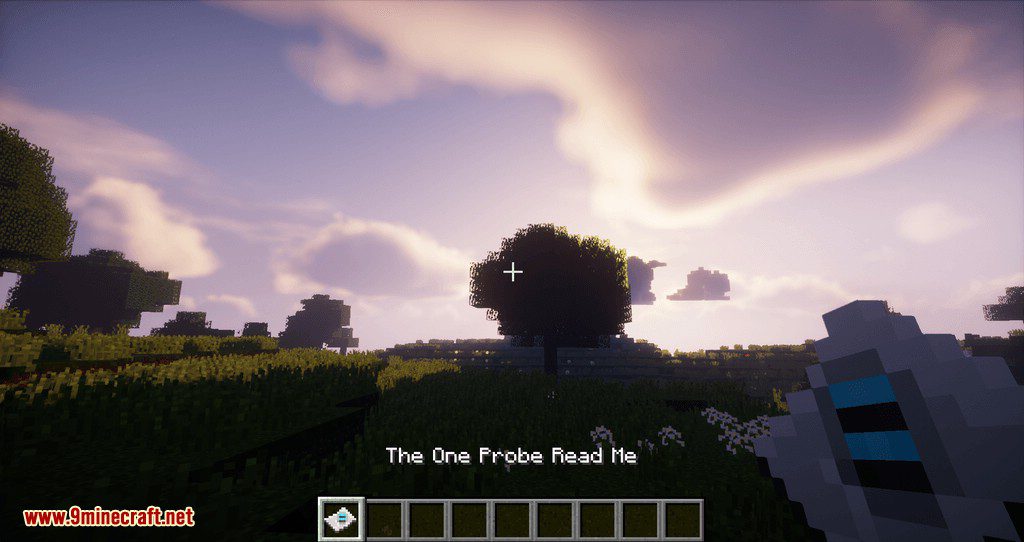
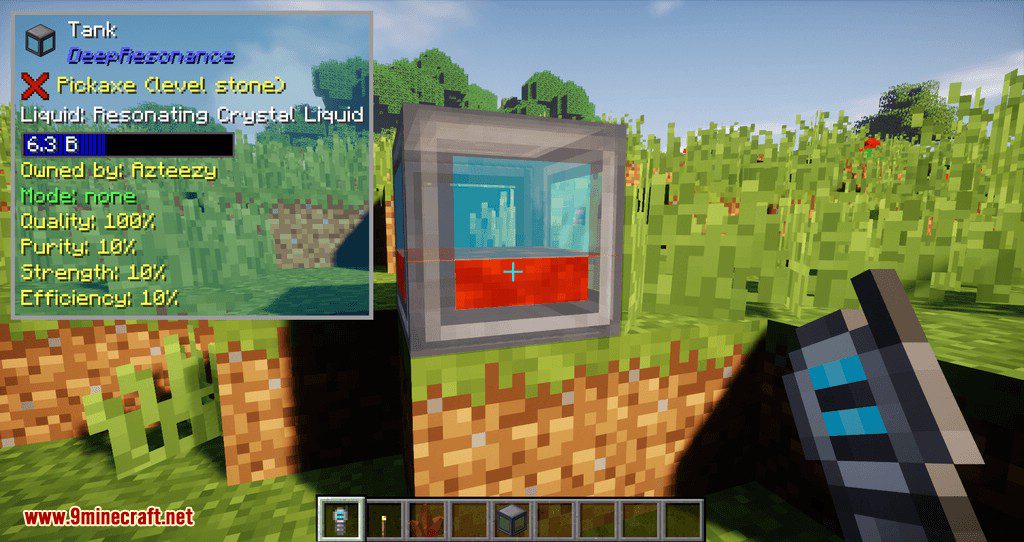
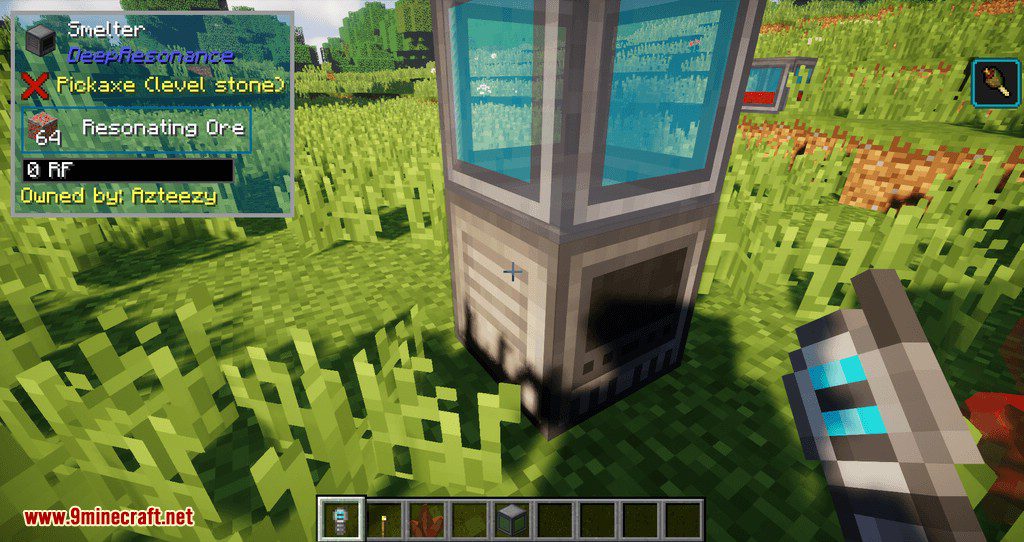
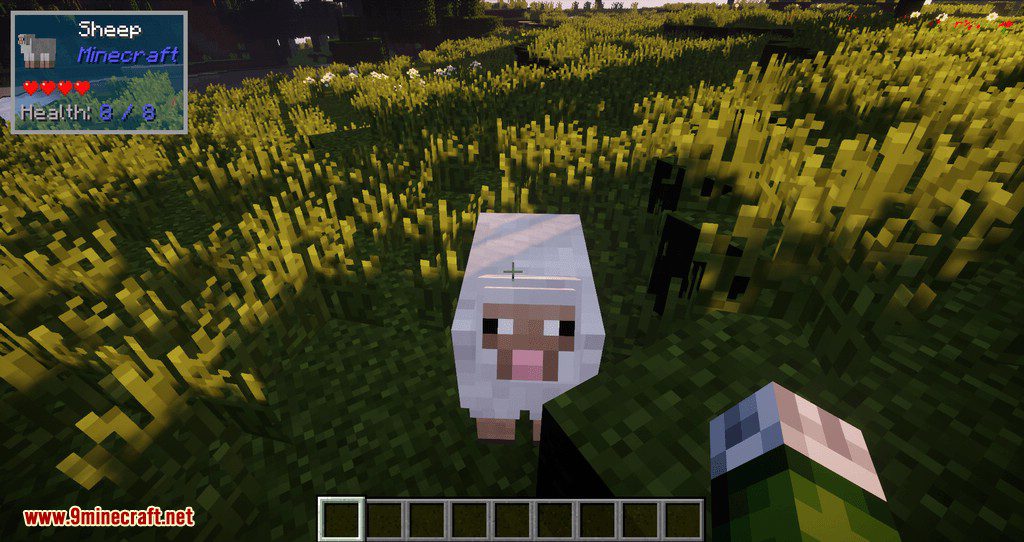
The One Probe Mod adiciona uma tooltip prática que mostra informações sobre o bloco ou mob que você está olhando. Para ver os detalhes, você precisa segurar um item especial chamado “probe” (sonda) na sua mão. Isso mantém sua tela limpa quando você não precisa das informações. O mod exibe detalhes básicos como o nome do bloco, o mod de onde ele vem e a ferramenta certa para colheita. Você também pode ver quanta energia RF um bloco possui ou dar uma espiada dentro do inventário de um baú ao agachar.
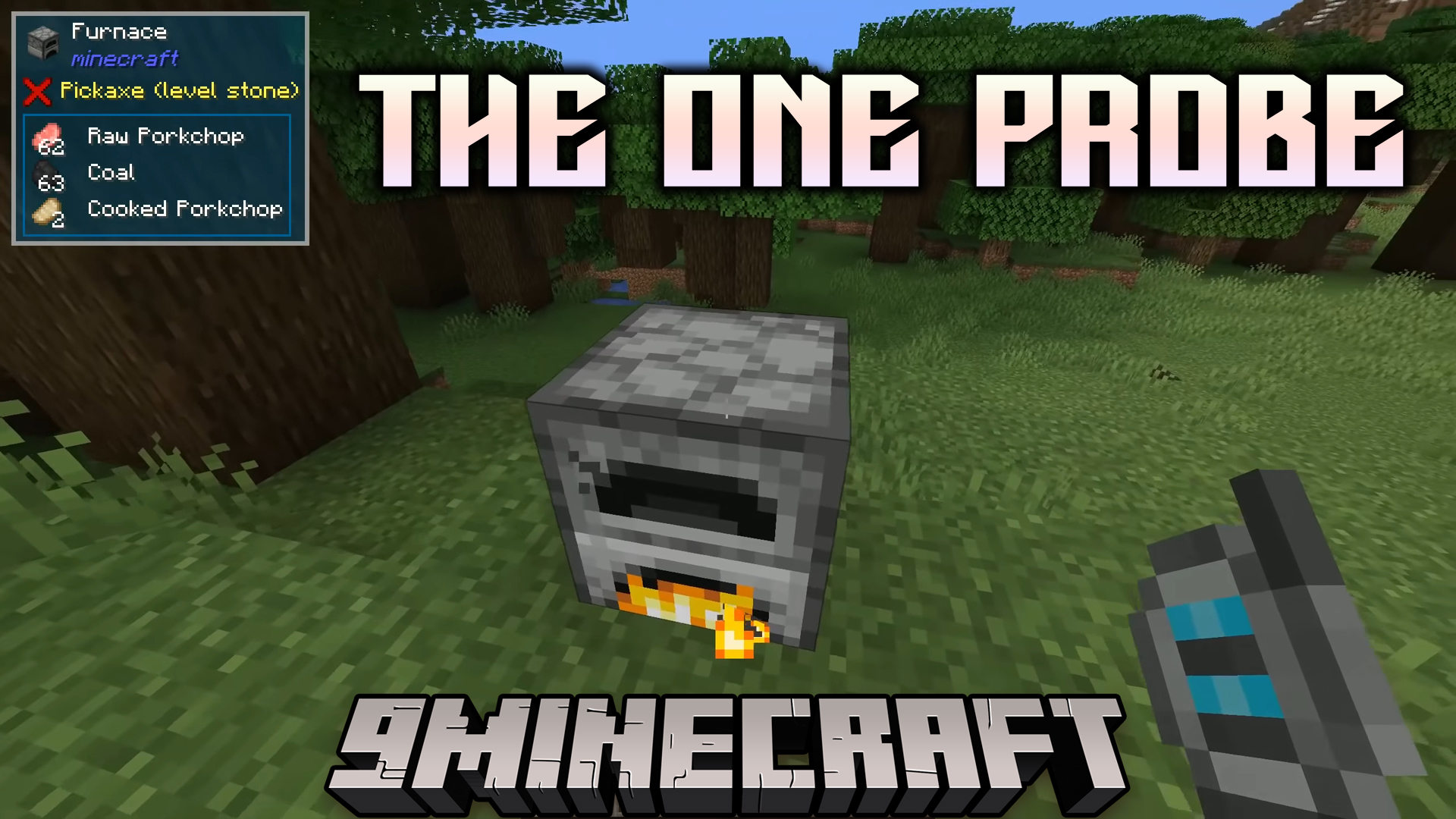
Recursos:
- Veja informações detalhadas sobre blocos e mobs simplesmente olhando para eles enquanto segura uma probe.
- Verifique a energia RF armazenada em blocos compatíveis.
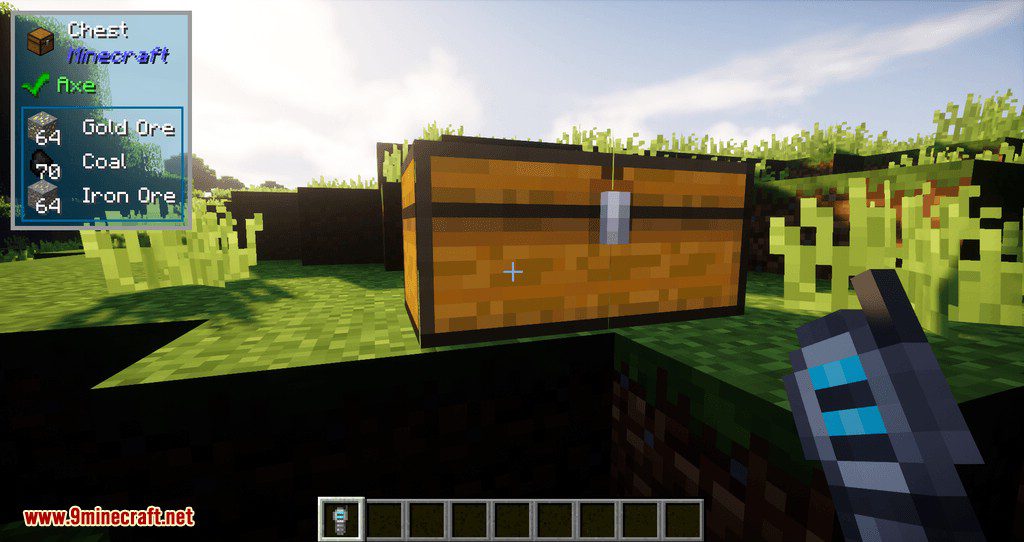
- Visualize o conteúdo de inventários como baús ao agachar (sneak).
- Descubra qual ferramenta é necessária para coletar um bloco específico.
- Exibe o nível atual de carga de Redstone de um bloco.
- Verifique o progresso de crescimento das plantações.
- Mostra informações sobre mobs, incluindo seus efeitos de poção ativos quando você agacha.
- Funciona quando a probe está na sua mão principal ou na mão secundária.
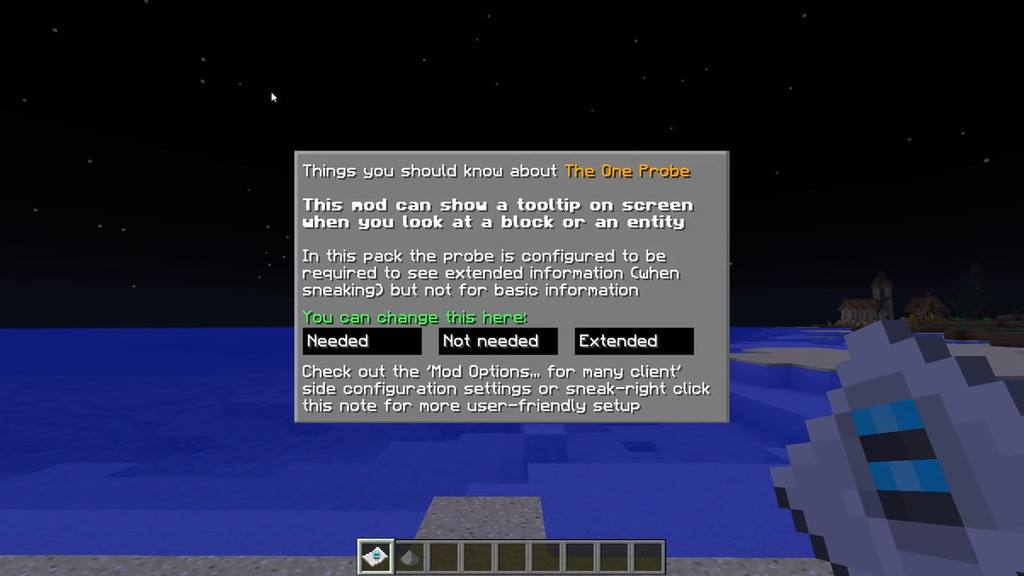
- Inclui três modos: Normal para informações básicas, Estendido para detalhes extras ao agachar, e Admin para o modo criativo.
Como Usar:
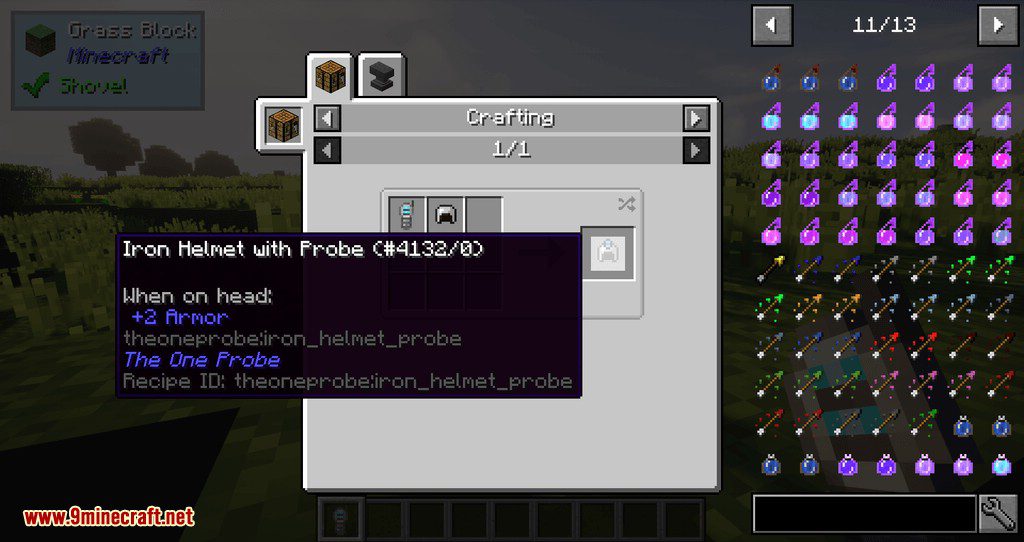
- Crafte uma probe e segure-a na mão para ativar a tooltip.
- Olhe para um bloco ou mob para ver suas informações.
- Agache (Sneak) enquanto olha para ver detalhes avançados, como conteúdo de inventário ou efeitos de poção.
- Pressione a tecla L para ligar ou desligar a exibição de informações de líquidos.
Configuração:
- Use o comando
/topcfgpara alterar a posição na tela e a aparência da caixa de informações. - Mais configurações podem ser ajustadas no arquivo
theoneprobe.cfg.
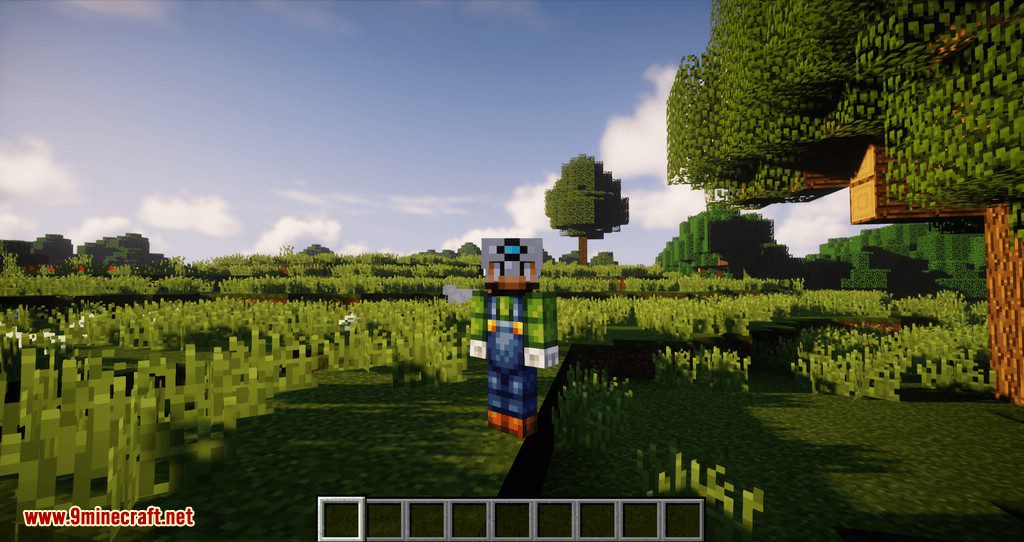
Screenshots:
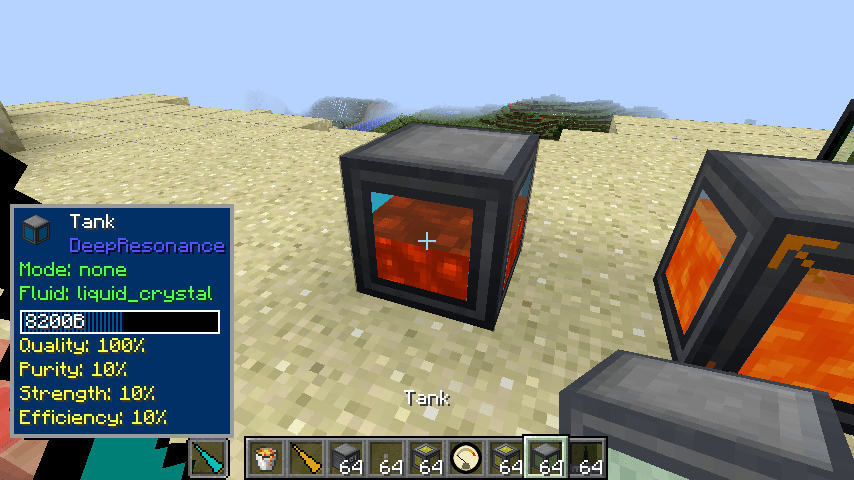
Suporte para tanque do Deep Resonance
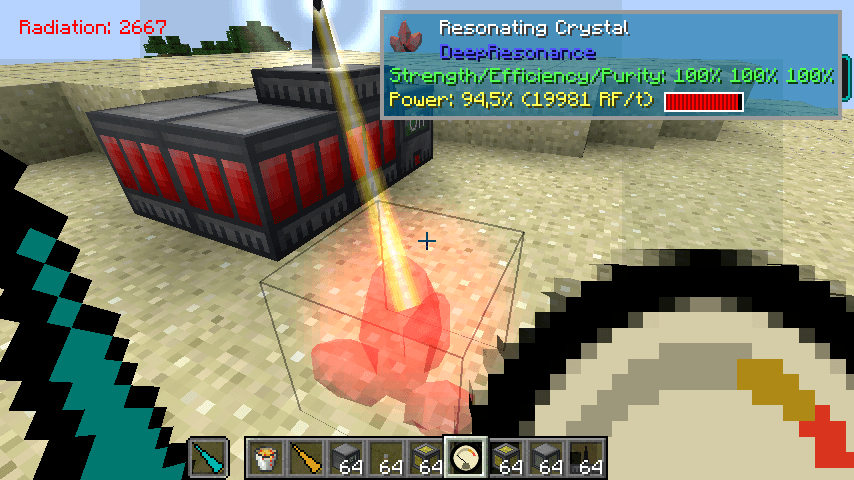
Suporte para Cristal do Deep Resonance
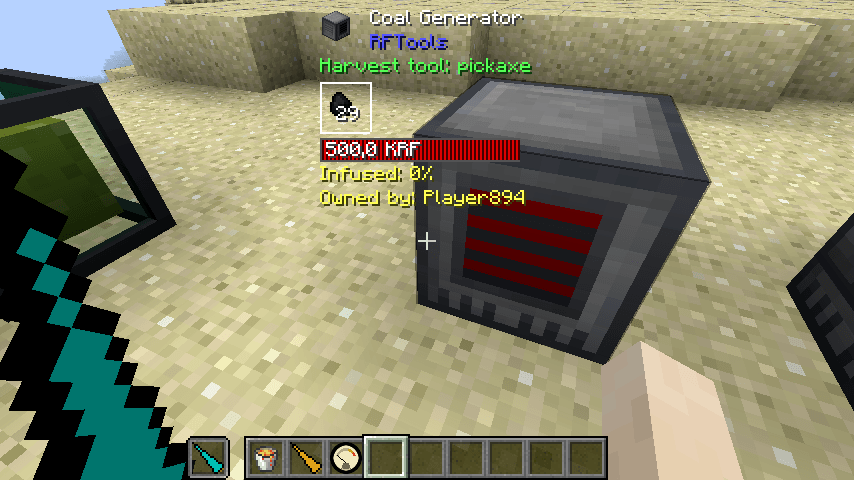
Suporte para RFTools
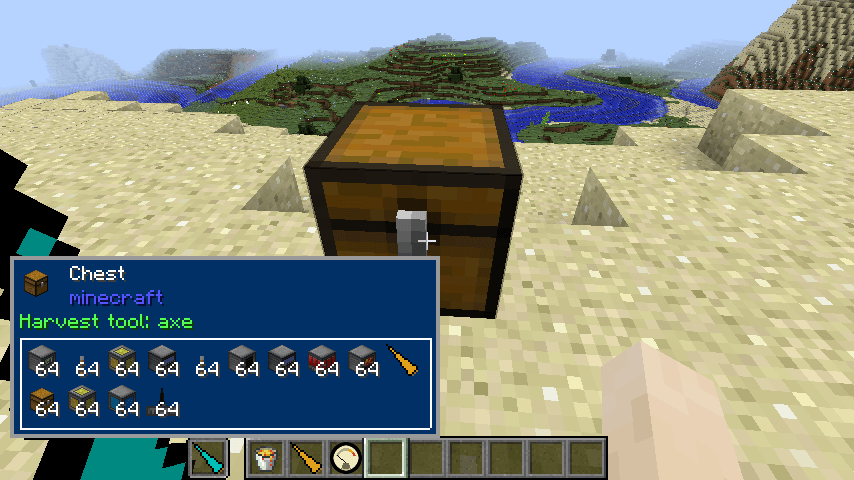
Mostrando o conteúdo de qualquer inventário
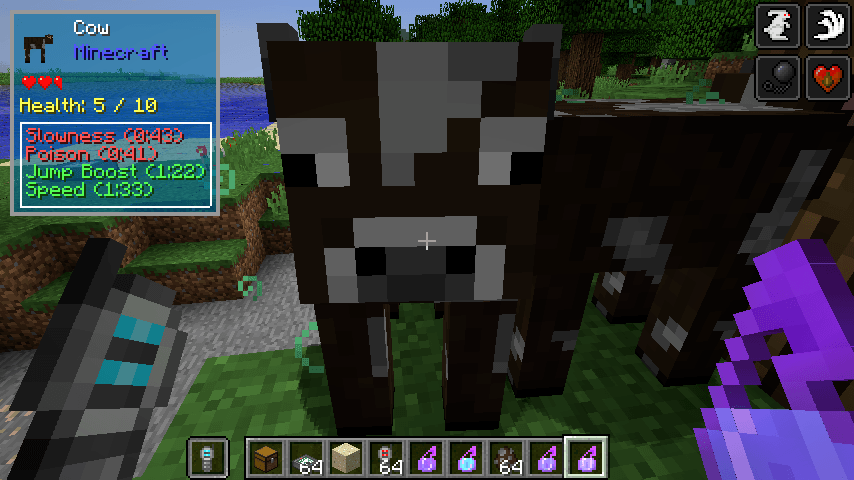
Mobs e efeitos de poção
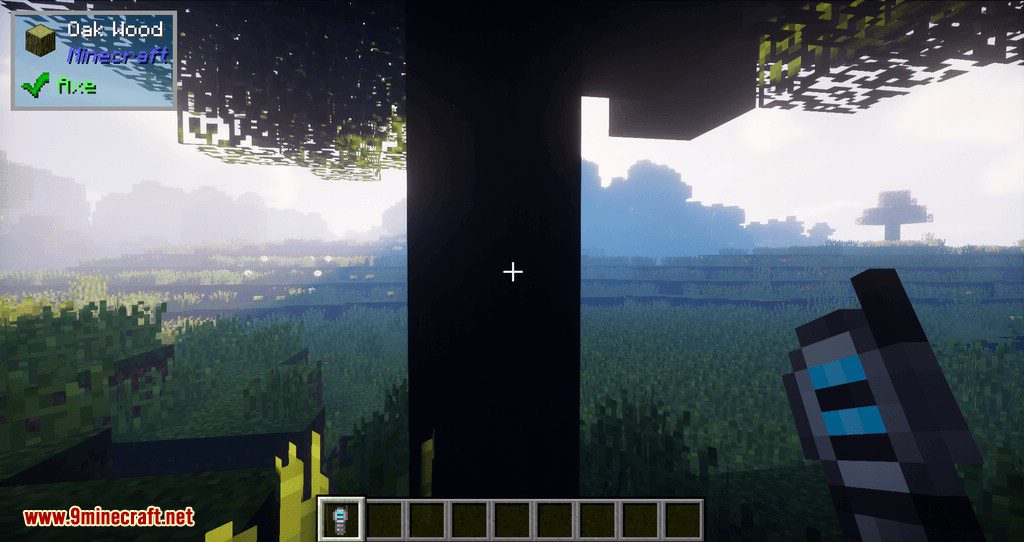
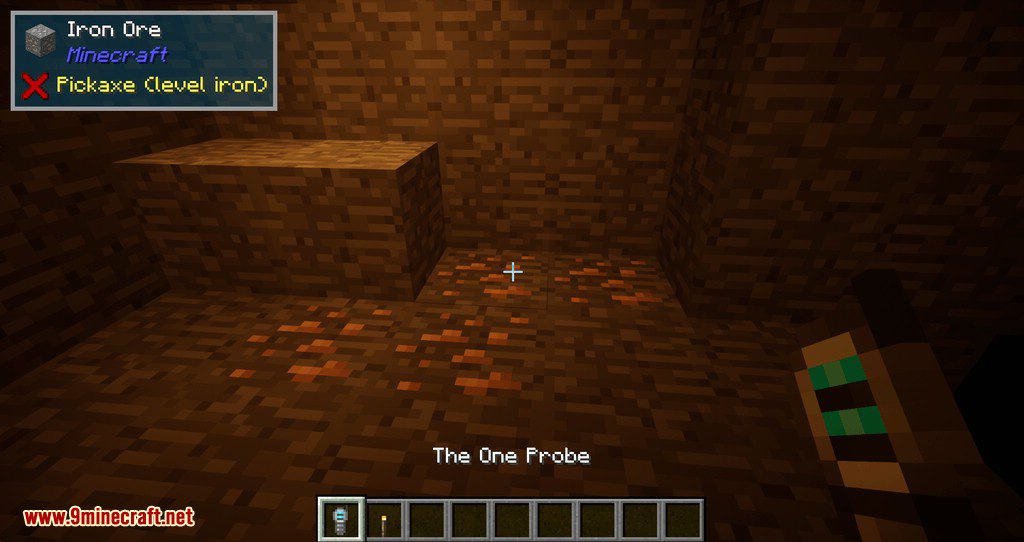
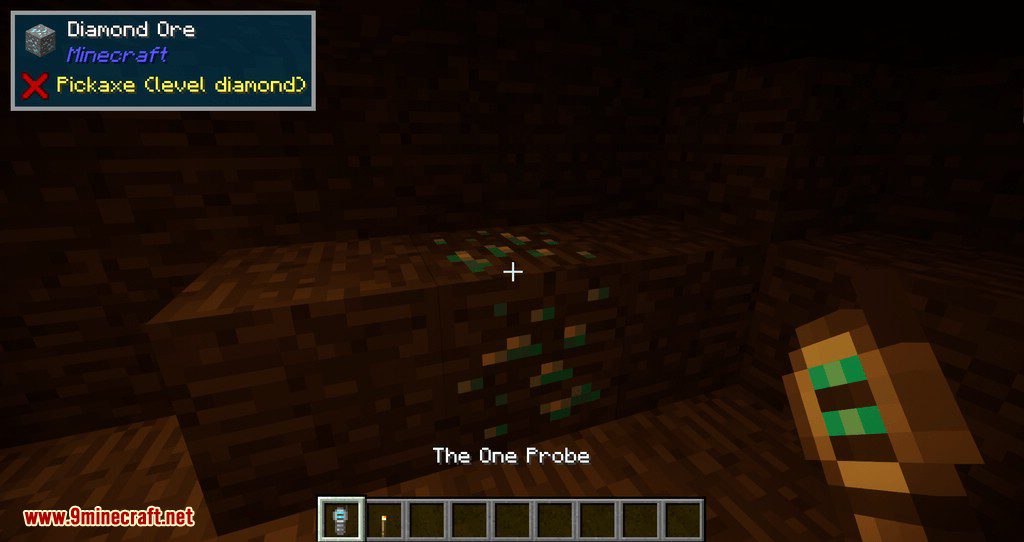
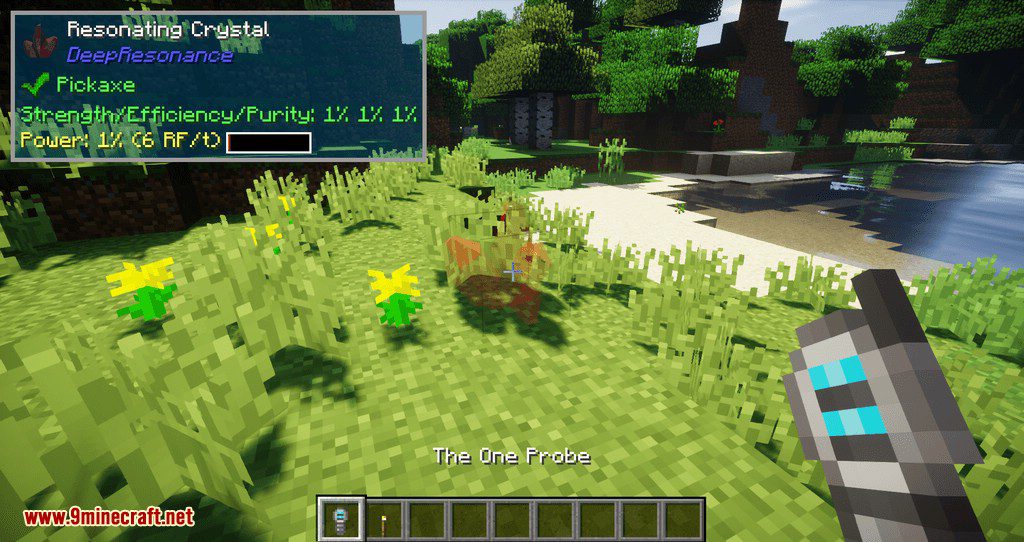
Como Instalar:
Novo no Minecraft? Siga nosso guia passo a passo para instalar Mods no seu PC.Ver Guia
The One Probe Mod Links para Download
Para Minecraft 1.12.2
Versão Forge: Download do Servidor 1
Para Minecraft 1.15.2
Versão Forge: Download do Servidor 1
Para Minecraft 1.16.5
Versão Forge: Download do Servidor 1
Para Minecraft 1.17.1
Versão Forge: Download do Servidor 1
Para Minecraft 1.18.2
Versão Forge: Download do Servidor 1
Versão Fabric: Download do Servidor 1
Para Minecraft 1.19.2
Versão Forge: Download do Servidor 1
Versão Fabric/Quilt: Download do Servidor 1
Para Minecraft 1.19.3
Versão Forge: Download do Servidor 1 – Download do Servidor 2
Para Minecraft 1.19.4
Versão Forge: Download do Servidor 1 – Download do Servidor 2
Para Minecraft 1.20.1, 1.20
Versão Forge: Download do Servidor 1 – Download do Servidor 2
Para Minecraft 1.20.4
Versão NeoForge: Download do Servidor 1 – Download do Servidor 2
Para Minecraft 1.20.6
Versão NeoForge: Download do Servidor 1 – Download do Servidor 2
Para Minecraft 1.21.1, 1.21
Versão NeoForge: Download do Servidor 1 – Download do Servidor 2
Você também pode gostar






Esta postagem ainda não tem comentários. Seja o primeiro — seu comentário aparecerá aqui.