


Pulse Trims Mod (26.2, 1.20.1) – Stand Out in the Dark with Pulsing Armor Trims

 0
0 

🌐 Good news — we've translated this article into other languages!
Or pick the one you like:
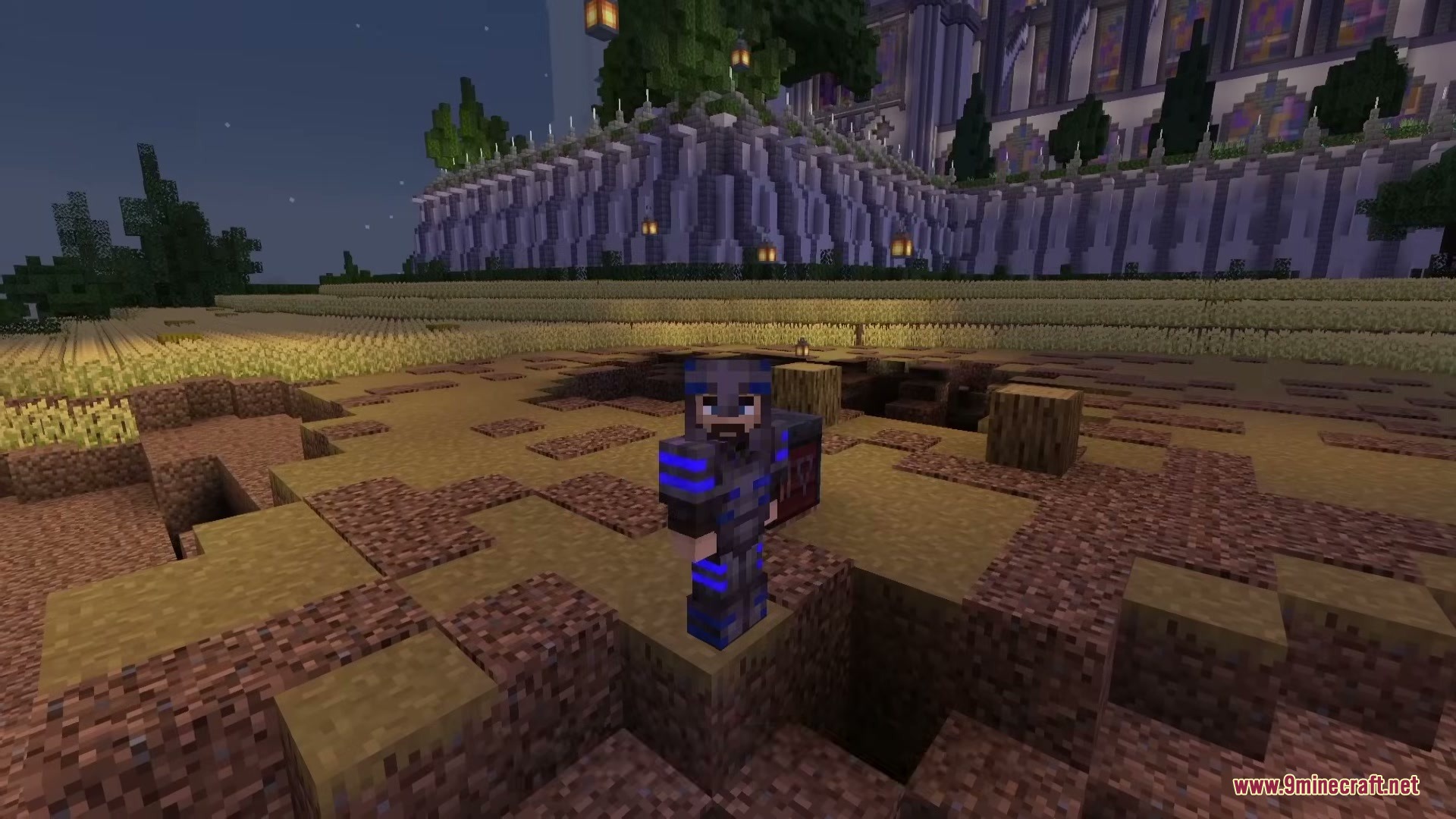
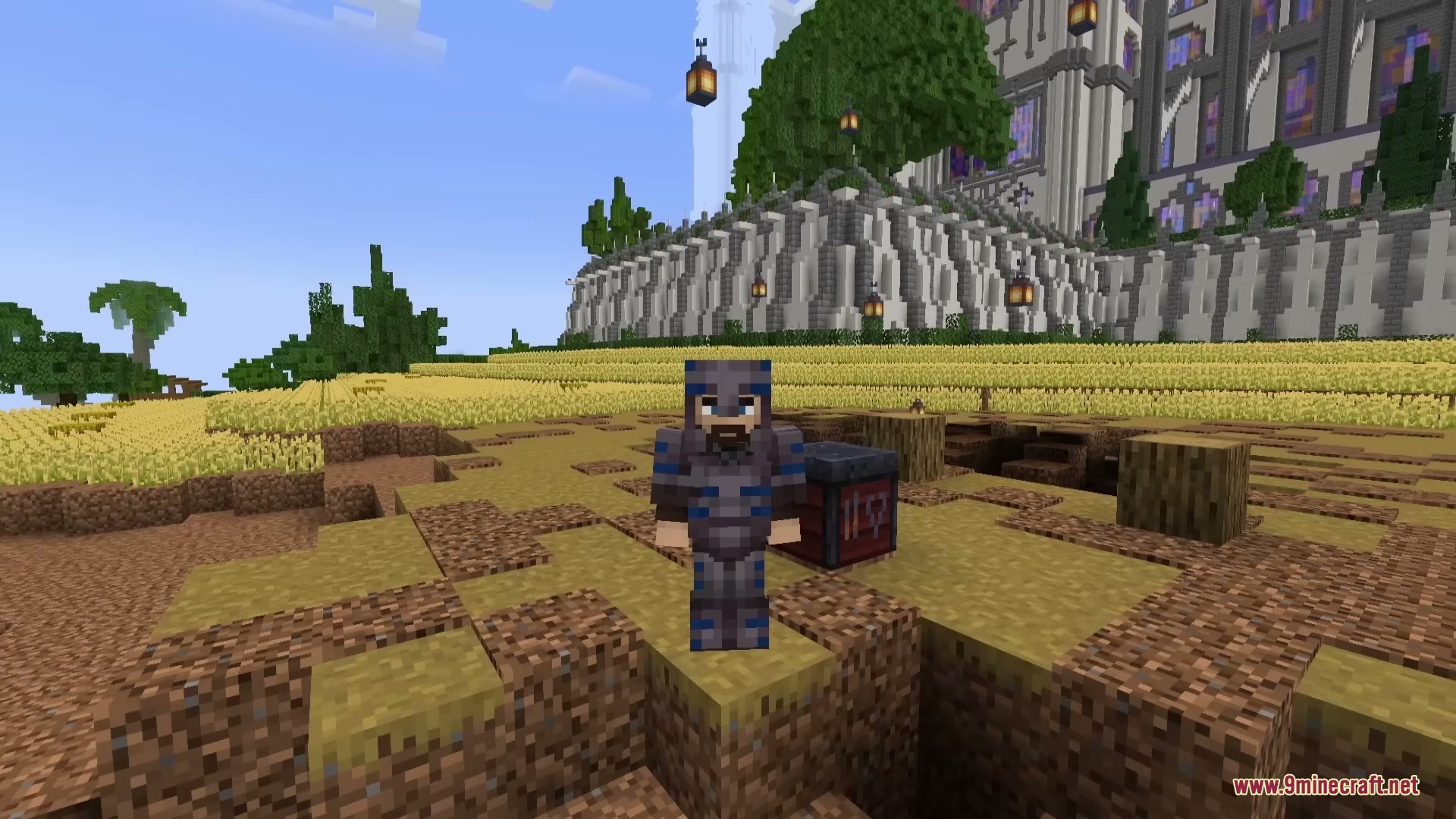
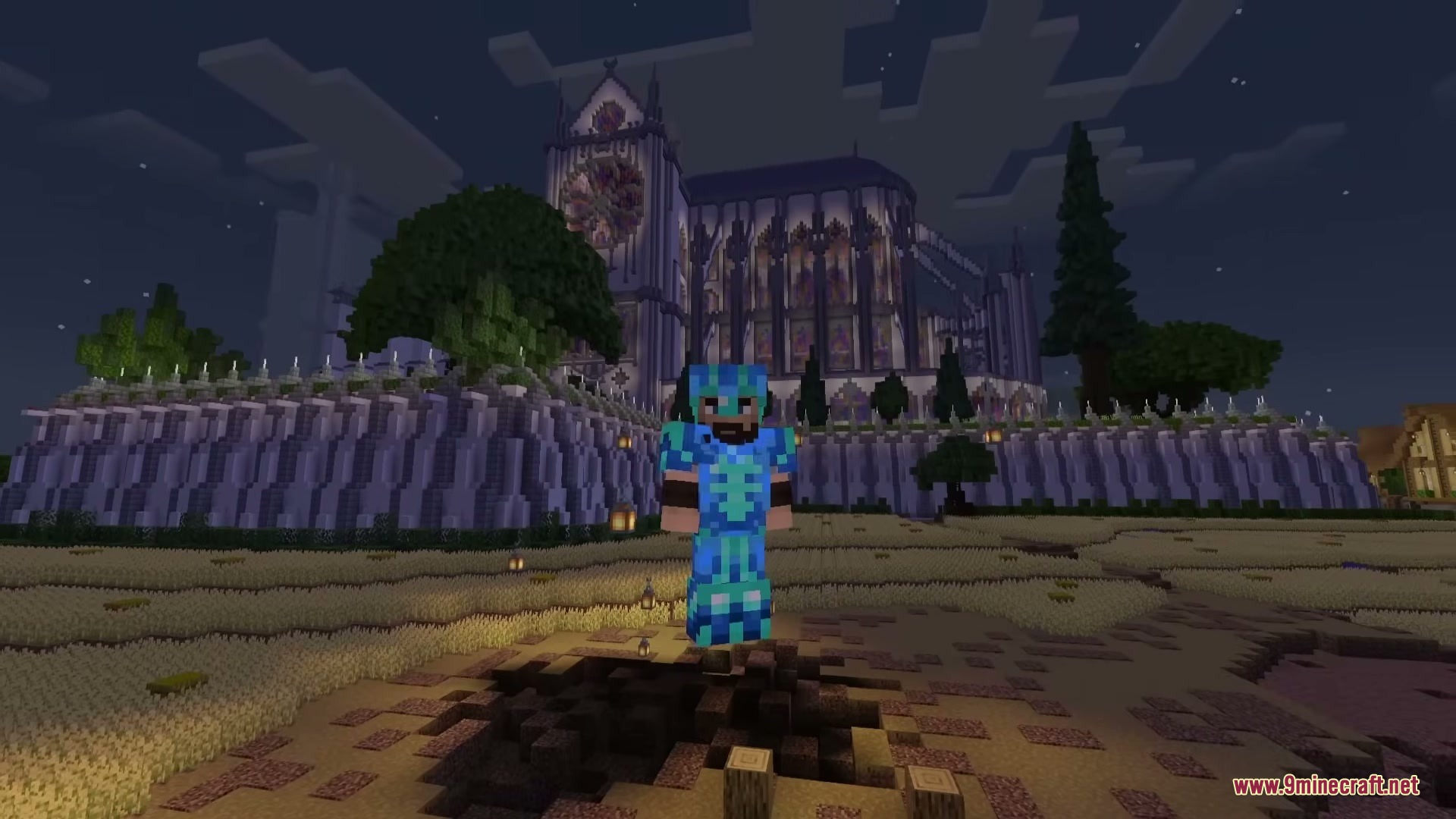
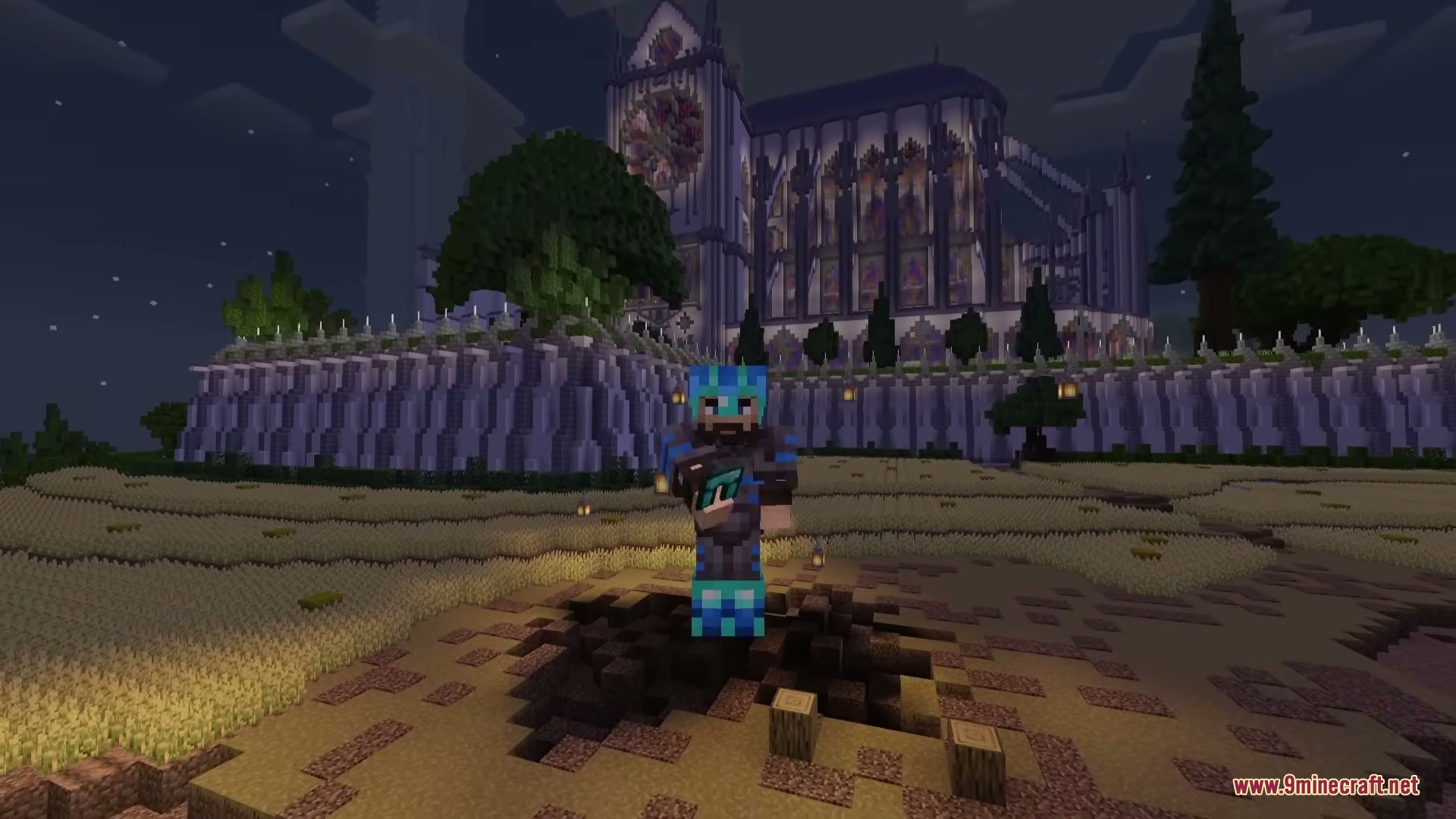
Pulse Trims Mod makes your armor trims light up and pulse with color. It gives your ordinary armor decorations a bright, moving effect so you stand out in the dark. You can choose exactly how the glow looks or make your own custom light patterns. This visual change works well with standard armor and even some other trim additions.

Features:
- Gives you three main lighting modes to choose from, including a pulsing effect, a steady glow, or turning it completely off.
- Includes five ready-to-use styles so you can get a cool look right away without changing any settings.
- Lets you create your own custom styles from scratch using an easy in-game menu.
- Allows you to change the waveform, color, ripple speed, and timing of the light effects.
- Gives you control over the glow appearance, letting you adjust the tint, color boost, and how it reacts to the light around you.
- Lets you copy and paste light styles from your clipboard to share them with friends.
- Works with the base game armor and supports extra trims from other popular additions.
How to Use:
- Go to your game controls and bind a key to the Open Config option, because it has no key set by default.
- Press your new key to open the main menu and pick between Pulse, Glow, or Off.
- Click on the style menu to pick one of the five standard patterns or import a file.
- Select the add style button to build your own pattern by changing the colors and speeds.
Screenshots:
How to Install:
New to Minecraft? Follow our step-by-step guide to install Mods on your PC.View Guide
Requirements:


Pulse Trims Mod Download Links
For Minecraft 26.2
For Minecraft 26.1.2, 26.1.1, 26.1
For Minecraft 1.21.11
For Minecraft 1.21.1, 1.21
For Minecraft 1.20.1, 1.20
Click to rate this post!
[Total: 0 Average: 0]
You May Also Like


















This post has no comments yet. Be the first — your comment will appear here.