Ra’s Chosen Skin Pack (1.26, 1.21) – MCPE/Bedrock

 0
0  December 13, 2025
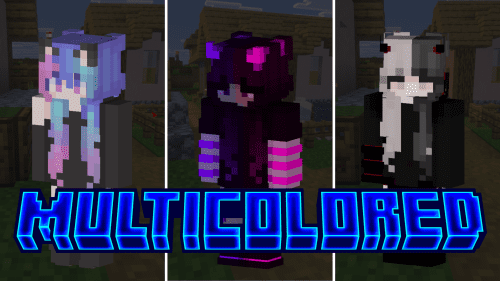
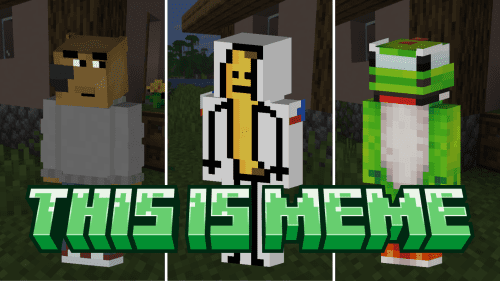
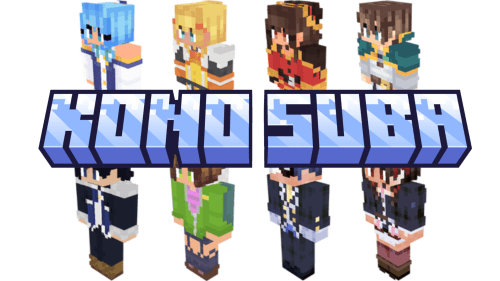
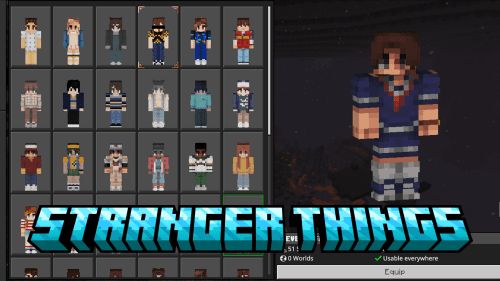
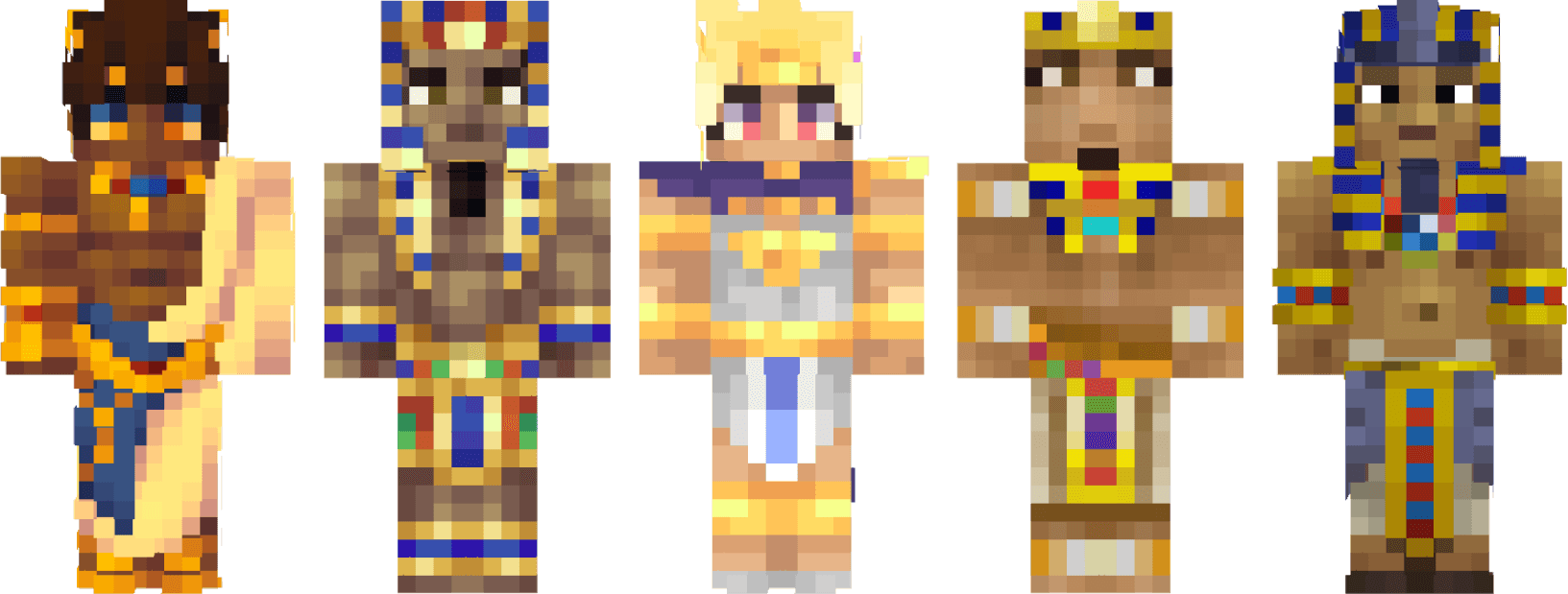
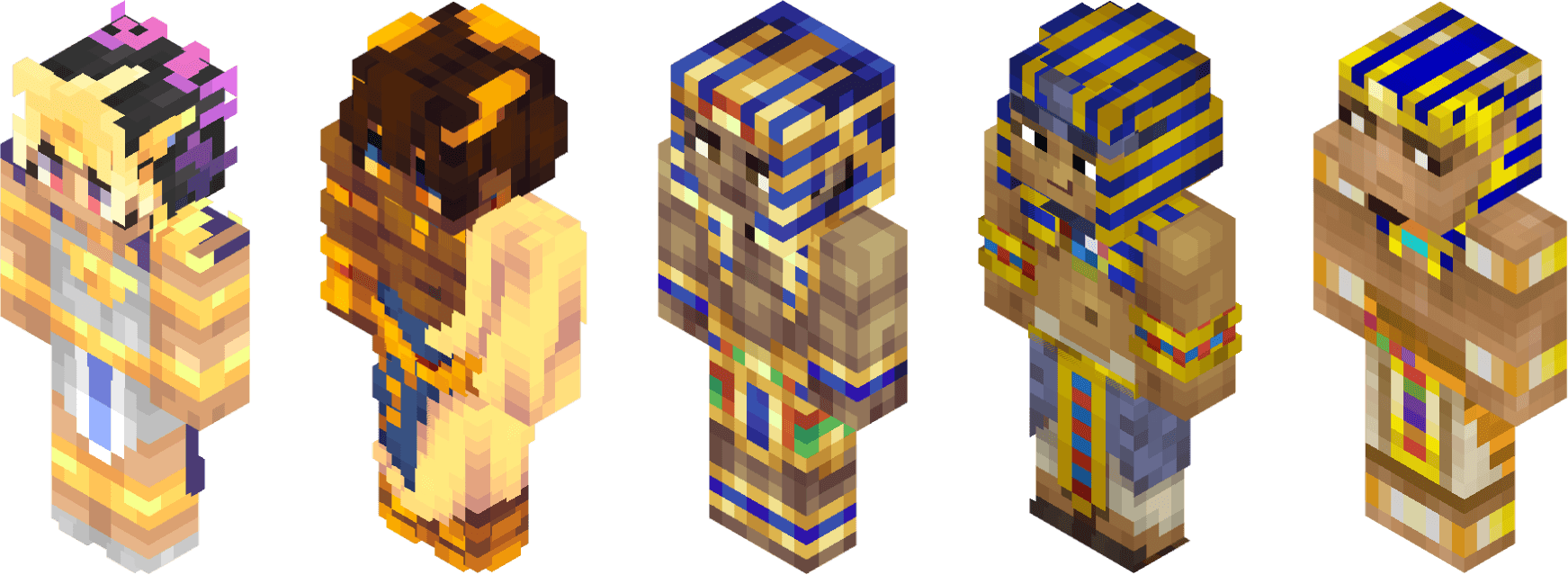
Ra’s Chosen Skin Pack (1.26, 1.21) was introduced by Carryover with the goal of discovering and sharing the work of skin artists. This is the first step in bringing quality skins to the community, while also recognizing the efforts of their creators.
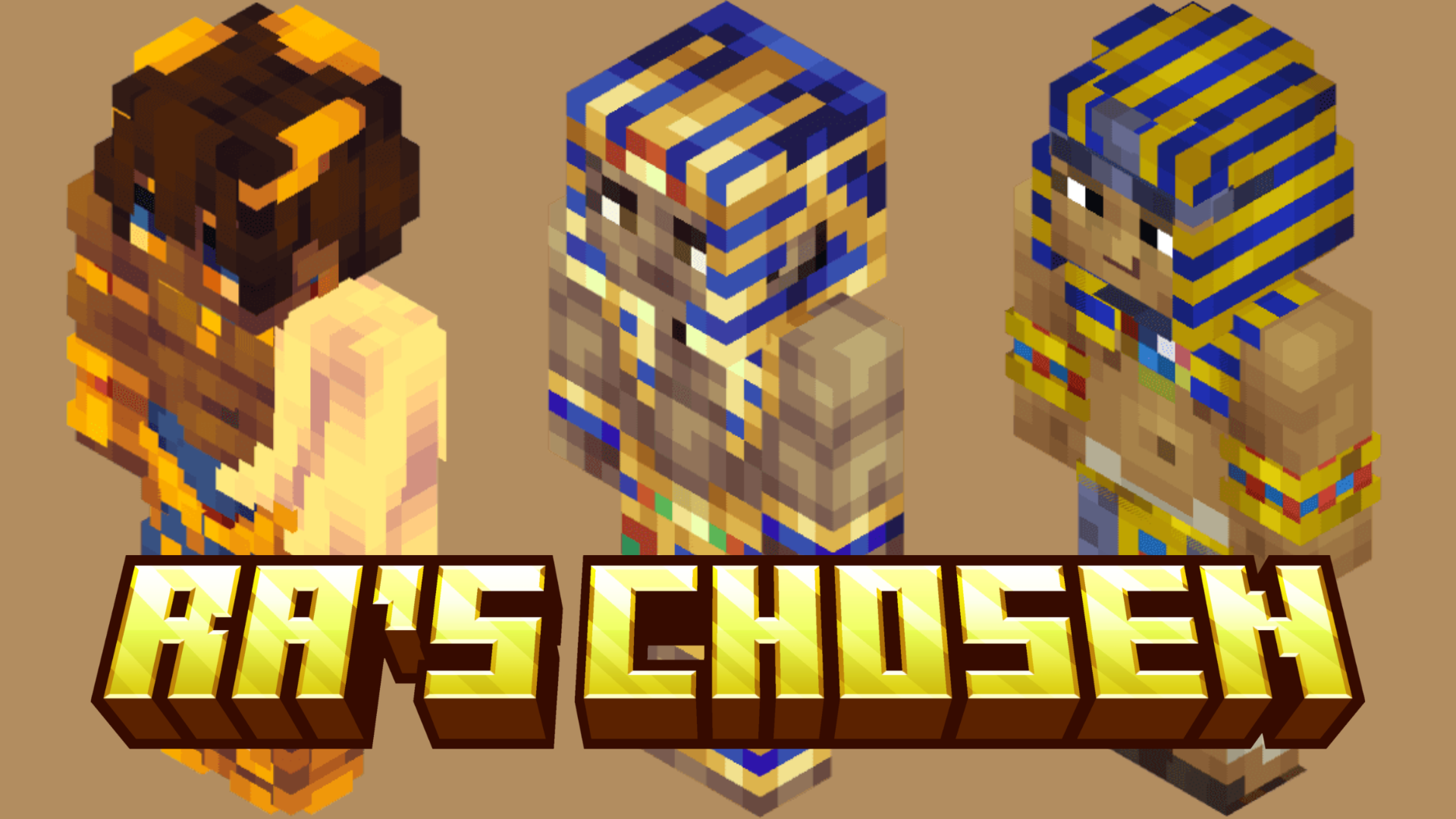
Screenshots:
How to install:
- Download the Skin Pack: Download the skin pack file, usually in .mcpack format.
- Import the Skin Pack: Double-click the mcpack file to import it.
- Apply the Skin: Open the game, then go to “Dressing Room” and choose the new skin from the list.
- Enjoy Your New Look: The new skin will be applied to your character, and you can start playing with your updated appearance!
Ra’s Chosen Skin Pack (1.26, 1.21) Download Links
For Minecraft PE/Bedrock 1.21, 1.20
mcpack: Download from server 1 – Download from server 2
Click to rate this post!
[Total: 1 Average: 5]
You May Also Like