


Rent It Plugin (1.20.1, 1.19.4) – Spigot

 0
0 

Rent It Plugin is a Minecraft plugin designed to introduce a property rental system into the game. It allows players to rent out their properties to other players for a set amount of in-game currency, adding a new layer of economic strategy and property management to the game.
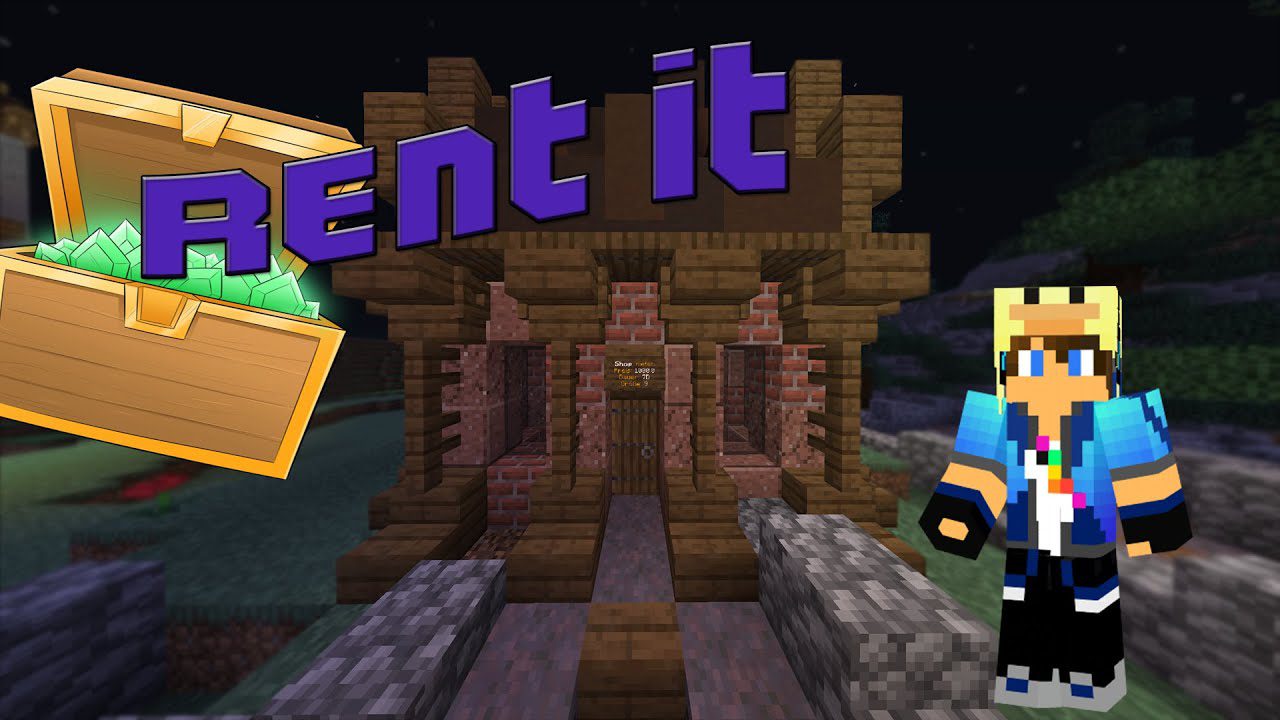
Features:
- The primary feature of this plugin is the property rental system. Players can rent out their properties to other players, who pay a set amount of in-game currency for the duration of the rental.
- By introducing a property rental system, the RentIt Plugin adds a new layer of economic strategy to the game. Players can earn in-game currency by renting out their properties, and renters can gain access to resources or locations that they might not otherwise be able to afford.
- The plugin also provides tools for managing rented properties, such as setting rental prices, managing rental durations, and evicting tenants if necessary.
Commands:
Shop Commands
- /shops – Shows all your owned Shops.
- /freeshops – Shows all free Shops.
- /shop help – Opens a Help Book
- /shop createCat <categoryID> <Price> <Size> <Time> – Create a Category.
- /shop deleteCat – Delete a Category.
- /shop listCat – Lists all Categories.
- /shop list – Lists all Shops.
- /shop setarea <categoryID> – Set the selected Region to the Shop category.
- /shop setnpc – Set or Change the Position of the Shop NPC.
- /shop setprice <Price> – Change the Rent Price. (Changes the category Settings)
- /shop setsize <Size> – Change the Shop Size. (Changes the category Settings)
- /shop settime <Time> – Change the Rent Time. (Changes the category Settings)
- /shop reset – Reset the Shop, so it can get a new Owner.
- /shop delete – Delete the Shop completely.
- /shop updateBackup – Creates a new Backup of the current Shop Area
- /shop buy <shopId> – Rent a specific Shop.
- /shop search <Item> – Search all the Shops for an Item.
- /shop sellitem <Price> – Sell the Item in your Hand in the Shop.
- /shop buyitem <Price> – Add the Item in your Hand to the Buy Shop.
- /shop buyitem <Type> <Price> – Add the named Item to the Buy Shop.
- /shop buyitem <Type> <Item Amount> <Price> – Add the named Item with the given amount to the Buy Shop.
- /shop setpermission <Player> <Permission> <Value> – Set Permissions for Players (Shop admins only).
- /shop permissions – All Shop Permissions.
- /shop users – List all Players with Shop Permissions.
- /shop noInfo – Get no Informations of Transactions.
- /shop info – Get informations from the Shop you are standing in.
- /shop info <ID> – Get informations of the Shop with the ID
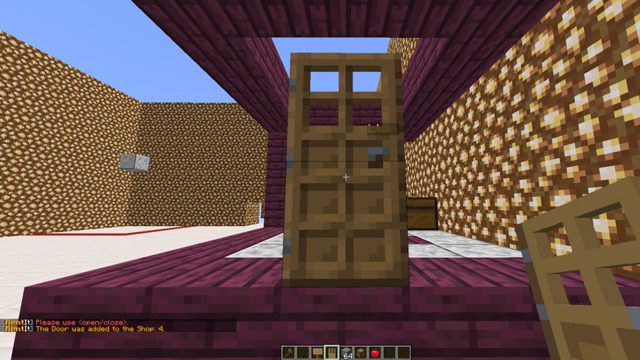
- /shop door add <ID> – Add Doors to a Shop
- /shop door remove = Remove a door from a Shop
- /shop door open = Open the doors in your own Shop
- /shop door close = Close the doors in your own Shop
- /shop rollback – Opens a menu with the forgotten items of the Shop
- /shop rollback %target% – Admin Command to get the Targets lost Items or to check them.
- /shop setAlias %alias% – Set a different Name for the Shop you are standing in.
- /shop setAliasCat %catAlias% – Set a different Name for the Category of the Shop you are standing in.
- /shop resign – Ends your running Contract
Hotelroom Commands:
- /hotels – Shows all your owned Hotelrooms.
- /freehotels – Shows all free Hotelrooms.
- /hotel help – Opens a Help Book
- /hotel createCat <categoryID> <Price> <Time> – Create a Category.
- /hotel deleteCat – Delete a Category.
- /hotel listCat – Lists all Categories.
- /hotel list – Lists all Hotels.
- /hotel setarea <categoryID> – Set the selected Region to the Hotelroom category.
- /hotel setpermission <Player> <Permission> <Value> – Set Permissions for Players (Hotelroom admins only).
- /hotel permissions – All Hotelroom Permissions.
- /hotel users – List all Players with Hotelroom Permissions.
- /hotel setprice <Price> – Change the Rent Price. (Changes the category Settings)
- /hotel settime <Time> – Change the Rent Time. (Changes the category Settings)
- /hotel reset – Reset the Hotelroom, so it can get a new Owner.
- /hotel delete – Delete the Hotelroom completely.
- /hotel updateBackup – Creates a new Backup of the current Hotel Area
- /hotel buy <shopId> – Rent a specific Hotelroom.
- /hotel info – Get informations from the Hotelroom you are standing in.
- /hotel info <ID> – Get informations of the Hotel with the ID
- /hotel door add <ID> – Add Doors to a Hotelroom
- /hotel door remove = Remove a door from a Hotelroom
- /hotel door open = Open the doors in your own Hotelroom
- /hotel door close = Close the doors in your own Hotelroom
- /hotel setAlias %alias% – Set a different Name for the Hotelroom
- /hotel setAliasCat %catAlias% – Set a different Name for the Category of the Hotelroom you are standing in.
- /hotel resign – Ends your running Contract
Permissions:
- rentit.shop – Permission for all Shop Commands
- rentit.hotel – Permission for all Hotel Commands
- rentit.sign – Creating a Shop or Hotel sign
- rentit.build – Build bypass in Shops and Hotels
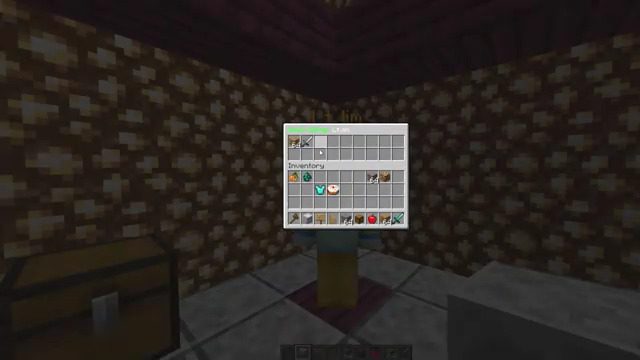
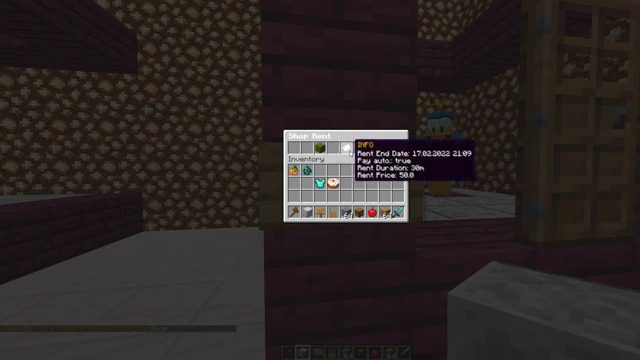
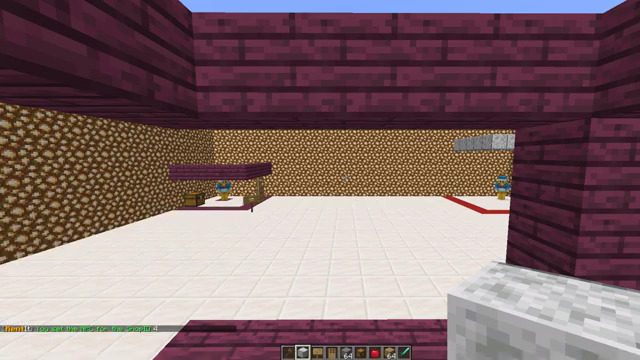
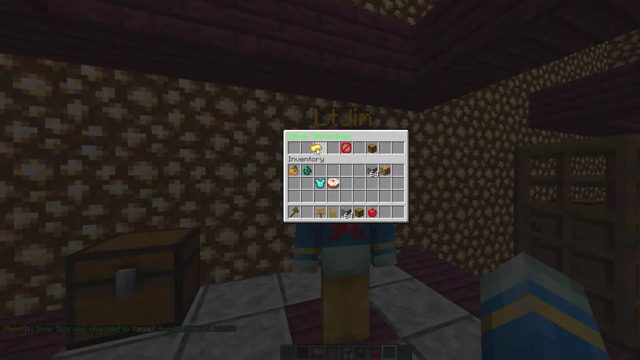
Screenshots:
How to Install:
New to Minecraft? Follow our step-by-step guide to install Plugins on your PC.View Guide
Rent It Plugin Download Links
For All Versions from Minecraft Spigot 1.16 to Minecraft Spigot 1.20.1
Click to rate this post!
[Total: 0 Average: 0]
You May Also Like
















This post has no comments yet. Be the first — your comment will appear here.