


Replay Mod (26.2, 1.20.1) – Record, Relive, Share Your Experience
 104,477
 0
0


Replay Mod records what happens around you in Minecraft and saves it to a file you can open again later, then fly through with a free camera. Because it stores the world events rather than video frames, an hour of play usually lands under ten megabytes, small enough to send to a friend. A render tool is built in, so a finished clip goes straight out as an MP4 without any editing software.
Features:
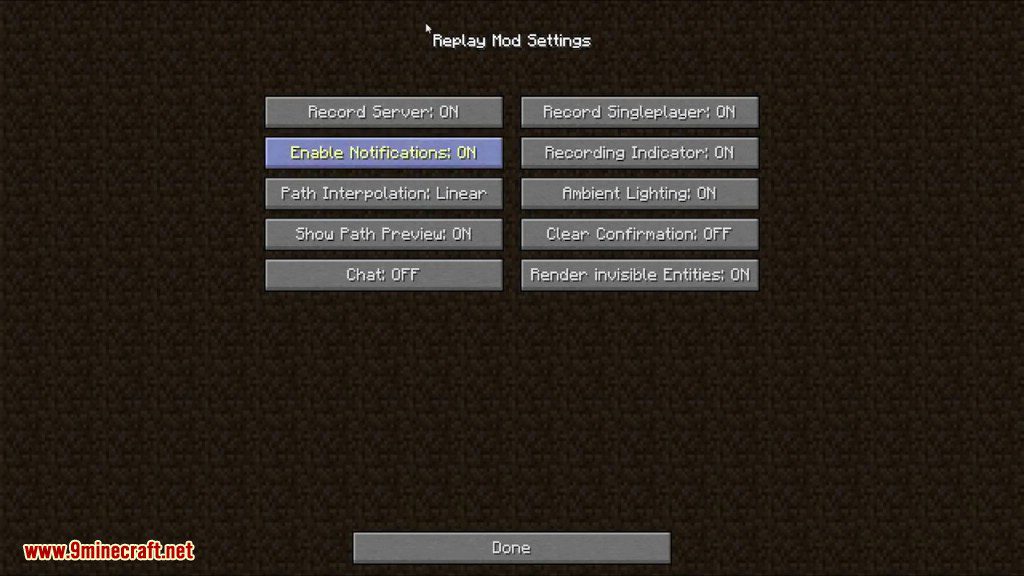
- Records both single player worlds and time spent on servers, with a small marker on screen while it runs.
- Saved files stay tiny because the mod keeps world events rather than rendered frames.
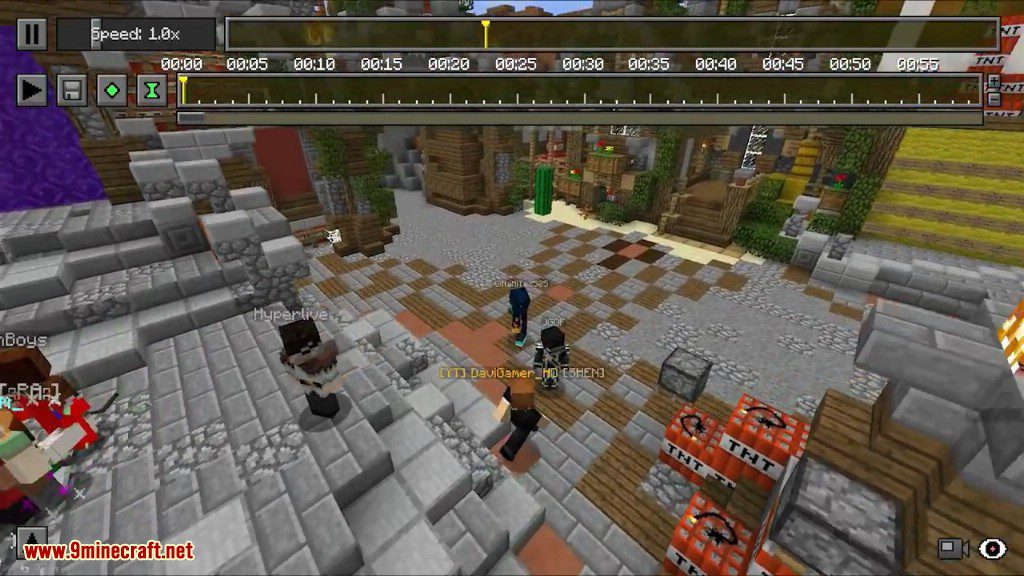
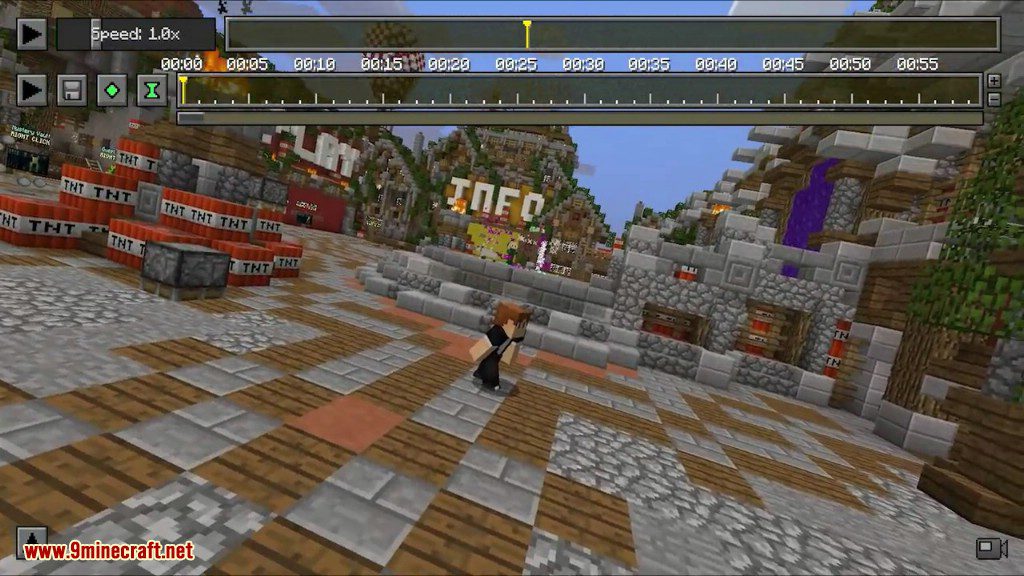
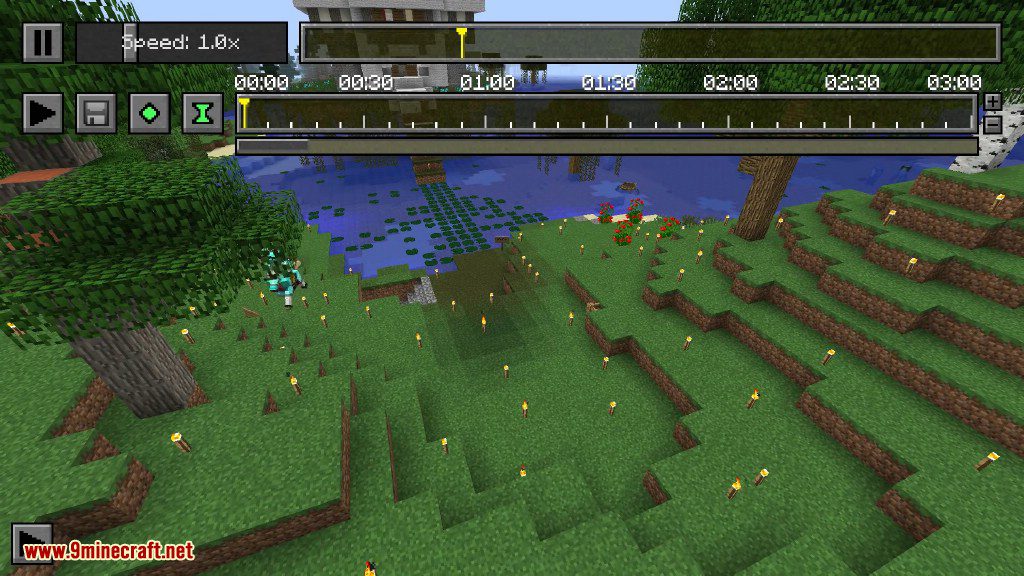
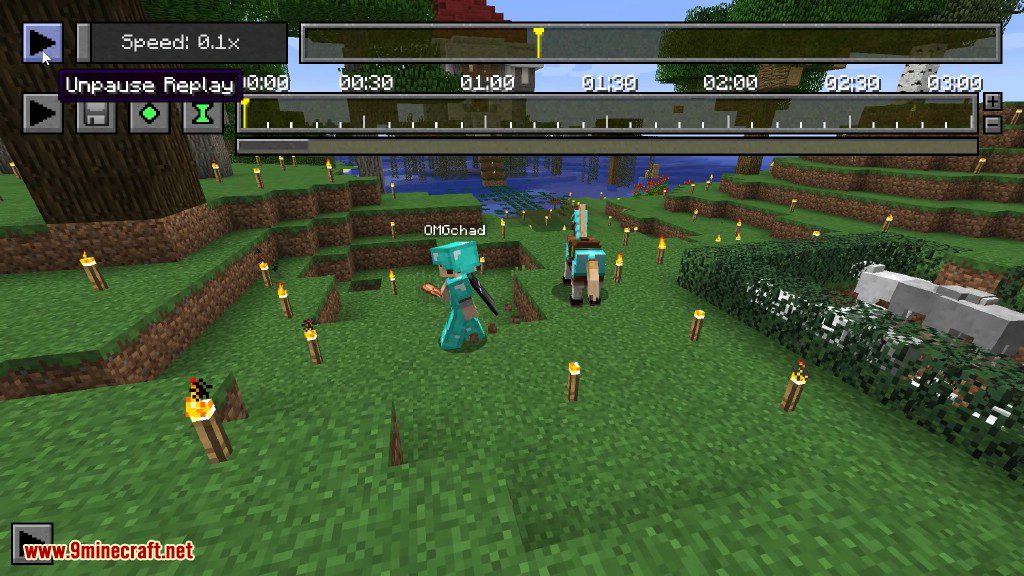
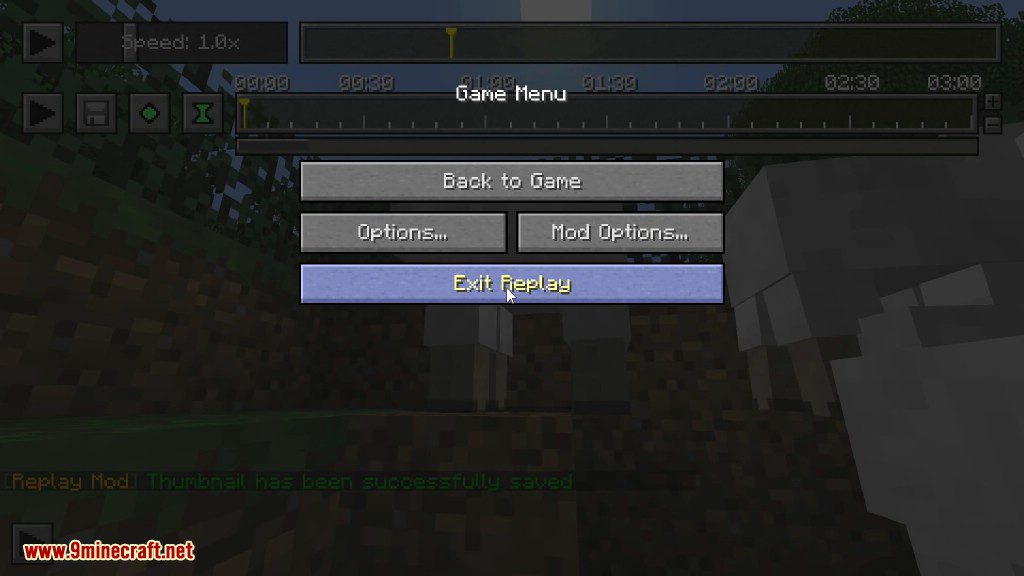
- Playback has a scrubbing timeline and a speed control that runs from a tenth of real time upwards.
- The camera comes off your body during a replay, so you can fly anywhere or lock onto any recorded player.
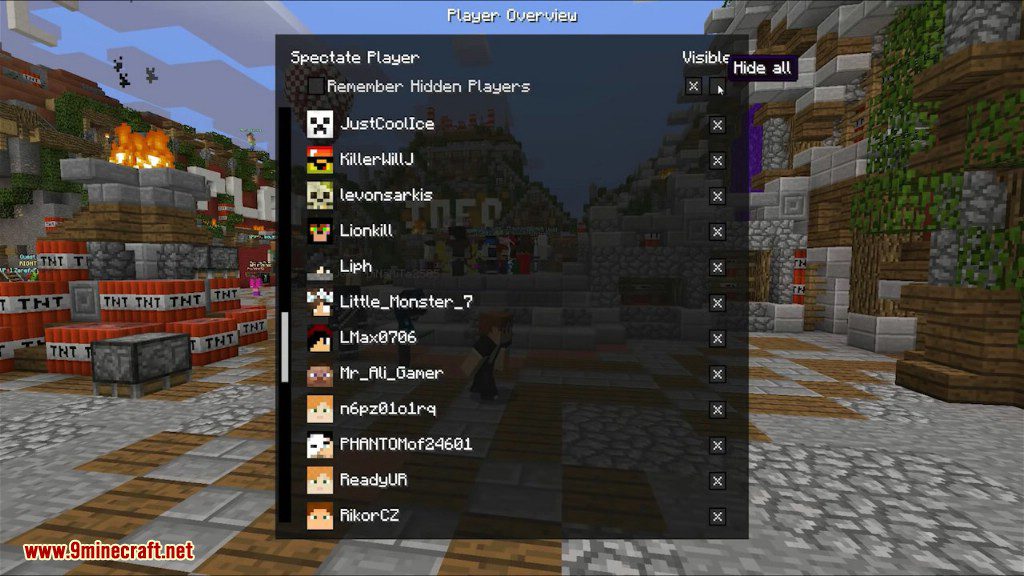
- A player list lets you hide people you do not want in shot, and remembers the ones you hid.
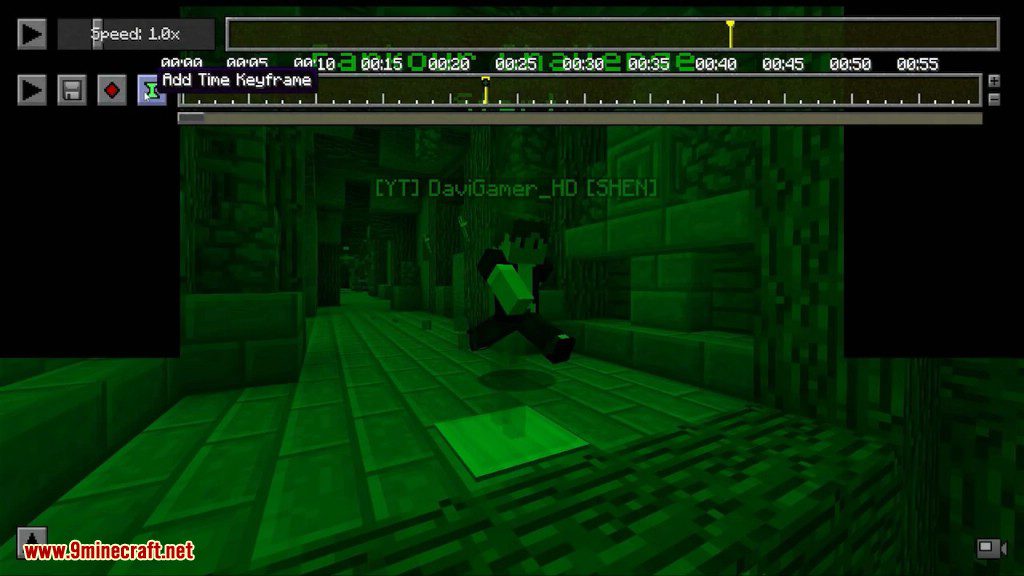
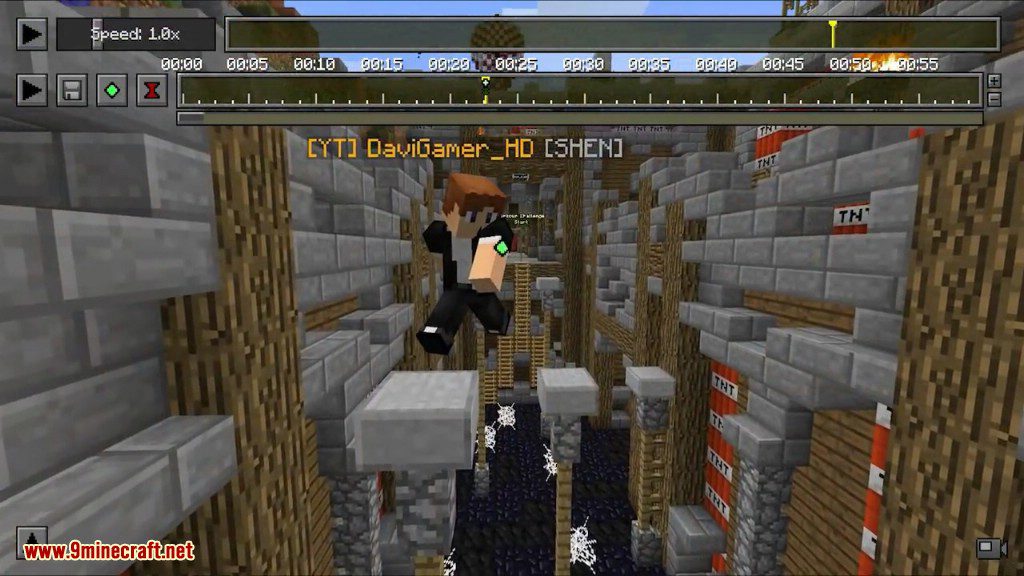
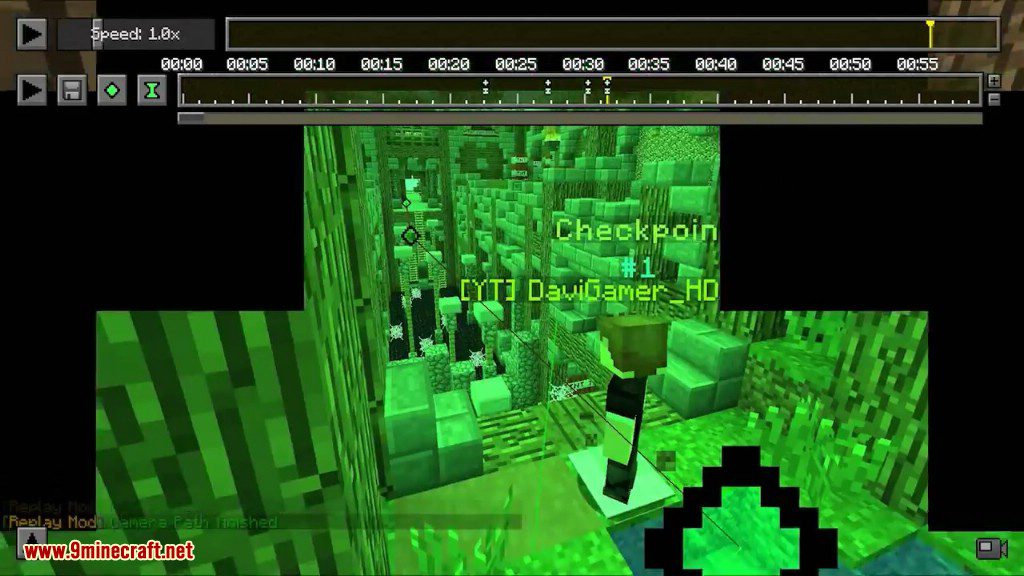
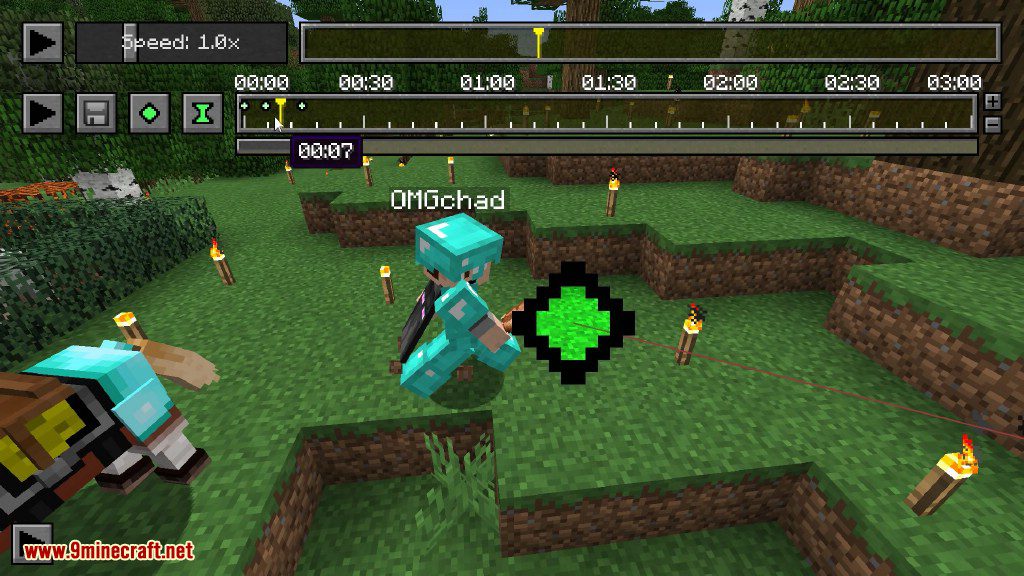
- Keyframes on the timeline build a camera path, with a preview line drawn in the world before you render.
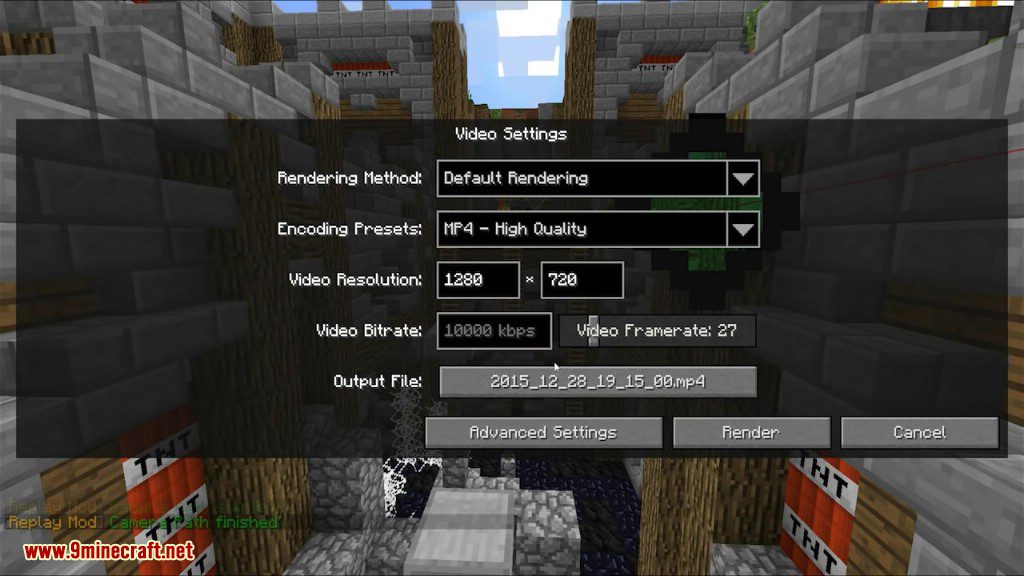
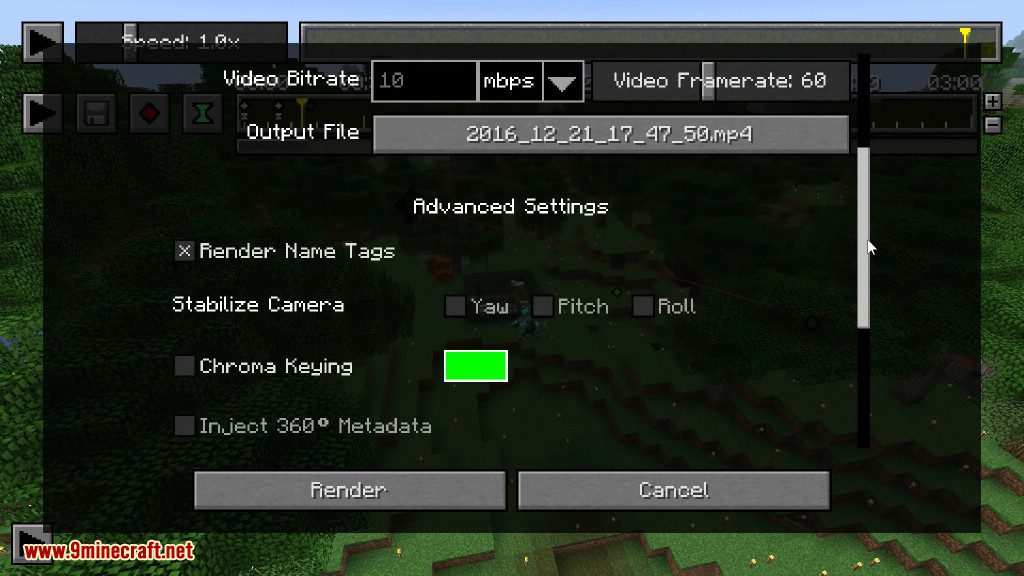
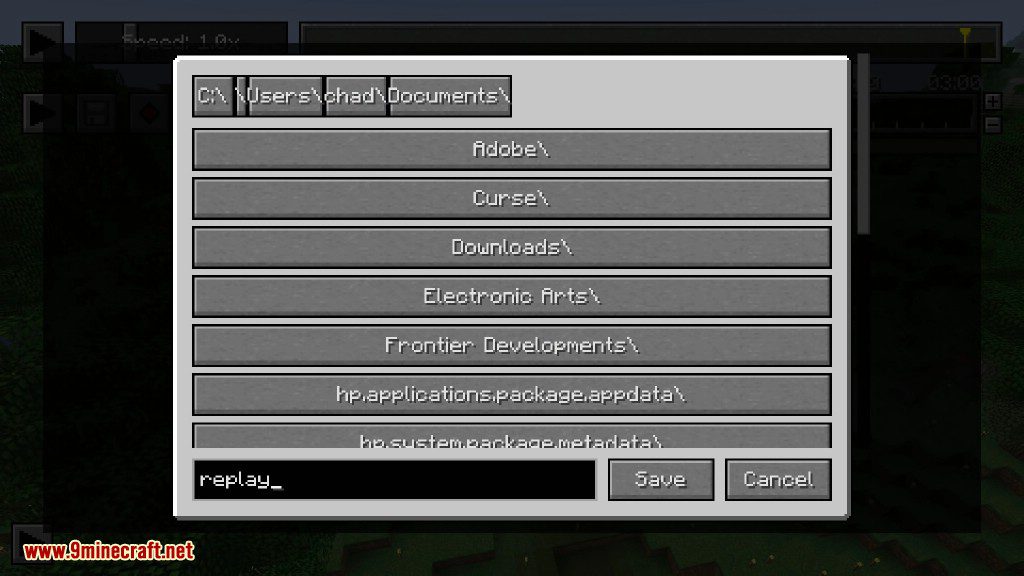
- The render dialog writes MP4 files and lets you set resolution, bitrate, framerate and the output name.
- Advanced render options cover name tags, camera stabilising on yaw, pitch and roll, chroma key and 360 metadata.
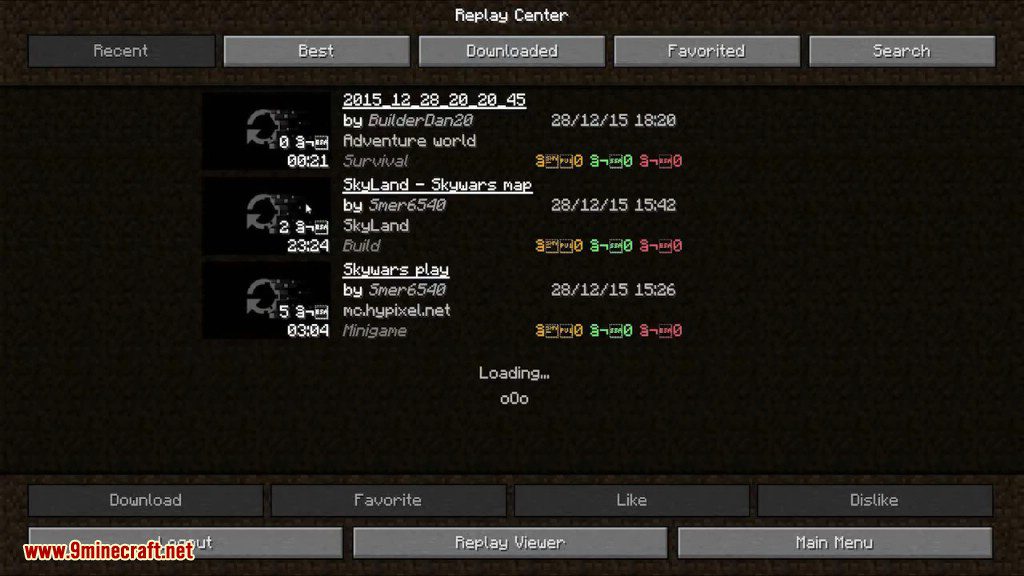
- Replay Center browses recordings other people have shared, with download, favourite and rating buttons.
How to Use:
- Install the loader for your version, then drop the mod jar into
.minecraft/mods. - Open Options and then Mod Options to check what gets recorded, then play as usual. A small marker shows recording is live.
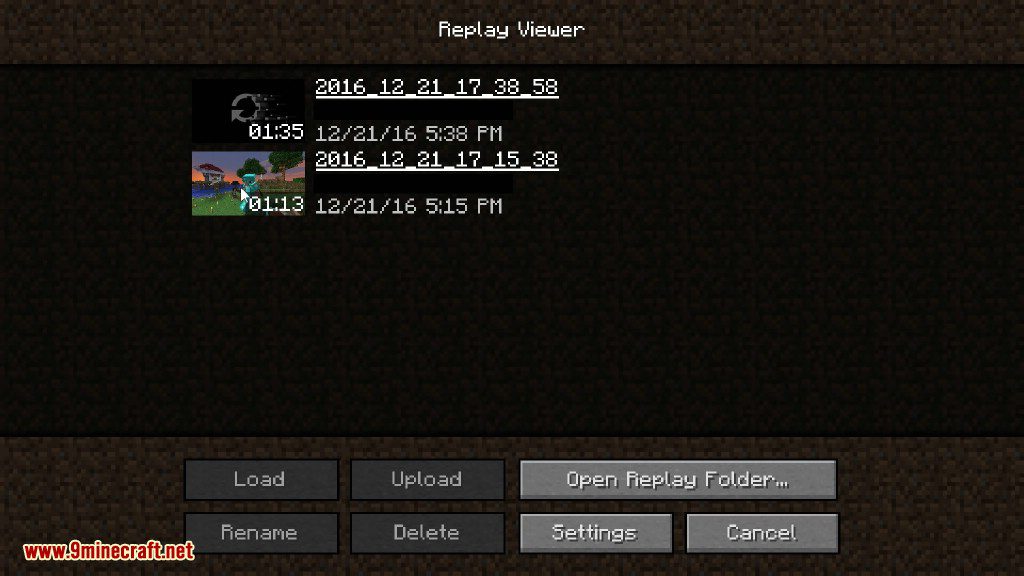
- Back at the title screen press Replay Viewer, pick a file from the list and load it.
- Drag along the timeline to find the moment you want, and use the speed box to slow things down.
- Fly the camera into place and press the keyframe buttons at each point you want it to pass through.
- Open the render dialog, set the resolution, framerate and output file, then press Render and wait for the MP4.
Screenshots:

How to Install:
New to Minecraft? Follow our step-by-step guide to install Mods on your PC.View Guide



Replay Mod Download Links
For Minecraft 26.2
For Minecraft 26.1.2, 26.1.1, 26.1
For Minecraft 1.21.11
For Minecraft 1.21.10, 1.21.9
For Minecraft 1.21.8, 1.21.7, 1.21.6
For Minecraft 1.21.5
For Minecraft 1.21.4
For Minecraft 1.21.3, 1.21.2
For Minecraft 1.21.1, 1.21
For Minecraft 1.20.6
For Minecraft 1.20.4
For Minecraft 1.20.2
For Minecraft 1.20.1
For Minecraft 1.19.4
For Minecraft 1.19.3
For Minecraft 1.19.2
For Minecraft 1.19.1
For Minecraft 1.19
For Minecraft 1.18.2
For Minecraft 1.18.1
For Minecraft 1.17.1
For Minecraft 1.17
For Minecraft 1.16.5
For Minecraft 1.16.1
For Minecraft 1.15.2
For Minecraft 1.14.4
For Minecraft 1.12.2
For Minecraft 1.12.1
For Minecraft 1.12
For Minecraft 1.11.2
For Minecraft 1.11
For Minecraft 1.10.2
For Minecraft 1.9.4
For Minecraft 1.8.9
For Minecraft 1.8.0
Click to rate this post!
[Total: 35 Average: 3.3]
You May Also Like



This post has no comments yet. Be the first — your comment will appear here.