


Reset Controls Confirmation Mod (1.21.5, 1.20.1) – Never Lose Your Custom

 0
0 

🌐 Good news — we've translated this article into other languages!
Or pick the one you like:
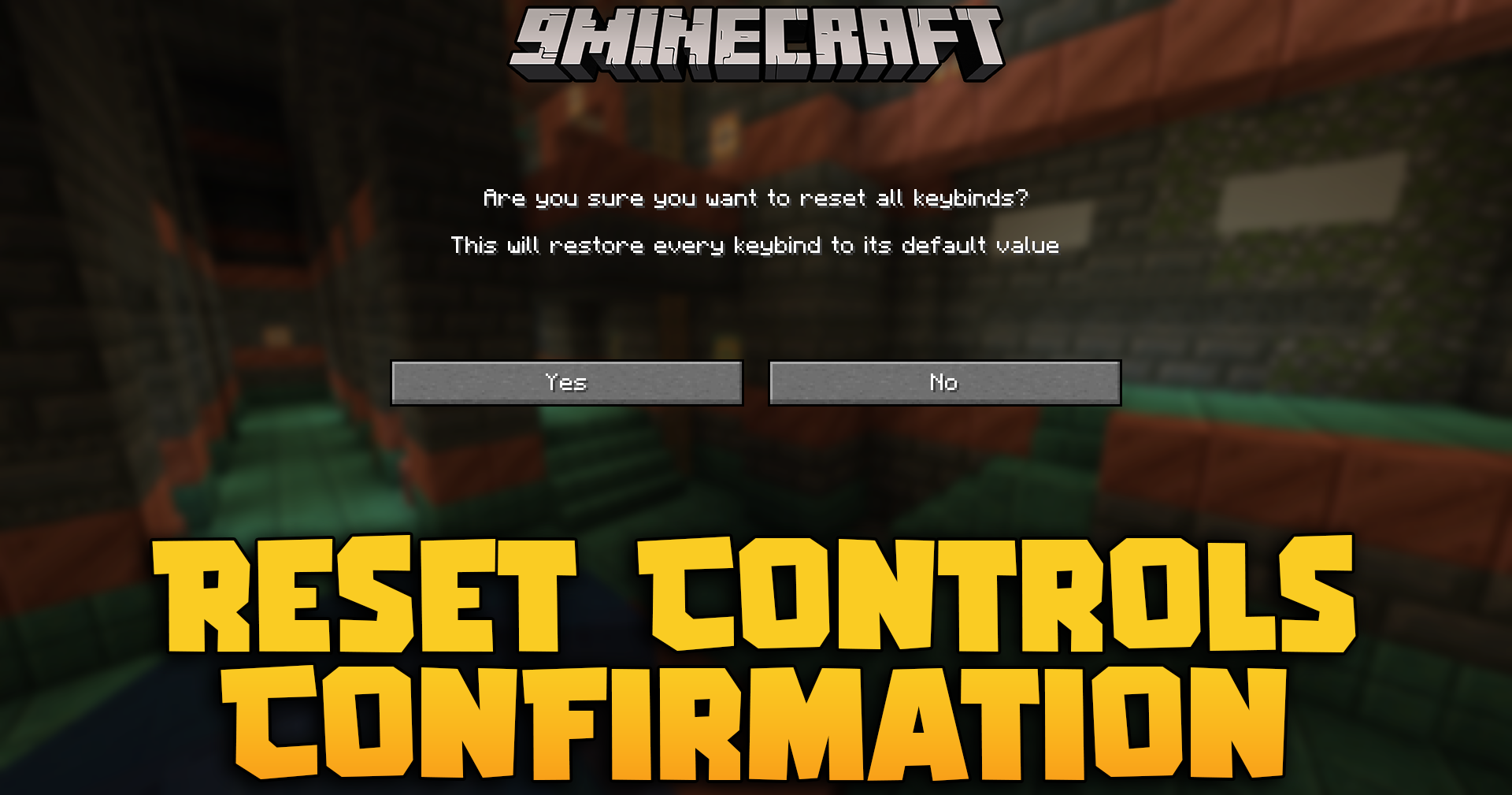
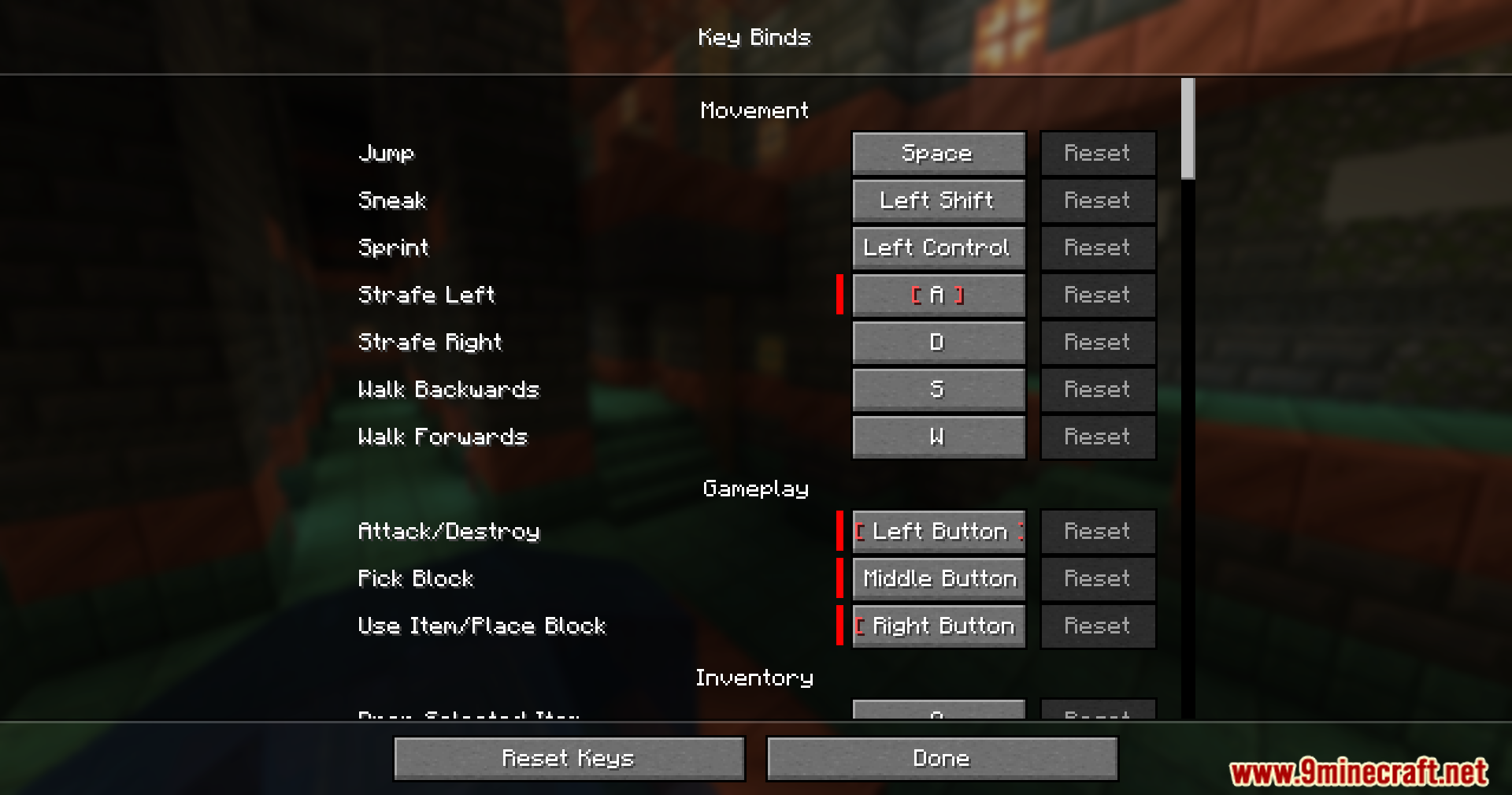
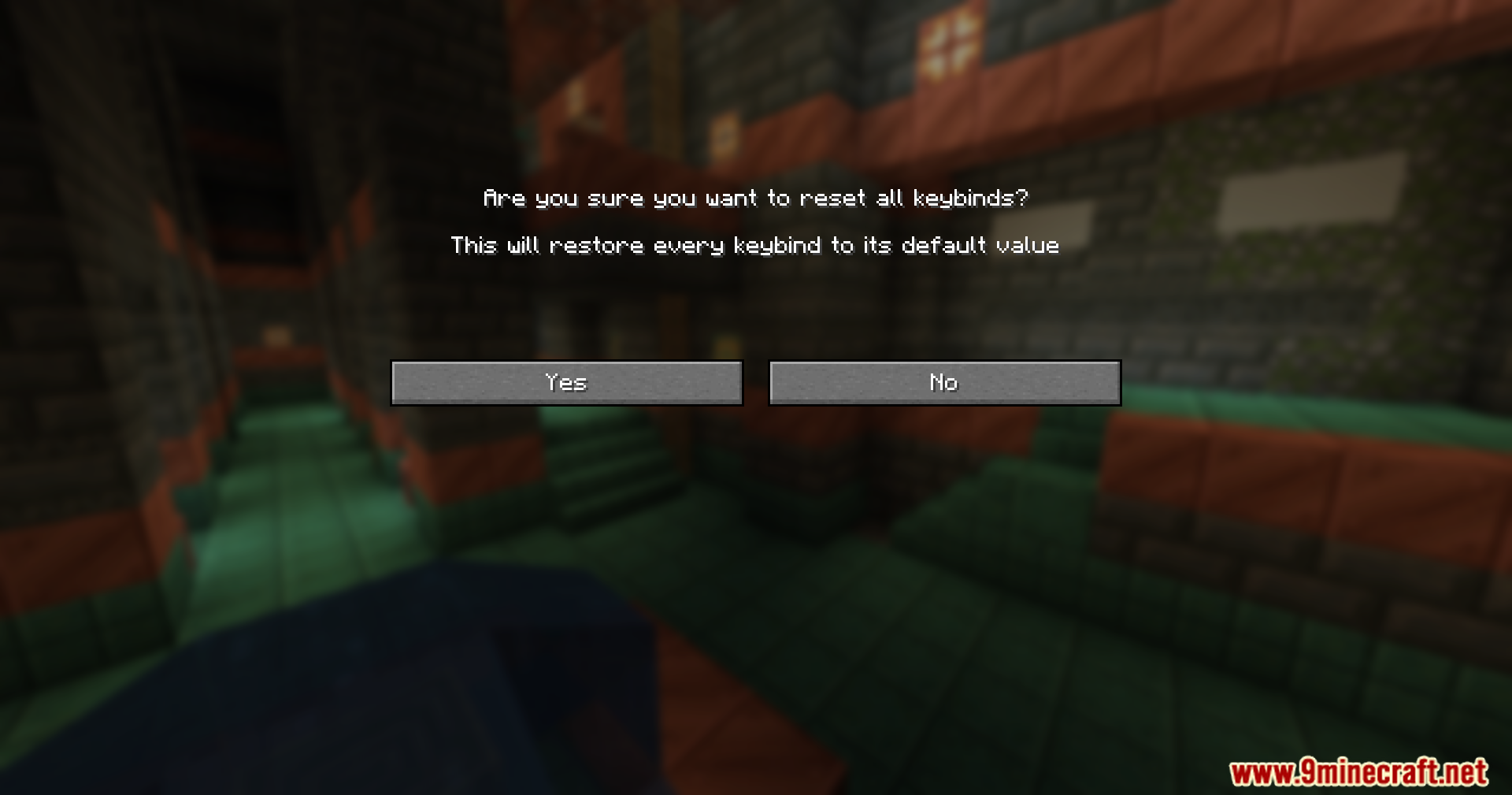
Reset Controls Confirmation Mod adds a simple safety check to your game settings. It puts a warning screen in front of the ‘Reset All’ button in the controls menu so you do not wipe out your custom keyboard setup by mistake.
Features:
- Pops up a warning screen right after you click the ‘Reset All’ button in your keybinds menu.
- Stops you from accidentally deleting all your custom keyboard controls with one wrong click.
- Works perfectly alongside your favorite resource packs without breaking the menu screens.
- Runs smoothly with almost every other mod in the game.
How to Use:
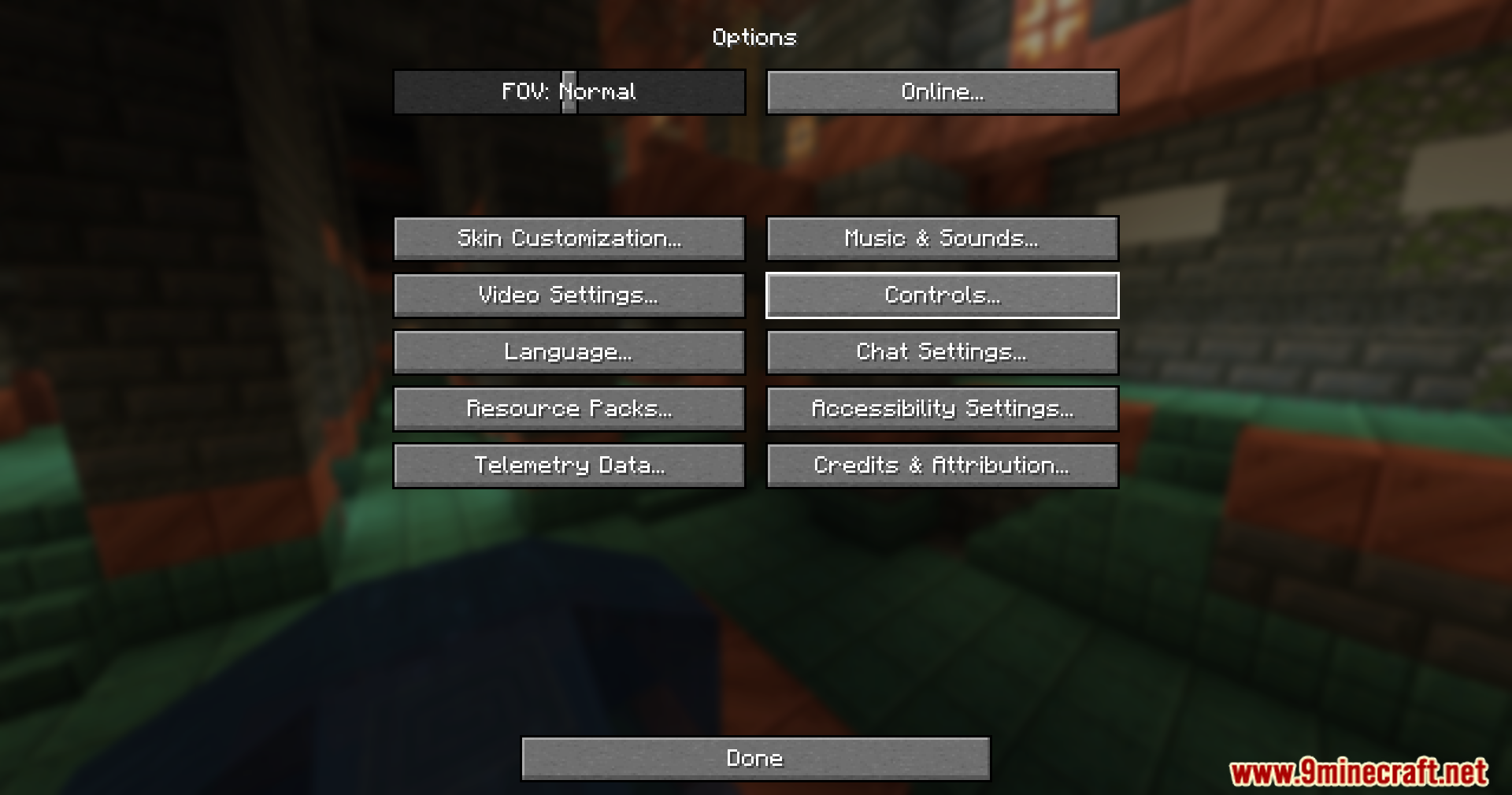
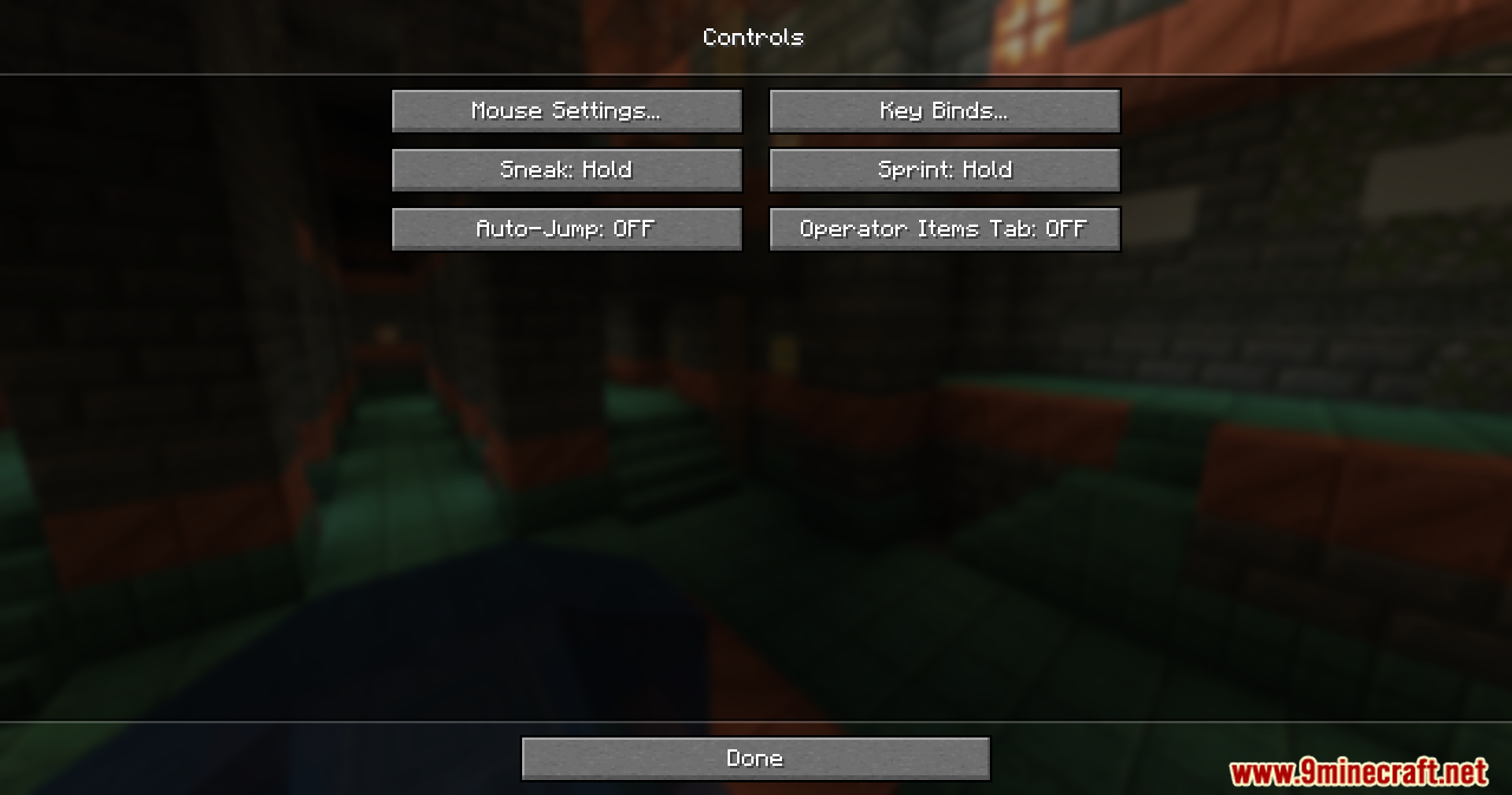
- Open your game options and go to the controls menu.
- Click the ‘Reset All’ button at the bottom of the screen.
- Look at the new warning pop-up that asks if you are sure.
- Choose yes to reset your keys or click no to keep your custom settings safe.
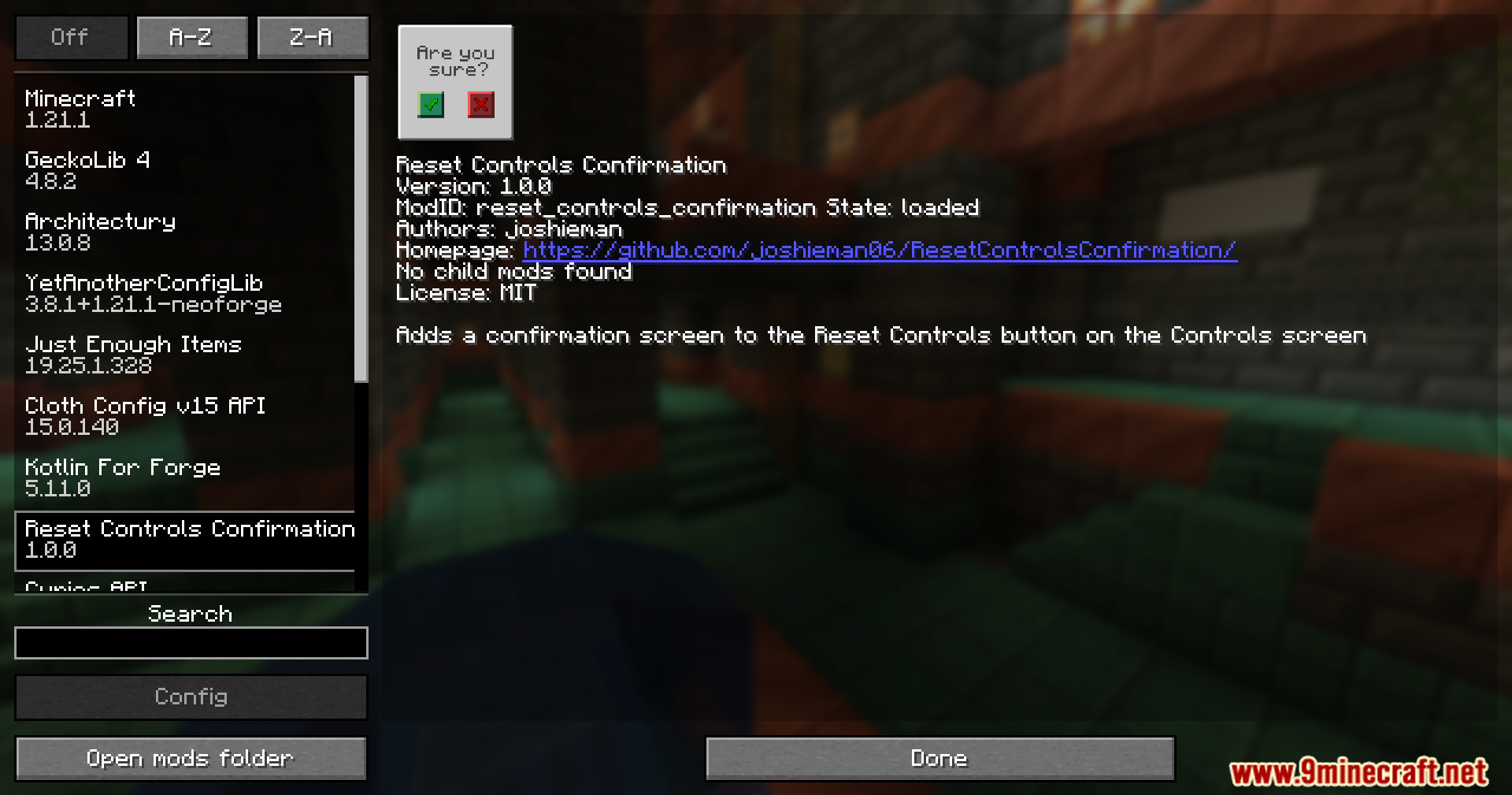
Screenshots:
How to Install:
New to Minecraft? Follow our step-by-step guide to install Mods on your PC.View Guide




Reset Controls Confirmation Mod Download Links
For Minecraft 1.21.5
For Minecraft 1.21.4
For Minecraft 1.21.1, 1.21
For Minecraft 1.20.1, 1.20
Click to rate this post!
[Total: 1 Average: 5]
You May Also Like









This post has no comments yet. Be the first — your comment will appear here.