
RPG Parties Mod (1.21.1, 1.20.1) – Raid Dungeons As a Team

 0


RPG Parties Mod lets you team up with your friends just like in RPG games. Once a friend accepts your invite, a customizable status display in the top-left corner shows their health and armor from anywhere in the world. You cannot hurt your teammates while in a party, which keeps group combat much safer. If the party leader leaves, this mod picks a new random leader automatically, and your group stays together until the server restarts. It works on both client and server, supports extra mod info through an internal API, and fits right into modpacks.
Features:
- Lets you team up with friends and watch their live status from anywhere in the world as soon as they accept your invite.
- Displays a customizable UI loosely inspired by Final Fantasy in the top-left corner of your screen, showing stats such as health and armor.
- Stops party members from hurting each other, making group fights much safer.
- Picks a new random party leader automatically when the current leader leaves.
- Keeps your party active until the server restarts.
- Includes an internal API to add extra mod info to the party UI, supporting Tough as Nails and Superior Shields (1.12 only).
- Supports four languages: English, Japanese, Chinese, and Spanish (All Regions).
- Works on both client and server and can be used in modpacks.
Commands:
/party: opens the party menu to start and manage your party.
How to Use:
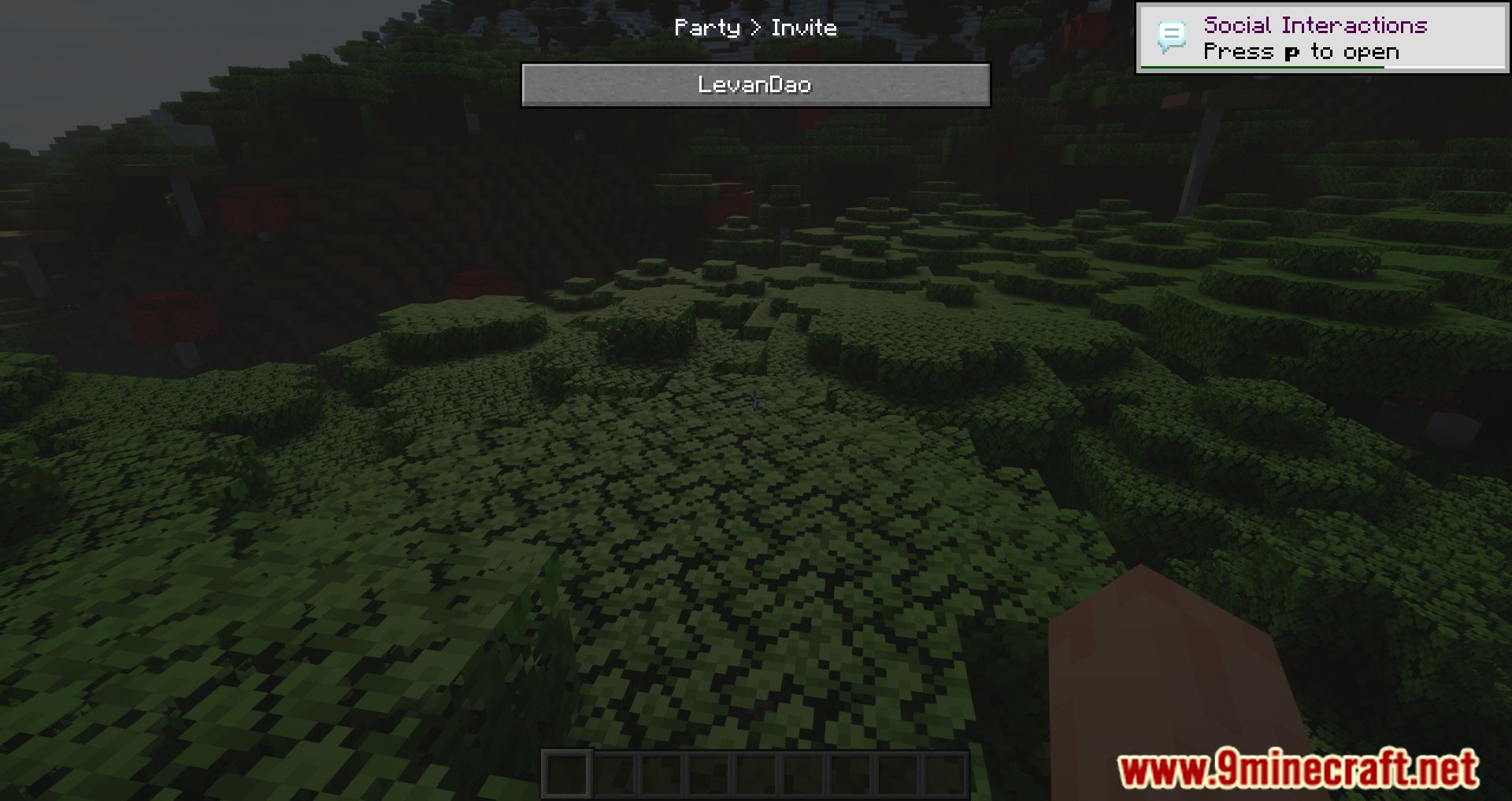
- Press P on your keyboard or type
/partyin the chat box to open the party menu. - Select a friend from the menu to send them a party invite.
- Wait for your friend to accept; their health and armor stats appear in the top-left corner of your screen, and teammates can no longer damage each other.
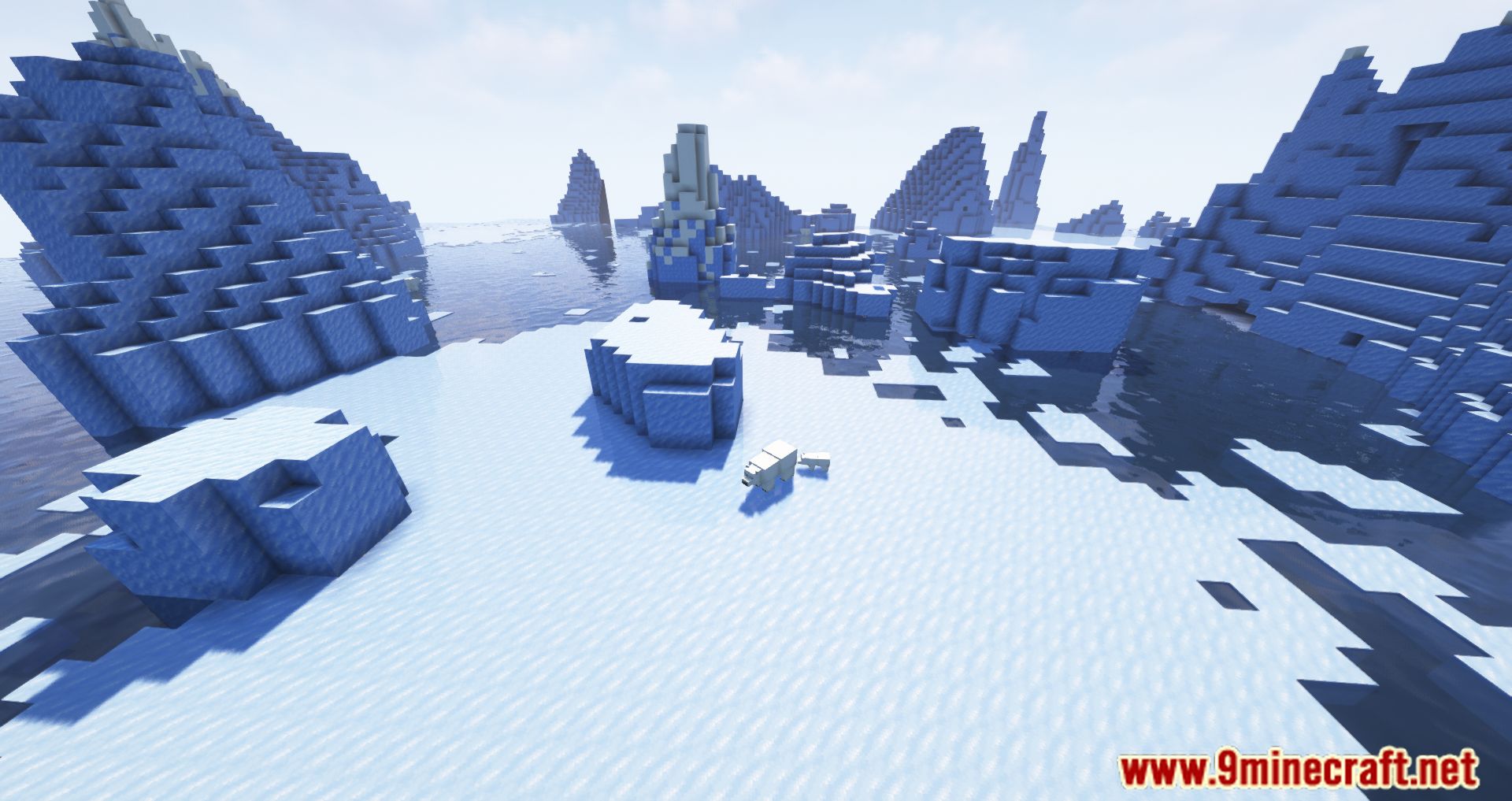
Screenshots:
How to Install:
New to Minecraft? Follow our step-by-step guide to install Mods on your PC.View Guide
RPG Parties Mod Download Links
For Minecraft 1.21.1, 1.21
Forge Version: Download from Server 1 – Download from Server 2
For Minecraft 1.20.4
Forge Version: Download from Server 1 – Download from Server 2
For Minecraft 1.20.1, 1.20
Forge Version: Download from Server 1 – Download from Server 2
Fabric Version: Download from Server 1 – Download from Server 2
For Minecraft 1.19.2, 1.19.1, 1.19
Forge Version: Download from Server 1 – Download from Server 2
For Minecraft 1.18.2, 1.18.1
Forge Version: Download from Server 1 – Download from Server 2
For Minecraft 1.16.5
Forge Version: Download from Server 1 – Download from Server 2
For Minecraft 1.14.4
Forge Version: Download from Server 1 – Download from Server 2
For Minecraft 1.12.2
Forge Version: Download from Server 1 – Download from Server 2
If you rent a paid server to play modded Minecraft with friends, how do you usually set it up?
25 responses · See the full results →
You May Also Like
Picked for this page
 Terraqueous Mod (1.21.1, 1.20.1) – From Fruit Orchards to Sky Castles
 The Lost Cities Mod (26.3, 1.20.1) – Old Abandoned City
 AutoFish for Forge Mod (26.2, 1.20.1) – The Ultimate Fishing Companion
 Your Items Are Safe Mod (26.3, 1.20.1) – Death Item Preservation
 Colossal Chests Mod (26.3, 1.20.1) – Giant Chests
 Elemental Enchantments Mod (26.3, 1.20.1) – Curses and Enchantments
 BlueMap Mod (26.3, 1.20.1) – Explore Your World In 3D
 Low Fire Reborn Mod (26.2, 1.20.1) – Lowers First Person Fire
 Jerry’s Mod (26.3, 1.20.1) – CaptainSparklez’s Modded Survival
 CreateTweaker Mod (1.21.1, 1.20.1) – CraftTweaker + Create
 Gugle Carpet Addition Mod (26.3, 1.20.1) – Managing Fake Players
 ScreenFX Mod (26.3, 1.20.1) – Personalize Your Minecraft
Most viewed in Mods over the last 7 days
 Ala Industrial Mod (26.3) – Run Electric Power Grids and Automated Factories
 PleasureCraft Mod (26.3, 1.21.1) – Jenny Mod Remake for Fabric
 Jennycraft Mod (26.3, 1.20.1) – Virtual Girlfriend in Minecraft
 Fapcraft Mod (26.3, 1.12.2) – Comprehensive and Detailed Content
 Jenny Mod (Fapcraft) Official Complete Guide – How to use, Tutorial
 BangCraft Mod (1.20.1) – Jenny, Ellie and Elliot
 Fabric Loader (26.3, 1.20.1) – Fabric Installer for All Minecraft Versions
 The Shooting Star Demo Mod (26.3, 1.20.1) – Vaporize Terrain From Orbit
 Meteor Client Mod (26.3, 1.20.1) – Xray, HUD, Fly
 OptiFine HD (26.3, 1.20.1) – Run Faster, FPS Boost, Shaders Support
 Aristois Client Mod (1.21.4, 1.20.1) – World Class Minecraft Utility
 Prestige Client Mod (1.21.11, 1.21.4) – Powerful Ghost Features for Crystal & Sword PvP
More from Mods
 Multi Item Lib Mod (1.20.1) – Wield Custom Gear with Flawless Hand Animations
 Universe3090 Mod (1.20.1) – Survive Corrupted Dimensions Filled
 Wireless Automate Mod (1.21.1) – Automate Base Logistics Without Messy Pipes
 Vaskars Opus Faction War Quests & Bosses Mod (1.21.11, 1.20.1)
 Multitools and More Mod (26.3, 1.20.1) – Clear Your Hotbar and Travel
 Luxium Let There Be Light Mod (1.20.1) – Stunning Lighting on Low-End Computers
 Soulscraft Tarnished Legacy Mod (1.21.1) – Hunt Relics to Forge Dark Fantasy
 Fetzi’s Displays Mod (26.1.2, 1.20.1) – Turn Rare Gear and Weapons
 Primal Plushies Paleo Pals Mod (1.21.1, 1.20.1) – Decorate Your Base
 Ipla Mod (26.3, 1.20.1) – Showcase Your Favorite Items
 MesdagPortLib Mod (1.20.1) – Run Modern Minecraft Mechanics on Older Versions
 Hellion’s API Mod (1.21.11, 1.21.1) – Play Hellion Series Addons Without Crashes

This post has no comments yet. Be the first — your comment will appear here.