
Scholar Mod (26.3, 1.20.1) – Turn Every Base Into a Living Library
 643
 0


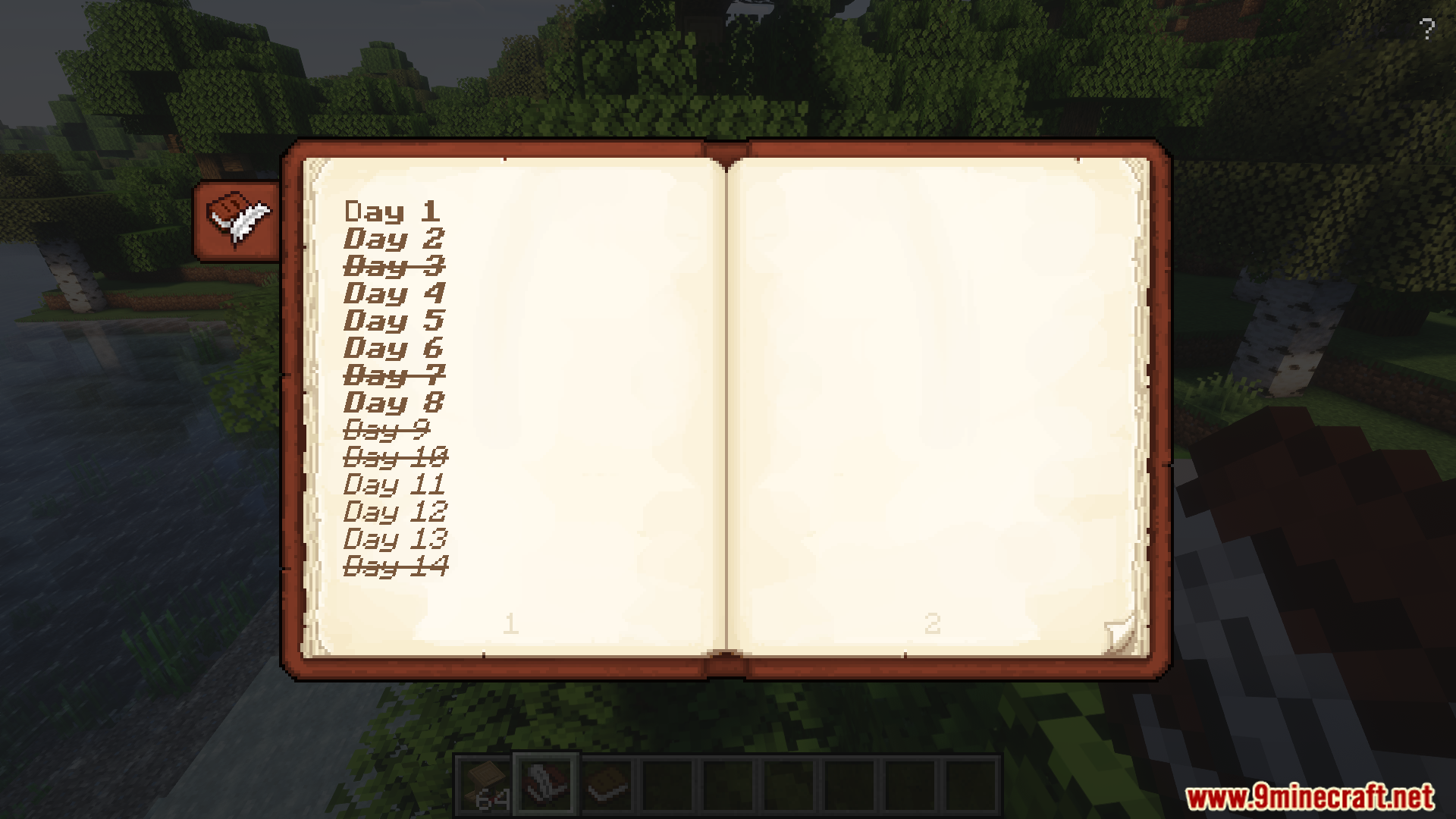
Scholar Mod redesigns how you write, read, and sign books in Minecraft. This mod replaces the vanilla screens with a two-page view, adds a pop-up text formatting toolbar, and lets you edit books right on a Lectern or set a custom author. You can also save and load book text as plain text files, dye books in any color like leather armor, and see tooltips for books stored on Lecterns and Chiseled Bookshelves. On top of that, it brings new reading and writing animations for players, plus a 5% chance for Zombies, Husks, and Skeletons to spawn with a book.

Features:
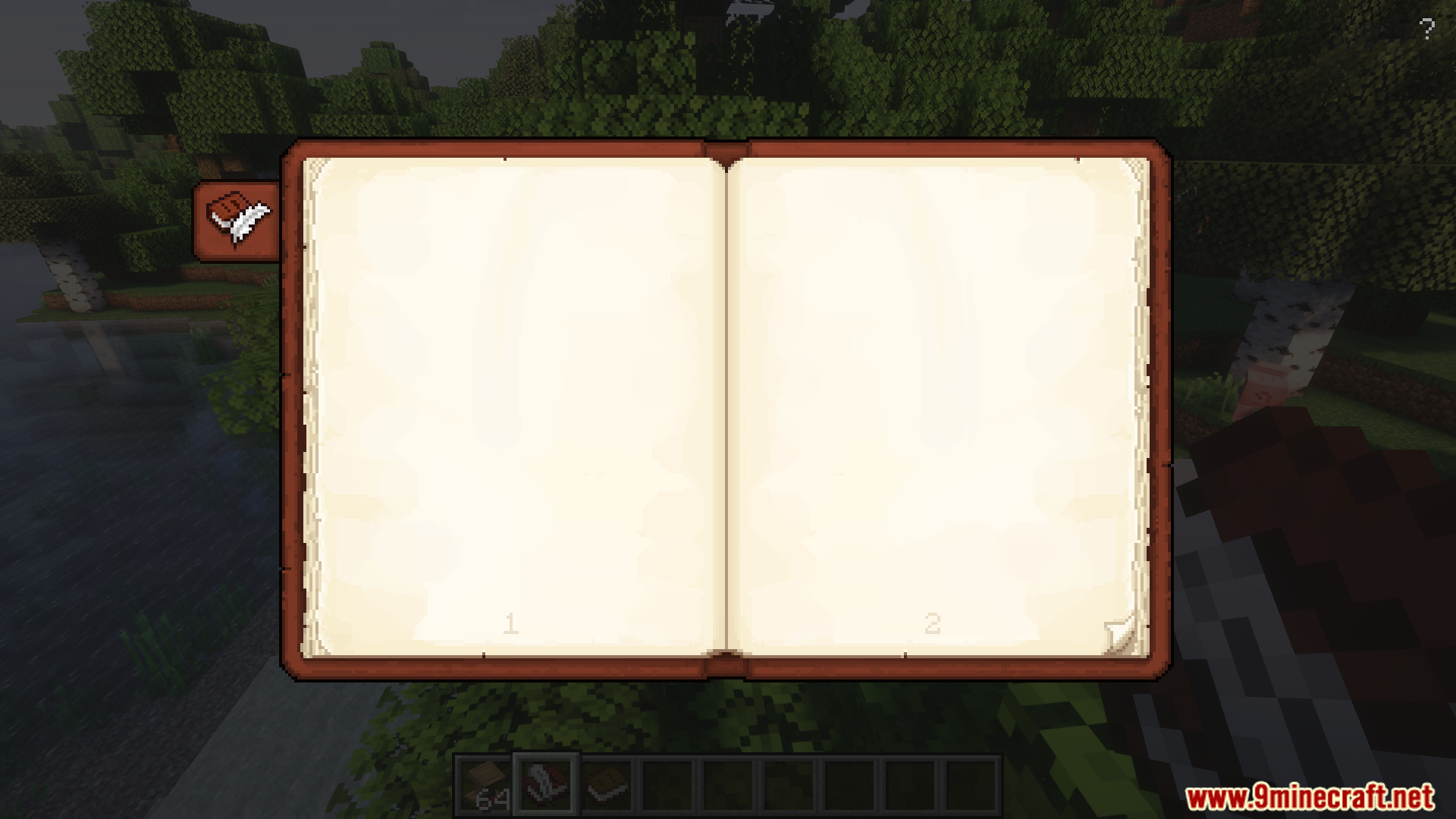
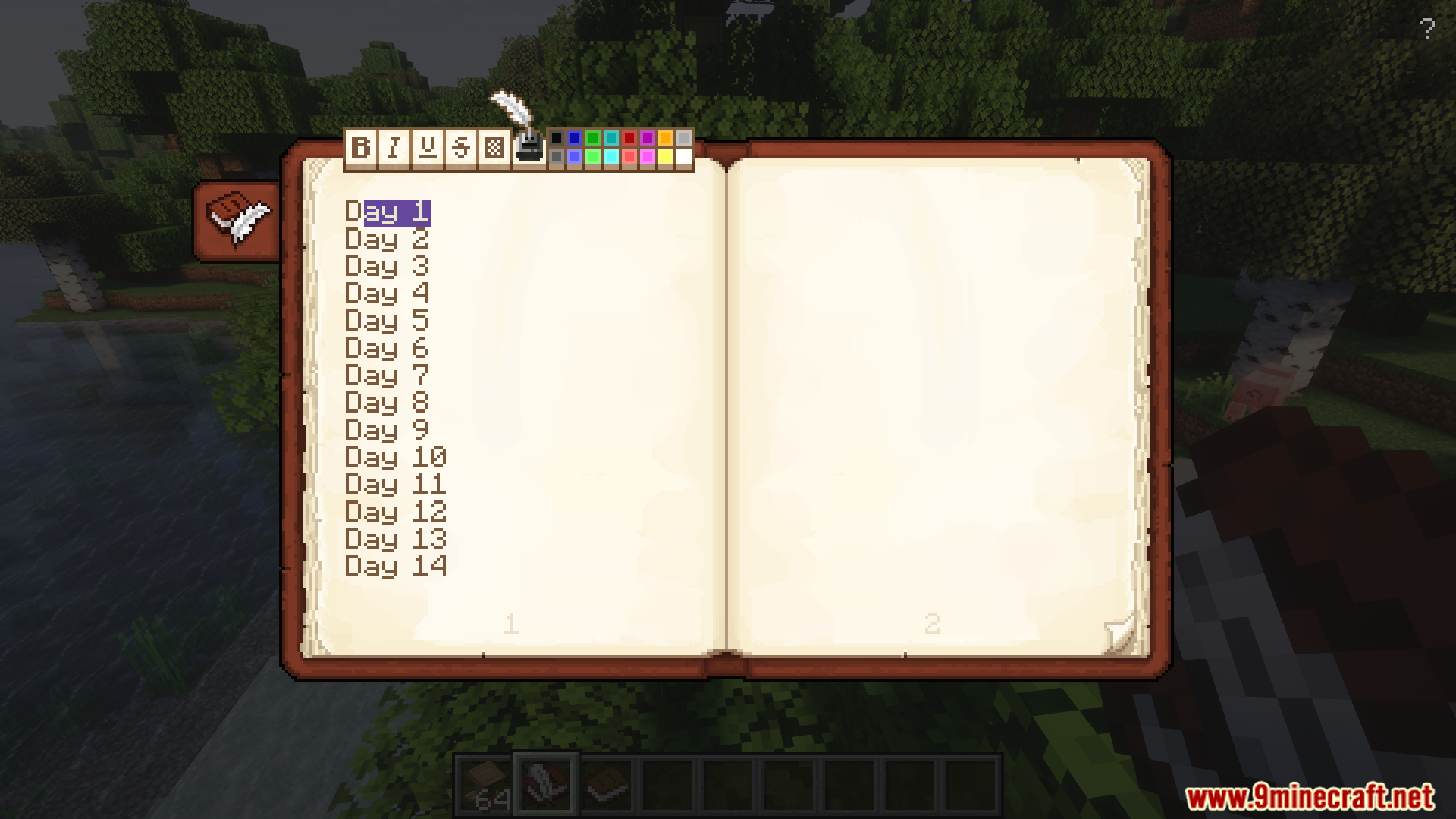
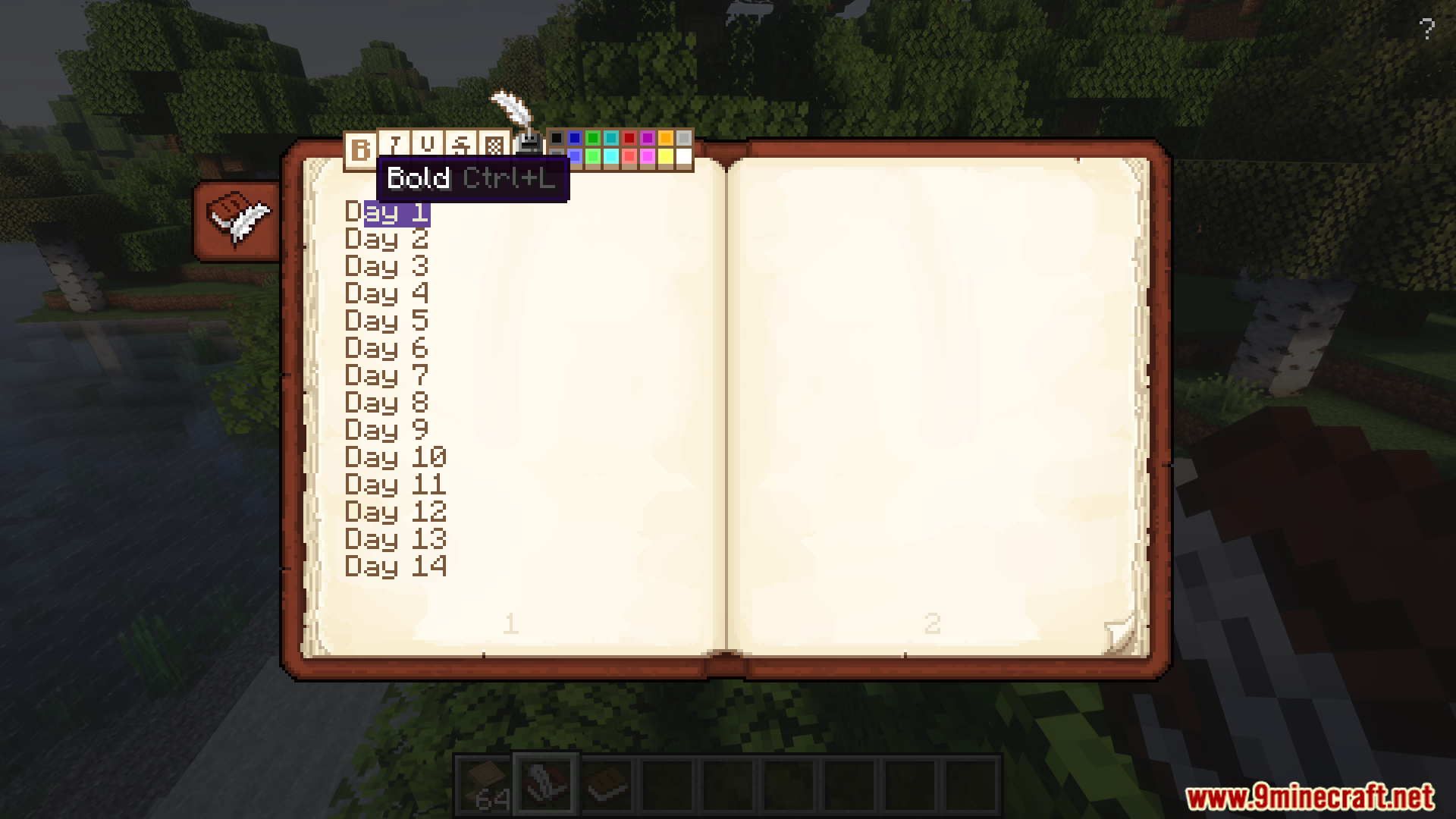
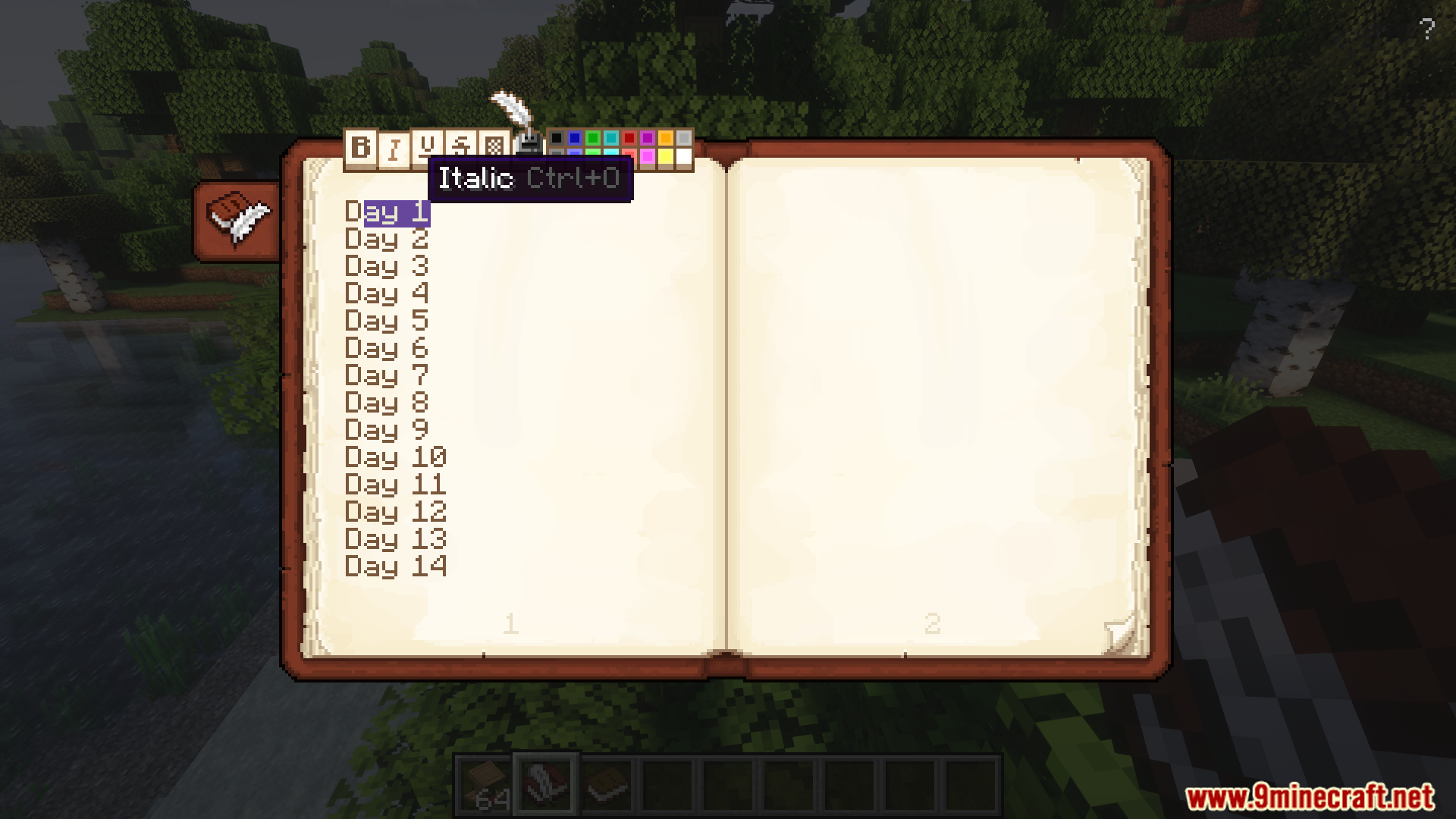
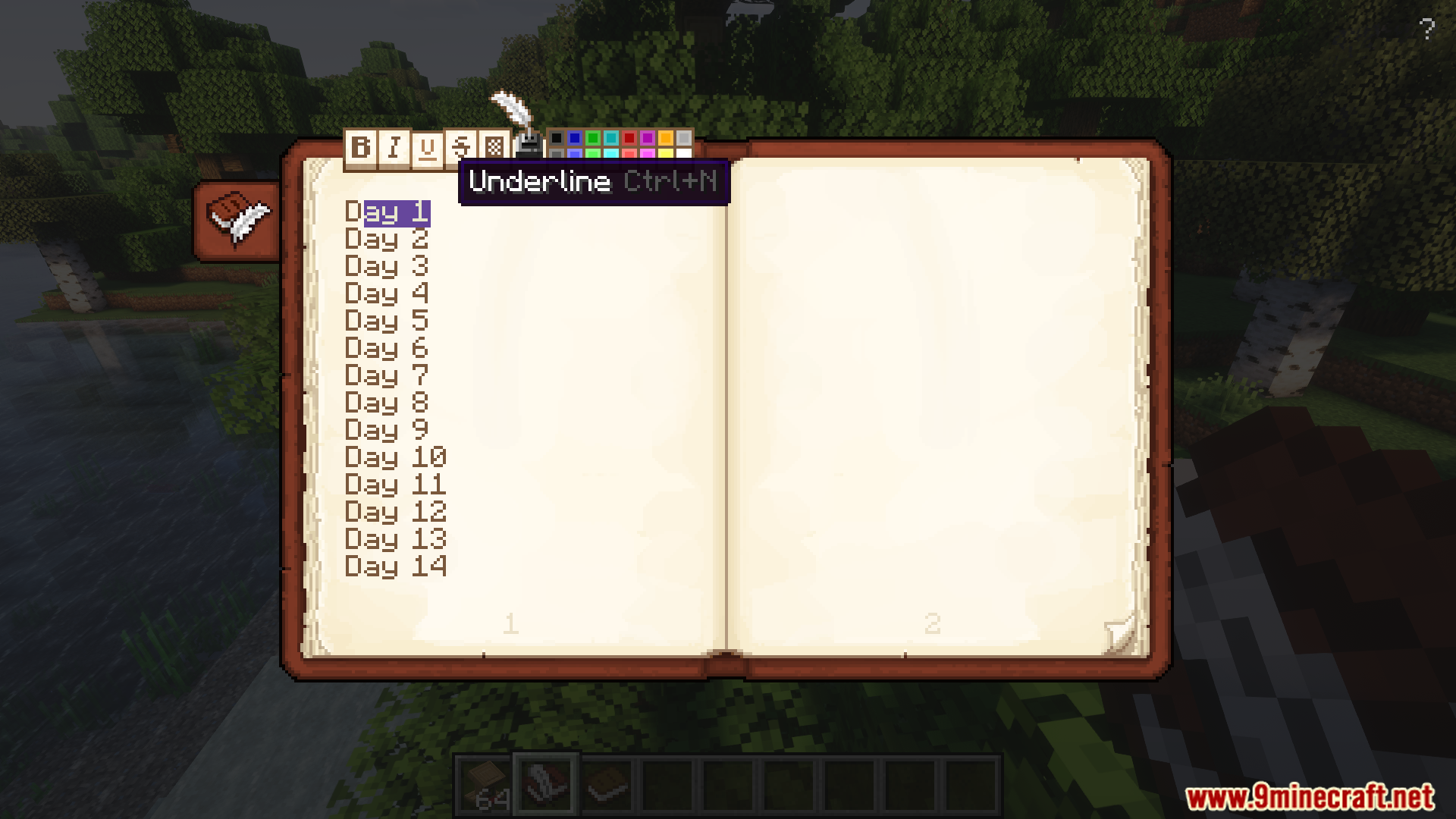
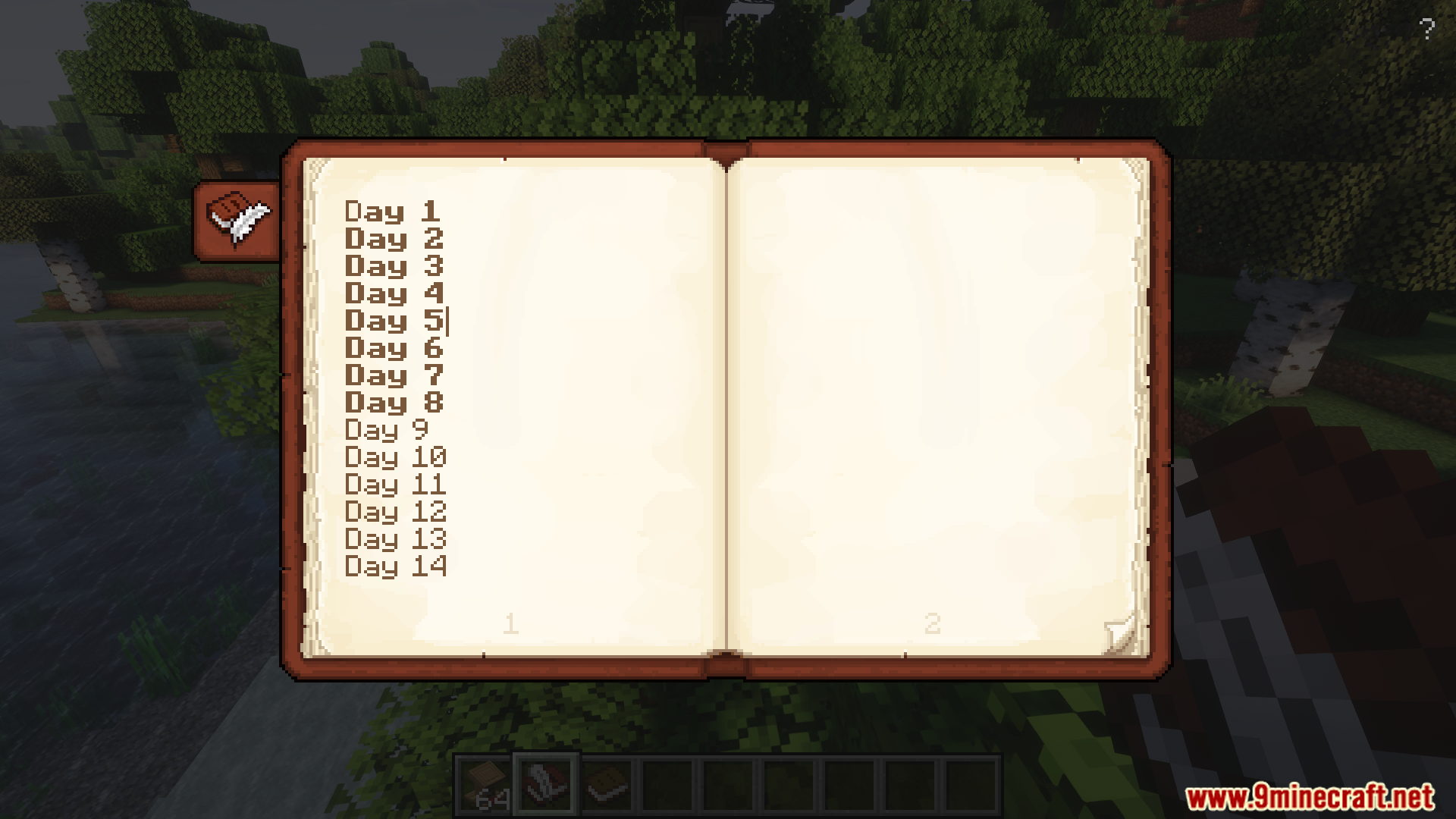
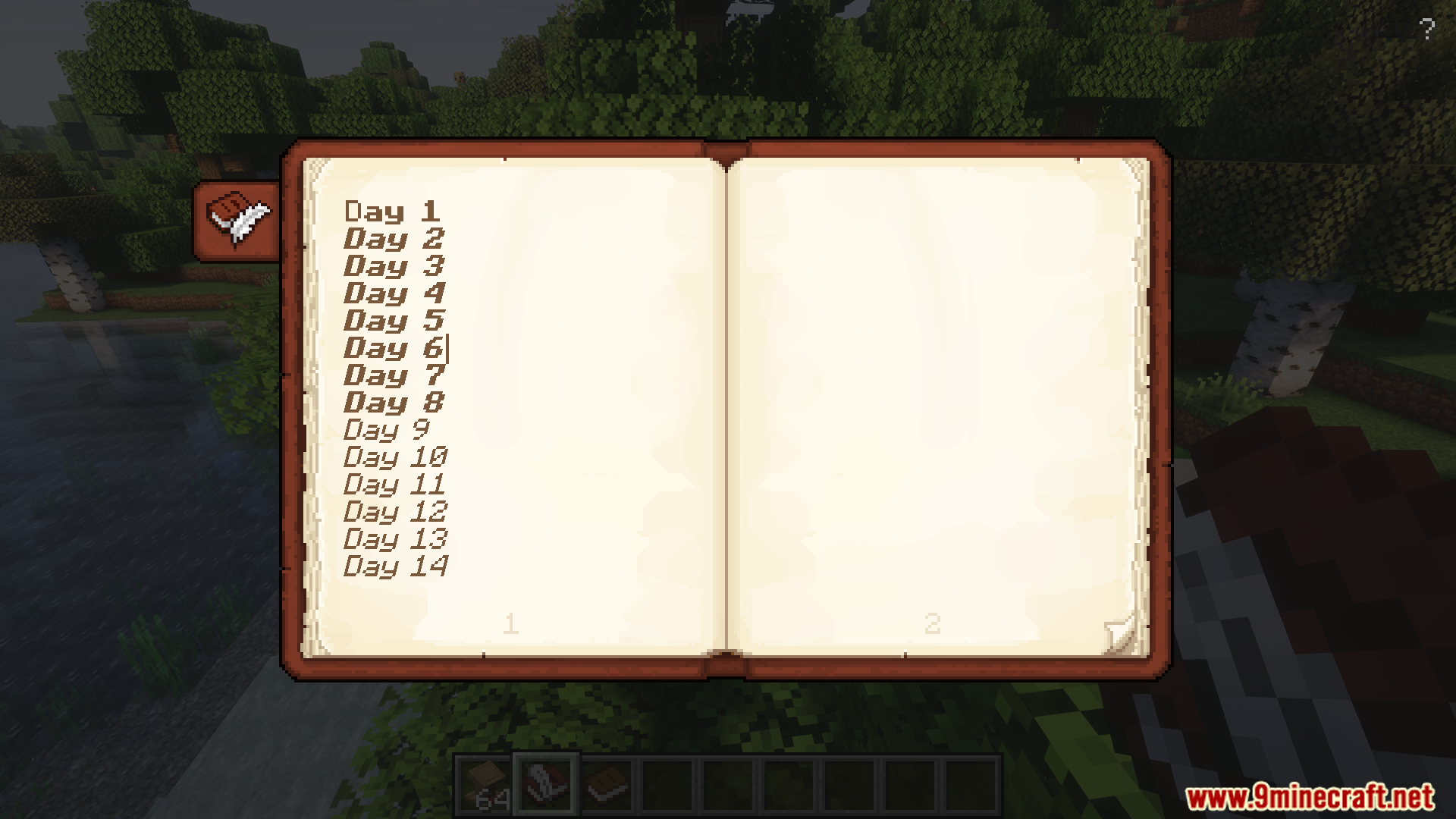
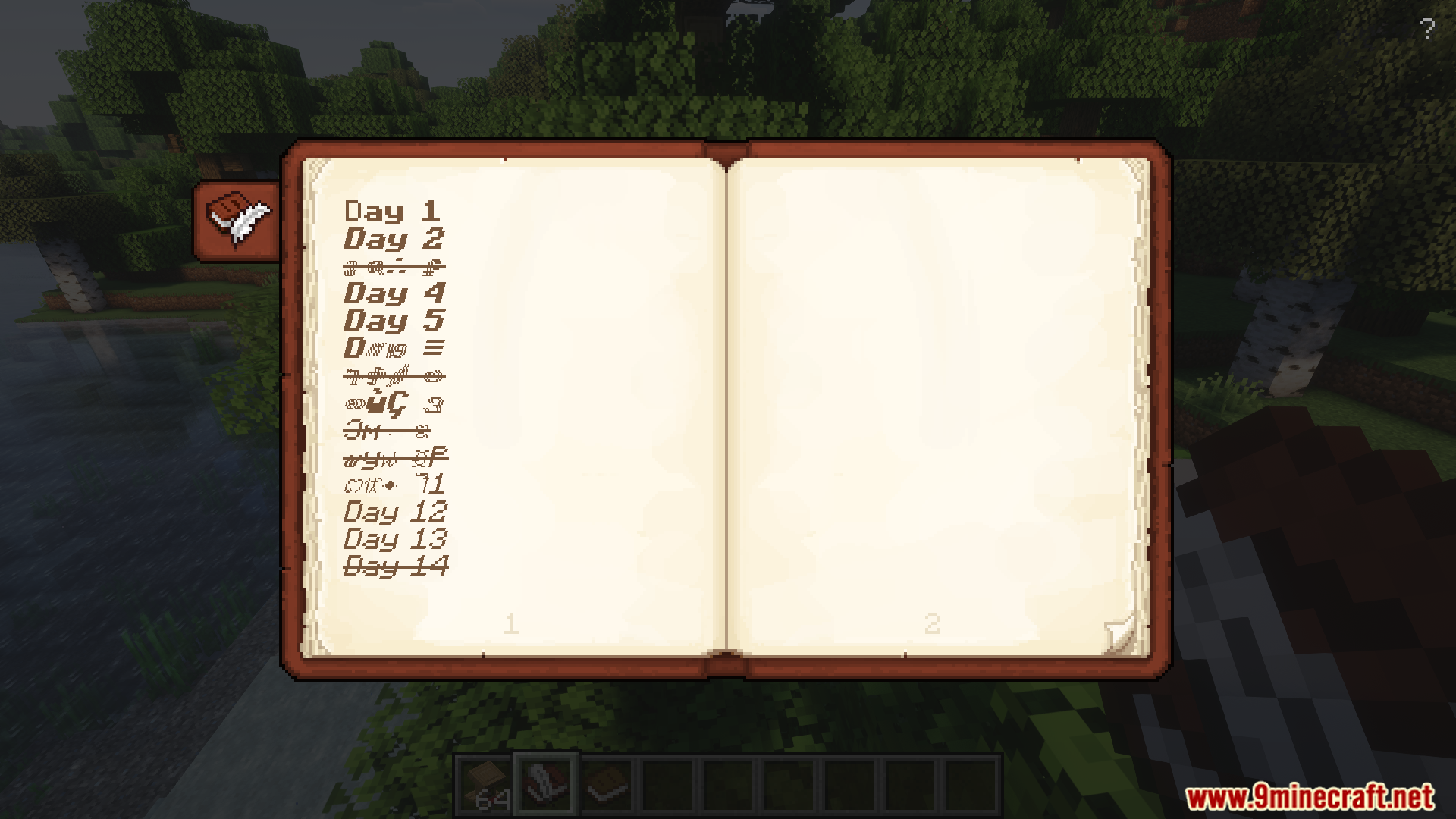
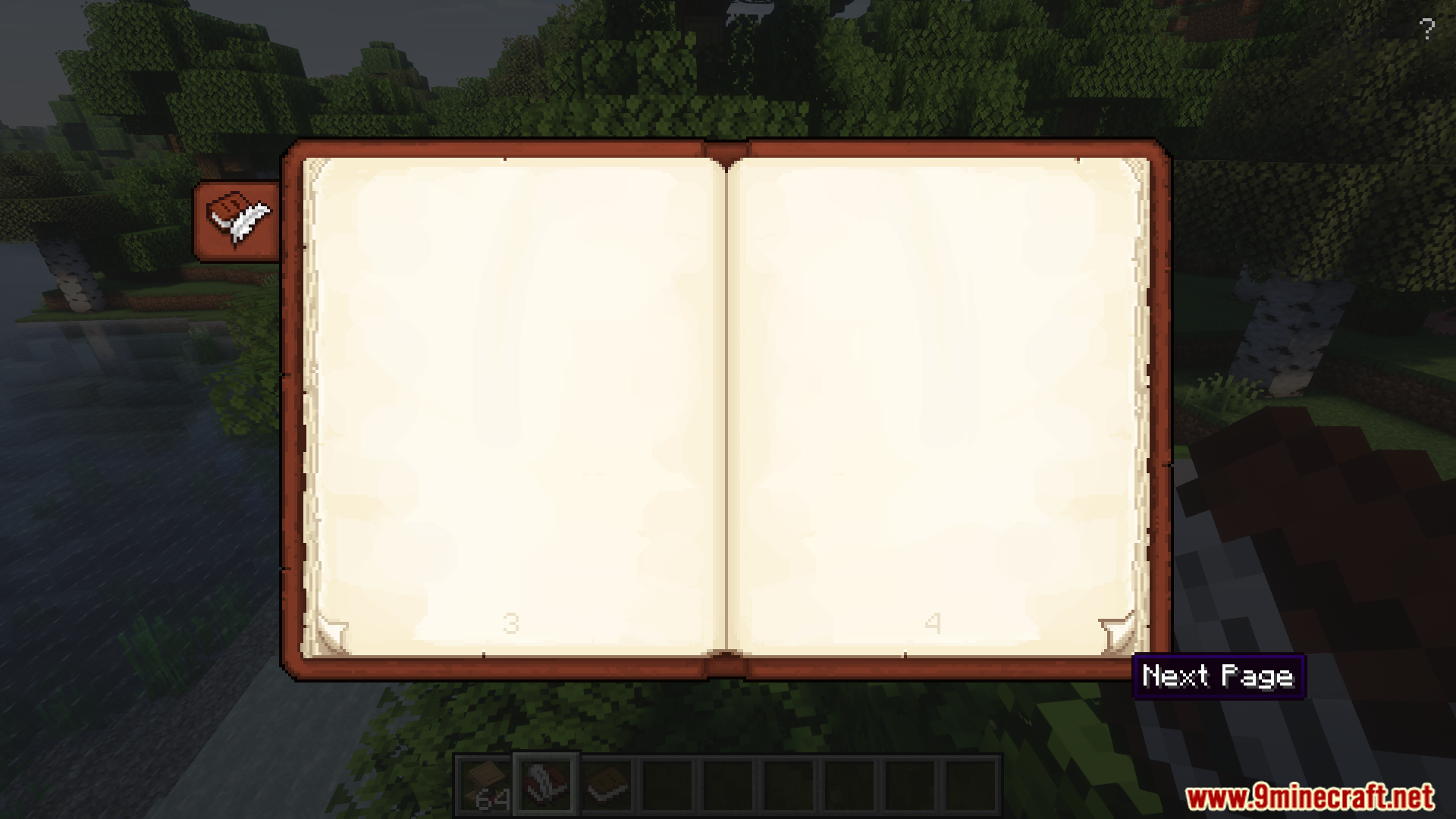
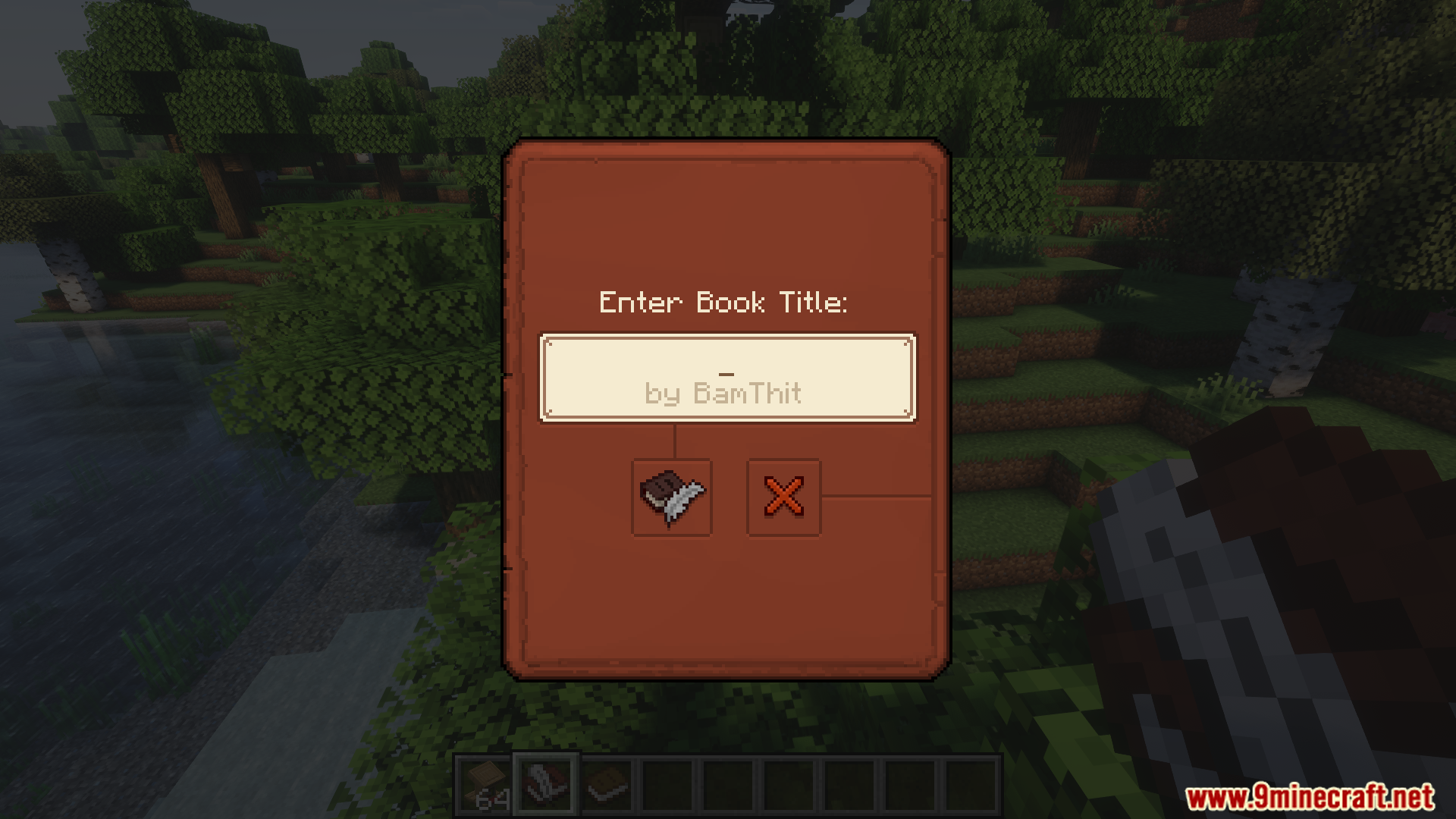
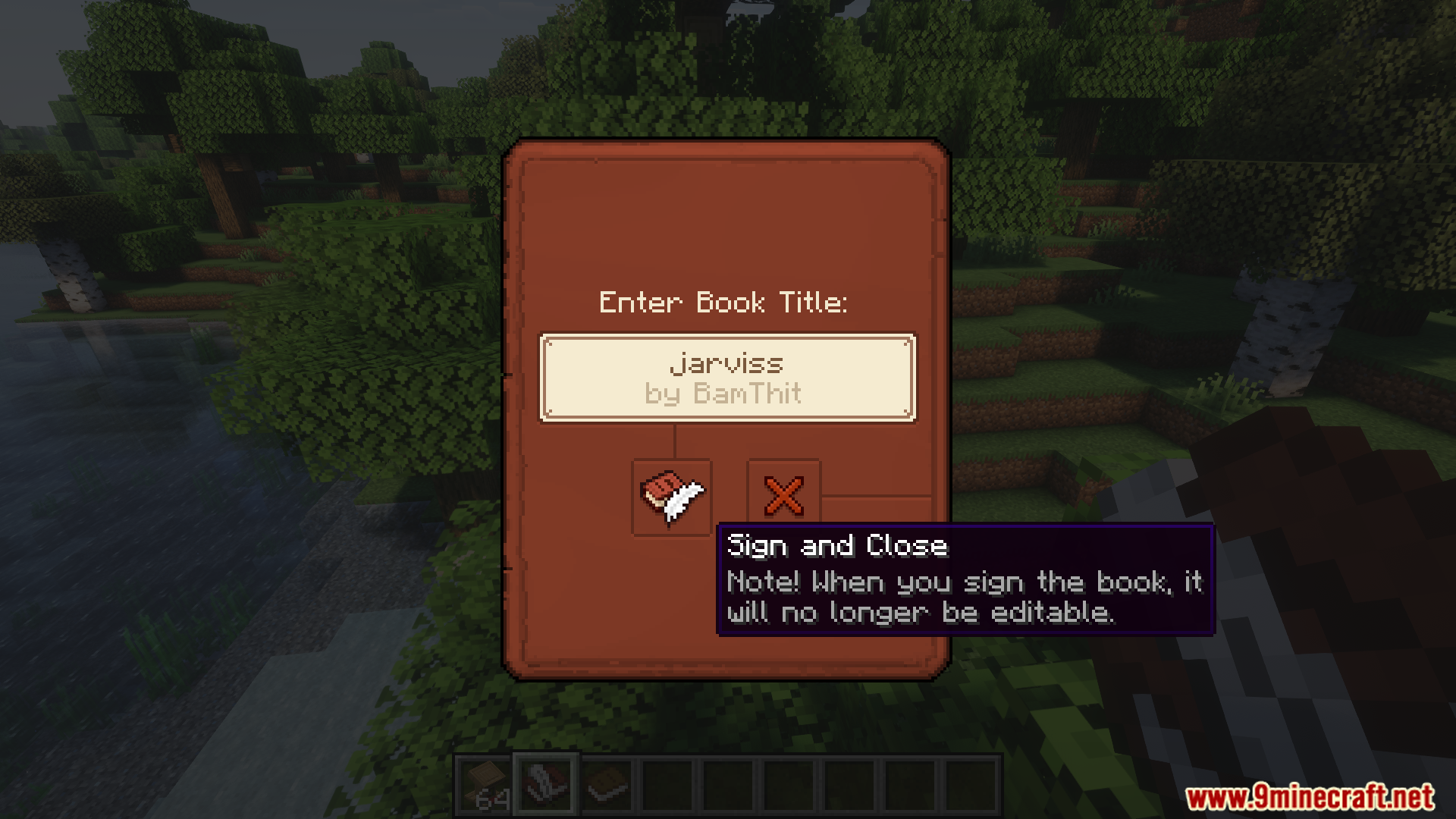
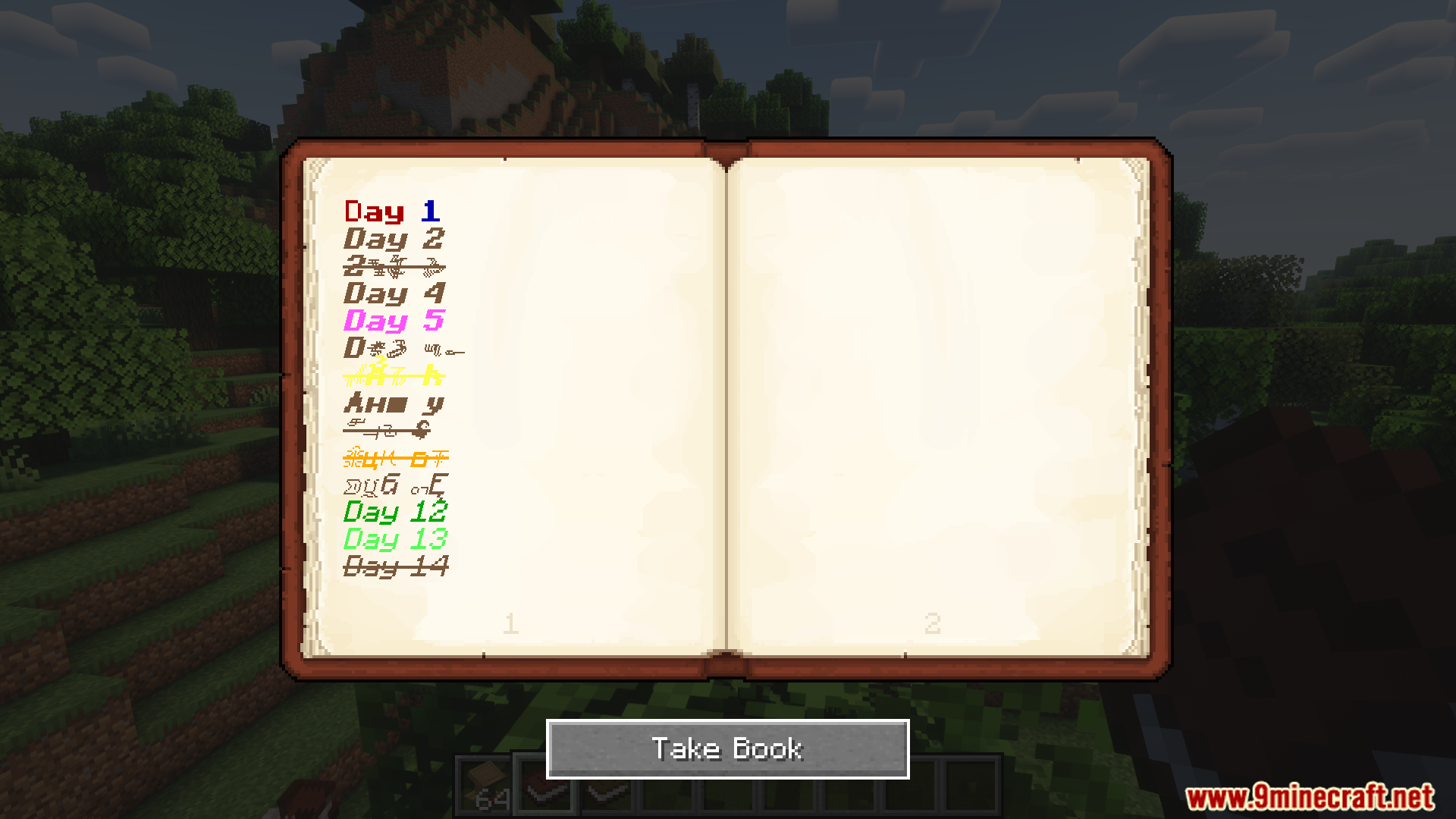
- Replaces the vanilla editing, viewing, and signing screens with redesigned screens that let you read and edit two pages at once, just like a real book.
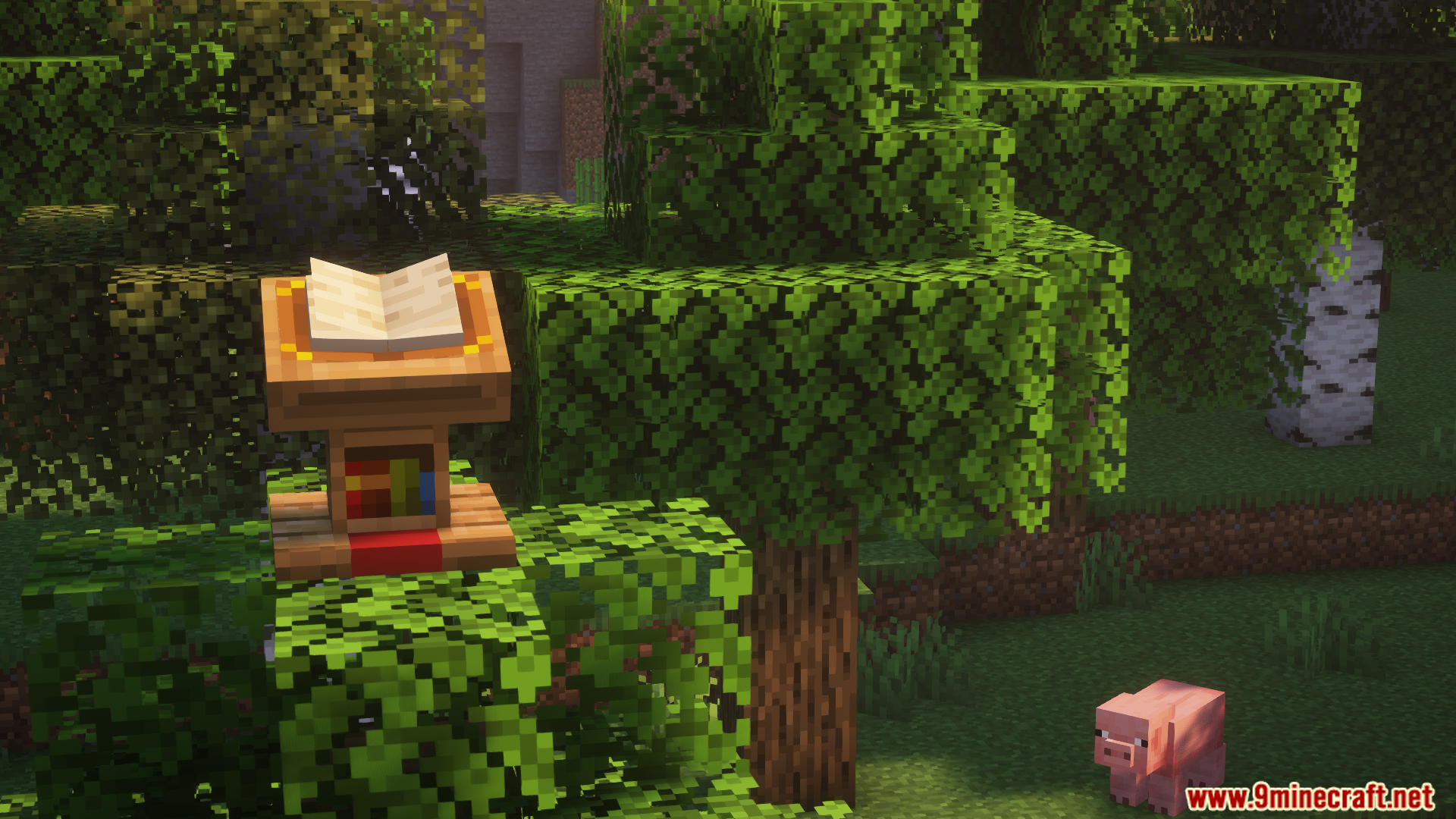
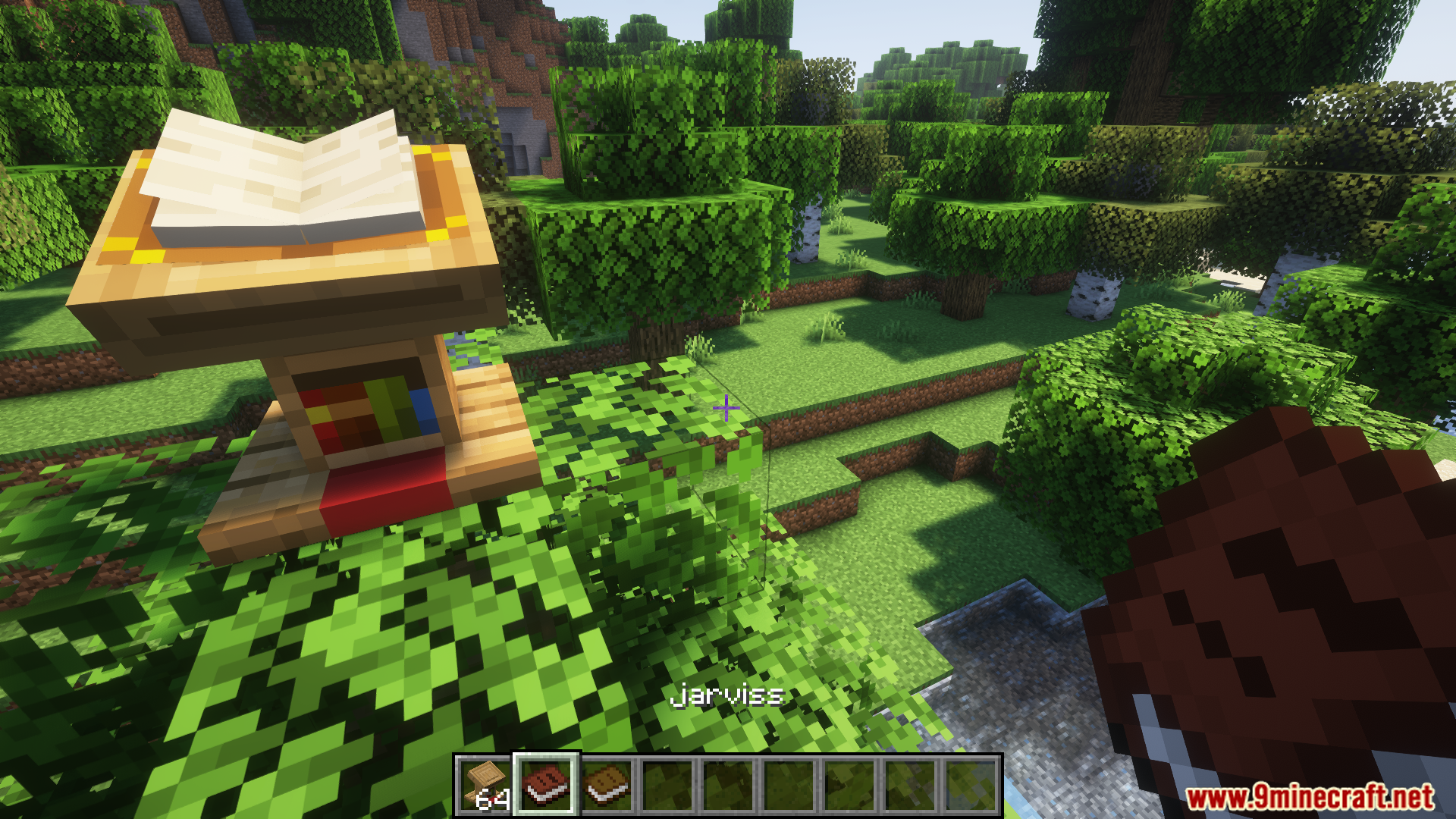
- Lets you edit books directly while they sit on a Lectern.
- Lets you set a custom author name for your books.
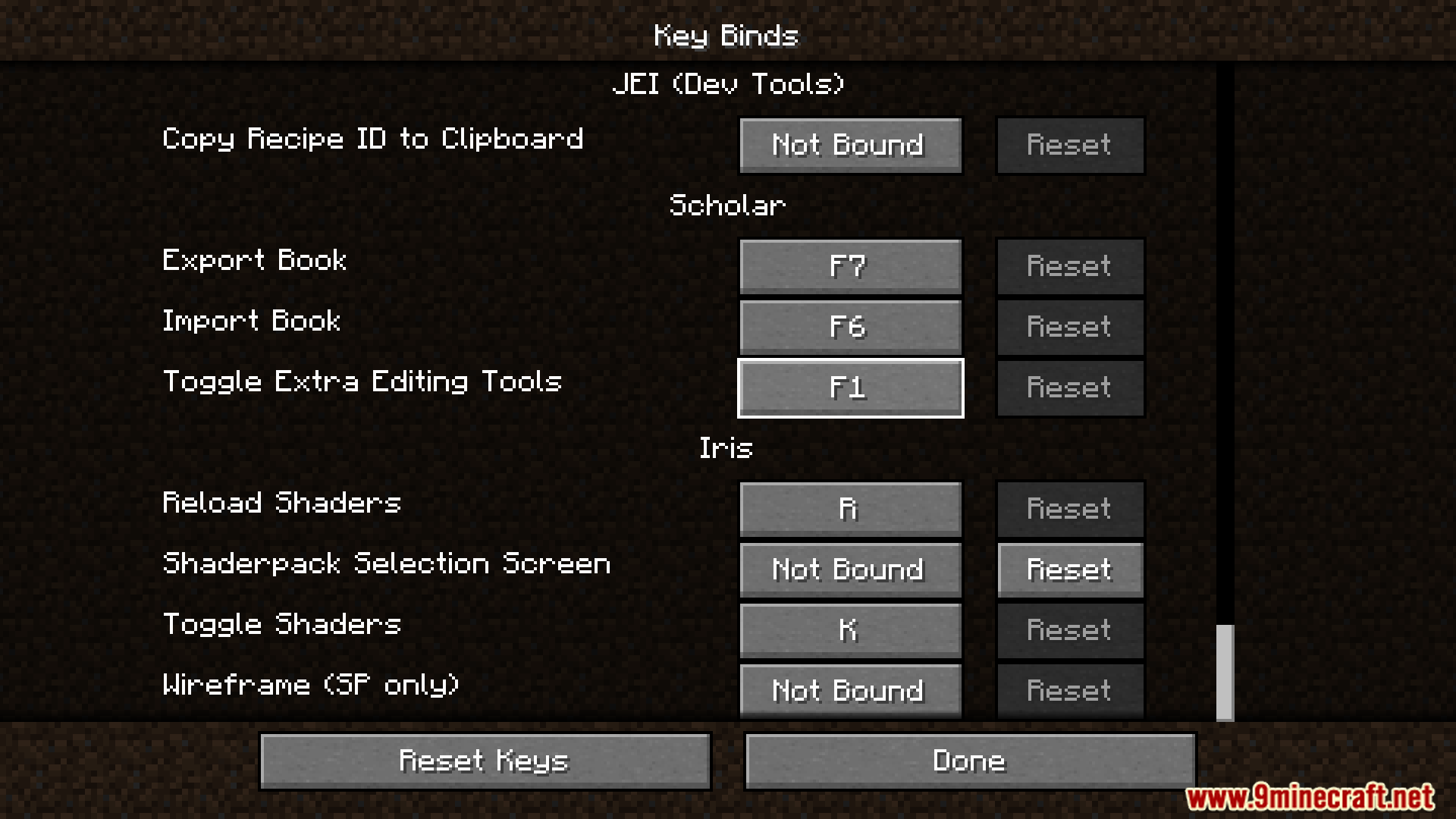
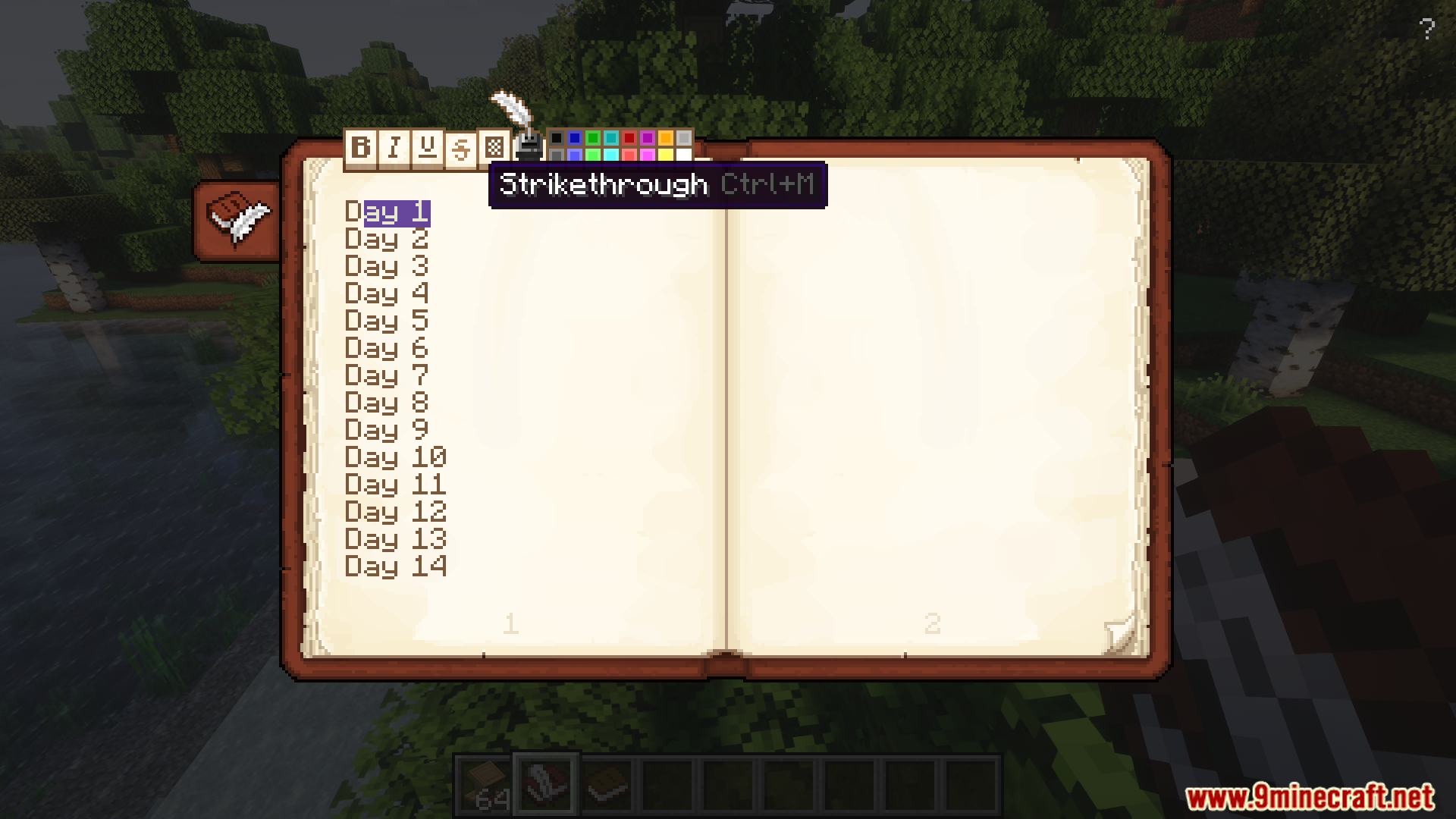
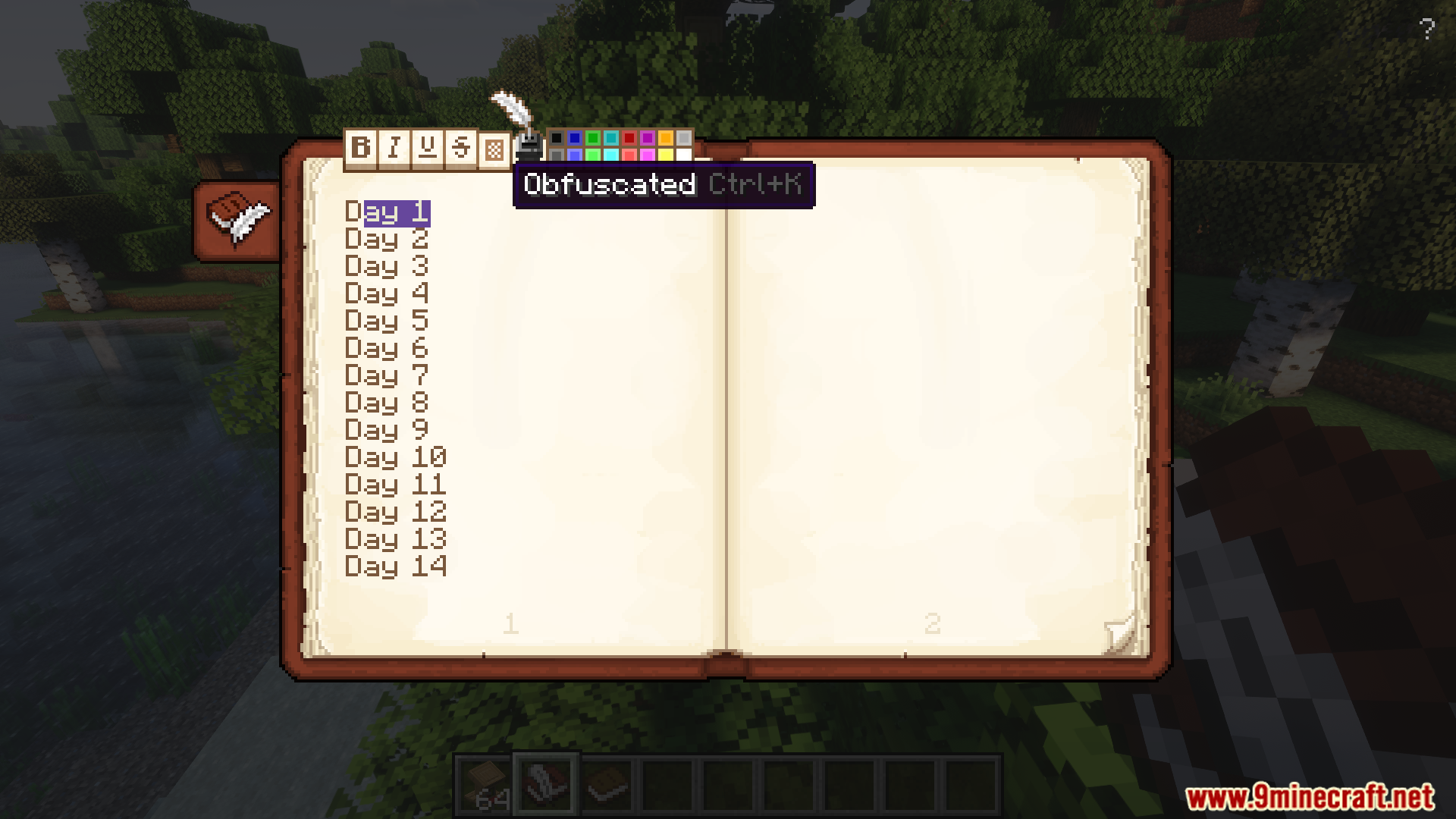
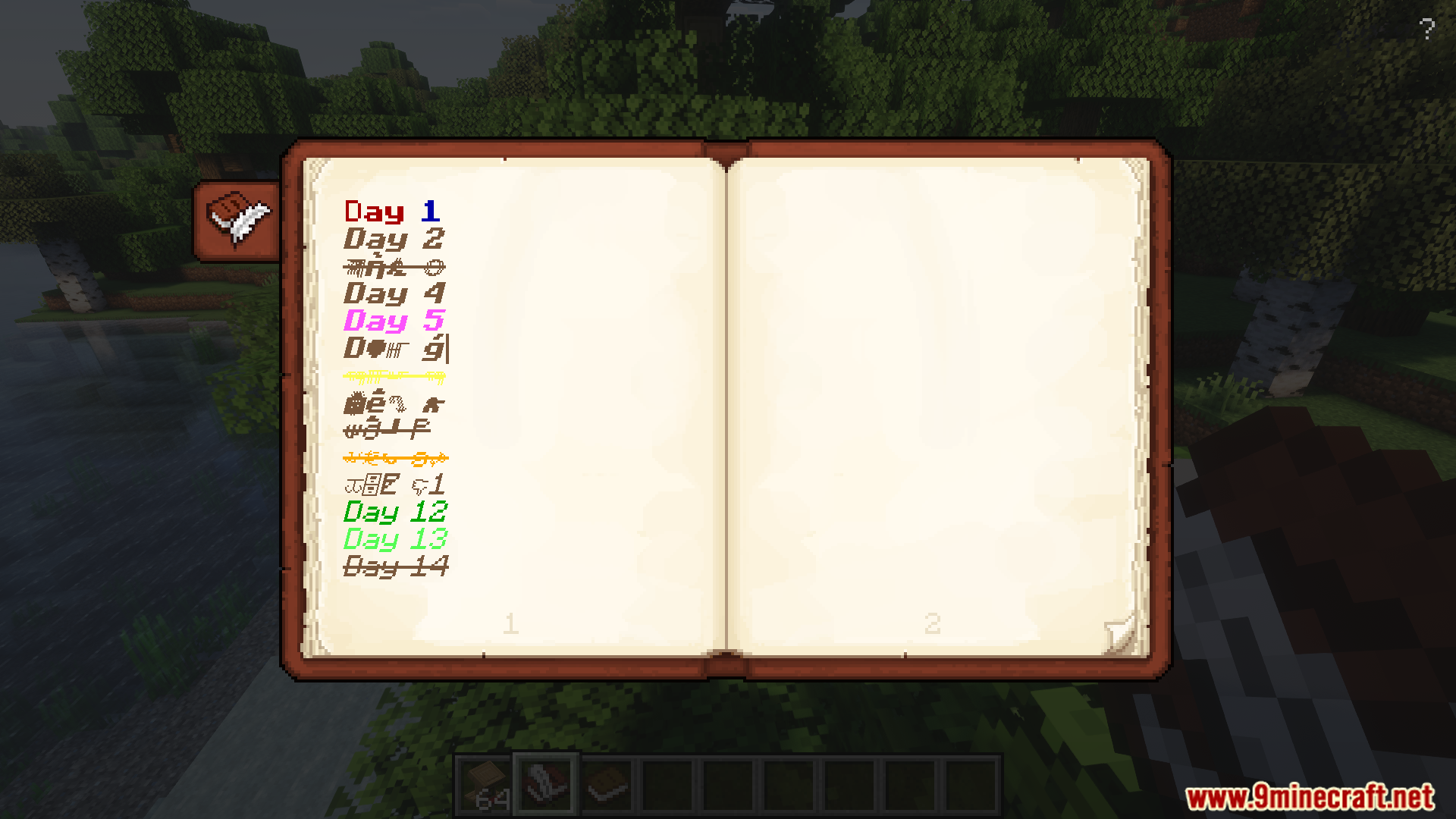
- Opens a formatting toolbar when you select text so you do not have to type § symbols. You can apply styles with your mouse or keyboard shortcuts, and it runs on the vanilla formatting system underneath.
- Saves text from Writable and Written books into human-readable .txt files and lets you load text back from files. Text formatting stays on by default, or you can leave it out if you want.
- Lets you dye books in any color just like leather armor. The color shows up on the item, inside book menus, on a Lectern, and on a Chiseled Bookshelf.
- Shows a tooltip with the stored book when you look at a Lectern or a Chiseled Bookshelf slot.
- Plays a reading animation when you use a book in your hand, and switches to a writing animation with a feather in your hand when you use a Book and Quill.
- Gives Zombies, Husks, and Skeletons a 5% chance to spawn holding a book and reading it from time to time. The book has a 50% chance to drop when the mob dies.
Screenshots:
How to Install:
New to Minecraft? Follow our step-by-step guide to install Mods on your PC.View Guide
Requirements:
 Fabric Loader Required
 Fabric API Required
 NeoForge Required
 Quilt Installer Required
 Minecraft Forge Required
 Forge Config API Port Mod Required
 Woodworks Mod Required
Scholar Mod Download Links
For Minecraft 26.3
For Minecraft 26.2
For Minecraft 26.1.2, 26.1.1, 26.1
For Minecraft 1.21.11
For Minecraft 1.21.10, 1.21.9
For Minecraft 1.21.8, 1.21.7, 1.21.6
For Minecraft 1.21.5
For Minecraft 1.21.4
For Minecraft 1.21.1, 1.21
For Minecraft 1.20.1, 1.20
What do you usually do when your modded game crashes on startup?
2 responses · See the full results →
You May Also Like
Picked for this page
 Miner’s Advantage Mod (26.3, 1.20.1) – Making Life Easier
 Modern Guns Mod (26.2, 1.21.1) – Real Life Guns
 Enderman Overhaul Mod (1.21.11, 1.20.1) – Hunt Endermen for New Loot
 DnT Stronghold Overhaul Mod (26.3, 1.20.1) – Over 400 New Rooms
 Benched Mod (26.3, 1.20.1) – Now You Can Craft Picnic Benches
 Waystones Teleport Pets Mod (26.1.2, 1.20.1) – Easy to Travel with Your Pets
 CoffeeG’s Wall Climbing Mod (1.21.11, 1.20.1) – Climb Walls Like A Pro
 Server Resourcepack Checker Mod (26.3, 1.20.1) – Join And Leave Servers Swiftly
 Create Cobblestone Mod (1.21.1, 1.20.1) – Reduce Lag Caused By Block Generators
 Bonemeal Sugarcane Mod (26.3, 1.21.1) – Grow Sugarcane Faster
 Jobs Plus Remastered Mod (1.21.11, 1.20.1) – Earn XP, Coins And Power-Ups
 Logarithmic Volume Control Mod (26.3, 1.20.1) – Natural Audio Scaling
Most viewed in Mods over the last 7 days
 Ala Industrial Mod (26.3) – Run Electric Power Grids and Automated Factories
 PleasureCraft Mod (26.3, 1.21.1) – Jenny Mod Remake for Fabric
 Jennycraft Mod (26.3, 1.20.1) – Virtual Girlfriend in Minecraft
 Fapcraft Mod (26.3, 1.12.2) – Comprehensive and Detailed Content
 Jenny Mod (Fapcraft) Official Complete Guide – How to use, Tutorial
 BangCraft Mod (1.20.1) – Jenny, Ellie and Elliot
- Fabric Loader (26.3, 1.20.1) – Fabric Installer for All Minecraft Versions
 The Shooting Star Demo Mod (26.3, 1.20.1) – Vaporize Terrain From Orbit
 Meteor Client Mod (26.3, 1.20.1) – Xray, HUD, Fly
 OptiFine HD (26.3, 1.20.1) – Run Faster, FPS Boost, Shaders Support
 Aristois Client Mod (1.21.4, 1.20.1) – World Class Minecraft Utility
 Prestige Client Mod (1.21.11, 1.21.4) – Powerful Ghost Features for Crystal & Sword PvP
More from Mods
 Freelook Perspective Mod (26.3, 1.21.1) – Watch Your Back While Sprinting
 FAUNA Engine Mod (1.21.1, 1.20.1) – Powering Legendary Dragons
 Avali Nexus Mod (26.3) – Settle Frozen Frontiers with High-Tech Bird Tribes
 Orient’s Hotpot Chronicles Mod (1.20.1) – Boil Fresh Hotpot Meals Over Open Flames
 Far Lands Traveler Mod (26.1.2) – Survive the Long Trek to the Edge of the World
 Beli’s SkyLyrics Mod (1.21.11) – Sing Along to Desktop Tracks Projected in the Night Sky
 Explainstone and Songmelyn Mod (1.21.1) – Broadcast Custom Music Across Your Base
 Rockstar Shaders Mod (26.3) – Cast Ray-Traced Light Across Vast Distant Horizons
 ERYDON Mod (1.20.1) – Design Grand Courtyards with Carved Marble Pillars
 Infinity Bound Mod (1.21.1) – Snap Away Enemies with Legendary Superhero Gear
 Legacy Gecko Lib Fabric Mod (1.16.5) – Power Animated Creatures in Modpacks
 The Man from the Shadow Horror Mod (1.20.1) – Fight Hallucinations to Survive

This post has no comments yet. Be the first — your comment will appear here.