
SignTastic Mod (26.3, 1.20.1) – Build Custom Signs and Labels

 0


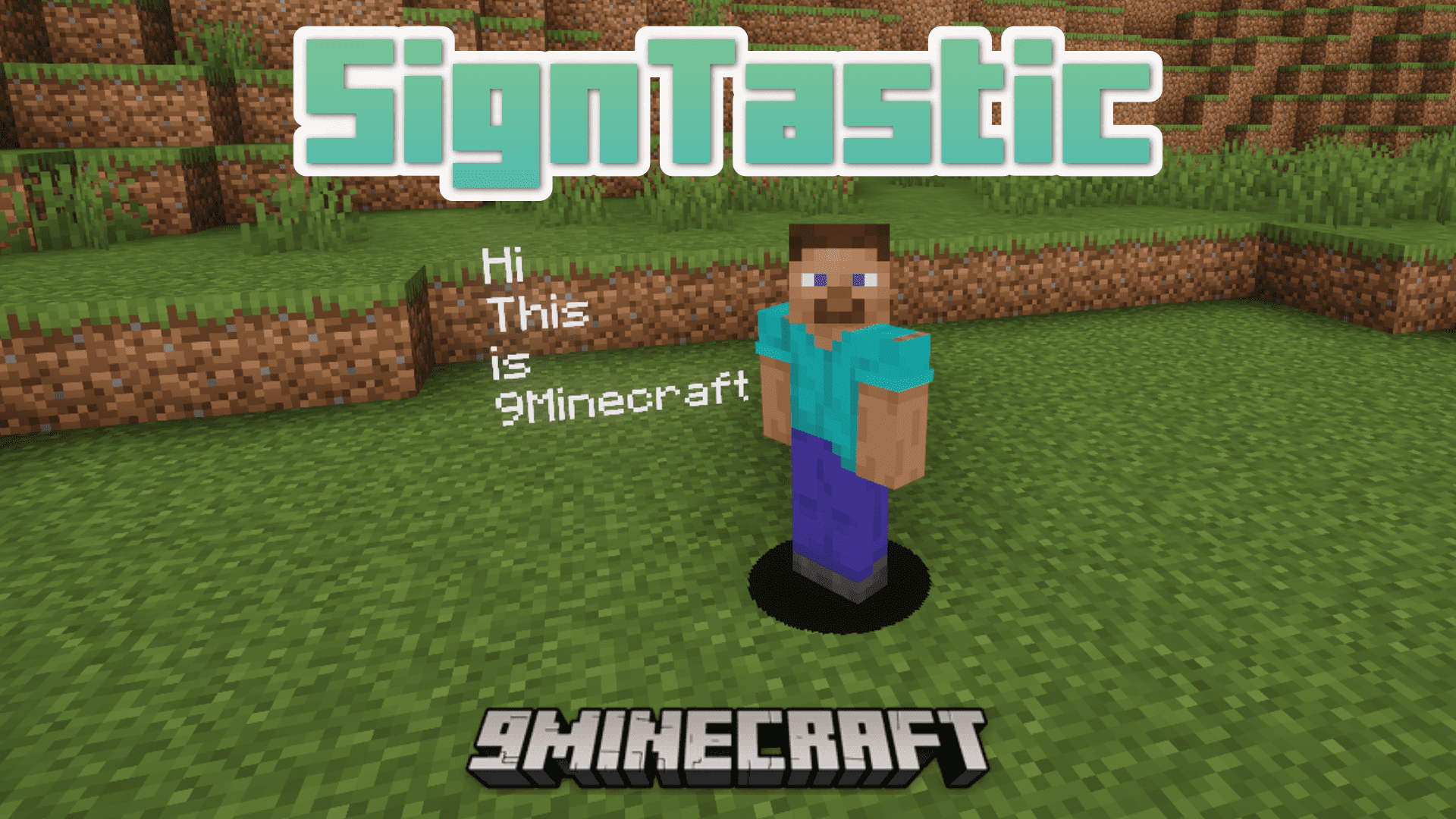
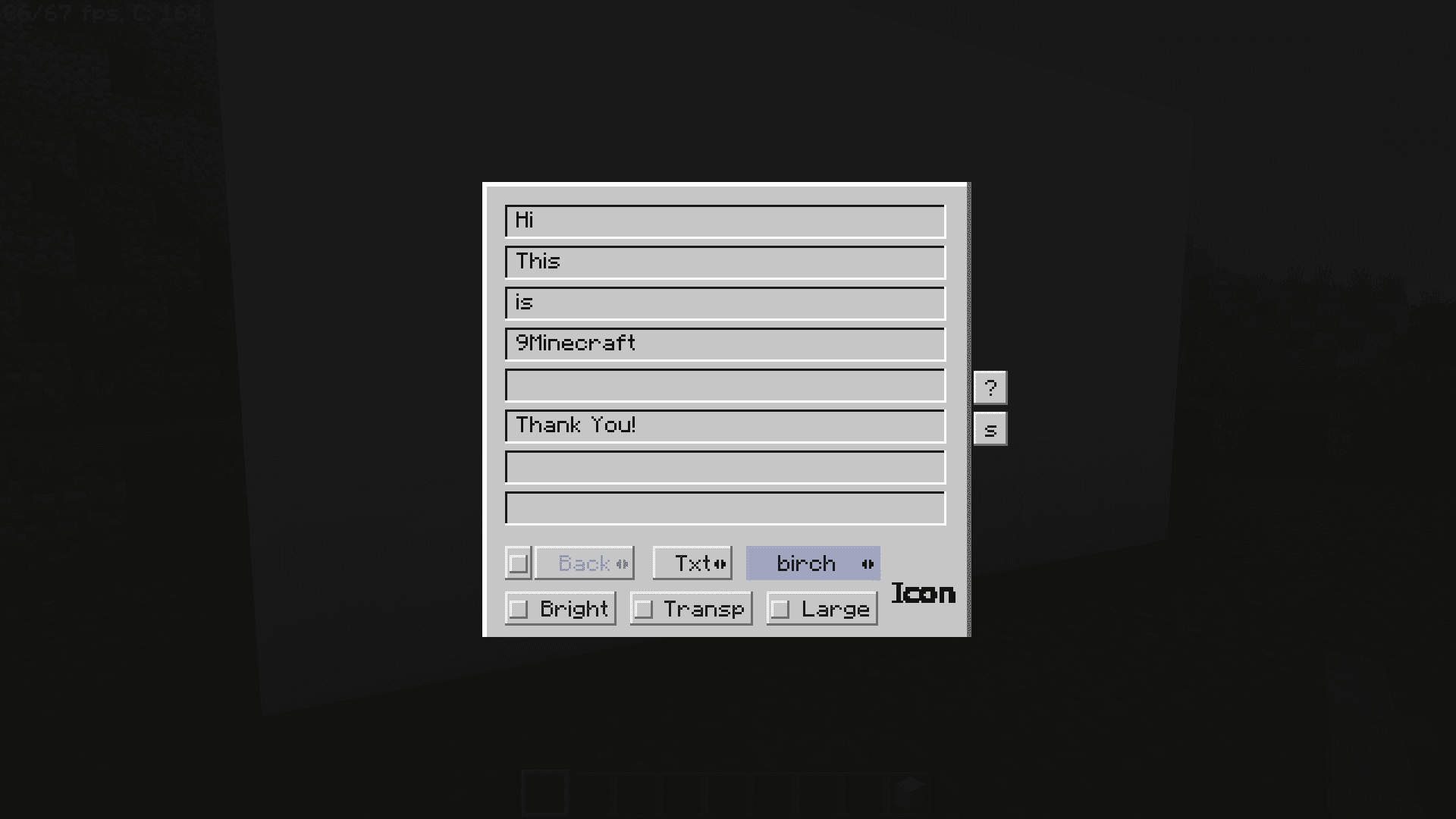
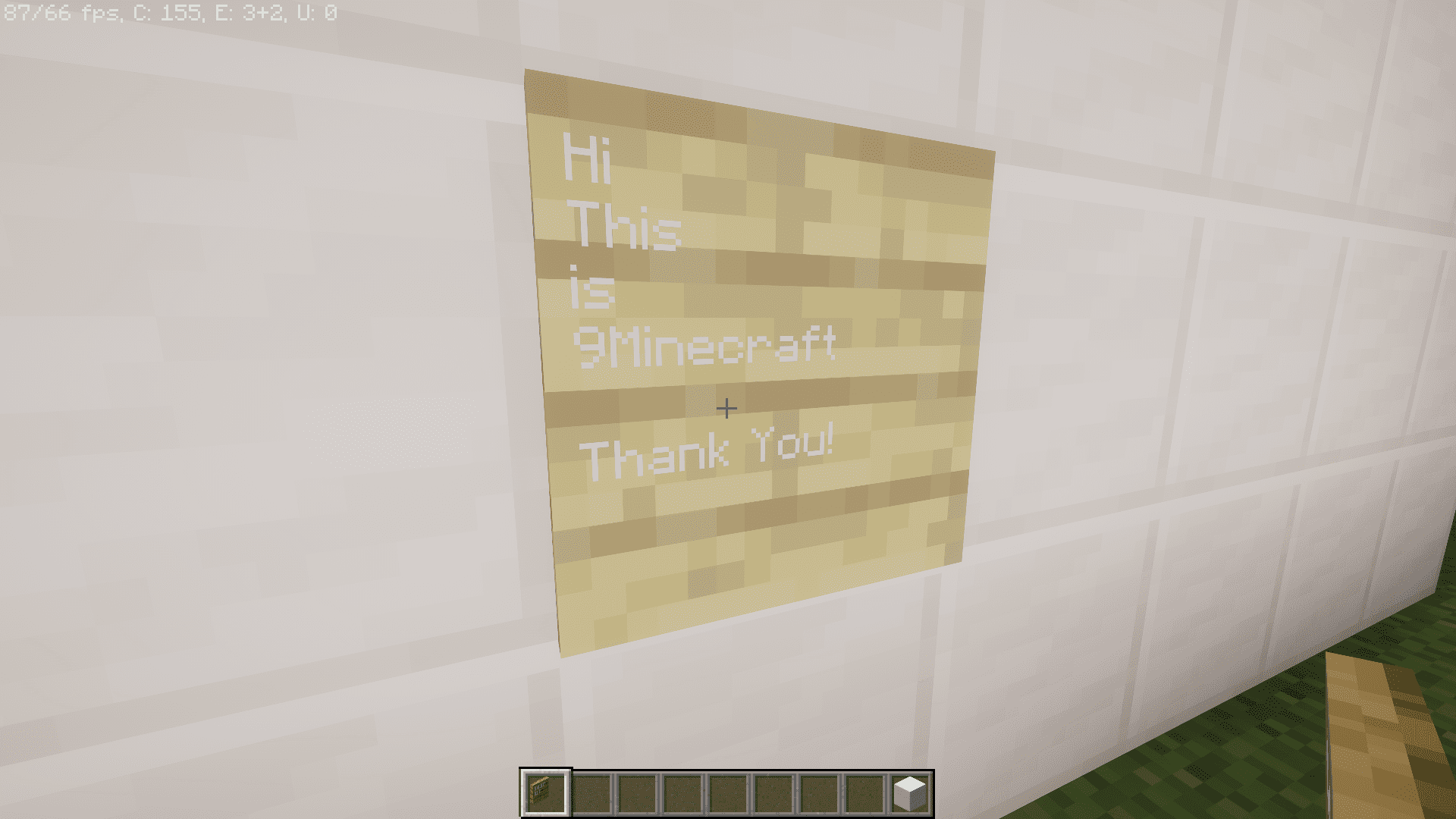
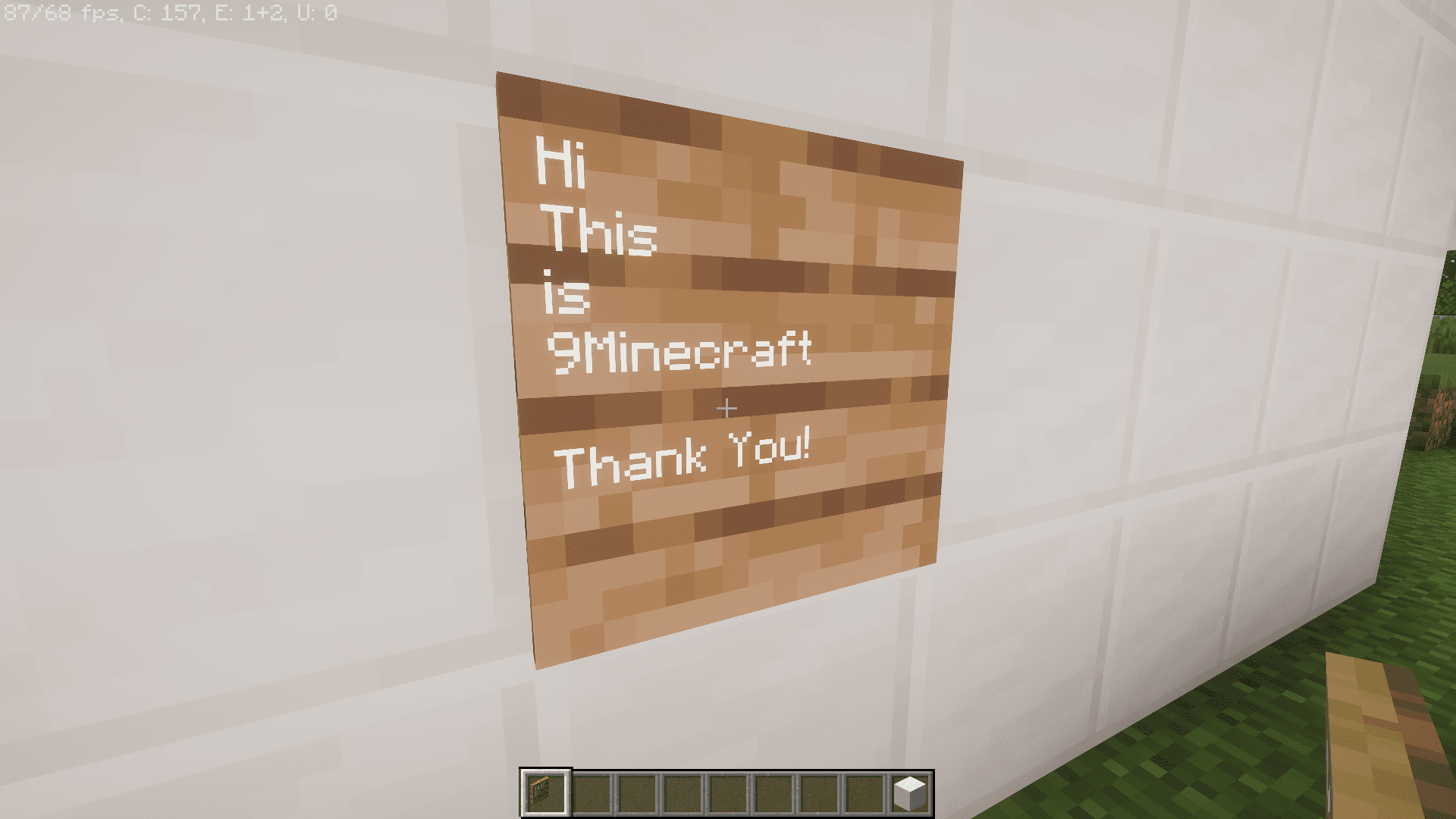
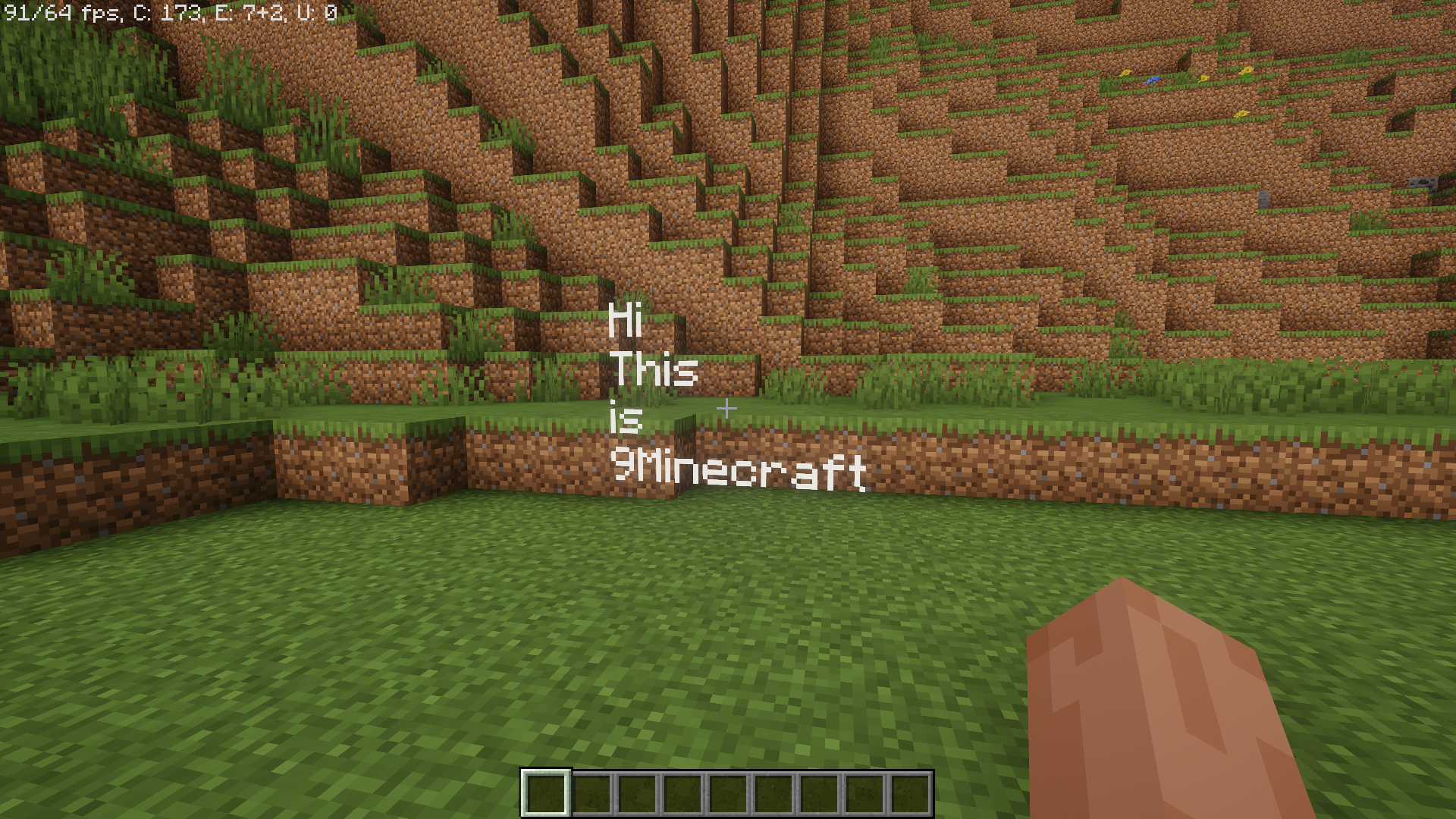
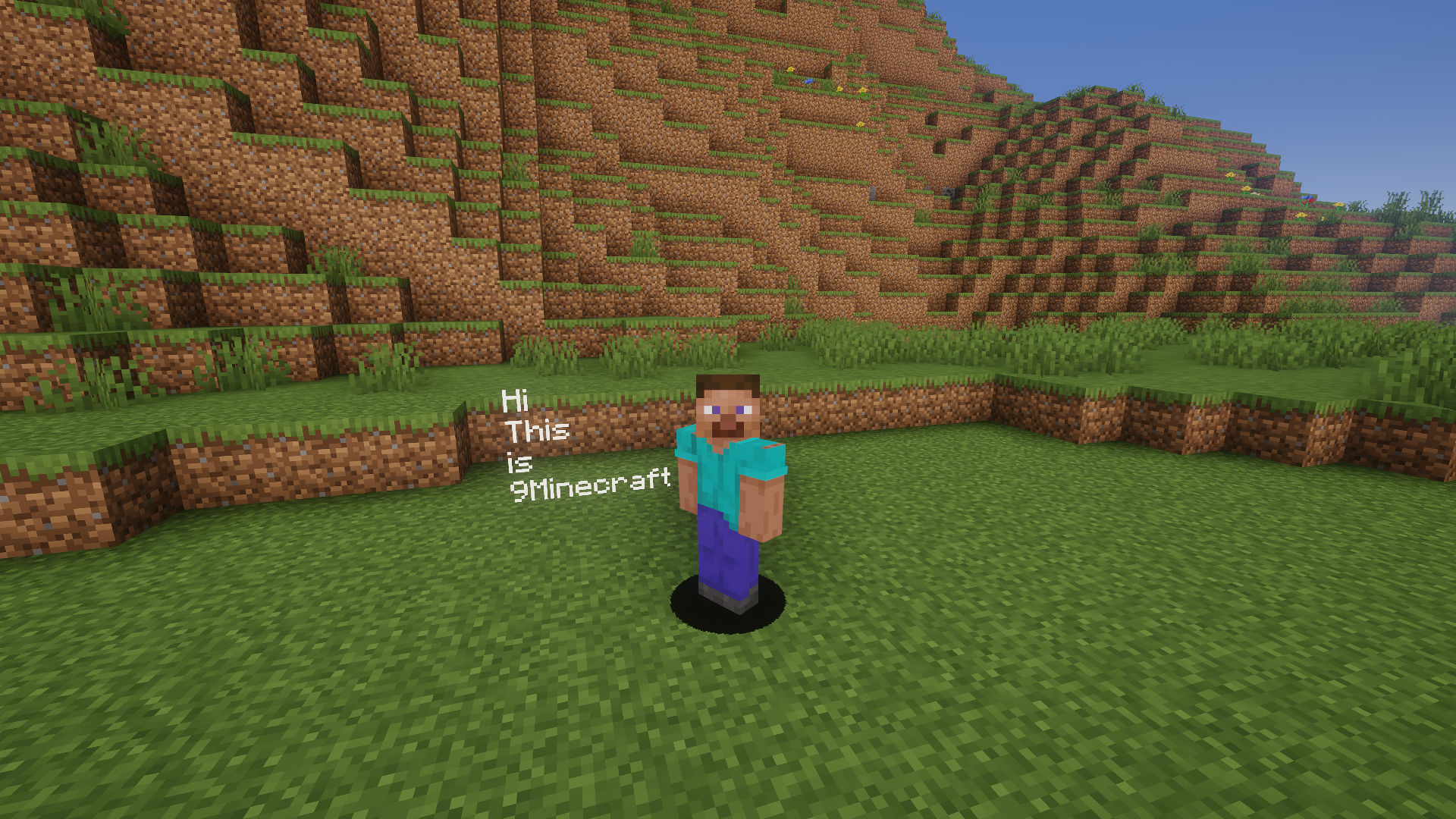
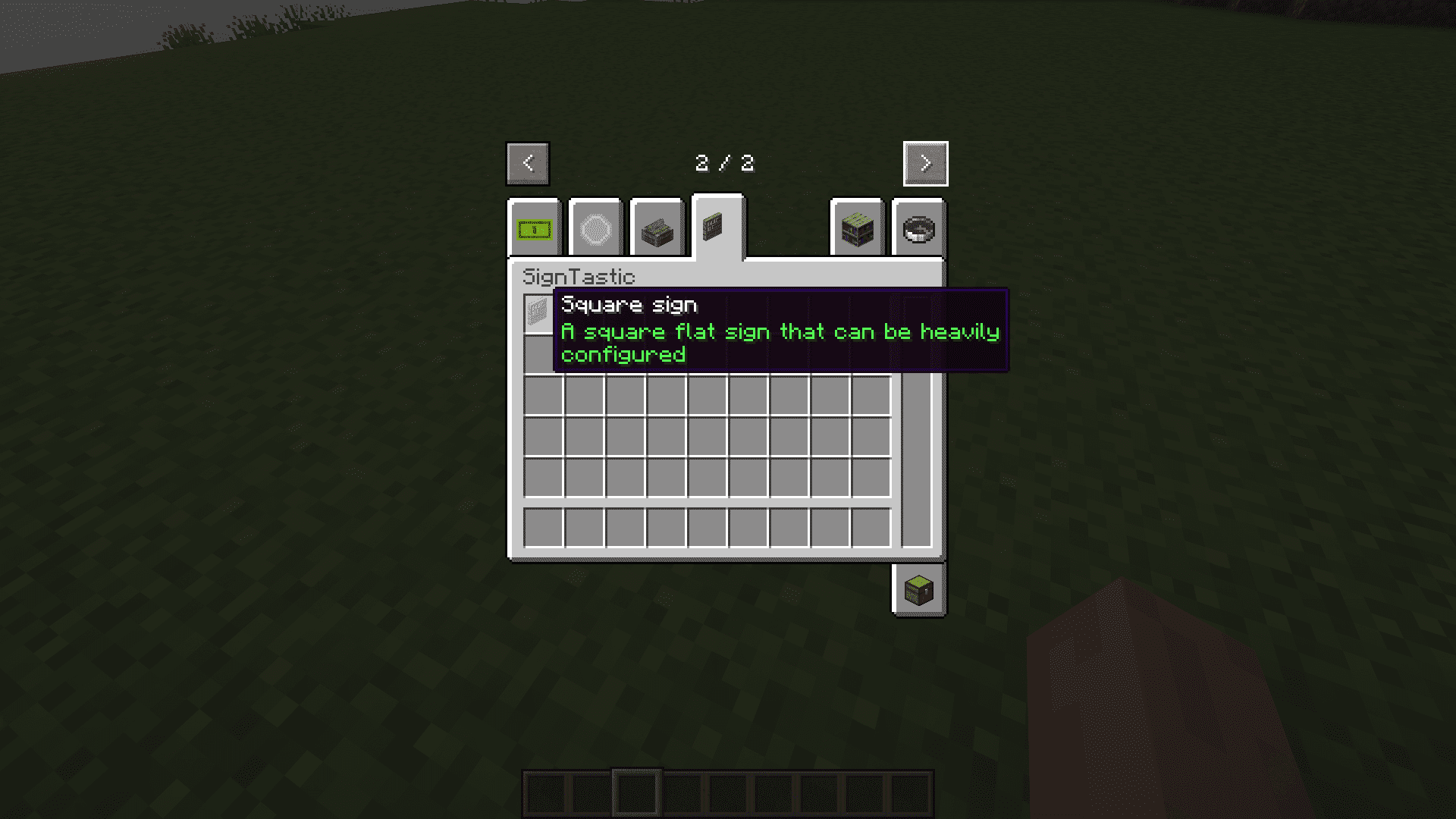
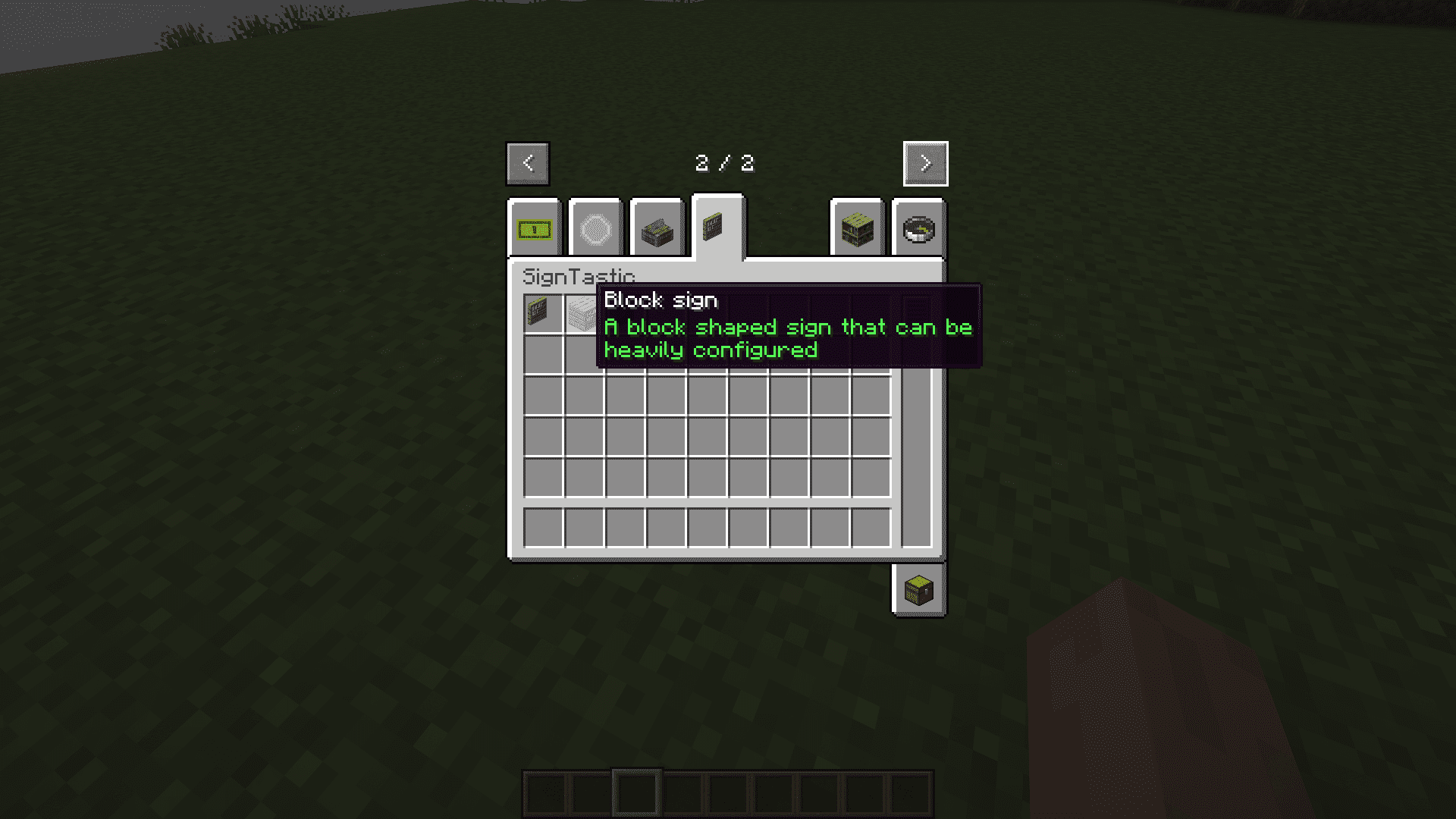
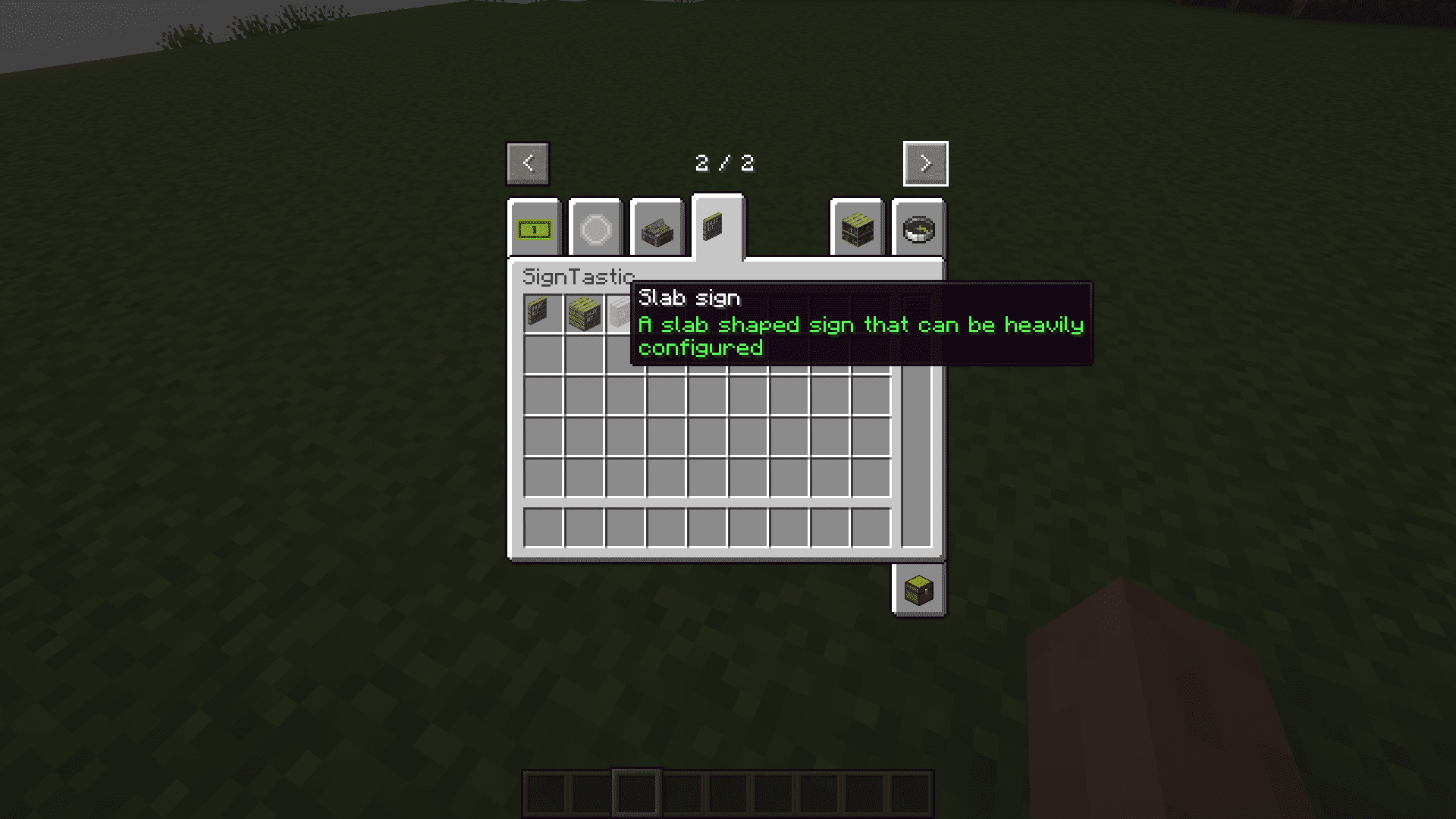
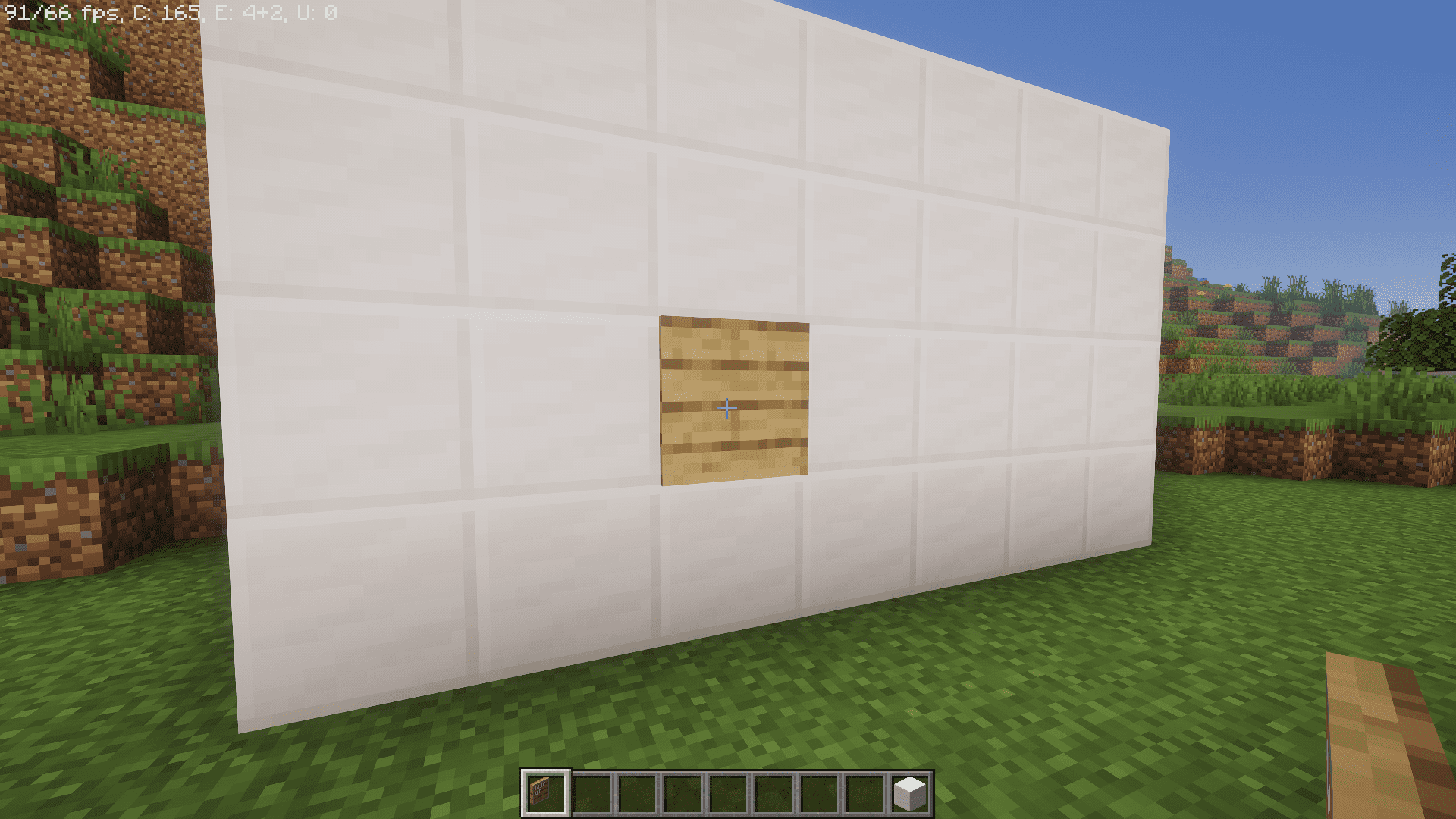
SignTastic Mod introduces three new sign blocks to the game, including flat signs, slab signs, and full block signs. These customizable boards let you write up to eight lines of text and change colors, textures, and transparency right inside the world.
Features:
- Adds three sign types: flat signs, slab signs, and full block signs.
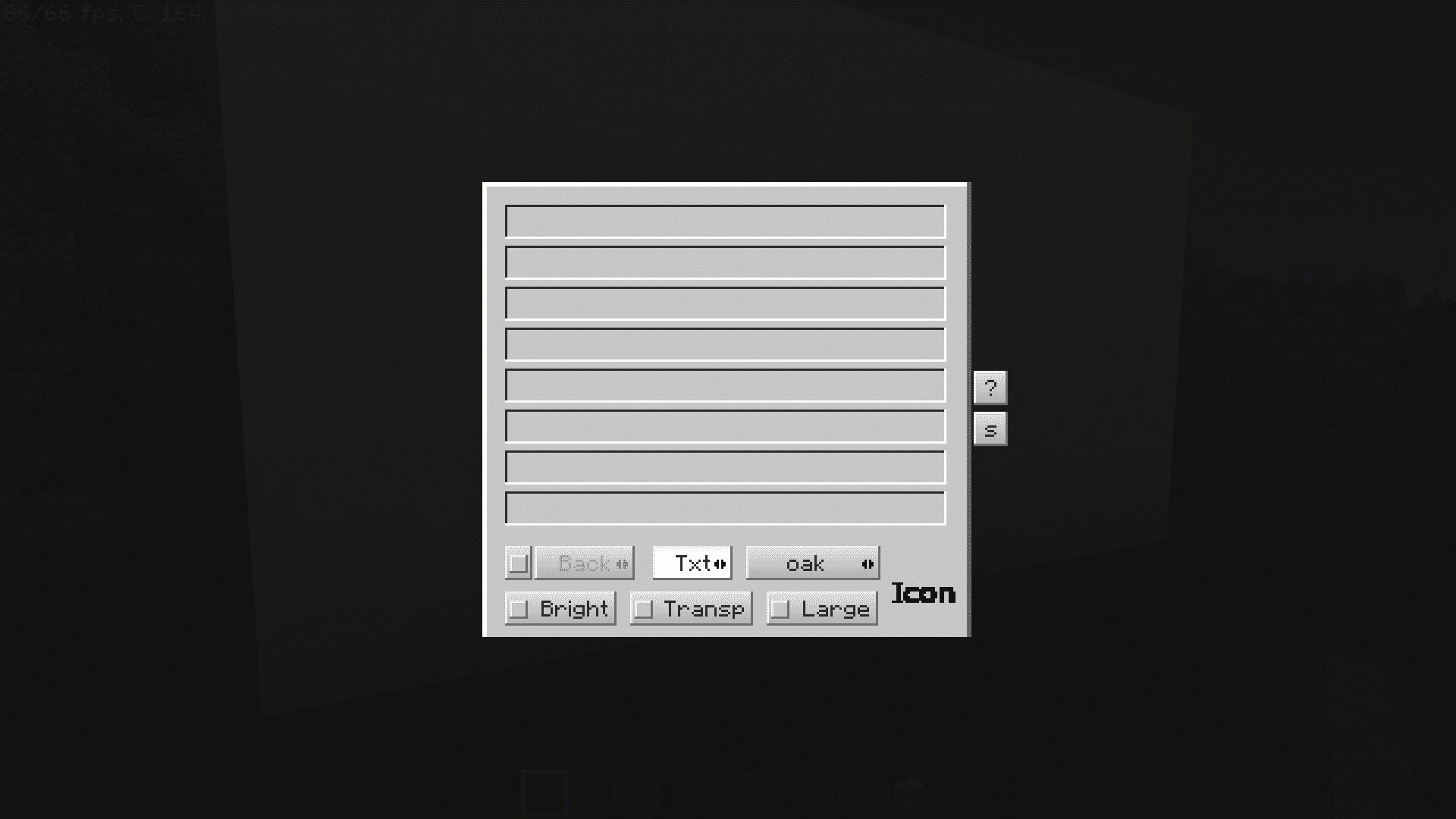
- Allows up to 8 lines of text on each sign.
- Lets you change the texture of slab blocks.
- Includes background and text color options.
- Makes text bright in the dark for better visibility.
- Applies transparency to create floating signs.
- Provides a set of built-in icons for display.
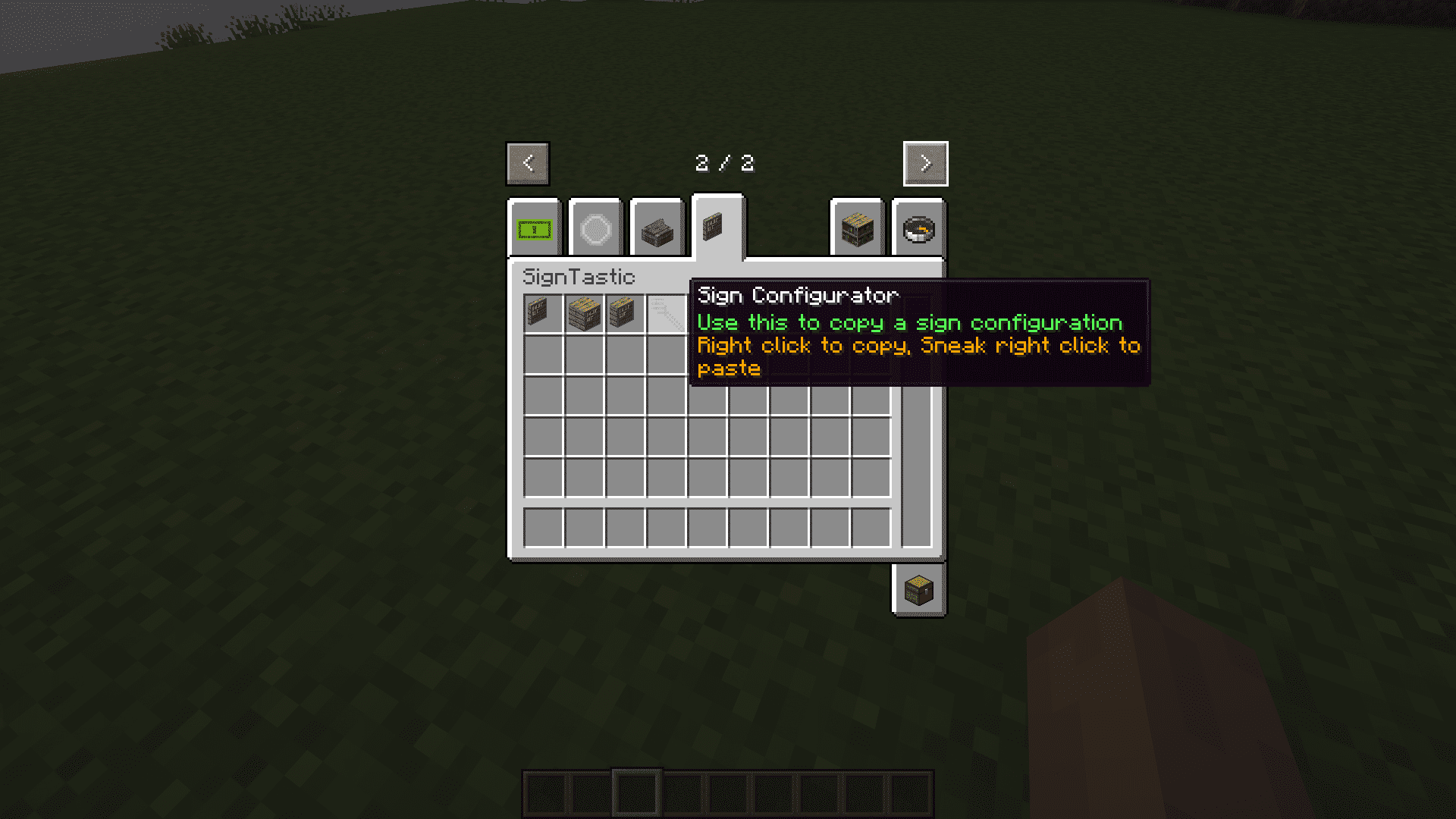
- Includes a sign configurator item to copy sign settings from one block to another.
How to Use:
- Place a flat sign, slab sign, or full block sign anywhere in the world.
- Right-click the placed sign to open the editing menu.
- Type your text, adjust colors, modify textures, or add icons using the interface.
- Use the sign configurator item on a configured sign and click another sign to copy its look.
Screenshots:
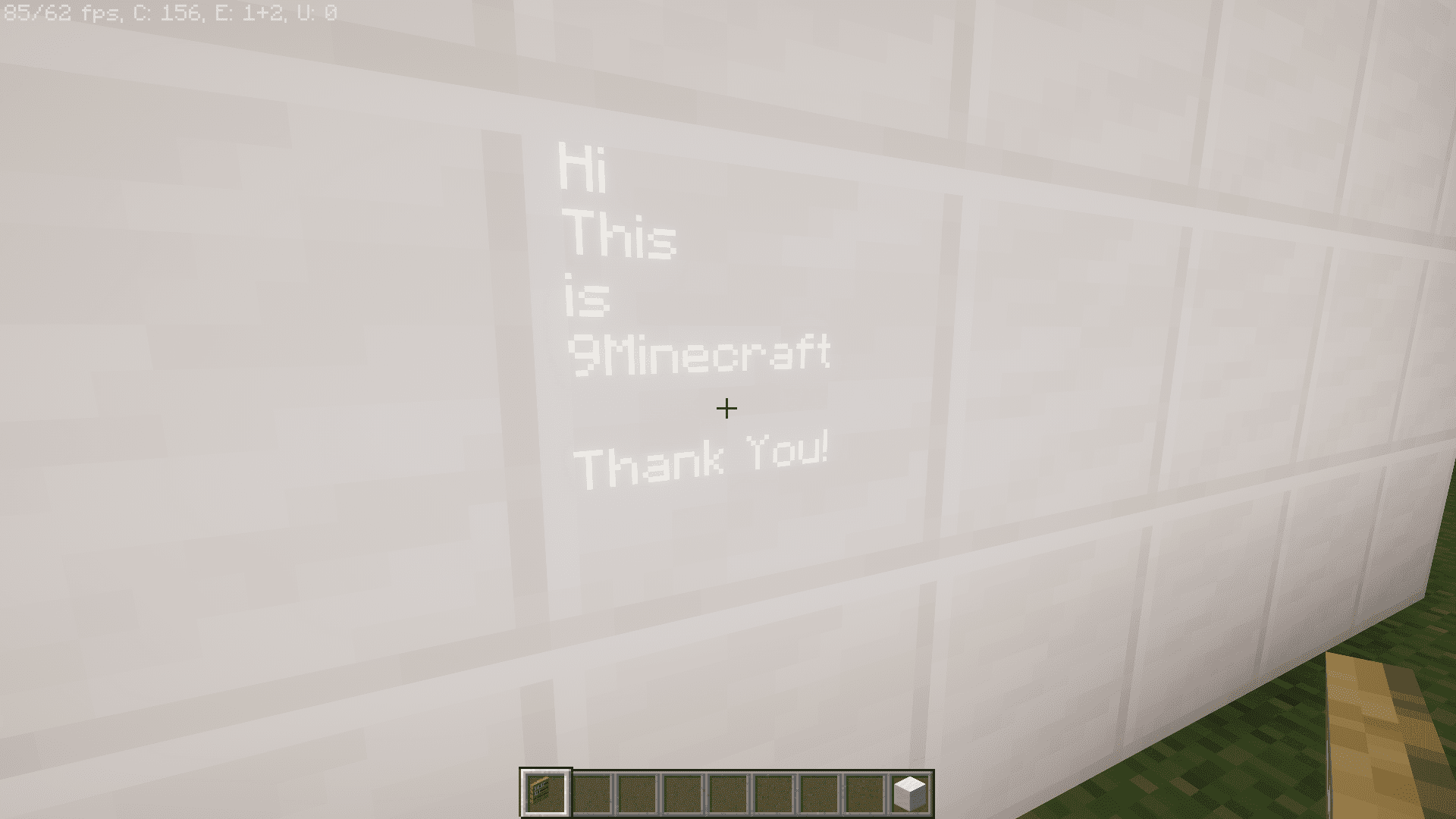
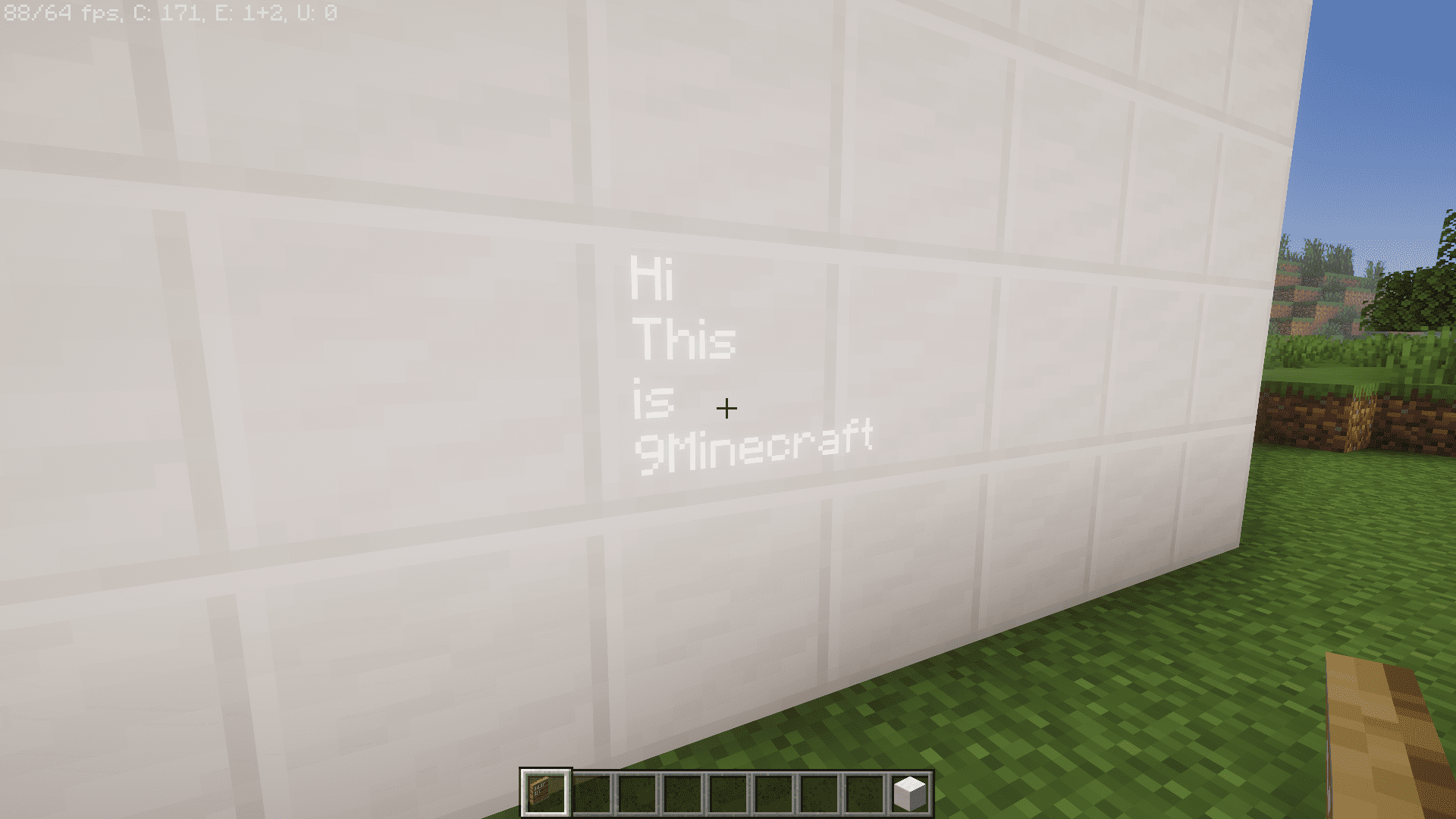
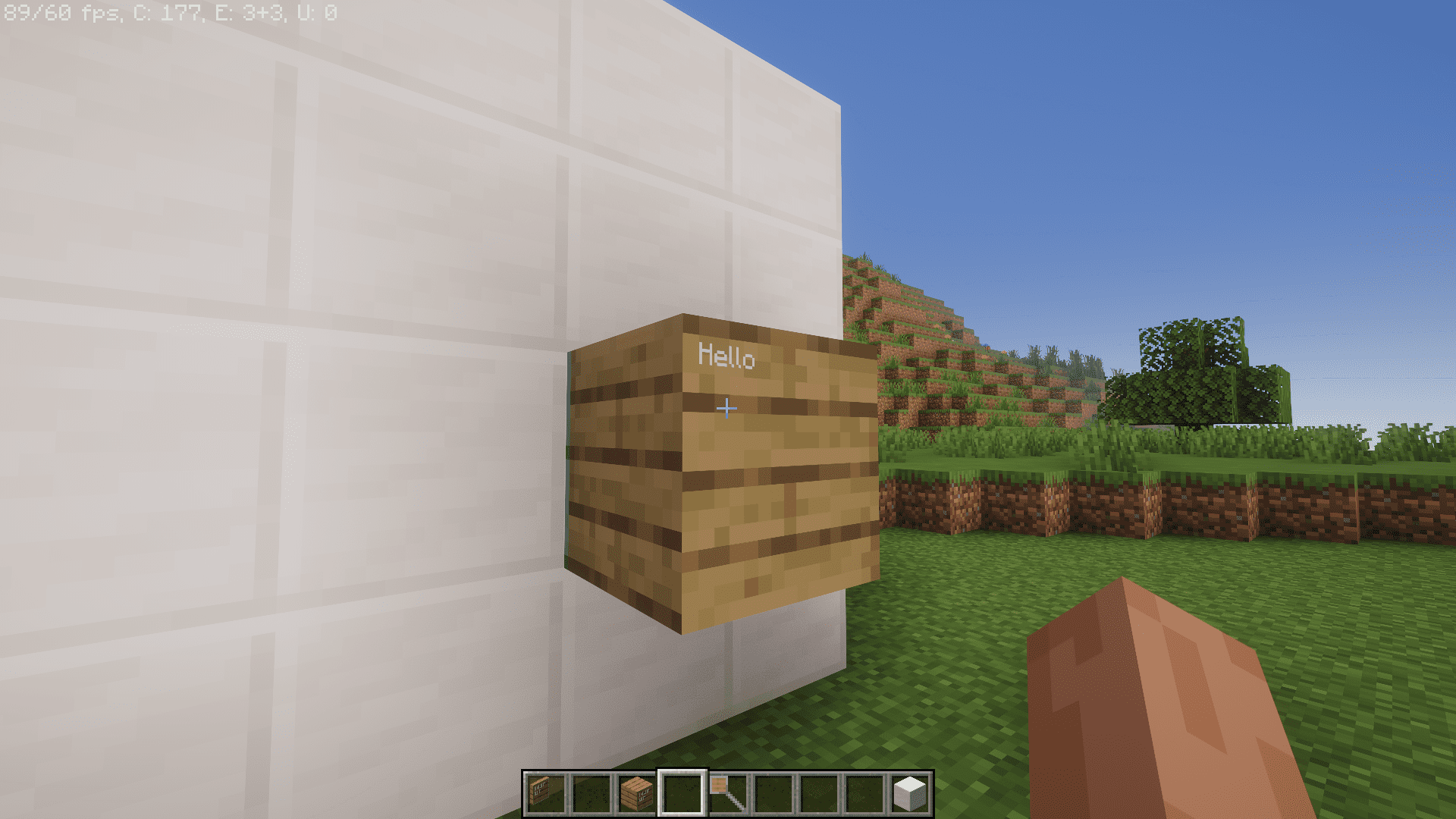
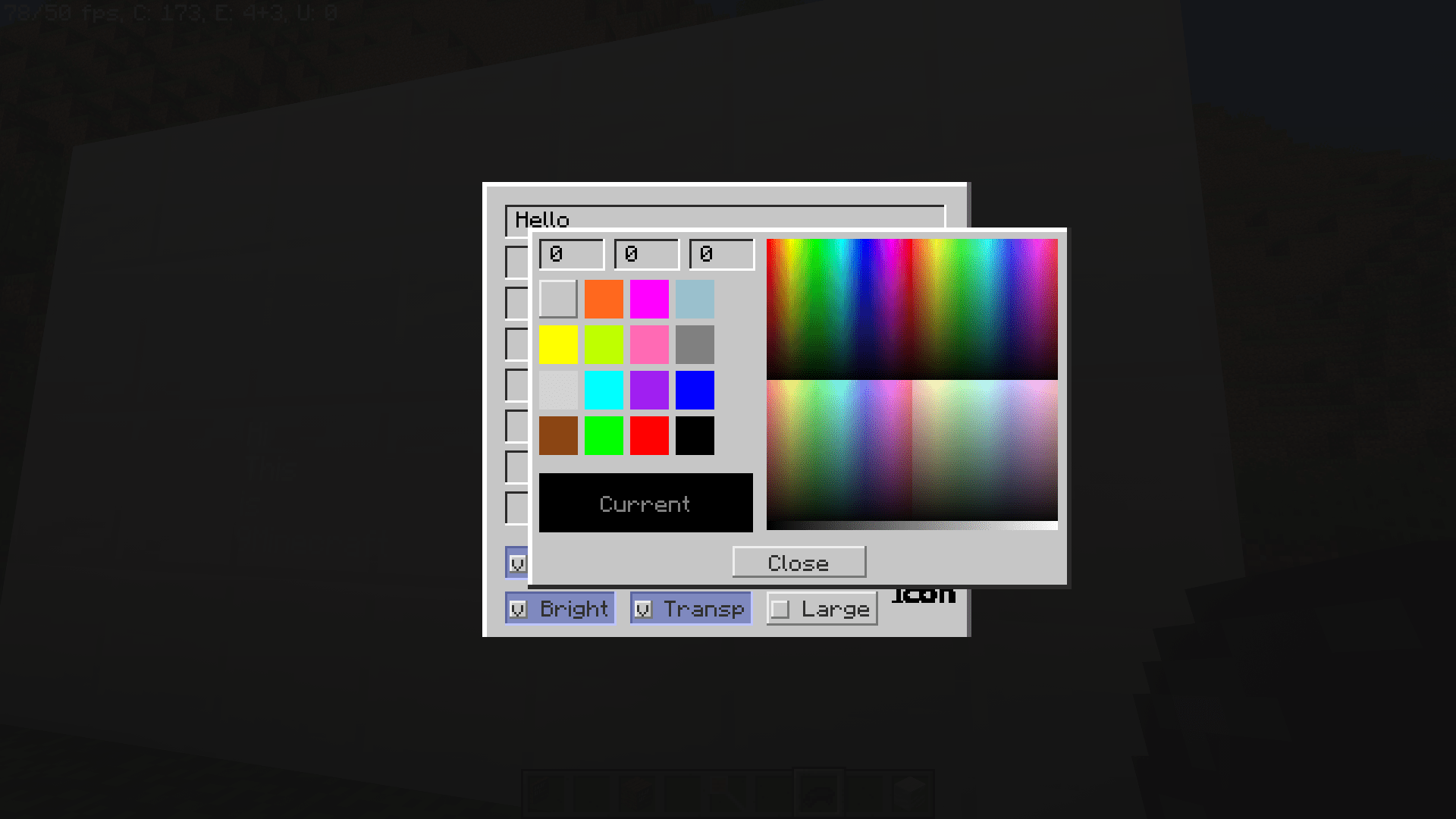
How to Install:
New to Minecraft? Follow our step-by-step guide to install Mods on your PC.View Guide



SignTastic Mod Download Links
For Minecraft 26.3
For Minecraft 26.2
For Minecraft 1.21.1, 1.21
For Minecraft 1.20.1, 1.20
For Minecraft 1.19.4, 1.19.2
For Minecraft 1.18.2
For Minecraft 1.16.5
Click to rate this post!
[Total: 0 Average: 0]
You May Also Like
Picked for this page
 Alien Evolution Mod (1.20.1) – A Palladium-Based Ben 10 Addon Pack
 Skin Overrides Mod (26.3, 1.20.1) – Instantly Change Skins and Capes on Screen
 O.F.Device Mod (26.3, 1.20.1) – Ore Farming Device
 The Plopper Mod (26.3, 1.20.1) – Item Collector Block
 QuickMäth Mod (26.3, 1.20.1) – Corrupts The Entire Game!
 Ordinary Crook Mod (26.2, 1.20.1) – Boost Your Leaf Drops
 Realistic Rowing Mod (26.3, 1.20.1) – Better Boating Experience
 Carpet Org Addition Mod (26.3, 1.20.1) – Modular Tweaks For Minecraft
 Ledger Databases Mod (26.3, 1.20.1) – Efficient Data Management
 Reconnectible Chains Mod (26.3, 1.20.1) – Reliable Chains
 TFC Hot Or Not Mod (1.21.11, 1.20.1) – Can’t Hold Hot Items with Bare Hands
 Ghast Direction Mod (26.3, 1.20.1) – Prevents Ghasts From Facing The Same Directions
Most viewed in Mods over the last 7 days
 Ala Industrial Mod (26.3) – Run Electric Power Grids and Automated Factories
 PleasureCraft Mod (26.3, 1.21.1) – Jenny Mod Remake for Fabric
 Jennycraft Mod (26.3, 1.20.1) – Virtual Girlfriend in Minecraft
 Fapcraft Mod (26.3, 1.12.2) – Comprehensive and Detailed Content
 Jenny Mod (Fapcraft) Official Complete Guide – How to use, Tutorial
 BangCraft Mod (1.20.1) – Jenny, Ellie and Elliot
 Fabric Loader (26.3, 1.20.1) – Fabric Installer for All Minecraft Versions
 Meteor Client Mod (26.3, 1.20.1) – Xray, HUD, Fly
 The Shooting Star Demo Mod (26.3, 1.20.1) – Vaporize Terrain From Orbit
 OptiFine HD (26.3, 1.20.1) – Run Faster, FPS Boost, Shaders Support
 Aristois Client Mod (1.21.4, 1.20.1) – World Class Minecraft Utility
 Prestige Client Mod (1.21.11, 1.21.4) – Powerful Ghost Features for Crystal & Sword PvP
More from Mods
 Earth Platform Mod (1.21.1) – Travel Across Real Continents in a True Scale World
 Remnants Roguelite Dungeons Mod (26.3, 1.20.1) – Risk It All in Procedural
 Lib Lib Lib Mod (26.3, 1.20.1) – Keep Your Favorite Modpacks Running Smooth
 Cinematic Interactions Mod (26.3, 1.20.1) – Watch Your Hands Work
 Macro Keybinds Mod (26.3, 1.20.1) – Macro Creation, Keybind Execution
 Better Enchantment Bookshelf Placement Mod (26.3, 1.20.1)
 RFTools Builder Mod (26.3, 1.20.1) – The Builder, Powerful Machine
 Block & Board Mod (26.3, 1.20.1) – Play Classic Tabletop Games with Friends
 Hammers 3×3 Mod (1.21.8, 1.20.1) – Carve Caves with One Swing
 Huge Structure Blocks Mod (26.3, 1.20.1) – Pushing Limits With Huge Structure Blocks Mod
 Rctapi Fix Mod (1.21.1) – Fight Cobblemon Trainers Without Any Server Crashes
 Better Title Screen Mod (26.3, 1.20.1) – Adding Custom Text Messages

This post has no comments yet. Be the first — your comment will appear here.