
Silence’s Turrets Mod (1.21.1, 1.20.1) – Never Fear Nighttime Mob Raids Again
 4,843
 0


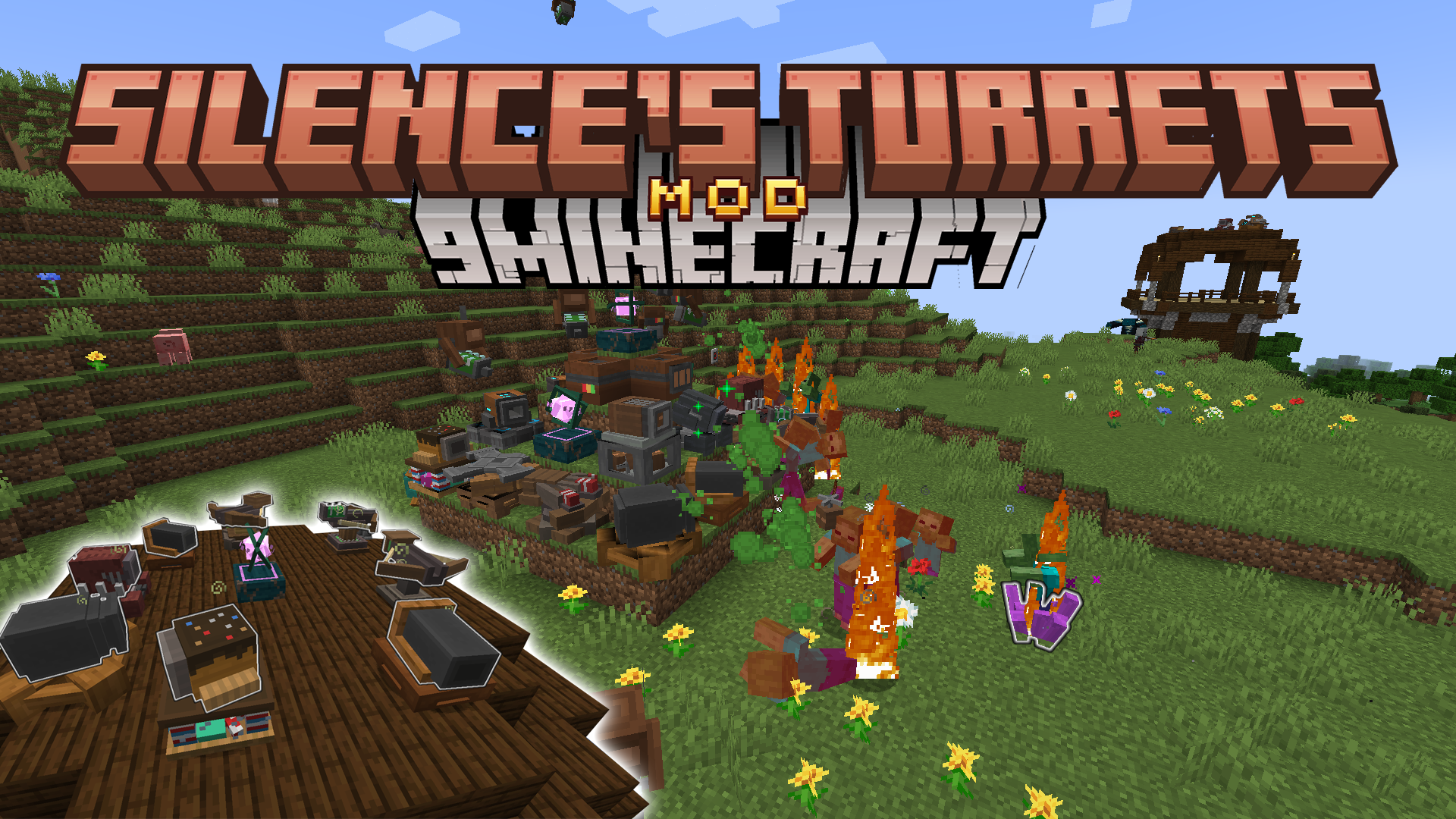
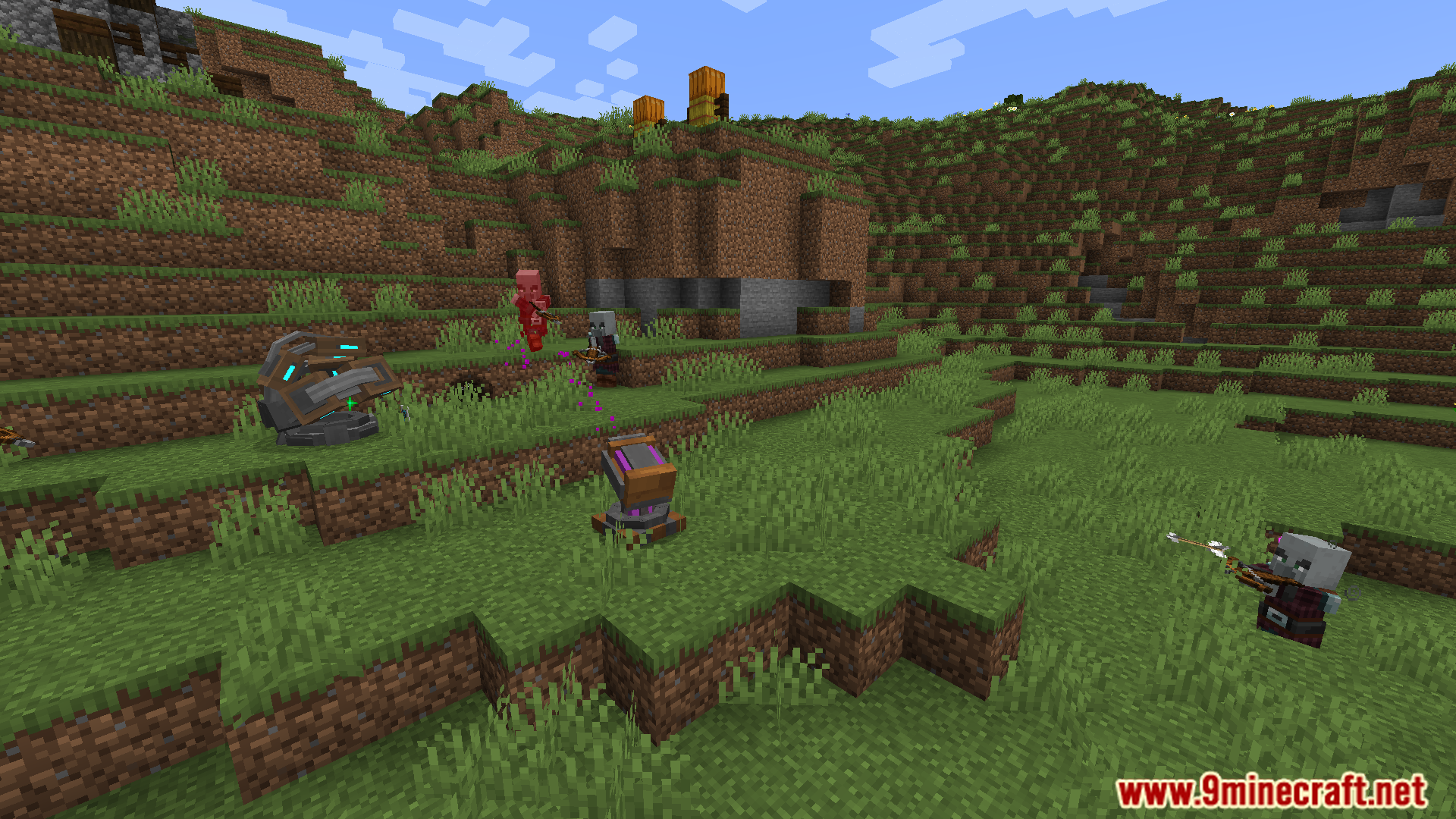
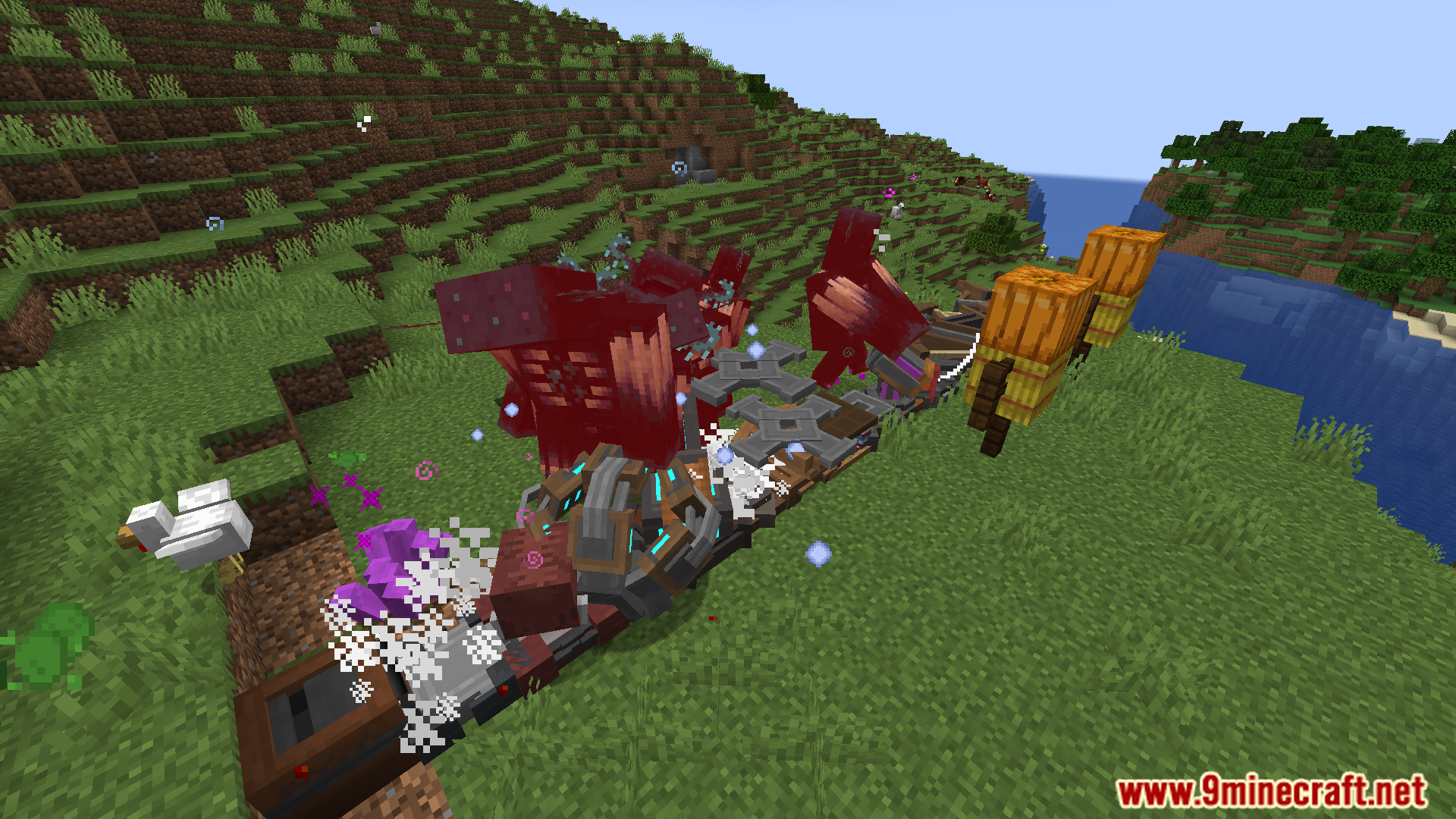
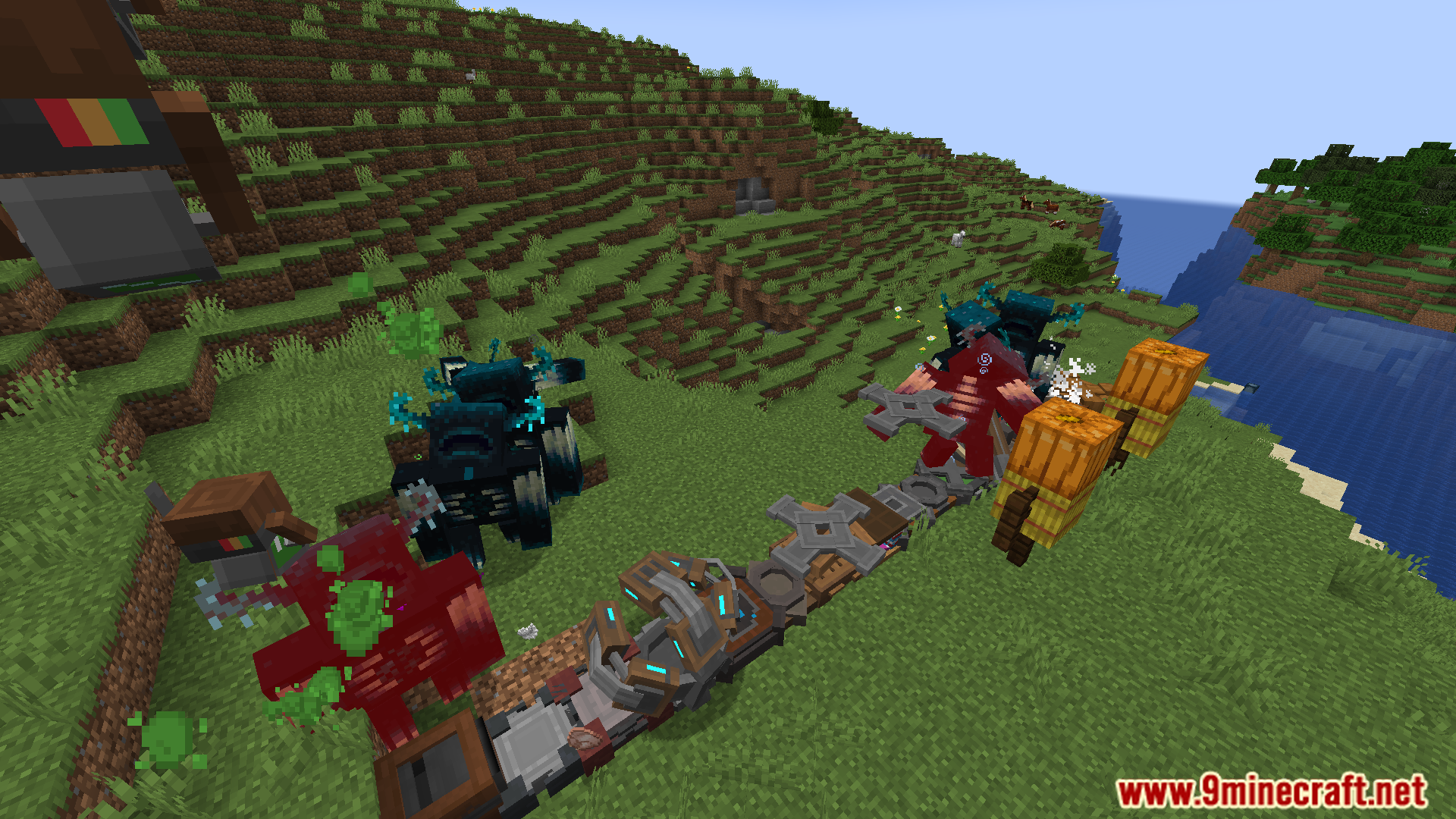
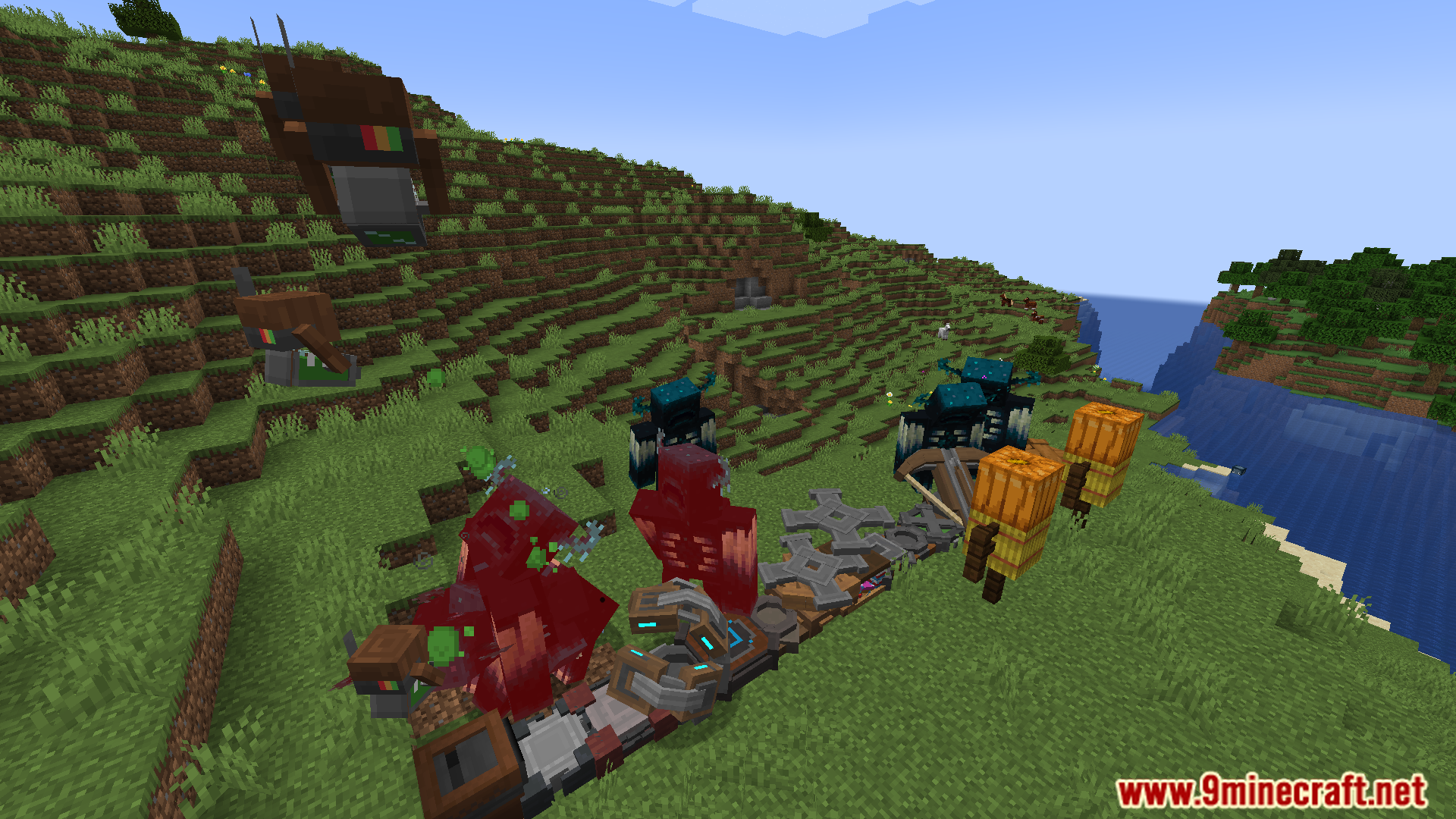
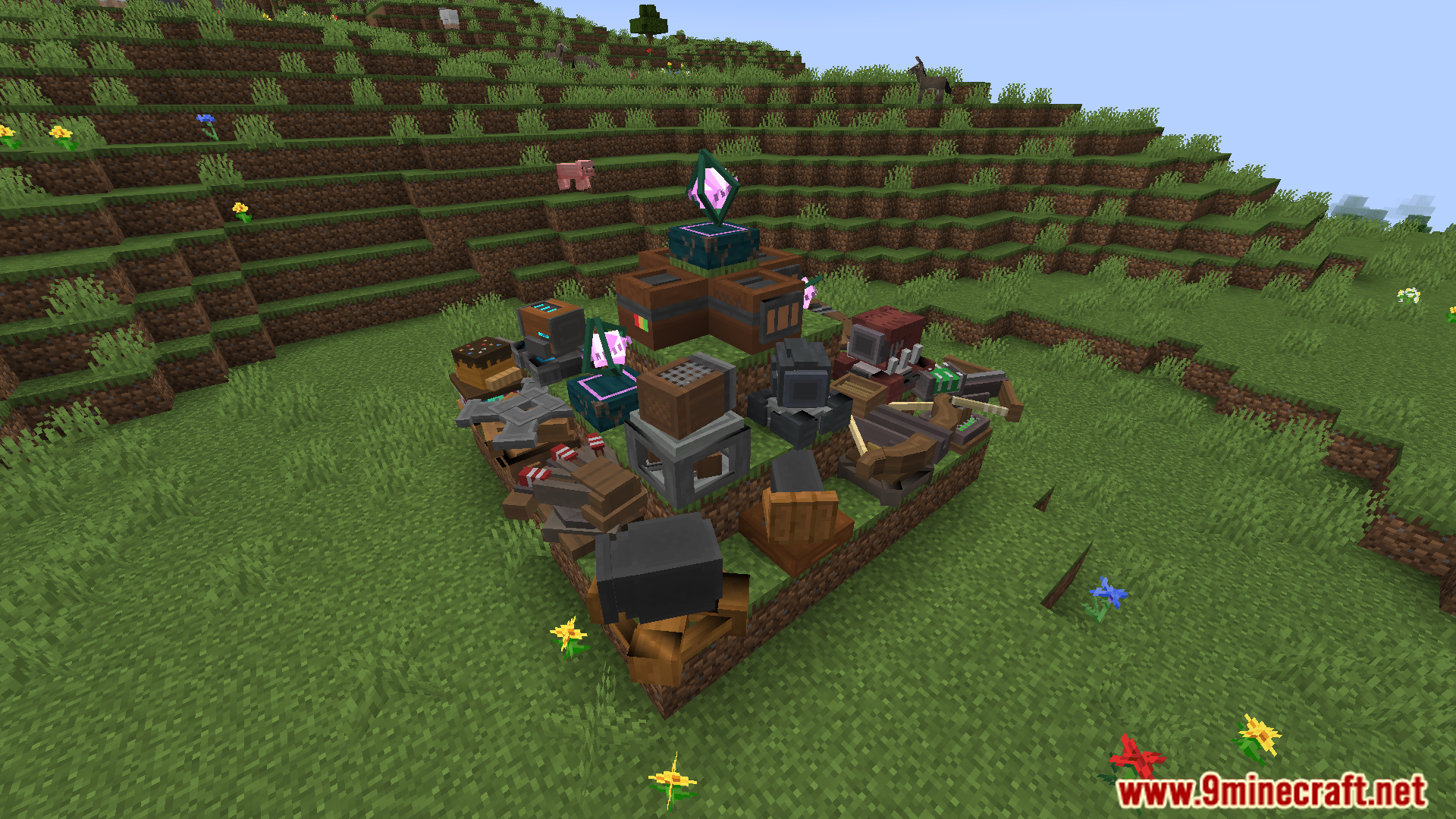
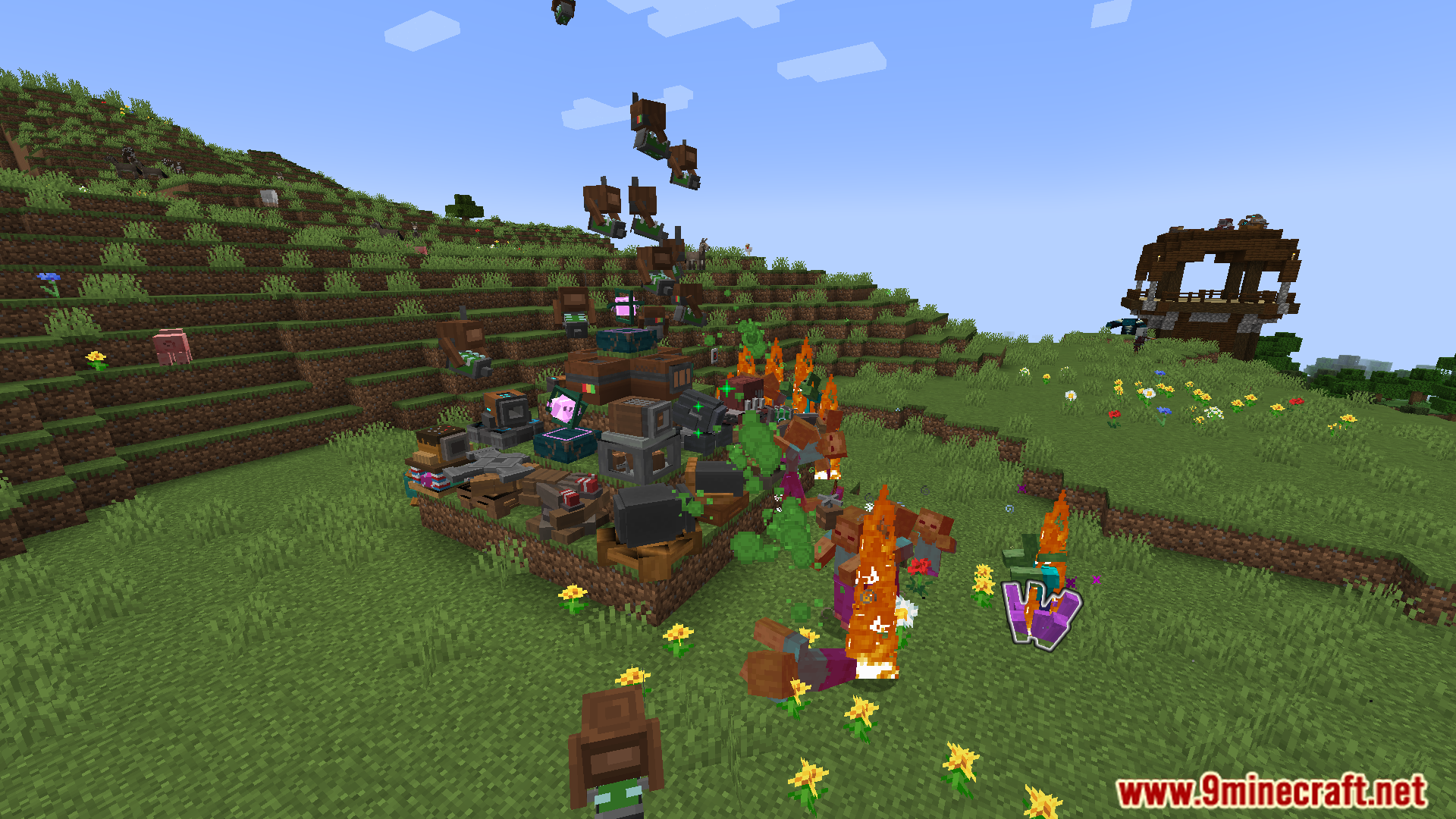
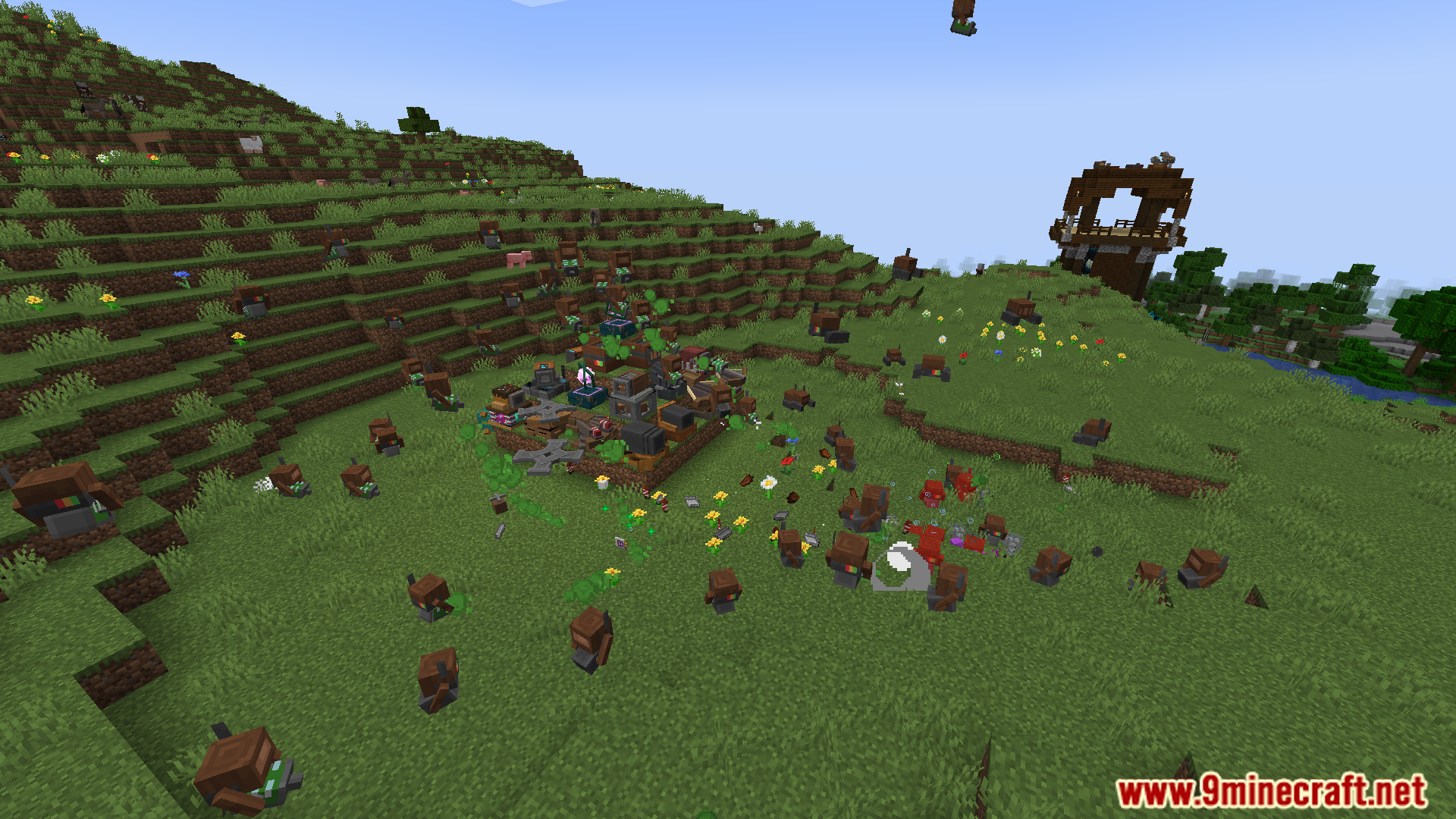
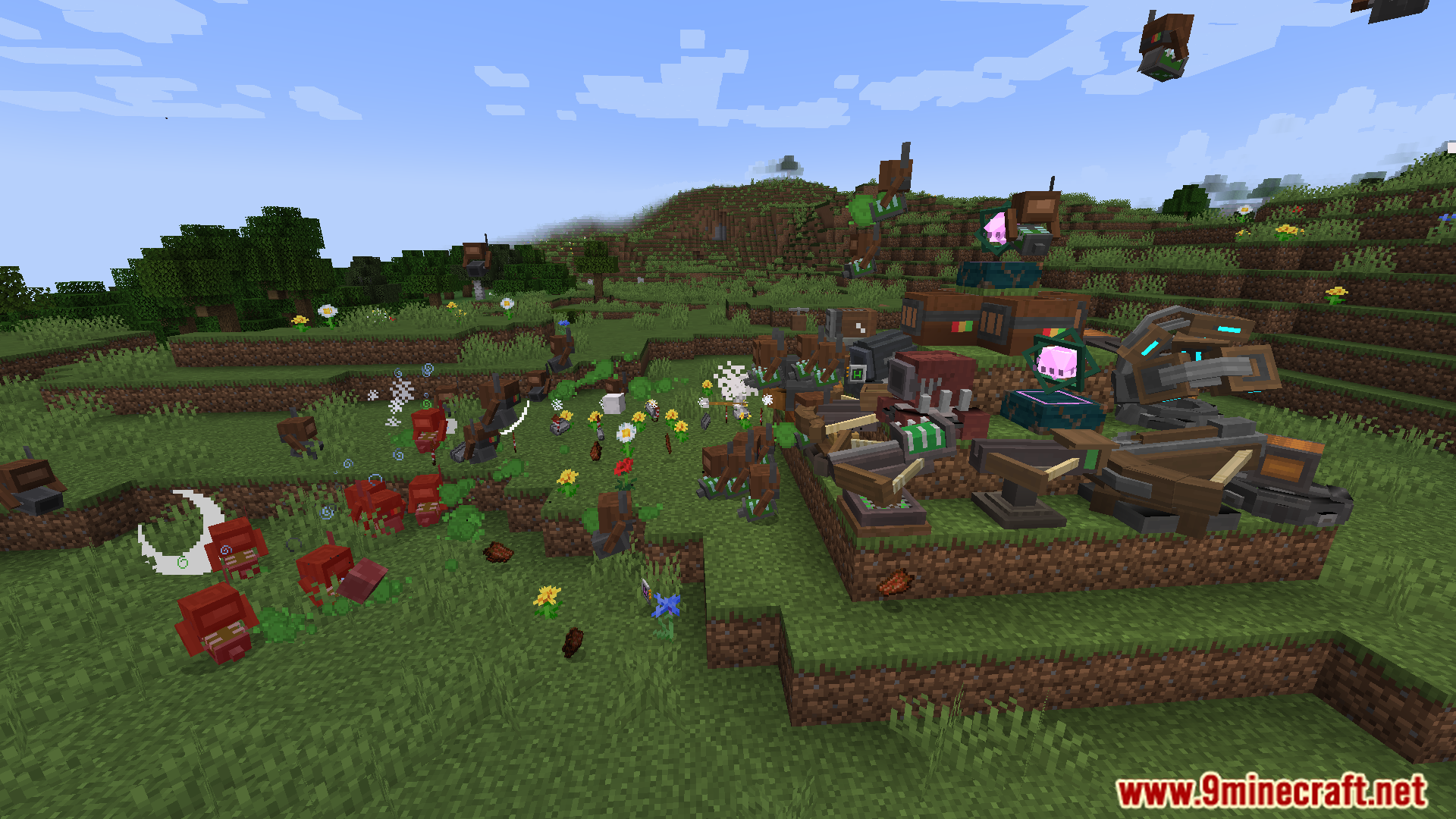
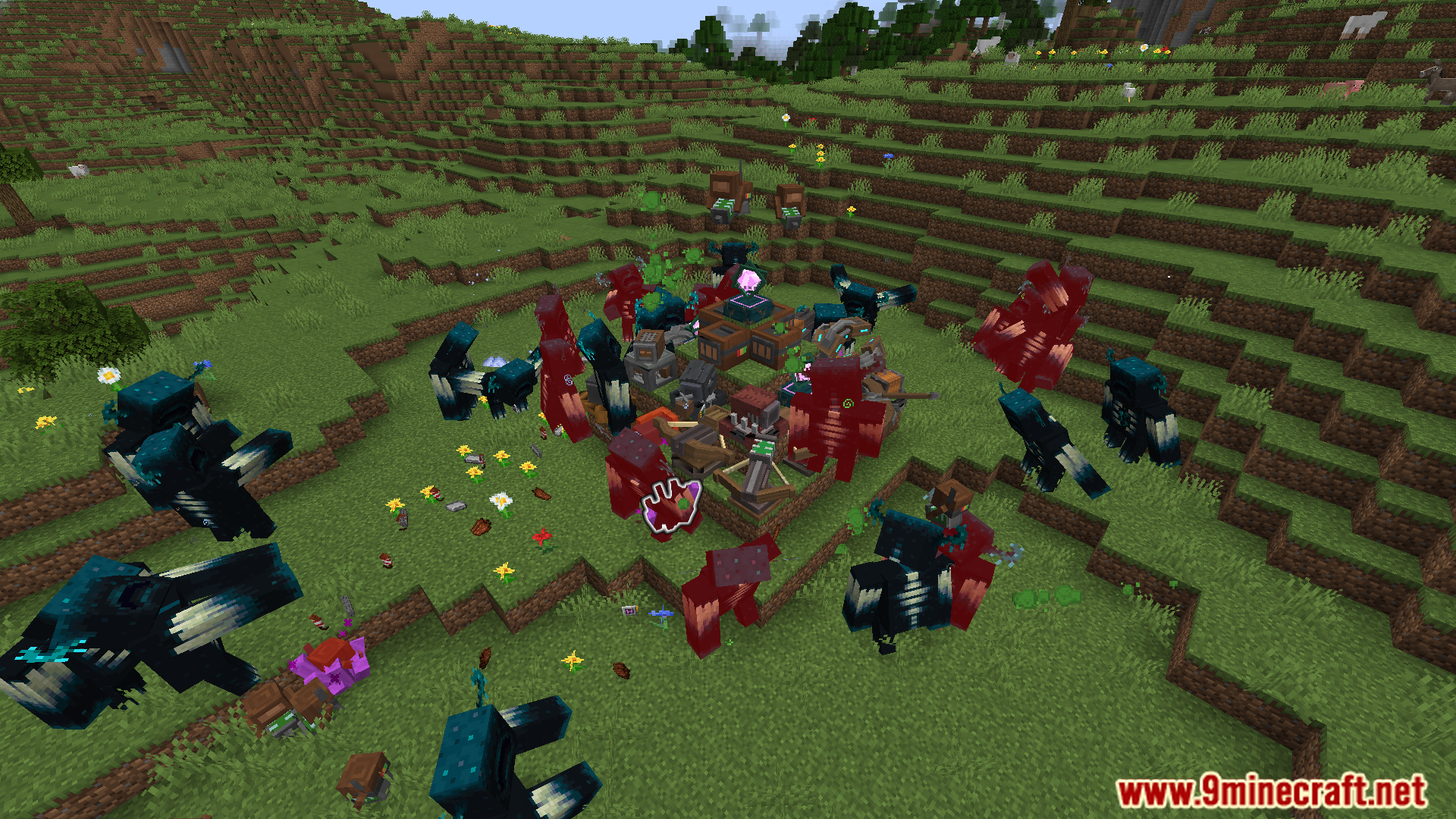
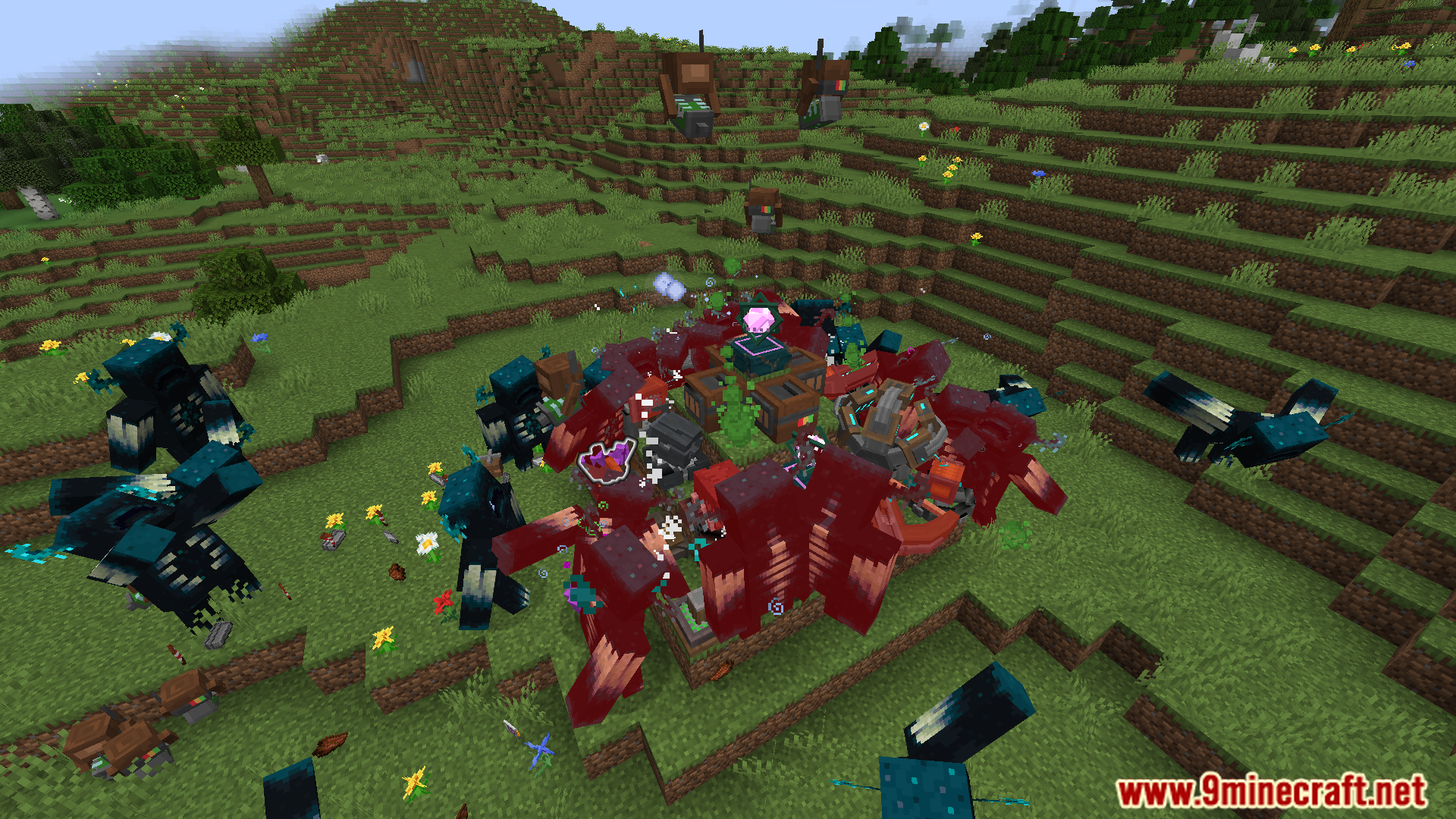
Silence’s Turrets Mod adds over 30 defense turrets to guard your base against hostile mobs. You craft every turret from special cores across three categories and four levels, then grow your setup with stations like the Core Upgrade Desk, Maintenance Station, Research Table, and Laboratory. As your turrets defeat enemies, they record kills that you spend on stronger cores and stat upgrades, while props and armor make each unit tougher. This mod also brings a Vending Machine and Variety Store for extra gear, plus a Glove that lets you pick up, move, and guide your turrets in battle.
Features:
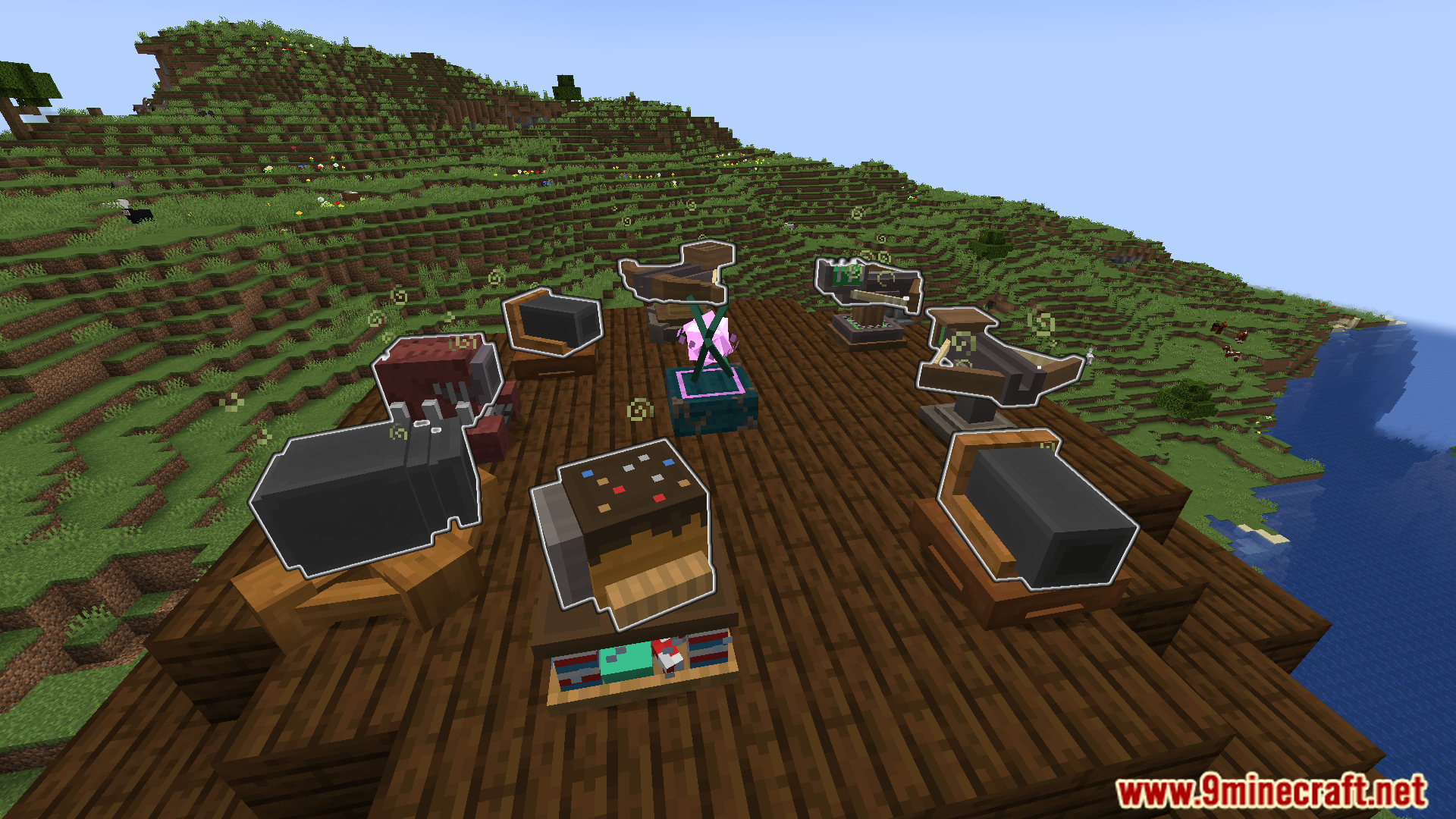
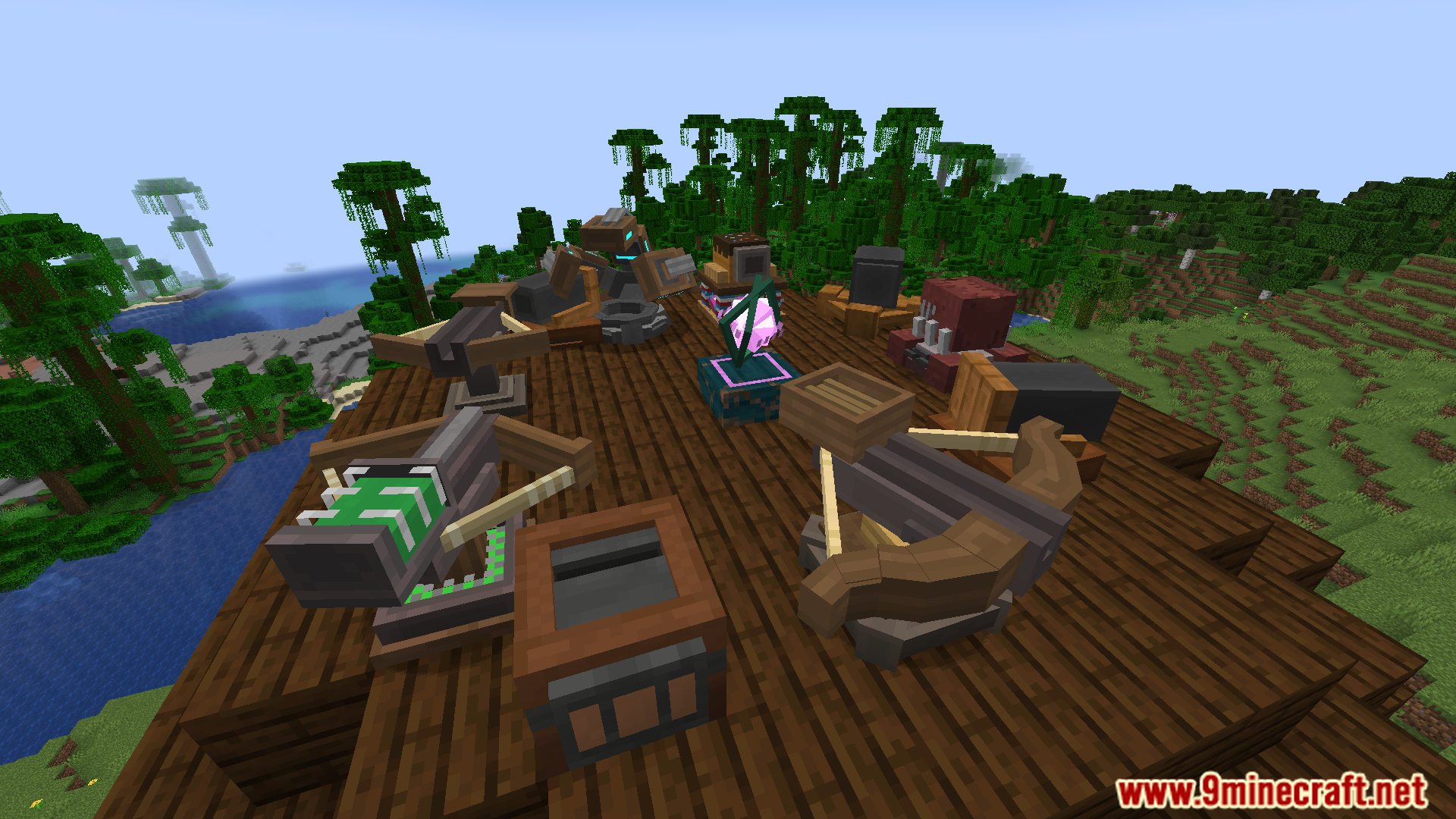
- Over 30 Defense Turrets: Adds more than 30 custom turrets that fight enemies for you and count as friendly mobs.
- Tiered Core System: Uses crafting cores divided into three categories and four levels, starting with a Driving Core (Level 1) in a normal crafting table and advancing with materials and mob kills.
- Turret Technology Upgrades: Tracks turret bonuses for base attack power, attack speed, health regeneration per second, maximum health, and extra range through numeric world rules that store both the current boost and its maximum cap.
- Damage Formula and Fast Hits: Calculates attack damage by multiplying base attack power, technology, and props, while projectiles deal indirect damage and reset the target’s invincibility time to 0 before hitting.
- Lets you open any turret’s GUI to choose between attacking known hostile mobs or attacking all mobs except known friendly mobs and iron golems.
- Keeps equipped armor and items stored inside armor safe if a turret breaks, while regular props stored in a destroyed turret are lost.
- Spawns hostile turrets in the world, with options to disable their spawning using game rules or the config file.
Workstations and Shops:
- The Core Upgrade Desk crafts higher-level cores by consuming mob kills, displaying built-in recipes and a negative red number for the required kill cost.
- The Maintenance Station repairs damaged turrets using iron ingots, copper ingots, or gold ingots depending on the turret’s core type.
- The Healing Tower repairs a damaged turret right away when you hold the turret and right-click the tower.
- The Vending Machine trades diamonds, gold ingots, or small props for coins that you spend on random draws for top props not found at the Variety Store, excluding Nether Core turret props.
- The Variety Store trades gold ingots, emeralds, and Hell Wart Sauce for props, and it is the only way to get Hellraiser’s props.
- The Research Table unlocks the next stage of turret progression by upgrading turret tech stats quickly, providing materials for the Super Counter, and trading any prop for Precision Components.
- The Laboratory crafts the highest-level props and armor to make your turrets stronger.
Tools and Upgrade Items:
- The Counter equips onto a turret to record its kills and goes into the Core Upgrade Desk so the desk can read and spend those kills.
- The Super Counter uses materials from the Research Table to record 2x kills and raise the chance of enemies dropping technology rewards.
- The Glove stores a turret along with its chips and props when you right-click it, places it back on any block, and includes two GUI buttons that command turrets within 30 blocks to focus on one target or ignore a mob via a projectile.
- Test Tool 2 opens a GUI to help you check how turret technology rules work and pick throwable items with different effects on hit.
Configuration:
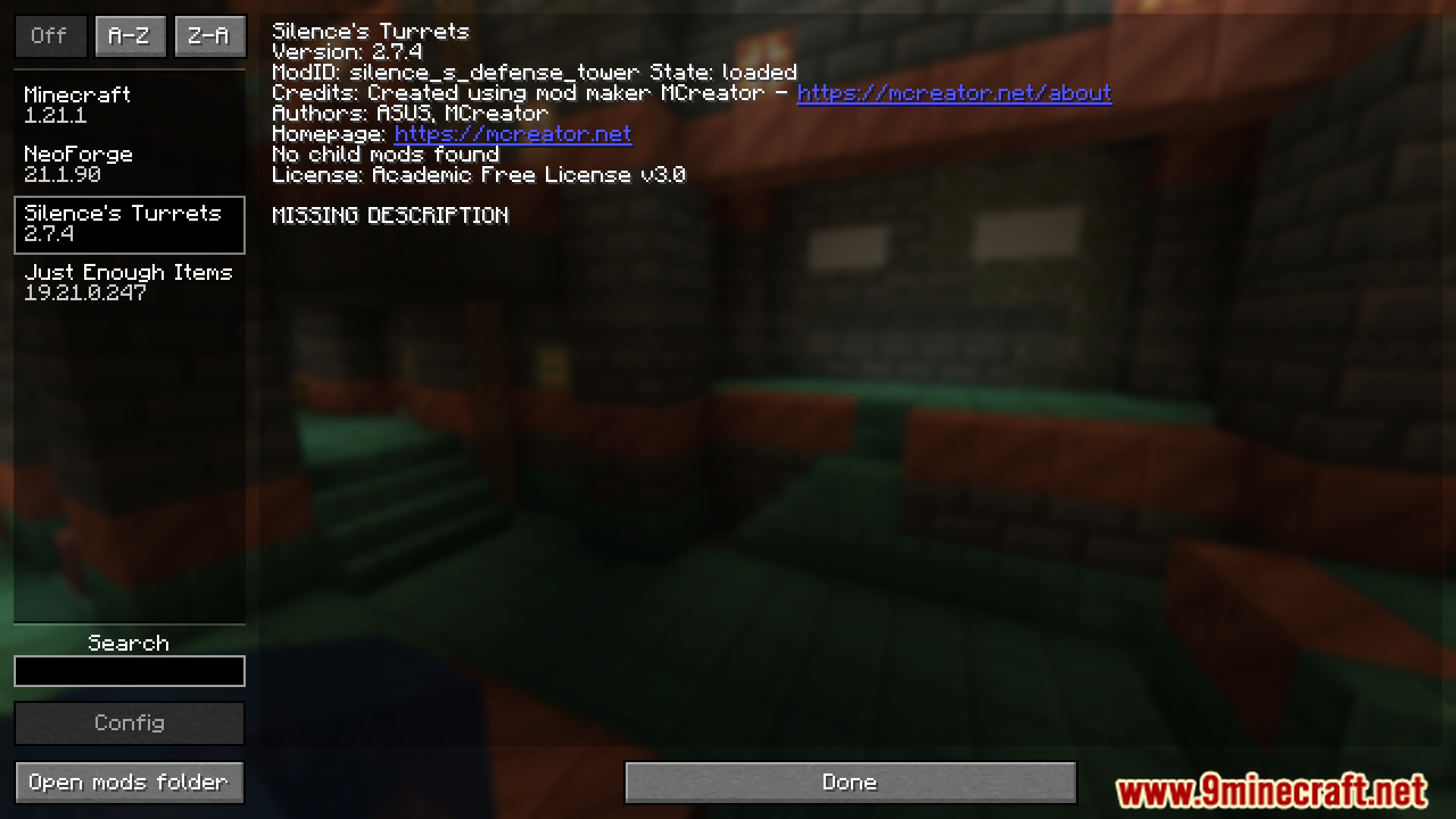
silence's turrets: Config file located in theconfigfolder where you can disable hostile turret spawning under the[gamerules]section.Cost of kills: Numeric game rule with a default value of1that adjusts how many kills the Core Upgrade Desk and Research Table consume.Drop rewards: Numeric game rule that adjusts the chance for enemies killed by turrets to drop technology rewards.
How to Use:
- Craft a Driving Core (Level 1) in a standard crafting table to make your first basic turrets.
- Craft a Counter and equip it on a turret so it begins recording mob kills during fights.
- Build a Core Upgrade Desk and place a Counter inside it to spend recorded kills (shown as a negative red number in the GUI) and craft stronger cores.
- Open a turret’s GUI to set its targeting mode: pick the first button to attack known hostile mobs, or the second button to attack all mobs except known friendly mobs and iron golems.
- Repair damaged turrets at a Maintenance Station with iron, copper, or gold ingots based on their core type, or hold a turret and Right-click a Healing Tower to repair it instantly.
- Use a Vending Machine to exchange diamonds, gold ingots, or props for coins and try random draws for valuable props, or use a Variety Store to trade gold ingots, emeralds, and Hell Wart Sauce for props including Hellraiser’s items.
- Build a Research Table to upgrade turret technology stats, trade any prop for Precision Components, and gather materials to craft a Super Counter for double kill counts and better tech reward drops.
- Build a Laboratory to craft the highest-level props and armor for your turrets.
- Hold the Glove and Right-click a placed turret to pick it up with its chips and stored props, then Right-click a block to set it down again.
- Open the Glove’s GUI to choose whether turrets within 30 blocks focus on one target or stop attacking a mob, then Sneak + Right-click to launch a projectile that applies that command when it hits.
- Hold Test Tool 2 and Sneak + Right-click to open its GUI, check how turret technology rules work, and select throwables that trigger different effects when they hit mobs.
Screenshots:
How to Install:
New to Minecraft? Follow our step-by-step guide to install Mods on your PC.View Guide
Silence's Turrets Mod Download Links
For Minecraft 1.21.1, 1.21
NeoForge version: Download from Server 1 – Download from Server 2
For Minecraft 1.20.1
Forge version: Download from Server 1 – Download from Server 2
For Minecraft 1.19.4
Forge version: Download from Server 1 – Download from Server 2
For Minecraft 1.19.2
Forge version: Download from Server 1 – Download from Server 2
For Minecraft 1.18.2
Forge version: Download from Server 1 – Download from Server 2
What do you do when a mod you love is abandoned by its creator?
19 responses · See the full results →
You May Also Like
Picked for this page
 Voxy Mod (26.3, 1.21.11) – See Across the Whole World
 Structory Towers Mod (26.3, 1.20.1) – Biome-Specific Towers
 It Takes A Pillage Continuation Mod (26.3, 1.20.1) – Encampments and Fortresses
 Weather Changer Mod (26.3, 1.20.1) – Client Side Weather Changer
 Maple Mod (26.1.2, 1.20.1) – Grove Cherry and Maple Forest Biomes
 Silent’s Gems Mod (26.1.2, 1.20.1) – Tools and Colorful Building Blocks
 PTS Deco Mod (26.3, 1.20.1) – Luxury And Modern Design
 Expanded Trident Enchanting Mod (26.2, 1.20.1) – Trident Enchanting Revolution
 Tinted Campfires Mod (26.3, 1.20.1) – Change The Color Of The Campfire
 Better Modlist Mod (26.3, 1.20.1) – A Tool for Organizing Mods
 JJKF Mod (1.20.1, 1.16.5) – Advanced Domain And Technique Mechanics
 Bosses Delight Mod (1.20.1, 1.20) – Culinary Combat
Most viewed in Mods over the last 7 days
 Ala Industrial Mod (26.3) – Run Electric Power Grids and Automated Factories
 PleasureCraft Mod (26.3, 1.21.1) – Jenny Mod Remake for Fabric
 Jennycraft Mod (26.3, 1.20.1) – Virtual Girlfriend in Minecraft
 Fapcraft Mod (26.3, 1.12.2) – Comprehensive and Detailed Content
 Jenny Mod (Fapcraft) Official Complete Guide – How to use, Tutorial
 BangCraft Mod (1.20.1) – Jenny, Ellie and Elliot
 Fabric Loader (26.3, 1.20.1) – Fabric Installer for All Minecraft Versions
 Meteor Client Mod (26.3, 1.20.1) – Xray, HUD, Fly
 OptiFine HD (26.3, 1.20.1) – Run Faster, FPS Boost, Shaders Support
 The Shooting Star Demo Mod (26.3, 1.20.1) – Vaporize Terrain From Orbit
 Aristois Client Mod (1.21.4, 1.20.1) – World Class Minecraft Utility
 SchnurriTV Mod (1.12.2) – Characters and Features
More from Mods
 Legacy Wavey Capes Mod (1.8.9) – Watch Your Cape Flow Naturally While Sprinting
 Warrior Cats Events Mod (1.21.1, 1.20.1) – Live As a Wild Clan Cat
 Apex Enchantment Freedom Mod (26.3) – Stack Conflicting Enchantments
 Tensura GUI Mod (1.21.1) – Track Your Fantasy Skills and Race Evolutions
 Remnants Roguelite Dungeons Mod (26.3, 1.20.1) – Risk It All in Procedural
 Lib Lib Lib Mod (26.3, 1.20.1) – Keep Your Favorite Modpacks Running Smooth
 Cinematic Interactions Mod (26.3, 1.20.1) – Watch Your Hands Work
 Macro Keybinds Mod (26.3, 1.20.1) – Macro Creation, Keybind Execution
 Better Enchantment Bookshelf Placement Mod (26.3, 1.20.1)
 RFTools Builder Mod (26.3, 1.20.1) – The Builder, Powerful Machine
 Block & Board Mod (26.3, 1.20.1) – Play Classic Tabletop Games with Friends
 Huge Structure Blocks Mod (26.3, 1.20.1) – Pushing Limits With Huge Structure Blocks Mod

This post has no comments yet. Be the first — your comment will appear here.