
Simple Web Mod (26.3) – Browse Websites and Watch Videos Right Inside Your World
 36
 0

Simple Web Mod adds working web browser screens directly into Minecraft. This client-side mod works in any singleplayer world or multiplayer server without extra setup. You can open any website, watch videos in your house, and place unlimited displays anywhere you want.
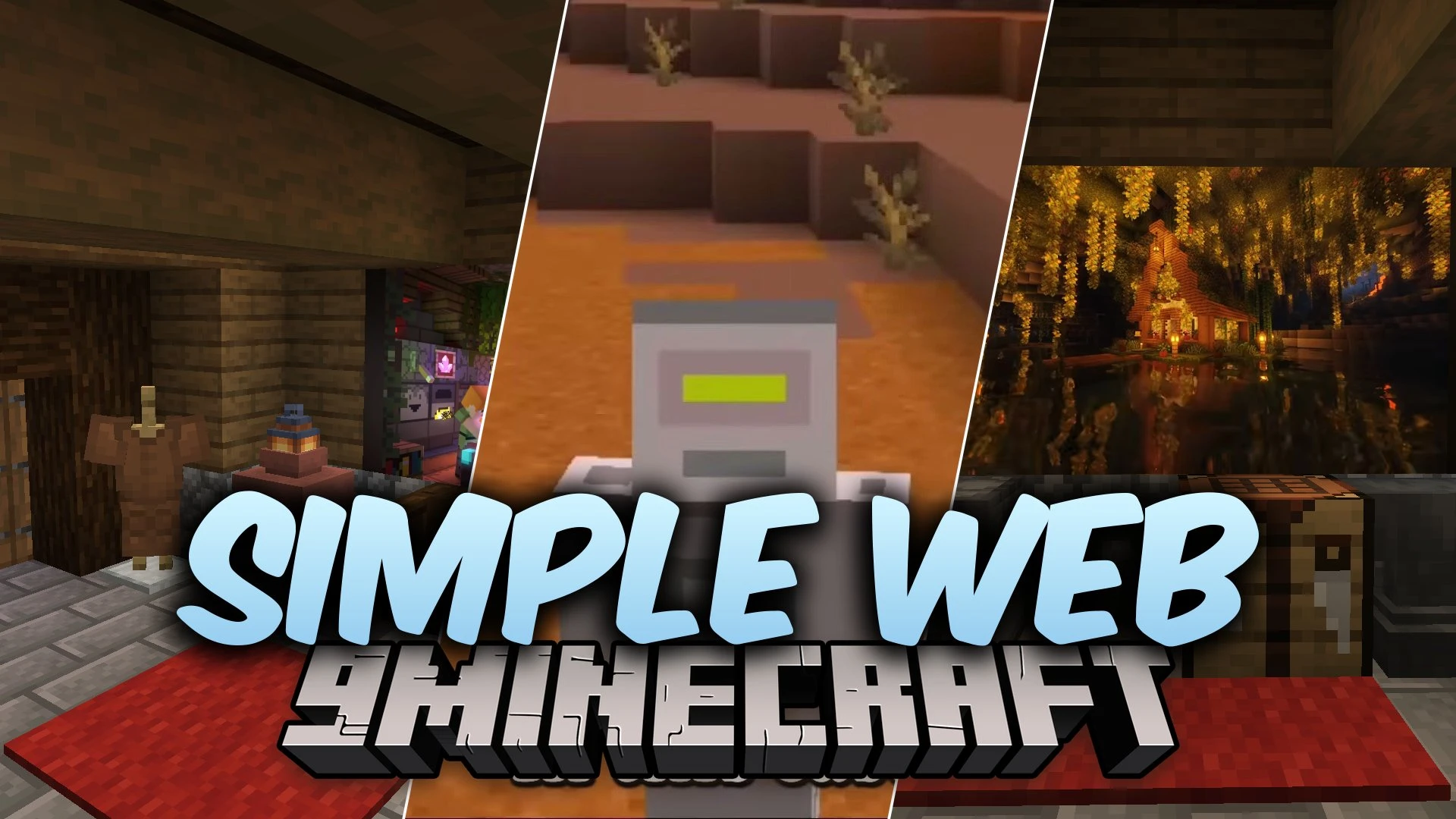
Features:
- Client-Side Web Screens: Adds working displays that open any website inside the game without needing server setup.
- Screen Sharing: Lets you share your display location and size with friends who also have the mod installed.
- Places unlimited web displays around any world or multiplayer server.
- Lets you interact with web pages using your crosshair to click buttons and your keyboard to type.
- Protects player safety by only sharing the screen’s position and size with friends, never the actual web content.
Commands:
/screen: starts the screen placement mode so you can pick two corners./screen share name: shares the screen you are looking at with another player.
How to Use:
- Type
/screenin chat and Right-Click two corners to create your web display. - Left-Click on a screen to focus on it, then use your crosshair to click buttons and your keyboard to type.
- Click outside the screen or press Shift+Escape to unfocus from the display.
- Double-Click an unfocused screen to remove it from the world.
- Look at a display and run
/screen share nameto send its position and size to a friend, who must accept the request to see it.
How to Install:
New to Minecraft? Follow our step-by-step guide to install Mods on your PC.View Guide
Requirements:

Simple Web Mod Download Links
For Minecraft 26.3
Click to rate this post!
[Total: 0 Average: 0]
QUICK MINECRAFT SURVEY · ONE TAP
Mods & Modpacks
How do you usually learn how a complex mod works?
12 responses · See the full results →
You May Also Like
Picked for this page
 Particular Mod (26.3, 1.20.1) – Bring Nature to Life
 Just Enough Characters Mod (26.3, 1.20.1) – Find Any Item Using Pinyin
 Unbound Fov Mod (1.21.11, 1.20.1) – Push Your Vision to the Limit
 Accessorify Mod (1.21.10, 1.20.1) – Carry Extra Gear and Free Up Inventory Slots
 Create Over Pressure Mod (1.21.1) – Pipe Factory Items Anywhere
 MelonLib Mod (1.12.2) – Keep Your Favorite Add-ons Running Without Any Glitches
 Nether API Mod (1.12.2) – Explore Taller Nether Caverns Filled
 VulkanDreno Mod (26.1.2, 1.20.1) – Play on Android Phones Without Startup
 Spooky Companions Mod (1.21.1, 1.20.1) – Tame Cute Halloween Pets That Hunt
 UTDR Plushies Mod (1.21.1) – Decorate Your Home with Cozy Undertale Plushies
 Zhuravel Notes Mod (26.3, 1.20.1) – Jot Down Coordinates and Plans
 CTNH Core Mod (1.20.1) – Automate Complex Factories Across Brutal New Worlds
Most viewed in Mods over the last 7 days
 Ala Industrial Mod (26.3) – Run Electric Power Grids and Automated Factories
 PleasureCraft Mod (26.3, 1.21.1) – Jenny Mod Remake for Fabric
 Jennycraft Mod (26.3, 1.20.1) – Virtual Girlfriend in Minecraft
 Fapcraft Mod (26.3, 1.12.2) – Comprehensive and Detailed Content
 Jenny Mod (Fapcraft) Official Complete Guide – How to use, Tutorial
 Meteor Client Mod (26.3, 1.20.1) – Xray, HUD, Fly
 BangCraft Mod (1.20.1) – Jenny, Ellie and Elliot
 OptiFine HD (26.3, 1.20.1) – Run Faster, FPS Boost, Shaders Support
 Fabric Loader (26.3, 1.20.1) – Fabric Installer for All Minecraft Versions
 CatLean Client Mod (26.2, 1.21.11) – ThunderHack Recode Alternatives
 SeedCrackerX Mod (26.3, 1.20.1) – Find Any World Seed
 SchnurriTV Mod (1.12.2) – Characters and Features
More from Mods
 TelePass Mod (26.3, 1.20.1) – Instantly Teleport to Friends
 Extended Enchanting Mod (26.3, 1.20.1) – Master Combat
 Assemble Mod (1.18.2) – Craft Using Items, Fluids, and Energy All at Once
 LMCommonCore Mod (1.21.11, 1.20.1) – Run Mythocraft Across Different Mod Loaders
 GK1H Core Mod (1.21.1) – Essential Shared Library Code for Running GK1H Mods
 Chixozhmix’s Lib Mod (1.20.1) – Core Tools for Custom Boss Music
 M4lib Mod (26.3, 1.21.1) – Core Library Needed to Run Totem
 Minecraft Transit Railway 9minecraft Mod (26.3, 26.2) – Automated Metro Trains
 WebDisplays 9minecraft Mod (26.3, 26.2) – Browse Real Websites and Watch Videos
 Minecraft Music Player Mod (1.21.1) – Stream Custom Playlists with Your Server Friends
 Armor Trim Customizer Mod (26.3, 1.21.11) – Wear Any Armor Trim Pattern
 Aurorite Client Mod (26.3) – Clean PvP Overlays and FreeLook Camera for Fabric

This post has no comments yet. Be the first — your comment will appear here.