
Skincraft Mod (26.3, 1.21.11) – Design Custom Character Skins Without Leaving
 133
133
 0
0


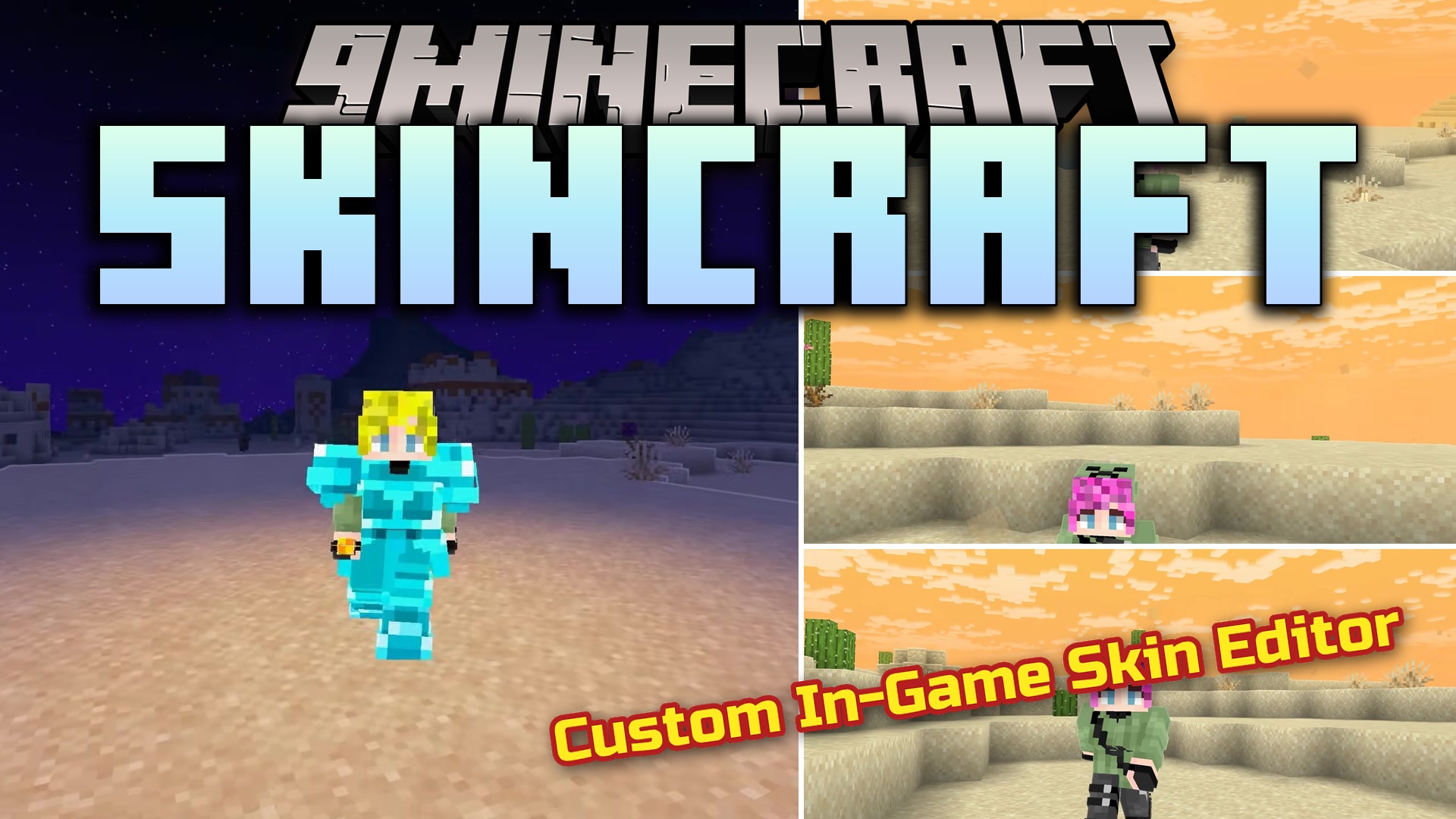
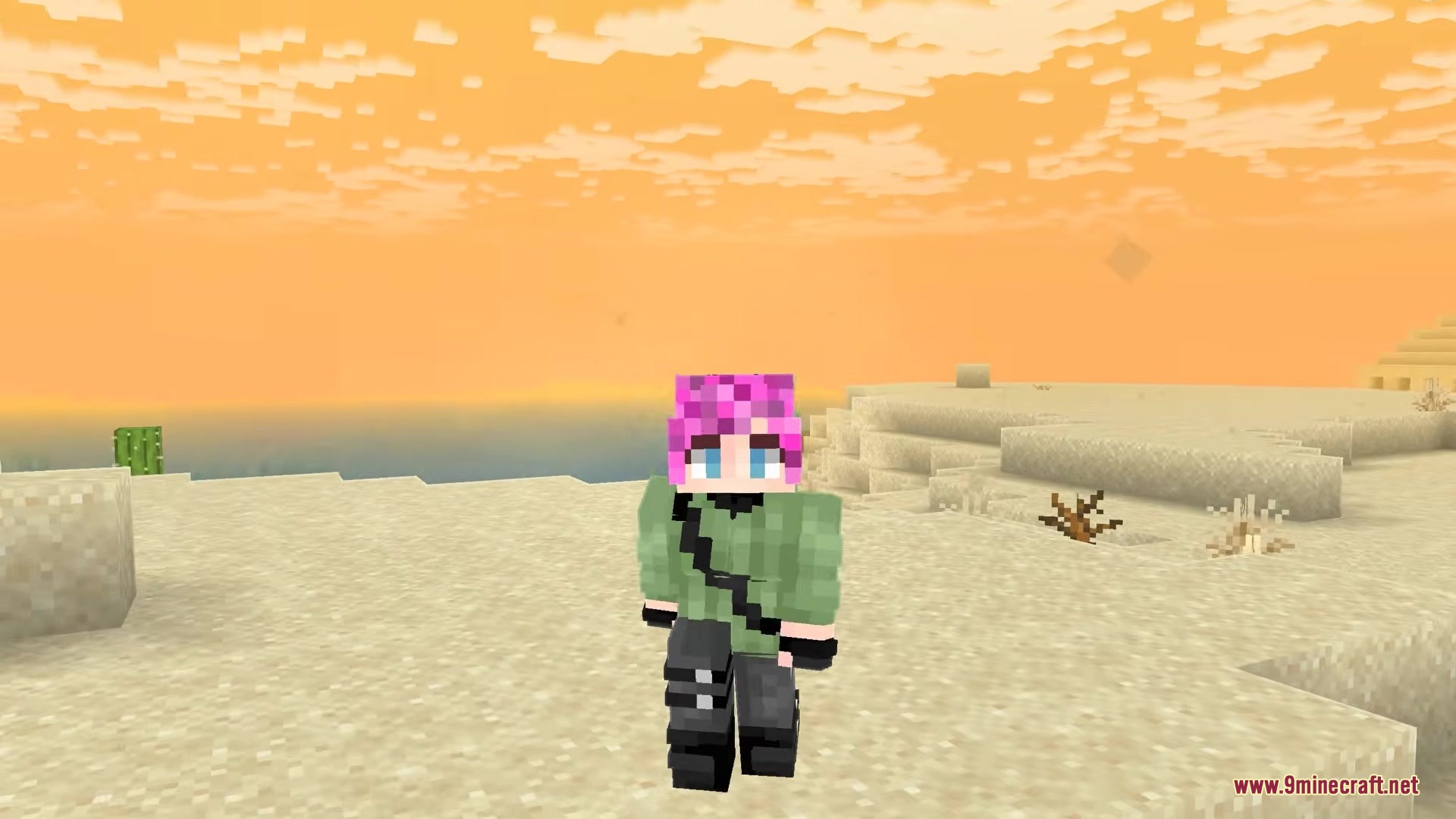
Skincraft Mod packs in a complete skin editing studio right inside your game. This mod lets you draw, change, and put on new outfits without ever closing Minecraft or opening a web browser. You can paint colors onto a 3D model of your character to see exactly how it looks before saving. It also includes a library of outfits made by other players that you can wear instantly. If you want to add a cool cape to your back, this tool gives you several fun options to choose from.
Features:
- In-Game Editor: Lets you paint your character pixel by pixel using a flat grid or a live 3D model.
- Community Library: Browse through tons of character outfits made by other players and wear them with one click.
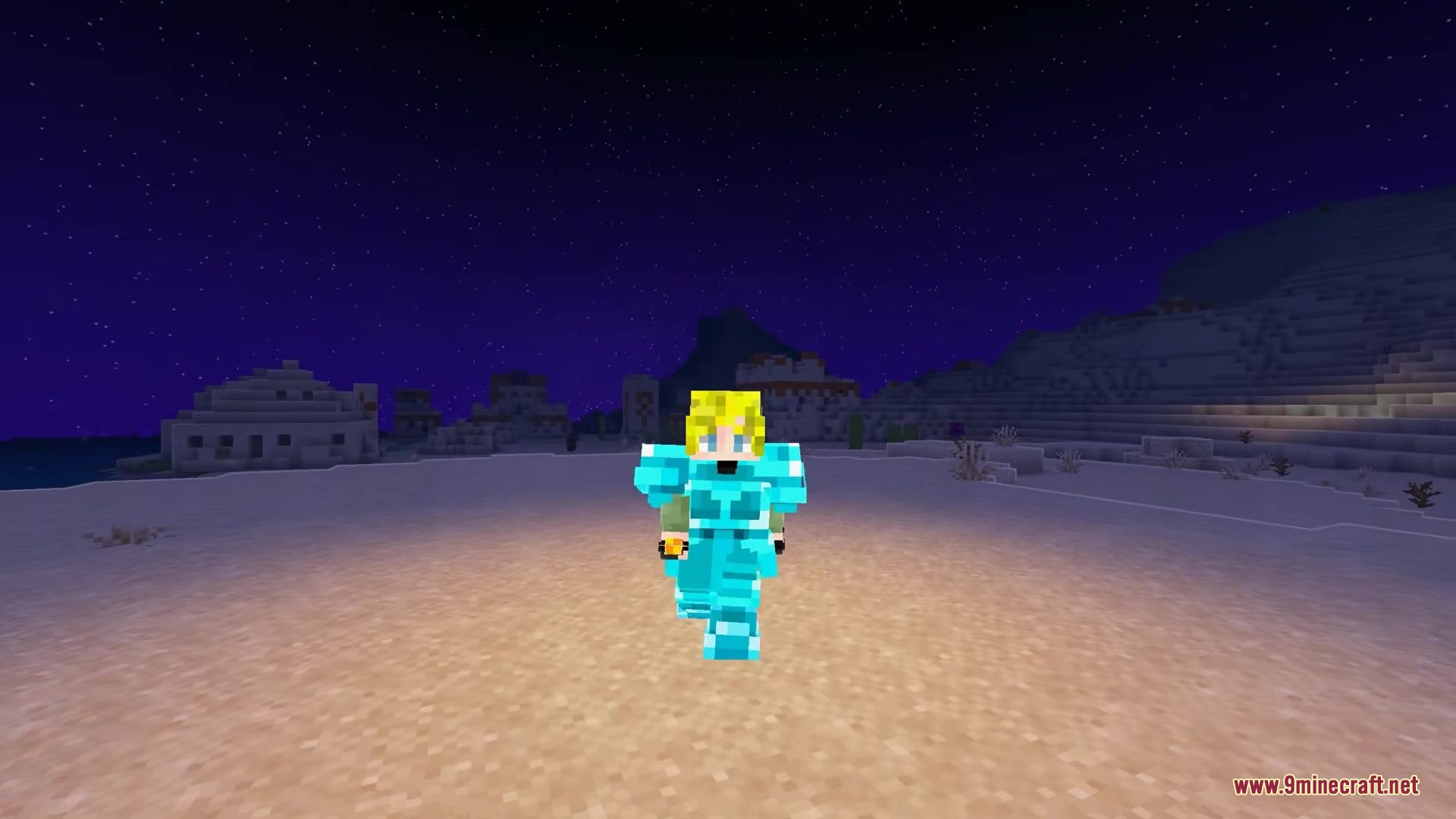
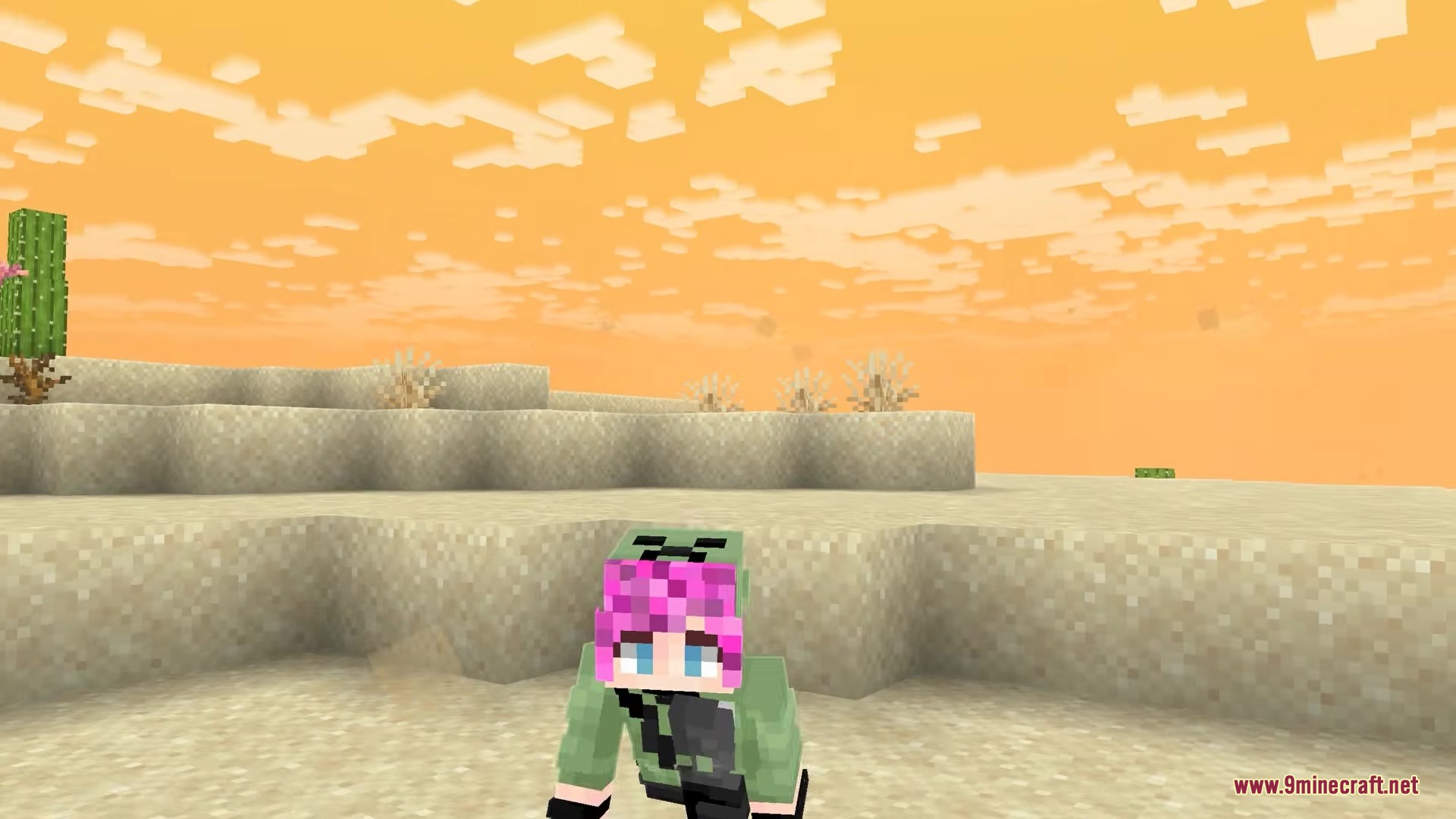
- Custom Capes: Equips you with special back items like a creeper face or golden heart to finish your look.
- Includes helpful art tools like an eyedropper to grab colors and an undo button for mistakes.
- Saves your new outfit straight to your character so you do not have to move files around.
- Allows you to upload your own creations for other players to find and download.
- Keeps a local folder of all your saved outfits that you can open right from the menu.
Skincraft Mod – Video Showcase
How to Use:
- Press K on your keyboard while playing to open the main menu.
- Click and drag with your right mouse button to spin the 3D model around.
- Pick an outfit to wear or start painting a blank canvas to make your own.
- Click the save button to put the new outfit on your character instantly.
Screenshots:
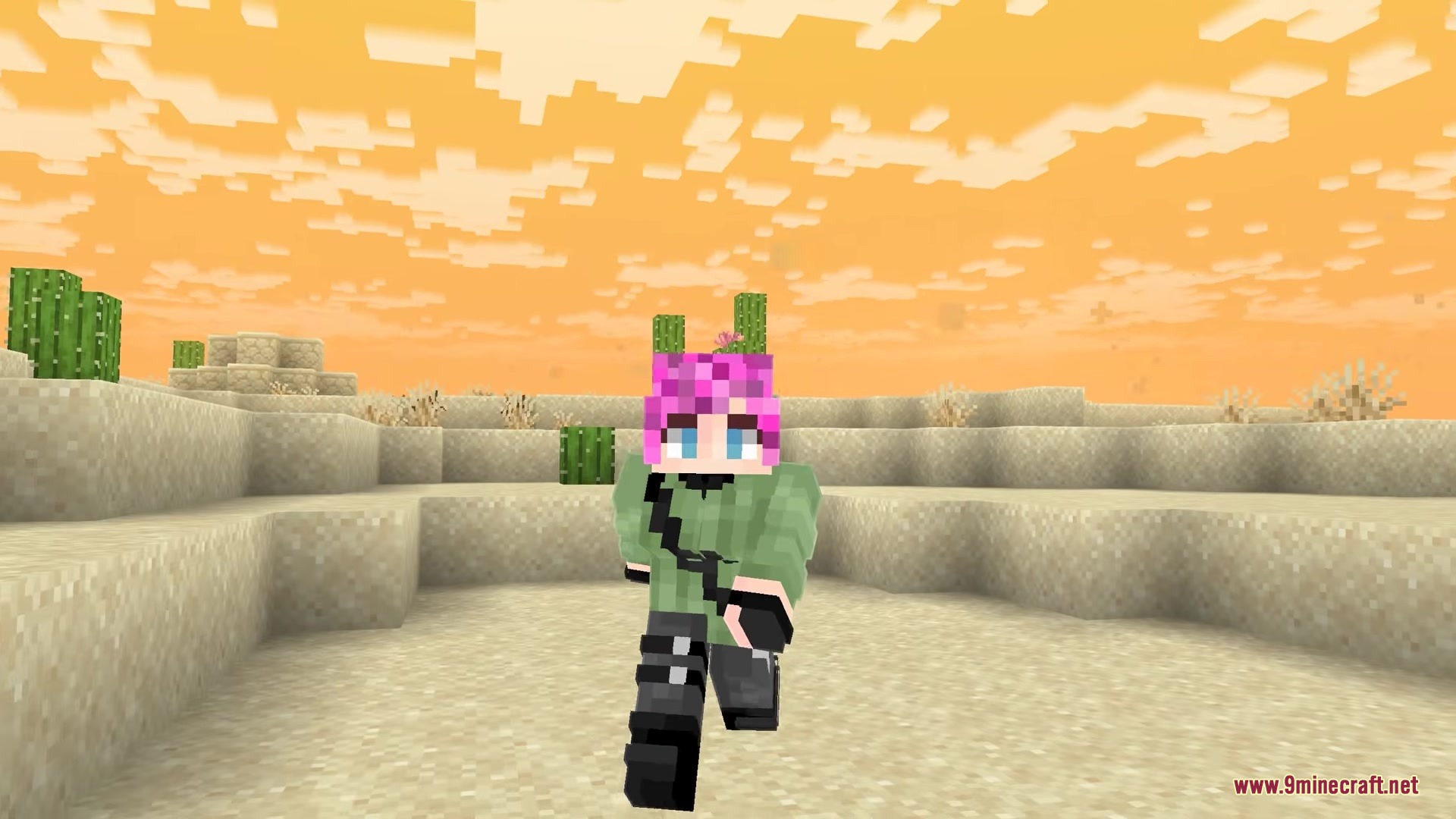
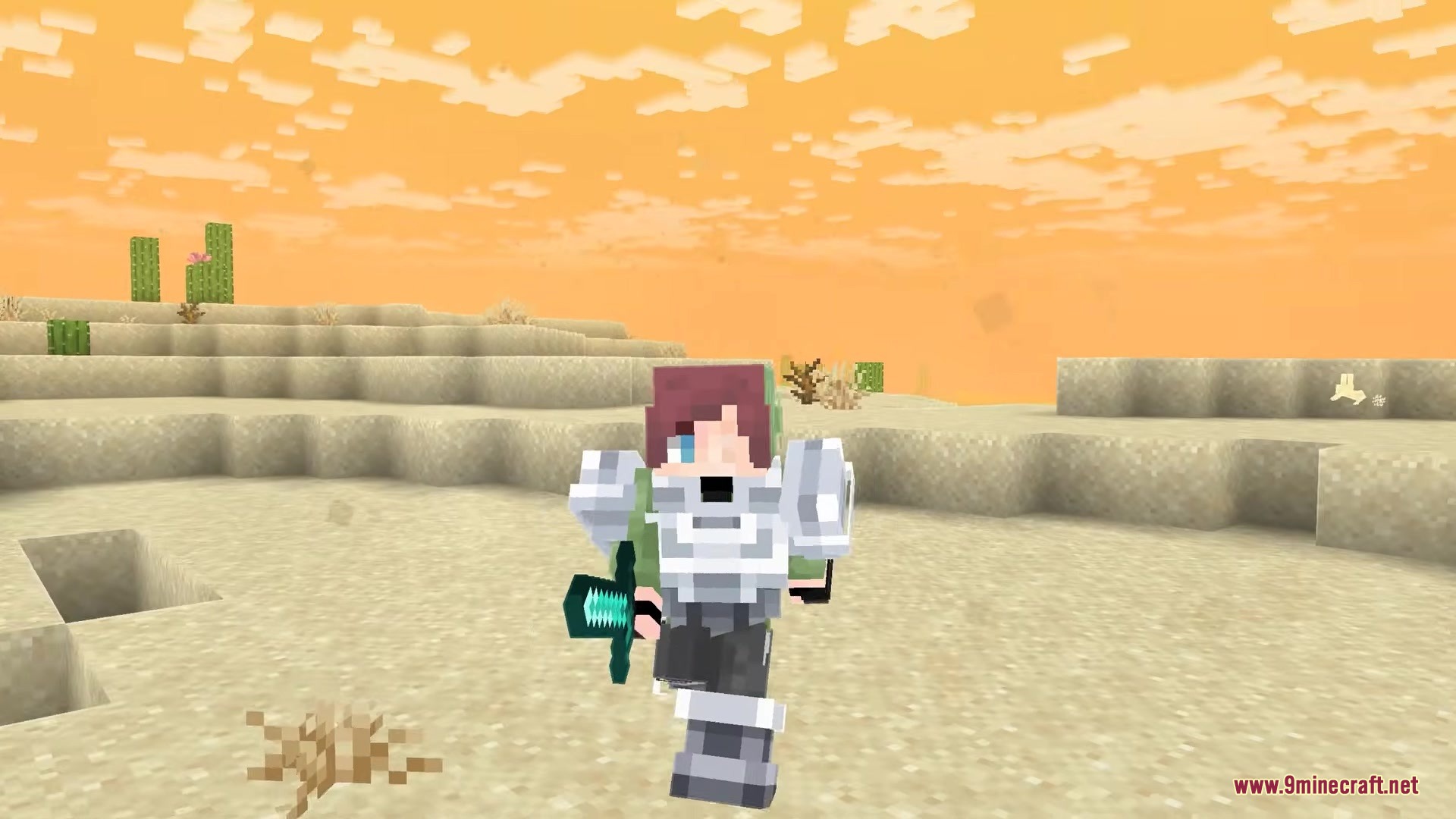
How to Install:
New to Minecraft? Follow our step-by-step guide to install Mods on your PC.View Guide
Requirements:

Skincraft Mod Download Links
For Minecraft
26.3,
26.2,
26.1.2
All Versions Covered
26.3
26.2
26.1.2
26.1.1
26.1
All Versions Covered
26.3
26.2
26.1.2
26.1.1
26.1
For Minecraft
26.2,
26.1.2,
26.1.1
All Versions Covered
26.2
26.1.2
26.1.1
26.1
All Versions Covered
26.2
26.1.2
26.1.1
26.1
For Minecraft 1.21.11
Click to rate this post!
[Total: 0 Average: 0]
You May Also Like
Picked for this page
 Argon Client Mod (1.21.11, 1.21.1) – Free Version of Nova Client
 Particle Core Mod (26.3, 1.20.1) – Optimizing Particles Effects
 Smoke Signals Mod (26.1, 1.20.1) – Variety of Colored Smokes
 No Fog Mod (26.3, 1.20.1) – Fog Removal For Clearer View
 Extract Poison Mod (26.3, 1.20.1) – Harvest Poison from Certain Mobs
 Xylonity Companions Mod (1.21.1, 1.20.1) – Tamable Creatures And Monsters
 Durability Visibility Options Mod (26.1.2, 1.20.1) – Customize Your Durability Display
 Wearable Lanterns Mod (1.20.1, 1.20) – Go Caving Without Juggling Torches
 Search on Mcmod Mod (26.3, 1.20.1) – Never Guess What an Item Does Again
 MaLiLib API Mod (26.3, 1.20.1) – Run Big Mod Option Menus Without Crashing
 Wayback Stone Mod (26.3, 1.20.1) – Teleport To Your Base
 Fast Server Pings Mod (26.3, 1.20.1) – Load Your Entire Multiplayer Server
Most viewed in Mods over the last 7 days
 Ala Industrial Mod (26.3) – Run Electric Power Grids and Automated Factories
 PleasureCraft Mod (26.3, 1.21.1) – Jenny Mod Remake for Fabric
 Jennycraft Mod (26.3, 1.20.1) – Virtual Girlfriend in Minecraft
 Fapcraft Mod (26.3, 1.12.2) – Comprehensive and Detailed Content
 Jenny Mod (Fapcraft) Official Complete Guide – How to use, Tutorial
 BangCraft Mod (1.20.1) – Jenny, Ellie and Elliot
 Fabric Loader (26.3, 1.20.1) – Fabric Installer for All Minecraft Versions
 The Shooting Star Demo Mod (26.3, 1.20.1) – Vaporize Terrain From Orbit
 Meteor Client Mod (26.3, 1.20.1) – Xray, HUD, Fly
 OptiFine HD (26.3, 1.20.1) – Run Faster, FPS Boost, Shaders Support
 Aristois Client Mod (1.21.4, 1.20.1) – World Class Minecraft Utility
 Prestige Client Mod (1.21.11, 1.21.4) – Powerful Ghost Features for Crystal & Sword PvP
More from Mods
 Multitools and More Mod (26.3, 1.20.1) – Clear Your Hotbar and Travel
 Luxium Let There Be Light Mod (1.20.1) – Stunning Lighting on Low-End Computers
 Soulscraft Tarnished Legacy Mod (1.21.1) – Hunt Relics to Forge Dark Fantasy
 Fetzi’s Displays Mod (26.1.2, 1.20.1) – Turn Rare Gear and Weapons
 Primal Plushies Paleo Pals Mod (1.21.1, 1.20.1) – Decorate Your Base
 Ipla Mod (26.3, 1.20.1) – Showcase Your Favorite Items
 MesdagPortLib Mod (1.20.1) – Run Modern Minecraft Mechanics on Older Versions
 Hellion’s API Mod (1.21.11, 1.21.1) – Play Hellion Series Addons Without Crashes
 Terrestria Mod (26.3, 1.20.1) – Highly Detailed Biomes
 Tre’s Tack Library Mod (1.20.1) – Outfit Your Horses with Fully Detailed Tack
 YDM’s coreX Library Mod (1.20.1) – Loot RPG Gear with Random Names
 Gunpowder Recipe Mod (26.3, 1.20.1) – Gunpowder is Craftable

This post has no comments yet. Be the first — your comment will appear here.