
Smart Block Placement Mod (26.3, 1.21.1) – Place Blocks Instantly
 4,183
 0


Smart Block Placement Mod removes the slow animation delay when you hold the right mouse button to place blocks in Minecraft. It lets you build faster and gives you control over how quickly you use blocks and items. You can also limit this mod to Creative mode for fair play on Survival servers. It requires Fabric API to run, while Mod Menu and Cloth Config API are optional.
Features:
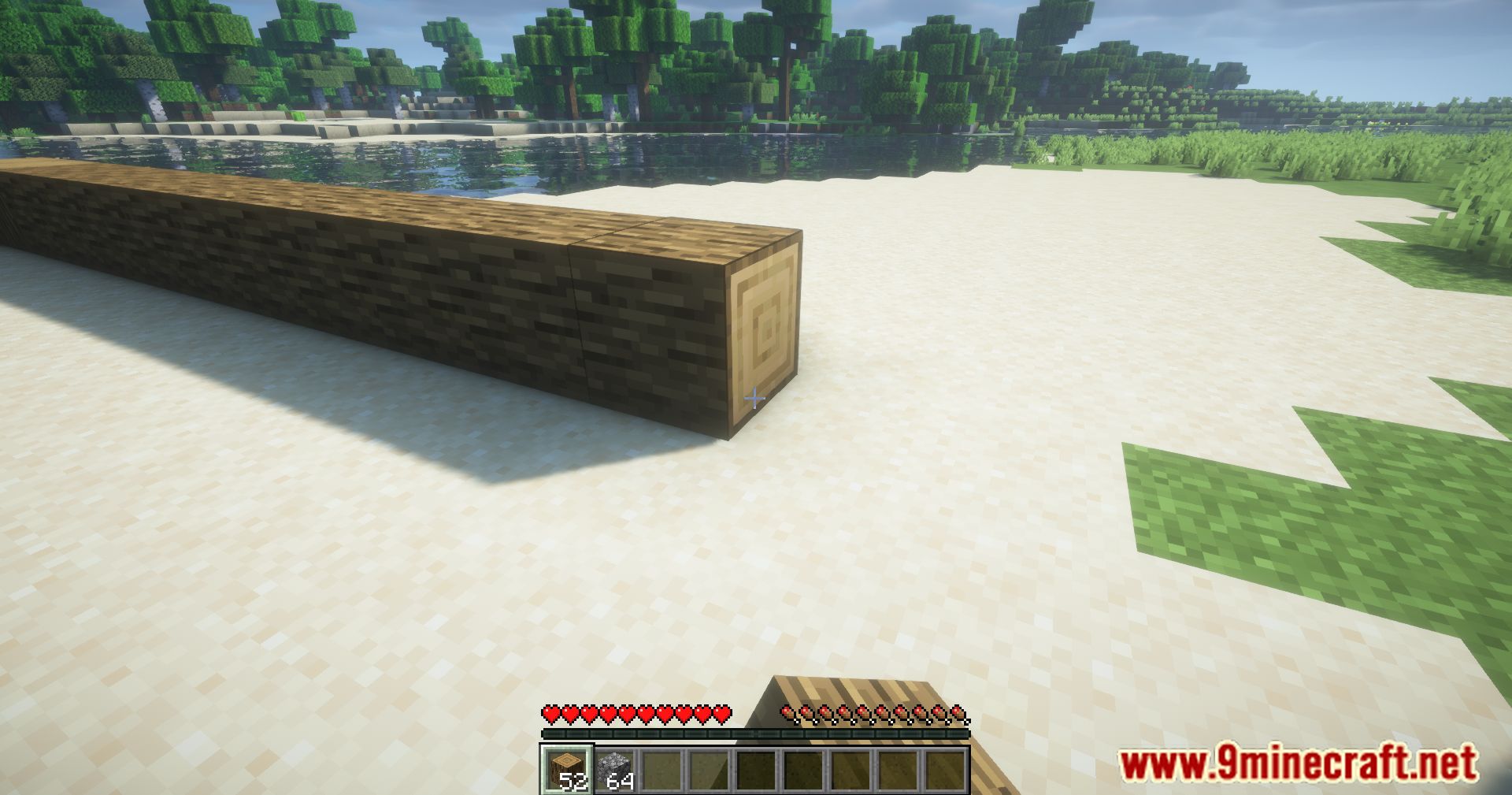
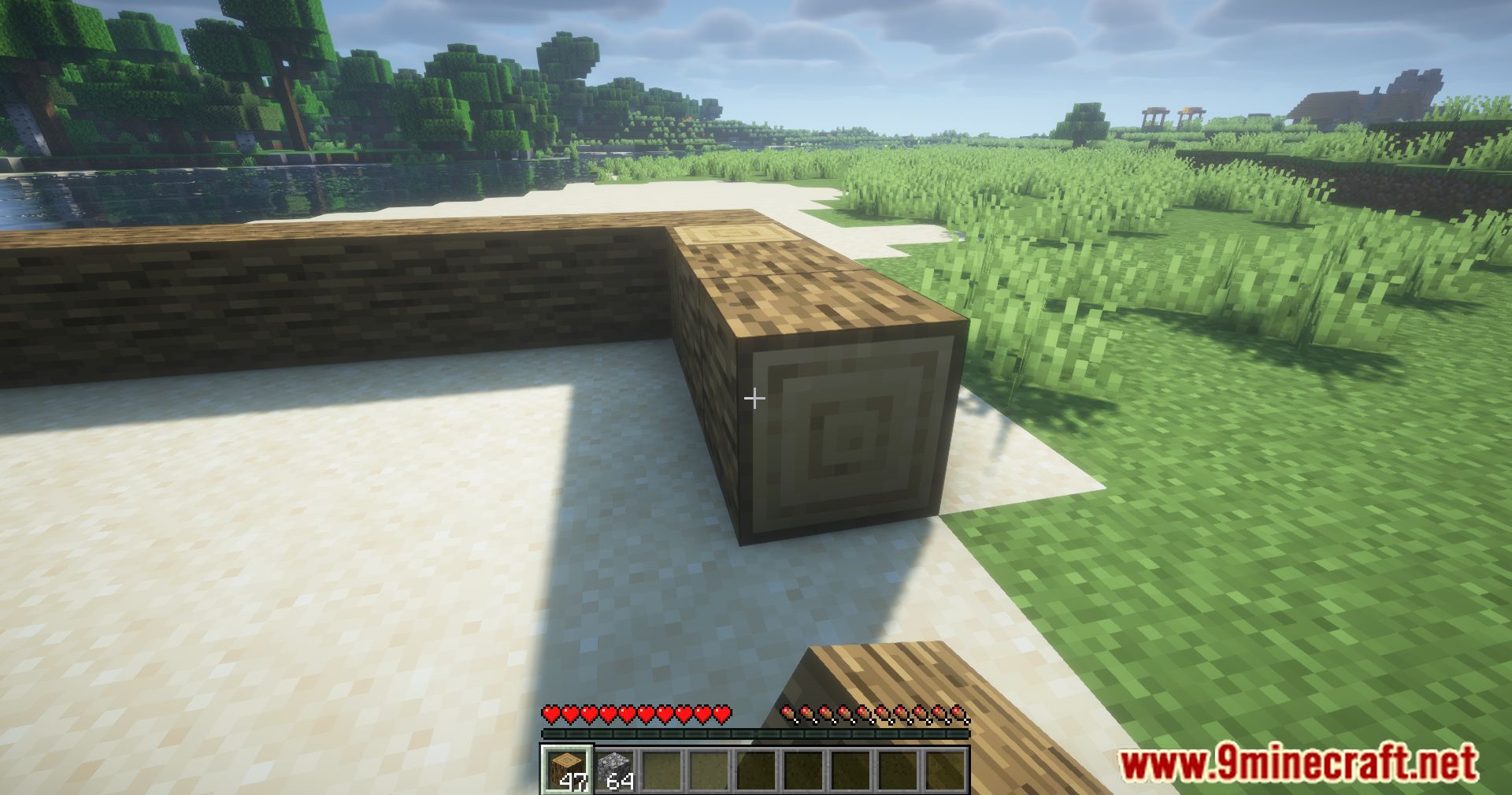
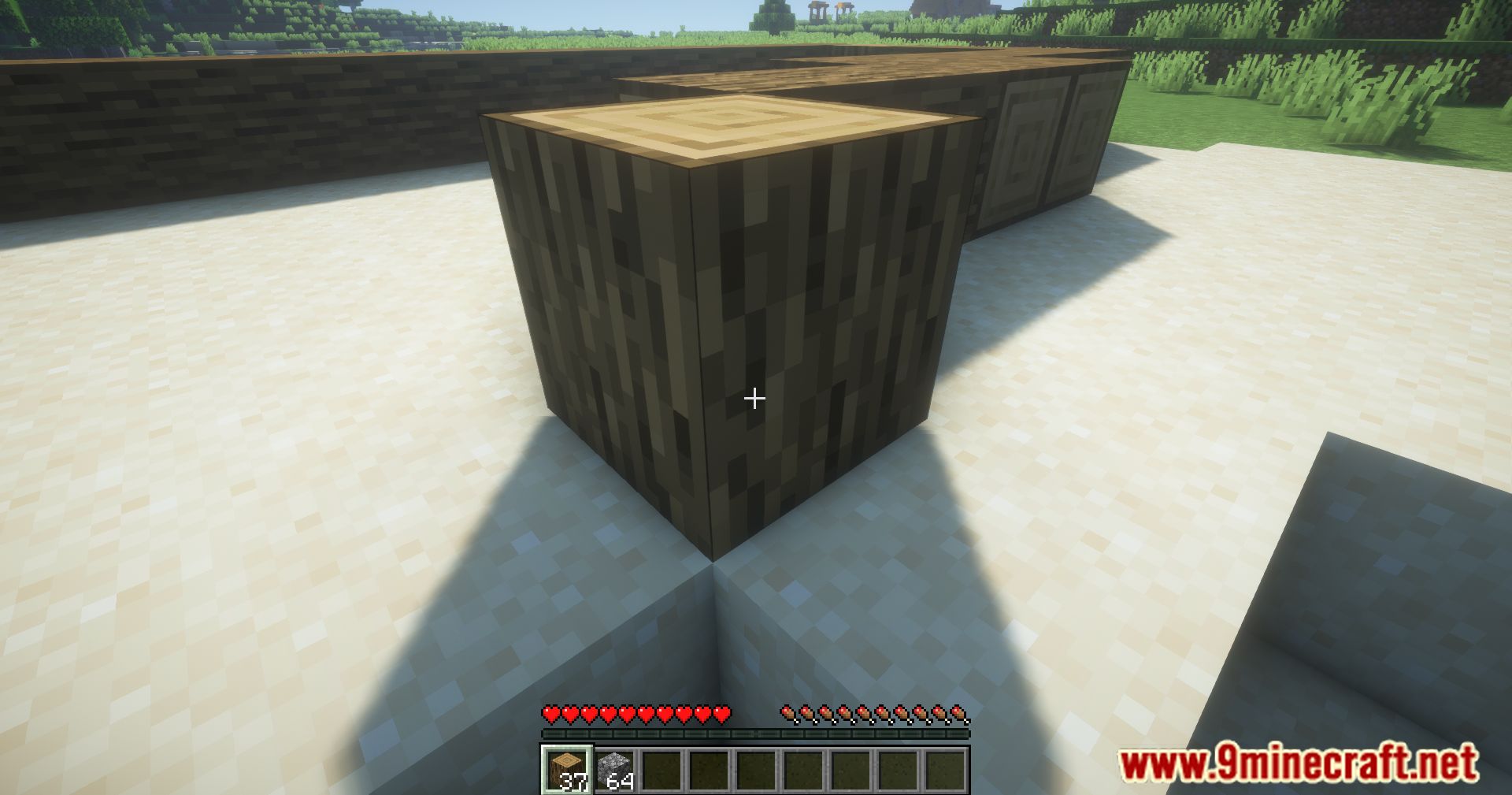
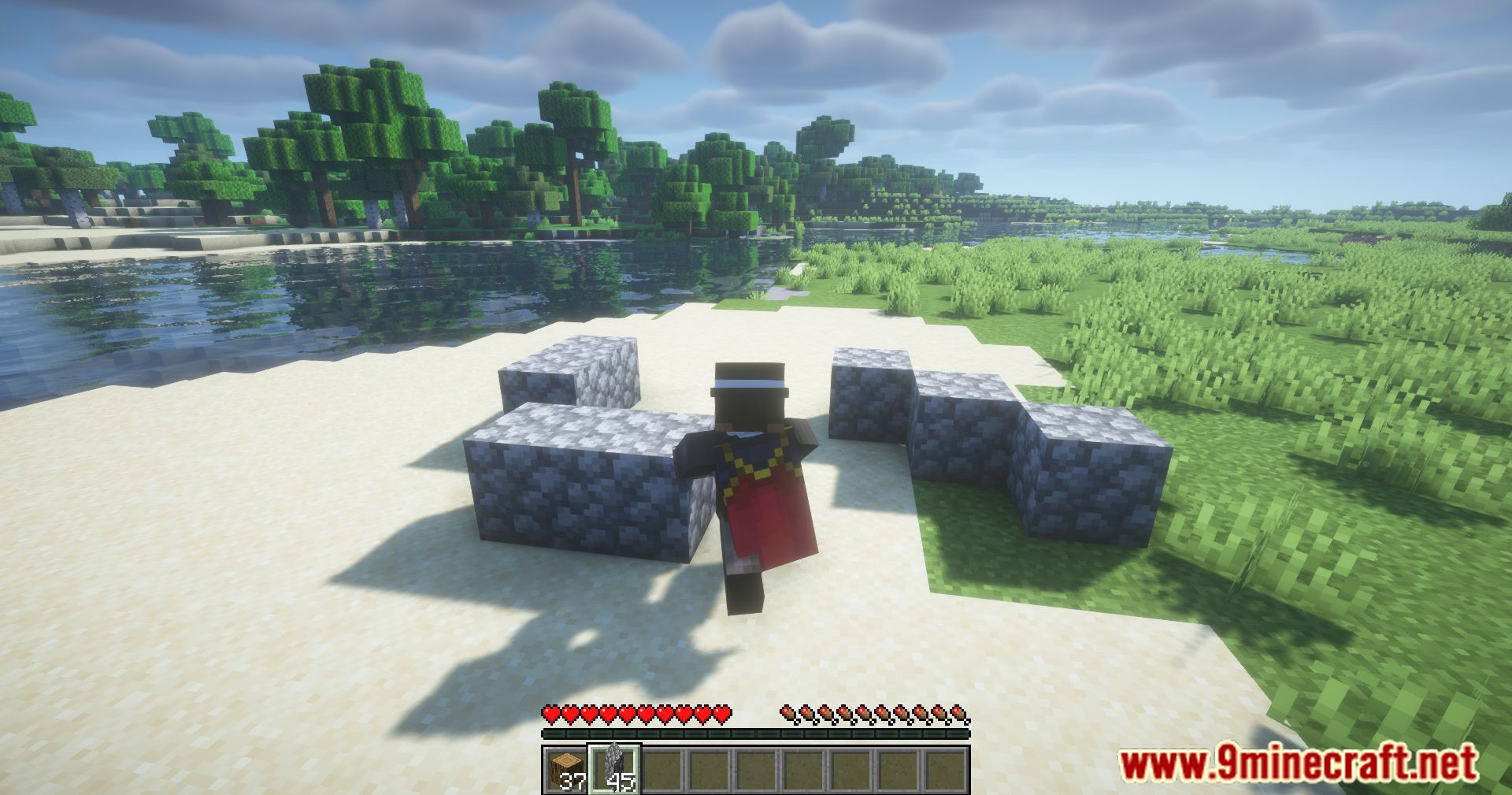
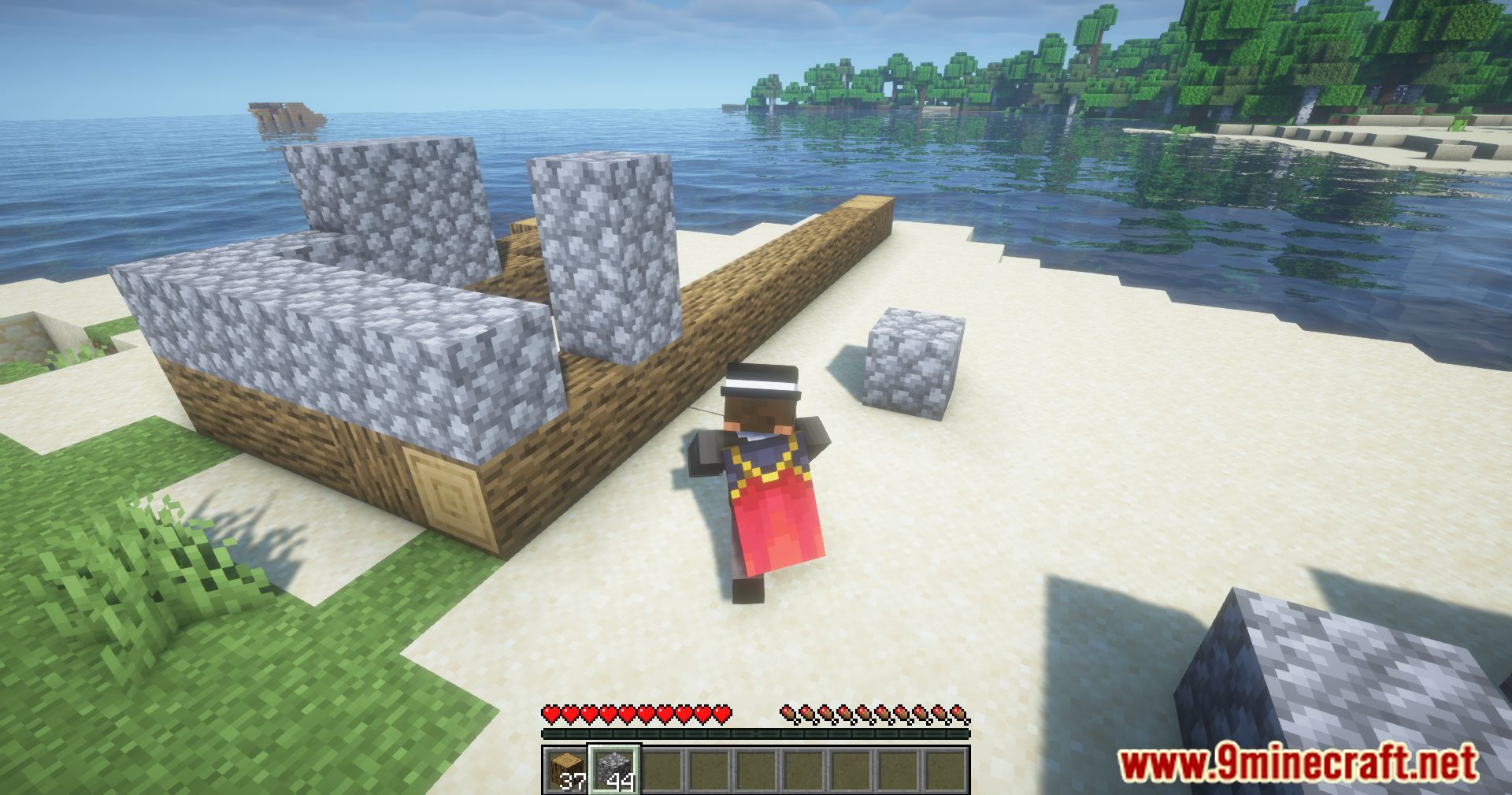
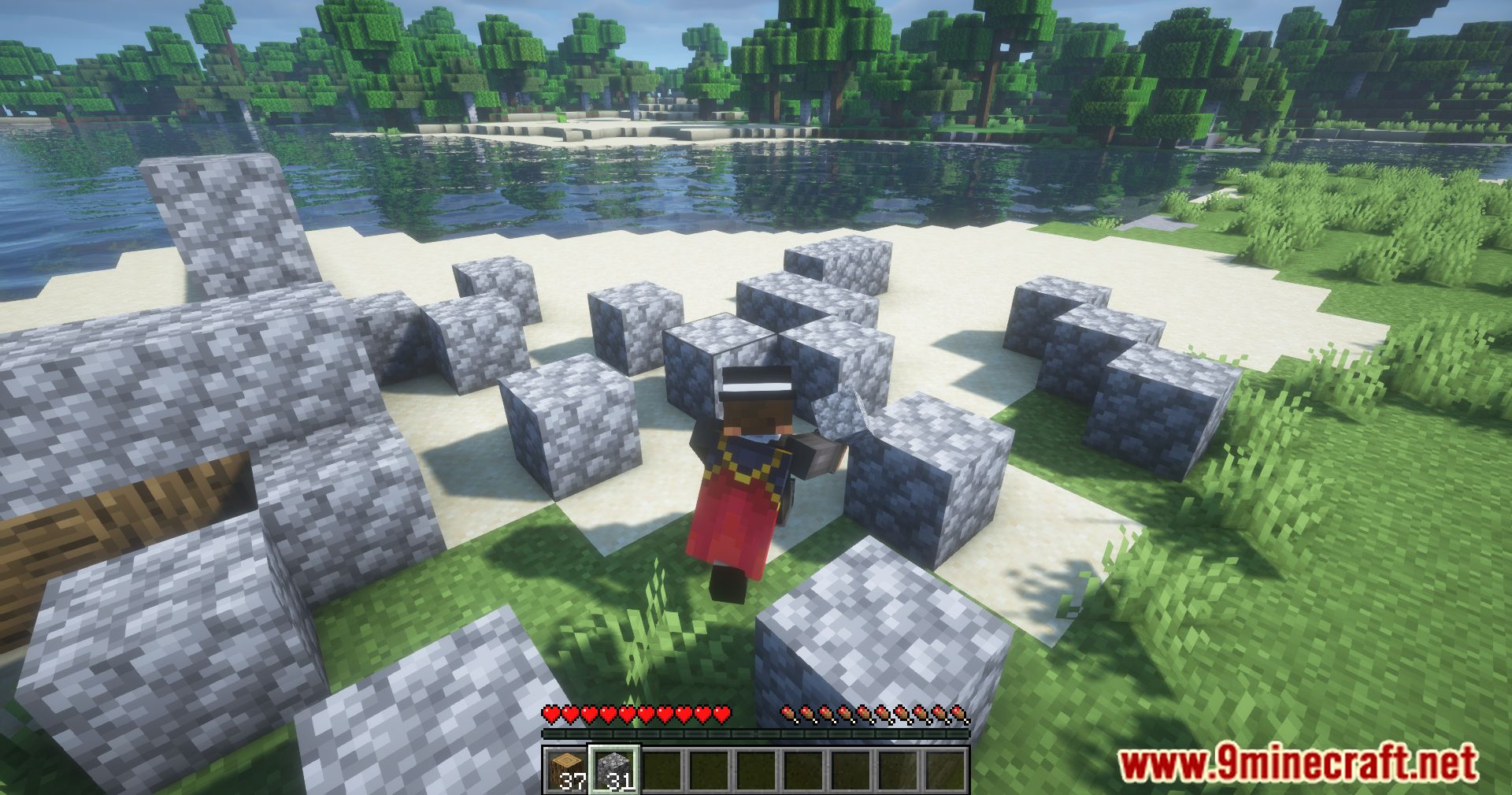
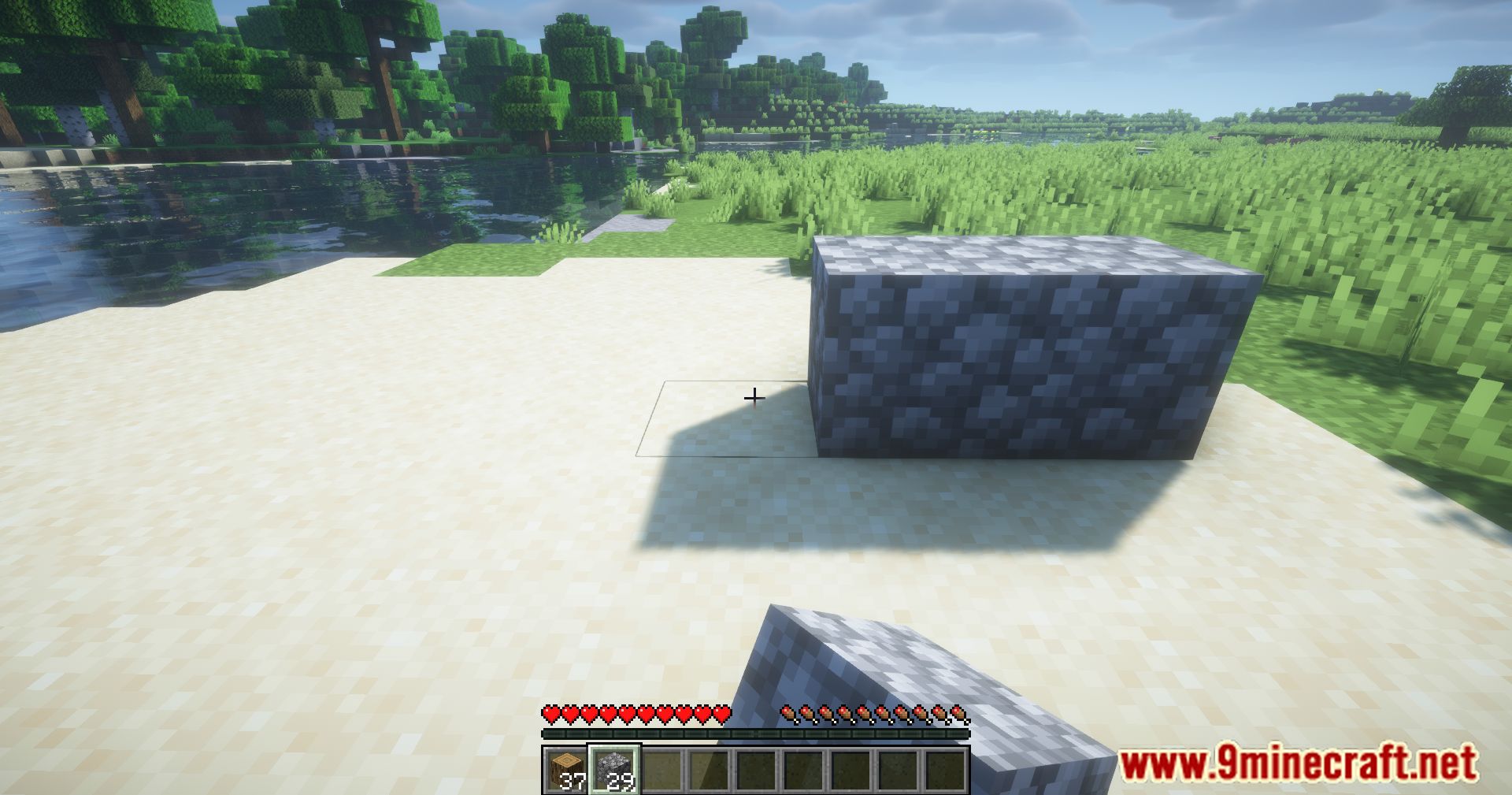
- Fast Building: Skips the vanilla placement delay when you hold the right mouse button so you can place blocks as fast as you can click for quick building and editing.
- Creative Mode Only: Lets you turn on an option that limits this mod to Creative mode so gameplay stays fair on Survival servers.
- Customizable Usage Delay: Lets you adjust the vanilla delay when interacting with blocks and using items such as levers, doors, and food.
- Some multiplayer Anti-Cheat plugins may flag fast block placement or shorter usage delays as suspicious, so use this mod carefully and follow server rules.
How to Use:
- Open your Minecraft Controls settings and make sure the Enable Smart Placement key is bound to a button on your keyboard so the mod works properly.
- Press your bound Enable Smart Placement key in the game to turn fast placement on.
- Hold the Right Mouse Button while placing blocks to build rapidly without the slow vanilla animation delay.
- Turn on the Creative Mode Only option or adjust the usage delay if you want to limit this mod to Creative mode or change delays for doors, levers, and food.
Screenshots:
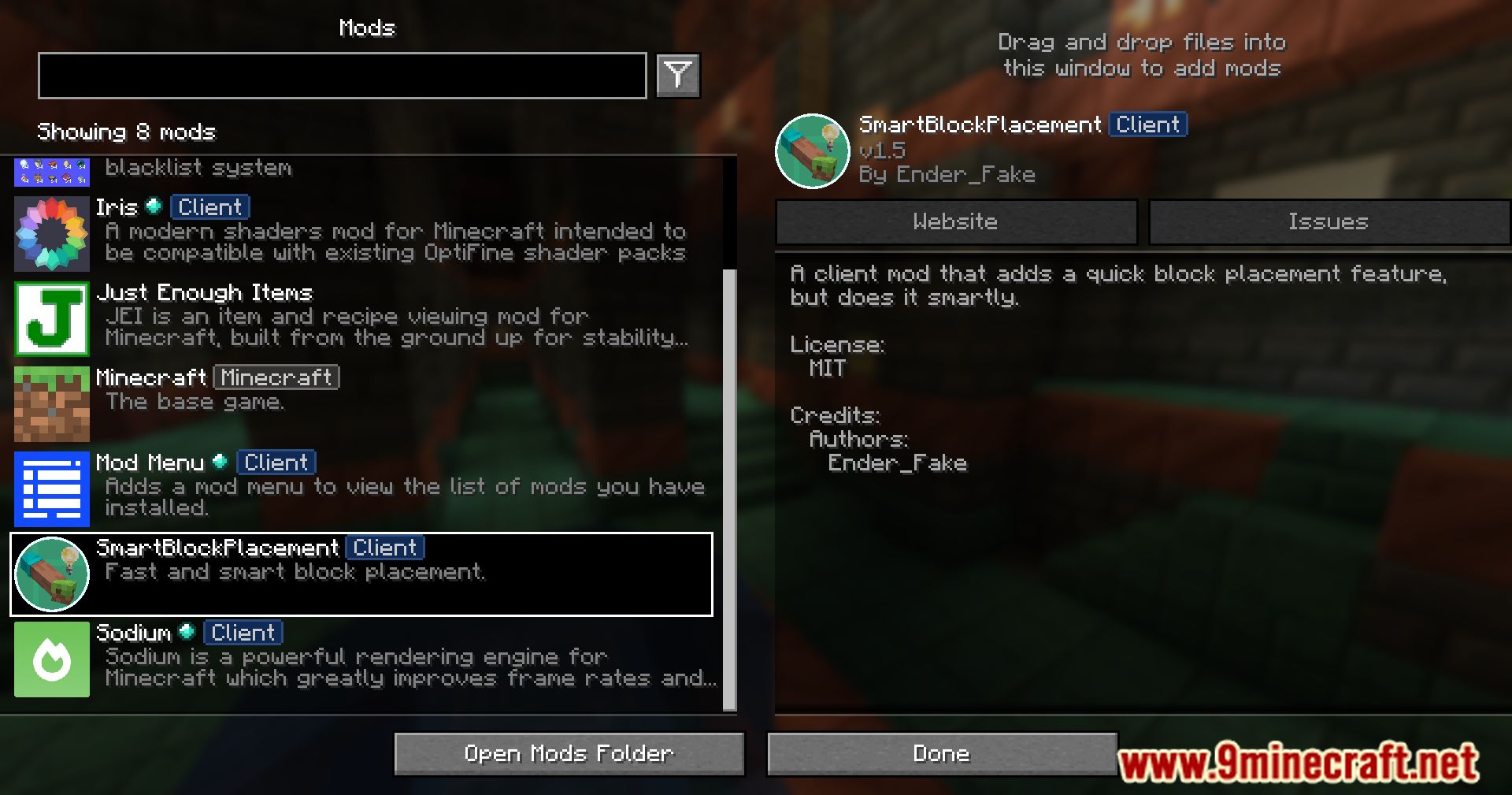
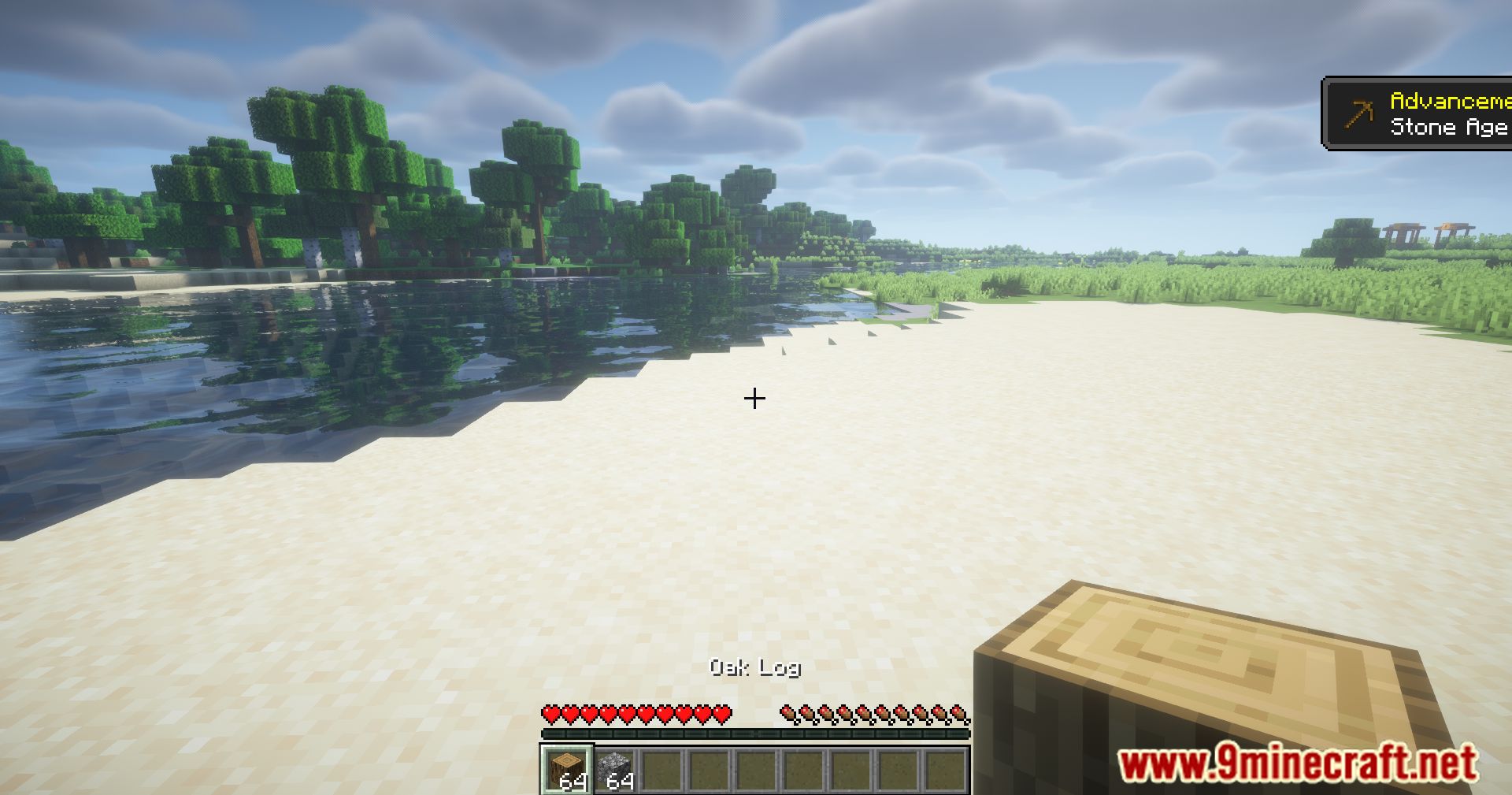
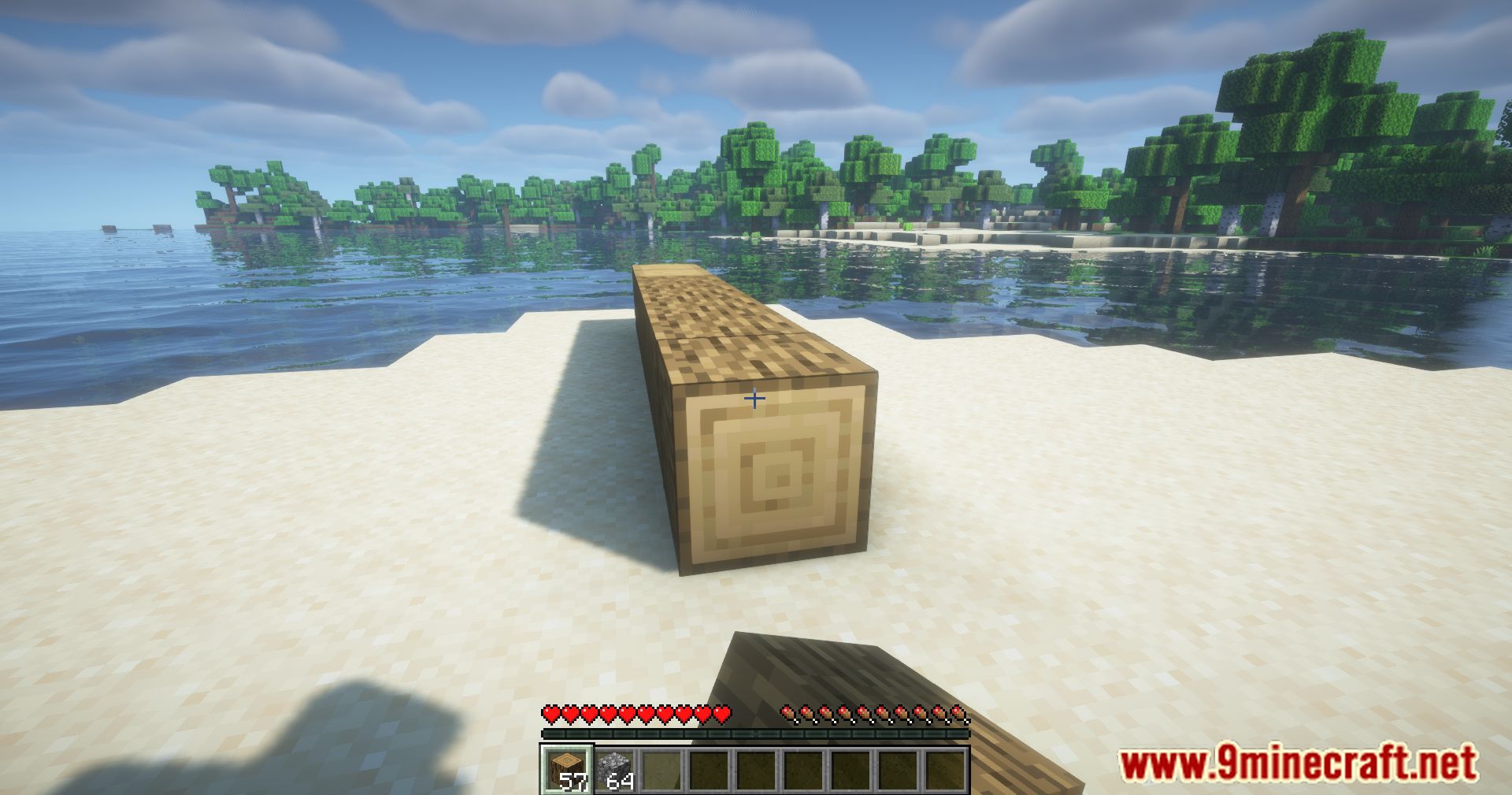
How to Install:
New to Minecraft? Follow our step-by-step guide to install Mods on your PC.View Guide
Requirements:

Smart Block Placement Mod Download Links
For Minecraft 26.3
For Minecraft 26.2
For Minecraft 26.1.2, 26.1.1, 26.1
For Minecraft 1.21.11, 1.21.10, 1.21.9
For Minecraft
1.21.5,
1.21.4,
1.21.3
All Versions Covered
1.21.5
1.21.4
1.21.3
1.21.2
1.21.1
1.21
All Versions Covered
1.21.5
1.21.4
1.21.3
1.21.2
1.21.1
1.21
For Minecraft 1.20.6
Click to rate this post!
[Total: 3 Average: 3.7]
QUICK MINECRAFT SURVEY · ONE TAP
Mods & Modpacks
Which mod loader do you use the most often?
5 responses · See the full results →
You May Also Like
Picked for this page
 Capes Mod (26.3, 1.20.1) – Wear any Cape You Wish In-Game
 Moog’s Voyager Structures Mod (26.3, 1.20.1) – Give Exploration a Purpose
 Theurgy Mod (26.3, 1.20.1) – Use Alchemy to Find Any Ore
 Aerial Hell Mod (26.3, 1.20.1) – New Floating Dimension
 FuelInfo Mod (26.2, 1.20.1) – Extend Your Info on Your Fuels
 Effect Timer Plus Mod (26.3, 1.20.1) – Monitor Your Minecraft Status Effects
 Crab Claws Mod (26.2, 1.20.1) – Grasp The Possibilities
 BlueMap Marker Manager Mod (26.3, 1.20.1) – Provides an Interactive Setup Menu
 Ender Cane Mod (26.2, 1.20.1) – Save And Teleport With The Ender Cane
 Stonecutter GUI Remastered Mod (26.3, 1.20.1) – Better Stonecutter GUI
 Custom Nether Portals Mod (26.1.2, 1.20.1) – Ditch Obsidian For Unique Frames
 Panorama Screenshot Mod (26.3, 1.20.1) – Make Your World the Main Menu
Most viewed in Mods over the last 7 days
 Ala Industrial Mod (26.3) – Run Electric Power Grids and Automated Factories
 PleasureCraft Mod (26.3, 1.21.1) – Jenny Mod Remake for Fabric
 Jennycraft Mod (26.3, 1.20.1) – Virtual Girlfriend in Minecraft
 Fapcraft Mod (26.3, 1.12.2) – Comprehensive and Detailed Content
 Jenny Mod (Fapcraft) Official Complete Guide – How to use, Tutorial
 BangCraft Mod (1.20.1) – Jenny, Ellie and Elliot
 Fabric Loader (26.3, 1.20.1) – Fabric Installer for All Minecraft Versions
 The Shooting Star Demo Mod (26.3, 1.20.1) – Vaporize Terrain From Orbit
 Meteor Client Mod (26.3, 1.20.1) – Xray, HUD, Fly
 OptiFine HD (26.3, 1.20.1) – Run Faster, FPS Boost, Shaders Support
 Aristois Client Mod (1.21.4, 1.20.1) – World Class Minecraft Utility
 Prestige Client Mod (1.21.11, 1.21.4) – Powerful Ghost Features for Crystal & Sword PvP
More from Mods
 Orient’s Hotpot Chronicles Mod (1.20.1) – Boil Fresh Hotpot Meals Over Open Flames
 Far Lands Traveler Mod (26.1.2) – Survive the Long Trek to the Edge of the World
 Beli’s SkyLyrics Mod (1.21.11) – Sing Along to Desktop Tracks Projected in the Night Sky
 Explainstone and Songmelyn Mod (1.21.1) – Broadcast Custom Music Across Your Base
 Rockstar Shaders Mod (26.3) – Cast Ray-Traced Light Across Vast Distant Horizons
 ERYDON Mod (1.20.1) – Design Grand Courtyards with Carved Marble Pillars
 Infinity Bound Mod (1.21.1) – Snap Away Enemies with Legendary Superhero Gear
 Legacy Gecko Lib Fabric Mod (1.16.5) – Power Animated Creatures in Modpacks
 The Man from the Shadow Horror Mod (1.20.1) – Fight Hallucinations to Survive
 Shade & Saturation Slider Mod (26.2, 1.21.11) – Make Every Biome Vibrant
 Cataclysm X Yung’s Better Nether Fortresses Compat Mod (1.21.1, 1.20.1)
 Patchouli 9minecraft Mod (26.3) – Read Mod Guides Without Leaving Minecraft

This post has no comments yet. Be the first — your comment will appear here.