
Smart Completion Mod (26.3, 1.20.1) – Type Long Console Commands in Seconds

 0


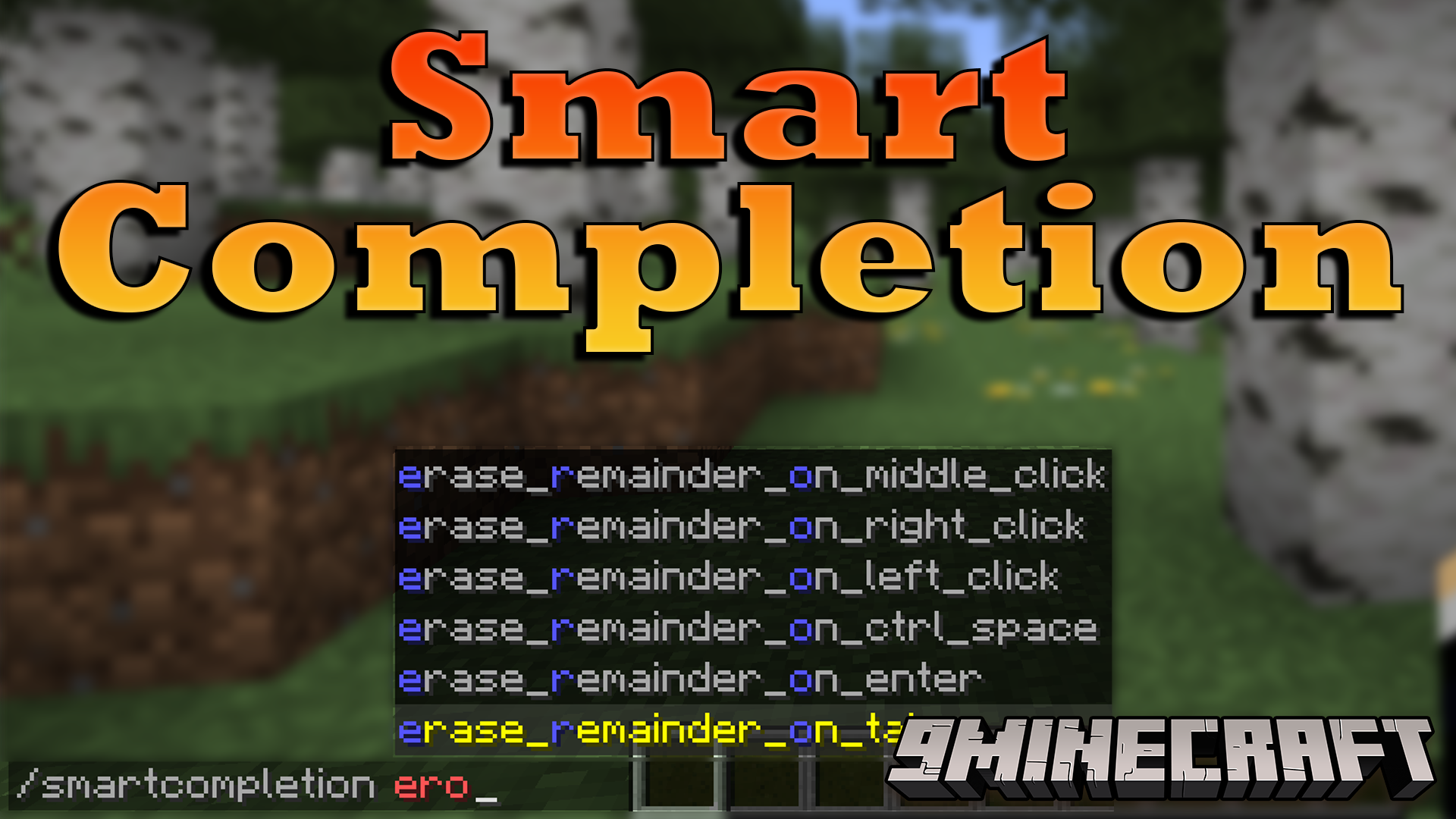
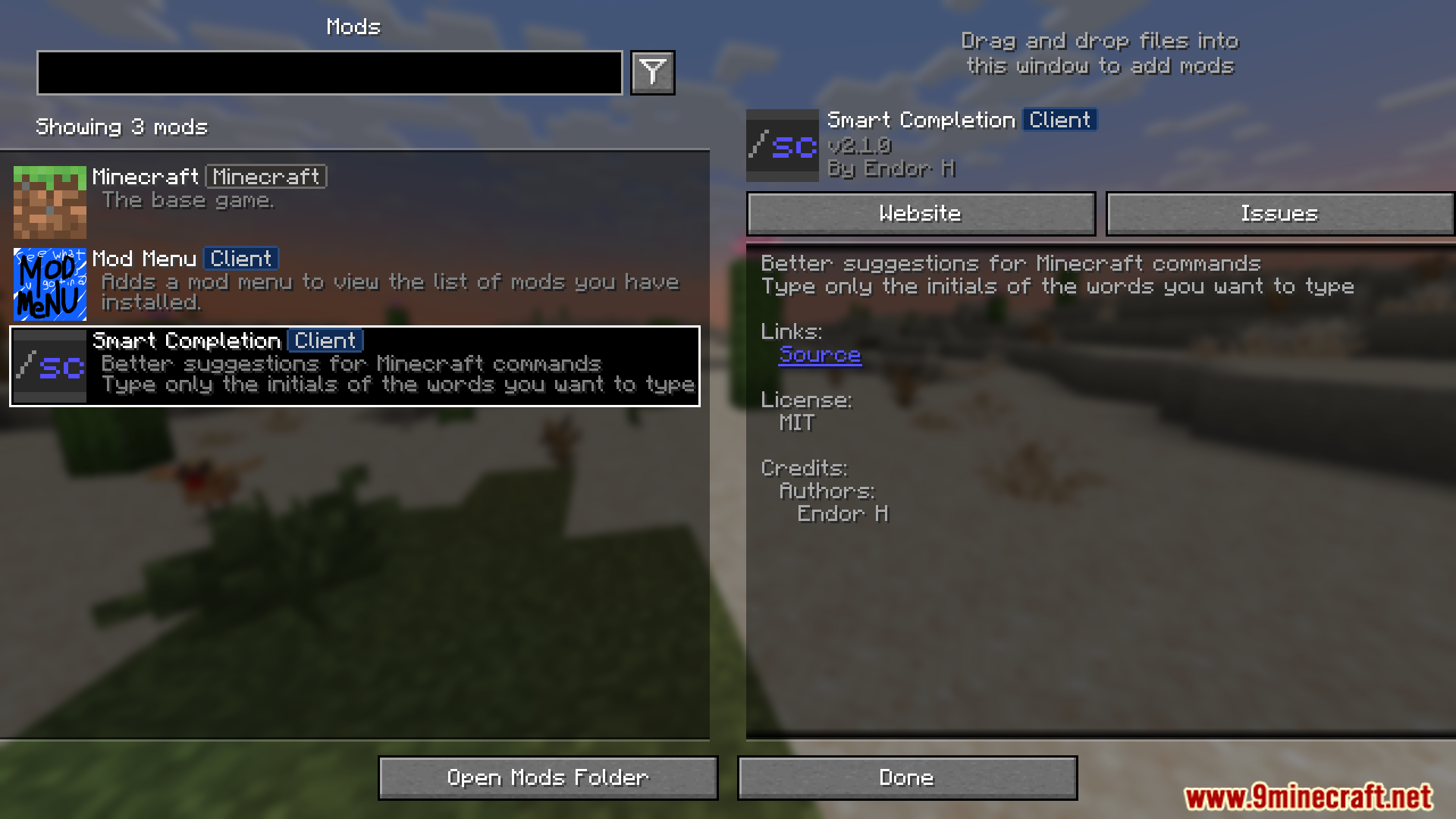
Smart Completion Mod transforms how you type commands in Minecraft by bringing smart autocompletion to your chat bar. It lets you type just a few initials to complete long commands, just like a code editor. The client-side mod works with both vanilla game commands and custom ones from mods, datapacks, or server plugins without needing any server installation.
Features:
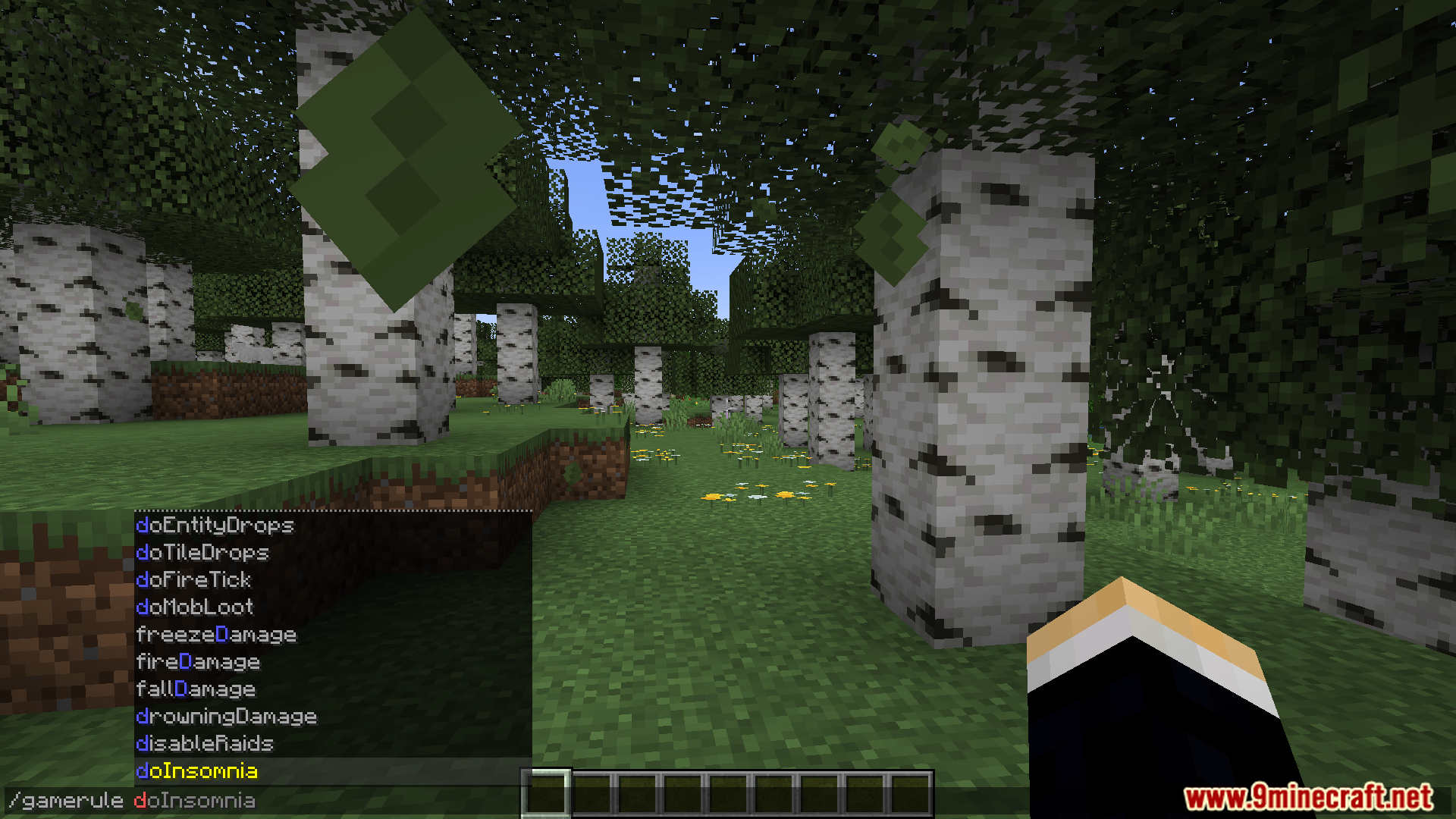
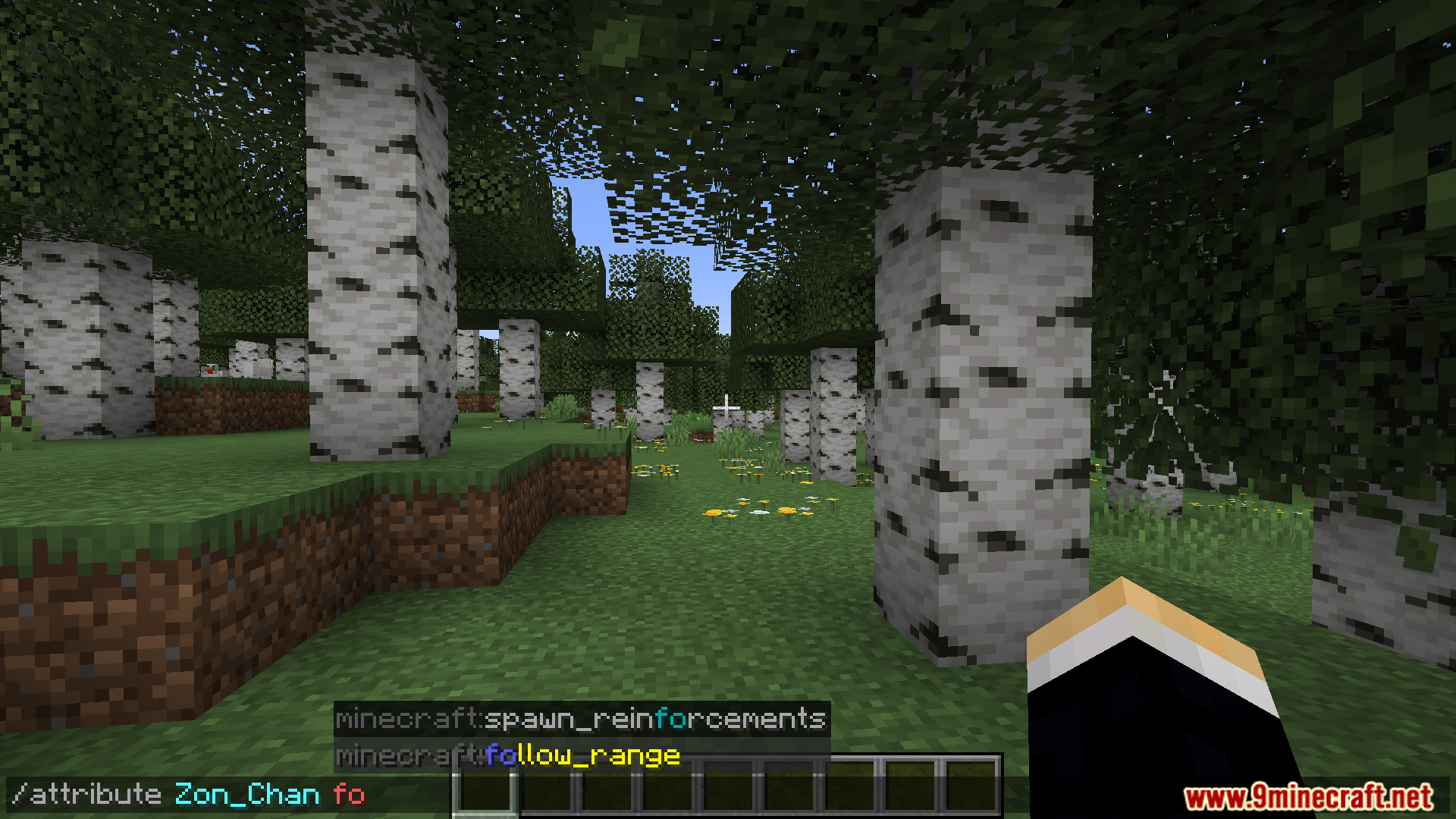
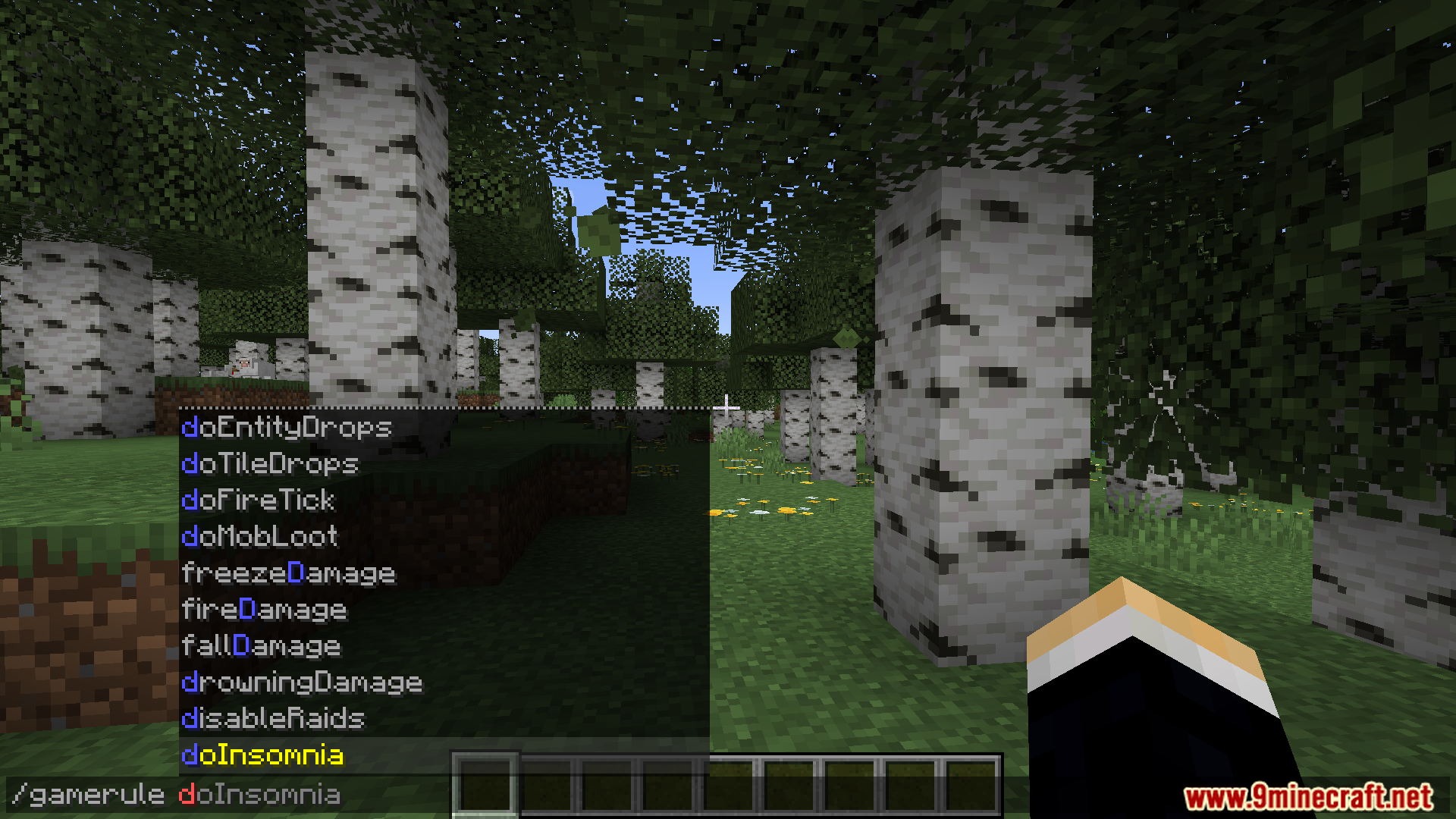
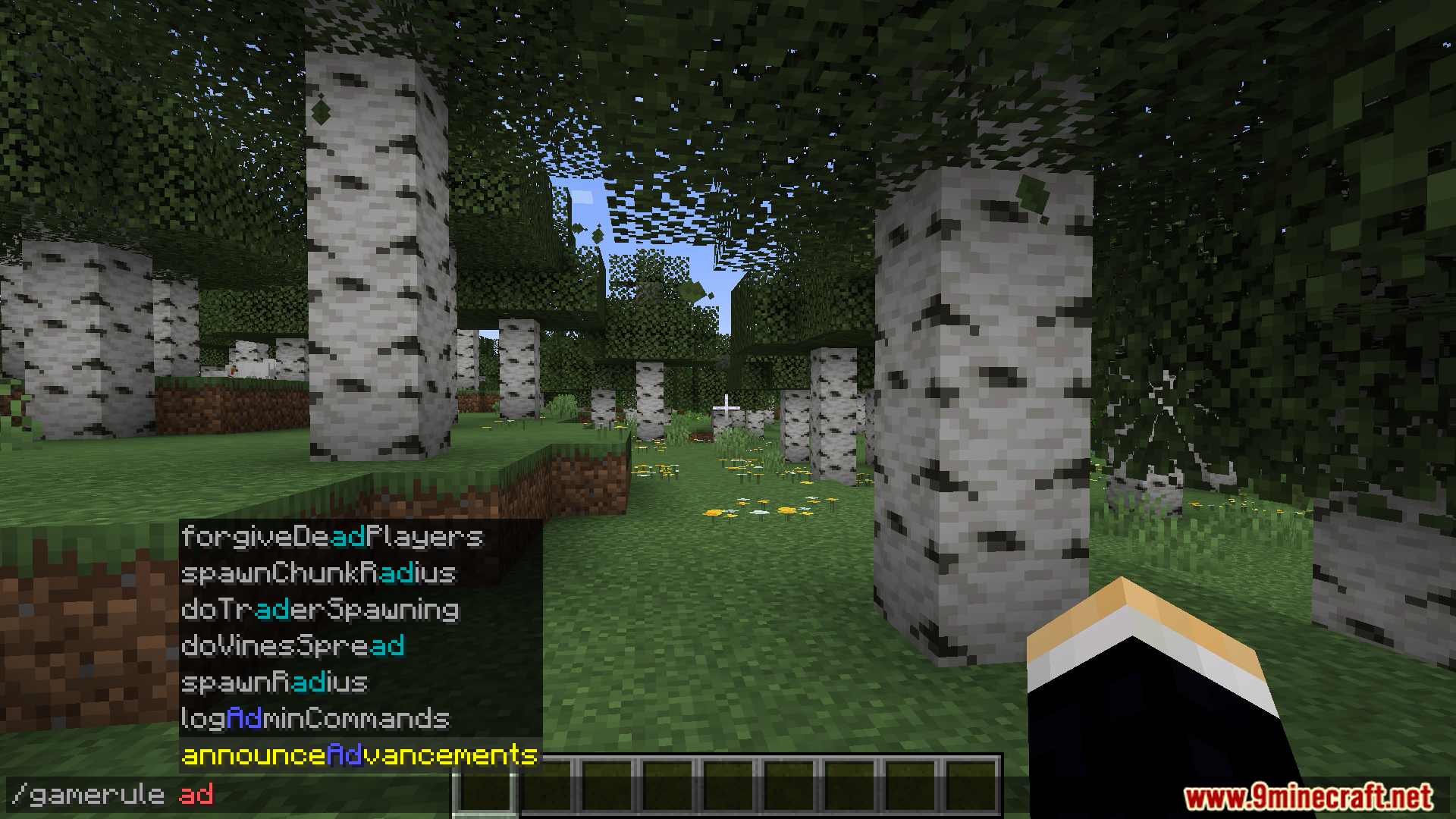
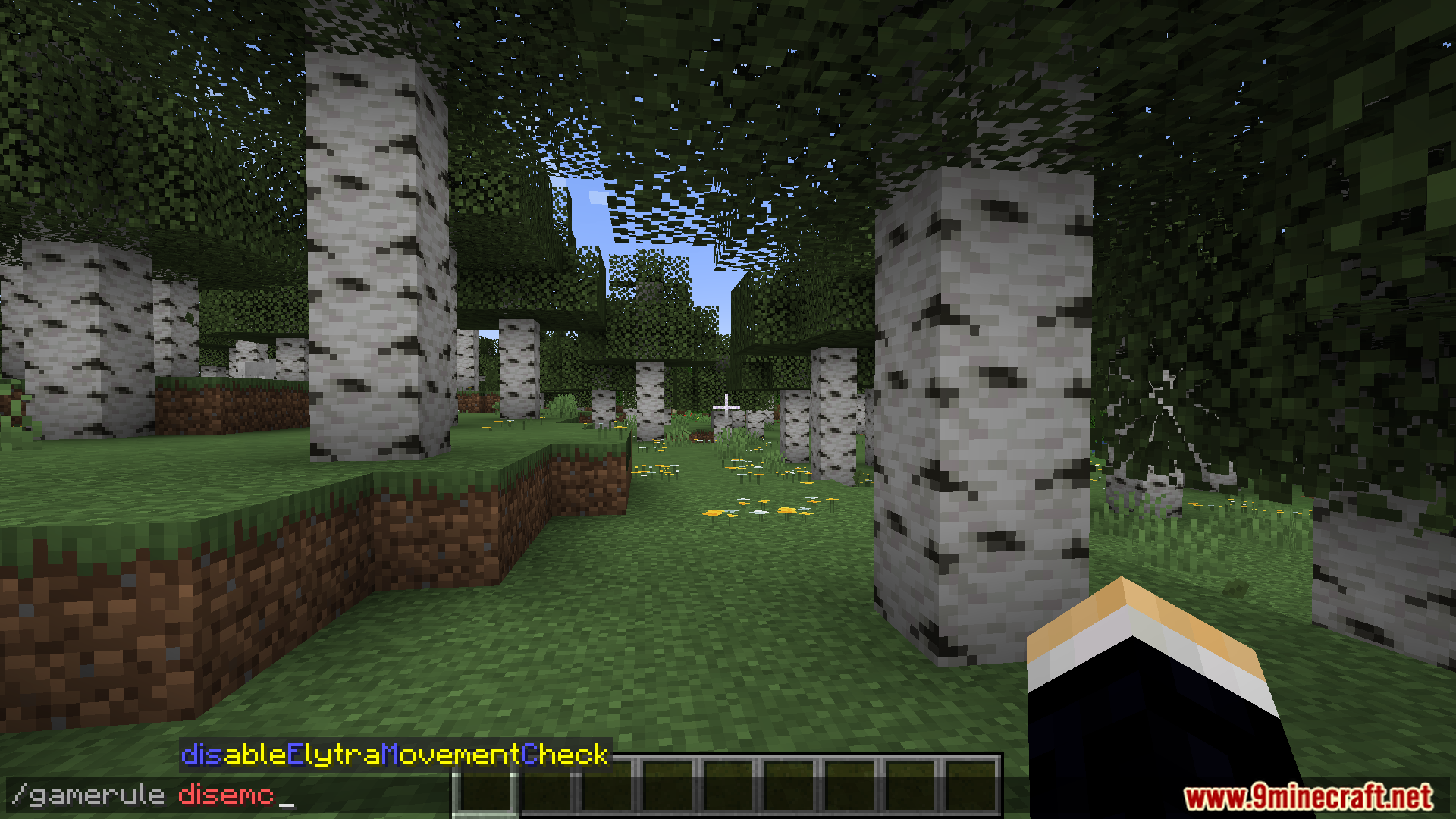
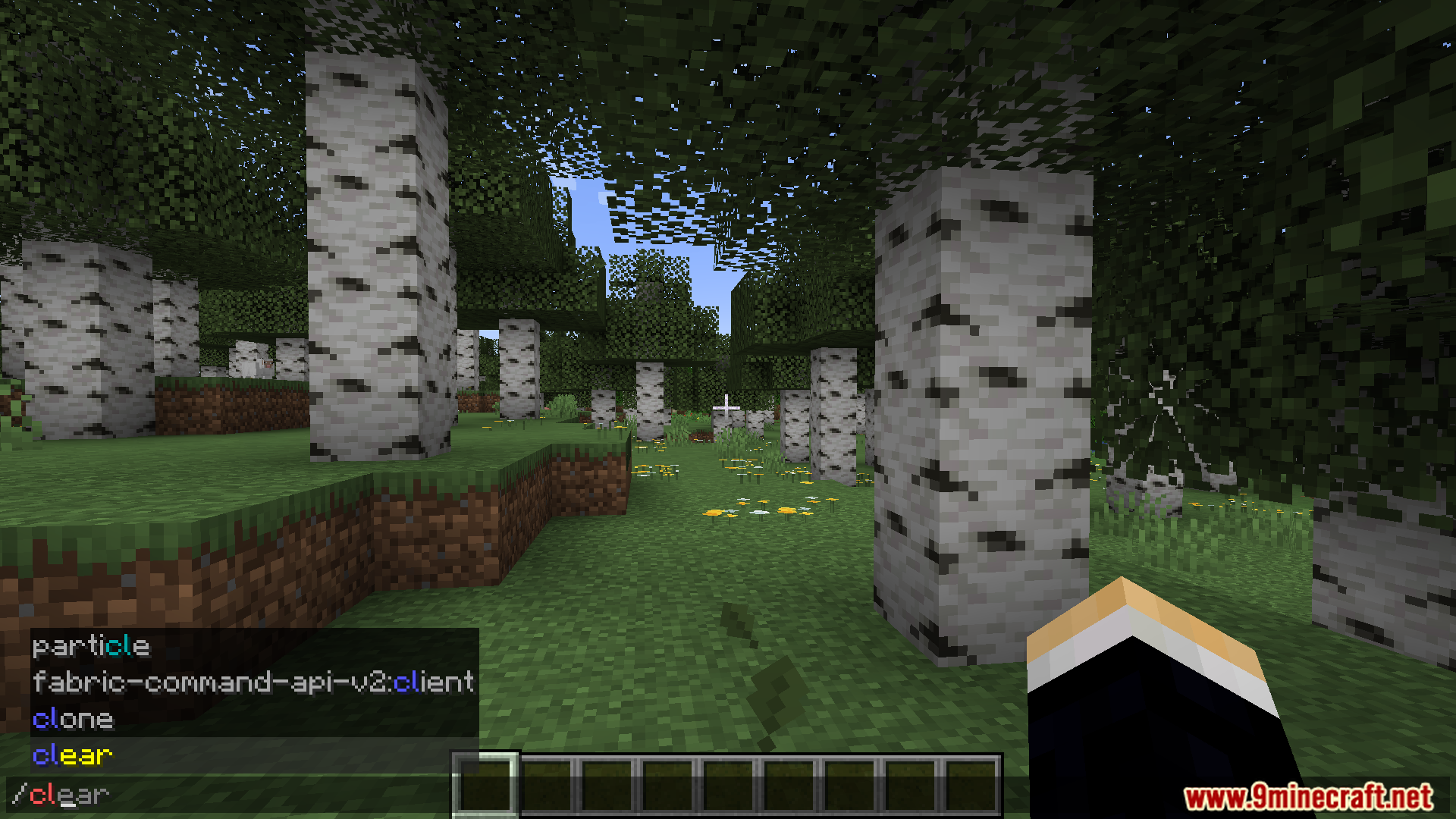
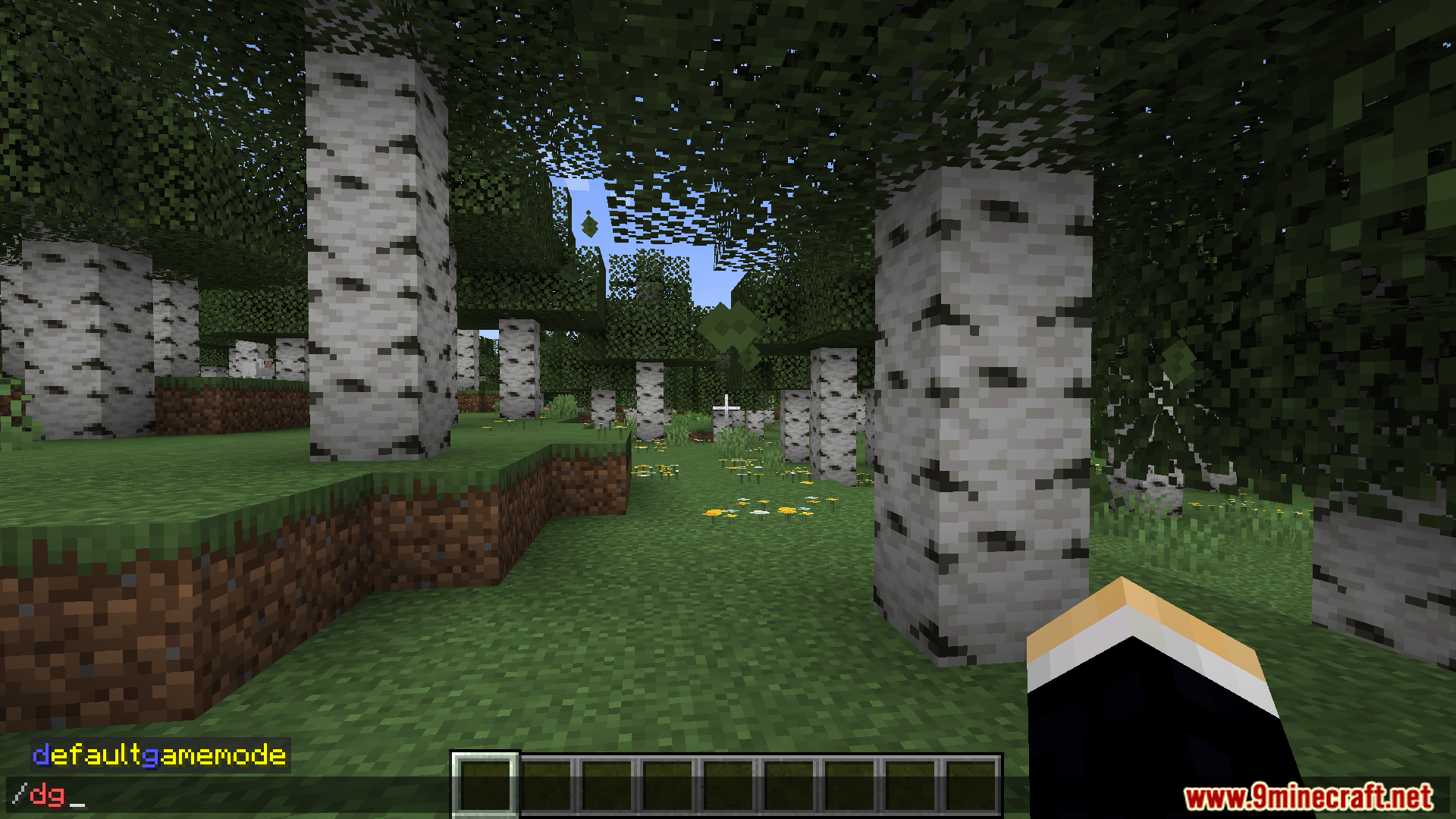
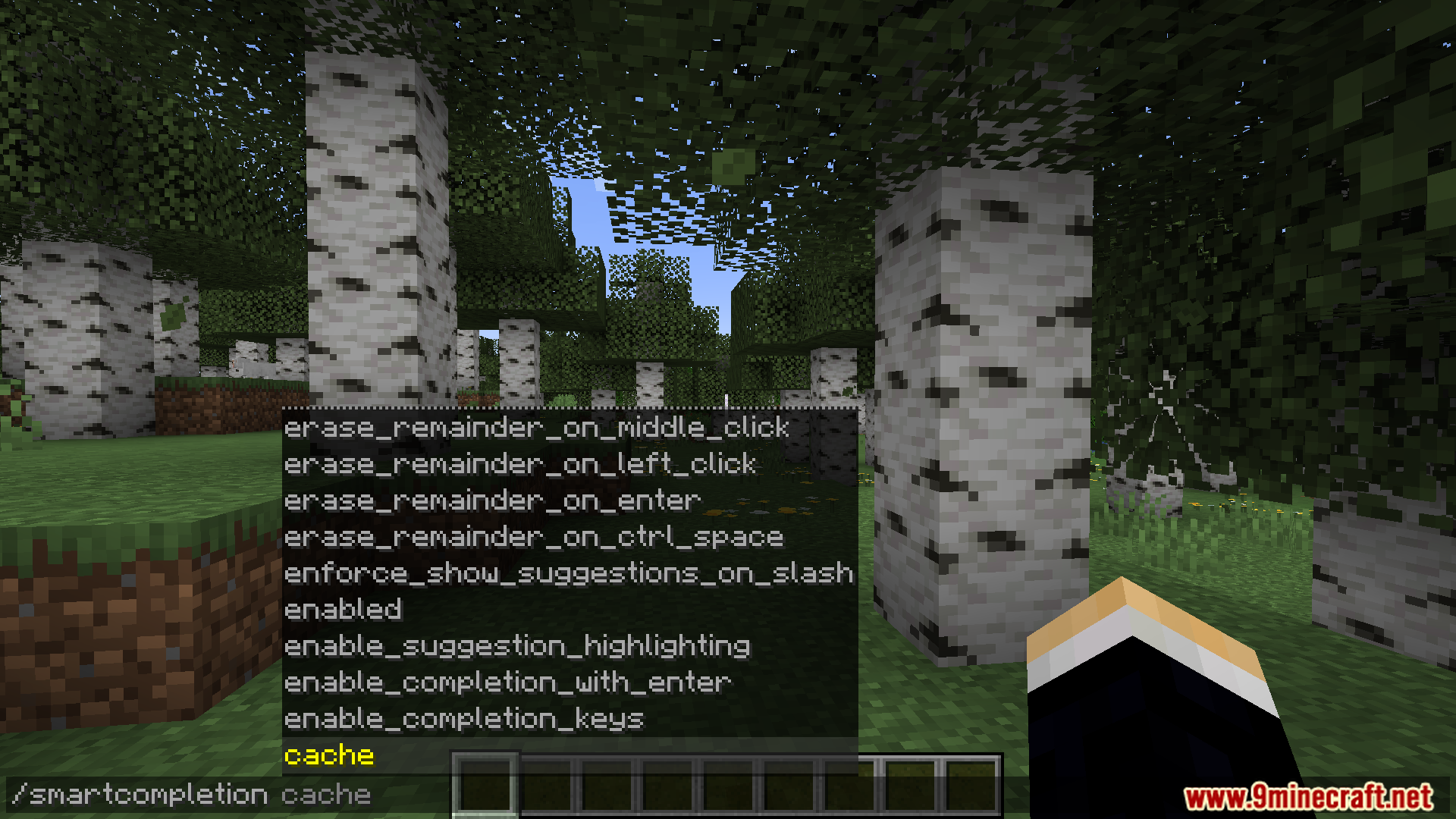
- Type just the initials of command words to fill out long commands instantly, such as typing /gr dc t for /gamerule doDaylightCycle true.
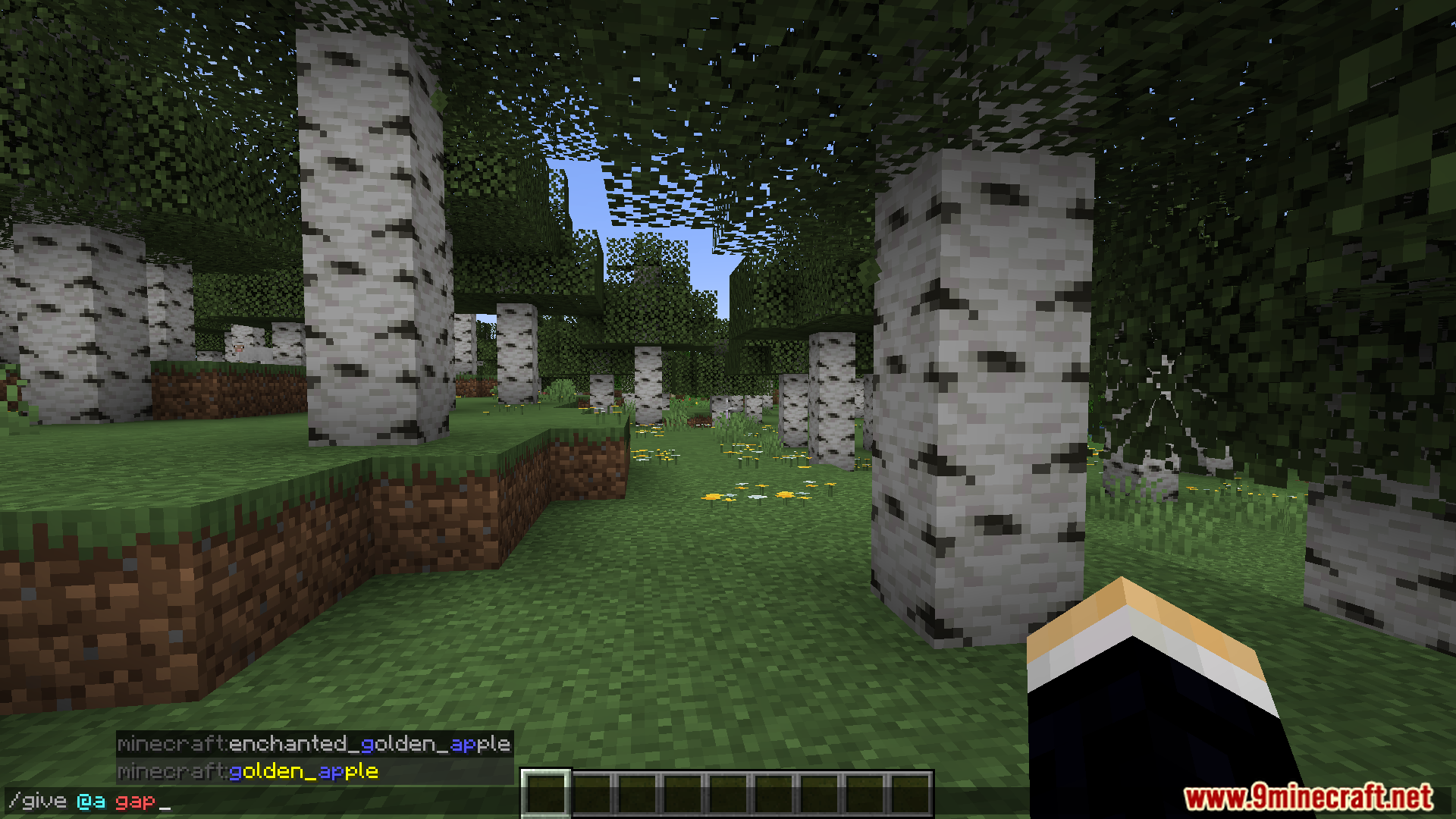
- Supports smart matching and fuzzy search so you can find items and commands even if you only remember parts of the name.
- Works seamlessly with modded commands, datapacks, and server plugins.
- Inverts suggestion order by default so the best match stays right next to your chat bar where your eyes rest.
- Prevents the mouse cursor from accidentally selecting pop-up suggestions while you type in small windows.
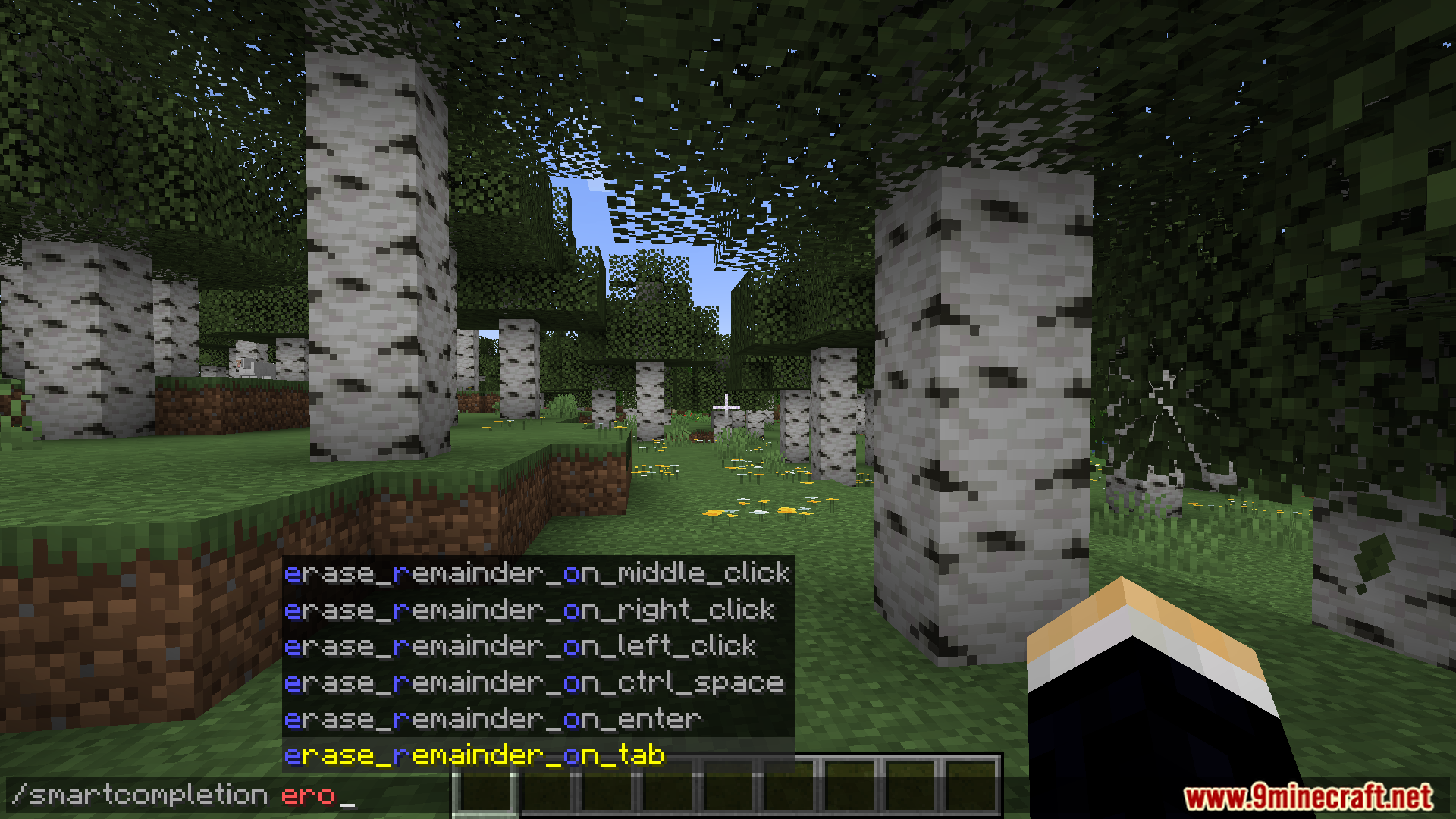
- Lets you accept suggestions using keyboard shortcuts like Ctrl+Space or Enter when a command is incomplete.
- Highlights matching segments in blue and alternative or fallback matches in dark aqua for easy reading.
- Allows resource packs to override suggestion styles and flatcase word-splitting dictionaries.
Commands:
/smartcompletion invert_suggestion_order false: turns off the inverted suggestion order feature if you prefer the default server sorting.
How to Use:
- Open your chat bar in Minecraft.
- Type the initials of the command or arguments you want to use instead of the full words.
- Press Ctrl+Space to accept a suggestion and automatically insert a space for the next argument.
- Press Enter when a command is red and incomplete to accept the selected suggestion rather than running a bad command.
Screenshots:
How to Install:
New to Minecraft? Follow our step-by-step guide to install Mods on your PC.View Guide



Smart Completion Mod Download Links
For Minecraft 26.3
For Minecraft 26.2
For Minecraft 26.1.2, 26.1.1, 26.1
For Minecraft 1.21.11
For Minecraft 1.21.10, 1.21.9
For Minecraft 1.21.8, 1.21.7, 1.21.6
For Minecraft 1.21.5
For Minecraft 1.21.4
For Minecraft 1.21.3, 1.21.2
For Minecraft 1.21.1, 1.21
For Minecraft 1.20.6
For Minecraft 1.20.4
For Minecraft 1.20.2
For Minecraft 1.20.1, 1.20
For Minecraft
1.19.4,
1.19.3,
1.19.2
All Versions Covered
1.19.4
1.19.3
1.19.2
1.19.1
1.19
All Versions Covered
1.19.4
1.19.3
1.19.2
1.19.1
1.19
For Minecraft 1.18.2, 1.18.1, 1.18
For Minecraft 1.17.1
For Minecraft 1.16.5, 1.16.4, 1.16.3
Click to rate this post!
[Total: 2 Average: 5]
You May Also Like
Picked for this page
 Simple Discord Rich Presence Mod (26.3, 1.20.1) – Lightweight Discord Integration
 Energized Power Mod (26.3, 1.20.1) – Tech Items and Machines
 YUNG’s Better End Island Mod (1.21.11, 1.20.1) – A New Arena for the Dragon
 Inf Chest Mod (1.21.11, 1.20.1) – Infinite Item Storage Solution
 O.F.Device Mod (26.3, 1.20.1) – Ore Farming Device
 No Netherite Mod (26.3, 1.20.1) – Disables Netheite In Your Game
 All HUD Bars Mod (1.21.11, 1.20.1) – Makes HUD Elements In Bar Form
 Mclogs Mod (26.3, 1.20.1) – Share Logs With A Single Command
 Glow Squids Actually Glow Mod (26.3, 1.20.1) – Underwater Brightness
 Fabwork Mod (26.3, 1.20.1) – Networking API For Fabric
 No Chat Restrictions Mod (26.3, 1.20.1) – Unblocks Game Chat and Multiplayer
 Barista Mod (26.3, 1.20.1) – See Game Info Without the F3 Screen
Most viewed in Mods over the last 7 days
 Ala Industrial Mod (26.3) – Run Electric Power Grids and Automated Factories
 PleasureCraft Mod (26.3, 1.21.1) – Jenny Mod Remake for Fabric
 Jennycraft Mod (26.3, 1.20.1) – Virtual Girlfriend in Minecraft
 Fapcraft Mod (26.3, 1.12.2) – Comprehensive and Detailed Content
 Jenny Mod (Fapcraft) Official Complete Guide – How to use, Tutorial
 BangCraft Mod (1.20.1) – Jenny, Ellie and Elliot
 Fabric Loader (26.3, 1.20.1) – Fabric Installer for All Minecraft Versions
 Meteor Client Mod (26.3, 1.20.1) – Xray, HUD, Fly
 The Shooting Star Demo Mod (26.3, 1.20.1) – Vaporize Terrain From Orbit
 OptiFine HD (26.3, 1.20.1) – Run Faster, FPS Boost, Shaders Support
 Aristois Client Mod (1.21.4, 1.20.1) – World Class Minecraft Utility
 Prestige Client Mod (1.21.11, 1.21.4) – Powerful Ghost Features for Crystal & Sword PvP
More from Mods
 Waddles Mod (26.3, 1.20.1) – Make Icy Biomes Feel Alive
 Artemis’ Thin Logs Mod (26.3, 1.20.1) – Build Custom Trees and Detailed Wood
 Asterion Mod (26.3, 1.20.1) – Survive Ancient Mazes and Slay the Legendary Minotaur
 Passthrough Signs Mod (26.3, 1.20.1) – Right-Click Through Wall Signs
 Packing Tape Mod (26.3, 1.20.1) – Move Chests, Machines
 No XP Anvils Mod (26.3, 1.20.1) – Repair And Enchant Without XP
 Naruto Shippuden Mod (26.3, 1.16.5) – Immerse Yourself in The World of Ninja
 Araxer’s Bestiary Mod (26.3, 1.20.1) – Build an In-Game Encyclopedia of Every Mob
 Villagers Plus Mod (26.3, 1.20.1) – Expanded Villager Types and Villages
 Ore Excavation 9minecraft Mod (26.3) – Mine Ores and Chop Trees in a Single Swing
 Dirigo Mod (26.1.2, 1.21.1) – Walk Across Nether Lava Seas and Automate Animal
 HandLib Mod (26.3, 1.21.1) – Keep Your Multiplayer World Stable

This post has no comments yet. Be the first — your comment will appear here.