
Solid Mobs Mod (1.21.5, 1.20.1) – Stand on Living Creatures and Ride Them

 0


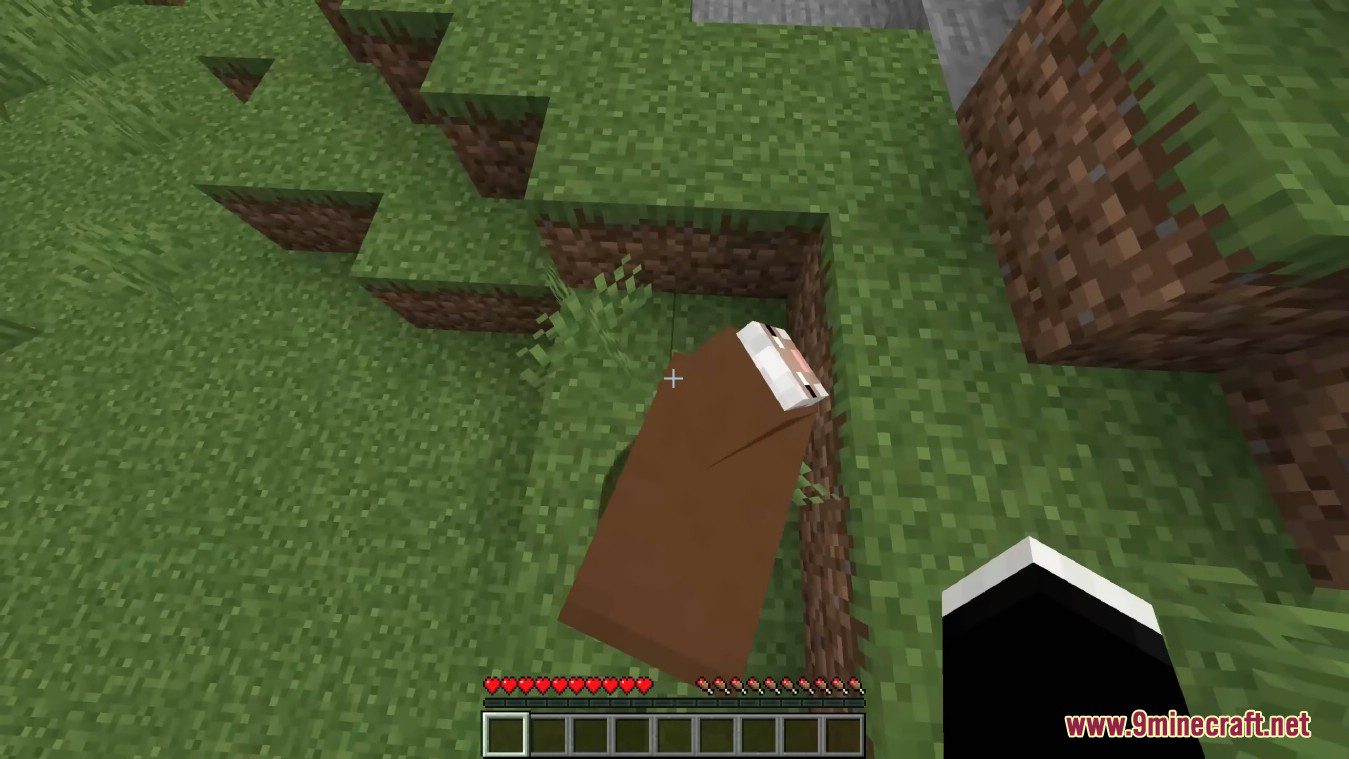
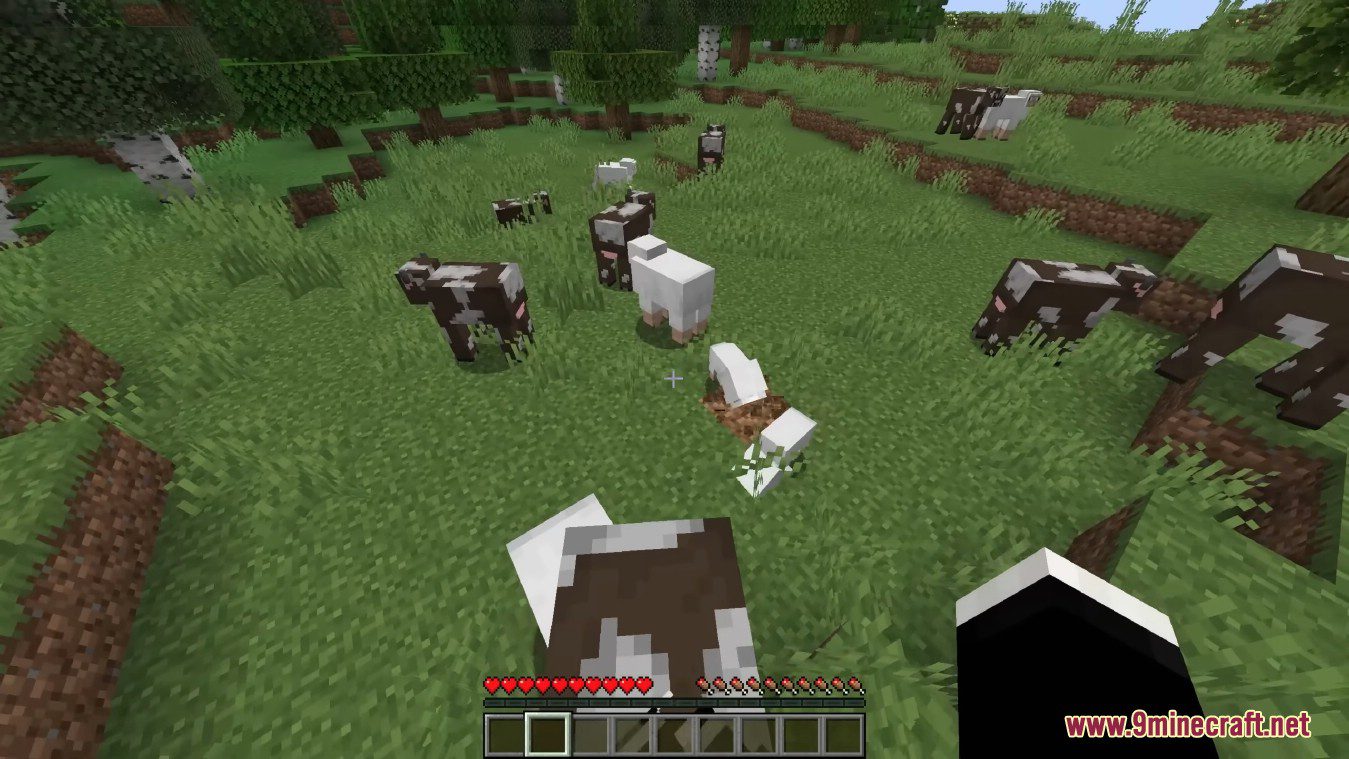
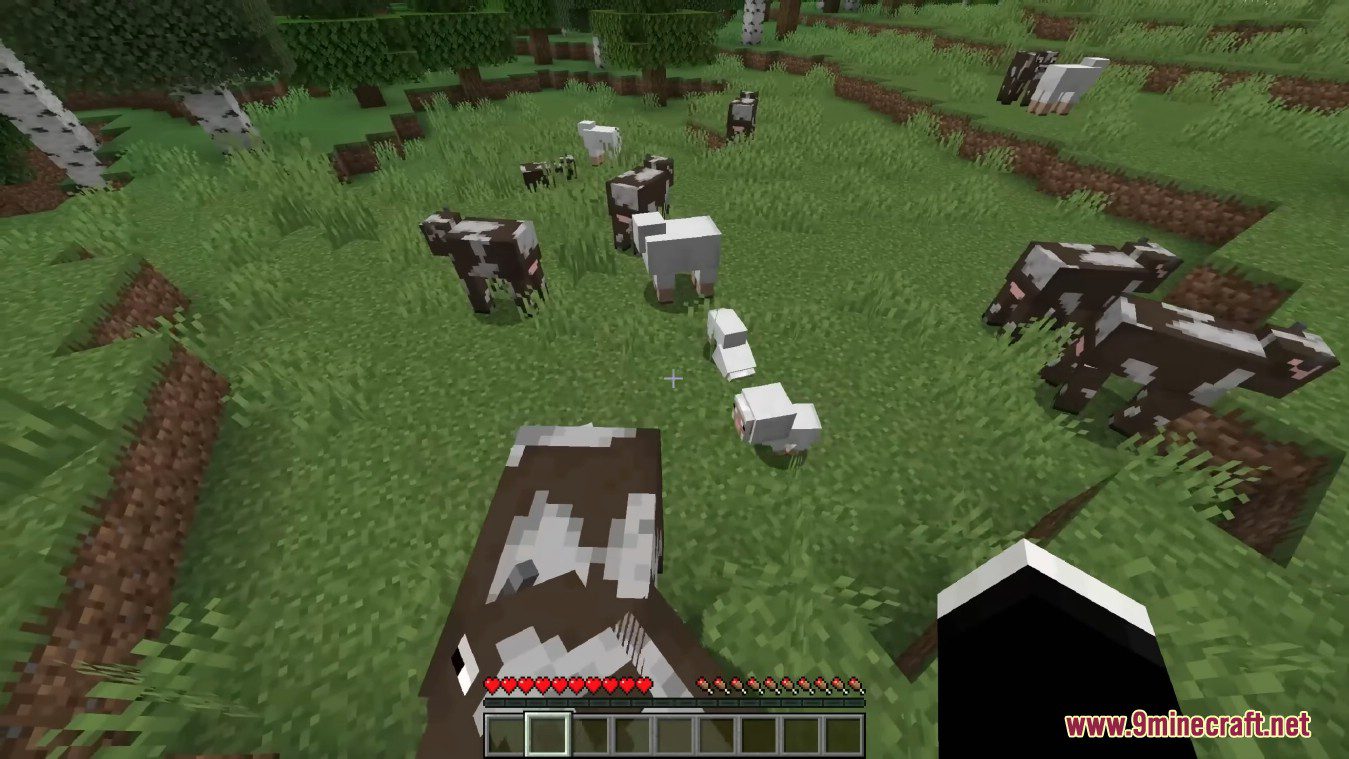
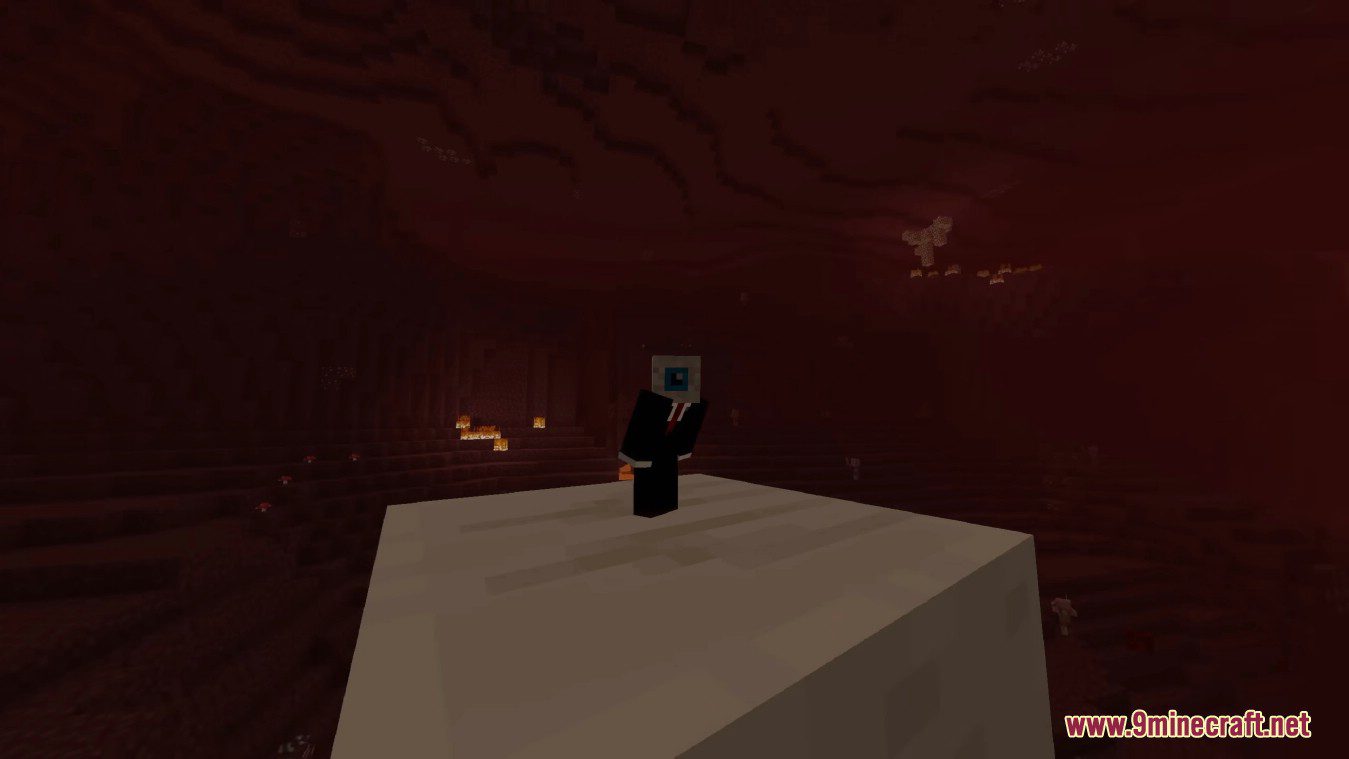
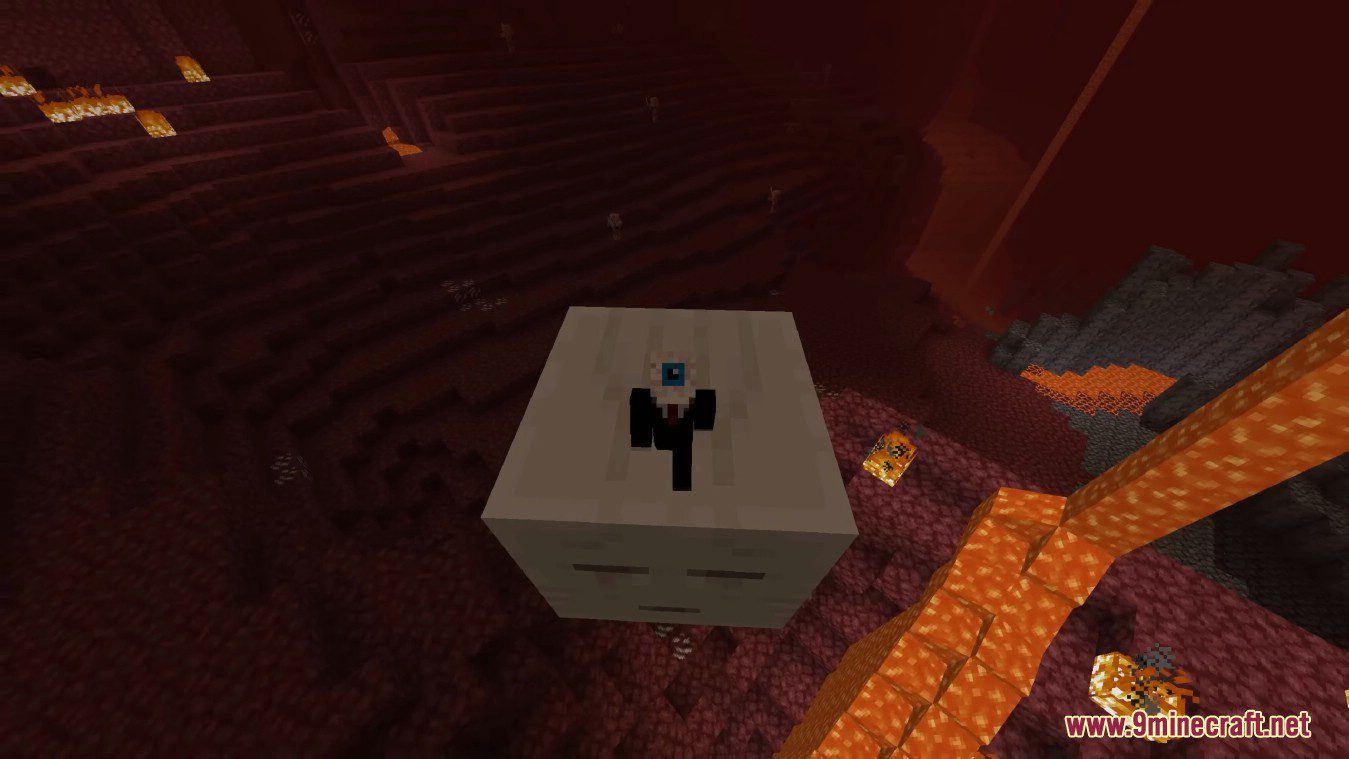
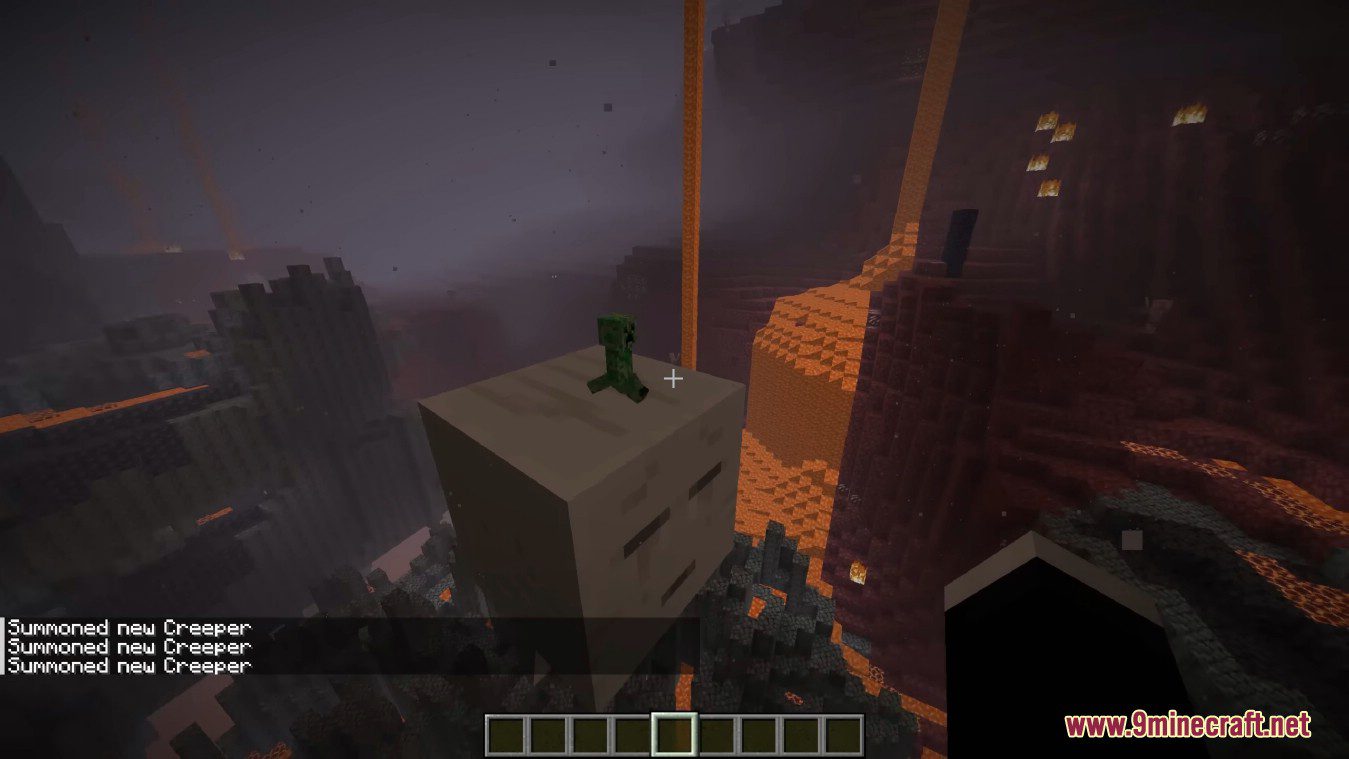
Solid Mobs Mod gives living mobs physical collisions and interactions just like blocks or boats in the game. Standing on top of a mob makes you move right along with them in the world. You can hold the crouch button to snap securely to a mob so you never fall off by accident. Slimes can even be configured to act bouncy like slime blocks when jumped on. The mod requires installation on both the server and the client in multiplayer mode to prevent any lag or de-sync issues.

Features:
- All living mobs become fully collide-able with a few exceptions like projectiles or the Ender Dragon.
- Config file located at “minecraft/config/solid_mobs.json” lets you enable or change specific mob collisions.
- Command support through /solid_mobs gives you full control over all settings directly in the game.
- Option allows mobs to take a specific percentage of fall damage when you land on them.
- Option makes slimes bouncy just like standard slime blocks.
- Option lets you disable collisions for specific mob types entirely.
- Option restricts collisions to only the top surface of mobs so they act like moving platforms.
- Movement tracking ensures you move together with any mob you walk or ride on.
- Crouch snapping keeps you firmly attached to a mob so you do not fall off.
- Server configurations sync automatically with any joining clients.
- Automatic disable feature triggers if the server lacks the mod during multiplayer sessions.
Commands:
/solid_mobs: controls and tweaks all mod settings directly in-game.
Screenshots:
How to Install:
New to Minecraft? Follow our step-by-step guide to install Mods on your PC.View Guide
Solid Mobs Mod Download Links
For Minecraft 1.18.2
Forge version: Download from Server 1 – Download from Server 2
Fabric version: Download from Server 1 – Download from Server 2
For Minecraft 1.19.2, 1.19.1, 1.19
Forge version: Download from Server 1 – Download from Server 2
Fabric version: Download from Server 1 – Download from Server 2
For Minecraft 1.19.4
Forge version: Download from Server 1 – Download from Server 2
Fabric/Quilt version: Download from Server 1 – Download from Server 2
For Minecraft 1.20.1, 1.20
Forge version: Download from Server 1 – Download from Server 2
Fabric/Quilt version: Download from Server 1 – Download from Server 2
For Minecraft 1.20.2
Forge/NeoForge version: Download from Server 1 – Download from Server 2
Fabric/Quilt version: Download from Server 1 – Download from Server 2
For Minecraft 1.20.4
Forge version: Download from Server 1 – Download from Server 2
NeoForge version: Download from Server 1 – Download from Server 2
Fabric/Quilt version: Download from Server 1 – Download from Server 2
For Minecraft 1.20.6
NeoForge version: Download from Server 1 – Download from Server 2
Fabric/Quilt version: Download from Server 1 – Download from Server 2
For Minecraft 1.21.1, 1.21, 1.20.1
Fabric/Quilt version: Download from Server 1 – Download from Server 2
For Minecraft 1.21.4
Forge version: Download from Server 1 – Download from Server 2
NeoForge version: Download from Server 1 – Download from Server 2
Fabric/Quilt version: Download from Server 1 – Download from Server 2
For Minecraft 1.21.5
Forge version: Download from Server 1 – Download from Server 2
NeoForge version: Download from Server 1 – Download from Server 2
Fabric/Quilt version: Download from Server 1 – Download from Server 2
You May Also Like
Picked for this page
 Forbidden and Arcanus Mod (26.1.2, 1.20.1) – Magic Themed Stuffs
 Towns and Towers Mod (26.3, 1.20.1) – The World Becomes More Alive
 Better Crates Mod (26.2, 1.20.1) – Better Storage of Your Items
 Click Crystals Mod (26.2, 1.20.1) – Custom Hotkeys for Crystal PvP Combat
 Re-Chiseled Mod (26.3, 1.20.1) – Treasure for Builders
 Horse Statistics Mod (26.3, 1.20.1) – Attribute Display, Taming Assistance
 Resourcify Mod (26.3, 1.20.1) – Easy In-Game Resource Pack Installation
 Just A Raft Mod (26.1.2, 1.20.1) – Surviving on a Raft with Friends
 RideHud Mod (26.3, 1.20.1) – Horse Stats HUD
 DirTNT Mod (26.3, 1.20.1) – TNT Made Out Of Dirt
 Improved Sign Editing Mod (26.3, 1.20.1) – Smart Line Wrapping
 SCP 3998 Mod (1.20.1, 1.19.2) – The Wicker Witch Lives
Most viewed in Mods over the last 7 days
 Ala Industrial Mod (26.3) – Run Electric Power Grids and Automated Factories
 PleasureCraft Mod (26.3, 1.21.1) – Jenny Mod Remake for Fabric
 Jennycraft Mod (26.3, 1.20.1) – Virtual Girlfriend in Minecraft
 Fapcraft Mod (26.3, 1.12.2) – Comprehensive and Detailed Content
 Jenny Mod (Fapcraft) Official Complete Guide – How to use, Tutorial
 BangCraft Mod (1.20.1) – Jenny, Ellie and Elliot
 Fabric Loader (26.3, 1.20.1) – Fabric Installer for All Minecraft Versions
 Meteor Client Mod (26.3, 1.20.1) – Xray, HUD, Fly
 The Shooting Star Demo Mod (26.3, 1.20.1) – Vaporize Terrain From Orbit
 OptiFine HD (26.3, 1.20.1) – Run Faster, FPS Boost, Shaders Support
 Aristois Client Mod (1.21.4, 1.20.1) – World Class Minecraft Utility
 SchnurriTV Mod (1.12.2) – Characters and Features
More from Mods
 Better Title Screen Mod (26.3, 1.20.1) – Adding Custom Text Messages
 Log Cleaner Mod (26.3, 1.20.1) – Cleans Old and Unused Log Files
 Brick Variety Mod (26.3, 1.20.1) – More Brick Variants
 Fast Xp Mod (26.3, 1.21.1) – Faster XP Bottle Usage
 Cherry Villages Mot’s Structures Mod (26.3, 1.21.11) – Find Fresh Settlements
 XinexLib Mod (1.21.1) – Keep Your Ultreon Studios Mods Running
 Libvulpes – Fixed Mod (1.12.2) – Launch Rockets with Fewer Bugs
 Freelook Perspective Mod (26.3, 1.21.1) – Watch Your Back While Sprinting
 FAUNA Engine Mod (1.21.1, 1.20.1) – Powering Legendary Dragons
 Avali Nexus Mod (26.3) – Settle Frozen Frontiers with High-Tech Bird Tribes
 Orient’s Hotpot Chronicles Mod (1.20.1) – Boil Fresh Hotpot Meals Over Open Flames
 Far Lands Traveler Mod (26.1.2) – Survive the Long Trek to the Edge of the World

This post has no comments yet. Be the first — your comment will appear here.