
Spectral Horizons Shader (26.x) – Toggleable PBR Lighting and 64x Normal Maps
 12
12
 0
0

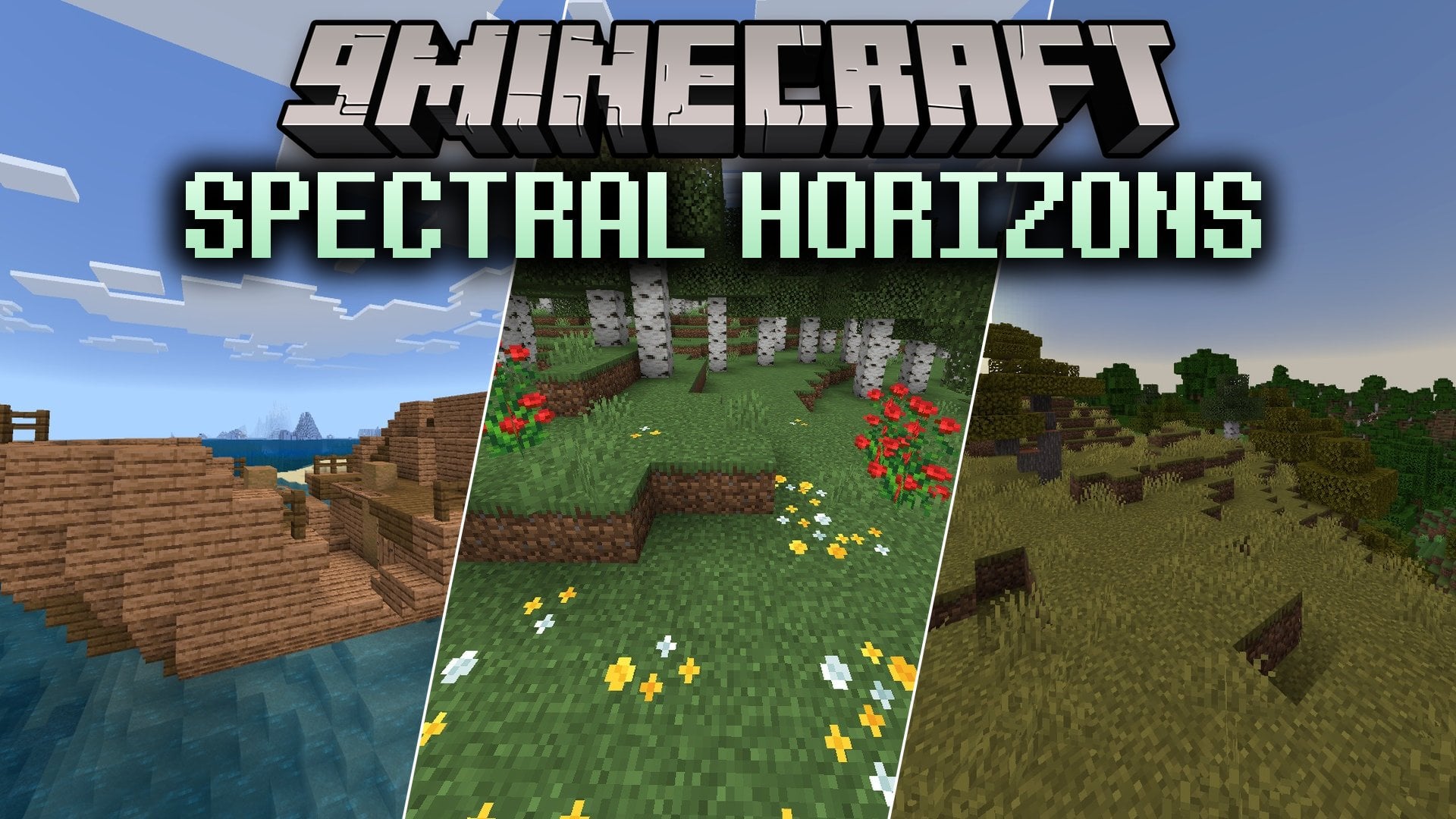
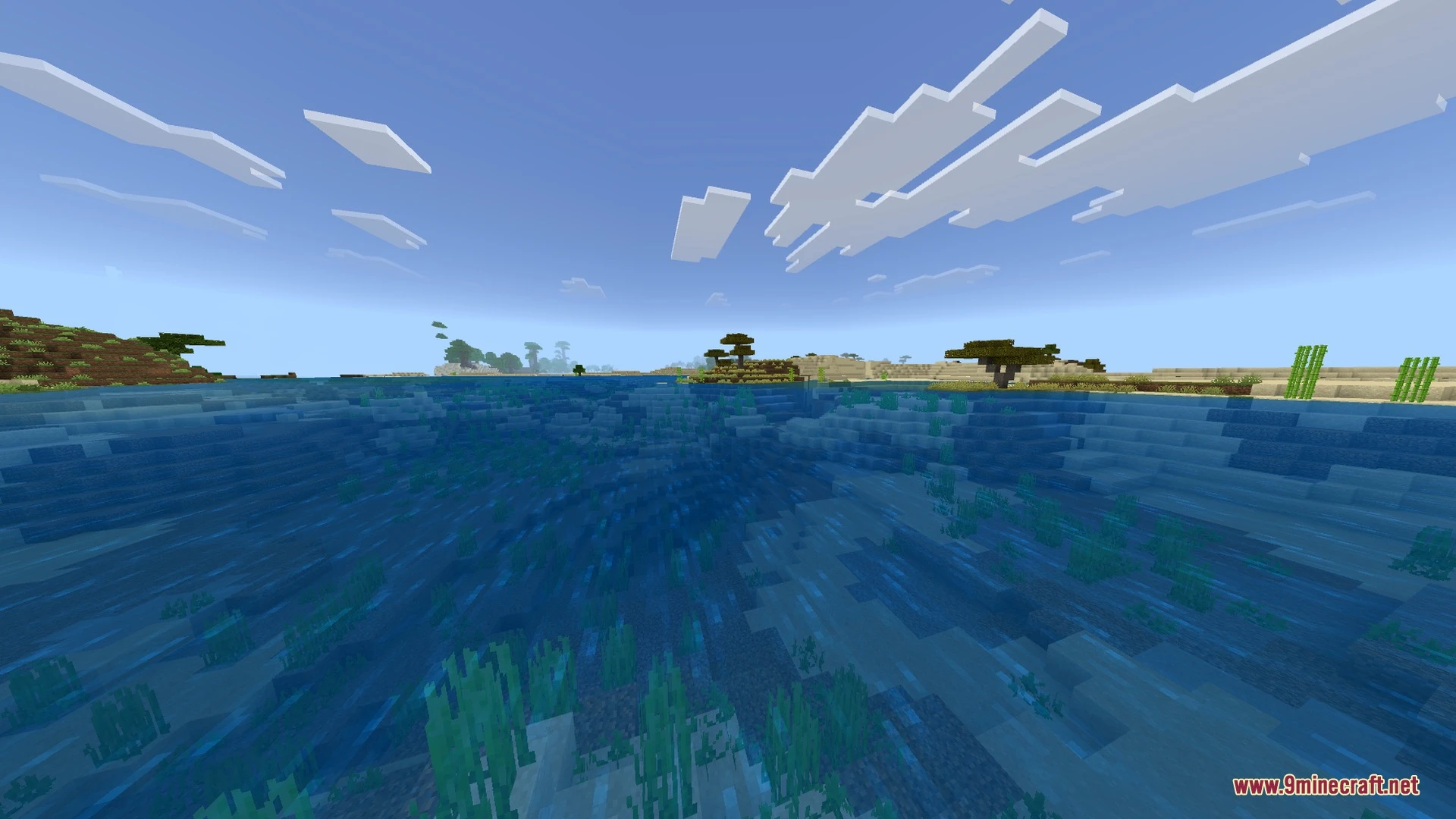
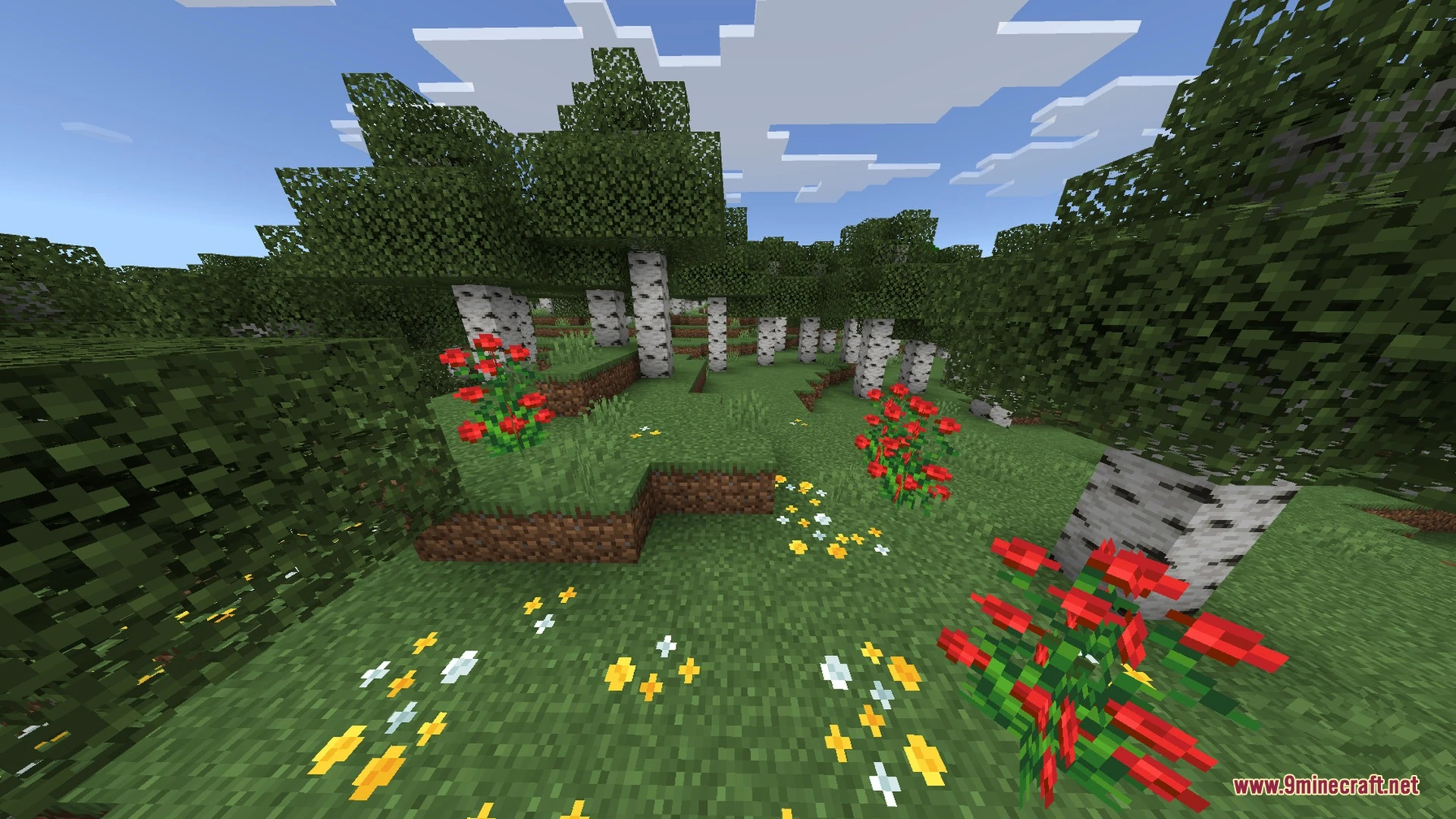
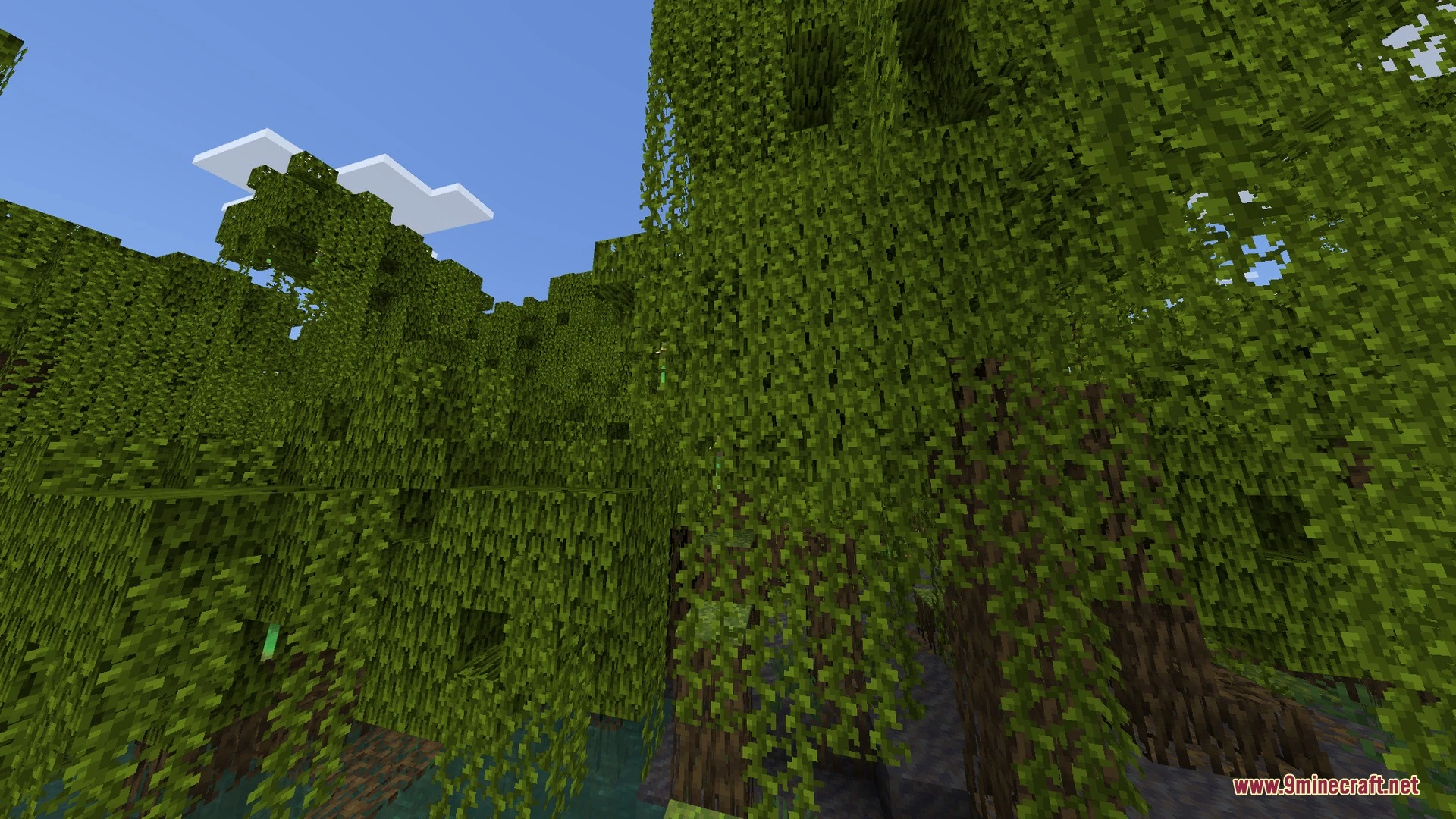
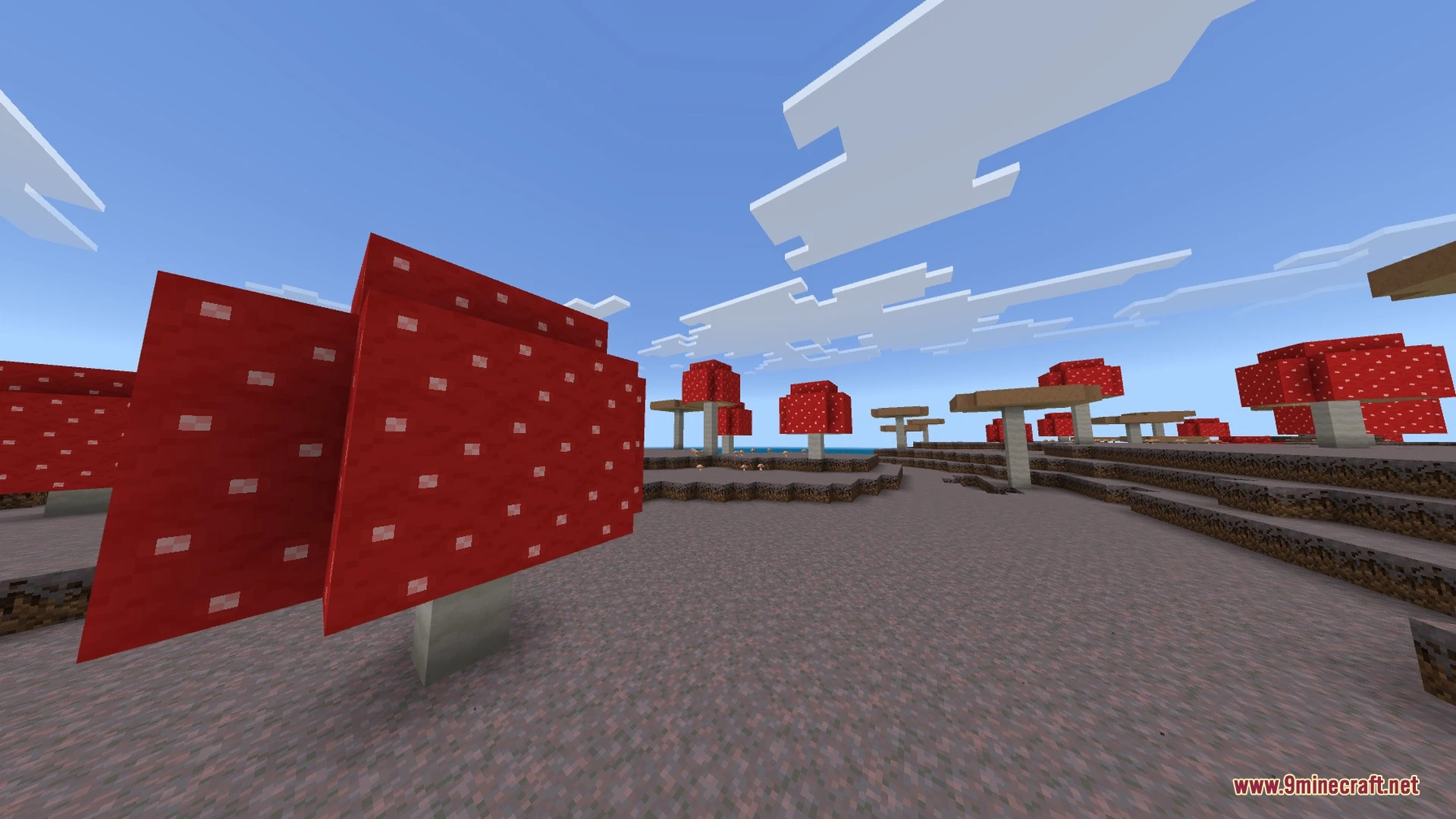
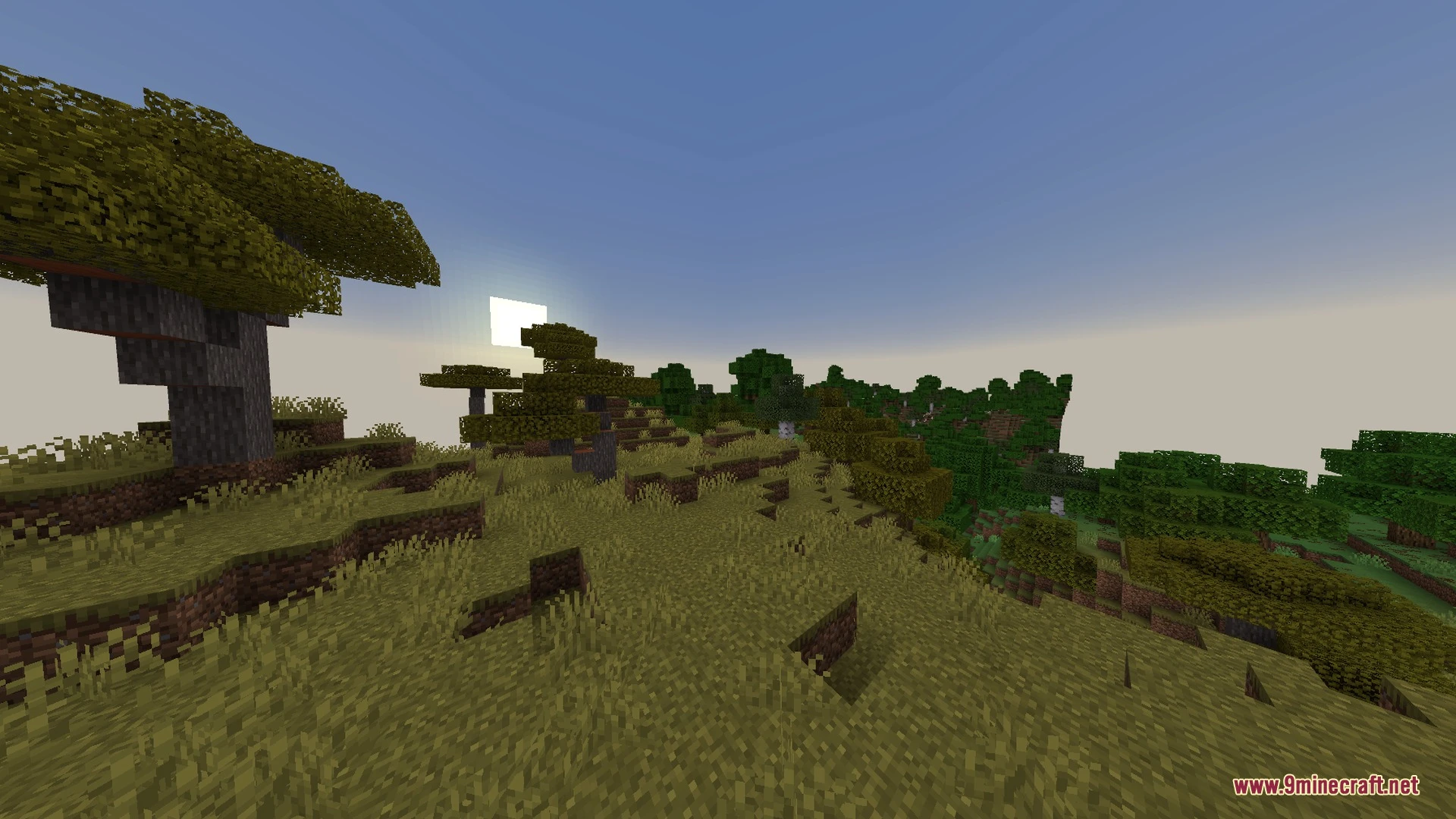
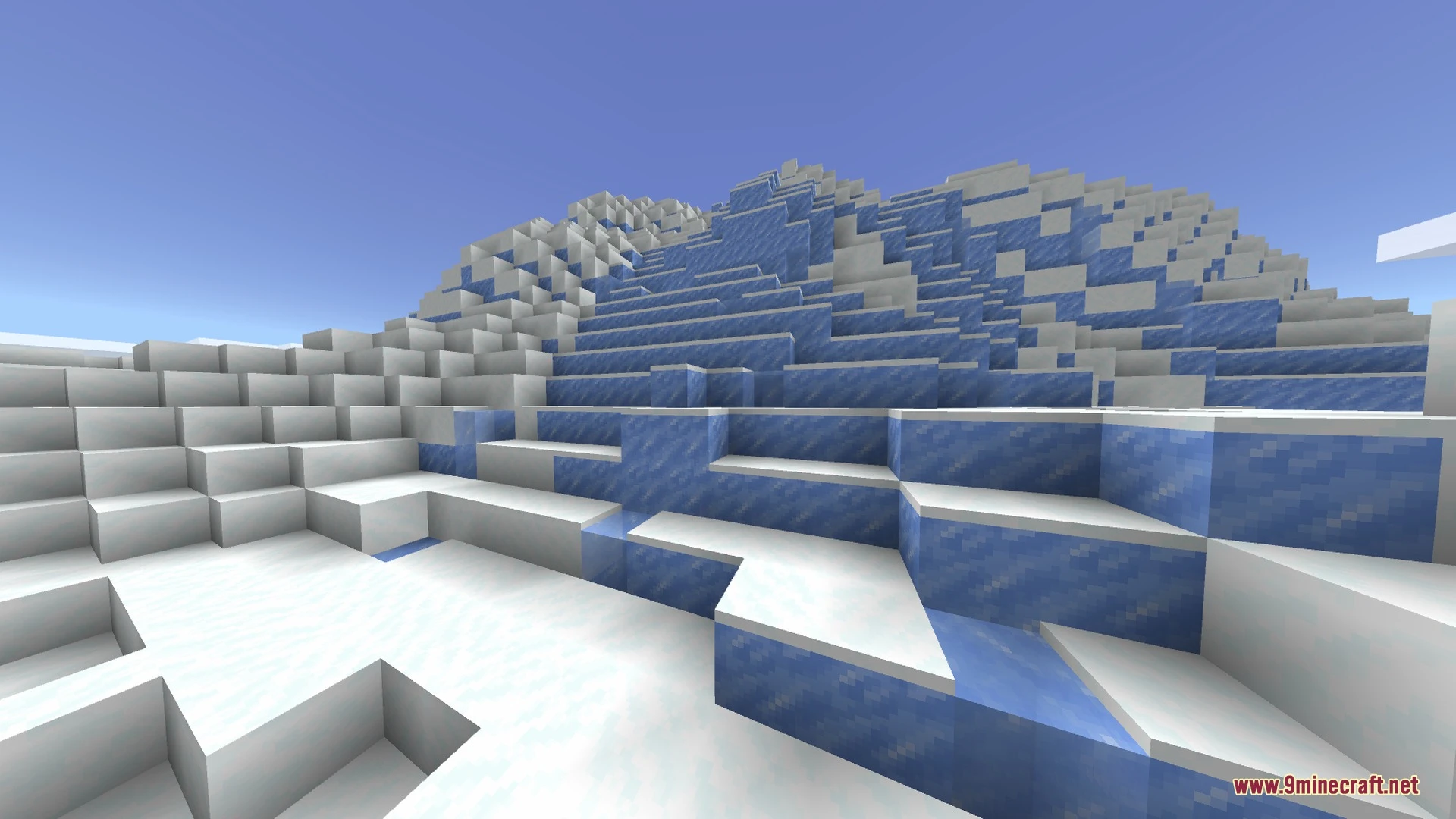
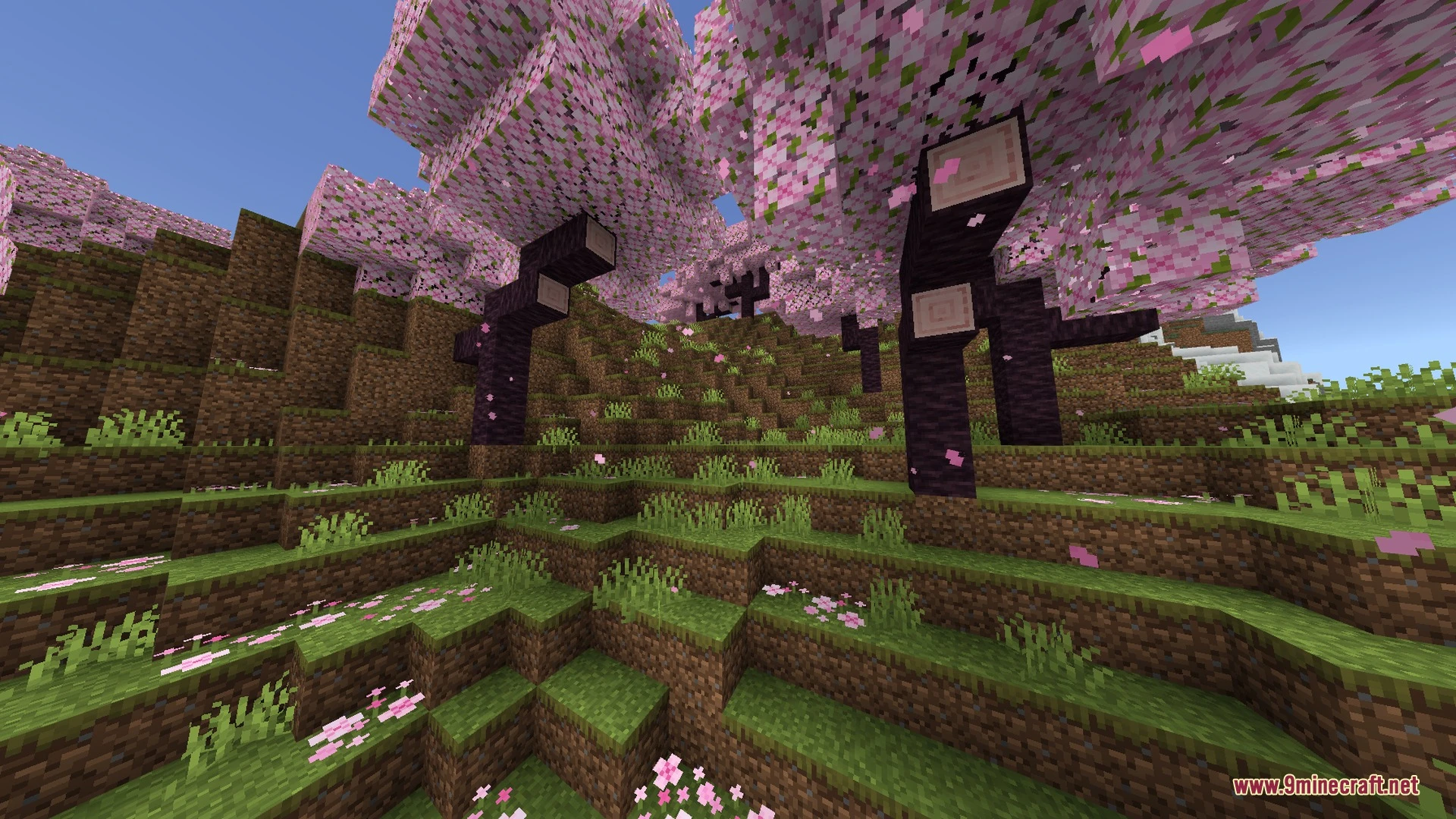
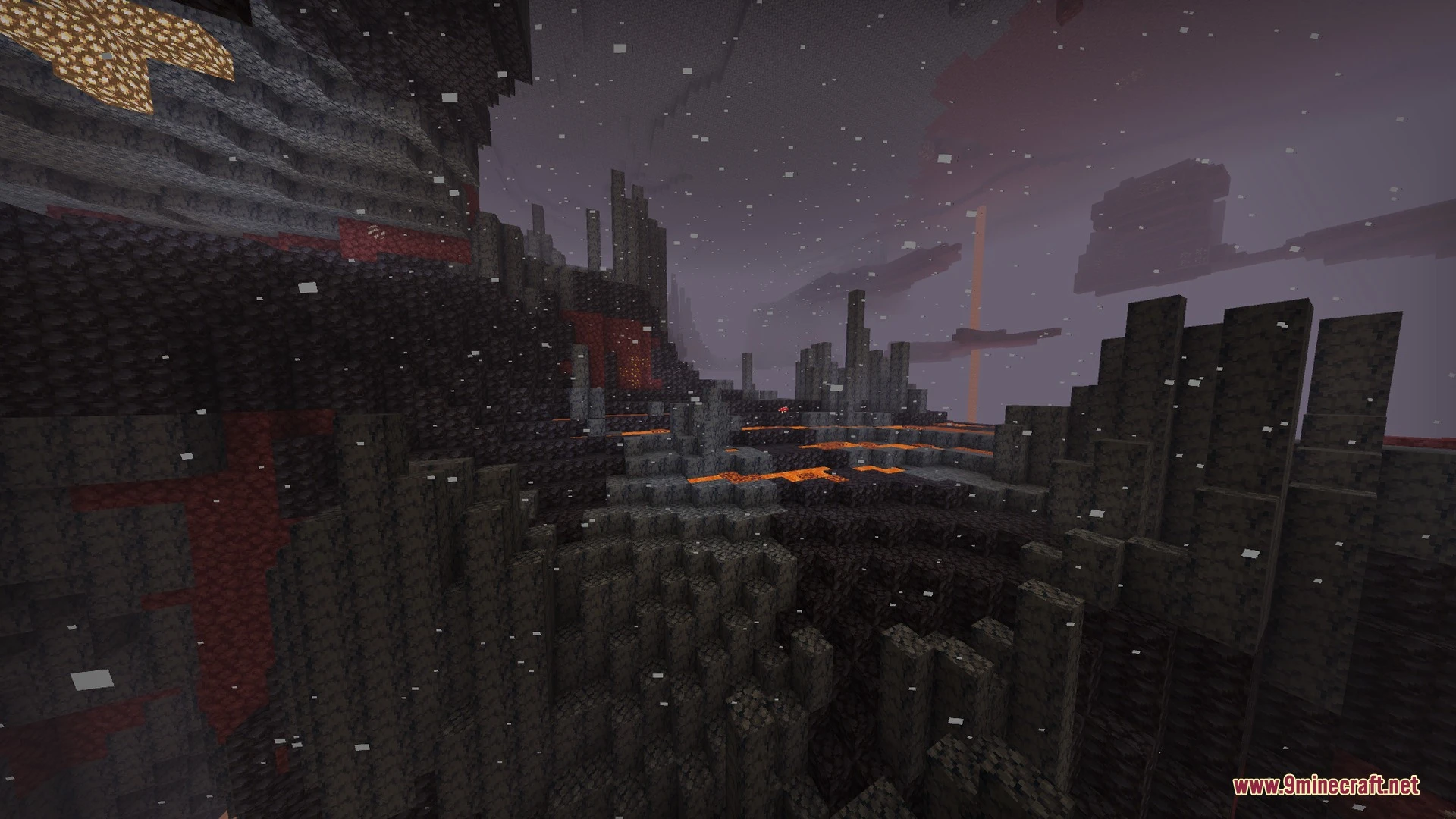
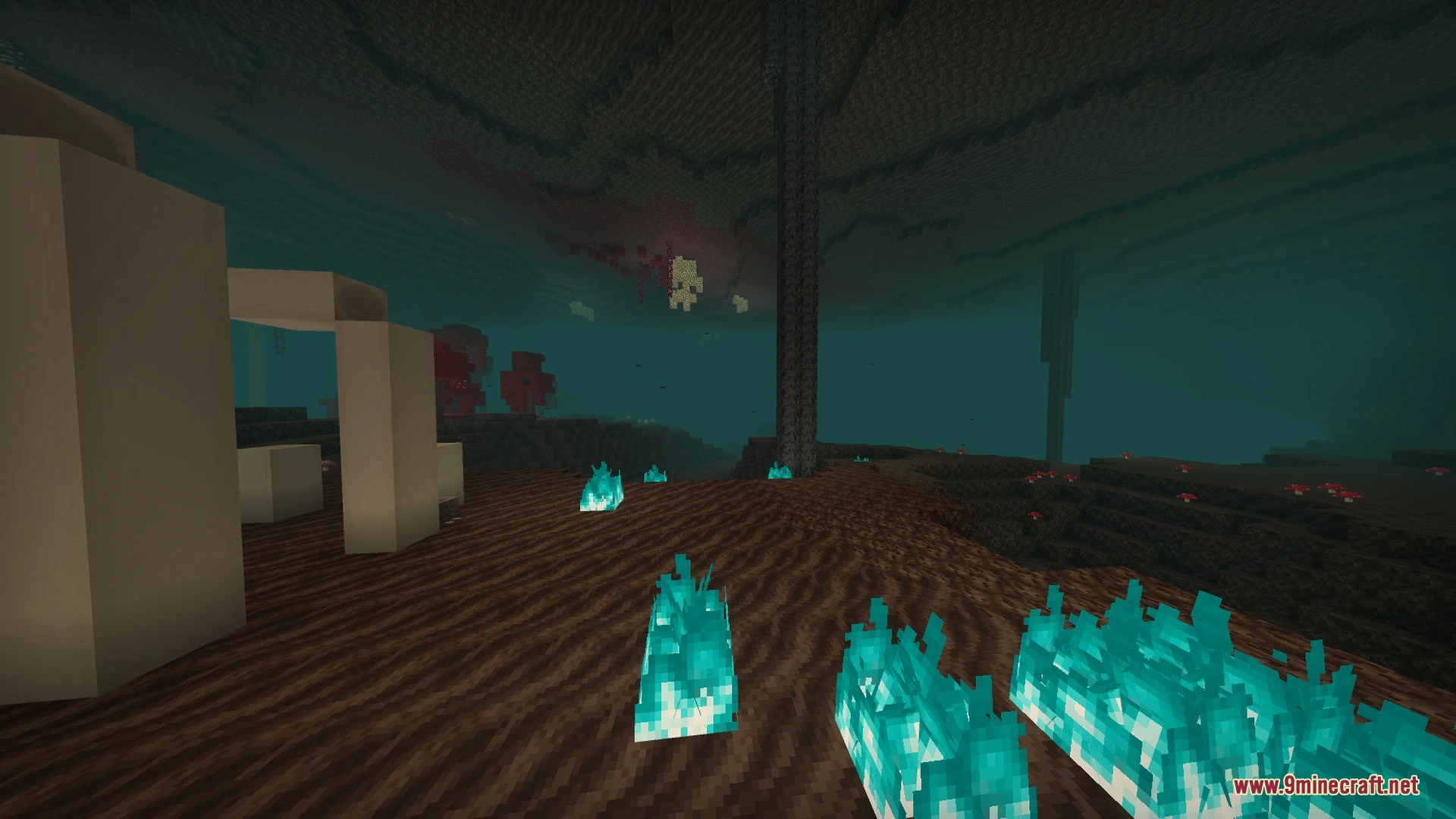
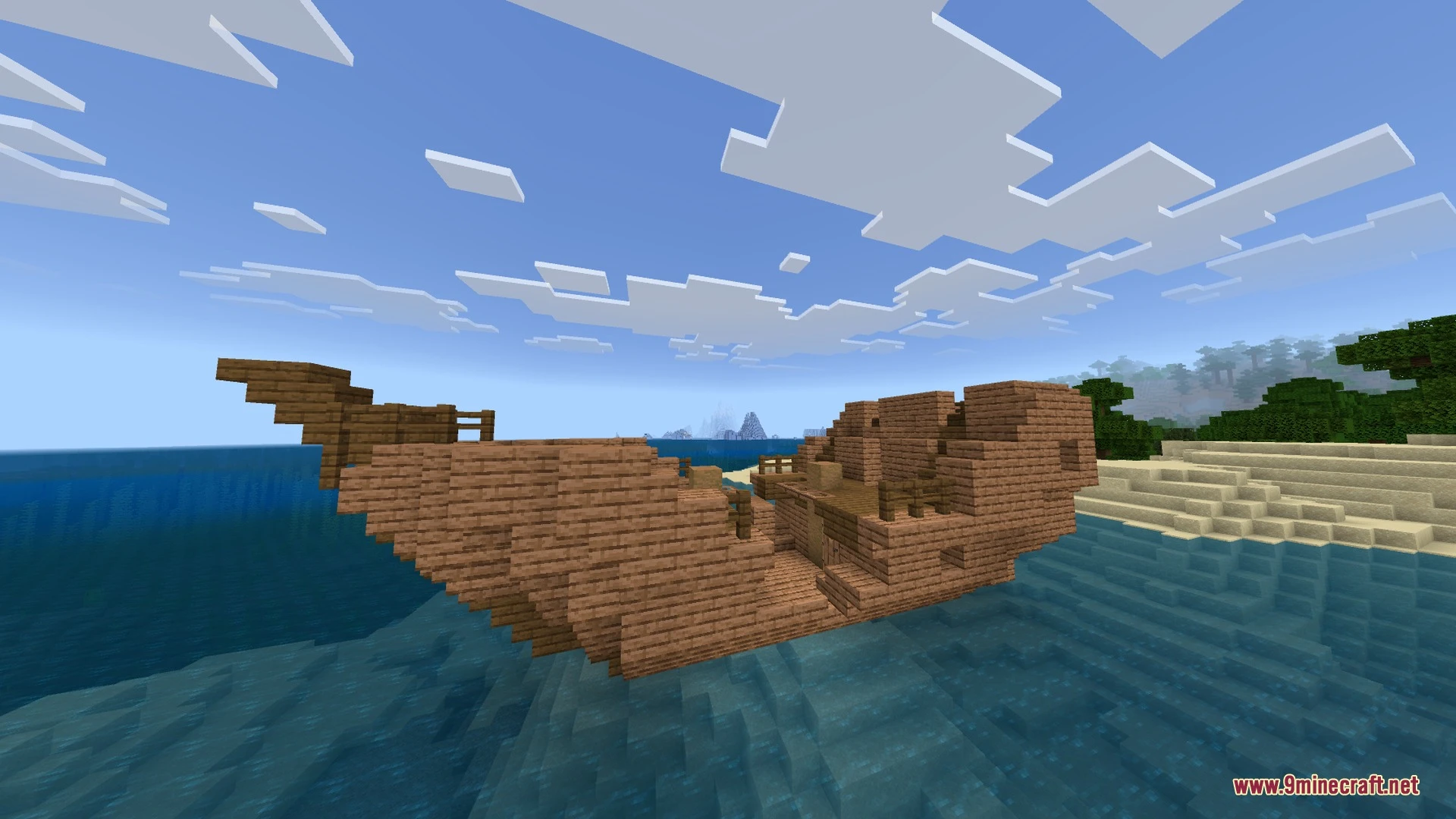
Spectral Horizons brings bright visuals and colorful scenery to your Bedrock worlds. It adds unique atmospheric fog along with distinct night moon colors across different biomes. It also reworks every light block to give your surroundings glowing, colorful illumination.
Features:
- Adds bright color adjustments and custom atmospheric biome fog.
- Features unique night moon colors across different biomes.
- Updates all light blocks with colorful and bright lighting.
- Includes 64x normal maps and height maps for extra surface depth.
- Provides custom MER textures with toggleable PBR visual options.
Screenshots:
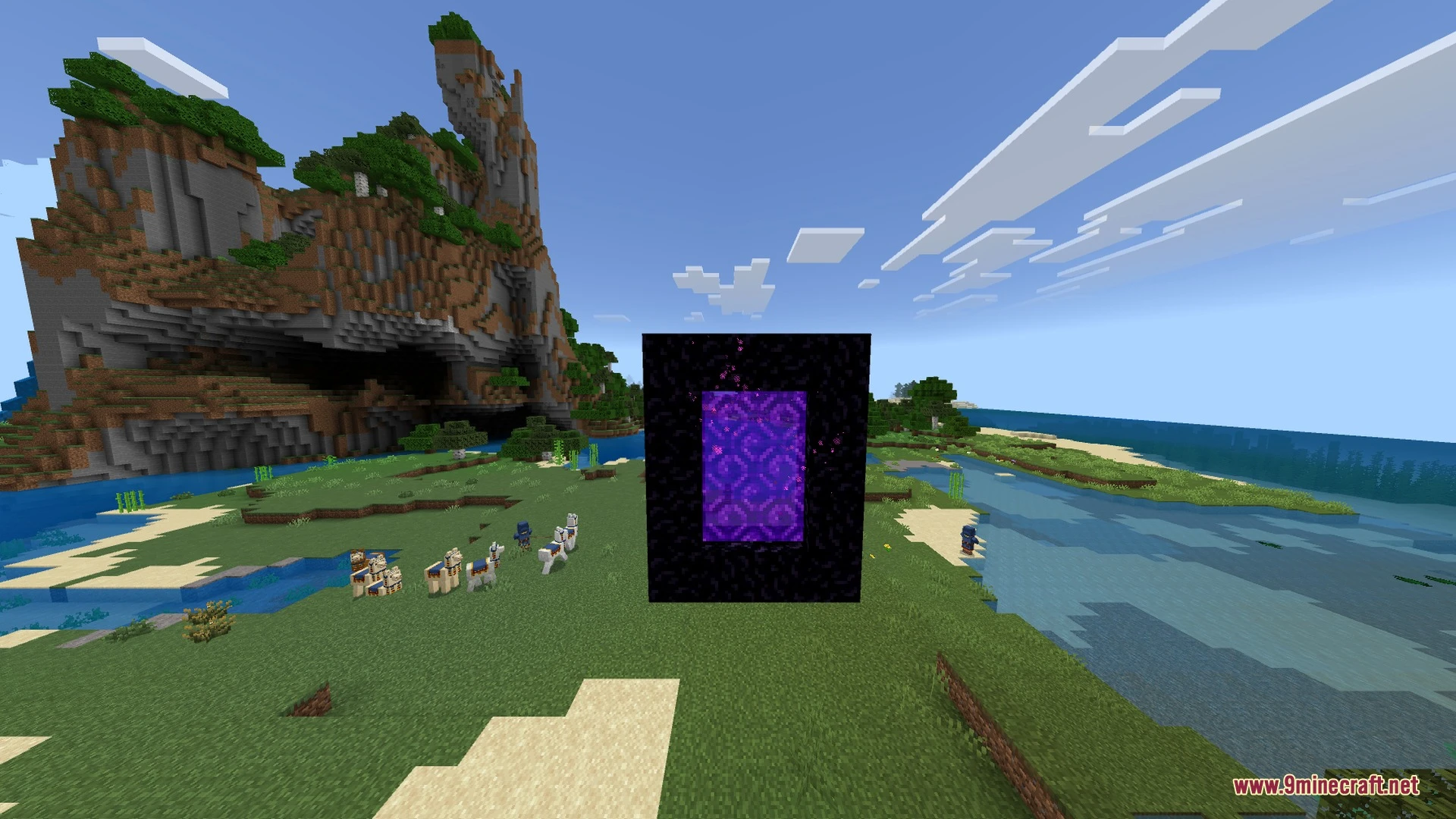
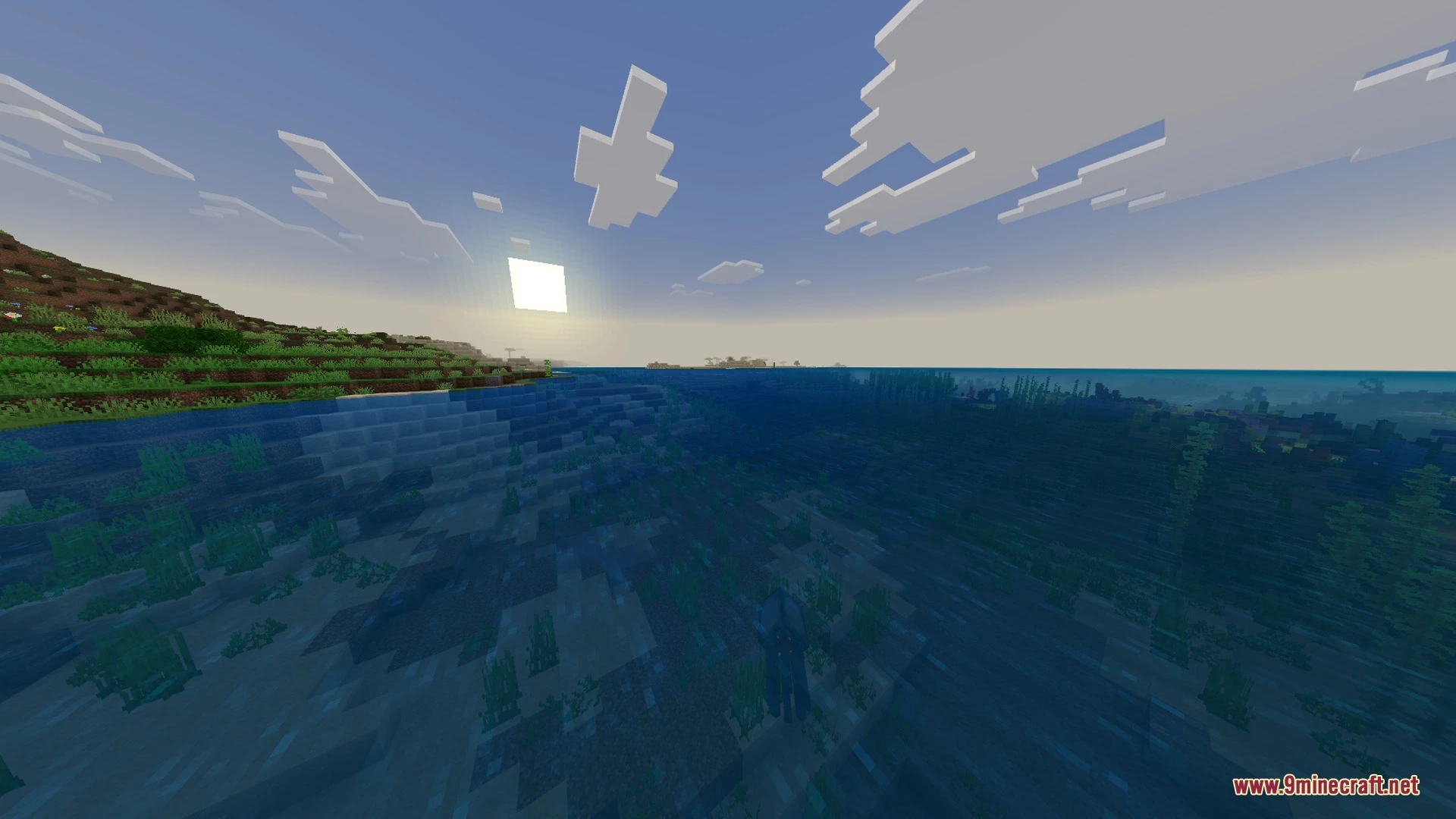
How to Install:
New to Minecraft PE? Follow our step-by-step guide to install Shaders on your Mobile.View Guide
Spectral Horizons Shader Download Links
For MCPE/Bedrock 26.x
Click to rate this post!
[Total: 0 Average: 0]
You May Also Like
Picked for this page
 Prizma Shader (1.26+) – PBR Deferred Pack for MCPE/Bedrock
 Chroma Visuals Shader (26.x) – Clear Water Reflections and Soft Bloom on Bedrock
 Newb CraftEdge Shader – RenderDragon Shader (26.x) – Volumetric Godrays
 Dr.Neutrons UltraReal Complete Overhaul Shader (26.x, 1.21)
 Bare Bones Simple PBR Bedrock Port Shader (26.x) – Trailer Look with Mobile PBR
 Eclipse RTX Shader (26.x, 1.21) – Ray-Traced Lighting and Smooth Mobile Presets
 Nebux Visuals Shader (26.x) – Waving Foliage and Clean Lighting
 VFX VISUALS Shader (26.x, 1.21) – Cinematic Deferred Lighting on Any Device
 ZZZ VIBRANT VISUAL Shader (26.x, 1.21) – Warm Lighting with Zero Lag on Mobile
 Basic Glowing Ores Shader (26.x, 1.21) – Emissive PBR Ore Lighting for Bedrock
 Solaris Visuals Shader (26.x) – Warm Cinematic Lighting and Skies on Mobile
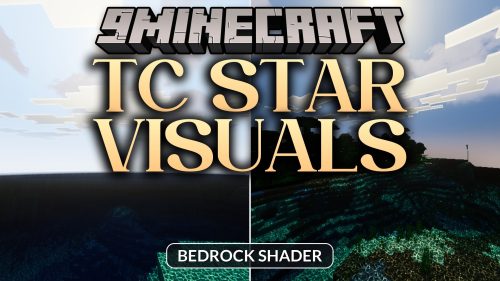 TC Star Visuals Shader (26.x) – Water Reflections and Organic Sun on Mobile
Most viewed in Shaders over the last 7 days
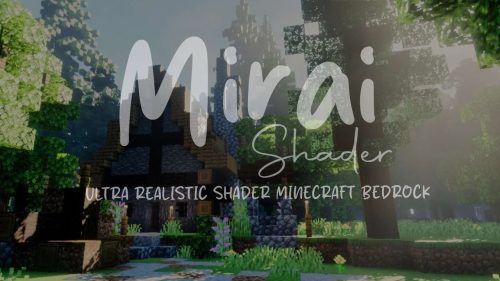 Mirai Shader (1.26+) – Sharp Water Reflections and Volumetric Clouds
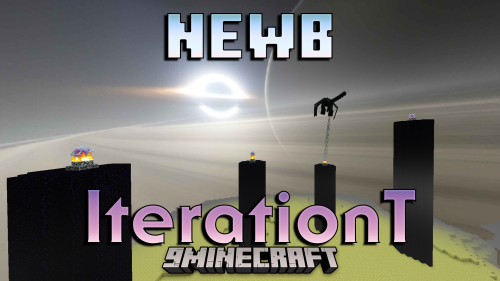 Newb X Iterationt Shader (1.26+) – Black Hole Skybox And Stylized Clouds
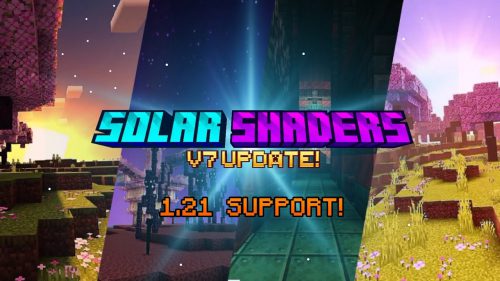 Solar Shader (1.26+) – Support BetterRenderDragon
 Newb X RTX Shader (1.26+) – Support RenderDragon
 BSL X Improvement Shader (1.21.31+) – MCPE/Bedrock
 Best Minecraft PE Shader for 1.26+ – Realistic and Lightweight For Low-End Devices
 MLYX Shader (1.21.50+) – MCPE/Bedrock
 Vibrant Visuals Shader (1.26+) – MCPE/Bedrock
 GOOD CHARA (26+) – MCPE/Bedrock Shader
 Newb X Dawn Shader (1.26+) – RenderDragon, All Devices
 Newb Complementary Reimagined Shader (1.26+) – MCPE/Bedrock
 Better Render Dragon (1.26+) – Add Shaders Back To Minecraft
More from Shaders
 Luvid Visuals Ultra Shader (26.x) – Volumetric Light Shafts and PBR Reflections
 Saturated Visual Zephyr Free Lag Shader (26.x, 1.21) – Warmer Saturated Tones
 Ultimate Shaders (26.x, 1.21) – Crisp Visuals and Custom Audio on Budget Phones
 No Lag Pack Shaders (26.x, 1.21) – Warm Saturated Visuals for Low-End
 Dynamic Wave Shader (26.x) – Fluid Ocean Waves and Realistic Water Reflections
 Luminous Vibrant Visual Shader (26.x) – Warm Sunlight and Cinematic Horizon Glow
 Diablo Visuals for Vibrant Visuals Shader (26.x, 1.21)
 G-Lime Shader (26+, 1.21) – MCPE/Bedrock Shader
 Ray Trace Visuals Shader (26.x) – RTX-Style Lighting and Bloom on Any Device
 Outlined Items Shader (26.x) – Crisp White Outlines for Sharp Item Visibility
 Starlit Vision Shader (26.x, 1.21) – Galactic Night Skies and Smooth Mobile
 Solstice Chroma Shader (26.x) – Vibrant Color Grading and Clear Water on Mobile

This post has no comments yet. Be the first — your comment will appear here.