
Better Inventory Management 9minecraft Mod (26.3, 1.20.1)
 254
 0


Better Inventory Management 9minecraft Mod upgrades your inventory controls by adding handy mouse shortcuts for moving and sorting items. This mod lets you drag items across slots, pull matching items with a single sweep, and transfer stacks using the scroll wheel. It operates on the client side, making item management quick inside chests, furnaces, and crafting tables.
Features:
- Holding the right mouse button while dragging drops one item into each slot, even over existing items.
- Holding the left mouse button while holding an item gathers matching items across your storage space.
- Holding Shift and dragging the left mouse button quickly transfers all matching items into another open container.
- Holding Shift and dragging the left mouse button across slots transfers every hovered item stack immediately.
- Scrolling the mouse wheel down over a stack moves items one by one into an open inventory.
- Scrolling the mouse wheel up pulls matching items from another container into the hovered slot.
- Works directly inside chests, crafting tables, player inventories, and other standard storage containers.
- Runs entirely on the client side without needing server setup.
Better Inventory Management 9minecraft Mod – Video Showcase
Configuration:
RMBTweak: Turns on multiple item placement when dragging with the right mouse button.LMBTweakWithItem: Allows picking up and fast-transferring matching items while holding an item.LMBTweakWithoutItem: Activates rapid shift-click transfers across slots without holding an item.WheelTweak: Turns on moving items between containers using the mouse scroll wheel.WheelSearchOrder: Sets the container search order when pulling items with scroll wheel up (1 for last-to-first, 0 for first-to-last).WheelScrollDirection: Changes the scroll behavior direction or activates position-aware container sorting.
How to Use:
- Open any storage container, crafting table, or your player inventory.
- Hold the right mouse button and drag across crafting slots to distribute items quickly.
- Pick up an item, hold Shift, and drag across your inventory to move all matching items into the container.
- Hover over any item stack and scroll the mouse wheel to move items one at a time.
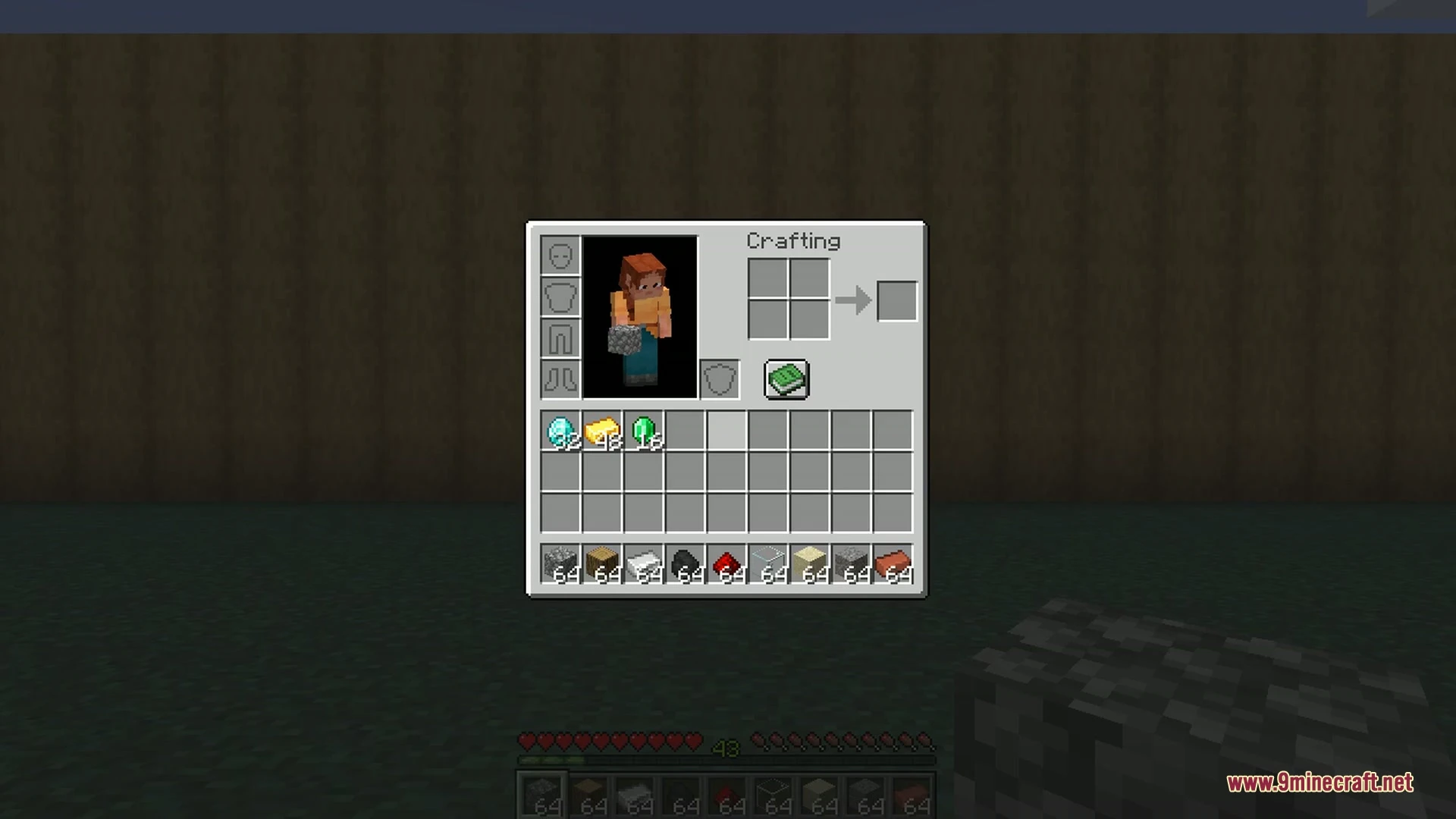
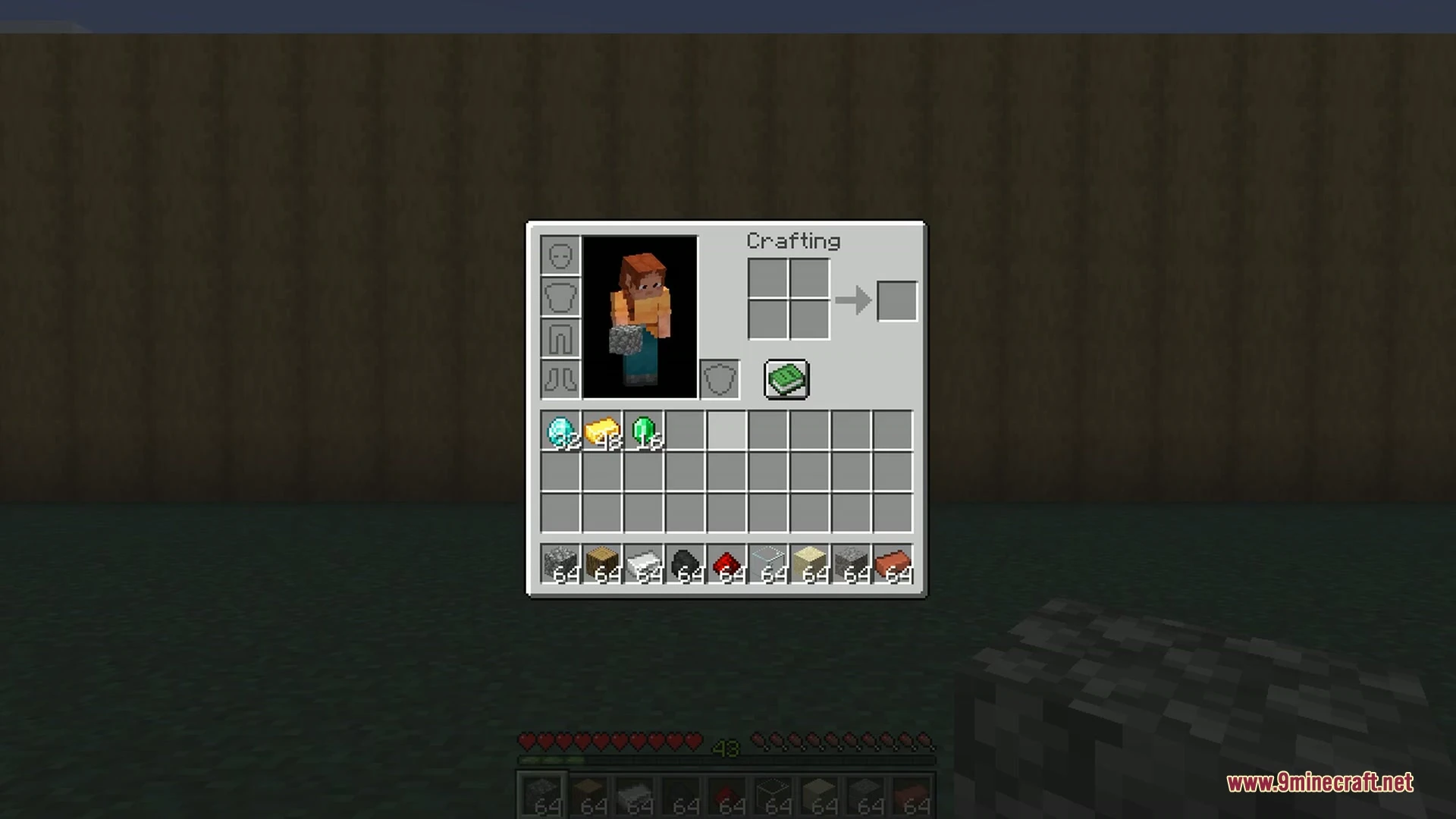
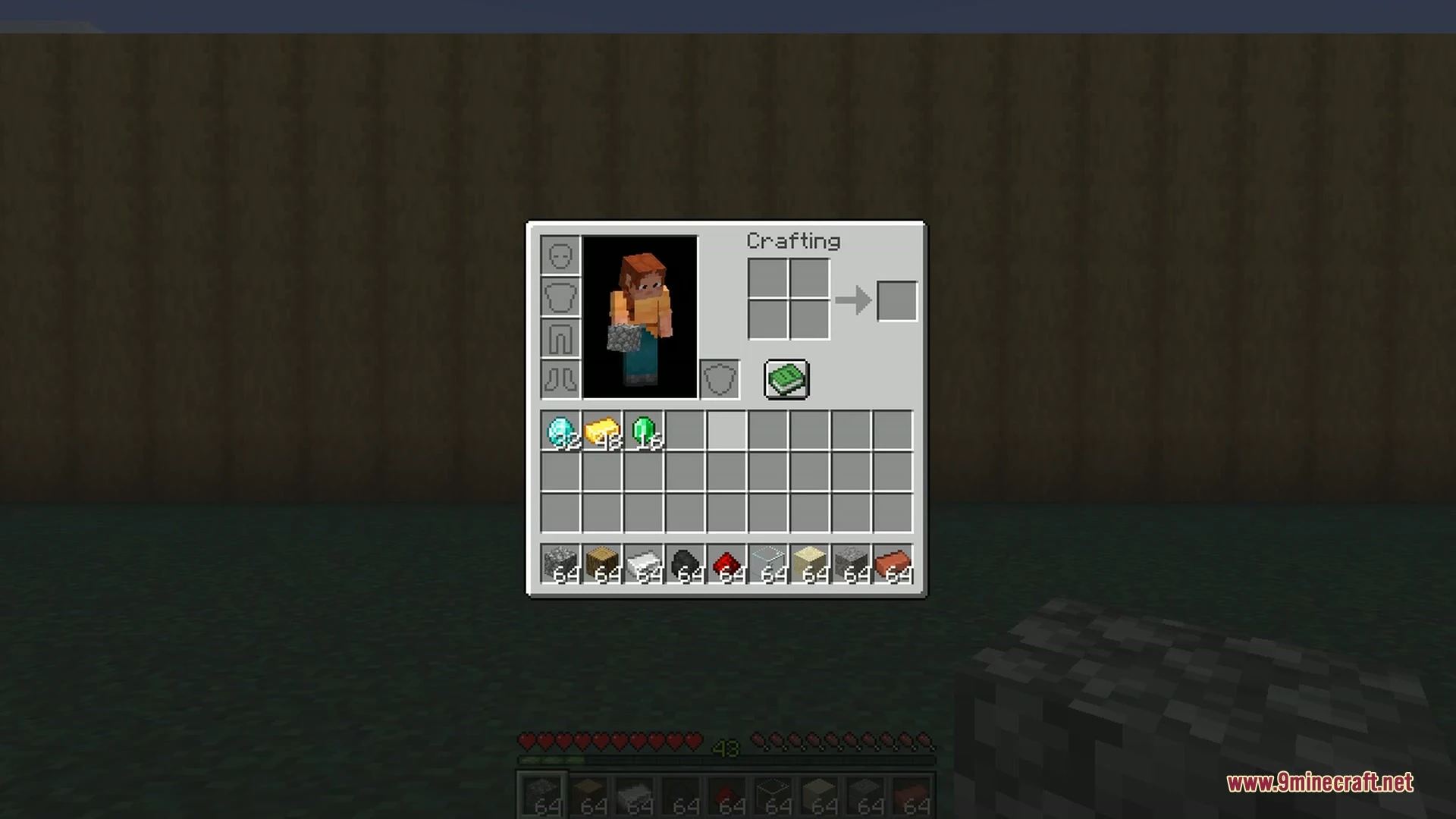
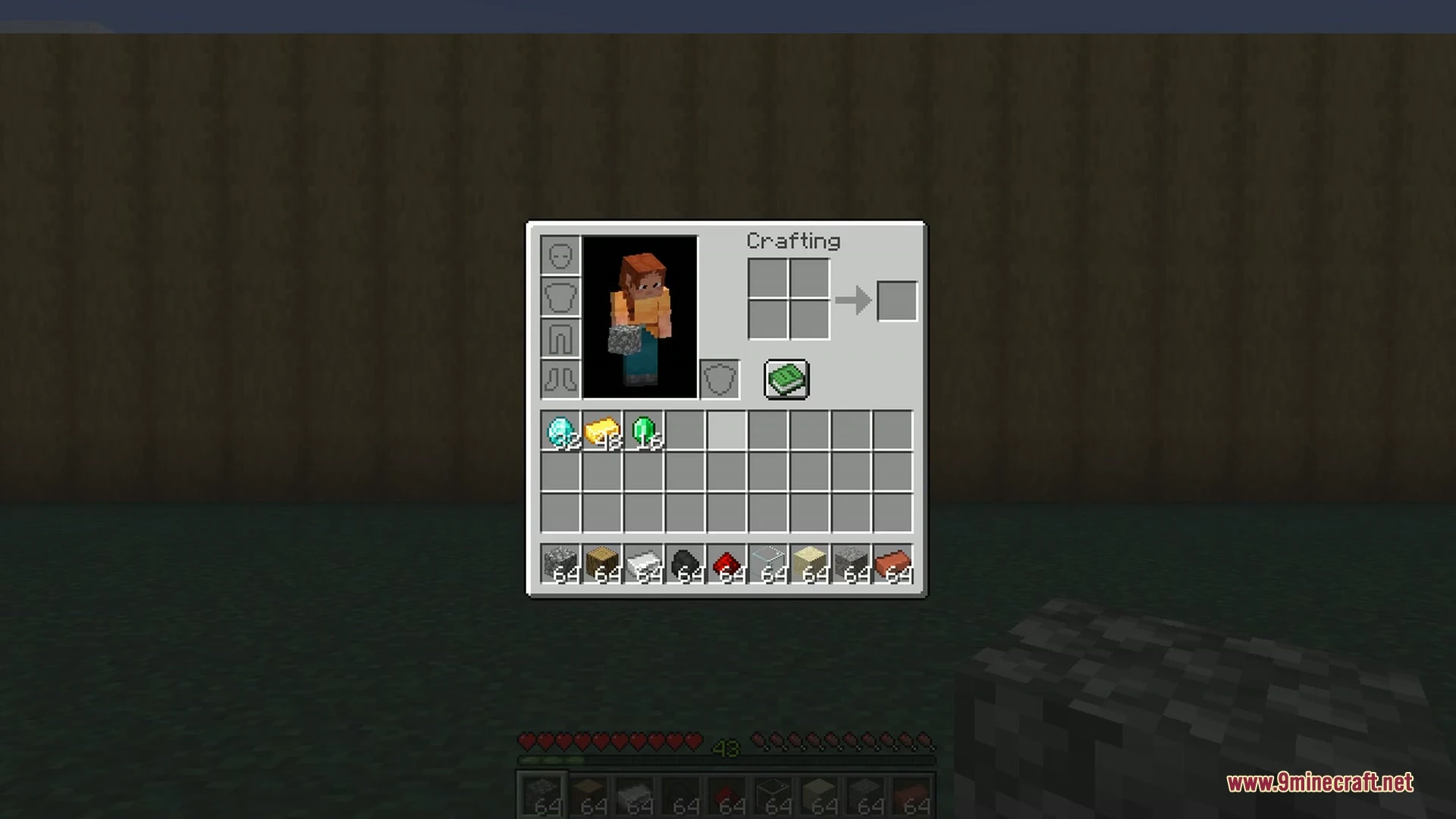
Screenshots:
How to Install:
New to Minecraft? Follow our step-by-step guide to install Mods on your PC.View Guide
Better Inventory Management 9minecraft Mod Download Links
Sign in to unlock this download
Inside: 26.3 26.2 26.1.1 26.1 26.1.2 1.21.11
Choose one way to sign in
Free · takes a few seconds · you come straight back to this page
You May Also Like
Picked for this page
 Female Gender Mod (26.3, 1.20.1) – Adding Breasts to Look Like a Girl
 Capes Mod (26.3, 1.20.1) – Wear any Cape You Wish In-Game
 Crystals Overhauled Mod (26.3, 1.20.1) – A Minecraft Mod Revolution
 Inventory Management Mod (26.3, 1.20.1) – Sorting, Transferring, Stacking
 Friendly Endermite Mod (26.3, 1.20.1) – Friendermite Mod
 Compact Storage Mod (26.2, 1.20.1) – Carry Everything You Find
 MAtmos Ambient Sound Mod (26.3, 1.20.1) – Adjusts Sounds Based On The Environment
 Spell Checker Mod (26.2, 1.20.1) – Communicate Clearly
 Wither Cage Fix Mod (26.3, 1.20.1) – Fixes Wither Memory Bug
 All HUD Bars Mod (1.21.11, 1.20.1) – Makes HUD Elements In Bar Form
 Snowball and Egg Knockback Mod (26.3, 1.20.1) – Knockback Effect For More Projectiles
 MossyLib Mod (26.3, 1.20.1) – Library for LopyTwich’s Mods
Most viewed in Mods over the last 7 days
 Ala Industrial Mod (26.3) – Run Electric Power Grids and Automated Factories
 PleasureCraft Mod (26.3, 1.21.1) – Jenny Mod Remake for Fabric
 Jennycraft Mod (26.3, 1.20.1) – Virtual Girlfriend in Minecraft
 Fapcraft Mod (26.3, 1.12.2) – Comprehensive and Detailed Content
 Jenny Mod (Fapcraft) Official Complete Guide – How to use, Tutorial
 BangCraft Mod (1.20.1) – Jenny, Ellie and Elliot
 Fabric Loader (26.3, 1.20.1) – Fabric Installer for All Minecraft Versions
 The Shooting Star Demo Mod (26.3, 1.20.1) – Vaporize Terrain From Orbit
 Meteor Client Mod (26.3, 1.20.1) – Xray, HUD, Fly
 OptiFine HD (26.3, 1.20.1) – Run Faster, FPS Boost, Shaders Support
 Aristois Client Mod (1.21.4, 1.20.1) – World Class Minecraft Utility
 Prestige Client Mod (1.21.11, 1.21.4) – Powerful Ghost Features for Crystal & Sword PvP
More from Mods
 Tre’s Tack Library Mod (1.20.1) – Outfit Your Horses with Fully Detailed Tack
 YDM’s coreX Library Mod (1.20.1) – Loot RPG Gear with Random Names
 Gunpowder Recipe Mod (26.3, 1.20.1) – Gunpowder is Craftable
 Villager Timetable Mod (26.3, 1.20.1) – Master Villager Schedules
 Artemis Laboratory Blocks Mod (26.3, 1.20.1) – Lab Blocks And Dynamic Decorations
 Fabric ORM Jimmer Mod (26.3, 1.20.1) – Prevent Sudden Server Crashes
 Cafe Core Mod (26.2, 1.21.1) – Bypass Anvil Limits and Tame Pets in Seconds
 GTNH’s Forgelin Mod (1.7.10) – Play Kotlin-Powered Mods on Minecraft 1.7.10
 Nodeflow Mod (26.1.2, 1.21.1) – Wire Custom Redstone Logic on Visual Graph
 Winter Client Mod (1.21.11) – Survive Ruthless PvP on Anarchy Servers
 LARP Client Mod (1.21.11) – Dominate Crystal PvP on Anarchy Servers
 Berlin Client Mod (1.21.11) – Hunt Stashes and Win Crystal Fights

This post has no comments yet. Be the first — your comment will appear here.