
Stack Size Edit Mod (1.20.4, 1.20.1) – Carry Thousands of Blocks in One Slot
 10,428
 0


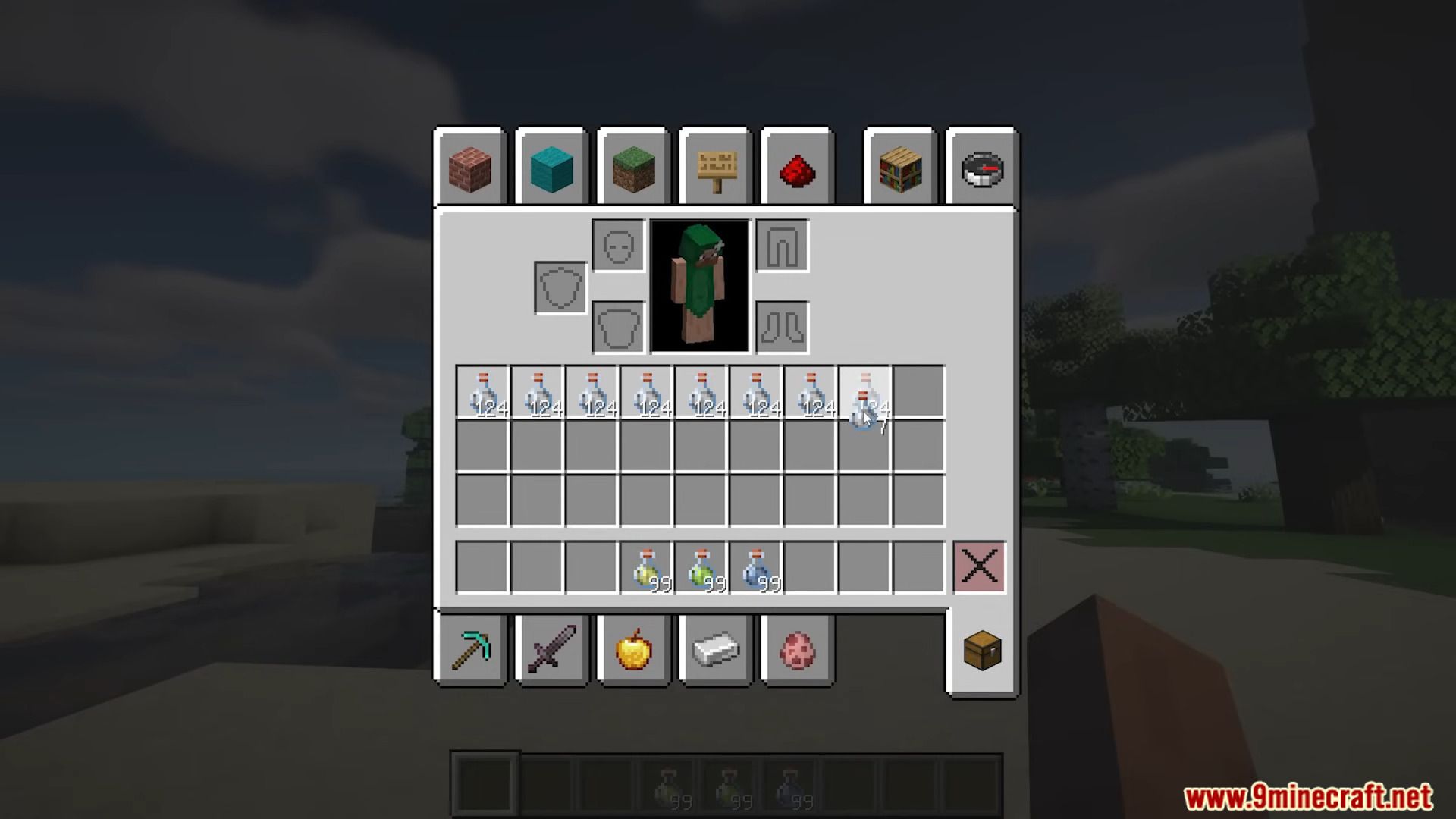
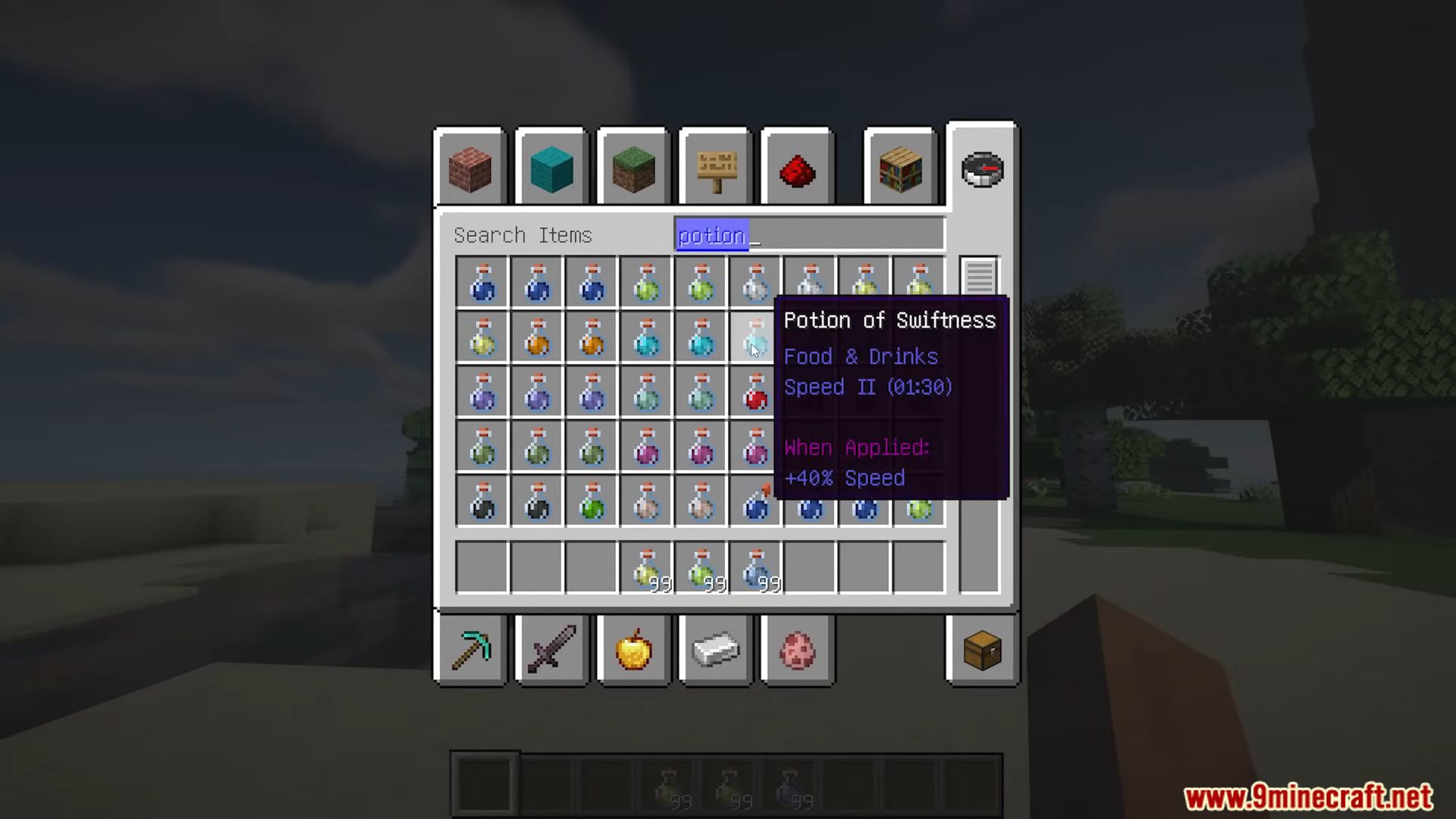
Stack Size Edit Mod lets you change item stack limits in the game. It gives you direct control over how many items fit into a single inventory slot. You use a simple in-game configuration menu to adjust limits for any item without hassle.
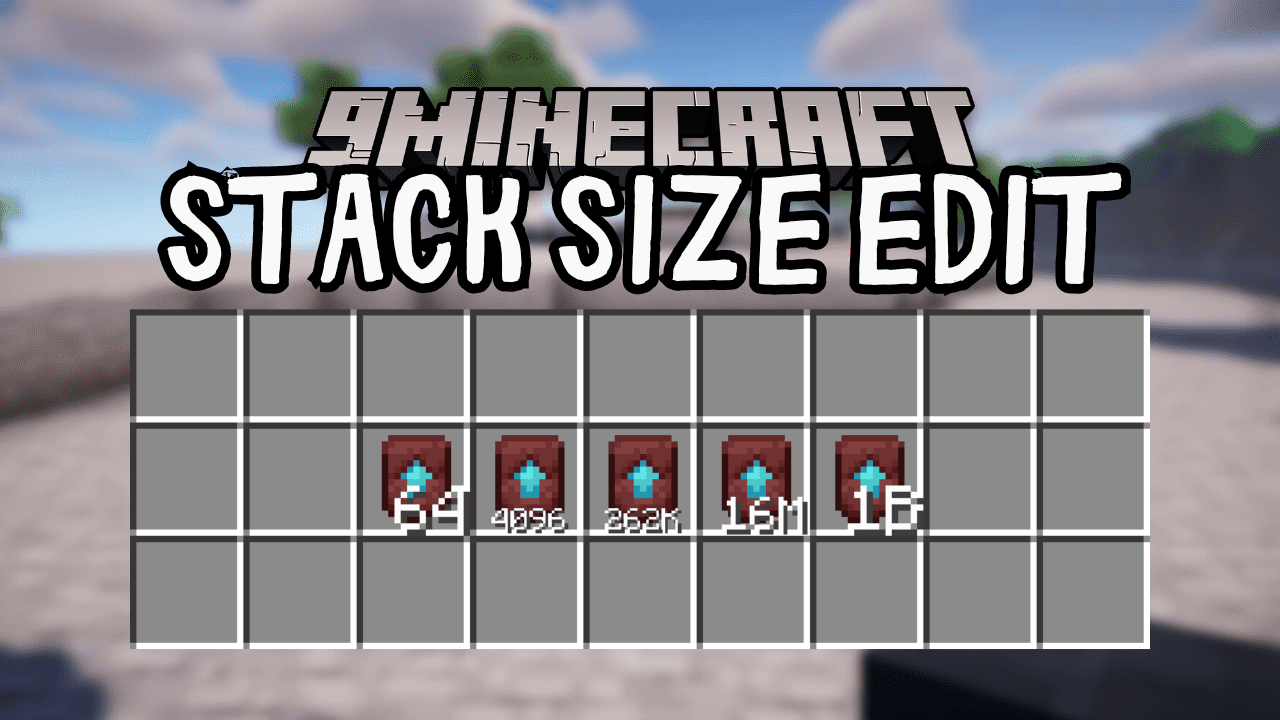
Features:
- Modifies the stack size limit of any item in your inventory.
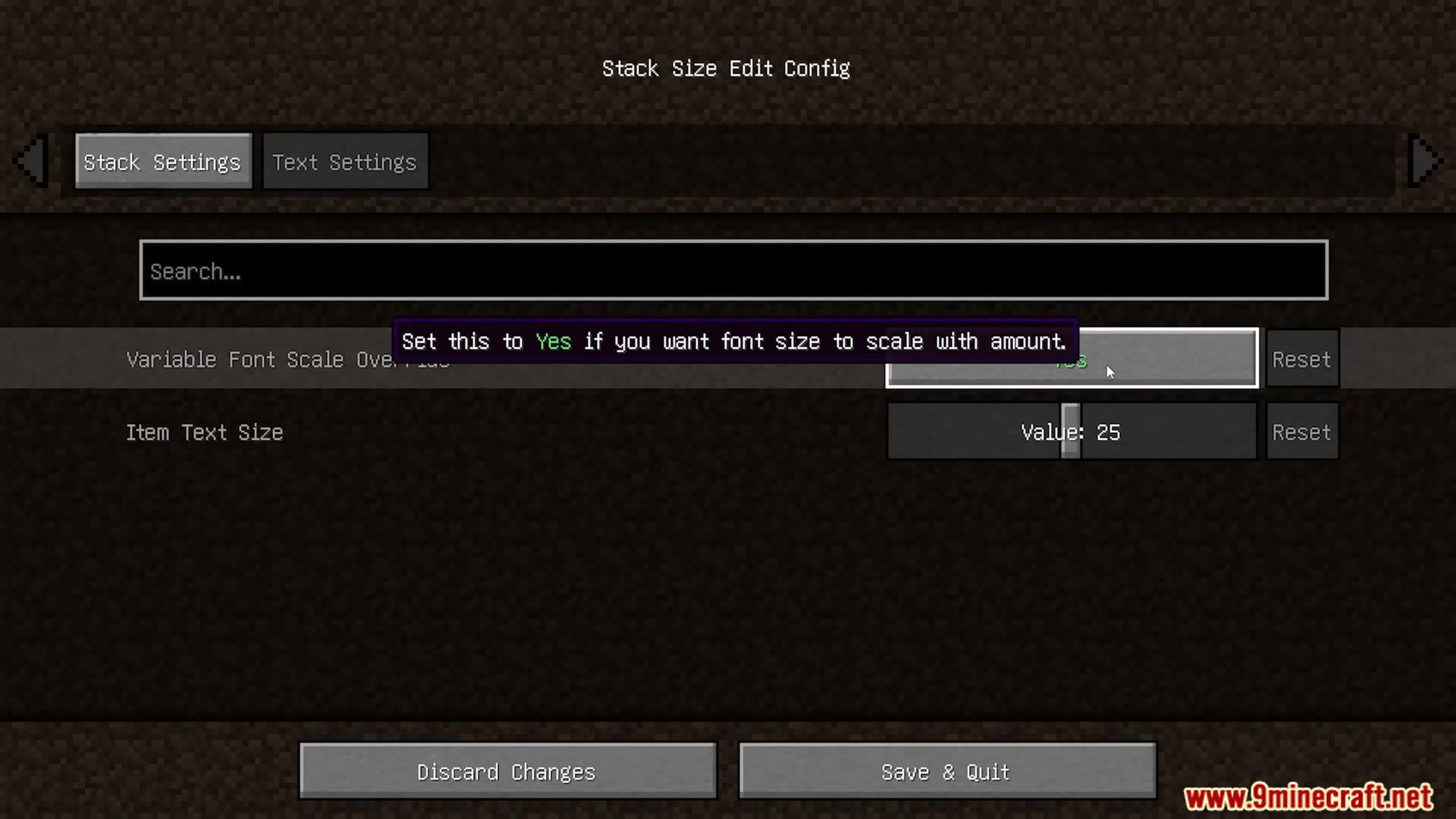
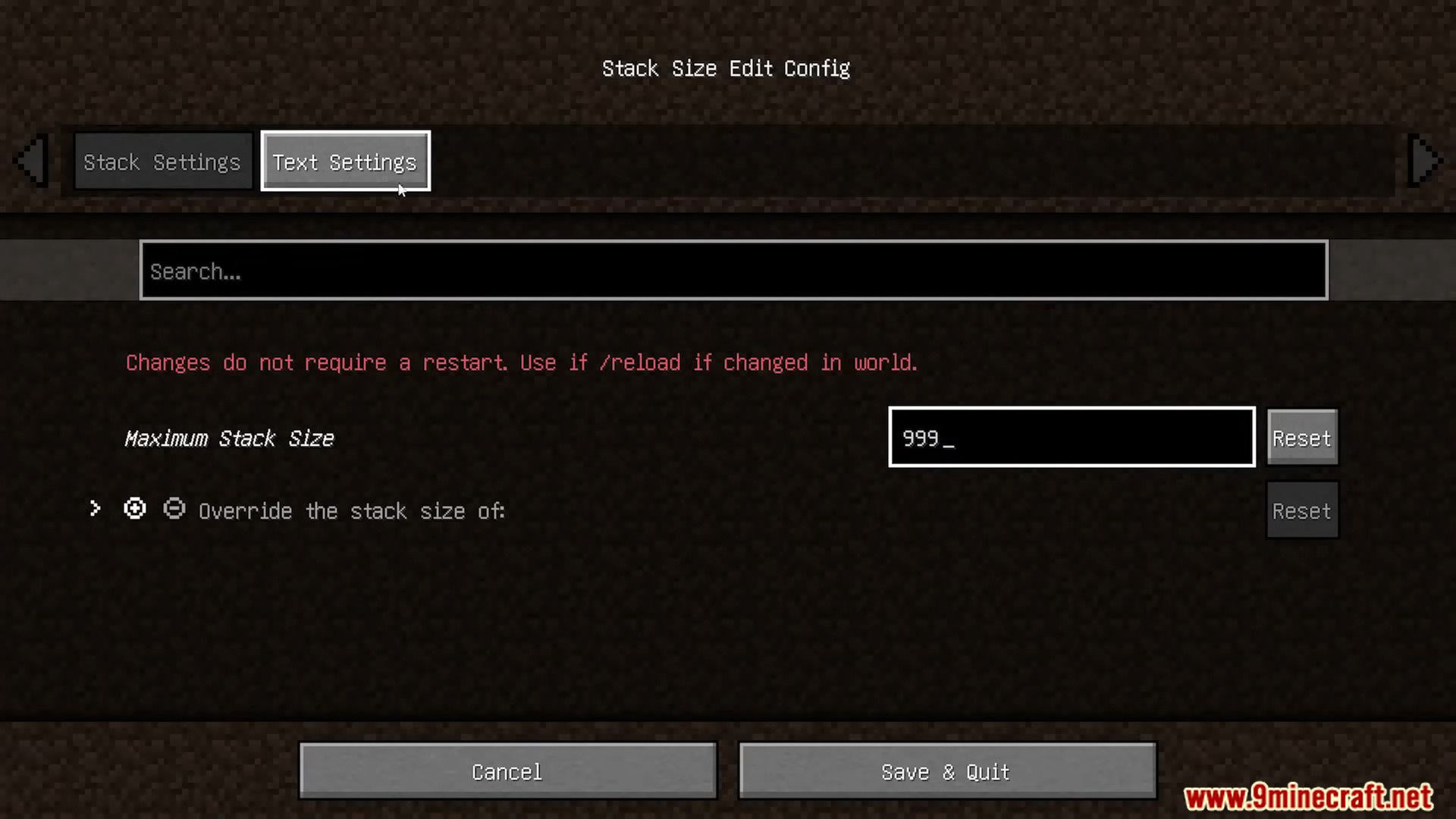
- Opens an in-game configuration menu to adjust settings easily.
- Runs on the Fabric mod loader for modern versions.
How to Use:
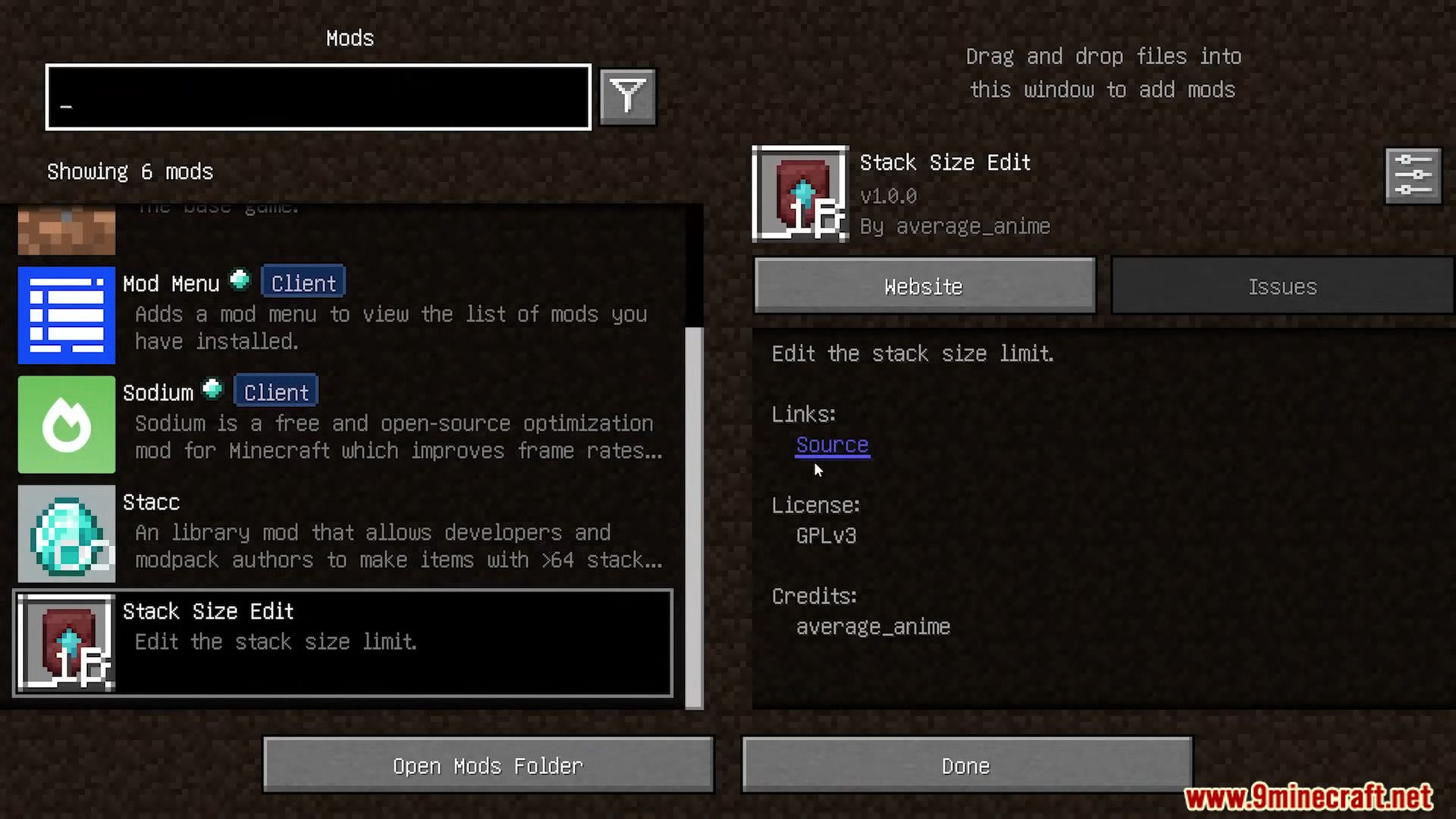
- Install the Fabric mod loader along with Mod Menu and Cloth Config.
- Open the mod settings menu from the in-game mod list.
- Change the stack limits for desired items to your preferred numbers.
Screenshots:
How to Install:
New to Minecraft? Follow our step-by-step guide to install Mods on your PC.View Guide
Requirements:


Stack Size Edit Mod Download Links
For Minecraft 1.20.4
Fabric Version: Download from Server 1 – Download from Server 2
For Minecraft 1.20.2
Fabric Version: Download from Server 1 – Download from Server 2
For Minecraft 1.20.1
Fabric Version: Download from Server 1 – Download from Server 2
Click to rate this post!
[Total: 3 Average: 4]
You May Also Like
Picked for this page
 Shield Statuses Mod (26.3, 1.20.1) – Renders Customizable Color Overlays
 Tool Stats Mod (26.3, 1.20.1) – Harvest Level Display
 Inertia Anti Cheat Mod (1.21.11, 1.20.1) – Verifies Client Mod Lists Upon Server Join
 Terrestria Mod (26.3, 1.20.1) – Highly Detailed Biomes
 Sword Blocking Mechanics Mod (26.3, 1.20.1) – Sword Blocking From Version 1.8
 Replay Voice Chat Mod (26.3, 1.20.1) – Records Voice Chat and Player Icons
 Villager Timetable Mod (26.3, 1.20.1) – Master Villager Schedules
 Bat Membrane Mod (26.3, 1.20.1) – No More Phantom Dependency For Membranes
 Info Overlay Mod (26.3, 1.20.1) – Replace the Messy F3 Menu with a Clean HUD
 Hide Arrows Mod (26.3, 1.20.1) – Cleaner Combat Visuals
 SpongeSucc Mod (26.3, 1.20.1) – Lava Absorbing Sponges
 Set Time Doesn’t Reset Day Count Mod (1.21.11, 1.20.1)
Most viewed in Mods over the last 7 days
 Ala Industrial Mod (26.3) – Run Electric Power Grids and Automated Factories
 PleasureCraft Mod (26.3, 1.21.1) – Jenny Mod Remake for Fabric
 Jennycraft Mod (26.3, 1.20.1) – Virtual Girlfriend in Minecraft
 Fapcraft Mod (26.3, 1.12.2) – Comprehensive and Detailed Content
 Jenny Mod (Fapcraft) Official Complete Guide – How to use, Tutorial
 BangCraft Mod (1.20.1) – Jenny, Ellie and Elliot
 Fabric Loader (26.3, 1.20.1) – Fabric Installer for All Minecraft Versions
 Meteor Client Mod (26.3, 1.20.1) – Xray, HUD, Fly
 The Shooting Star Demo Mod (26.3, 1.20.1) – Vaporize Terrain From Orbit
 OptiFine HD (26.3, 1.20.1) – Run Faster, FPS Boost, Shaders Support
 Aristois Client Mod (1.21.4, 1.20.1) – World Class Minecraft Utility
 SchnurriTV Mod (1.12.2) – Characters and Features
More from Mods
 No XP Anvils Mod (26.3, 1.20.1) – Repair And Enchant Without XP
 Naruto Shippuden Mod (26.3, 1.16.5) – Immerse Yourself in The World of Ninja
 Araxer’s Bestiary Mod (26.3, 1.20.1) – Build an In-Game Encyclopedia of Every Mob
 Villagers Plus Mod (26.3, 1.20.1) – Expanded Villager Types and Villages
 Ore Excavation 9minecraft Mod (26.3) – Mine Ores and Chop Trees in a Single Swing
 Dirigo Mod (26.1.2, 1.21.1) – Walk Across Nether Lava Seas and Automate Animal
 HandLib Mod (26.3, 1.21.1) – Keep Your Multiplayer World Stable
 Happy Ghasts Boost Mod (26.1.2, 1.20.1) – Fly Across Vast Distances at Top Speed
 LiquidBounce Client Mod (26.3, 1.20.1) – LiquidLauncher, A Free Client
 Create Hand Made Mod (1.21.1) – Craft Create Recipes By Hand in Your Workshop
 Seed Map for Xaero Mod (26.1) – See Rare Biomes and Dungeons Before You Travel
 MCPersist Mod (26.3) – Keep Your World Online for Friends Even After Logging Off

This post has no comments yet. Be the first — your comment will appear here.