


Stranger Things Skin Pack (1.26, 1.21) – MCPE/Bedrock
 1,043
1,043
 1
1
 December 13, 2025
 creatongames
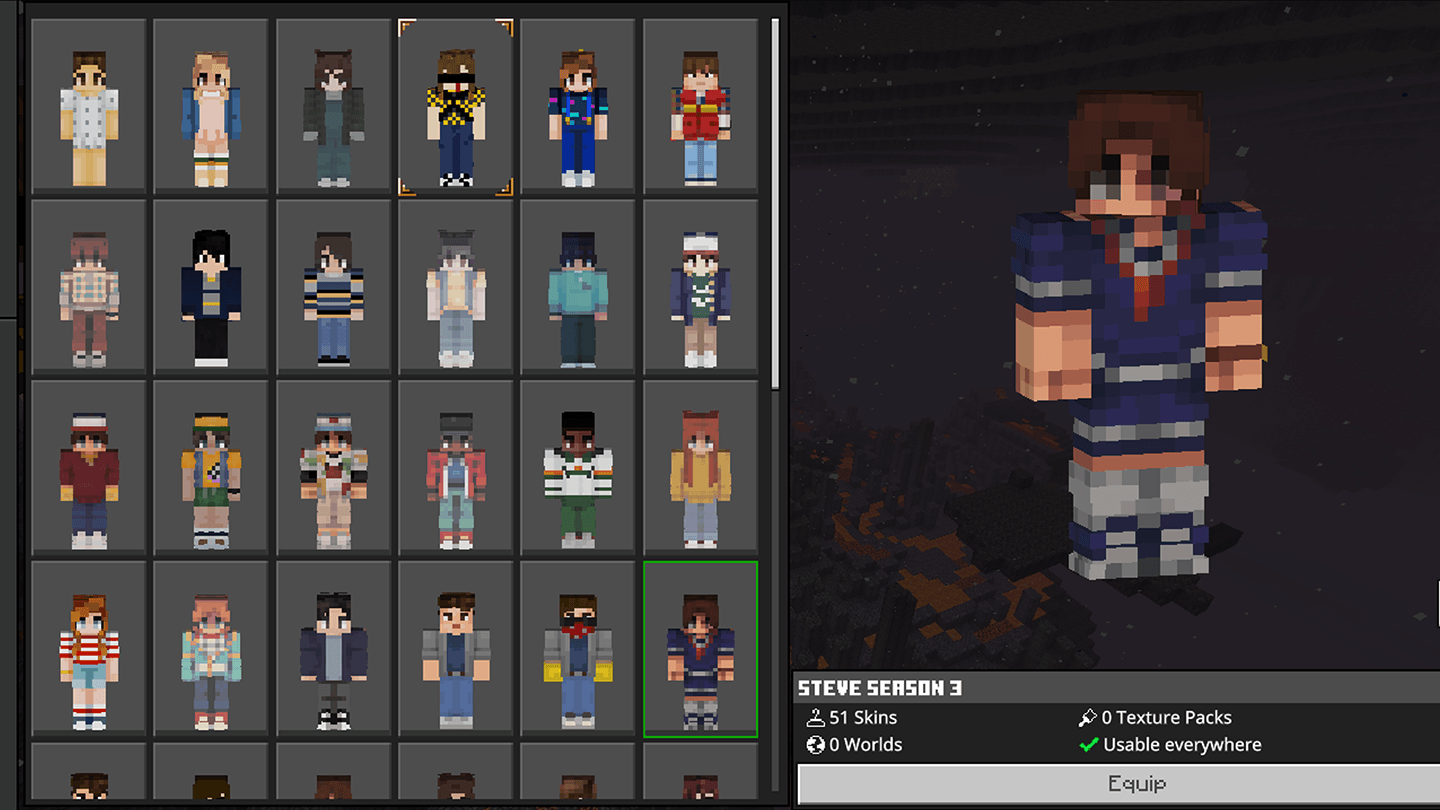
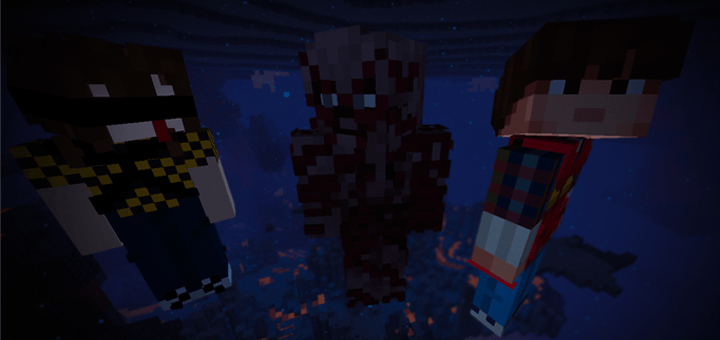
Stranger Things Skin Pack (1.26, 1.21) was created to mark the release of the final season of Stranger Things. The content focuses on familiar characters from the series.
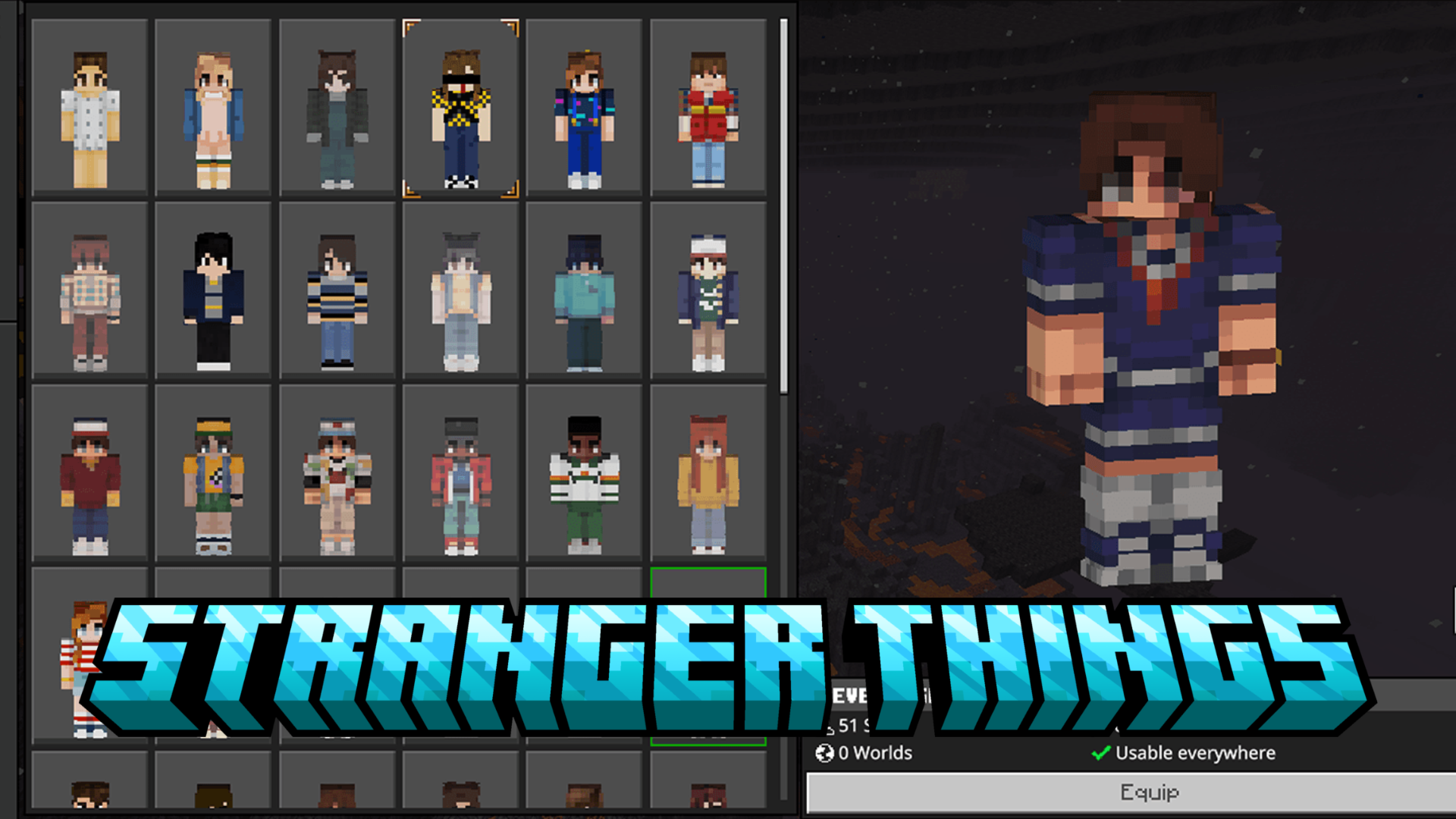
Screenshots:
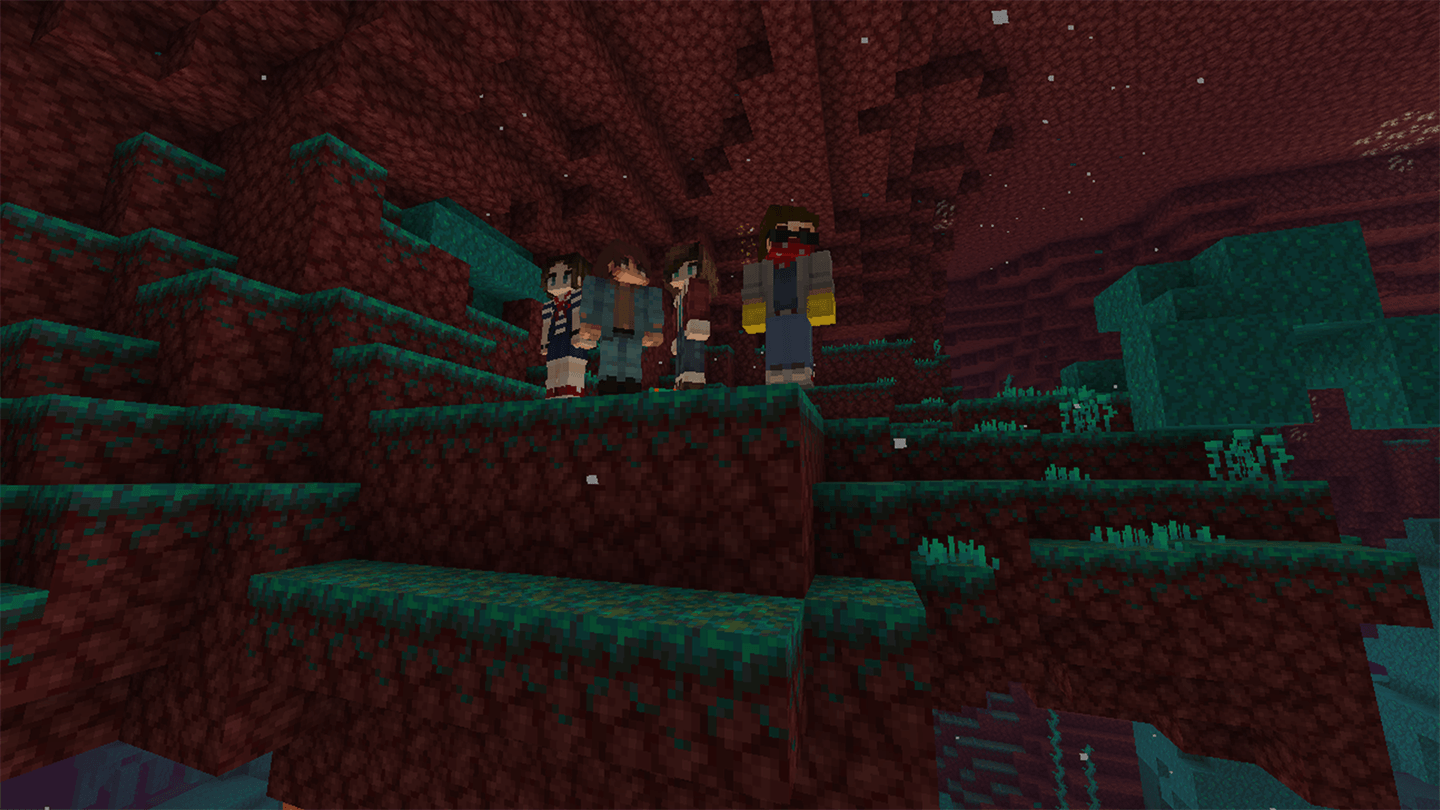
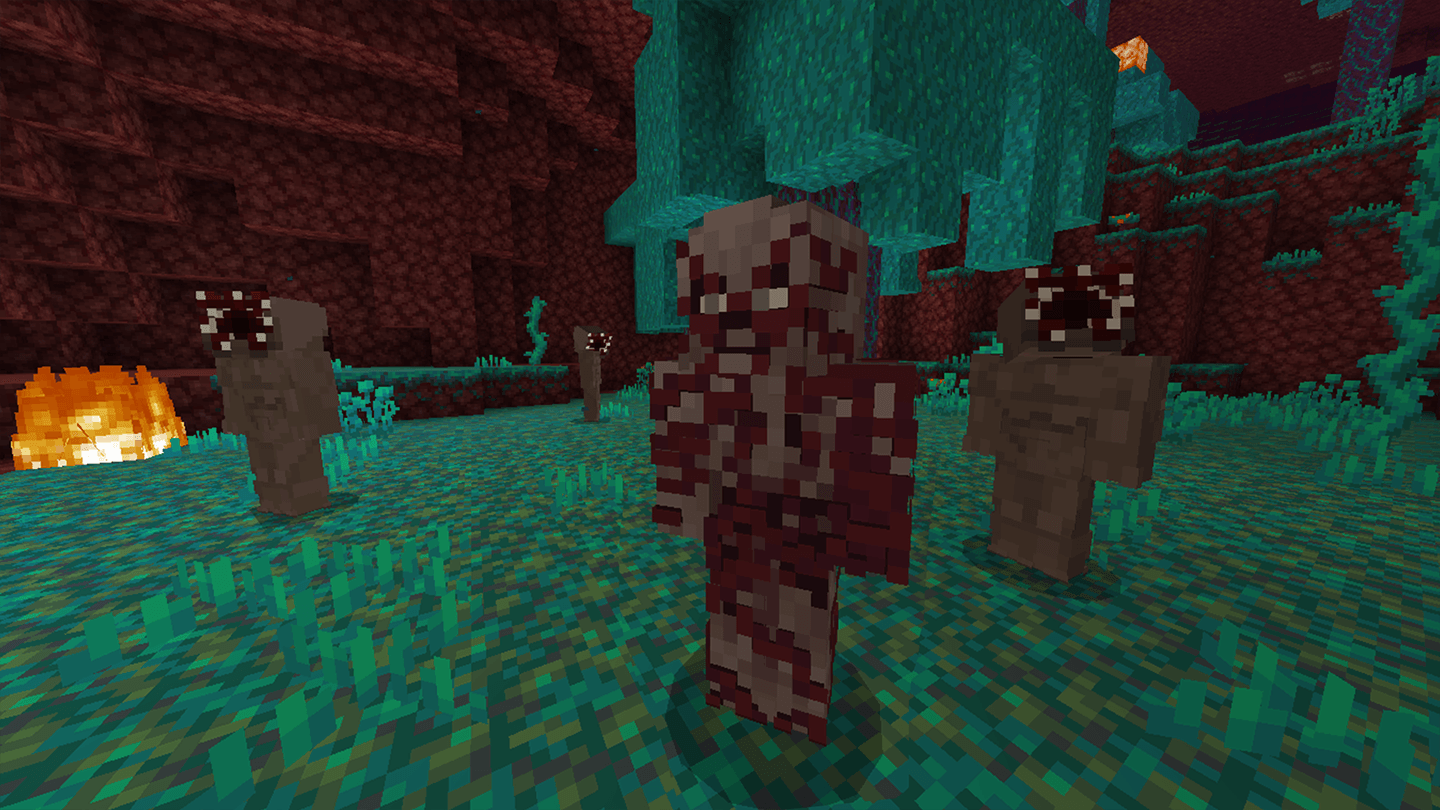
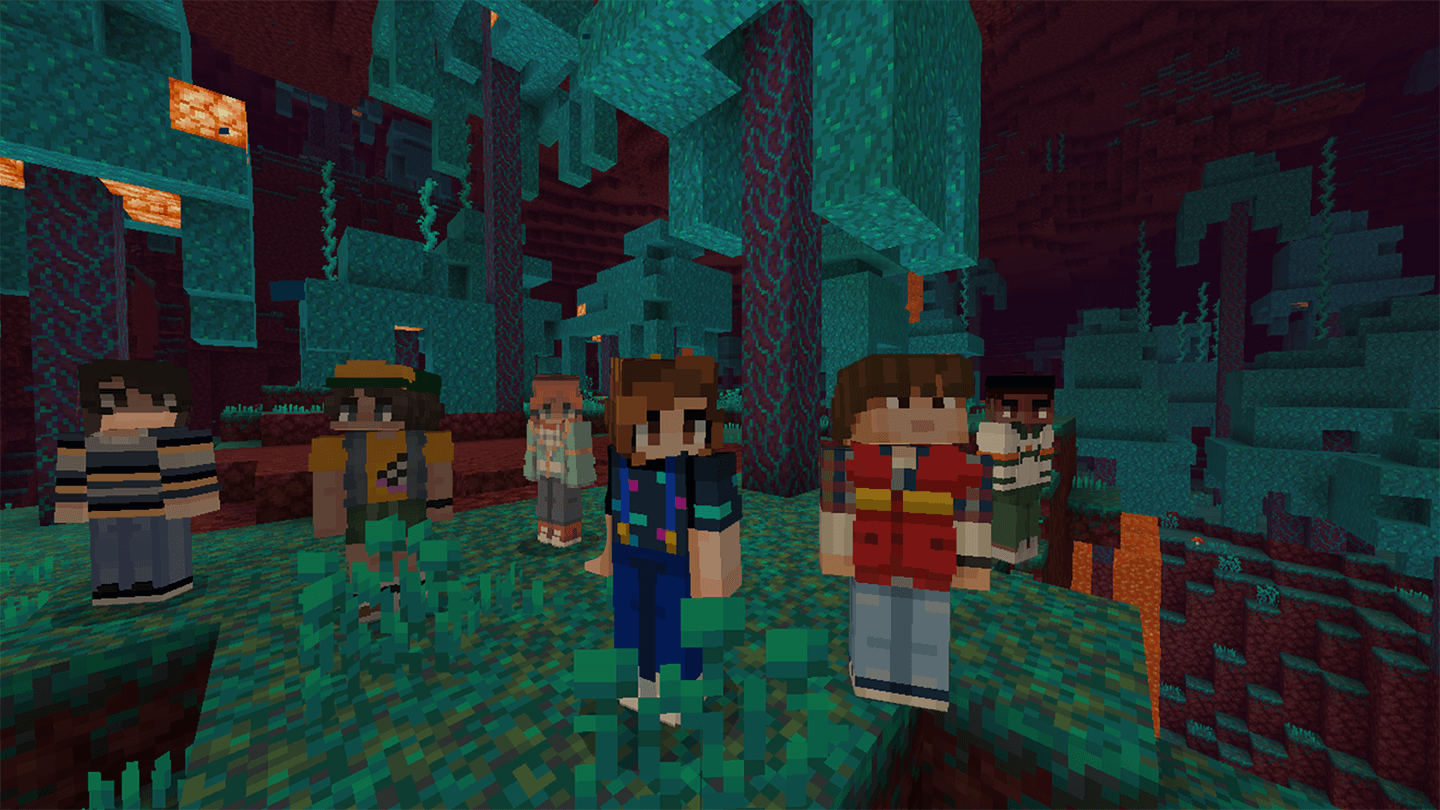
How to install:
- Download the Skin Pack: Download the skin pack file, usually in .mcpack format.
- Import the Skin Pack: Double-click the mcpack file to import it.
- Apply the Skin: Open the game, then go to “Dressing Room” and choose the new skin from the list.
- Enjoy Your New Look: The new skin will be applied to your character, and you can start playing with your updated appearance!
Stranger Things Skin Pack (1.26, 1.21) Download Links
For Minecraft PE/Bedrock 1.21, 1.20
mcpack: Download from server 1 – Download from server 2
Click to rate this post!
[Total: 1 Average: 3]
1 Comment
What do you think? Your opinion means a lot — we'd love to hear from you.
You May Also Like


















25dsrcc