
Synesthesia: Sound Visualizer Mod (26.1.2, 1.20.1) – See Every Hidden Noise
 53
 0


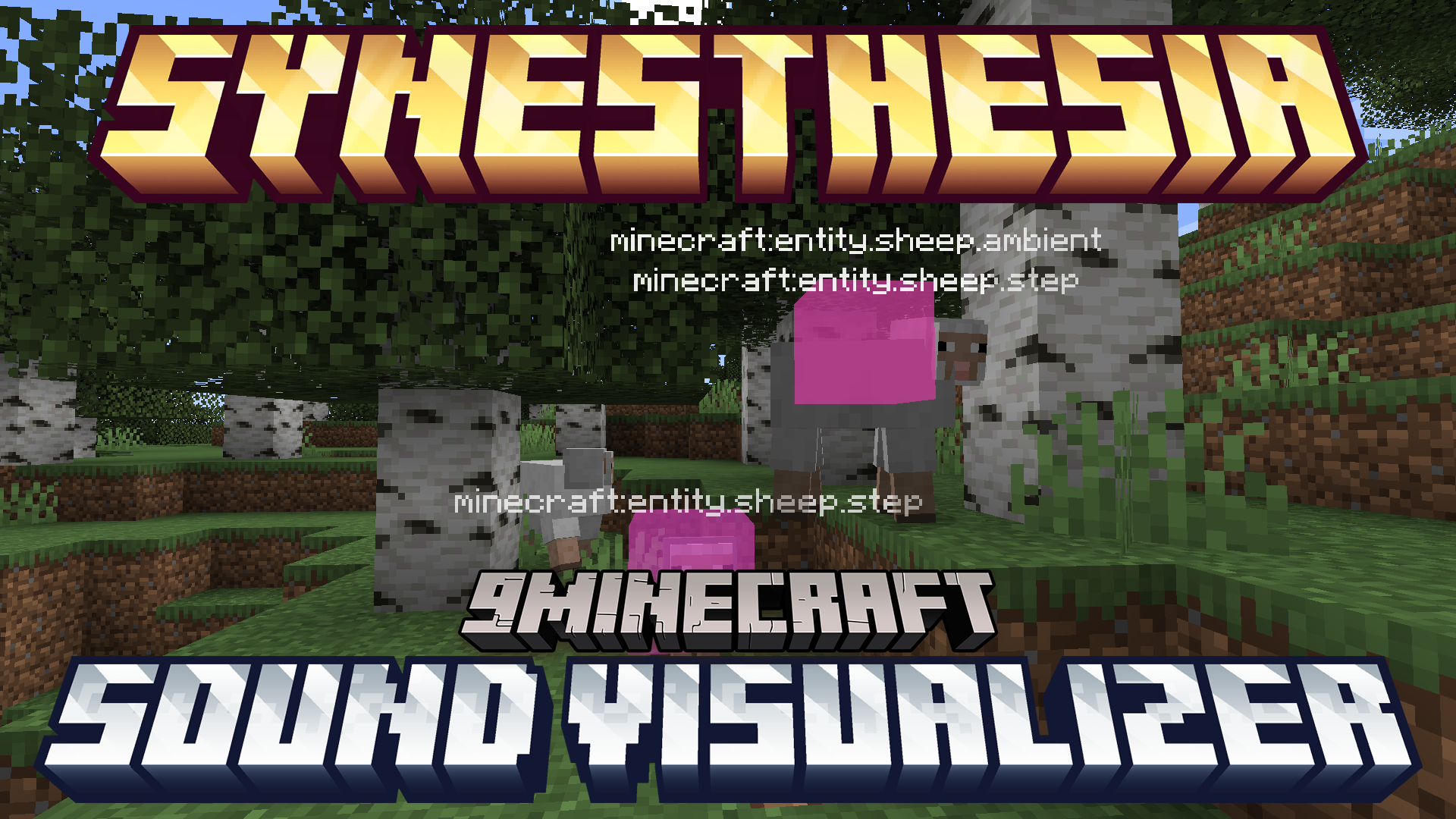
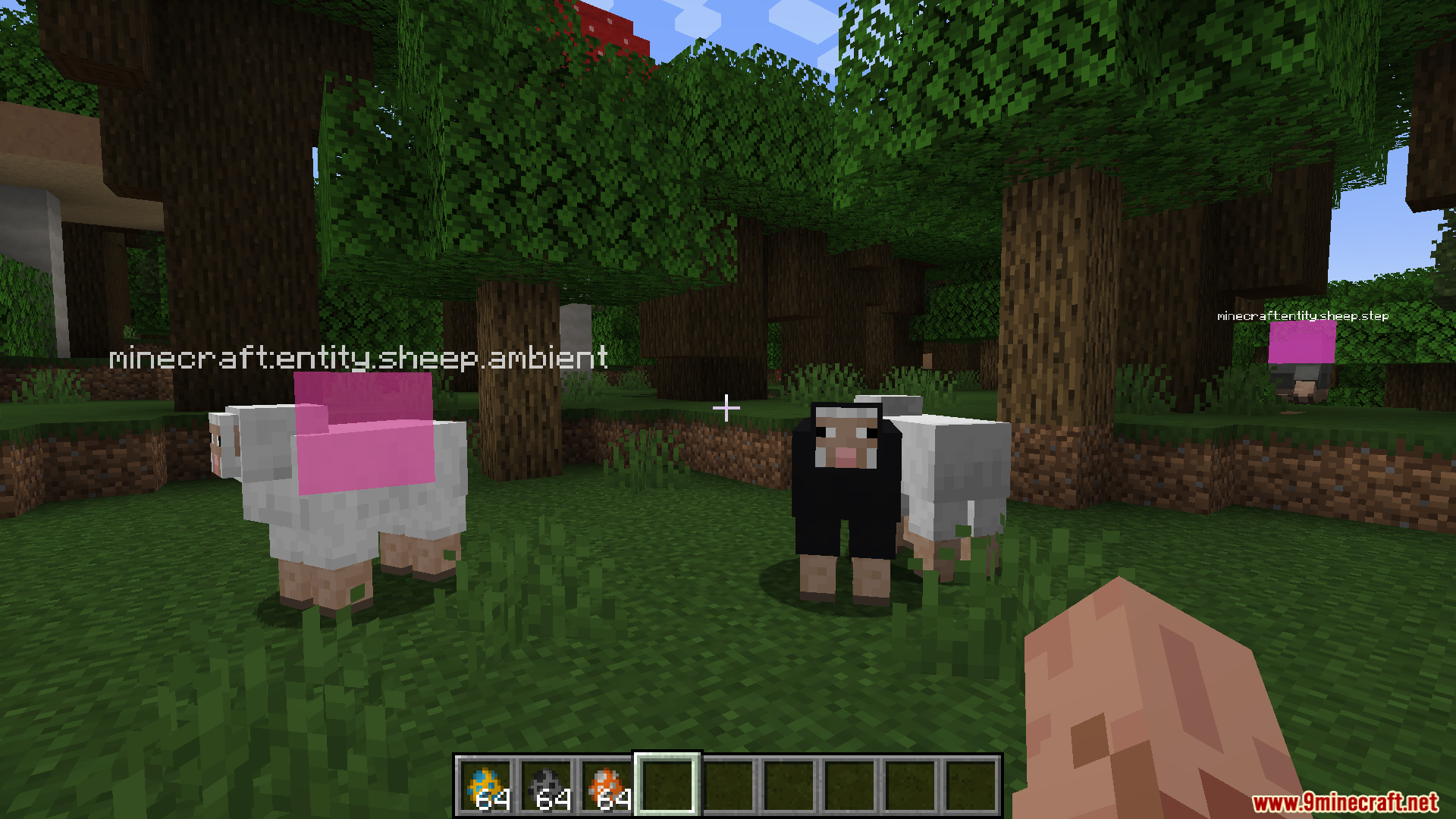
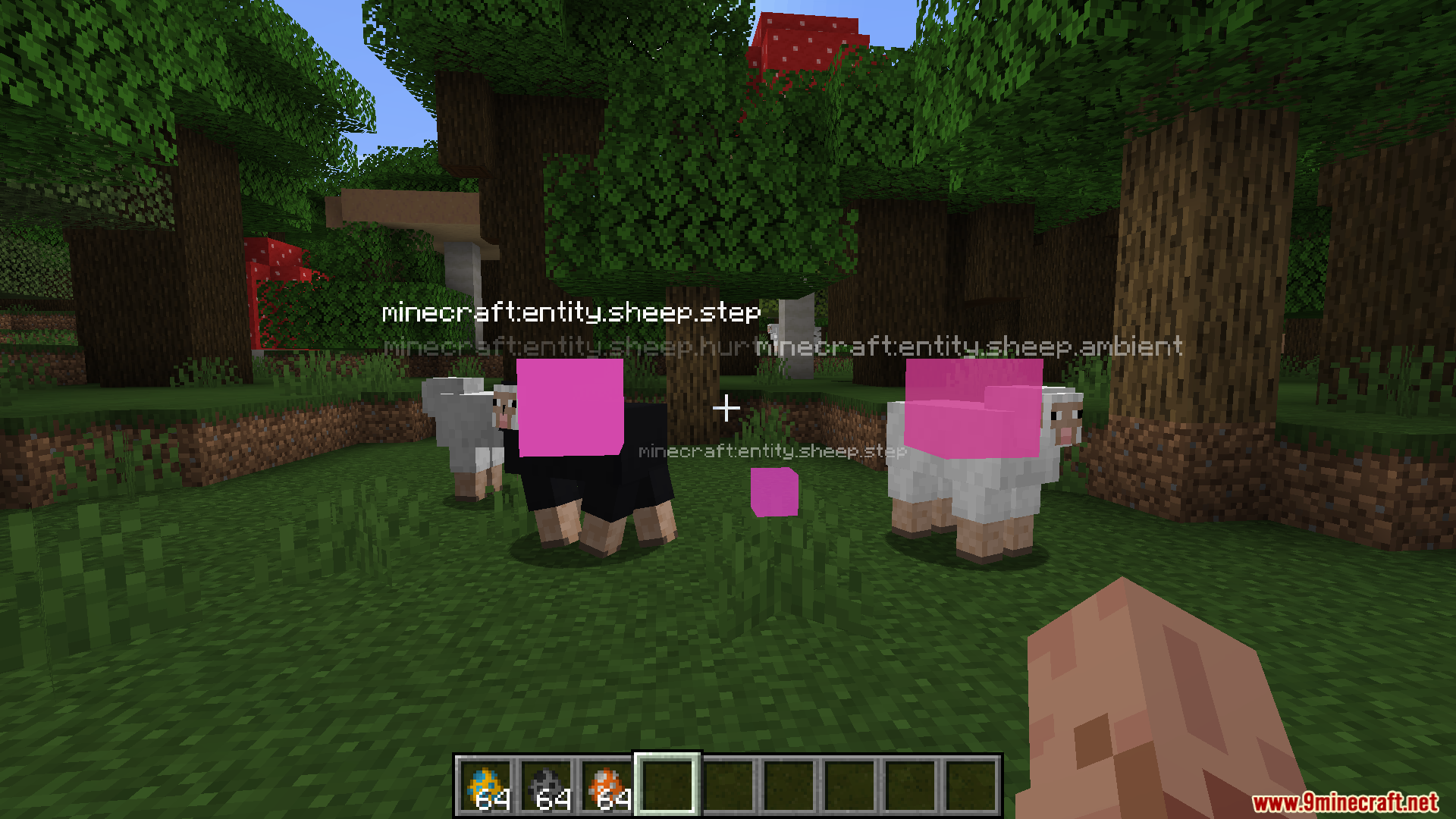
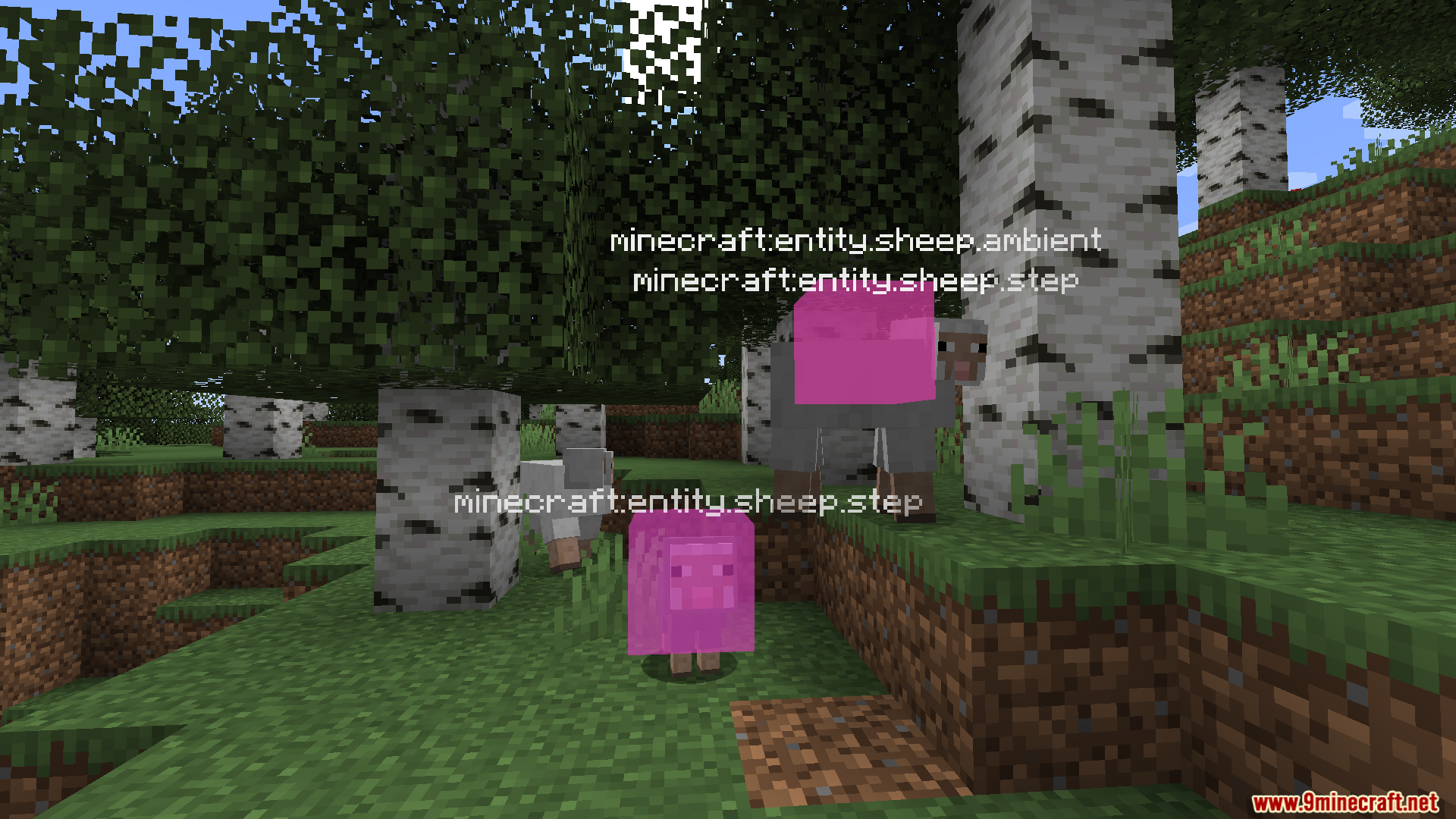
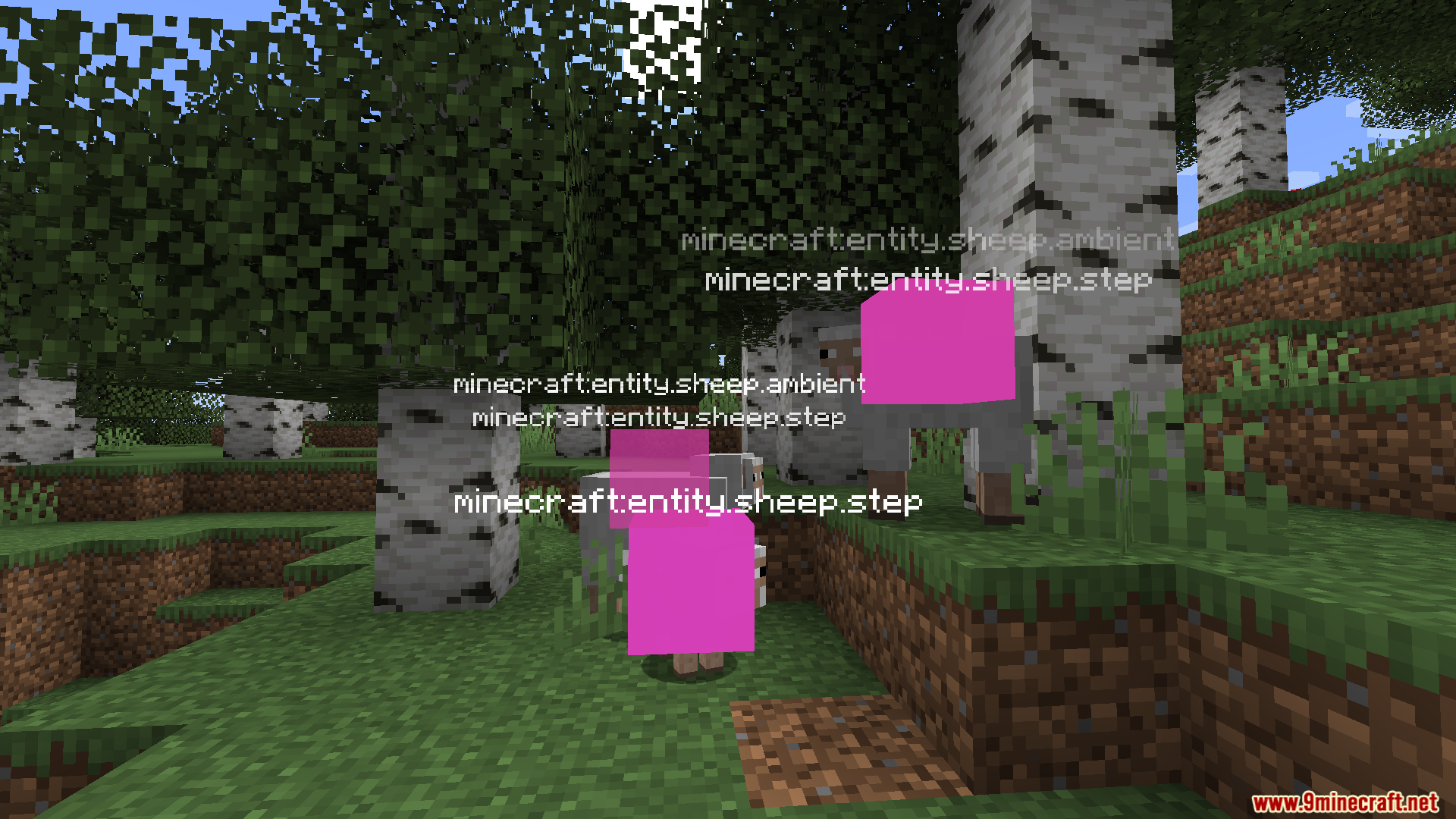
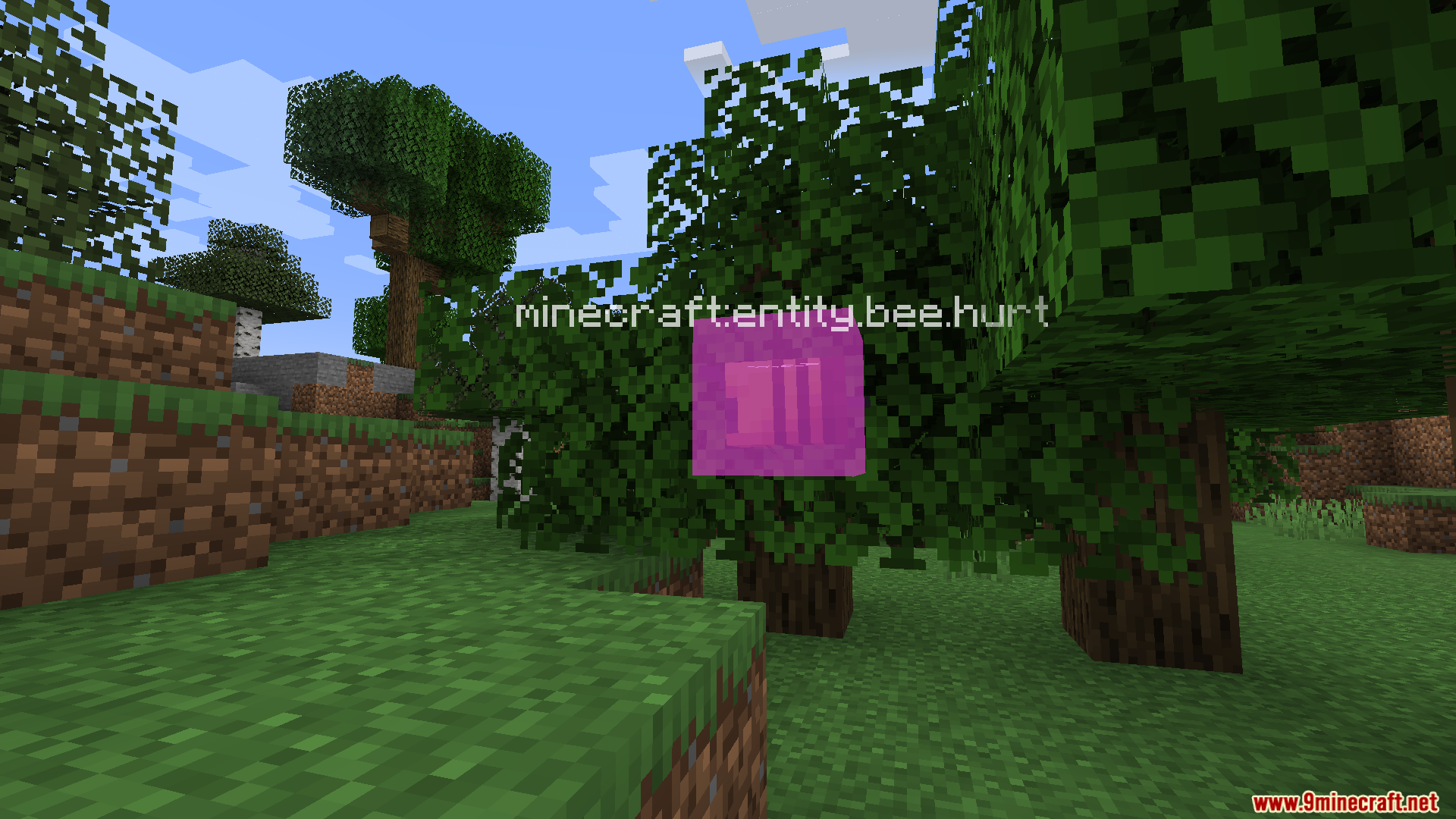
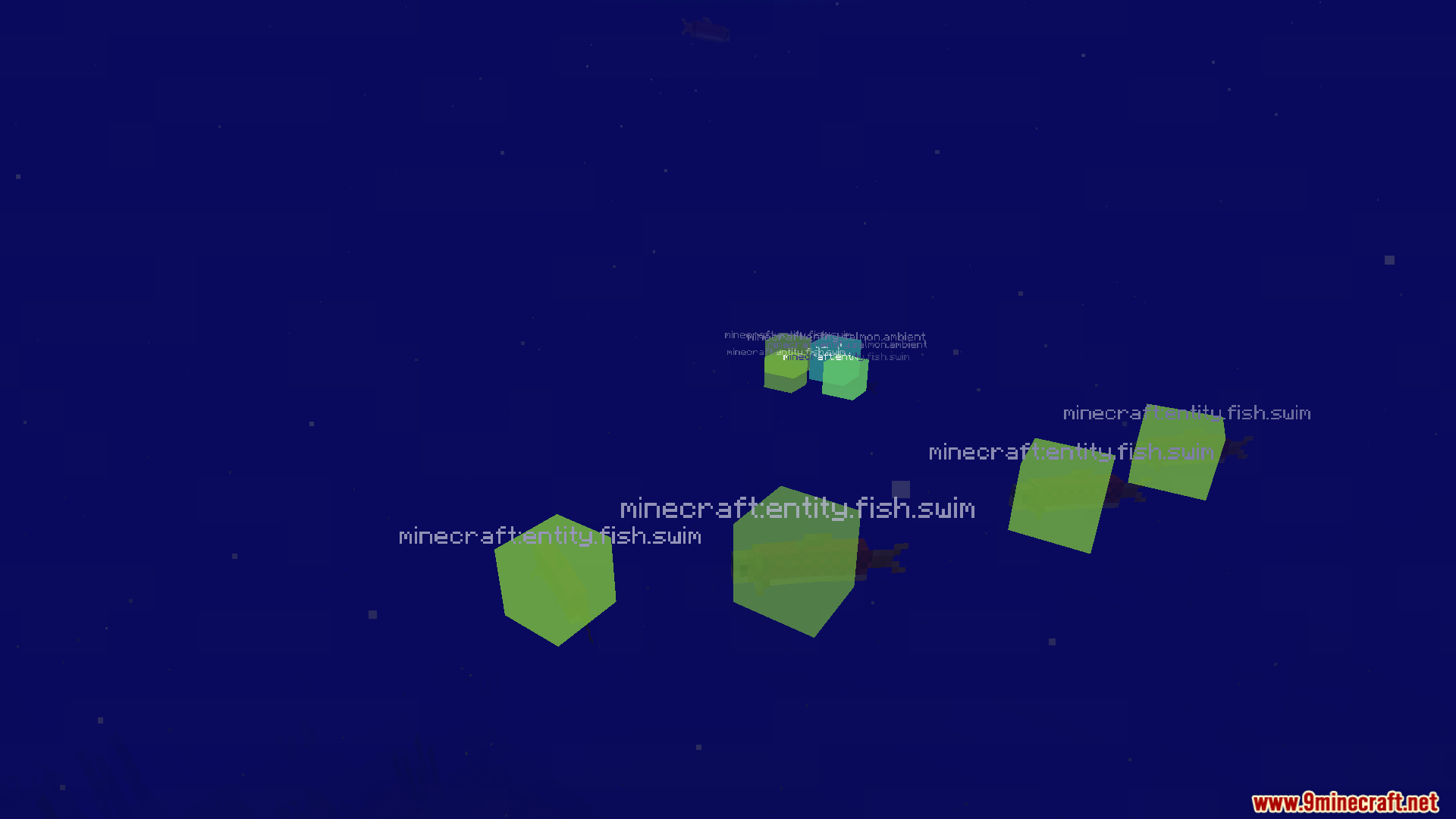
Synesthesia: Sound Visualizer Mod extends Extreme Sound Muffler and lets you see where every noise comes from in Minecraft. This addon puts bright colored cubes and text labels right at each sound spot in your world. You can turn it on inside the Extreme Sound Muffler menu, or use it on its own with a standalone keybind. It helps you spot hidden mobs, footsteps, water splashes, hurt noises, and loud blocks or machines.
Features:
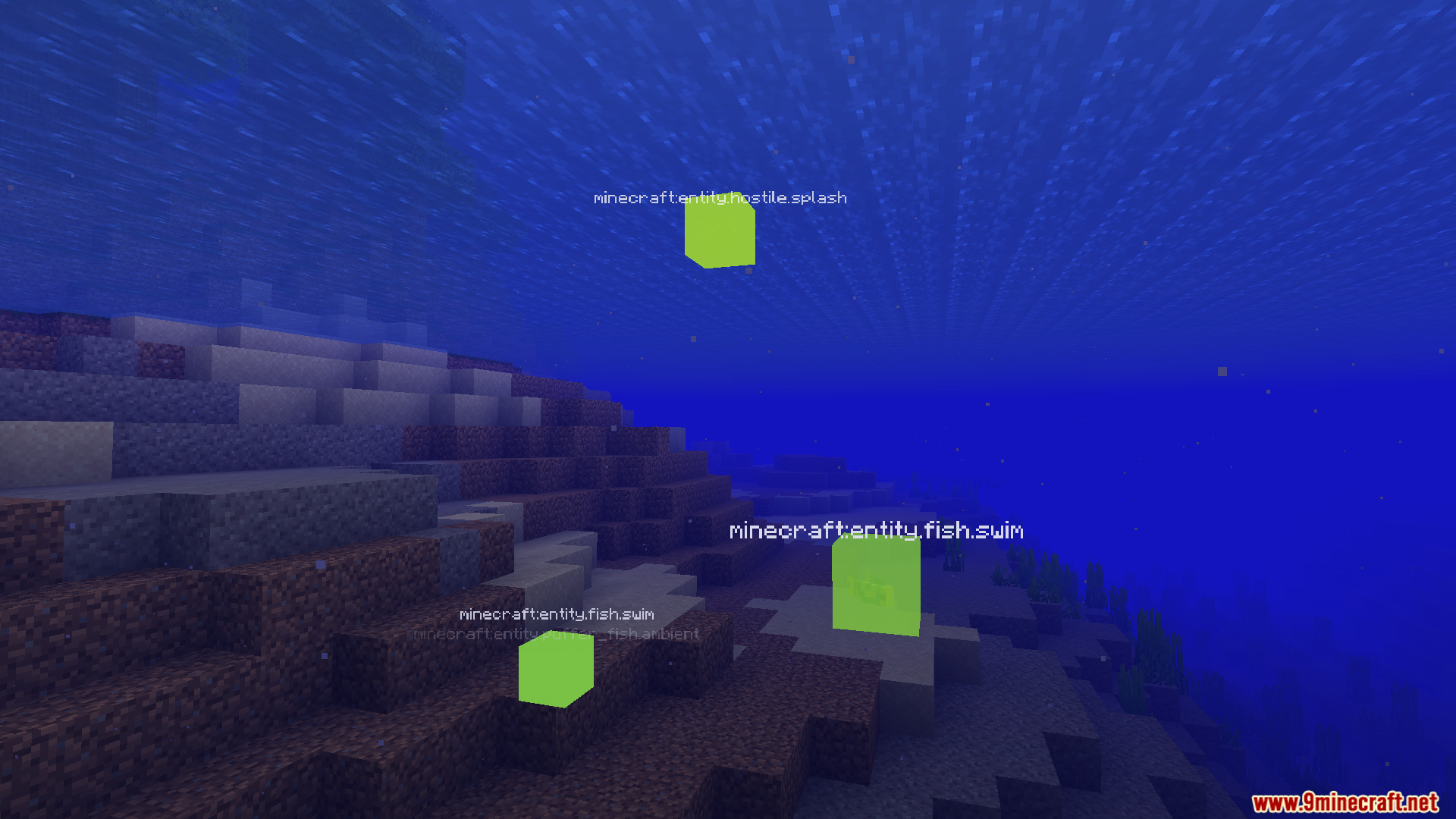
- Places glowing green, pink, and yellow cubes with floating text labels right where each sound starts.
- Works as an addon for Extreme Sound Muffler with a toggle button in its menu, or runs on its own using a standalone keybind.
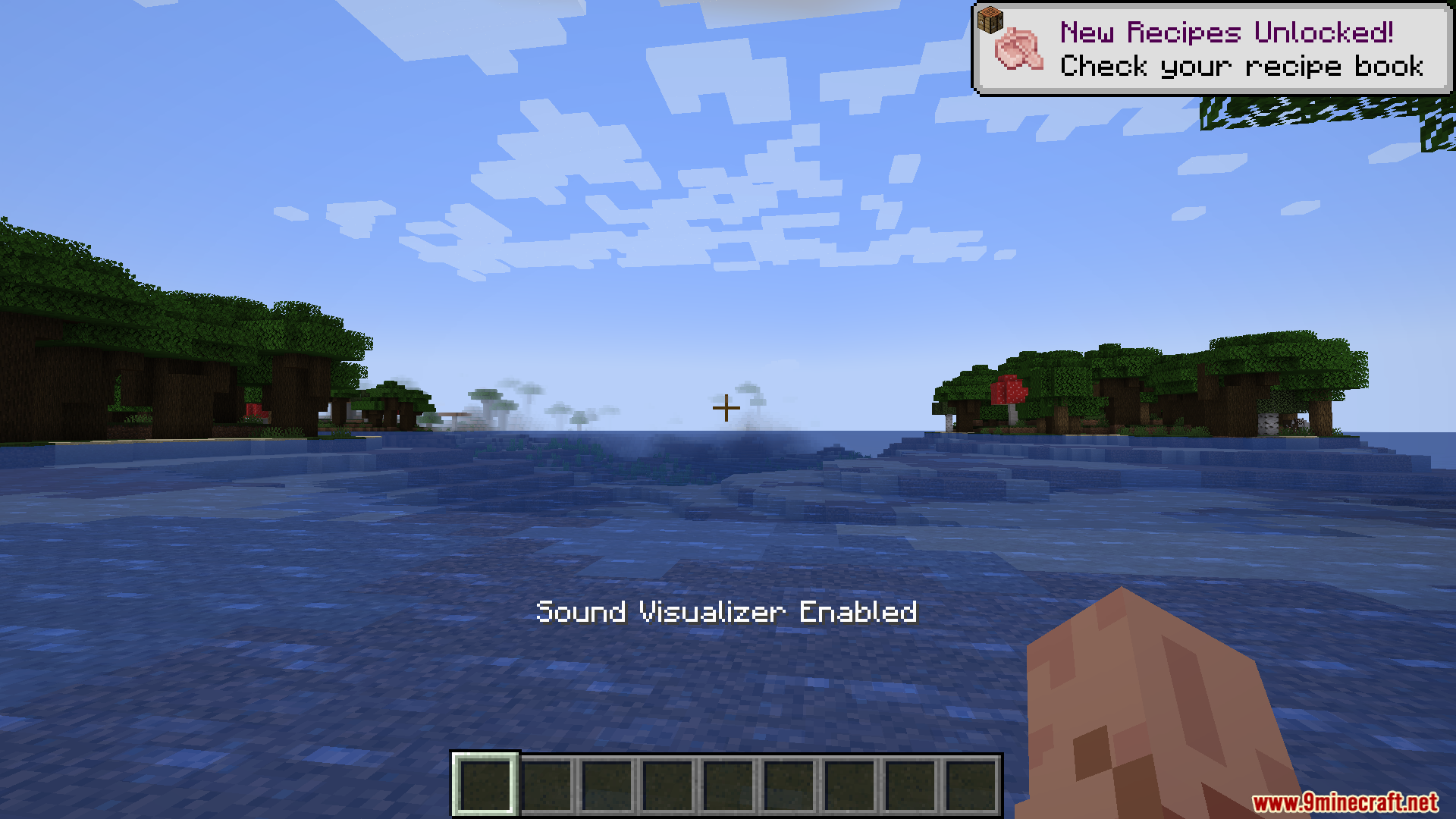
- Shows a short text notice on screen when the visual mode is active.
- Helps you find hidden mobs by marking footsteps, swimming splashes, ambient noises, and hurt sounds.
- Makes it easy to track down noisy blocks, machines, and contraptions in modded packs.
Screenshots:
How to Install:
New to Minecraft? Follow our step-by-step guide to install Mods on your PC.View Guide



Synesthesia: Sound Visualizer Mod Download Links
For Minecraft 26.1.2, 26.1.1, 26.1
For Minecraft 1.21.1, 1.21
For Minecraft 1.20.1, 1.20
Click to rate this post!
[Total: 0 Average: 0]
QUICK MINECRAFT SURVEY · ONE TAP
Mods & Modpacks
What is your favorite type of Minecraft mod?
0 responses · See the full results →
You May Also Like
Picked for this page
 Blockus Mod (26.3, 1.20.1) – Lots of New Decorative Blocks
 All The Tweaks Mod (26.1.2, 1.20.1) – Useful for All The Mods Modpacks
 OpenBlocks Elevator Mod (26.3, 1.20.1) – Fastest Elevator Ever
 Reap Mod (26.3, 1.20.1) – Auto Tree Mining, Auto Farming
 Scorched Mod (1.21.11, 1.20.1) – Desert Expansion
 Bedrock Crafter Mod (26.3, 1.20.1) – Craft Bedrock and Building Blocks
 Blur Plus Mod (26.3, 1.20.1) – Enhance Your GUI With Blur Effects
 Scoreboard Overhaul Mod (26.3, 1.20.1) – A Fresh Look For Your Sidebar
 Big Pony Mod (26.2, 1.20.1) – Customizable Camera Position, Distance, and Body Size
 Refined Advancements Mod (26.1.1, 1.20.1) – New Goals And Milestones
 No Netherite Mod (26.3, 1.20.1) – Disables Netheite In Your Game
 Icarus X Transmog Compat Mod (1.20.1, 1.20) – Transmog Support For Icarus Wings
Most viewed in Mods over the last 7 days
 Ala Industrial Mod (26.3) – Run Electric Power Grids and Automated Factories
 PleasureCraft Mod (26.3, 1.21.1) – Jenny Mod Remake for Fabric
 Jennycraft Mod (26.3, 1.20.1) – Virtual Girlfriend in Minecraft
 Fapcraft Mod (26.3, 1.12.2) – Comprehensive and Detailed Content
 Jenny Mod (Fapcraft) Official Complete Guide – How to use, Tutorial
 BangCraft Mod (1.20.1) – Jenny, Ellie and Elliot
 Fabric Loader (26.3, 1.20.1) – Fabric Installer for All Minecraft Versions
 Meteor Client Mod (26.3, 1.20.1) – Xray, HUD, Fly
 The Shooting Star Demo Mod (26.3, 1.20.1) – Vaporize Terrain From Orbit
 OptiFine HD (26.3, 1.20.1) – Run Faster, FPS Boost, Shaders Support
 Aristois Client Mod (1.21.4, 1.20.1) – World Class Minecraft Utility
 SchnurriTV Mod (1.12.2) – Characters and Features
More from Mods
 Avali Nexus Mod (26.3) – Settle Frozen Frontiers with High-Tech Bird Tribes
 Orient’s Hotpot Chronicles Mod (1.20.1) – Boil Fresh Hotpot Meals Over Open Flames
 Far Lands Traveler Mod (26.1.2) – Survive the Long Trek to the Edge of the World
 Beli’s SkyLyrics Mod (1.21.11) – Sing Along to Desktop Tracks Projected in the Night Sky
 Explainstone and Songmelyn Mod (1.21.1) – Broadcast Custom Music Across Your Base
 Rockstar Shaders Mod (26.3) – Cast Ray-Traced Light Across Vast Distant Horizons
 ERYDON Mod (1.20.1) – Design Grand Courtyards with Carved Marble Pillars
 Infinity Bound Mod (1.21.1) – Snap Away Enemies with Legendary Superhero Gear
 Legacy Gecko Lib Fabric Mod (1.16.5) – Power Animated Creatures in Modpacks
 The Man from the Shadow Horror Mod (1.20.1) – Fight Hallucinations to Survive
 Shade & Saturation Slider Mod (26.2, 1.21.11) – Make Every Biome Vibrant
 Cataclysm X Yung’s Better Nether Fortresses Compat Mod (1.21.1, 1.20.1)

This post has no comments yet. Be the first — your comment will appear here.