Synostra Sanguine Skin Pack (1.26, 1.21) – MCPE/Bedrock
 18
18
 0
0
 2 days ago
 LunaticOwner
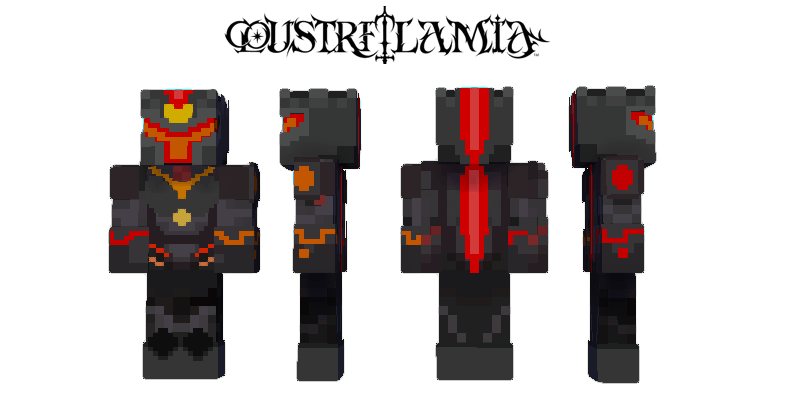
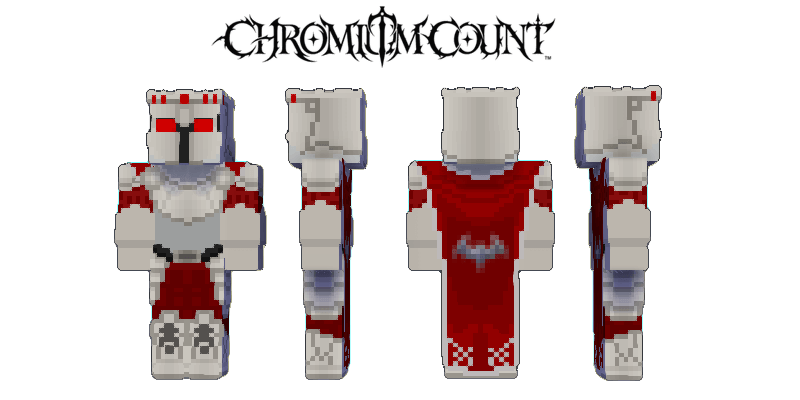
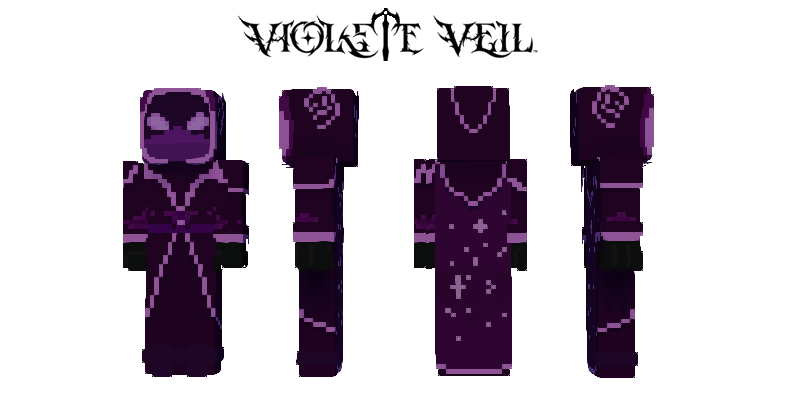
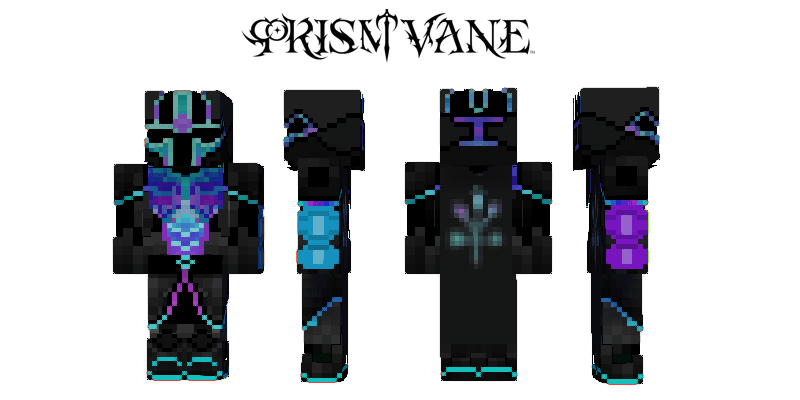
Synostra Sanguine Skin Pack (1.26, 1.21) was born from the spectrum of a dying star. Wrapped in lavender moonlight, he hunts for the warmth he can no longer feel. Synostra is a vibrant contradiction: a vampire who glows with stolen life.
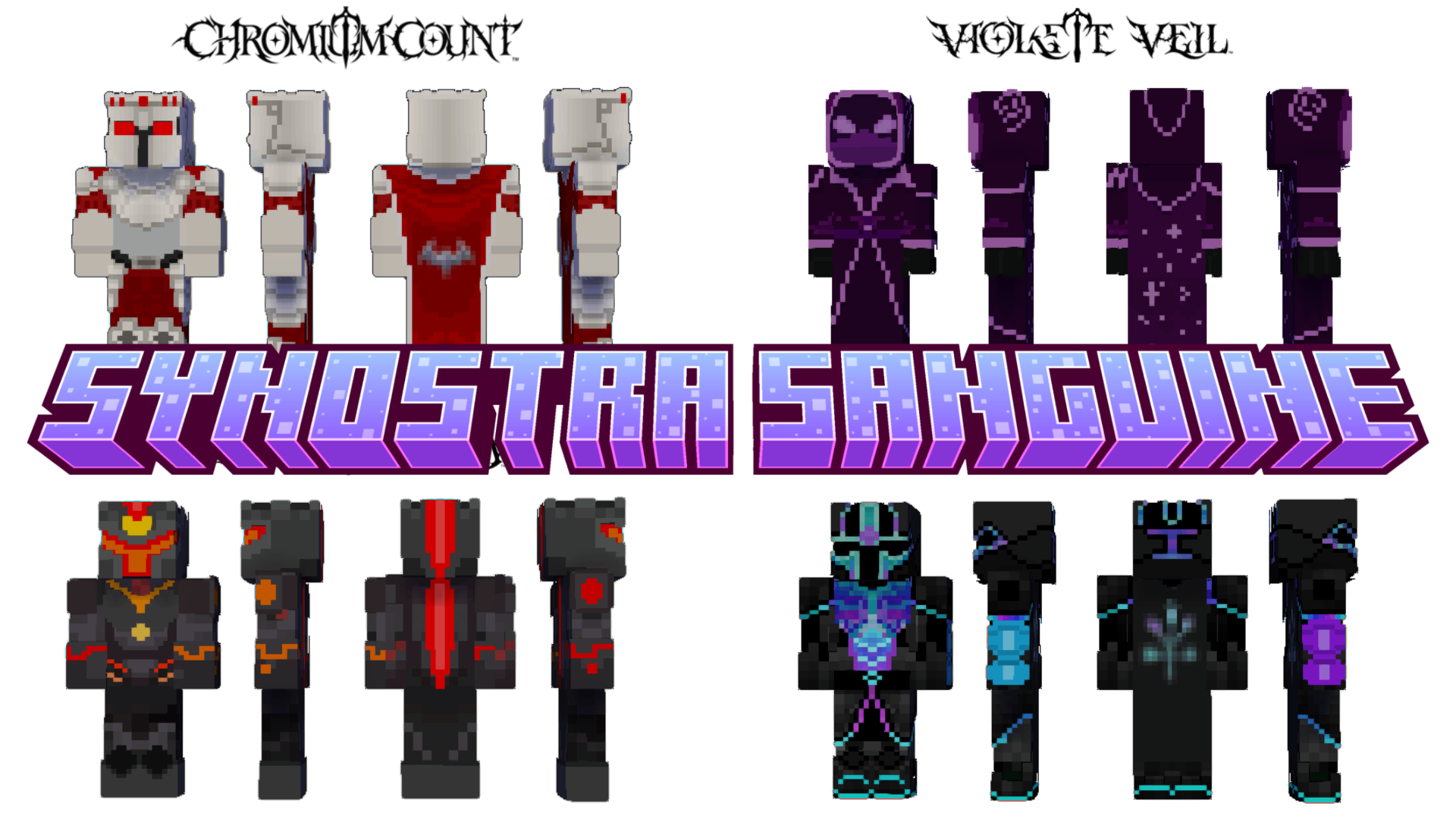
Screenshots:
How to install:
- Download the Skin Pack: Download the skin pack file, usually in .mcpack format.
- Import the Skin Pack: Double-click the mcpack file to import it.
- Apply the Skin: Open the game, then go to “Dressing Room” and choose the new skin from the list.
- Enjoy Your New Look: The new skin will be applied to your character, and you can start playing with your updated appearance!
Synostra Sanguine Skin Pack (1.26, 1.21) Download Links
For Minecraft PE/Bedrock 1.26, 1.21
mcpack: Download from server 1 – Download from server 2
Click to rate this post!
[Total: 0 Average: 0]
You May Also Like