Homepage » MCPE 1.20 Texture Packs » Page 4
MCPE 1.20 Texture Packs
813 posts
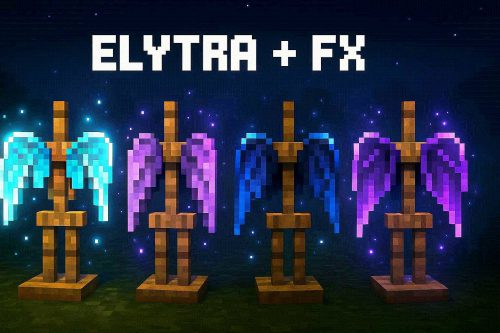
Elytra+ Fx Texture Pack (v26, 1.21) adds illuminated wing styles inspired by Allay, Vex, Phantom,…
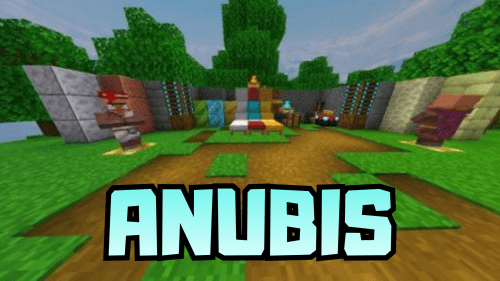
Anubis Texture Pack (1.21, 1.20) is a 16x resource pack for the Bedrock version, used…
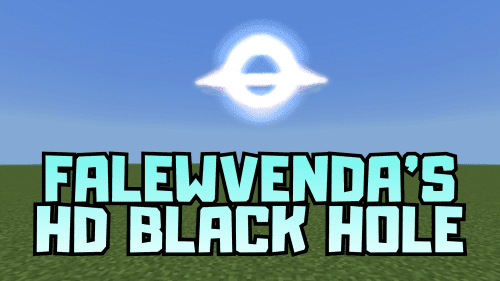
Falewvenda’s HD Black Hole Texture Pack (v26, 1.21) replaces the image of the sun with…
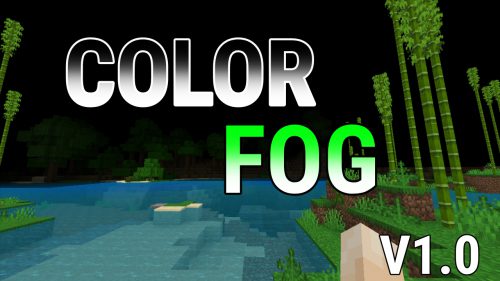
Color Fog Texture Pack (1.21, 1.20) changes the fog covering areas. Players can choose green…
Sodium Extra Mod (1.21) is a lightweight, upgraded 16x texture/resource pack for MCPE 1.21+. It’s…
xFaveXEditz Texture Pack (v26, 1.21) makes items look cleaner and reduce distractions. The small file…
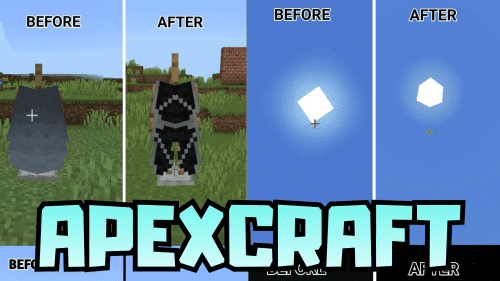
ApexCraft Texture Pack (v26, 1.21) is a resource pack that changes the visuals and interface…
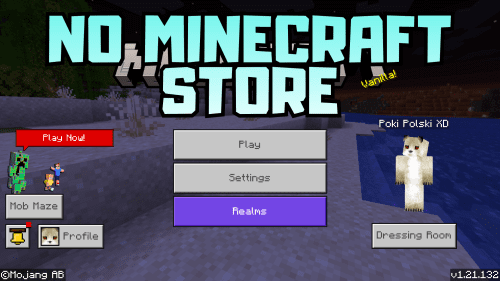
No Minecraft Store Texture Pack (1.21, 1.20) removes all minecraft store buttons, to stop them…
3D Mace HD+ Texture Pack (v26, 1.21) changes the appearance of the mace weapon to…
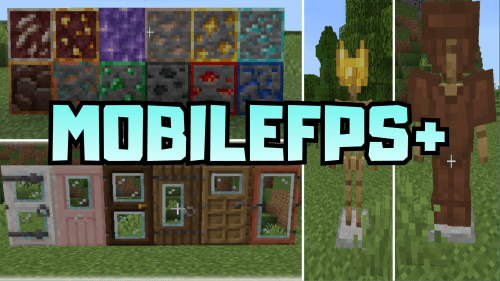
MobileFPS+ Texture Pack (v26, 1.21) increases frame rates and reduces lag for phones or low-configuration…
Fire Fault Texture Pack (v26, 1.21) increases frame rates and reduces lag during use. With…
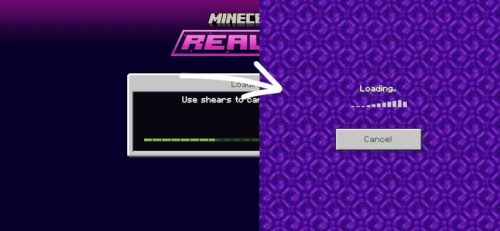
Old Realms Progress Screen Texture Pack (1.21, 1.20) restores the pause menu and load screen…
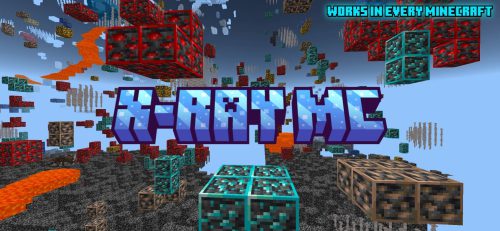
X-Ray MC Texture Pack (v26, 1.21) is one of the best X-ray resource packs out…
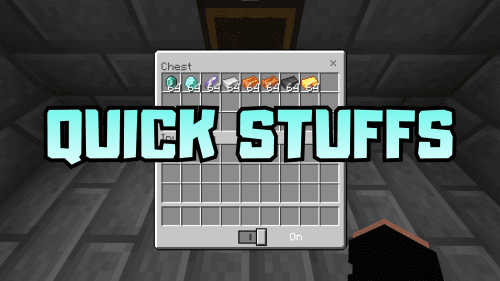
Quick Stuffs Texture Pack (v26, 1.21) adds Quick Craft, Quick Chat & Quick Loot Feature…
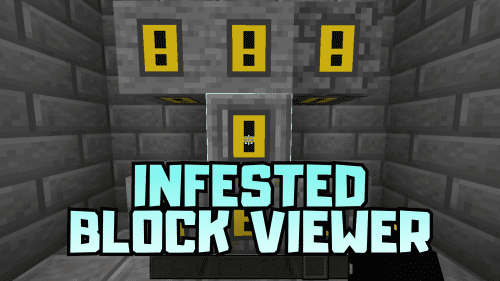
Infested Blocks Viewer Texture Pack (v26, 1.21) adds a warning sign to the infested blocks.…



 520
520
 0
0
 February 5, 2026
 Sco_Studio