


Team Hot Wheels Skin Pack (v26, 1.21) – MCPE/Bedrock
 363
363
 1
1
 January 17, 2026
 Glidecorner
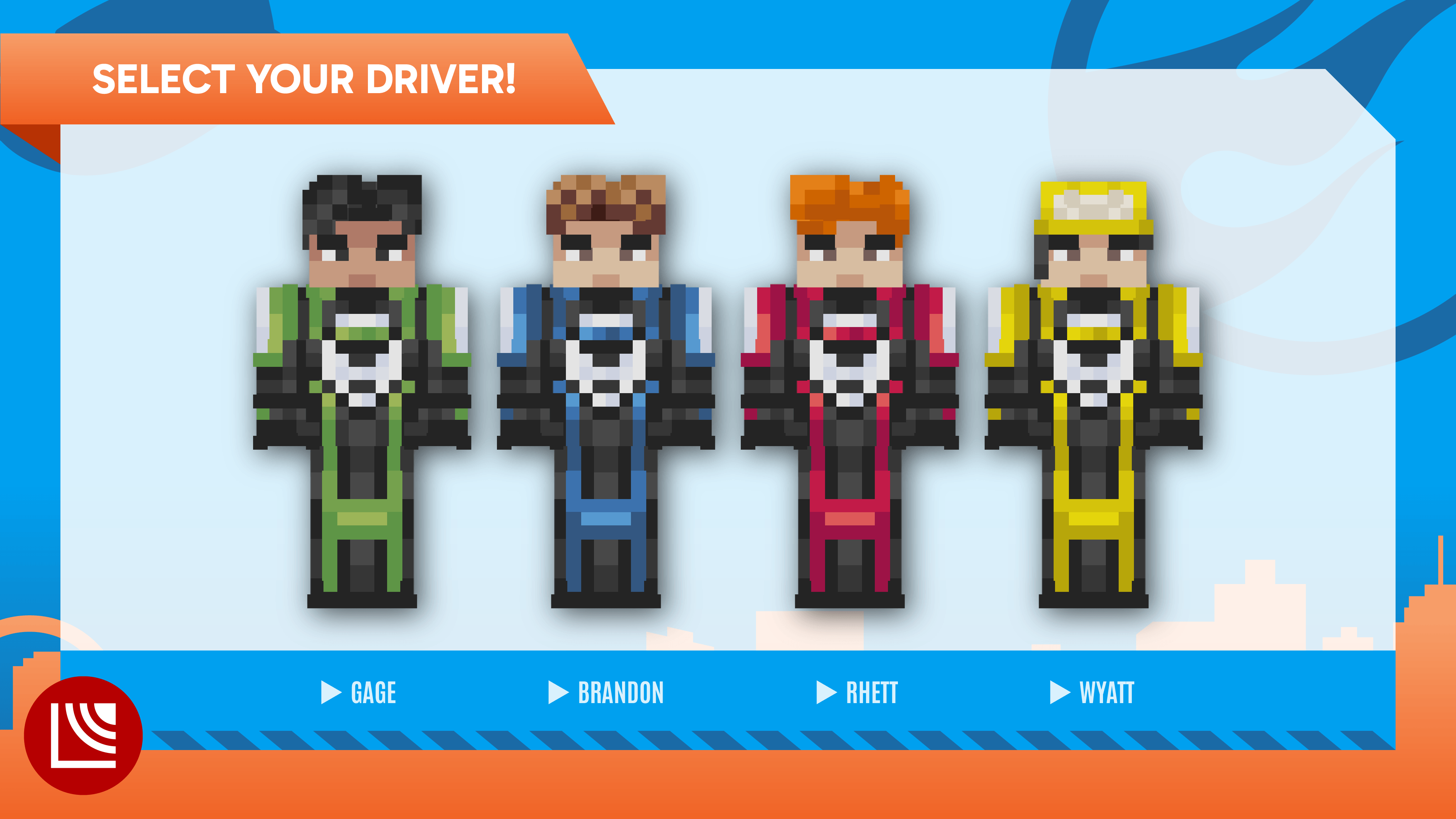
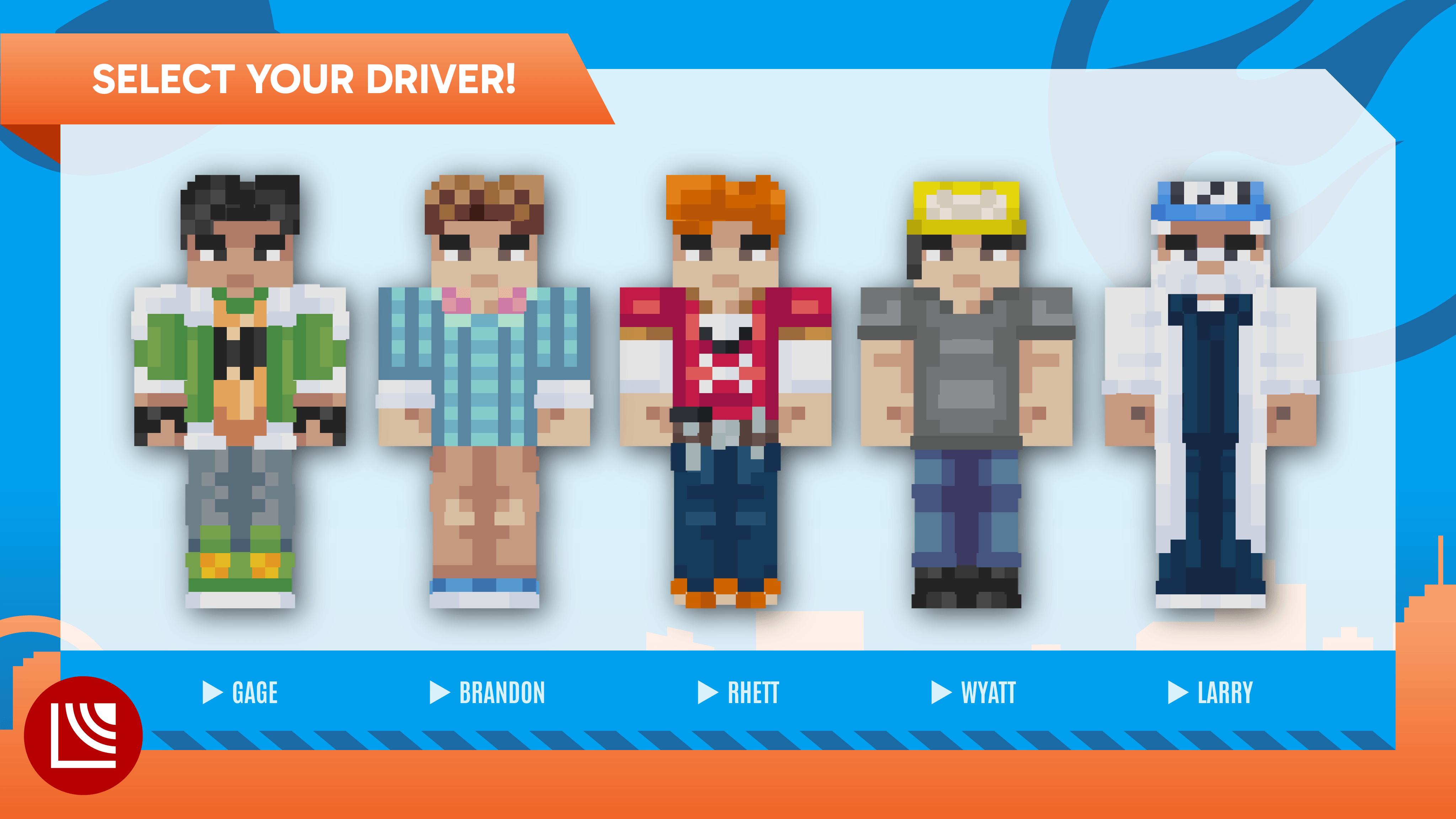
Team Hot Wheels Skin Pack (v26, 1.21) recounts the origins of the Hot Wheels racing team when its members were teenagers. The racers were highly skilled but often competed against each other. A black car appeared and created orange racetracks everywhere.
Screenshots:
How to install:
- Download the Skin Pack: Download the skin pack file, usually in .mcpack format.
- Import the Skin Pack: Double-click the mcpack file to import it.
- Apply the Skin: Open the game, then go to “Dressing Room” and choose the new skin from the list.
- Enjoy Your New Look: The new skin will be applied to your character, and you can start playing with your updated appearance!
Team Hot Wheels Skin Pack (v26, 1.21) Download Links
For Minecraft PE/Bedrock 1.21, 1.20
mcpack: Download from server 1 – Download from server 2
Click to rate this post!
[Total: 0 Average: 0]
1 Comment
What do you think? Your opinion means a lot — we'd love to hear from you.
You May Also Like
















I don’t know