


Armourer’s Workshop Mod (26.1.2, 1.20.1) – ปั้นชุดเกราะและอาวุธในสไตล์คุณเอง

 0
0 

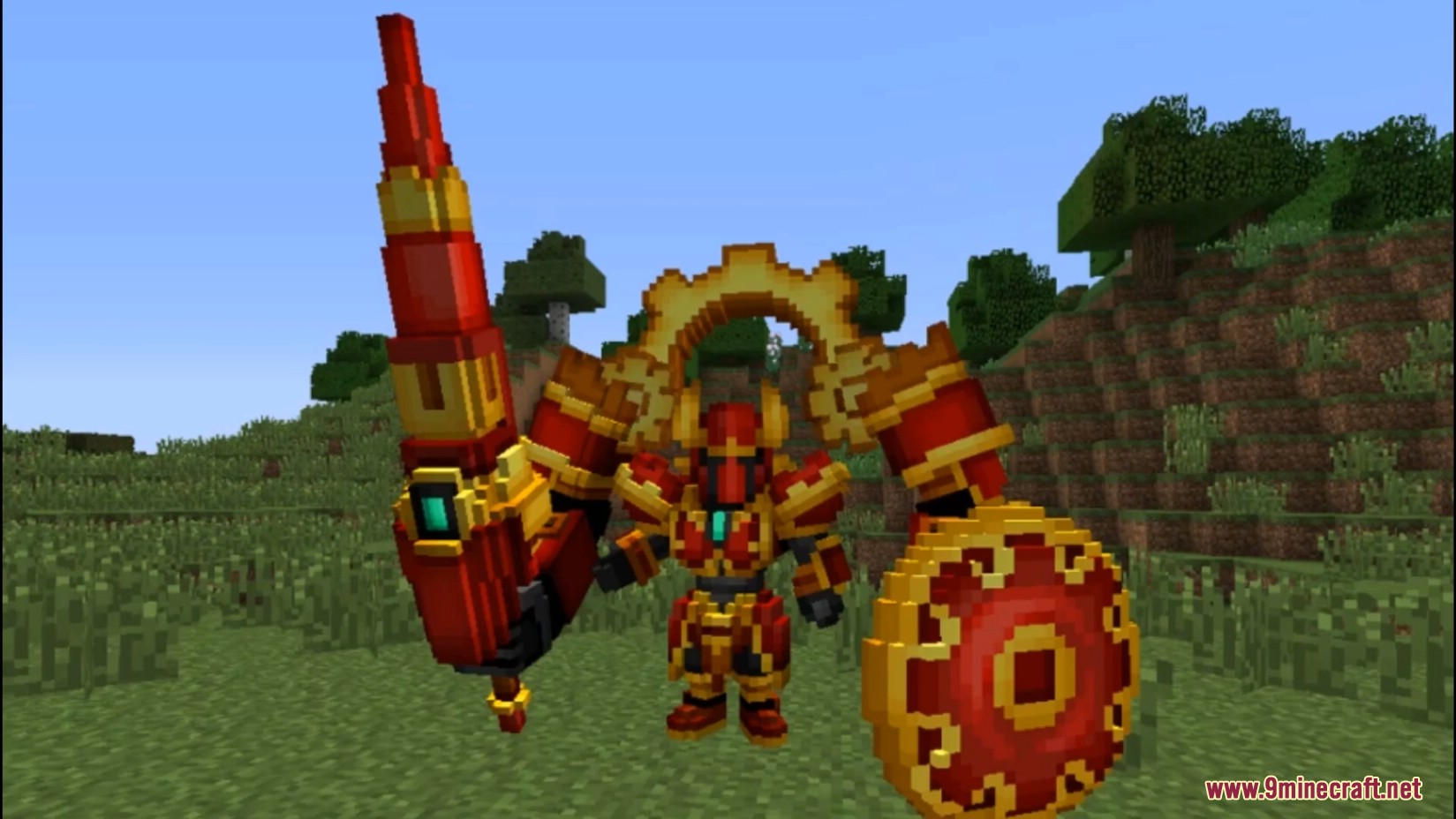
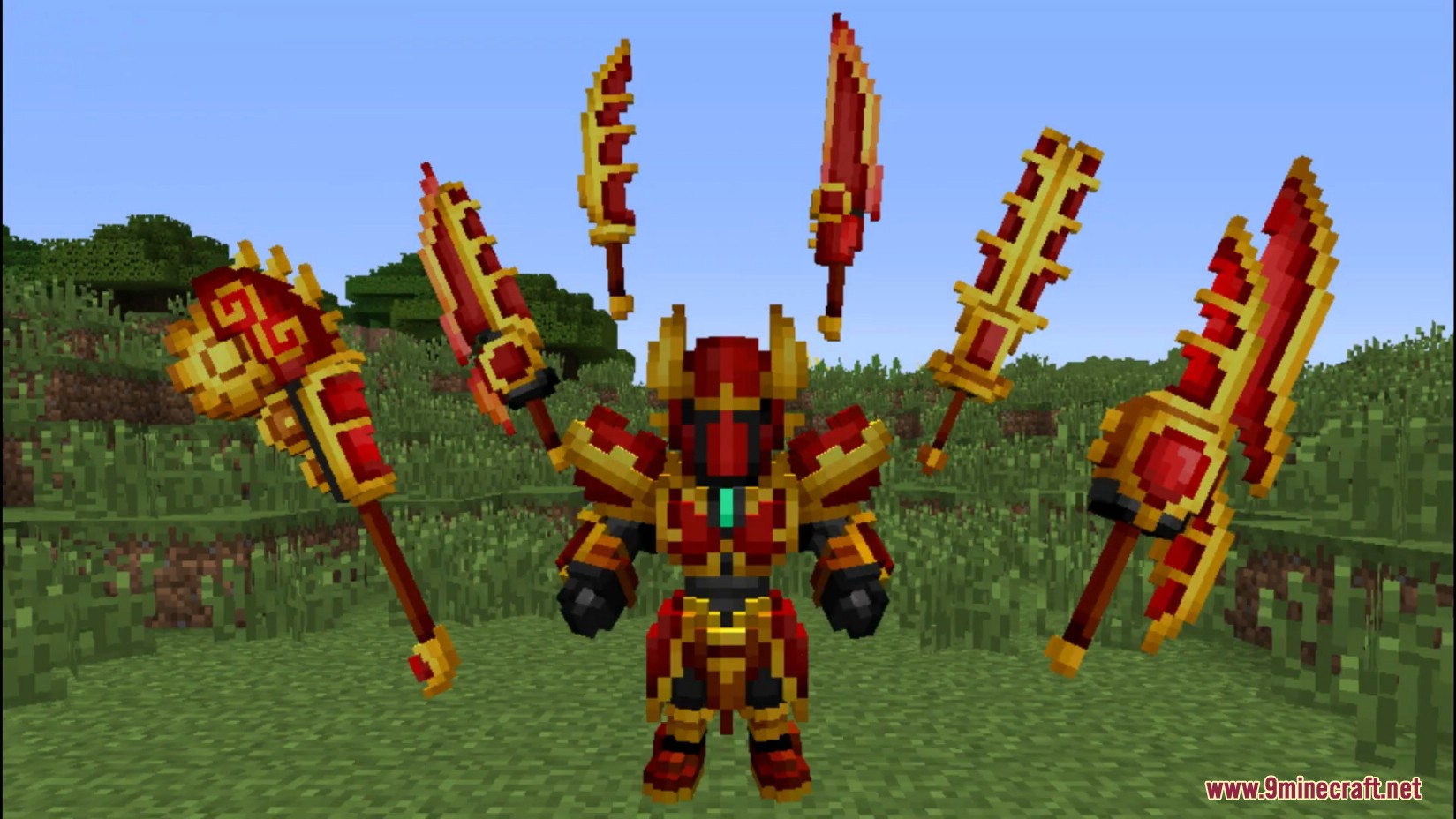
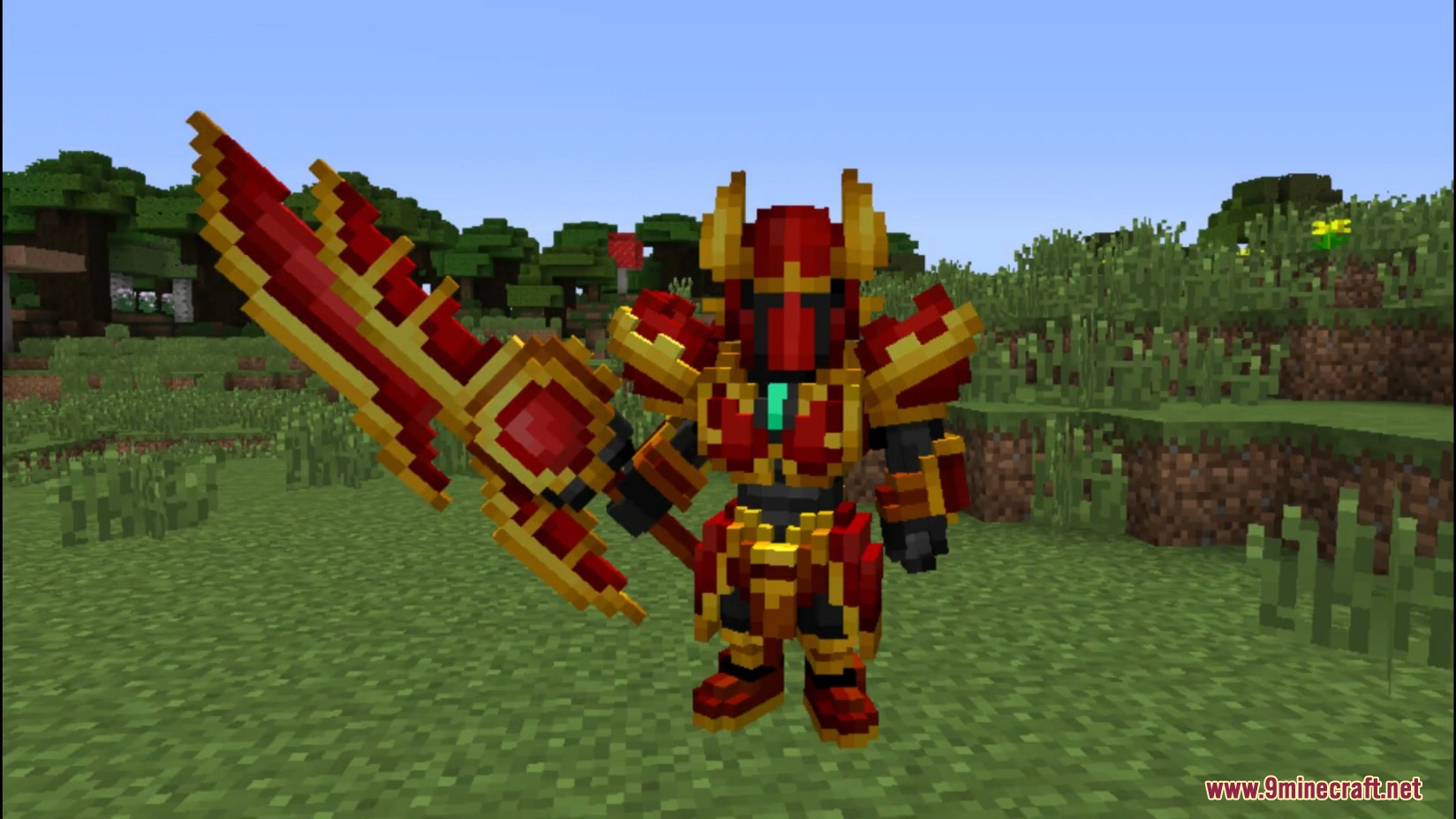
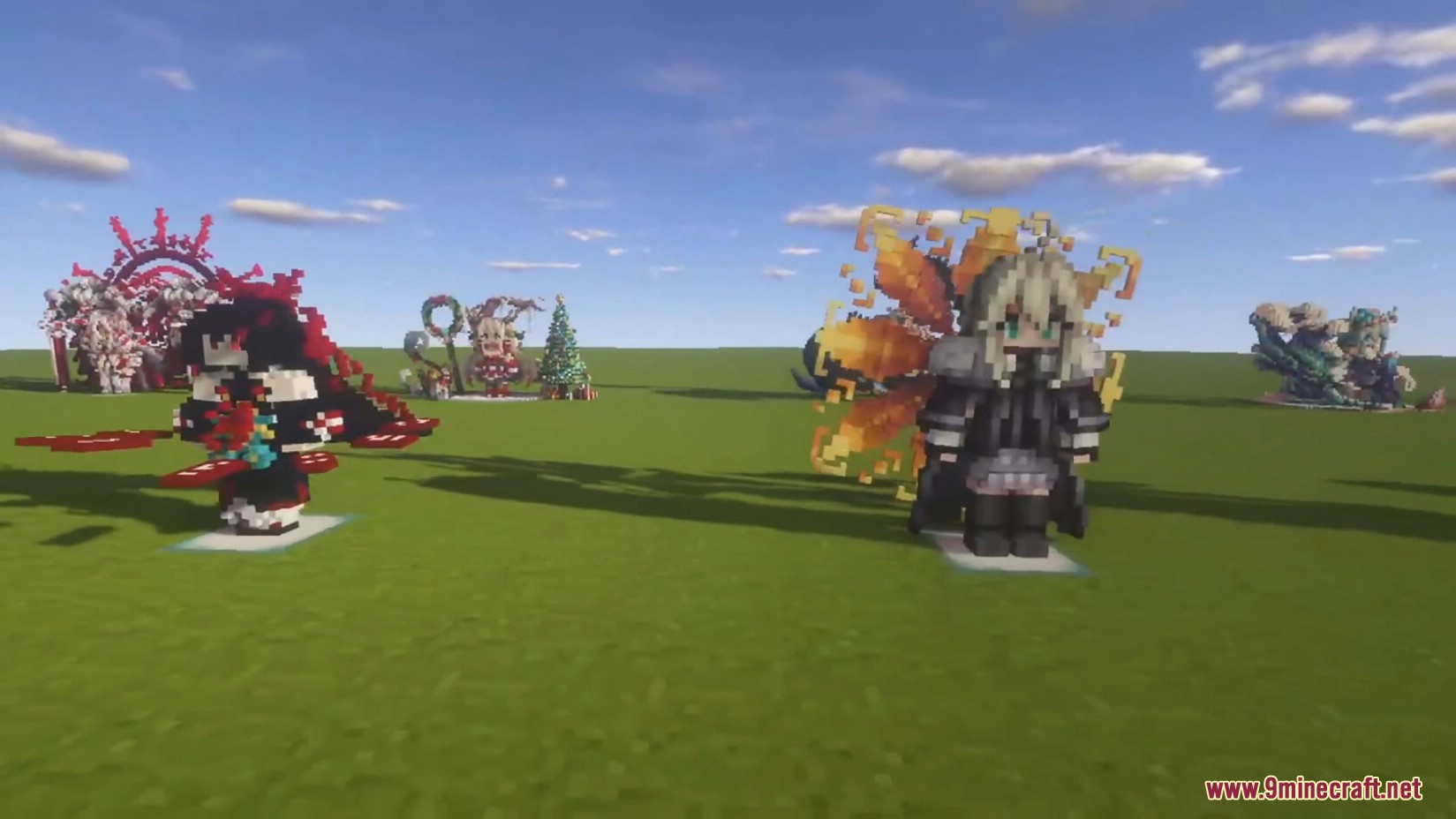
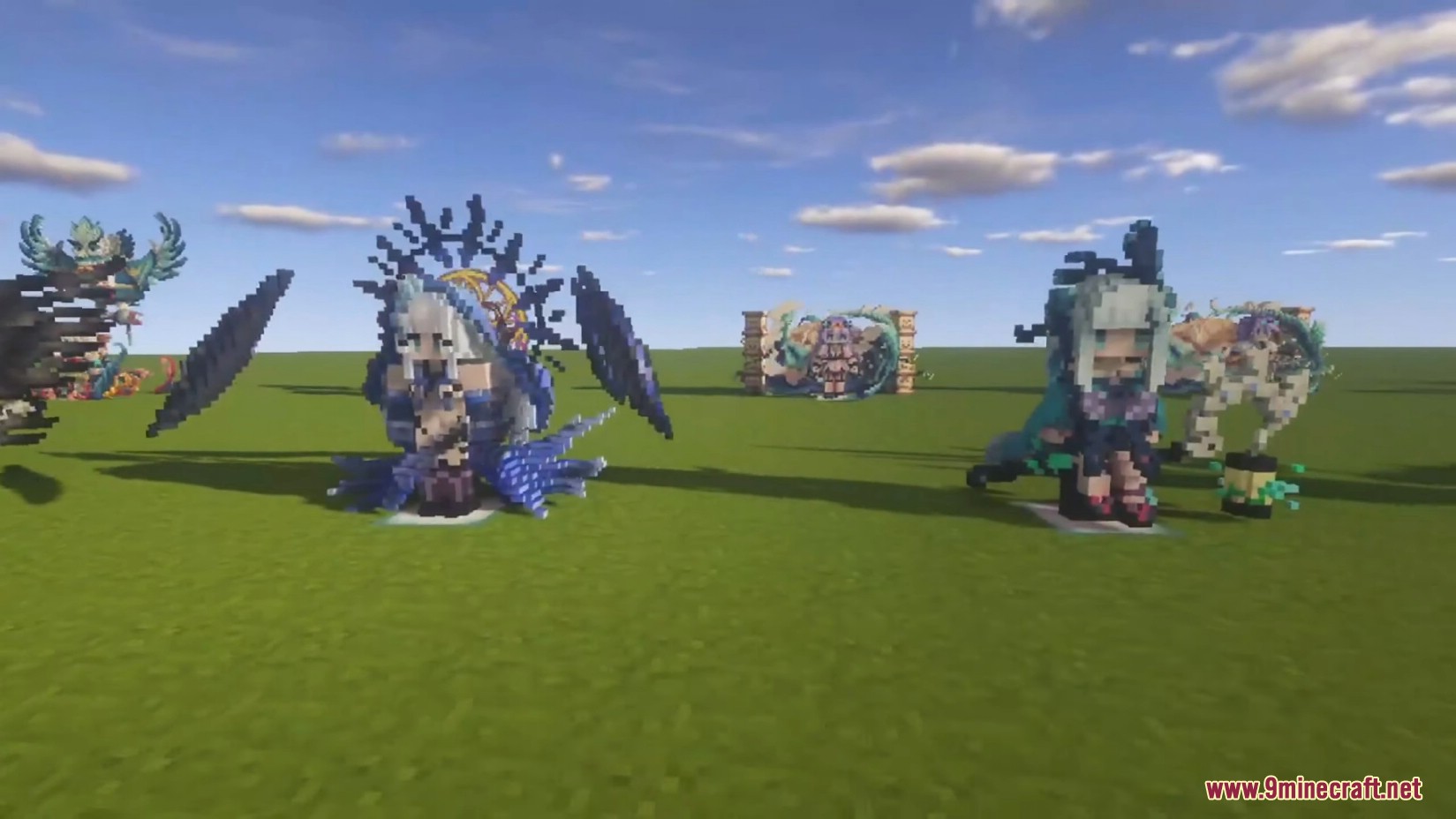
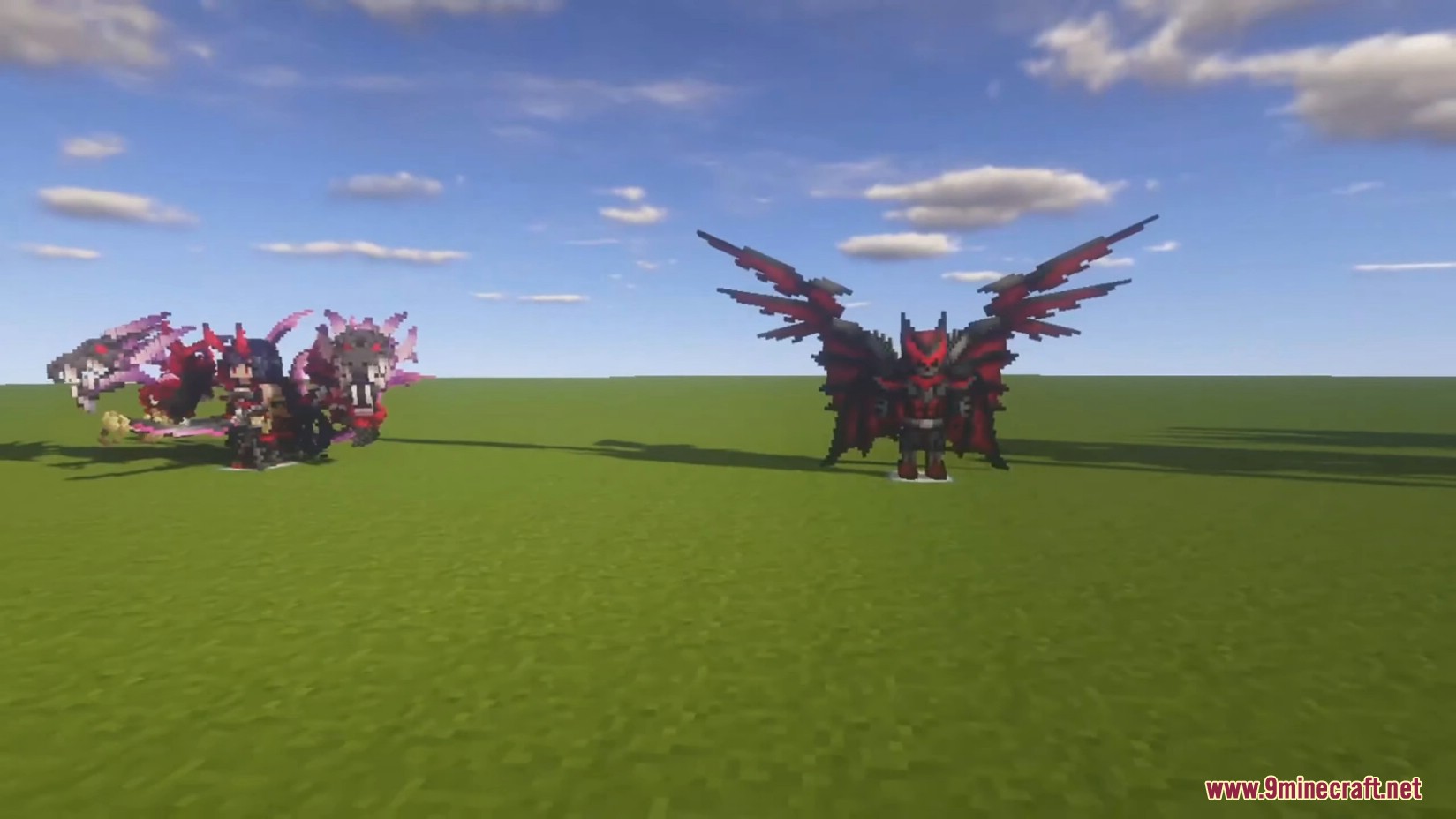
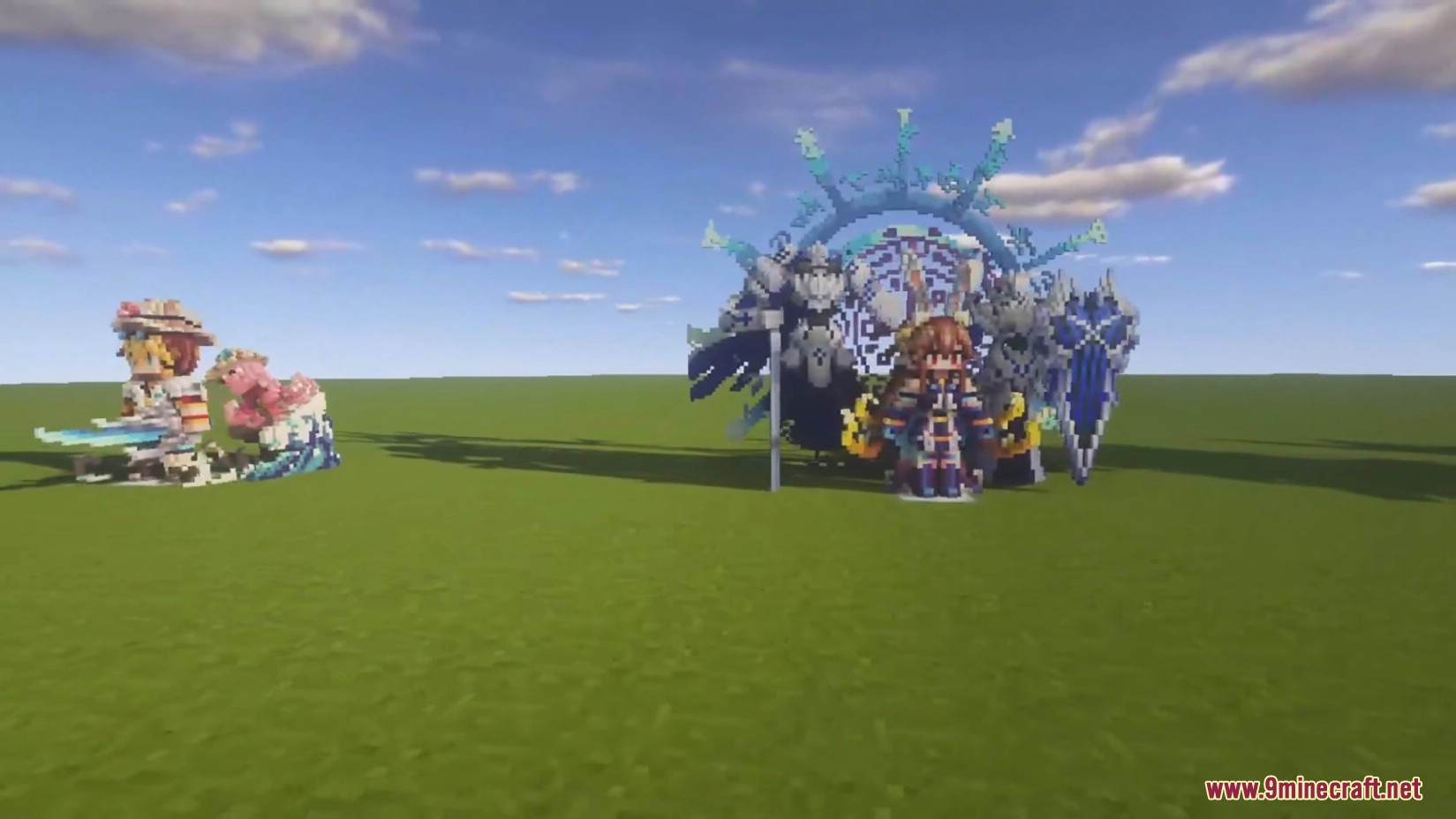
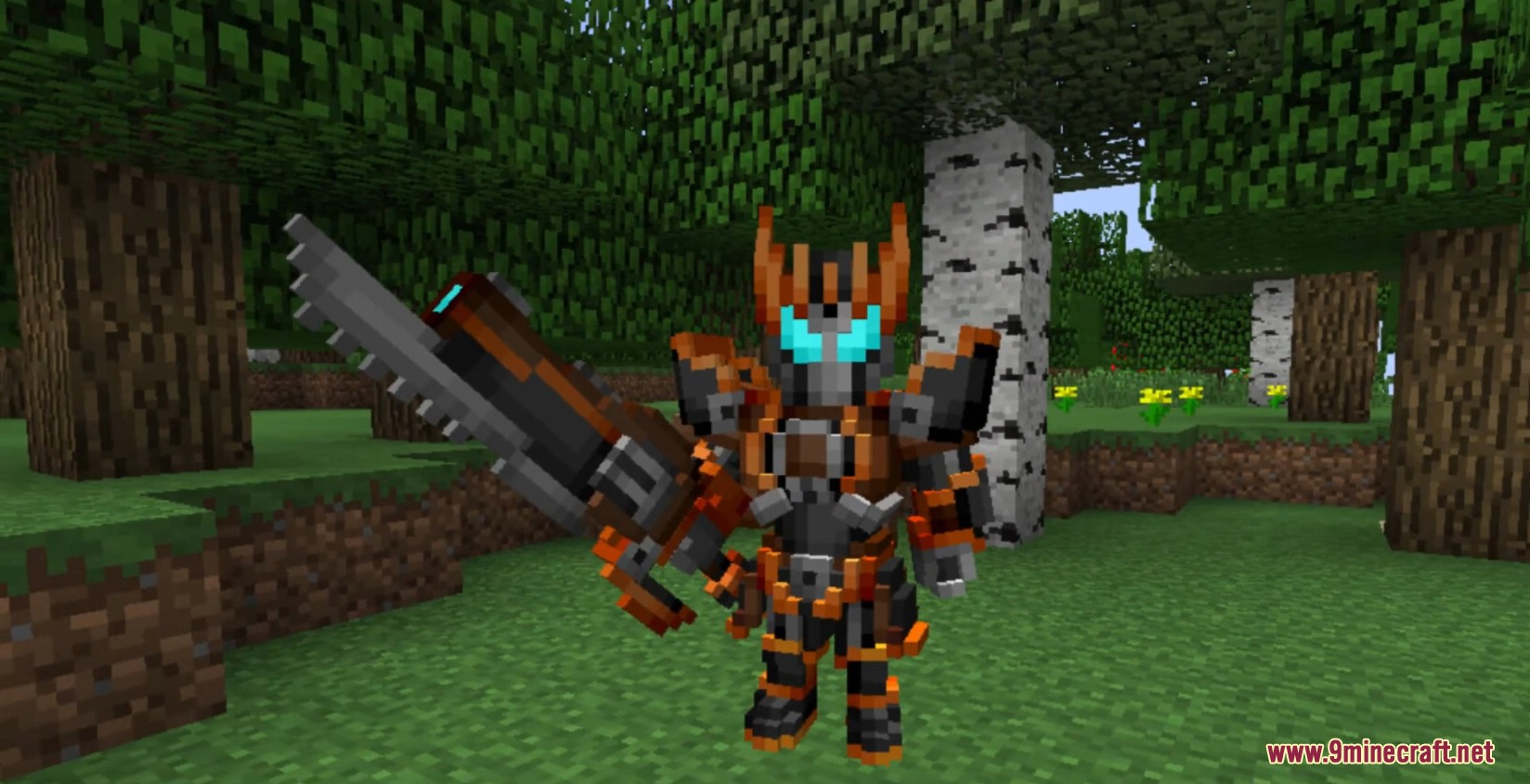
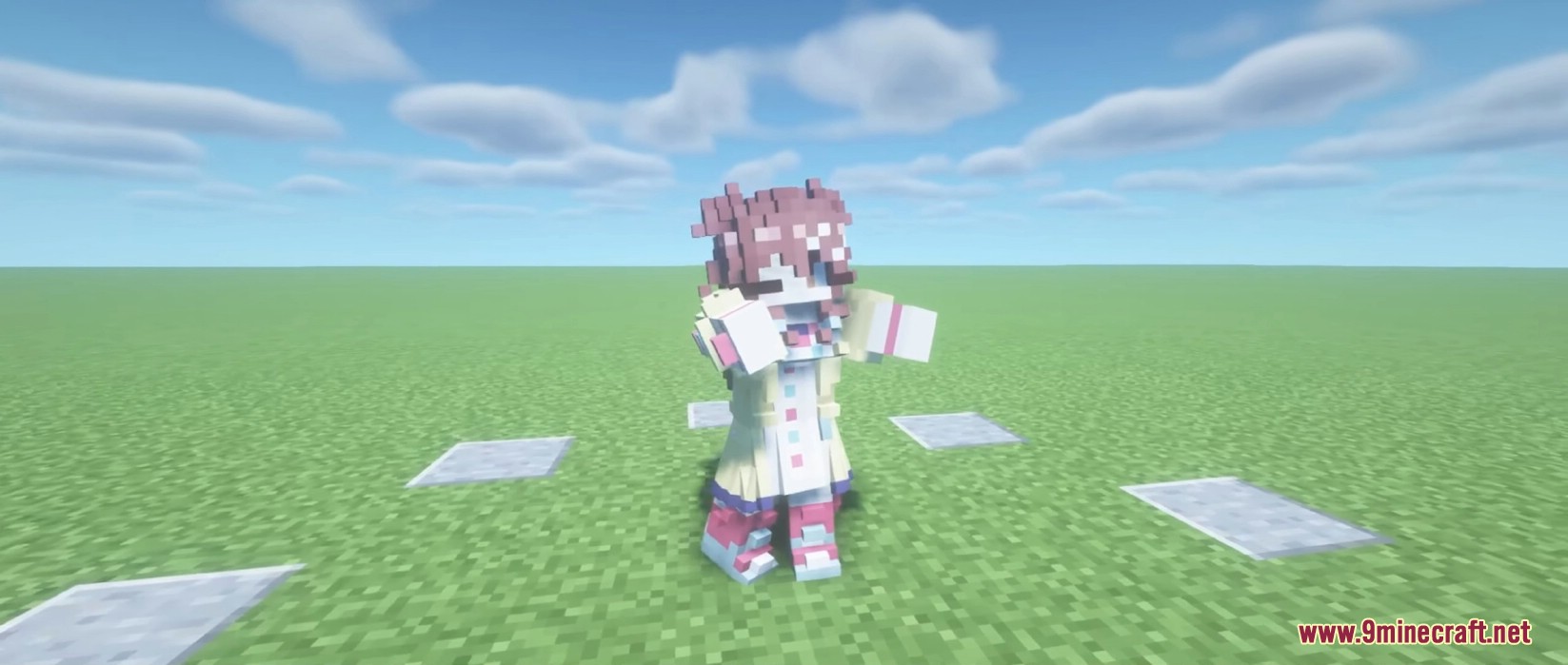
Armourer’s Workshop Mod ช่วยให้คุณสร้างสกินอาวุธ ชุดเกราะ และปีกในแบบฉบับของตัวเองได้โดยตรงภายในเกม คุณสามารถสร้างโมเดล voxel-art ที่ไม่ซ้ำใครเพื่อเปลี่ยนรูปลักษณ์ของตัวละครและอุปกรณ์ของคุณ นอกจากนี้ม็อดยังให้คุณสร้างบล็อกตกแต่งแบบกำหนดเอง และแชร์ผลงานทั้งหมดกับผู้เล่นคนอื่นในเซิร์ฟเวอร์หรือผ่านห้องสมุดส่วนกลางได้อีกด้วย
คู่มือการใช้งาน:
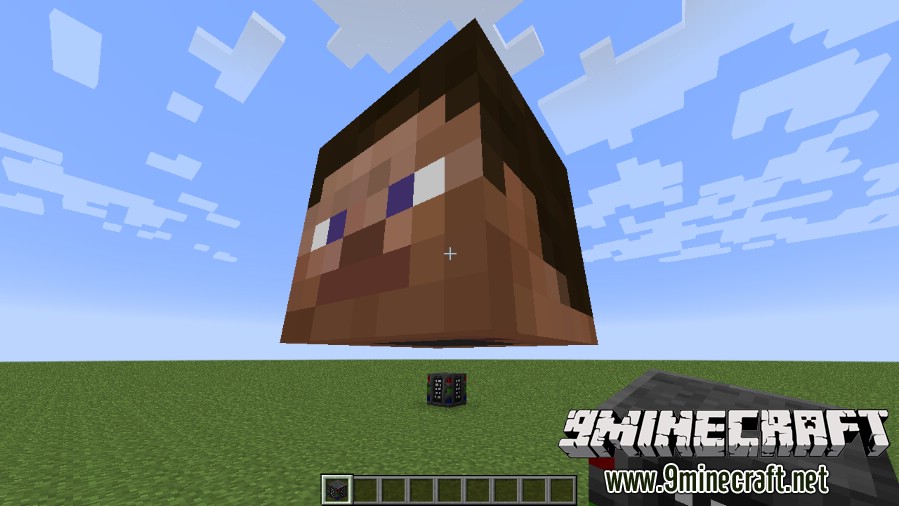
เริ่มต้นด้วยการวางบล็อก Armourer
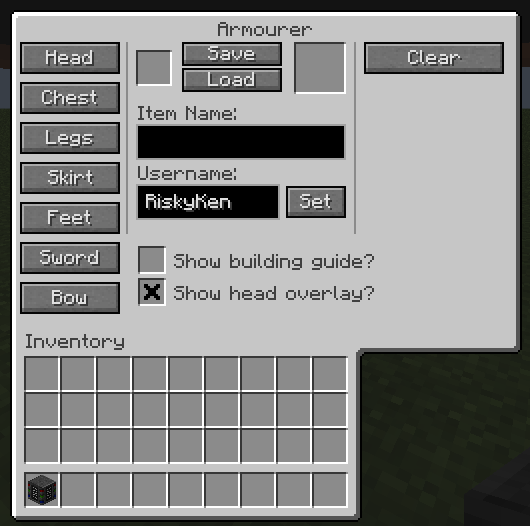
เลือกประเภทของสกินที่คุณต้องการสร้างจากหน้าเมนู GUI
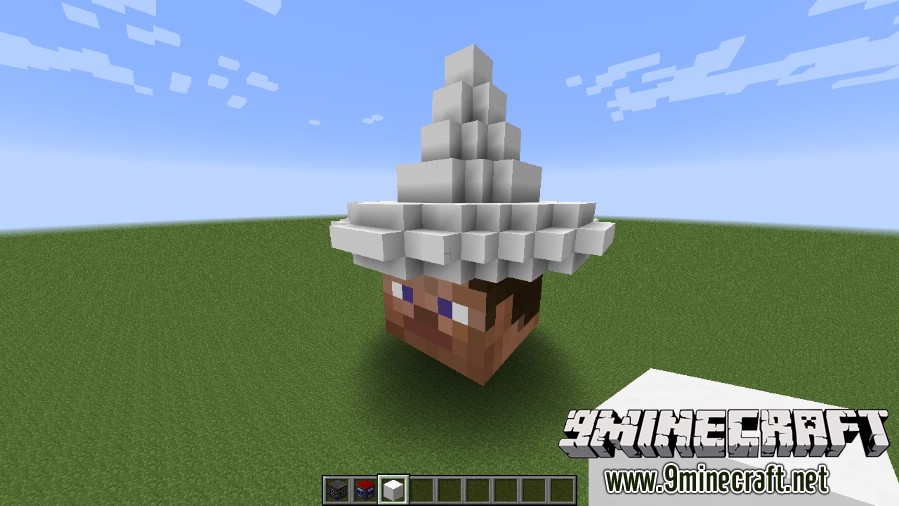
สร้างสกินของคุณในโลกด้วย Equipment Cubes
ลงสีโดยใช้เครื่องมือระบายสีต่างๆ
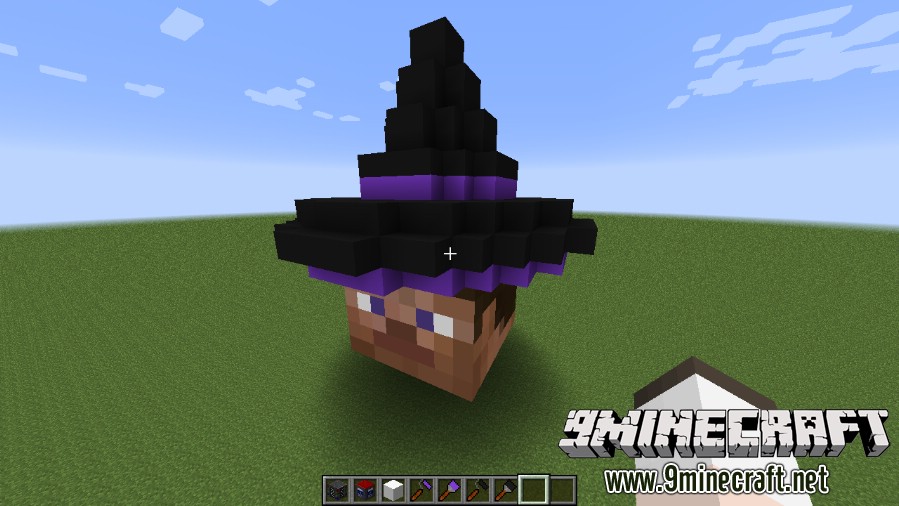
บันทึกสกินของคุณลงใน Equipment Skin Template
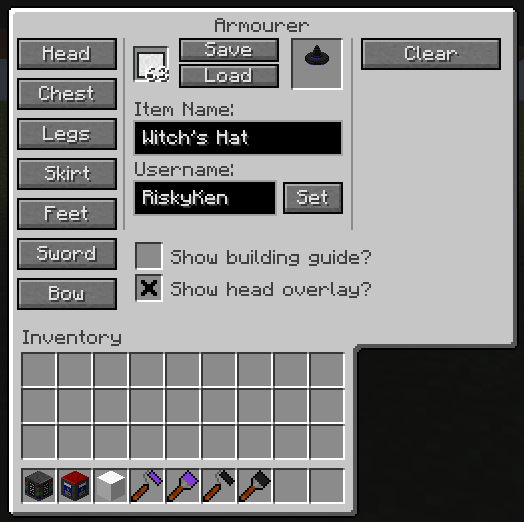
กดปุ่ม P เพื่อเปิดตู้เสื้อผ้าอุปกรณ์ (Equipment Wardrobe) และสวมใส่สกินใหม่ของคุณ
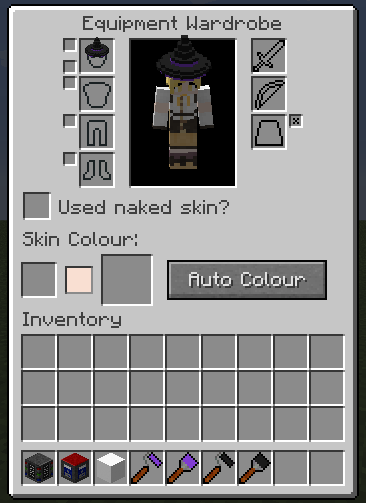
ชื่นชมลุคใหม่ของคุณได้เลย!
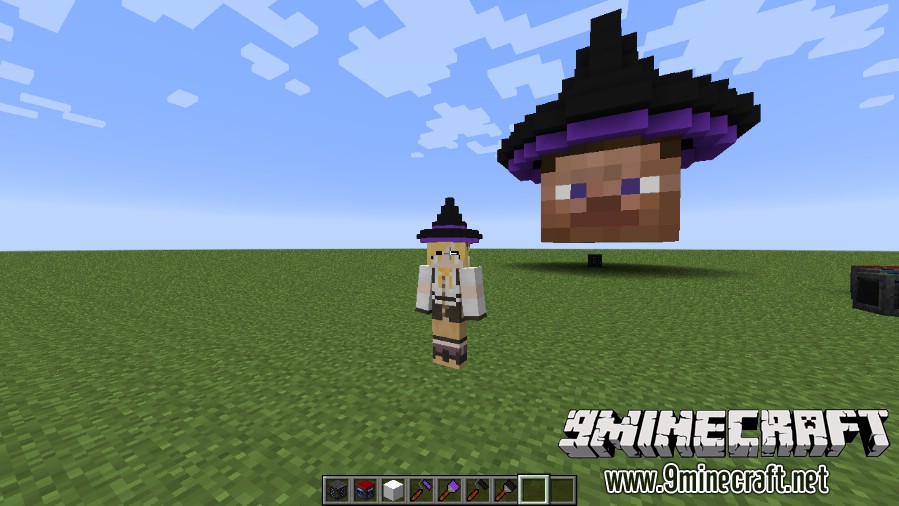
ฟีเจอร์หลัก:
บล็อกต่างๆ
- The Armourer: บล็อกหลักที่จำเป็นสำหรับการเริ่มสร้างสกิน
- Equipment Cubes: ใช้สำหรับสร้างดีไซน์ของคุณ และยังมีเวอร์ชันที่เรืองแสงในที่มืดด้วย
- Glass Equipment Cubes: สร้างส่วนที่โปร่งแสง ซึ่งมีเวอร์ชันเรืองแสงเช่นกัน
- Equipment Library: บันทึกและโหลดสกินของคุณ ทำให้แชร์กับคนอื่นได้ง่าย
- Mannequins: หุ่นโชว์ผลงานที่คุณสามารถจัดท่าทางได้ตามต้องการ
- Colour Mixer: ผสมสีที่กำหนดเองสำหรับการระบายสี
ไอเทม
- Guide Book: หนังสือคู่มือช่วยเหลือภายในเกม
- Equipment Skin Template: ใช้สำหรับบันทึกดีไซน์ที่สร้างเสร็จแล้ว
- Paintbrush & Paint Roller: แปรงทาสีสำหรับระบายทีละบล็อก หรือลูกกลิ้งสำหรับพื้นที่ 3×3
- Colour Picker: เครื่องมือดูดสีจากบล็อกที่มีอยู่
- Burn & Dodge Tools: เครื่องมือทำให้บล็อกดูเข้มขึ้นหรือสว่างขึ้น
- Noise Tools: ใส่สีหรือเงาแบบสุ่มเพื่อให้บล็อกมีพื้นผิว (Texture) ที่ดูสมจริงขึ้น
คำสั่งและการตั้งค่า:
- ผู้ดูแลเซิร์ฟเวอร์ (OP) สามารถจัดการสกินของผู้เล่นได้โดยตรงผ่านคำสั่ง
- คุณสามารถใช้คำสั่งหรือไฟล์ Config เพื่อทำให้ไอเทมจากม็อดอื่นๆ สามารถใส่สกินได้
วิธีใช้งานเบื้องต้น:
- วางบล็อก Armourer ลงในโลก
- เปิดเมนูและเลือกประเภทสกินที่ต้องการสร้าง
- ใช้ Equipment Cubes ต่อบล็อกสร้างรูปร่างสกินของคุณ
- ระบายสีผลงานด้วยเครื่องมือระบายสีต่างๆ
- บันทึกสกินที่เสร็จแล้วลงในไอเทม Equipment Skin Template
- กดปุ่ม ‘P’ เพื่อเปิดหน้าต่างแต่งตัวและสวมใส่สกินใหม่
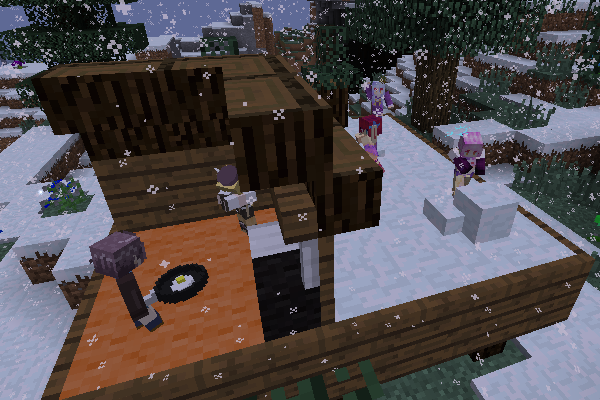
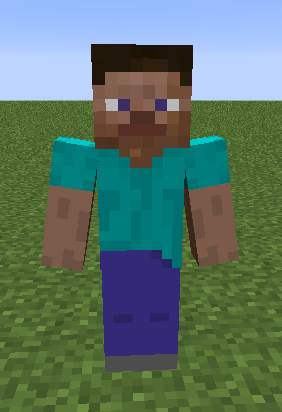
ภาพตัวอย่าง:
วิธีติดตั้ง:
เพิ่งเริ่มเล่น Minecraft ใช่ไหม? ทำตามคู่มือทีละขั้นตอนของเราเพื่อติดตั้ง Mods บน PC ของคุณดูคู่มือ




Armourer's Workshop Mod Download Links
For Minecraft 1.7.10
Forge version: Download from Server 1
For Minecraft 1.12.2
Forge version: Download from Server 1
For Minecraft 1.16.5
Forge version: Download from Server 1 – Download from Server 2
Fabric version: Download from Server 1 – Download from Server 2
For Minecraft 1.18.2
Forge version: Download from Server 1 – Download from Server 2
Fabric version: Download from Server 1 – Download from Server 2
For Minecraft 1.19.2
Forge version: Download from Server 1 – Download from Server 2
Fabric version: Download from Server 1 – Download from Server 2
For Minecraft 1.19.3
Forge version: Download from Server 1 – Download from Server 2
For Minecraft 1.19.4
Forge version: Download from Server 1 – Download from Server 2
Fabric version: Download from Server 1 – Download from Server 2
For Minecraft 1.20.1, 1.20
Forge version: Download from Server 1 – Download from Server 2
Fabric version: Download from Server 1 – Download from Server 2
For Minecraft 1.21.1, 1.21
NeoForge version: Download from Server 1 – Download from Server 2
Fabric version: Download from Server 1 – Download from Server 2
สำหรับ Minecraft 26.1.2, 26.1.1, 26.1
สำหรับ Minecraft 1.21.1, 1.21
สำหรับ Minecraft 1.20.1, 1.20
สำหรับ Minecraft 1.19.4
สำหรับ Minecraft 1.19.3
สำหรับ Minecraft 1.19.2
สำหรับ Minecraft 1.18.2
สำหรับ Minecraft 1.16.5
สำหรับ Minecraft 1.12.2
สำหรับ Minecraft 1.7.10
คุณอาจชอบสิ่งเหล่านี้










โพสต์นี้ยังไม่มีความคิดเห็น มาเป็นคนแรก — ความคิดเห็นของคุณจะปรากฏที่นี่