


Audio Extension For FancyMenu V2 Mod (1.20.4, 1.20.1) – เพิ่มเสียงให้เมนูดูมีสไตล์
 69
69
 0
0


Audio Extension For FancyMenu V2 Mod เพิ่มความสามารถในการใส่เสียงแบบกำหนดเองให้กับเมนูที่สร้างด้วยมอด FancyMenu โดยส่วนเสริมนี้ถูกออกแบบมาสำหรับ FancyMenu v2 โดยเฉพาะ และไม่สามารถใช้งานร่วมกับเวอร์ชัน 3 ได้ มอดนี้จะช่วยให้คุณเพิ่มองค์ประกอบด้านเสียงลงในเลย์เอาต์ของคุณ สร้างประสบการณ์ที่สมจริงและน่าประทับใจยิ่งขึ้นสำหรับมอดแพ็คหรือเซิร์ฟเวอร์ส่วนตัวของคุณ
ฟีเจอร์เด่น:
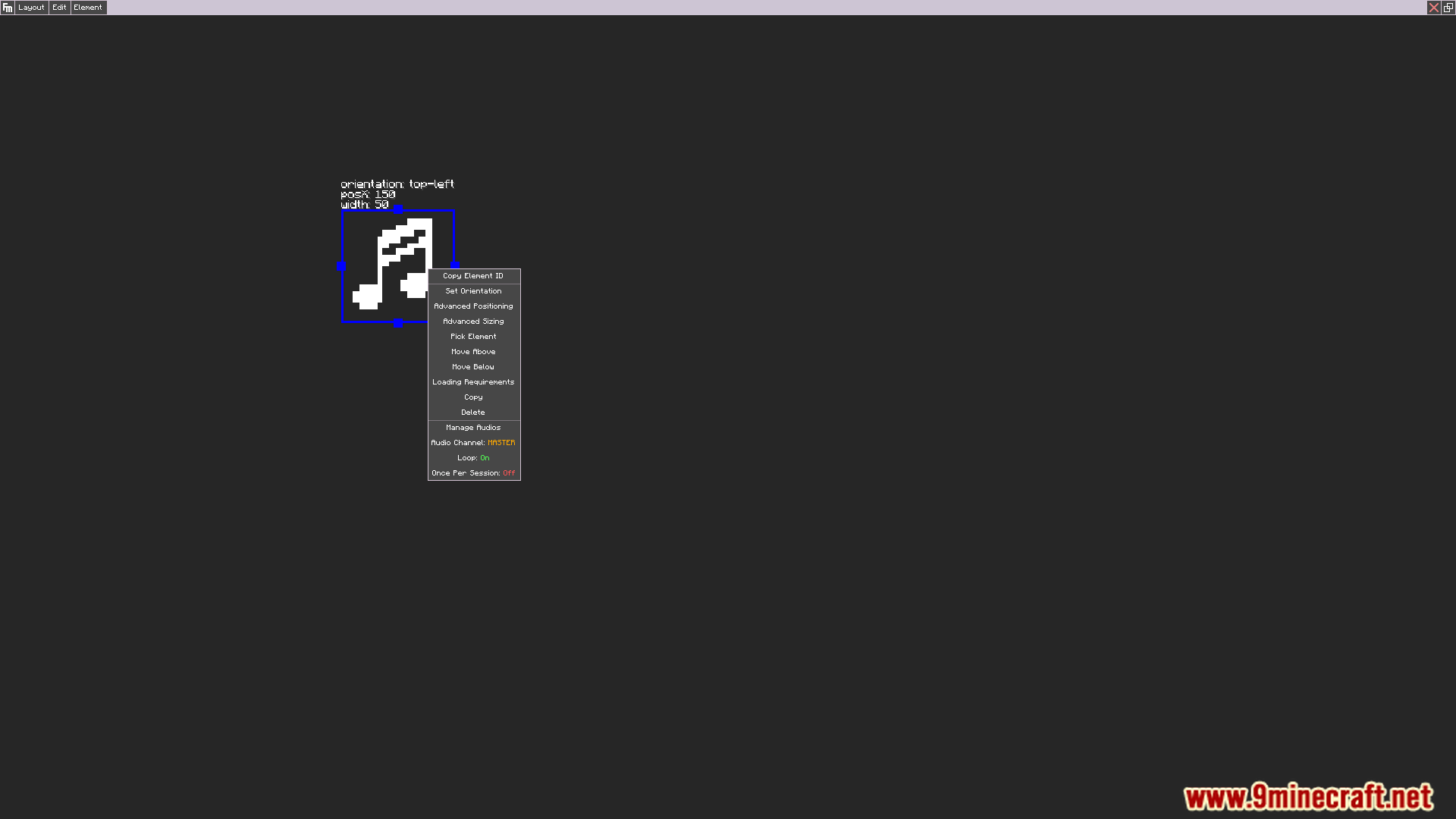
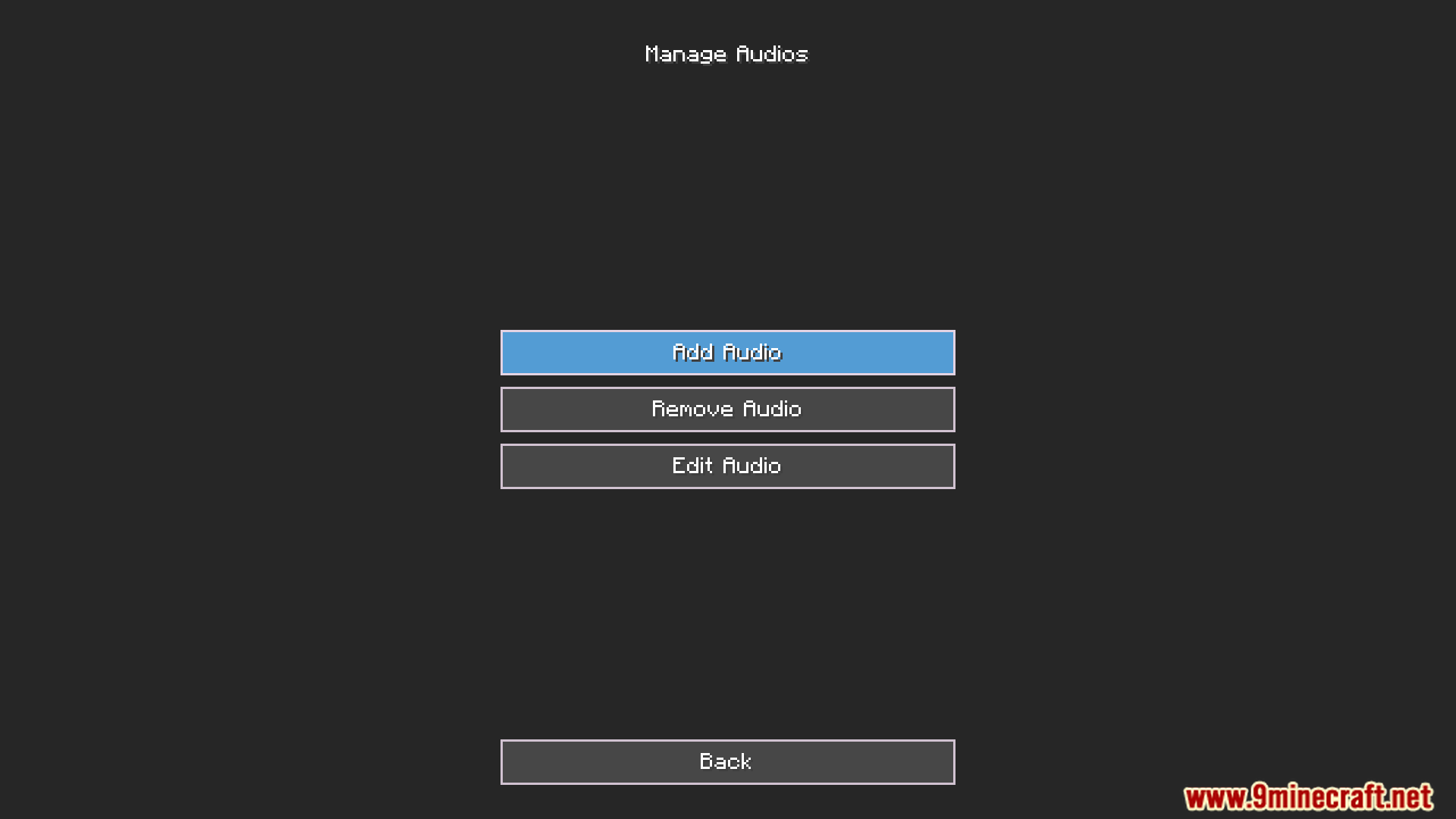
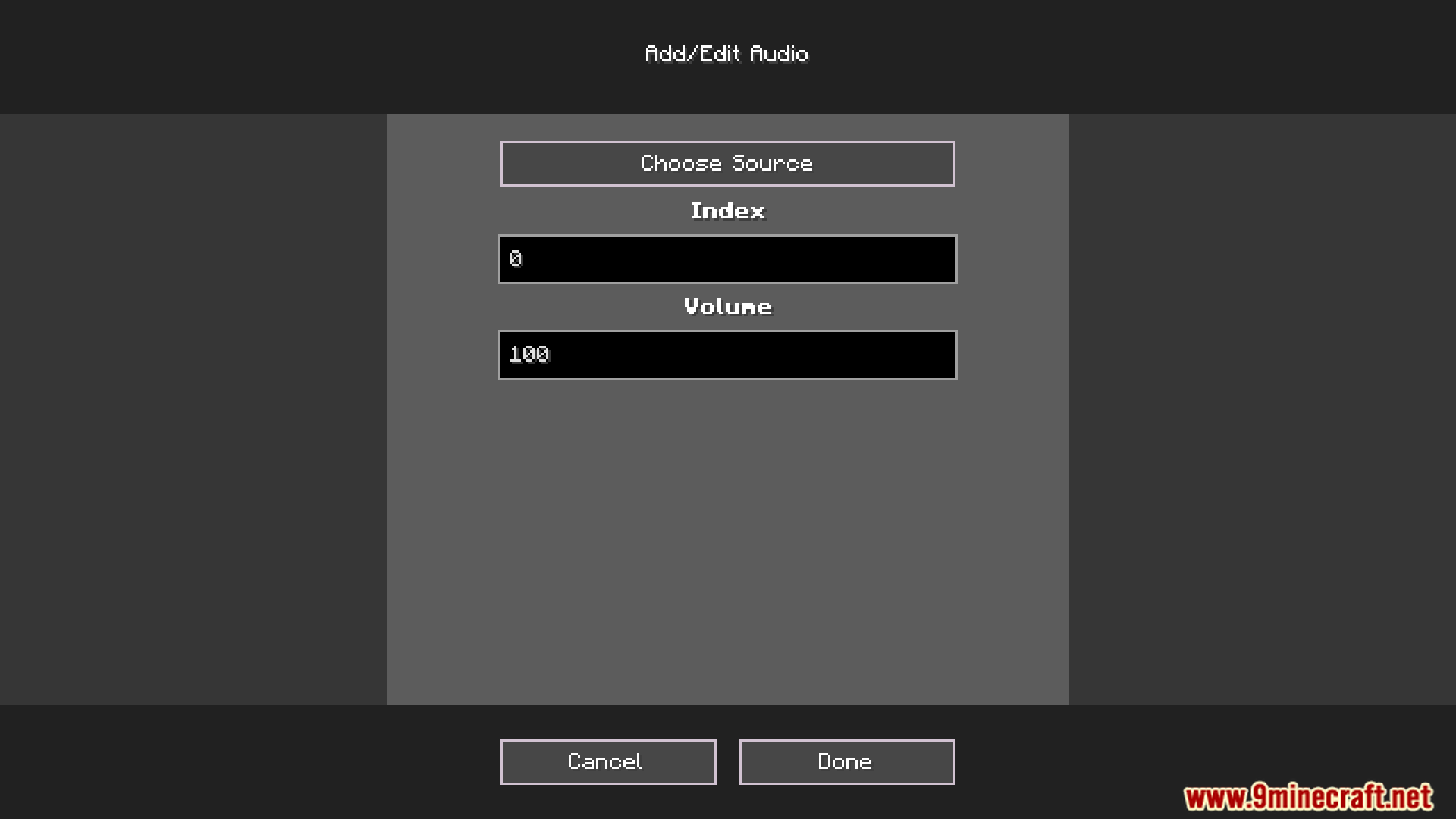
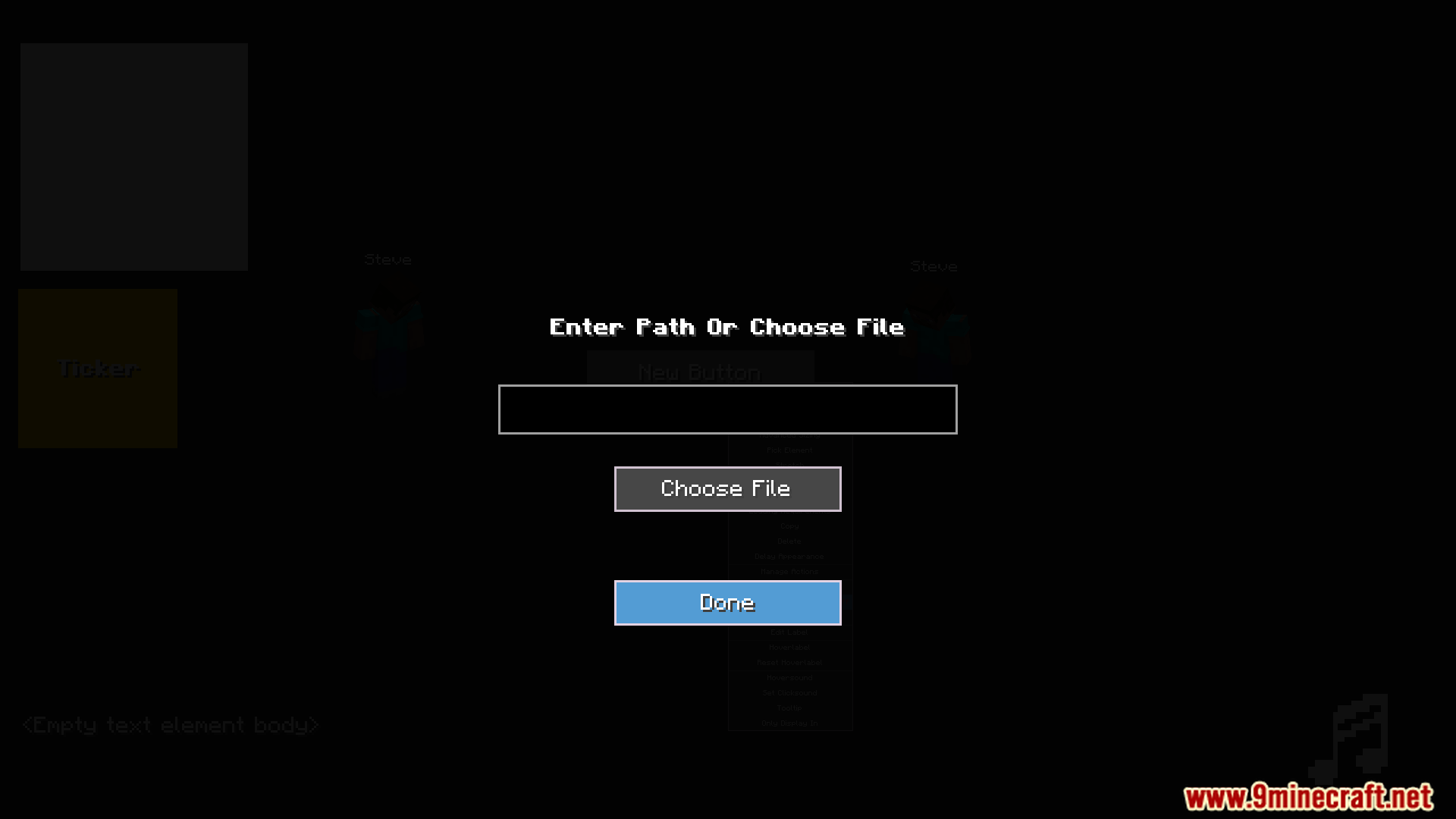
- เพิ่มเสียงหลายๆ ไฟล์ลงในองค์ประกอบเสียงเดียวเพื่อสร้างเป็นเพลย์ลิสต์
- เล่นเสียงตามลำดับที่กำหนดหรือตั้งค่าให้สุ่ม (Shuffle) ก็ได้
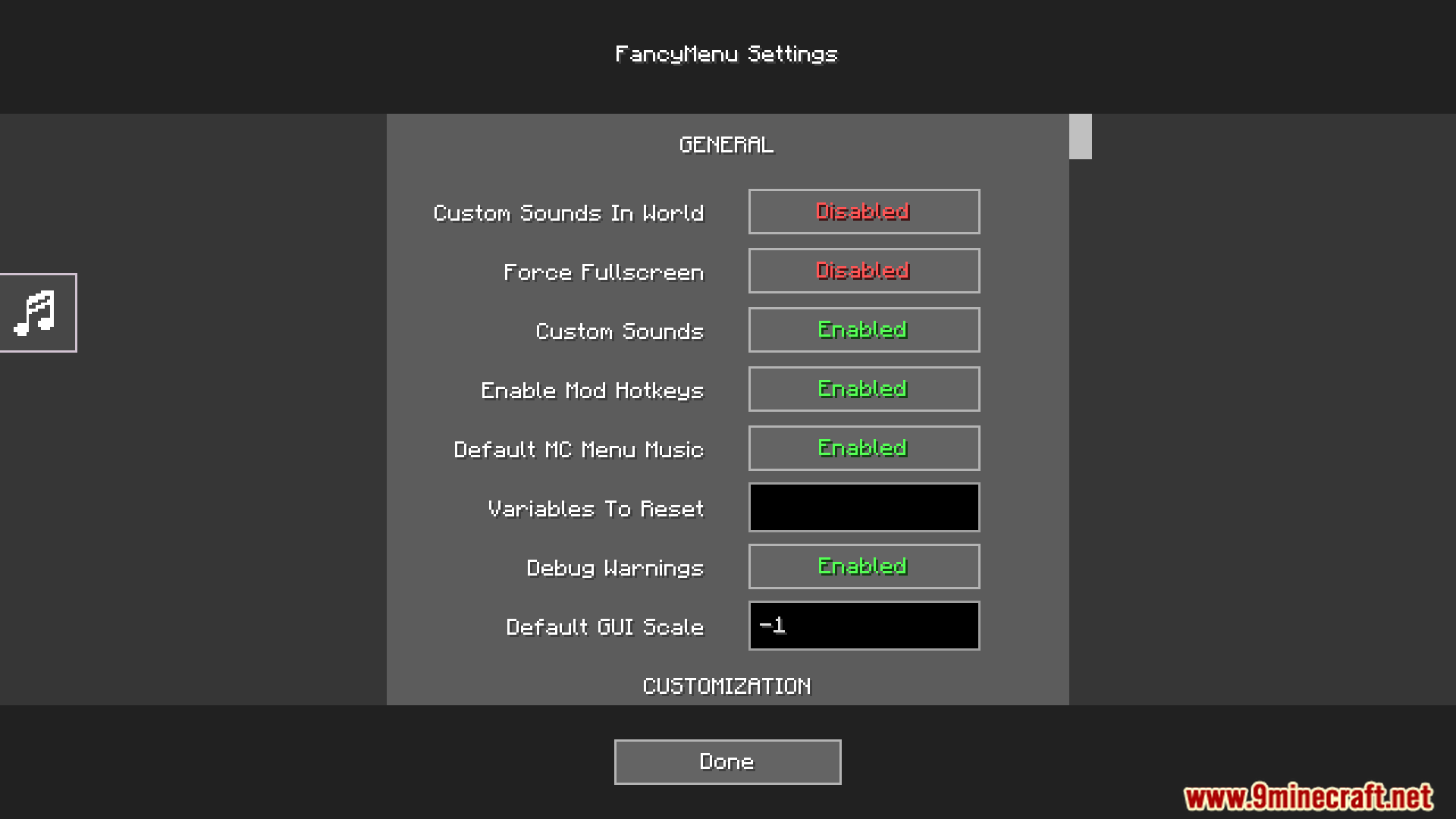
- กำหนดช่องเสียง (Sound Channels) ให้กับองค์ประกอบเสียงได้ เช่น Master หรือ Music
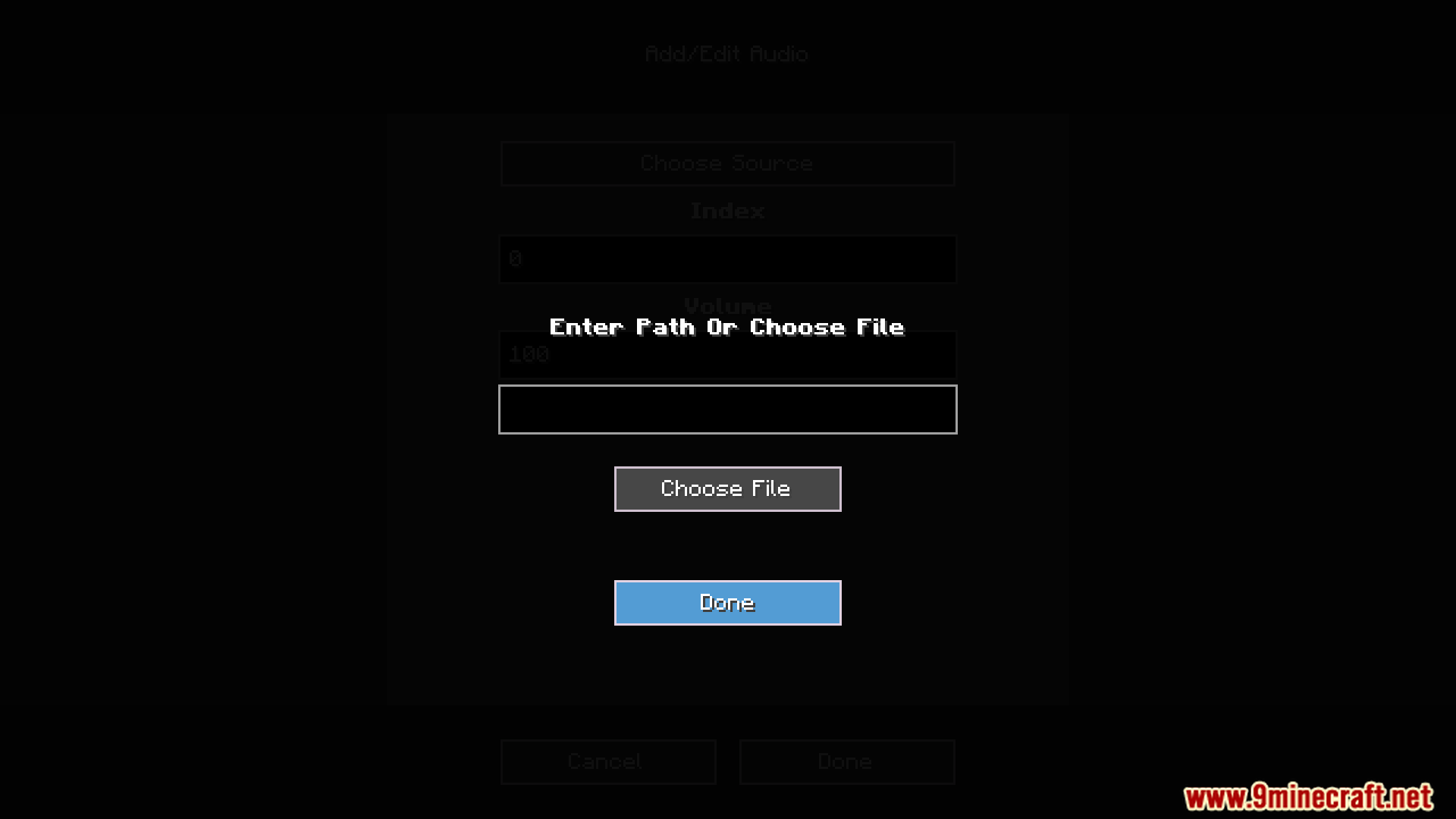
- ปรับระดับความดัง (Volume) ของแต่ละเสียงแยกกันได้อย่างอิสระ
- ตั้งค่าให้เสียงเล่นวนซ้ำ (Loop) หรือเล่นเพียงครั้งเดียวต่อการเข้าเกมหนึ่งครั้ง
- ใช้คำสั่งปุ่ม ‘toggle_mute_audio’ เพื่อปิดเสียงเฉพาะจุดได้
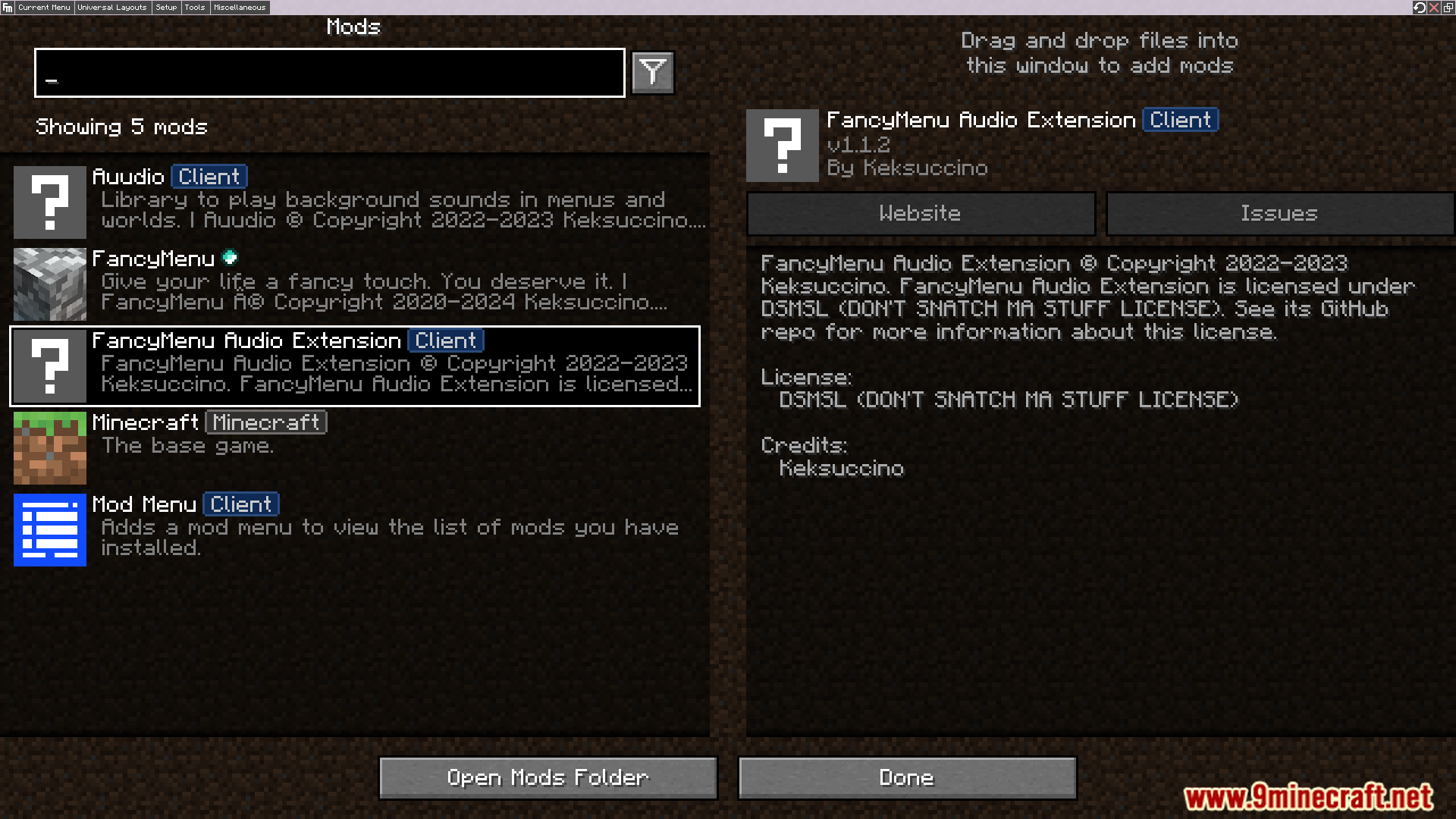
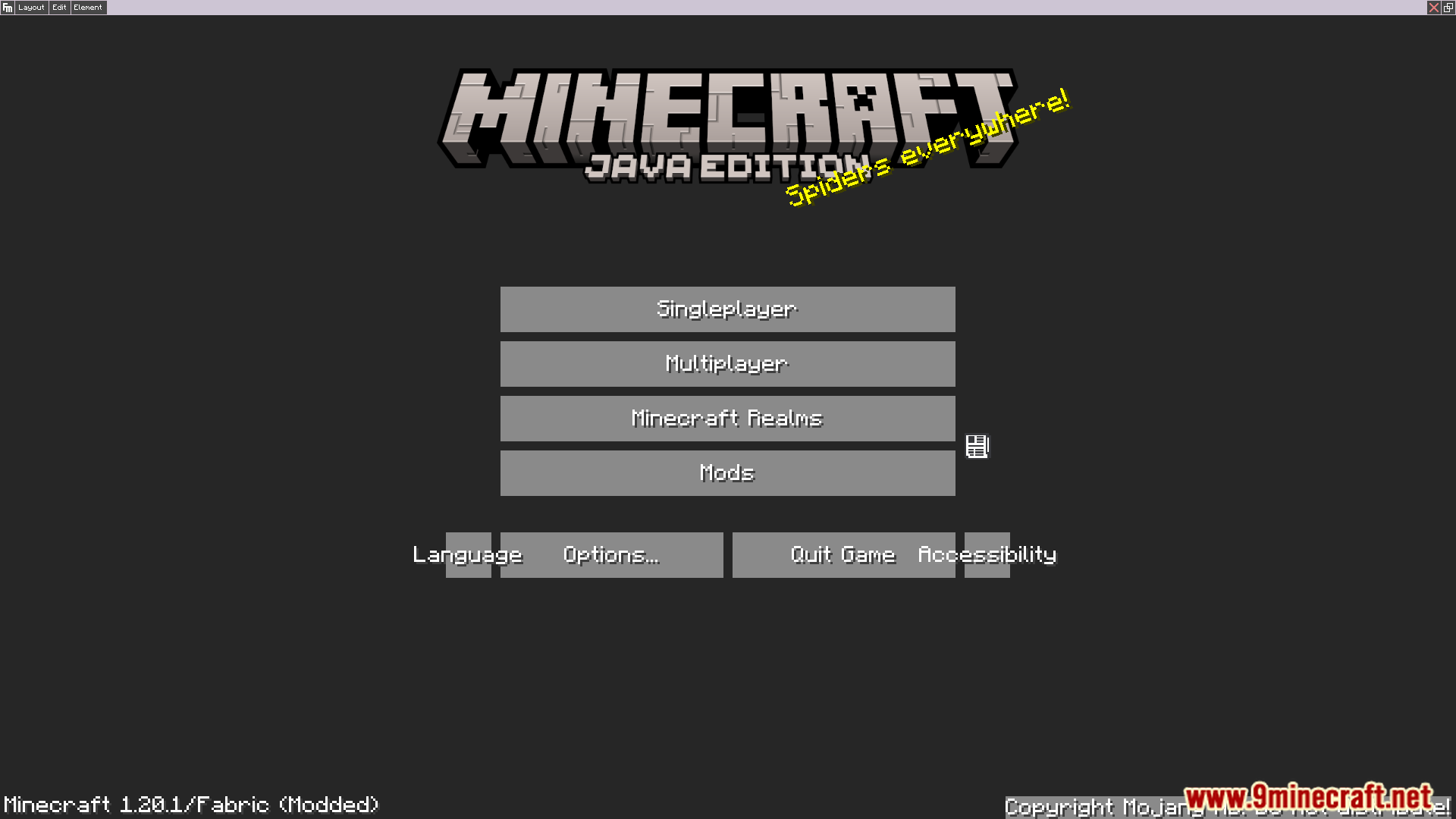
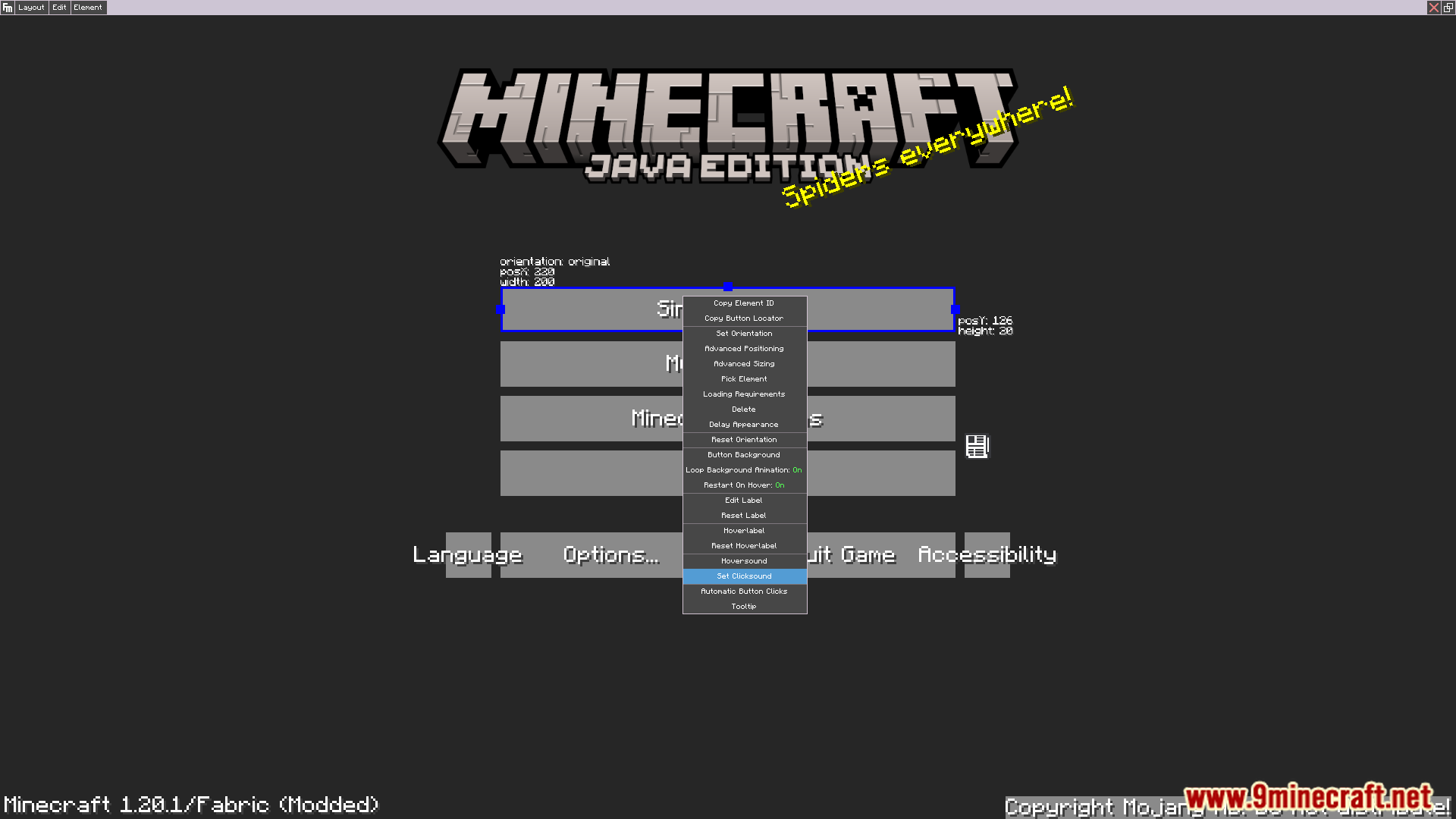
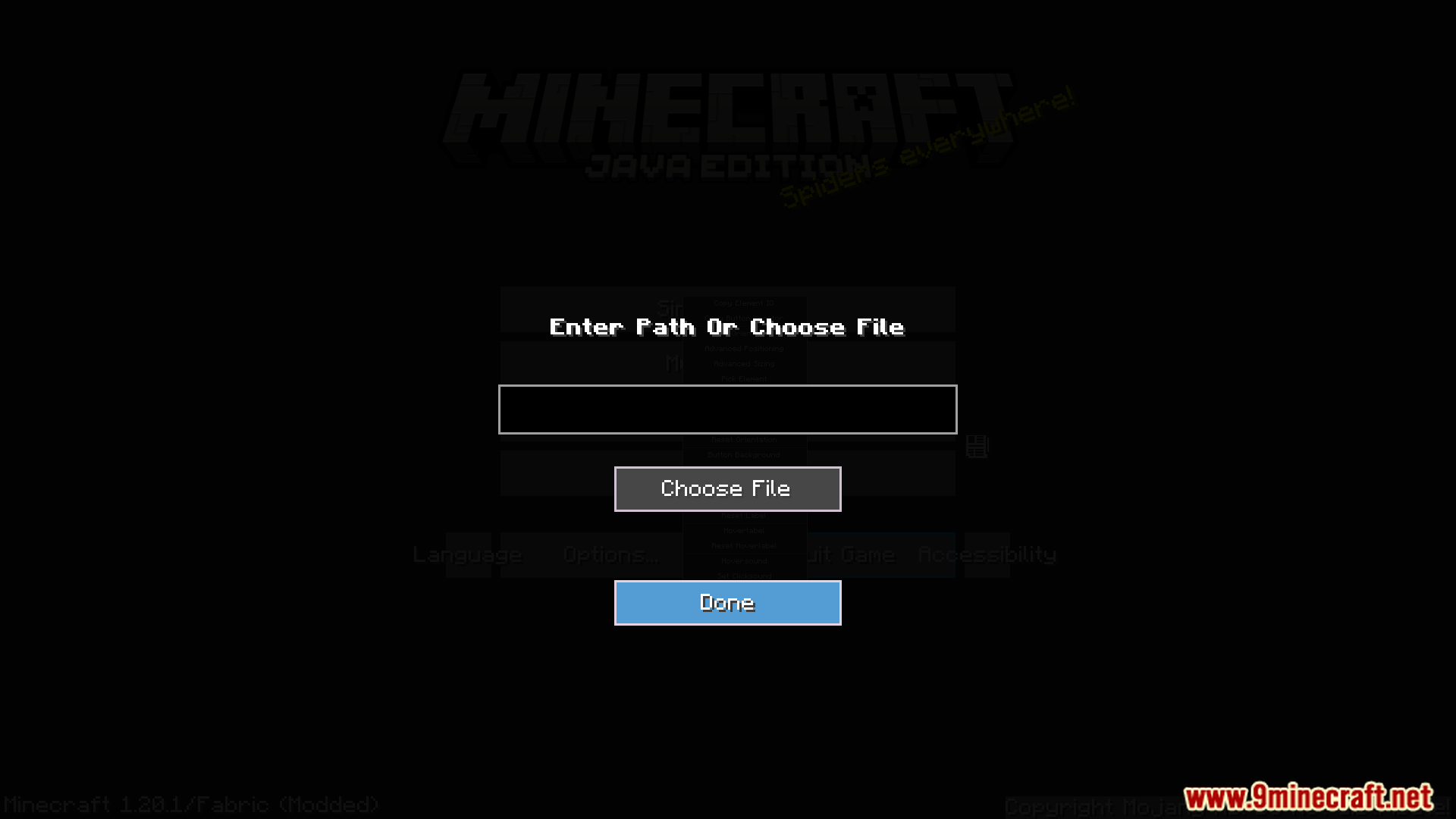
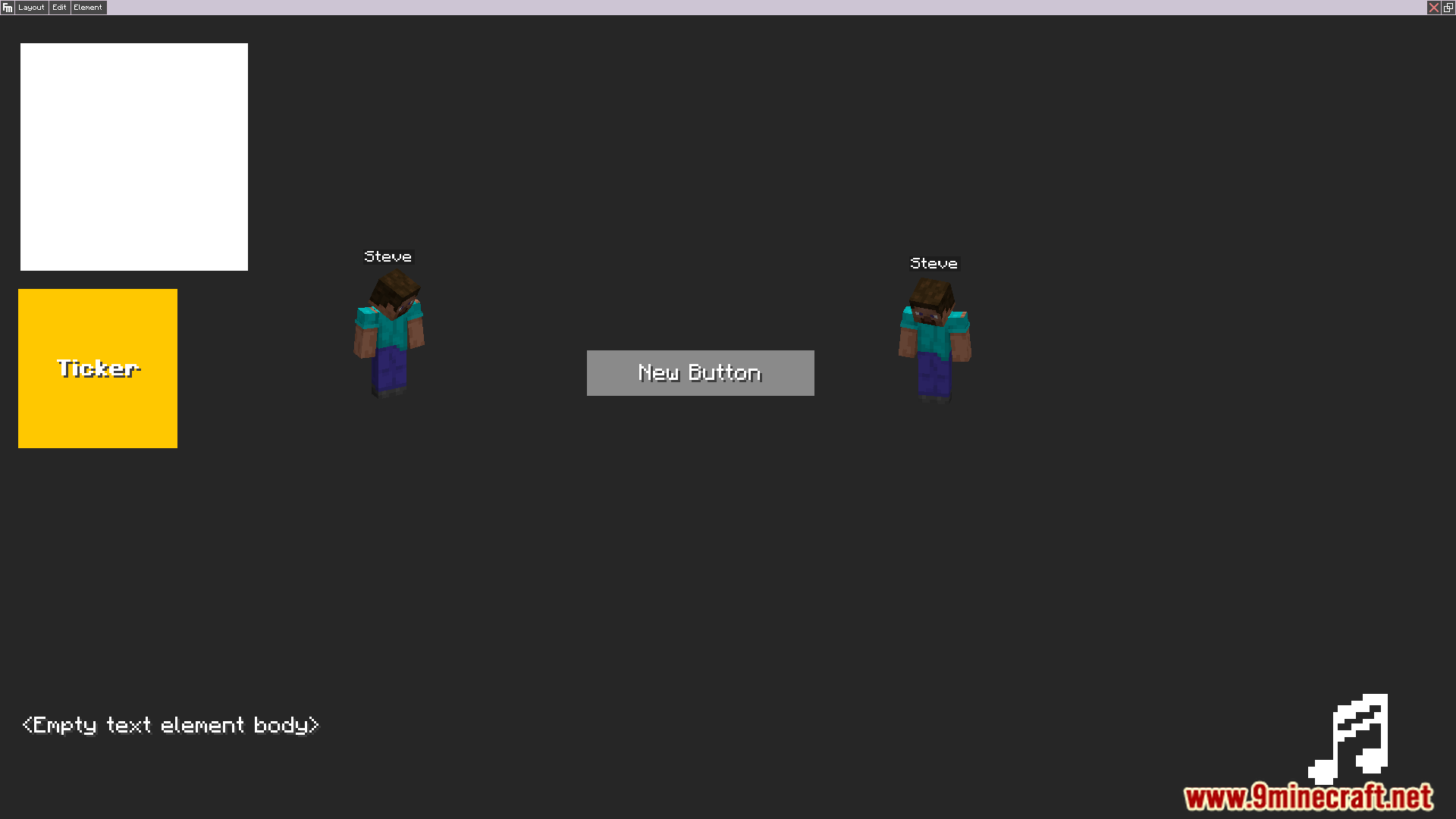
ภาพตัวอย่าง:
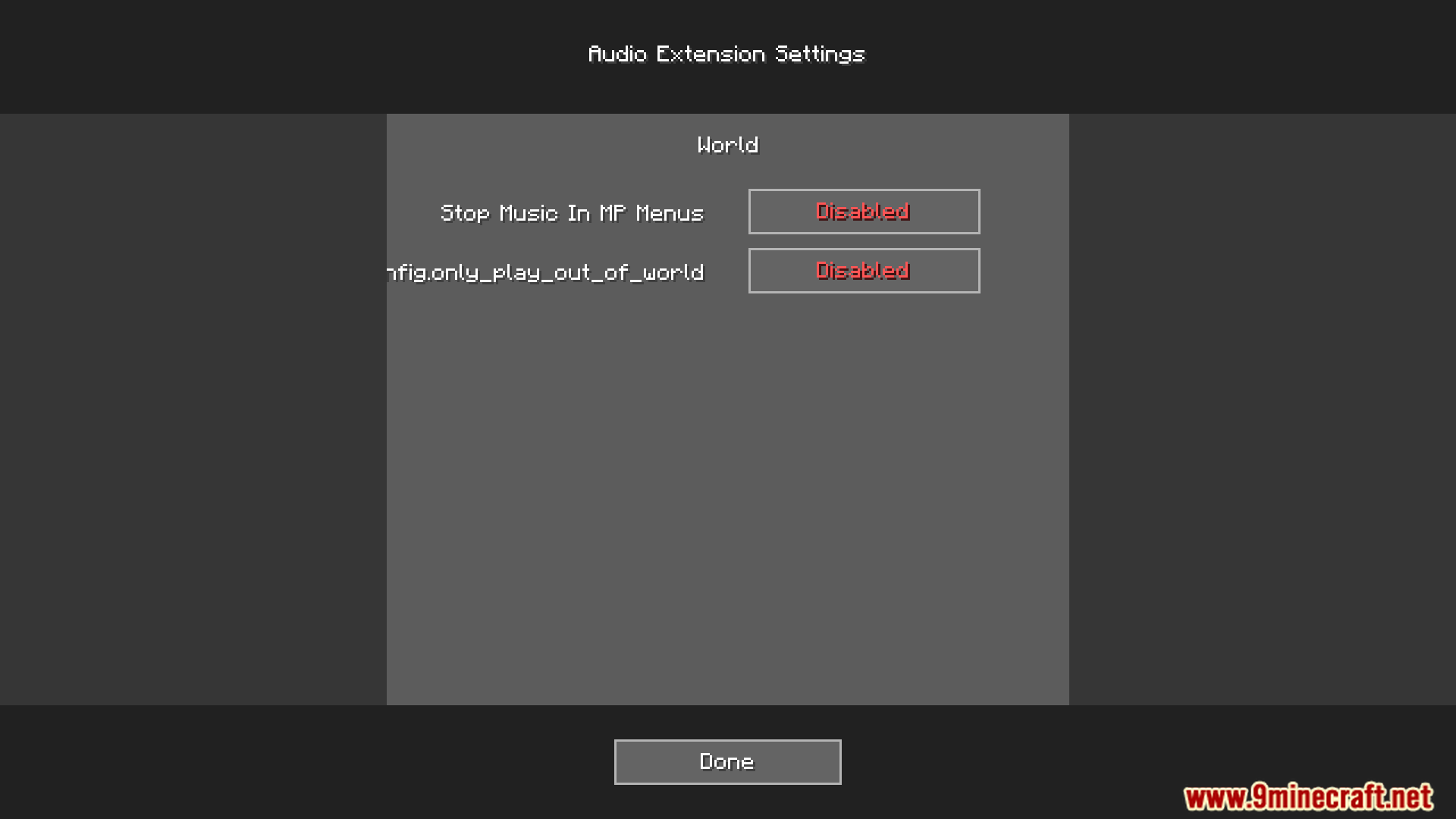
วิธีติดตั้ง:
เพิ่งเริ่มเล่น Minecraft ใช่ไหม? ทำตามคู่มือทีละขั้นตอนของเราเพื่อติดตั้ง Mods บน PC ของคุณดูคู่มือ
ข้อกำหนด:

Audio Extension For FancyMenu V2 Mod ลิงก์ดาวน์โหลด
สำหรับ Minecraft 1.16.5, 1.16.4, 1.16.3, 1.16.2
Forge version: Download from Server 1 – Download from Server 2
Fabric version: Download from Server 1 – Download from Server 2
สำหรับ Minecraft 1.18.2, 1.18.1, 1.18
Forge version: Download from Server 1 – Download from Server 2
Fabric version: Download from Server 1 – Download from Server 2
สำหรับ Minecraft 1.19.2, 1.19.1, 1.19
Forge version: Download from Server 1 – Download from Server 2
Fabric version: Download from Server 1 – Download from Server 2
สำหรับ Minecraft 1.19.3
Forge version: Download from Server 1 – Download from Server 2
Fabric version: Download from Server 1 – Download from Server 2
สำหรับ Minecraft 1.19.4
Forge version: Download from Server 1 – Download from Server 2
Fabric version: Download from Server 1 – Download from Server 2
สำหรับ Minecraft 1.20.1, 1.20
Forge version: Download from Server 1 – Download from Server 2
Fabric version: Download from Server 1 – Download from Server 2
สำหรับ Minecraft 1.20.4, 1.20.2
Forge version: Download from Server 1 – Download from Server 2
Fabric version: Download from Server 1 – Download from Server 2
คุณอาจชอบสิ่งเหล่านี้



โพสต์นี้ยังไม่มีความคิดเห็น มาเป็นคนแรก — ความคิดเห็นของคุณจะปรากฏที่นี่