
The Wool Collection Mod (1.21.1, 1.20.1) – Build Detailed Colored Wool
 362
 0


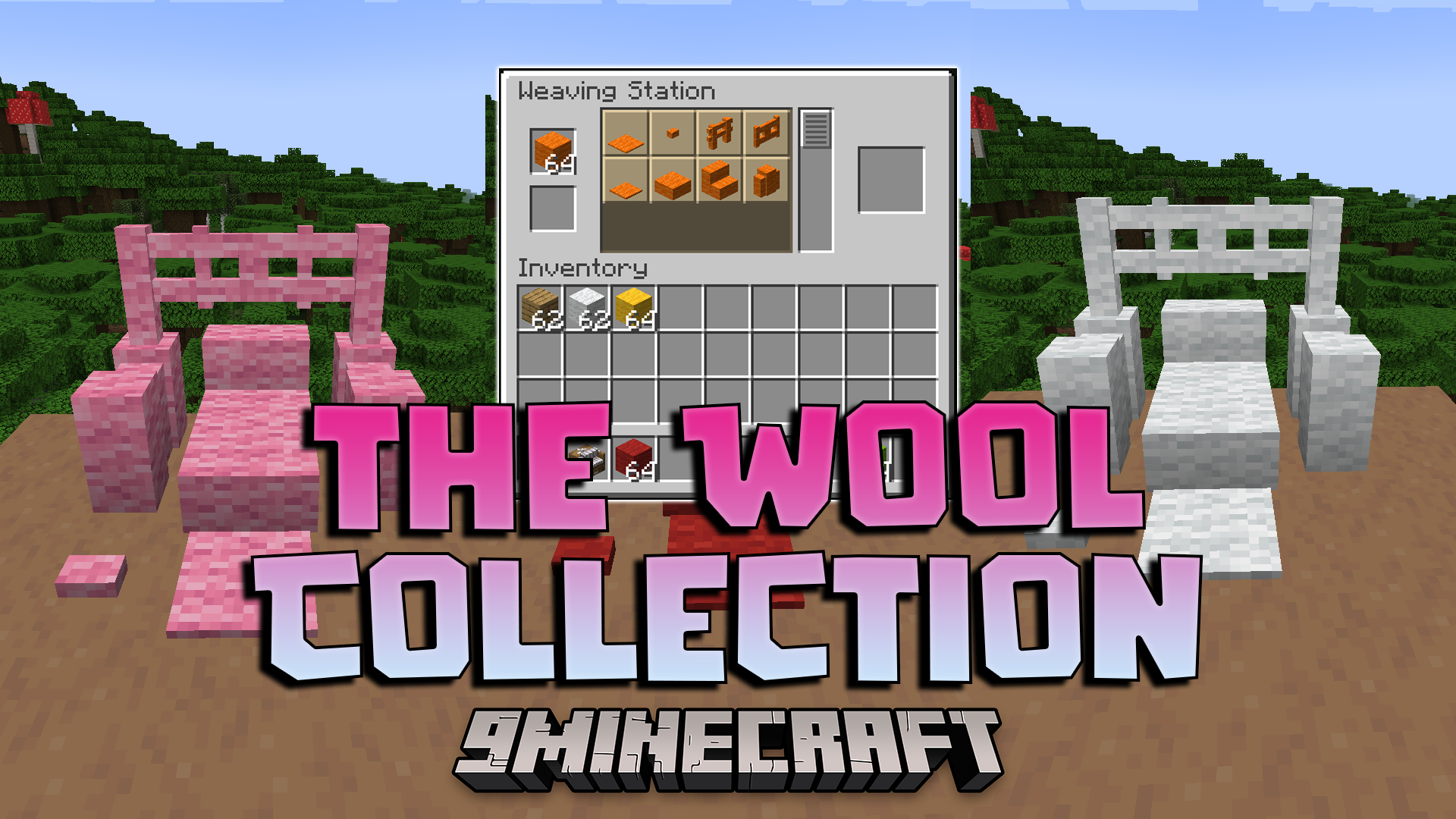
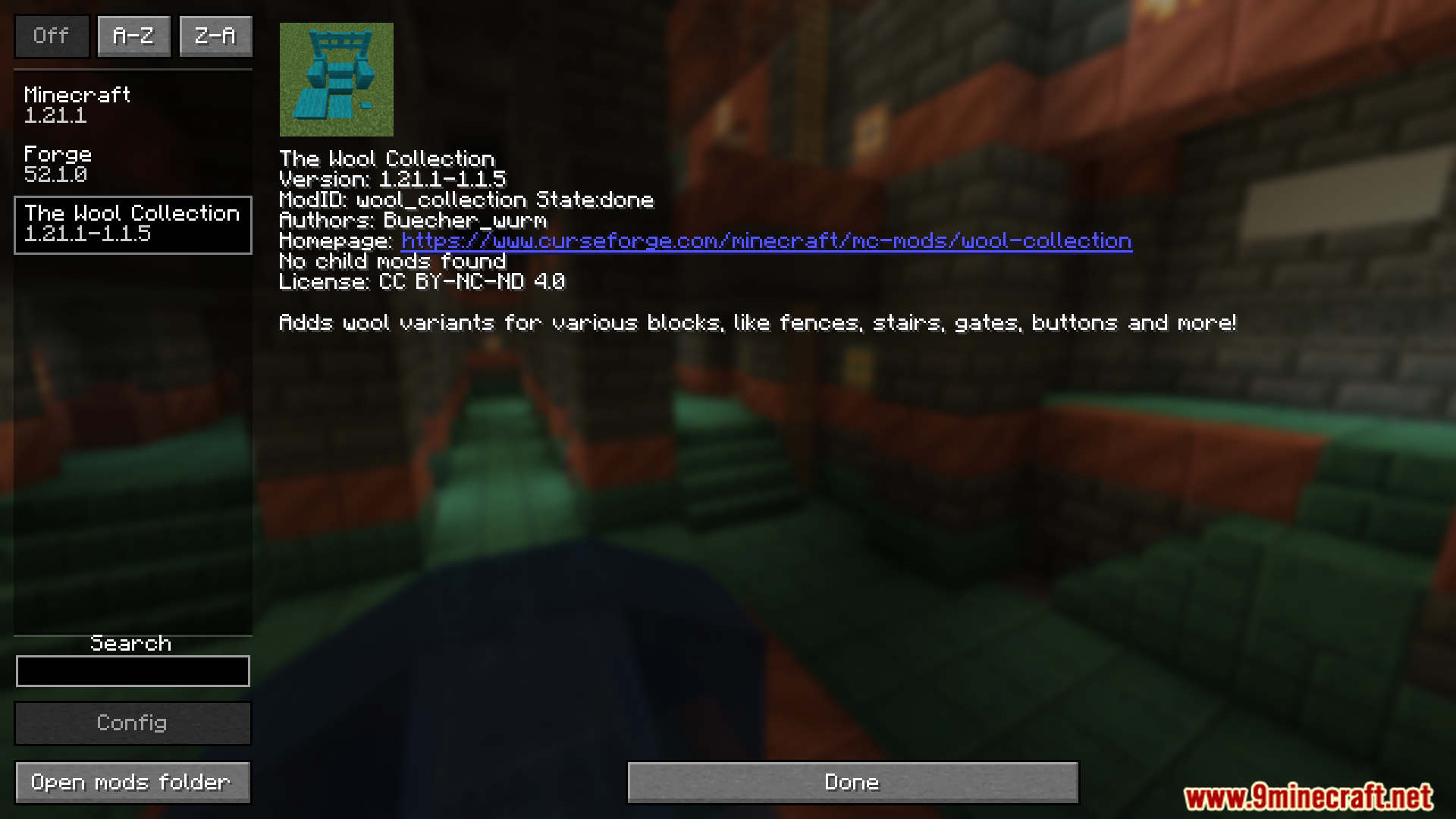
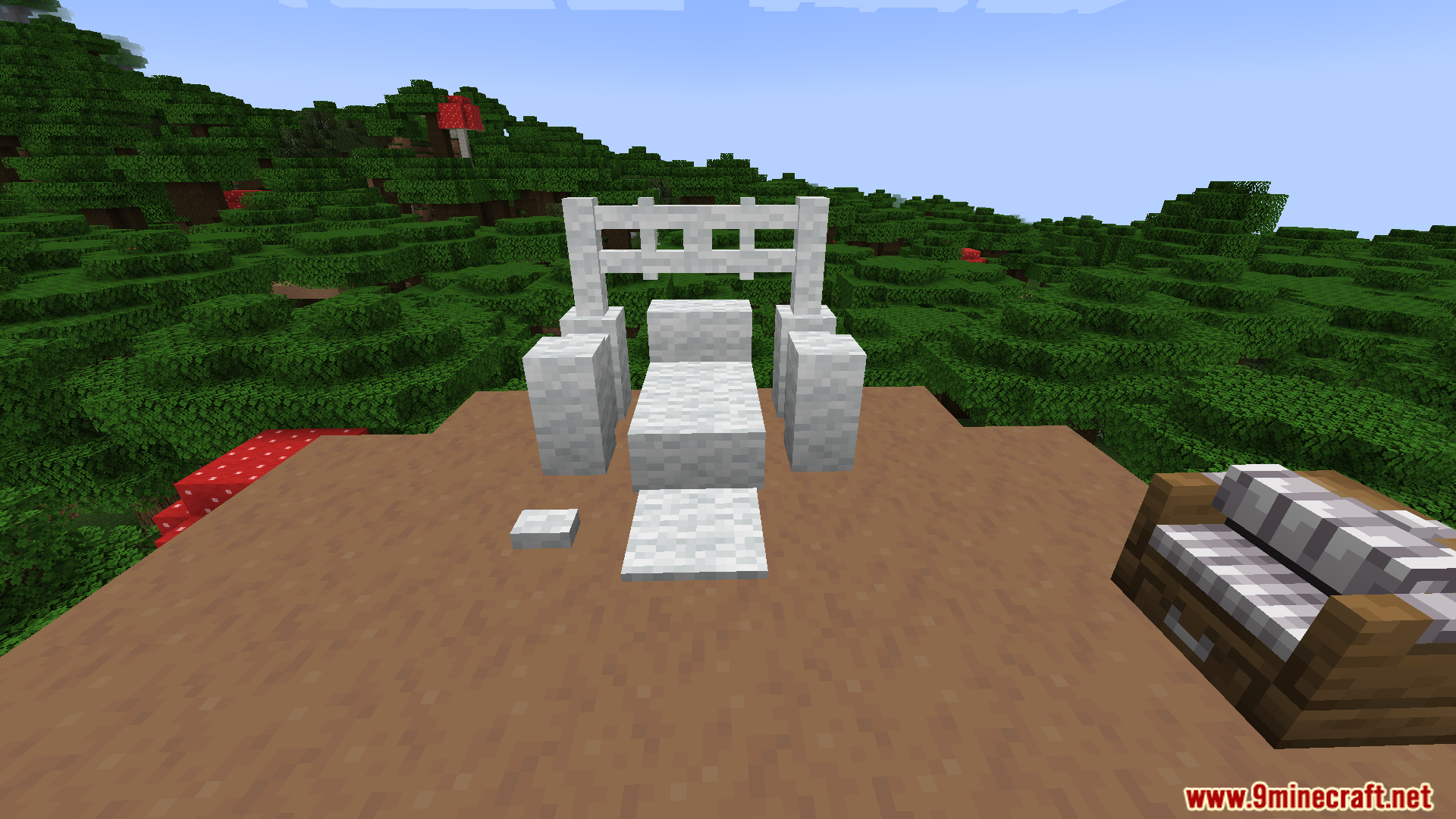
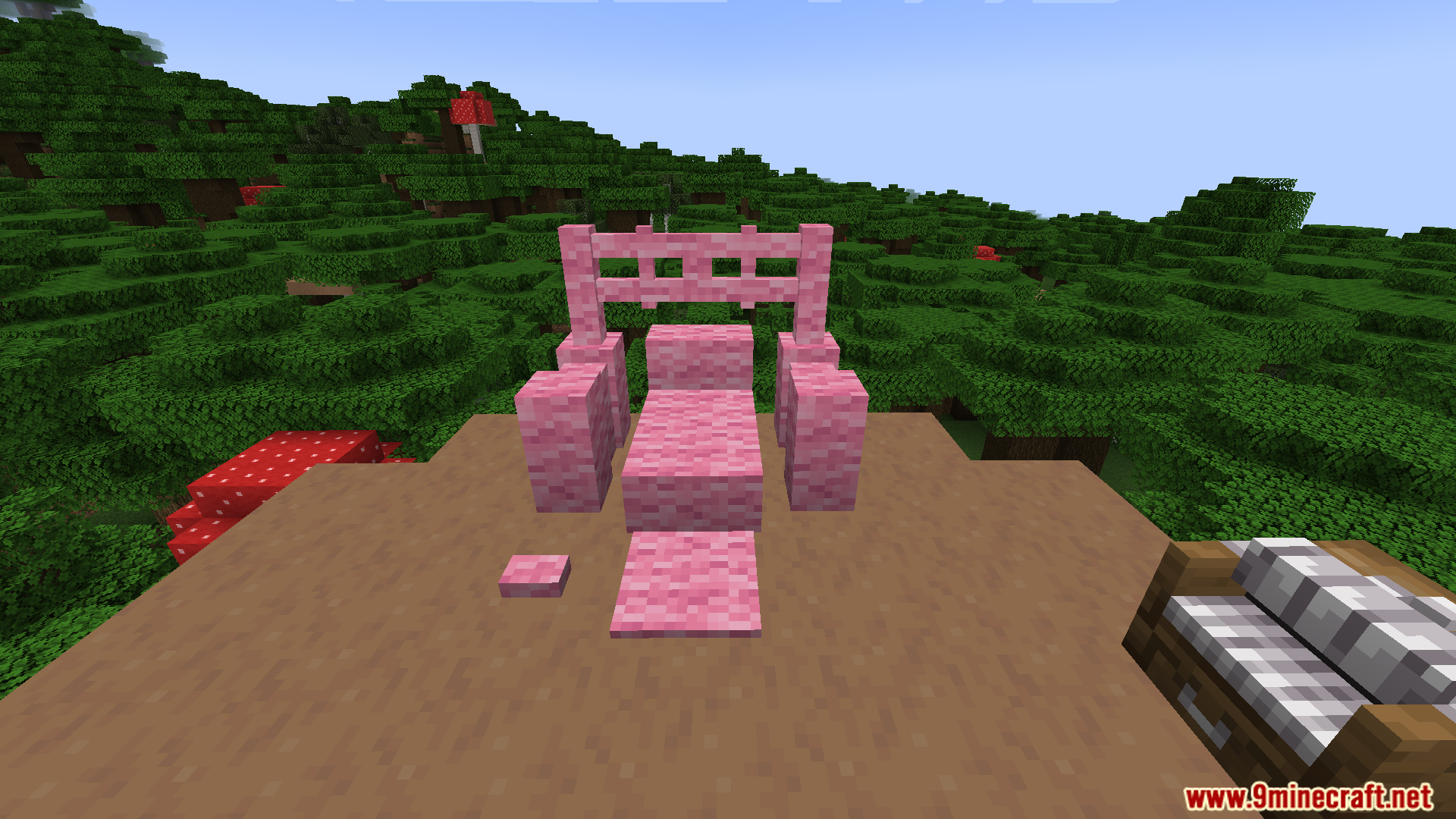
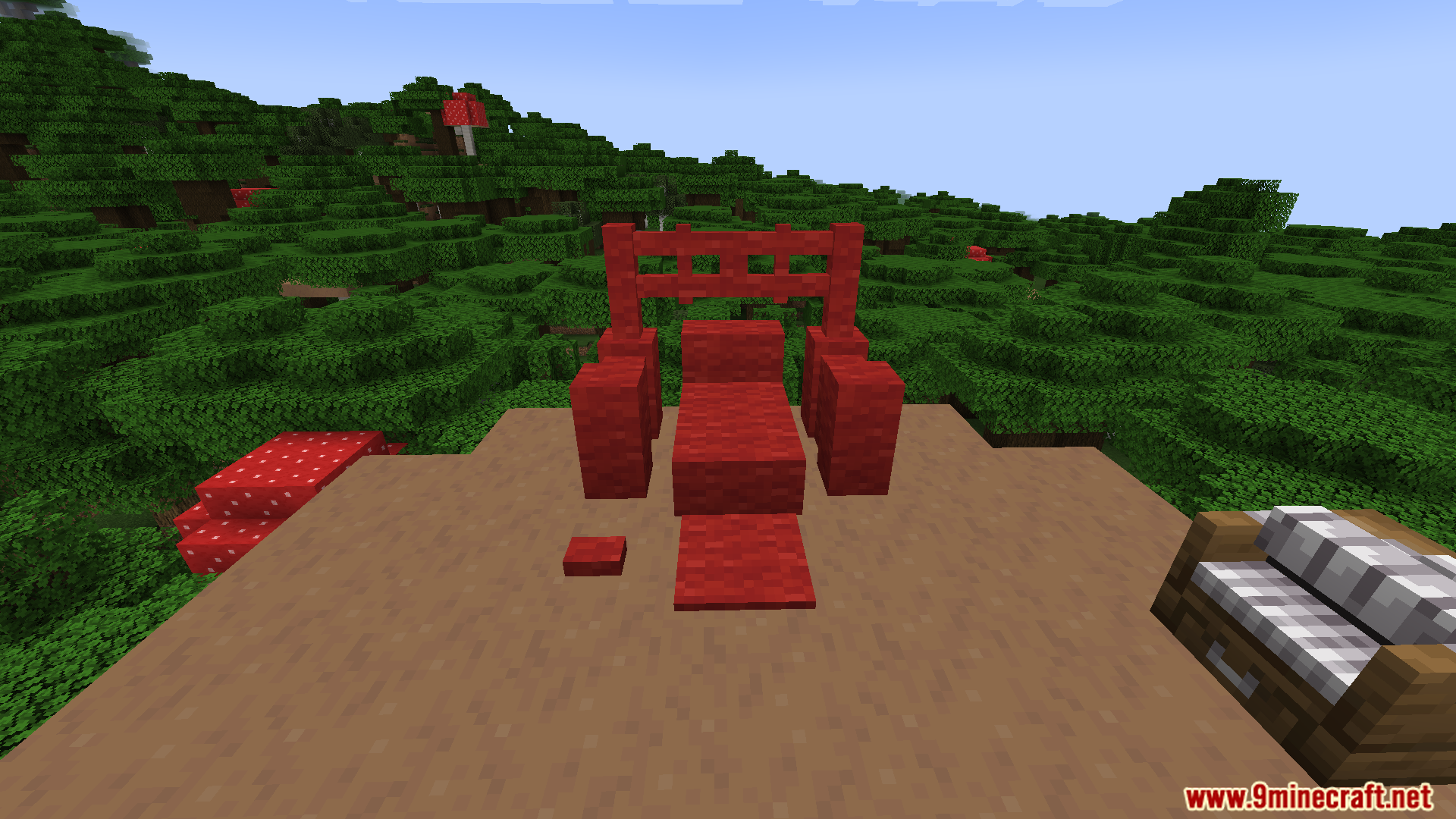
The Wool Collection Mod expands decoration options in Minecraft by introducing a wide variety of wool blocks, fences, stairs, gates, buttons, and pressure plates in all sixteen standard dye colors. It gives builders fresh ways to customize structures using wool-based materials and a custom weaving station.
Features:
- Adds 16 new wool fences across all vanilla dye colors.
- Introduces 16 new wool fence gates for building variety.
- Brings 16 new wool stairs to expand architectural options.
- Includes 16 new wool slabs for smooth building transitions.
- Provides 16 new wool walls for structured perimeters.
- Adds 16 new wool buttons for decorative redstone inputs.
- Features 16 new wool pressure plates matching standard color variants.
- Allows you to break added wool blocks instantly by right-clicking with shears.
- Lets you change block colors directly by right-clicking with any dye.
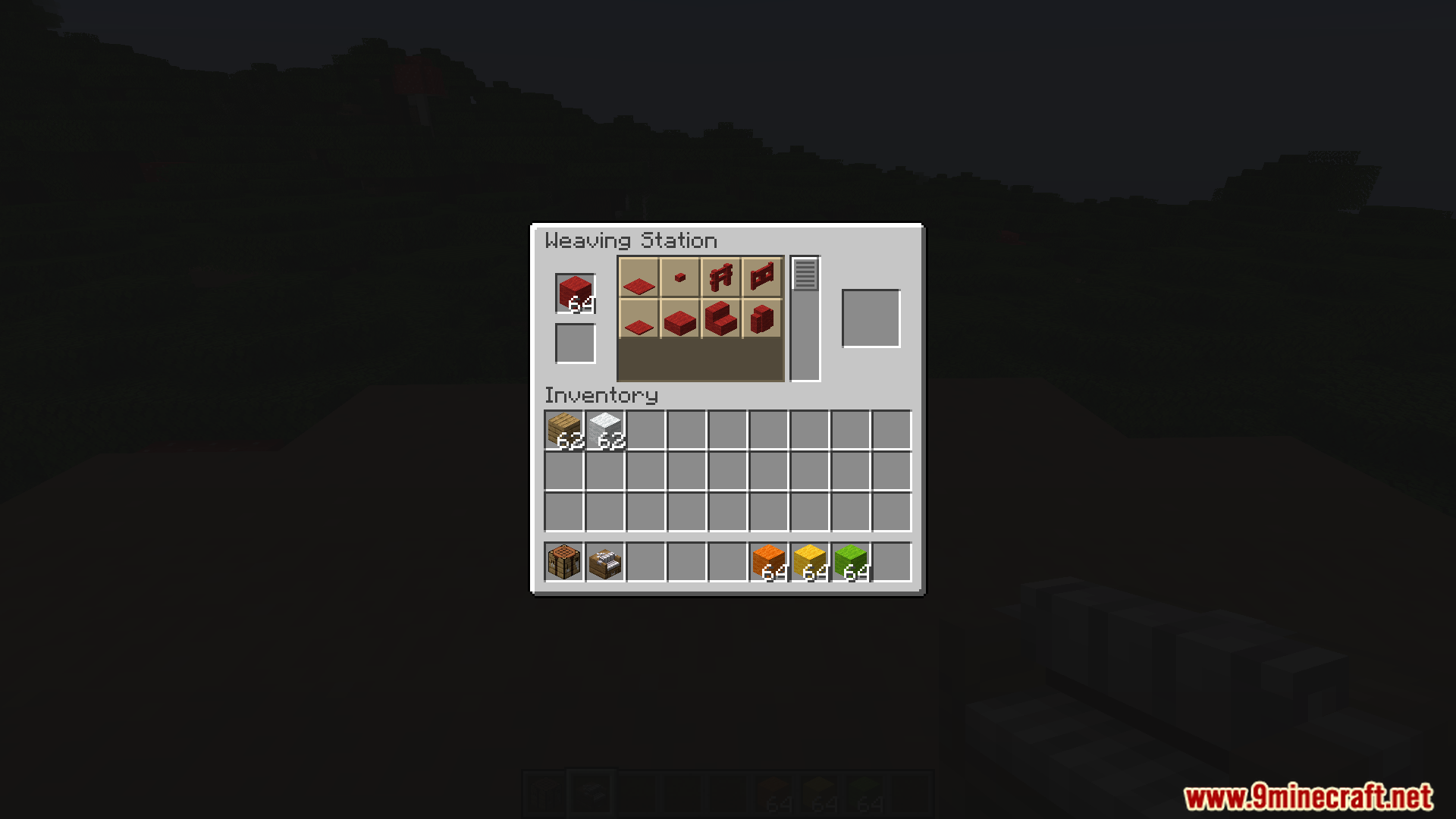
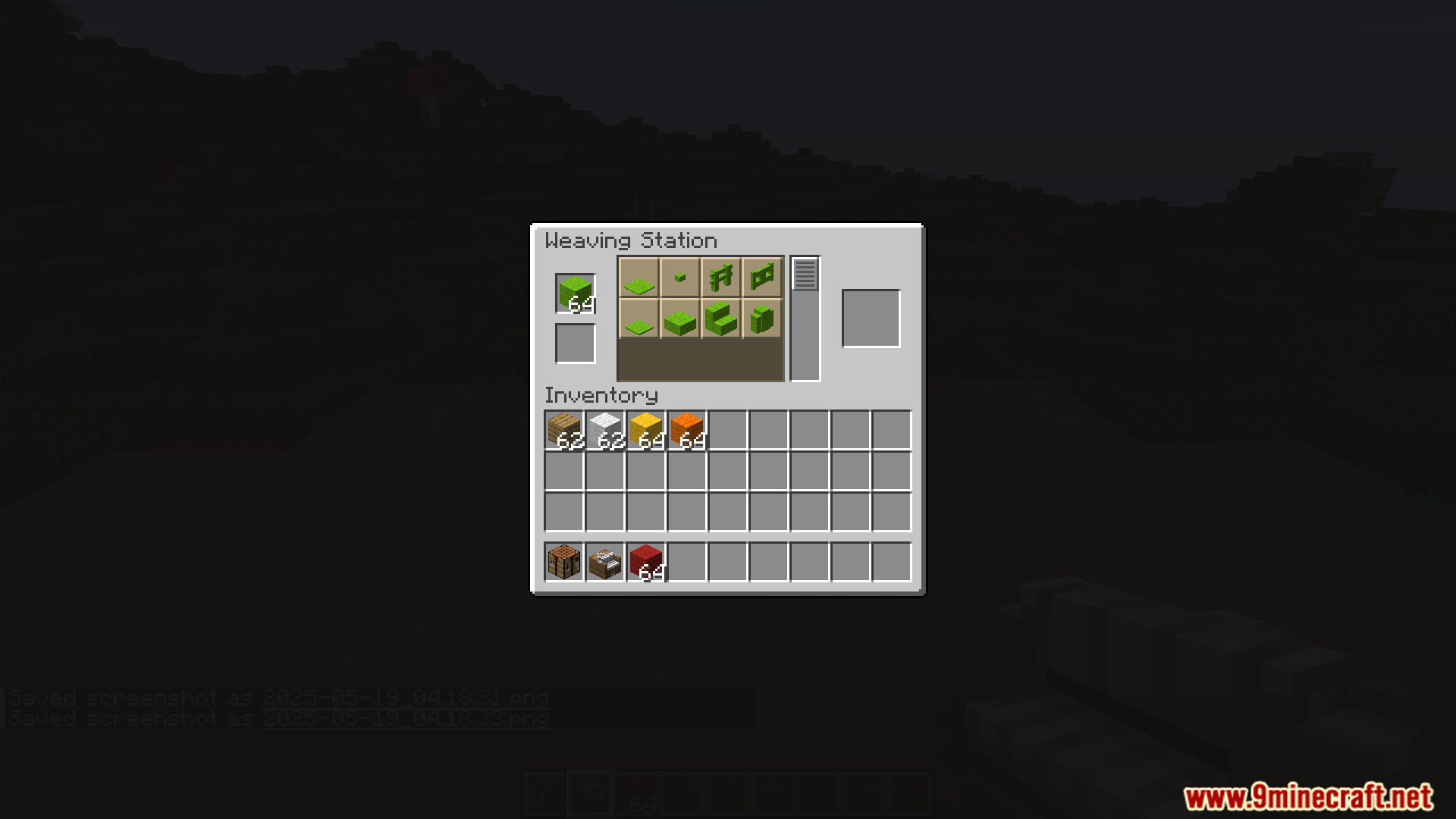
- Requires the weaving station to craft all newly added wool blocks using wool and wooden planks.
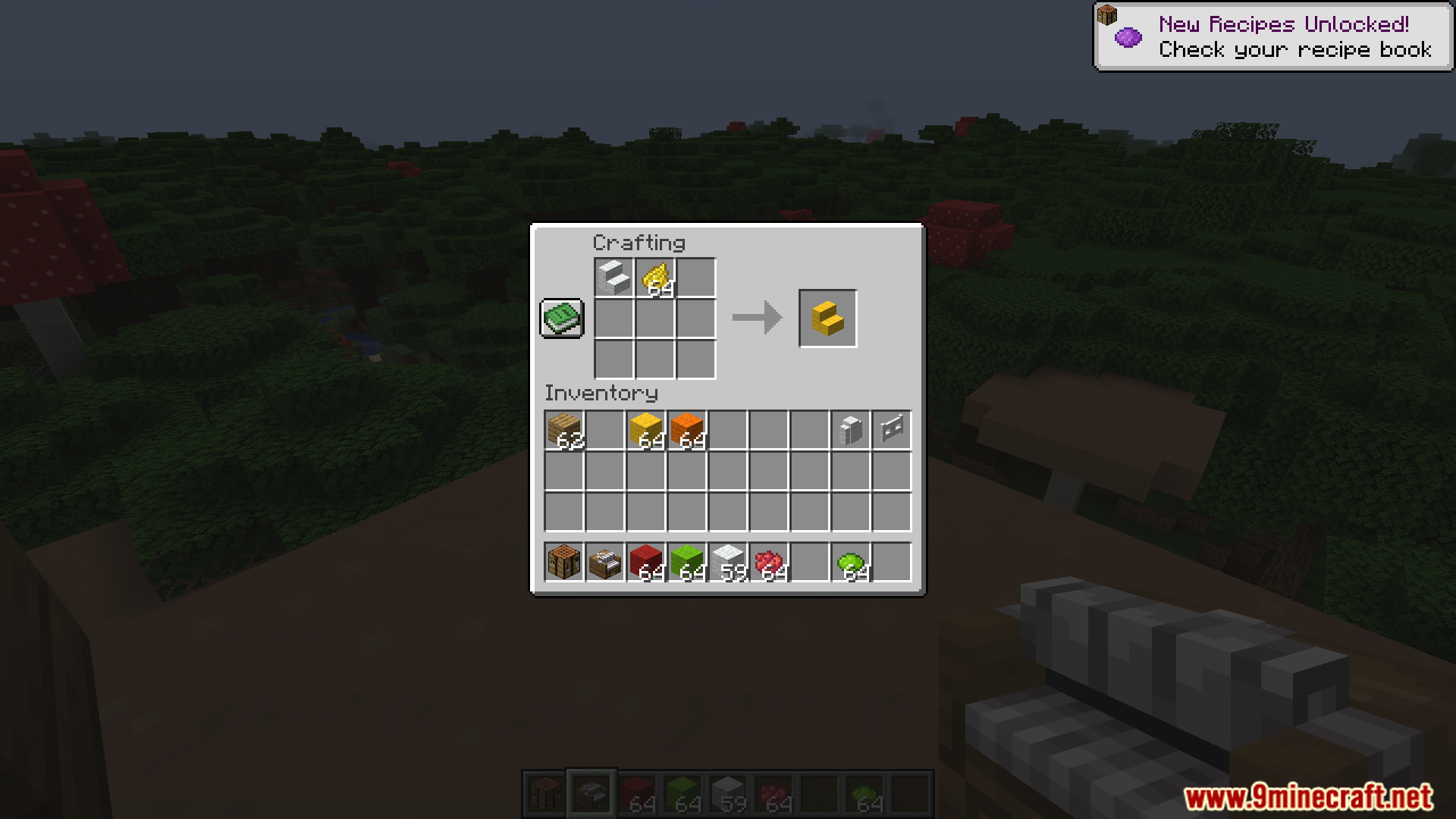
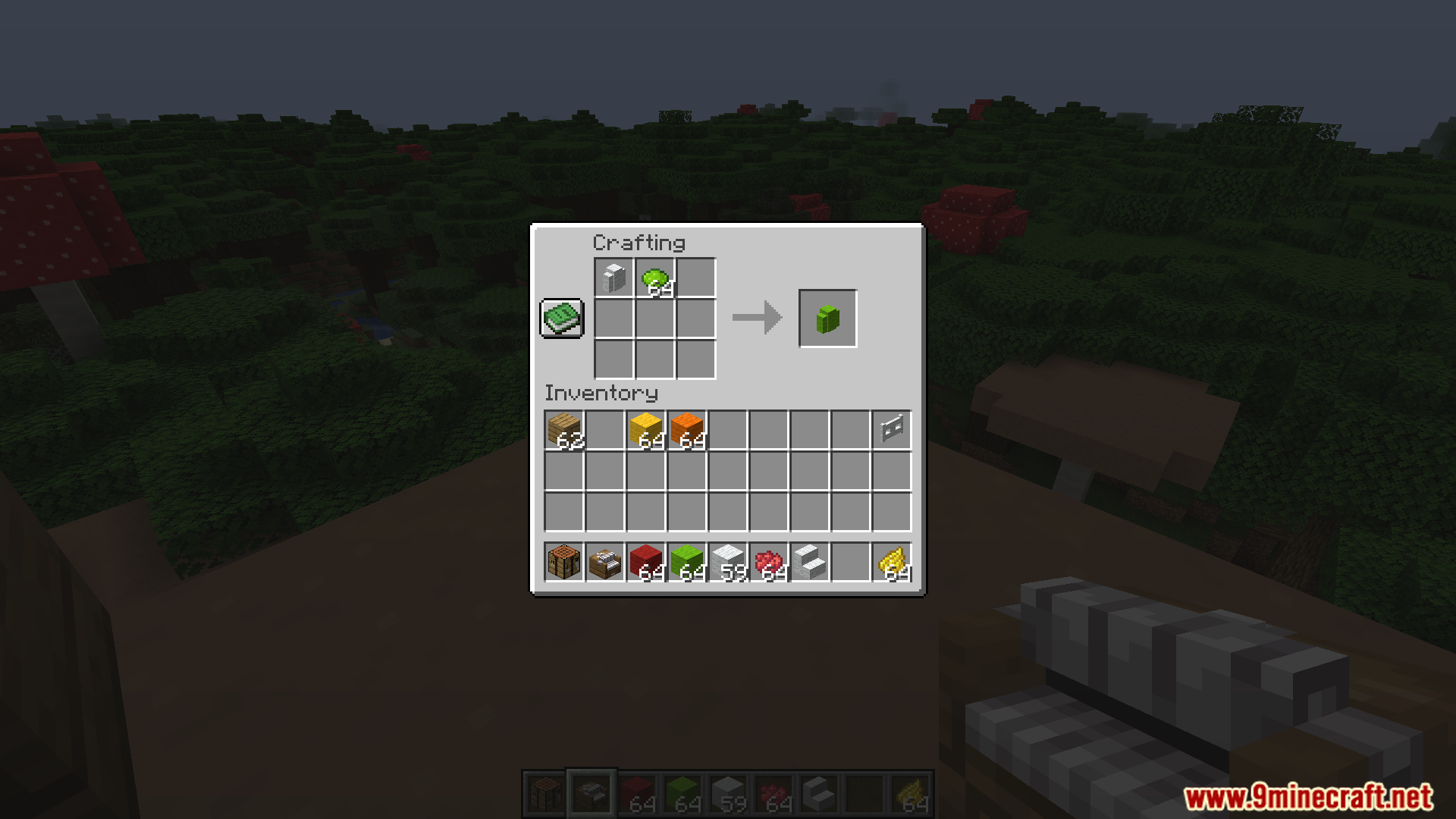
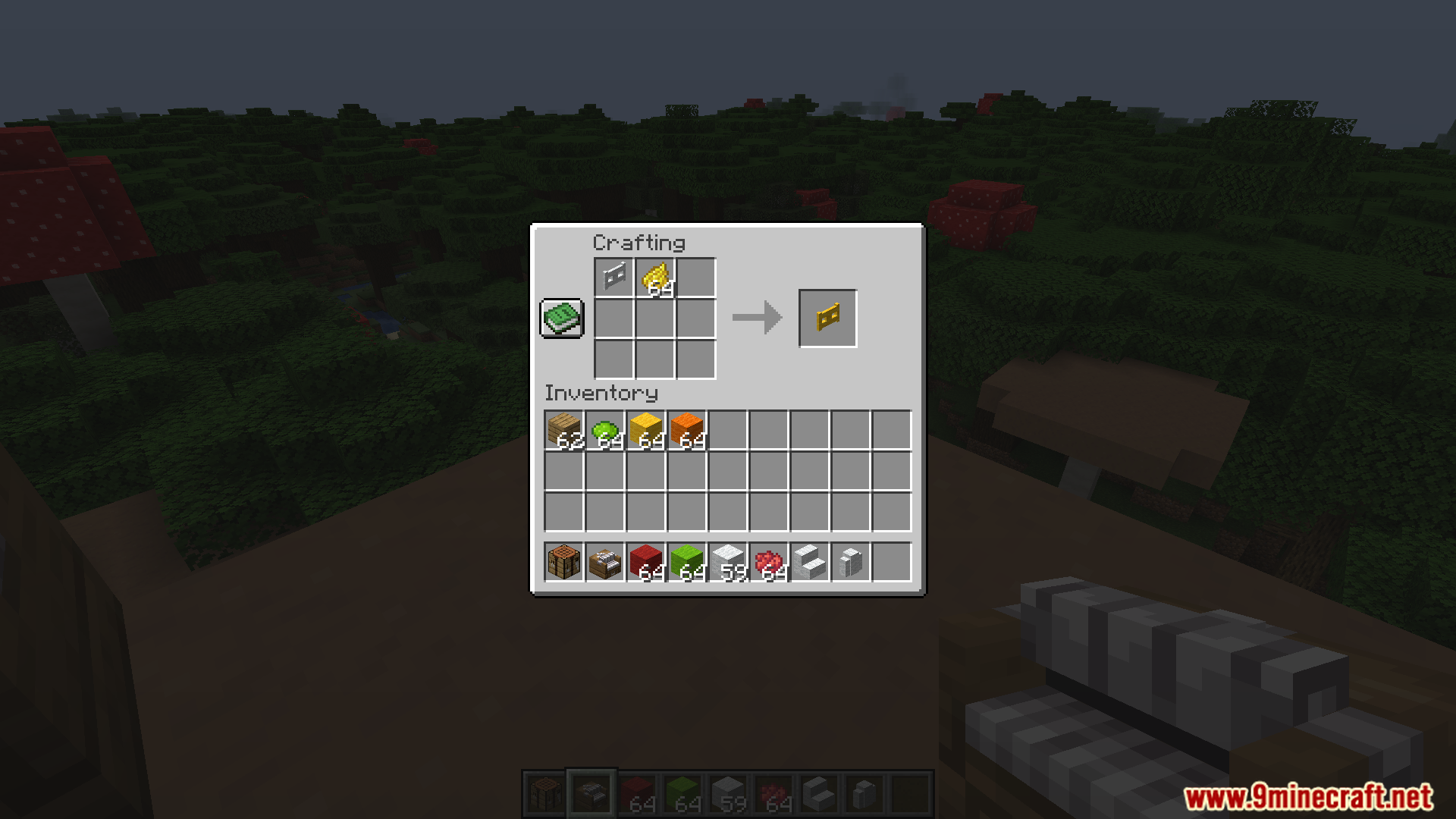
- Supports recoloring any added block simply by placing it in the crafting grid with dye.
How to Use:
- Craft a weaving station using any type of wool and wood planks.
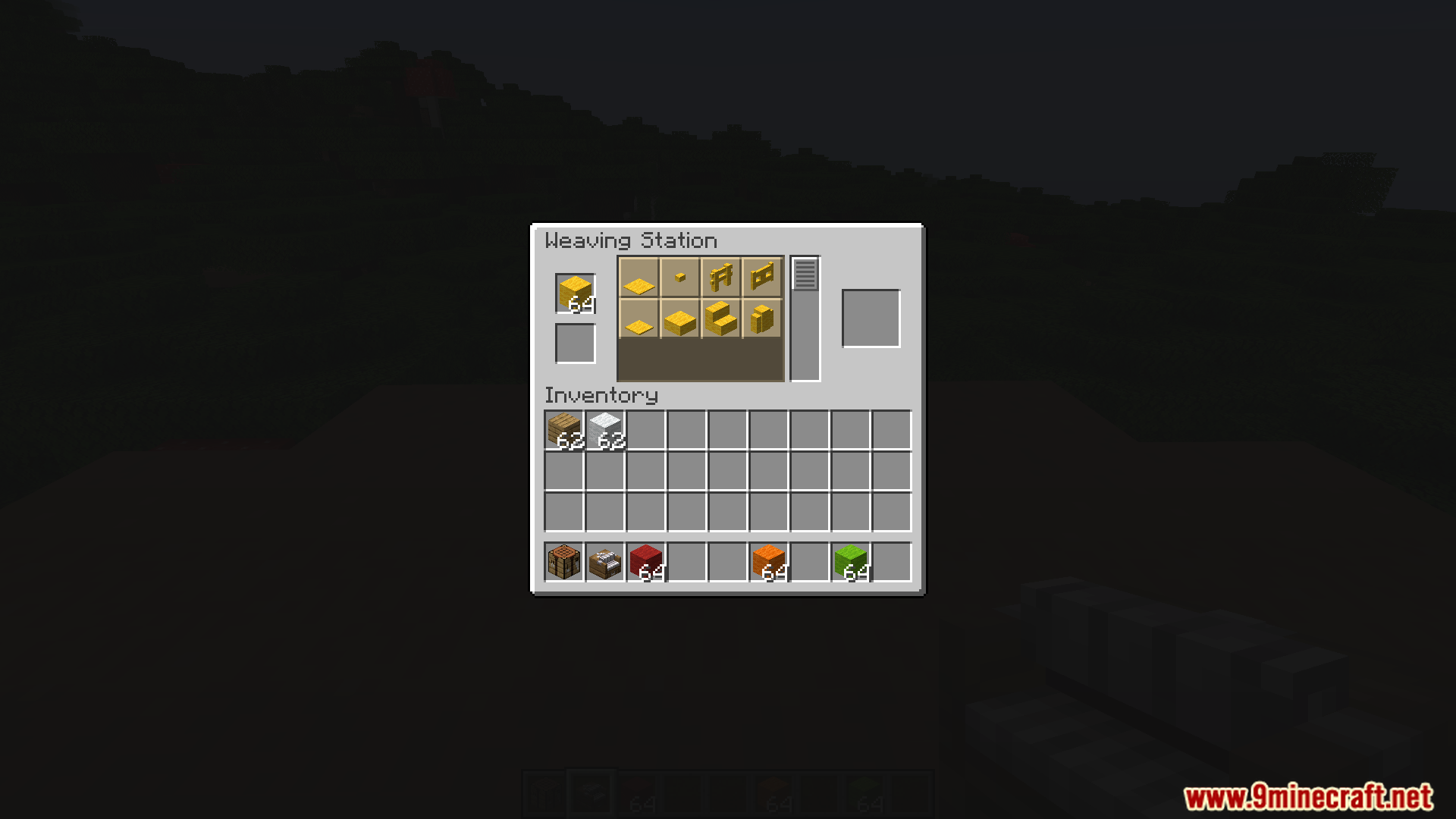
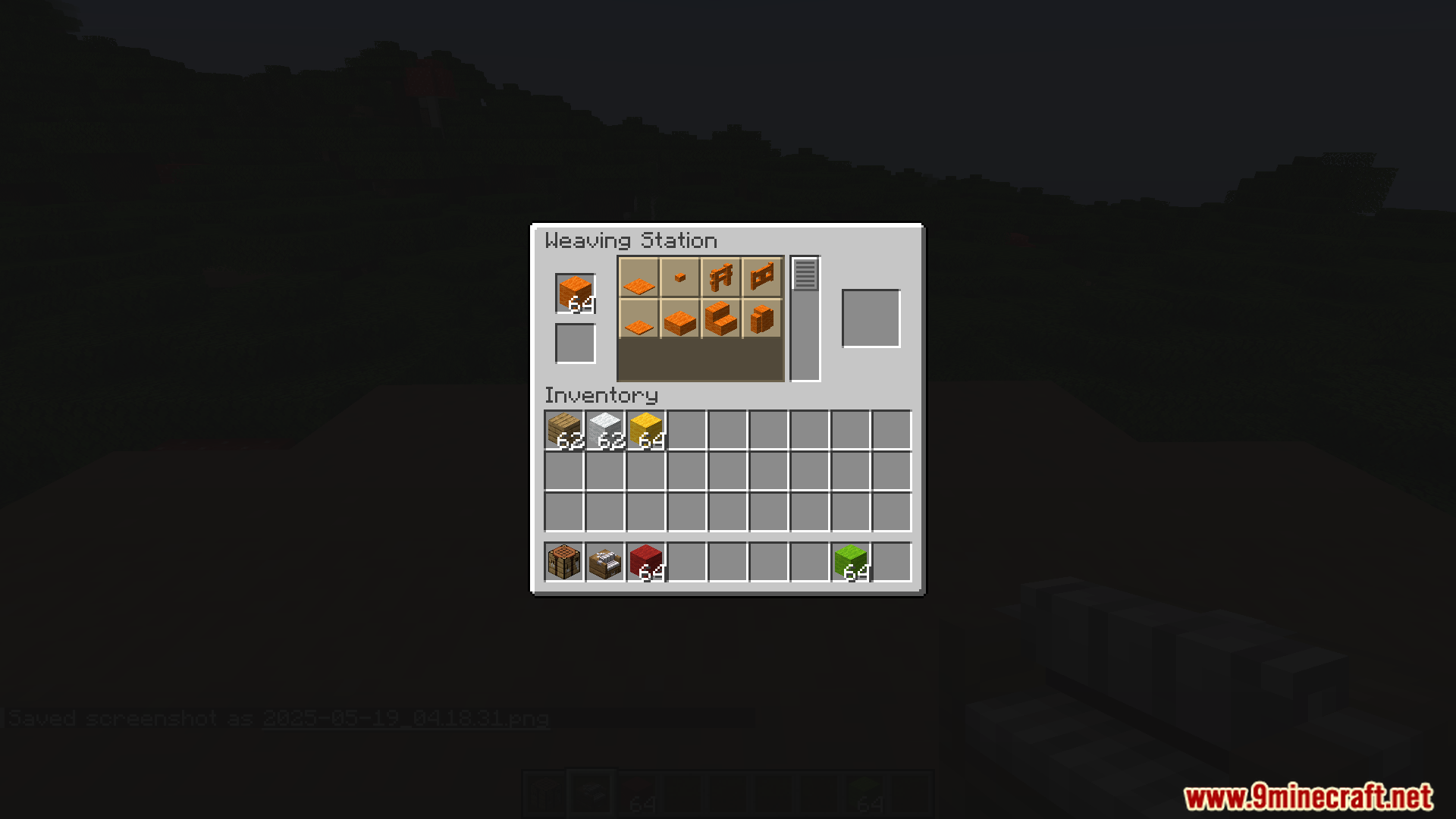
- Place wool in the top slot of the weaving station to craft corresponding colored blocks.
- Combine wool and a dye inside the weaving station to craft specific dyed block variants.
- Right-click any added wool block with shears to drop it instantly.
- Right-click blocks with dye or place them in a crafting grid with dye to recolor them.
Screenshots:

How to Install:
New to Minecraft? Follow our step-by-step guide to install Mods on your PC.View Guide
The Wool Collection Mod Download Links
For Minecraft 1.17.1
Forge version: Download from Server 1 – Download from Server 2
Fabric version: Download from Server 1 – Download from Server 2
For Minecraft 1.18.2
Forge version: Download from Server 1 – Download from Server 2
Fabric version: Download from Server 1 – Download from Server 2
For Minecraft 1.19.2, 1.19.1, 1.19
Forge version: Download from Server 1 – Download from Server 2
Fabric version: Download from Server 1 – Download from Server 2
For Minecraft 1.19.3
Forge version: Download from Server 1 – Download from Server 2
Fabric version: Download from Server 1 – Download from Server 2
For Minecraft 1.19.4
Forge version: Download from Server 1 – Download from Server 2
Fabric version: Download from Server 1 – Download from Server 2
For Minecraft 1.20.1, 1.20
Forge version: Download from Server 1 – Download from Server 2
Fabric version: Download from Server 1 – Download from Server 2
For Minecraft 1.20.4
Forge version: Download from Server 1 – Download from Server 2
Fabric version: Download from Server 1 – Download from Server 2
NeoForge version: Download from Server 1 – Download from Server 2
For Minecraft 1.20.6
Forge version: Download from Server 1 – Download from Server 2
Fabric version: Download from Server 1 – Download from Server 2
NeoForge version: Download from Server 1 – Download from Server 2
For Minecraft 1.21.1, 1.21
Forge version: Download from Server 1 – Download from Server 2
Fabric version: Download from Server 1 – Download from Server 2
NeoForge version: Download from Server 1 – Download from Server 2
You May Also Like
Picked for this page
 Macaw’s Furniture Mod (26.3, 1.20.1) – Decorate Your World
 Softer Hay Bales Mod (26.3, 1.20.1) – Assassin’s Creed Style
 Crosshair Indicator Mod (26.2, 1.20.1) – Easily Recognize Hittable and Unhittable
 Let’s Do: Vinery Mod (1.21.1, 1.20.1) – A Vineyard Adventure for Minecraft
 AntiXray Mod (26.3, 1.20.1) – Protect Your Server from Cheaters
 Old Combat Mod (26.3, 1.20.1) – Brings Back Old Combat Mechanics
 Symbol Chat Mod (26.3, 1.20.1) – Symbol Panel, Unicode Fonts
 Mooshroom Spawn Mod (26.3, 1.20.1) – Mooshroom Spawning to More Biomes
 Daily Dad Mod (26.2, 1.20.1) – One Joke At A Time
 Iron To Diamond Armor Upgrades Mod (26.3, 1.20.1) – Skip the Diamond Grind
 Modular Force Field System Mod (1.21.11, 1.20.1) – Defend Your Base From Any Threat
 Iron Tanks Mod 1.12.2, 1.11.2 (Expanding Buildcraft Tanks) (26.2, 26.1.2)
Most viewed in Mods over the last 7 days
 Ala Industrial Mod (26.3) – Run Electric Power Grids and Automated Factories
 PleasureCraft Mod (26.3, 1.21.1) – Jenny Mod Remake for Fabric
 Jennycraft Mod (26.3, 1.20.1) – Virtual Girlfriend in Minecraft
 Fapcraft Mod (26.3, 1.12.2) – Comprehensive and Detailed Content
 Jenny Mod (Fapcraft) Official Complete Guide – How to use, Tutorial
 BangCraft Mod (1.20.1) – Jenny, Ellie and Elliot
 Fabric Loader (26.3, 1.20.1) – Fabric Installer for All Minecraft Versions
 Meteor Client Mod (26.3, 1.20.1) – Xray, HUD, Fly
 OptiFine HD (26.3, 1.20.1) – Run Faster, FPS Boost, Shaders Support
 The Shooting Star Demo Mod (26.3, 1.20.1) – Vaporize Terrain From Orbit
 Aristois Client Mod (1.21.4, 1.20.1) – World Class Minecraft Utility
 SchnurriTV Mod (1.12.2) – Characters and Features
More from Mods
 IZeMod Mod (26.2) – Helpful Survival Tools for Everyday Fabric Adventures
 SkullLIB Mod (1.20.1) – Bring Prehistoric Beasts and New Animals to Your World
 EasyGui Mod (1.21.11, 1.21.1) – Build Custom Screen Menus and Animated HUD
 Legacy Wavey Capes Mod (1.8.9) – Watch Your Cape Flow Naturally While Sprinting
 Warrior Cats Events Mod (1.21.1, 1.20.1) – Live As a Wild Clan Cat
 Apex Enchantment Freedom Mod (26.3) – Stack Conflicting Enchantments
 Tensura GUI Mod (1.21.1) – Track Your Fantasy Skills and Race Evolutions
 Remnants Roguelite Dungeons Mod (26.3, 1.20.1) – Risk It All in Procedural
 Lib Lib Lib Mod (26.3, 1.20.1) – Keep Your Favorite Modpacks Running Smooth
 Cinematic Interactions Mod (26.3, 1.20.1) – Watch Your Hands Work
 Macro Keybinds Mod (26.3, 1.20.1) – Macro Creation, Keybind Execution
 Better Enchantment Bookshelf Placement Mod (26.3, 1.20.1)

This post has no comments yet. Be the first — your comment will appear here.