
Tooniverse Texture Pack 128x Model – Brings Playful 3D Cartoon Worlds

 0


Tooniverse Texture Pack 128x Model transforms your Minecraft world with a colourful, cute, and cartoony art style. It features 742 custom 3D models and over 4,000 textures built in crisp 128x resolution. The pack refreshes blocks, plants, and redstone items with playful shapes and smooth animations. Flowers attract dancing butterflies, while doors and switches display extra mechanical depth. It brightens every biome and gives your survival bases a fun comic book feel.

Features:
- Cartoony 128x Visuals: Gives blocks, items, and plants a bright comic book look with clean 128x detail.
- Custom 3D Models: Replaces 742 standard flat shapes with full 3D objects, including doors, buttons, rails, and plants.
- Animated Flora: Spawns animated butterflies that hover and flutter over allium and azure bluet flowers.
- Growth Stages: Shows distinct 3D models for bamboo stalks as they grow across four different age stages.
- Interactive Buttons: Features custom 3D models for acacia and bamboo buttons that push inward when pressed.
- Track Alignments: Includes custom meshes for activator rails on flat ground and raised slopes in northeast and southwest directions.
- Contains 4,162 custom texture files that repaint the entire game world.
- Acacia doors feature dedicated top and bottom models complete with visible hinge details.
- Bamboo fence gates swap between custom open and closed 3D frames.
- Activator rails display clear powered and unpowered states to make redstone layouts easy to inspect.
How to Use:
- Open the Resource Packs menu from the options screen, move the pack to the right-hand column, and click Done to apply it.
- Walk into a plains or flower forest biome to find allium and azure bluet blossoms, then watch for the animated butterflies hovering over the petals.
- Collect acacia wood in a savanna biome, craft an acacia door and button, and place them down to check the 3D hinge frames and the button pressing into the block when clicked.
- Pick up bamboo shoots in a jungle biome and plant them on dirt to watch their stalks progress through four visual growth models over time.
- Craft a bamboo fence gate at a crafting table, set it between fences, and right-click to watch the custom 3D gate swing between its open and closed models.
- Place activator rails along flat ground and up slopes, then power them with redstone to see the model switch to its lit active texture.
Requirements:
- A Minecraft version that supports animated textures.
Screenshots:


Tooniverse Texture Pack 128x Model Download Links
Click to rate this post!
[Total: 0 Average: 0]
You May Also Like
Picked for this page
 Bare Bones X Model – Brings Simple 3D Foliage and Modded Block Visuals
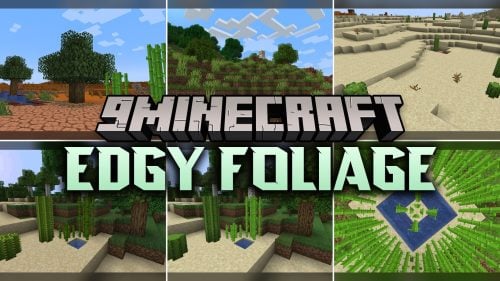 Edgy Foliage Model – Transforms Blocky Plants Into Bushy 3D Shapes
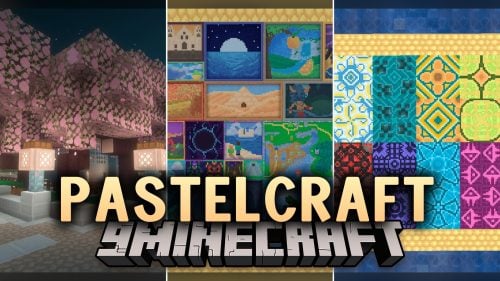 Pastelcraft Model – Brings Soft Pastel Colors and 3D Redstone Blocks
 Quadral Model – Brings Vivid Colors and 31 Custom 3D Models to Vanilla
 Pixel-Tree Model – Transforms Everyday Vanilla Blocks with Detailed 3D Shapes
 Gui’s Better Vanilla Model – Brings Animated 3D Torches and Plants
 The Original Work Programmer Art Model – Brings Classic Retro Visuals and Models
 Brush & Juice Model – Brings Animated 3D Redstone and Mechanical Blocks
 Fresh Ores And Ingots VR Model – Transforms Flat Minerals Into 3D Gems
 Justzilla’s Classic Model – Brings Retro Aesthetics to Modern Blocks
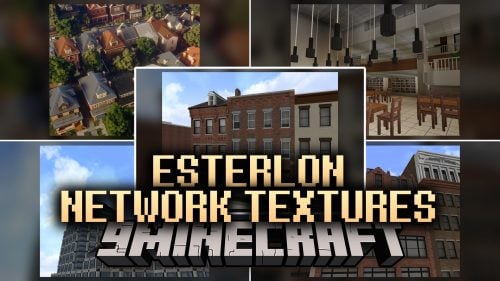 Esterlon Network Textures Model – Brings Realistic Modern City Streets
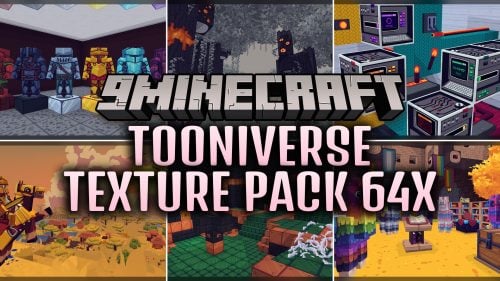 Tooniverse Texture Pack 64x Model – Brings Cute 3D Cartoon Visuals to Worlds
Most viewed in Models over the last 7 days
 Jenny Mod Skin Pack Mega Collection – 310+ Characters
 The Most Complete Collection of Jenny Mod Resources – Models, Animations, Structures,…
 Albedo Rework Jenny Mod Model
 750 Models Addon for Yes Steve Model Mod
 Power Model – Custom Girl for PleasureCraft Mod
 Galath Rework Model – Custom Girl for PleasureCraft Mod
 Pomni Jenny Mod Model
 Ram Model – Custom Girl for PleasureCraft Mod
 Femboy Ellie Rework Jenny Mod Model
 100+ Custom Animations For Jenny Mod
 Ellie Rework Jenny Mod Model
 Ellen Model – Custom Girl for PleasureCraft Mod
More from Models
 KTX_EUM Model – Brings Modern Electric Trains to MTR4 Railway Tracks
 TGV Duplex Model – Adds European High-Speed Passenger Trains to Rail Tracks
 E7 W7 Series Shinkansen Model – Brings Japanese Bullet Trains to Railways
 West Midlands Trains Model – Brings British Commuter Trains to Railways
 BedWar Plus Model – Brings Interactive 3D Utility Blocks to Match Arenas
 TruePixelR – Adds Physical Depth to Foliage and Articulated Wooden Doors
 Rodrigo’s Model – Brings Animated 3D Cartoon Shapes to Vanilla Blocks
 CPVP Aesthetic Model – Transforms Crystal Battles with Clear 3D Visuals
 XRAYn’t Model – Transforms Normal Survival Mining Into a Silly Visual Challenge
 Kaleidoscope Tavern Vanilla Enhanced Model – Brings 3D PBR Tavern Visuals
 MYTHIC – Transforms Everyday Blocks with Animated 32x Pixel Art 3D Models
 Create Enhanced Display Model – Adds 3D Animated Create Machine Blocks

This post has no comments yet. Be the first — your comment will appear here.