Trash Plugin (1.12.2) – Bukkit, Spigot, Paper
 991
991
 0
0
 September 20, 2022
 user_44962466
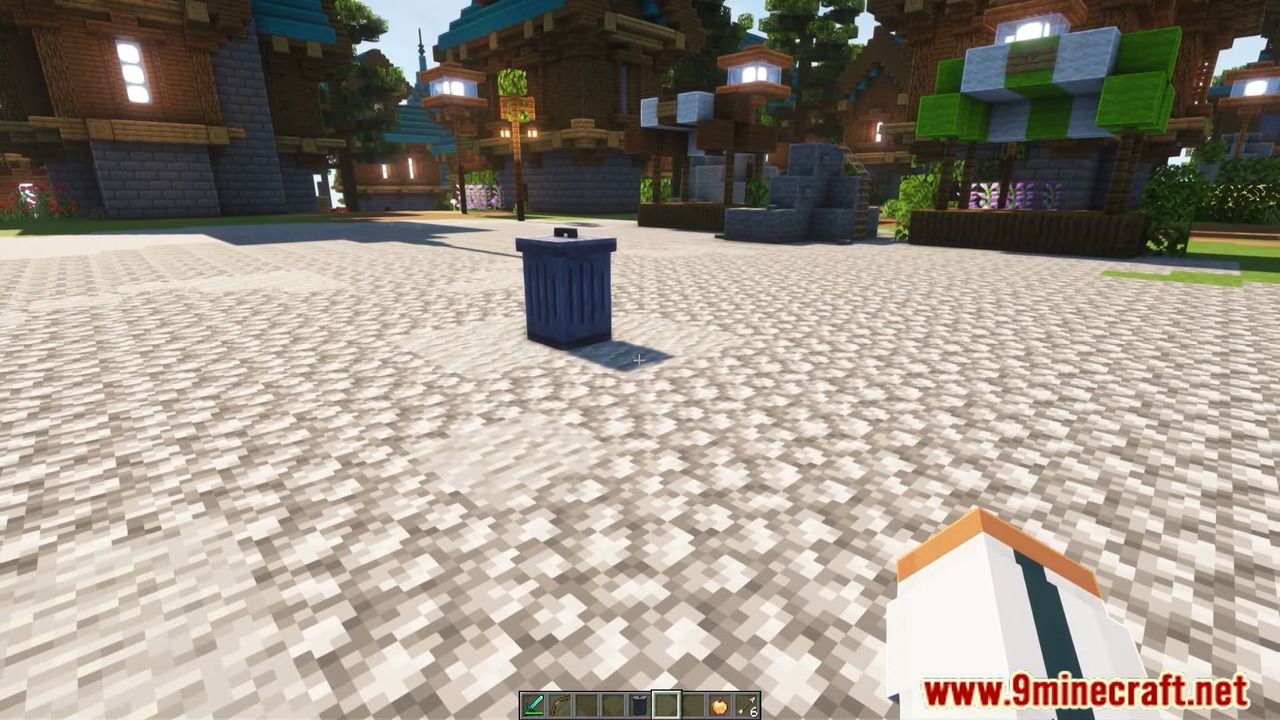
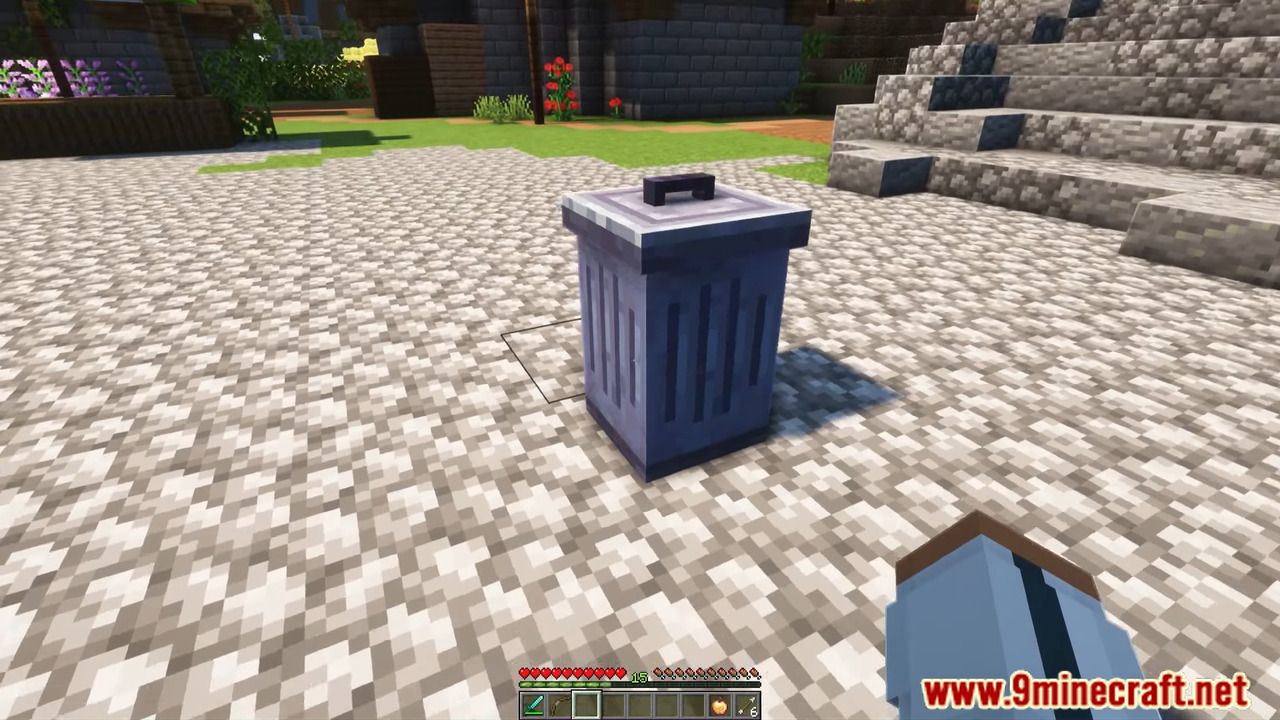
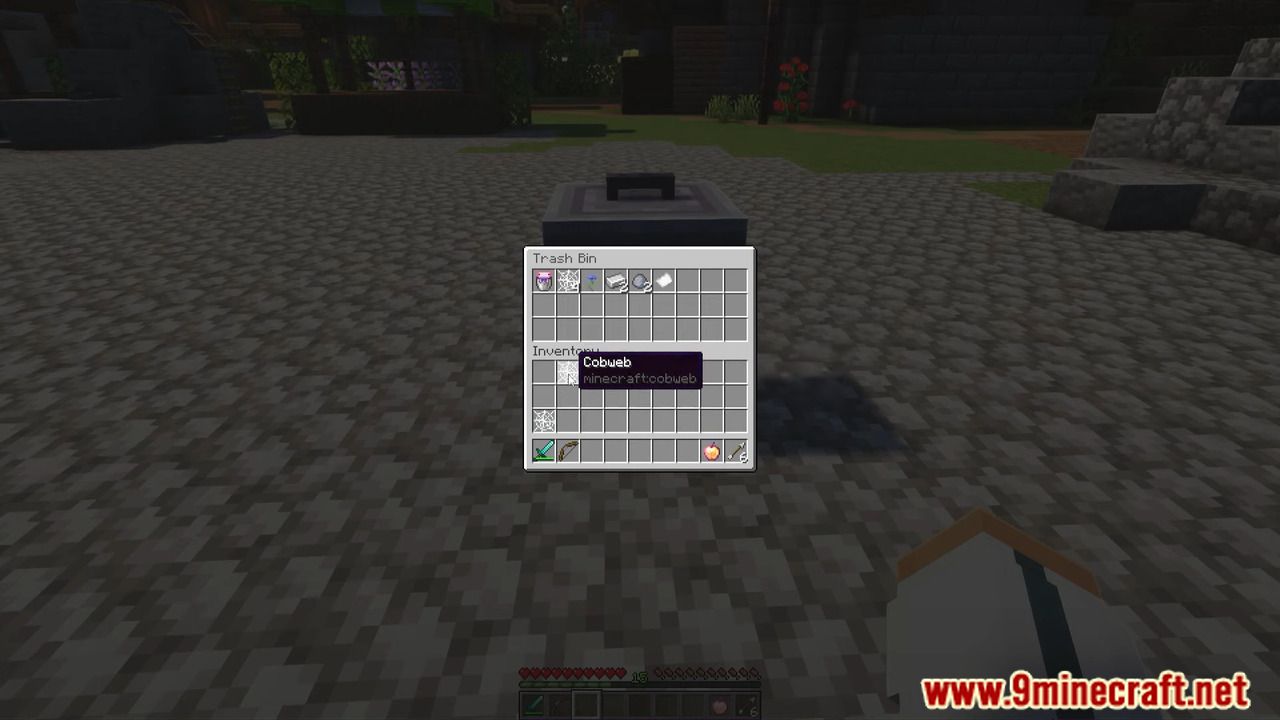
Trash Plugin allows you to tidy your Inventory from Trash.

Commands
- /trash – trash.use
Screenshots:


How to install:
- Download a plugin of your choice.
- Place the .jar and any other files in your plugin’s directory.
- Run the server and wait for it to fully load.
- Type stop in your Minecraft server console to bring the server to a clean stop.
- Run the server.
- All done! Your plugin should be installed and ready to be used.
Trash Plugin Download Links
For All Versions from Minecraft Bukkit 1.8.3 to Minecraft Bukkit 1.12
Click to rate this post!
[Total: 0 Average: 0]
You May Also Like